

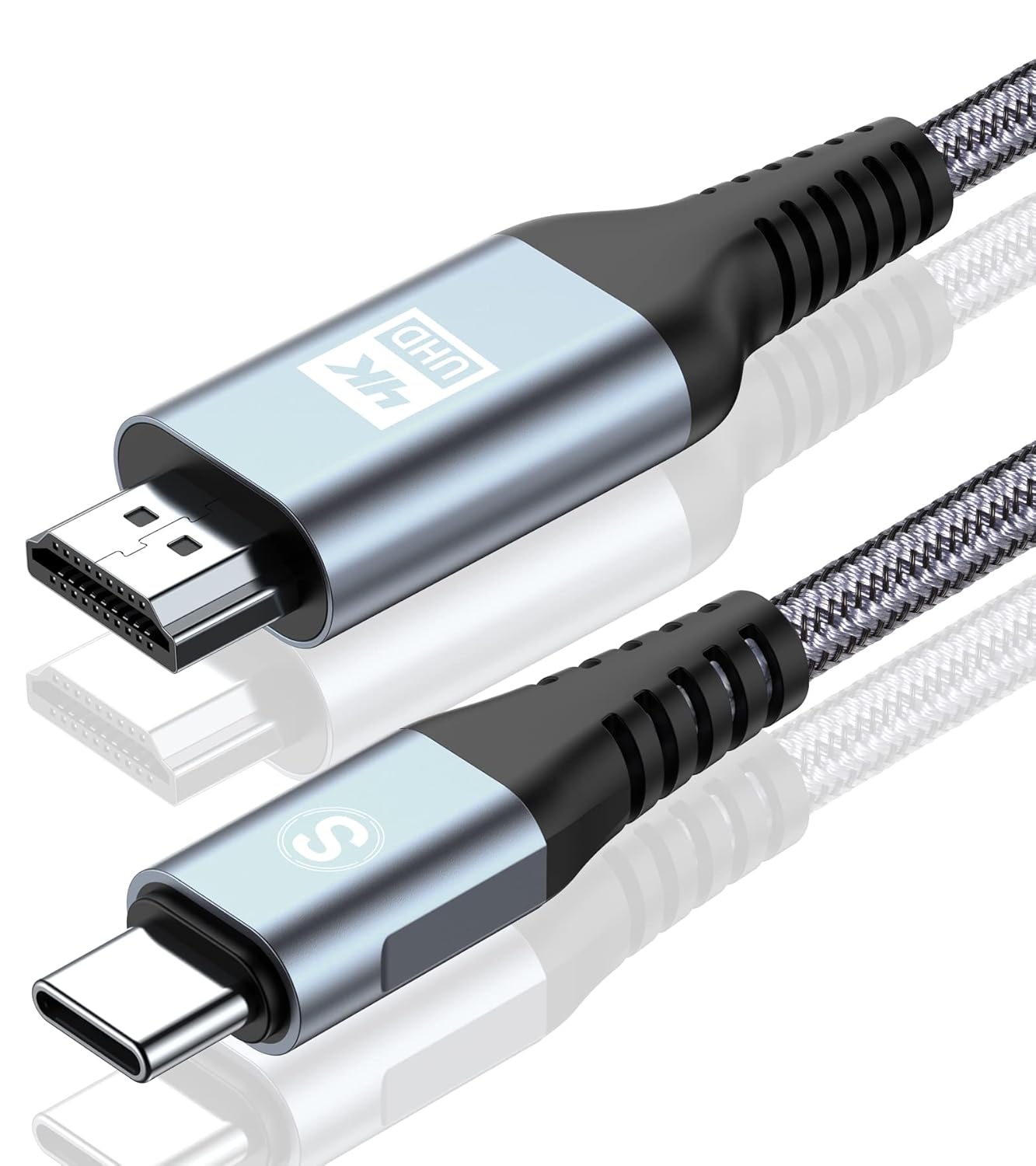
SWECENT 4K USB-C to HDMI Cable (2m) with Plug and Play and HDCP 2.2
Reviews
Price
Product description
If your goal is to mirror a USB-C device to a TV or monitor without fuss, a good USB‑C to HDMI cable is often the simplest route. This SWECENT 4K USB‑C to HDMI cable is set up for that “one cable and you’re done” workflow, with support for up to 4K output and HDCP 2.2 for protected streaming.
That said, USB‑C video support isn’t universal across phones and laptops. So it’s worth checking your device can actually output video over USB‑C—otherwise you’ll be left with a cable that looks the part but can’t do the job.
The essentials
This is a uni-directional USB‑C to HDMI lead designed to extend or mirror your display from a compatible USB‑C source to an HDMI screen. The pitch here is straightforward: plug it in, select the correct HDMI input on the TV/monitor, and you should get a clear image without needing extra adapters or drivers.
On paper, it’s aimed at people who want a reliable wired alternative to wireless screen mirroring. Wired connections generally feel more predictable for home viewing and “drop-in” presentations, where you’d rather not deal with Wi‑Fi buffering or extra latency.
What to know about compatibility (important)
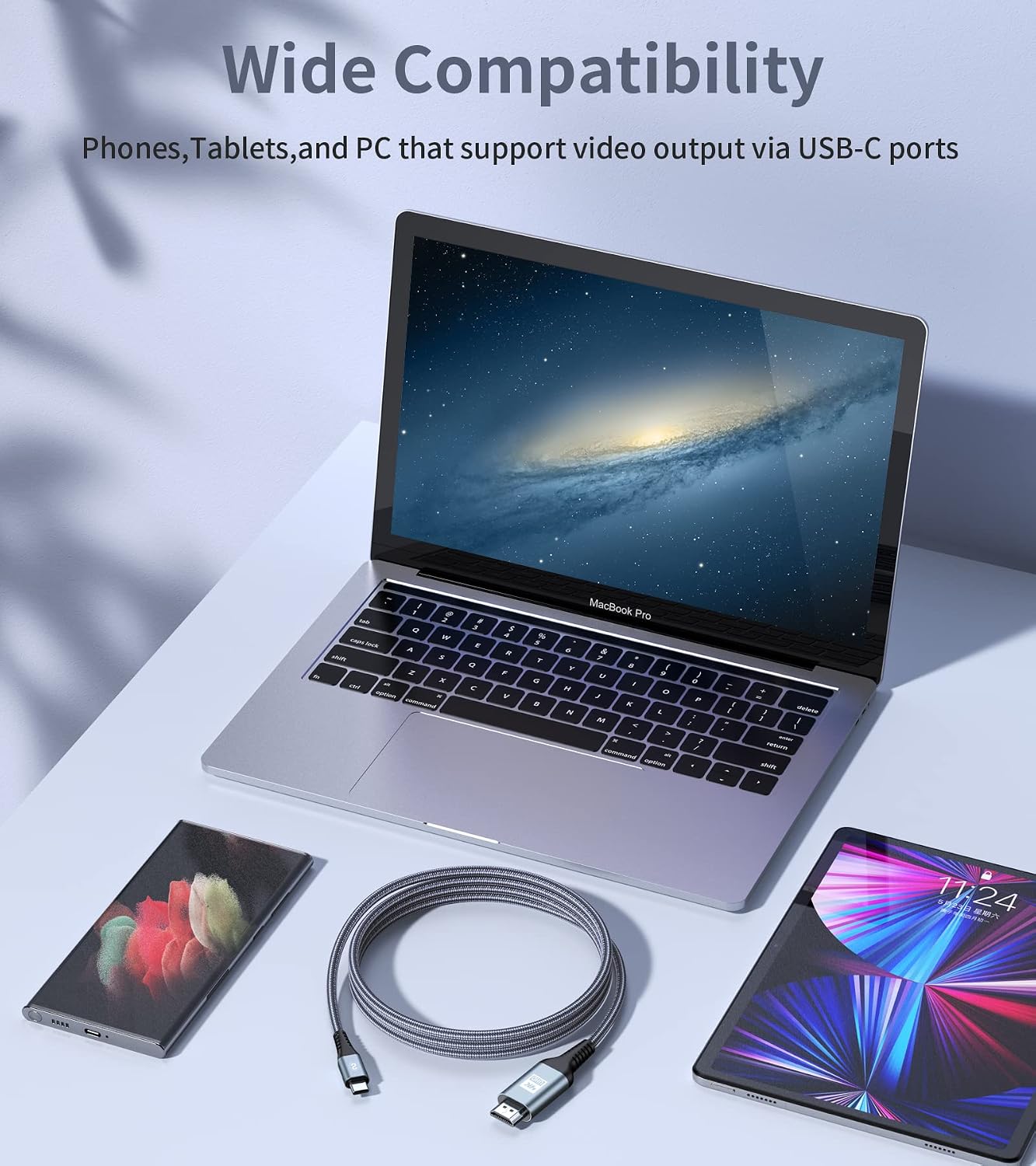
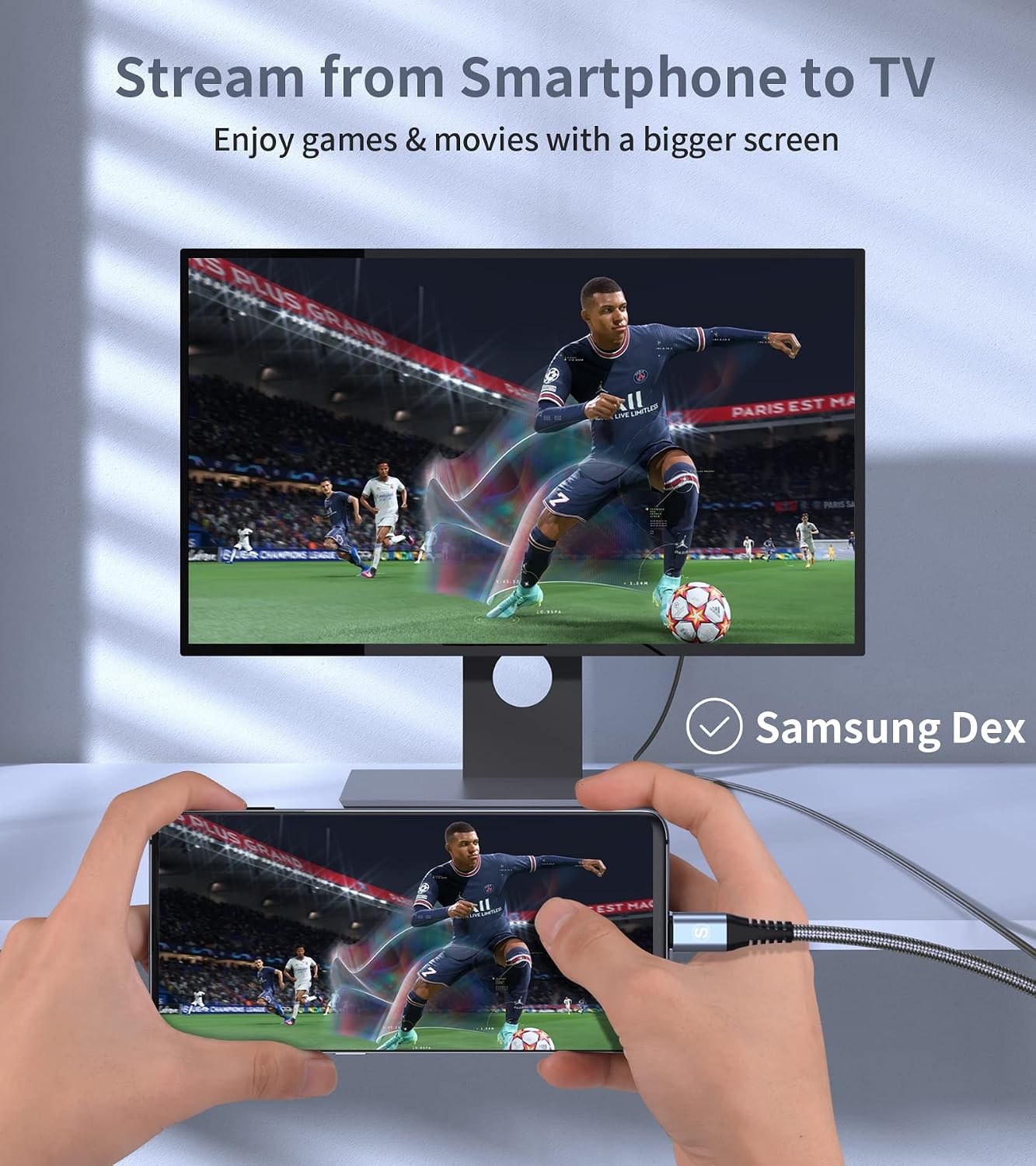
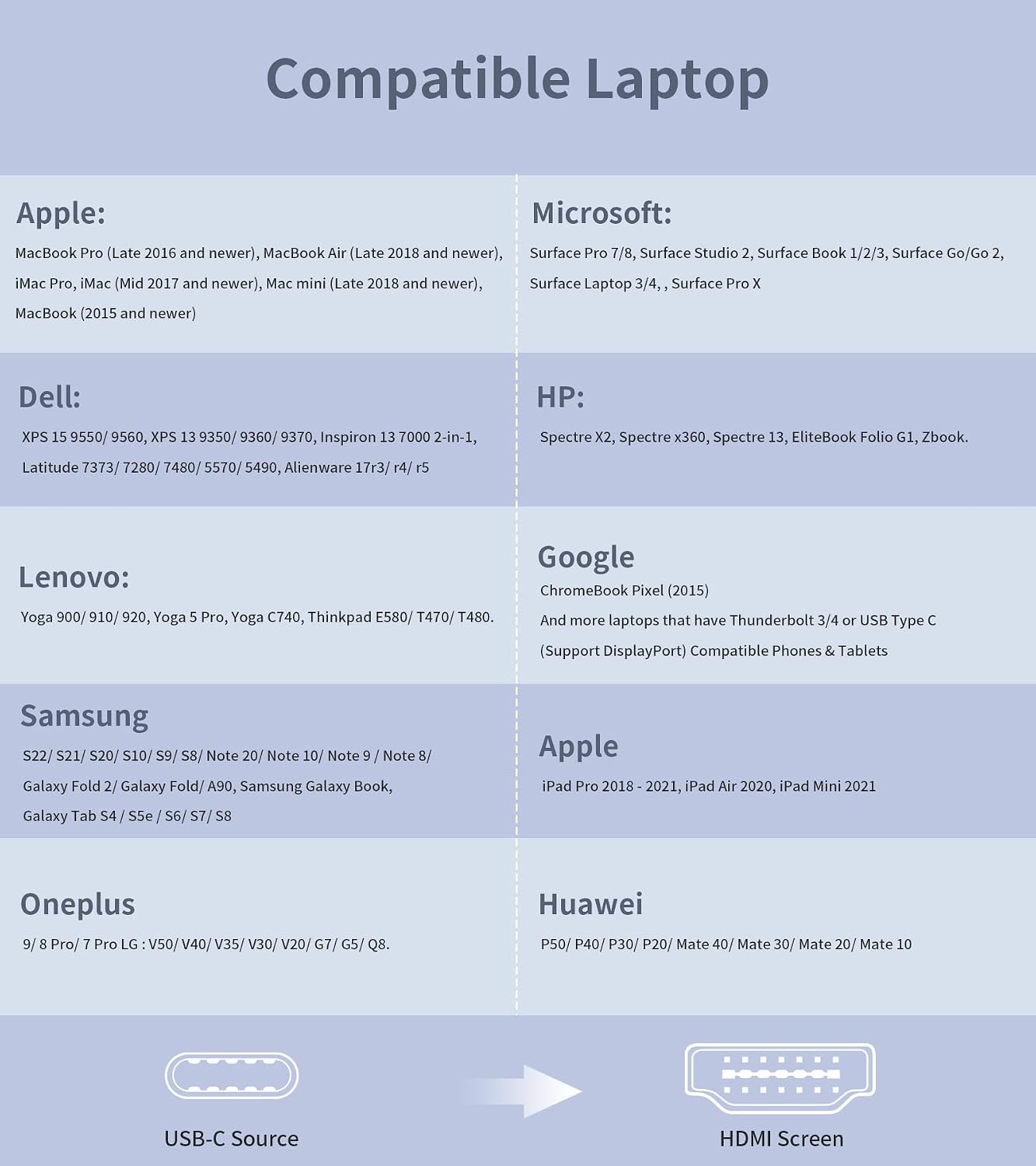
SWECENT lists a long set of compatible devices, including many recent MacBook Pro/Air models, iPad Pro, iMac, iMac Pro, Mac mini, and various Surface devices, plus devices like PixelBook Go, Chromebooks and more. It also mentions Samsung DeX and a “Clamshell” style mode for Mac, alongside MST for Windows.
For Android phones, the key limitation is this: the cable “connects to an Android phone” only if the Android phone supports video output over USB‑C. The listing also adds that it does not work for some phone families (specifically Pixel/Xiaomi, per the note).
So while it’s broad in terms of laptop/tablet support, it’s not a guaranteed “any USB‑C phone to TV” solution. You may want to skip it if you’re relying on a phone model that doesn’t clearly support USB‑C video output.
Key takeaways for display quality (4K, refresh rate, HDR)
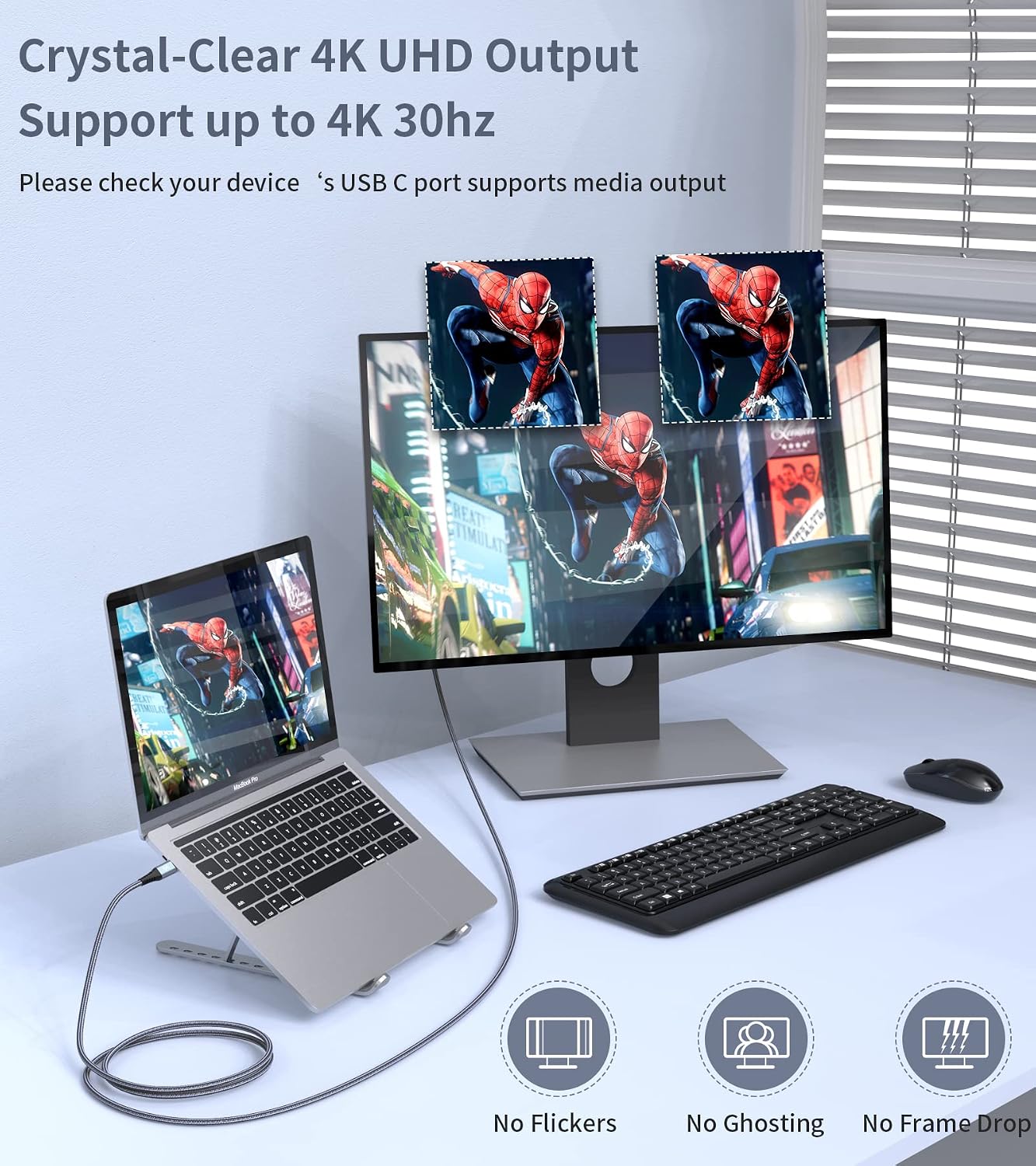
The headline spec is up to 4K, with compatibility for HDR UHD, and backwards support for 1440p at 60Hz and 1080p at 120Hz. That’s a strong range on paper, but there’s a sensible caveat: the actual resolution and refresh rate depend on both the host device and the external display.
It also supports HDCP 2.2, which matters if you plan to stream protected services such as Netflix, Hulu, and iTunes content (as referenced in the listing). If you care about watching streaming apps via HDMI, HDCP support is one of those details that can save a lot of disappointment.
What you’ll notice day to day
In everyday use, this cable is about removing friction. A 2m length tends to be practical for living rooms and small desks—you can sit near a monitor or TV without immediately feeling constrained.
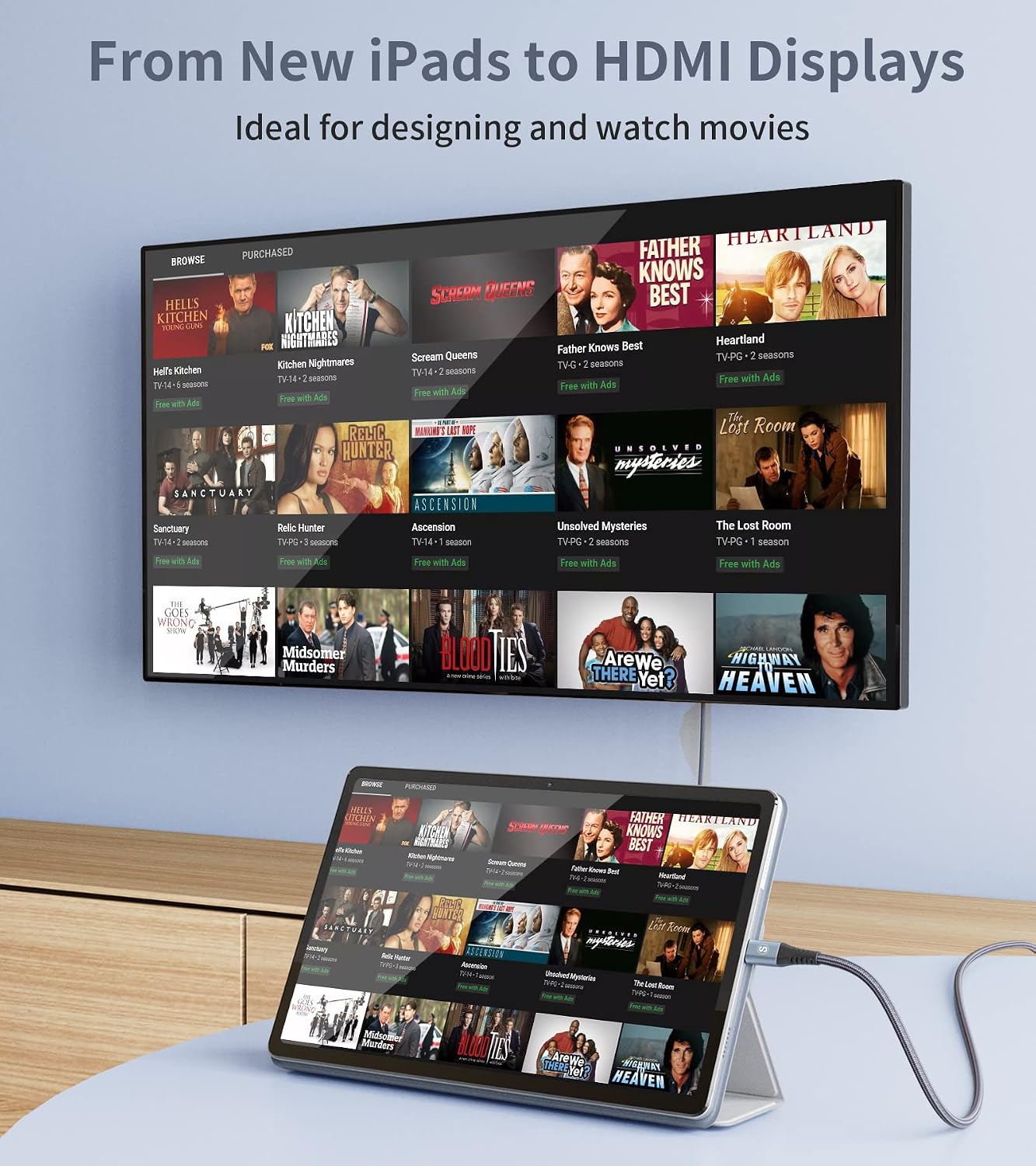
A concrete example: imagine plugging a compatible laptop into a TV for a weekend movie night. You’d connect USB‑C to HDMI, switch the TV to the HDMI input, and let it extend or mirror the screen. For tasks like browsing photos or showing something on a bigger display, it’s the kind of setup that feels more stable than wireless casting.
Where it may feel less convincing is if you expected it to “just work” with every Android phone. Because it’s not bidirectional and relies on USB‑C video output support, some phones simply won’t respond.
Durability and build
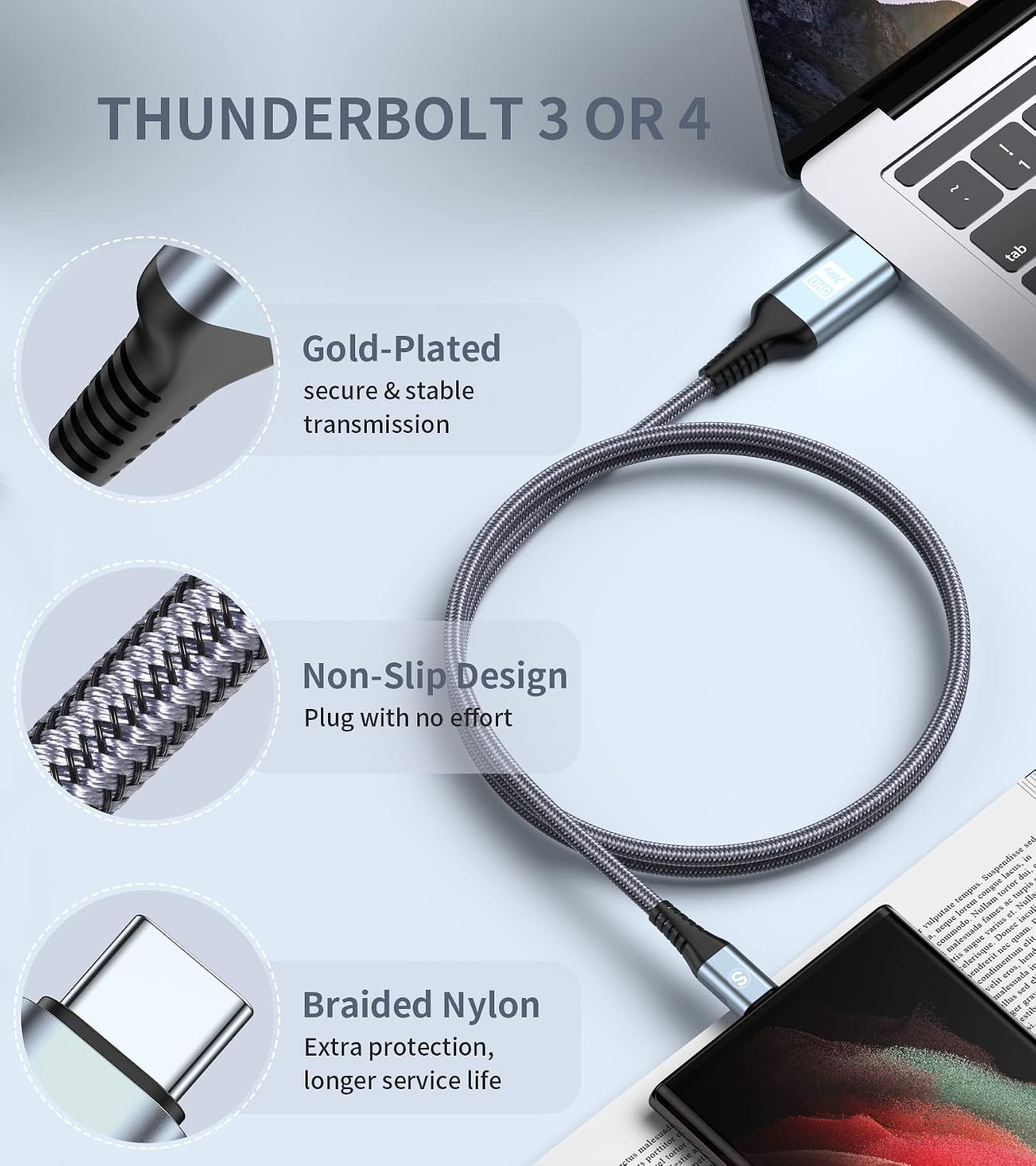
The listing describes an aluminium housing and a 24‑carat gold‑plated connector, plus a braided design aimed at lasting longer. It also mentions triple-layer shielding for a secure HDMI connection.
That’s the sort of construction detail that’s worth caring about if the cable will be moved around, coiled in a bag, or used in a setup where it gets plugged in regularly. Still, durability claims are always “how it’s designed to behave” rather than a guarantee—if you’re rough on cables, you’ll still want to handle it with some care.
Tech specs
- Type: USB‑C to HDMI cable (uni‑directional)
- Length: 2m
- Max video support: up to 4K (HDR UHD compatible)
- Backwards support: 1440p @ 60Hz, 1080p @ 120Hz (device and display dependent)
- HDCP support: HDCP 2.2
- Build notes: aluminium housing, 24‑carat gold‑plated connector, braided design, triple-layer shielding
Final verdict
It’s a solid pick if you have a compatible USB‑C device that supports video output and you want a straightforward, wired way to extend or mirror to an HDMI TV/monitor—especially if streaming protected content via HDMI matters to you (HDCP 2.2 is included).
It may not be a great match if you’re trying to use it with an Android phone that doesn’t support USB‑C video output, or if you’re expecting bidirectional behaviour (this one is USB‑C to HDMI only). In those cases, you’ll likely end up needing a different approach or a different type of connection.
Mini FAQ
Can this cable send signal both ways?
No. The listing notes it’s not bidirectional—it's USB‑C to HDMI only.
Will it work with any Android phone?
Not necessarily. It’s only compatible with Android phones that have USB TYPE‑C video output. The listing also notes it doesn’t work for Pixel/Xiaomi phones.
Does it support 4K and HDR?
Yes, it’s described as supporting up to 4K and HDR UHD compatibility, but the final resolution and refresh rate depend on the host device and your external display.
Does it support streaming services like Netflix?
It mentions HDCP 2.2 support for transmitting services such as Netflix, Hulu and iTunes content.
Should you buy it for a desk or a living room TV?
A 2m length is often practical for both. It suits setups where you want enough reach to connect a laptop/tablet to a nearby TV or monitor without the cable being constantly taut.