

BENFEI DisplayPort 1.4 to HDMI 2.1 1.8m Cable: DP Source to HDMI Display, 8K60 / 4K120+ for PC
Product description
What it is and what it solves
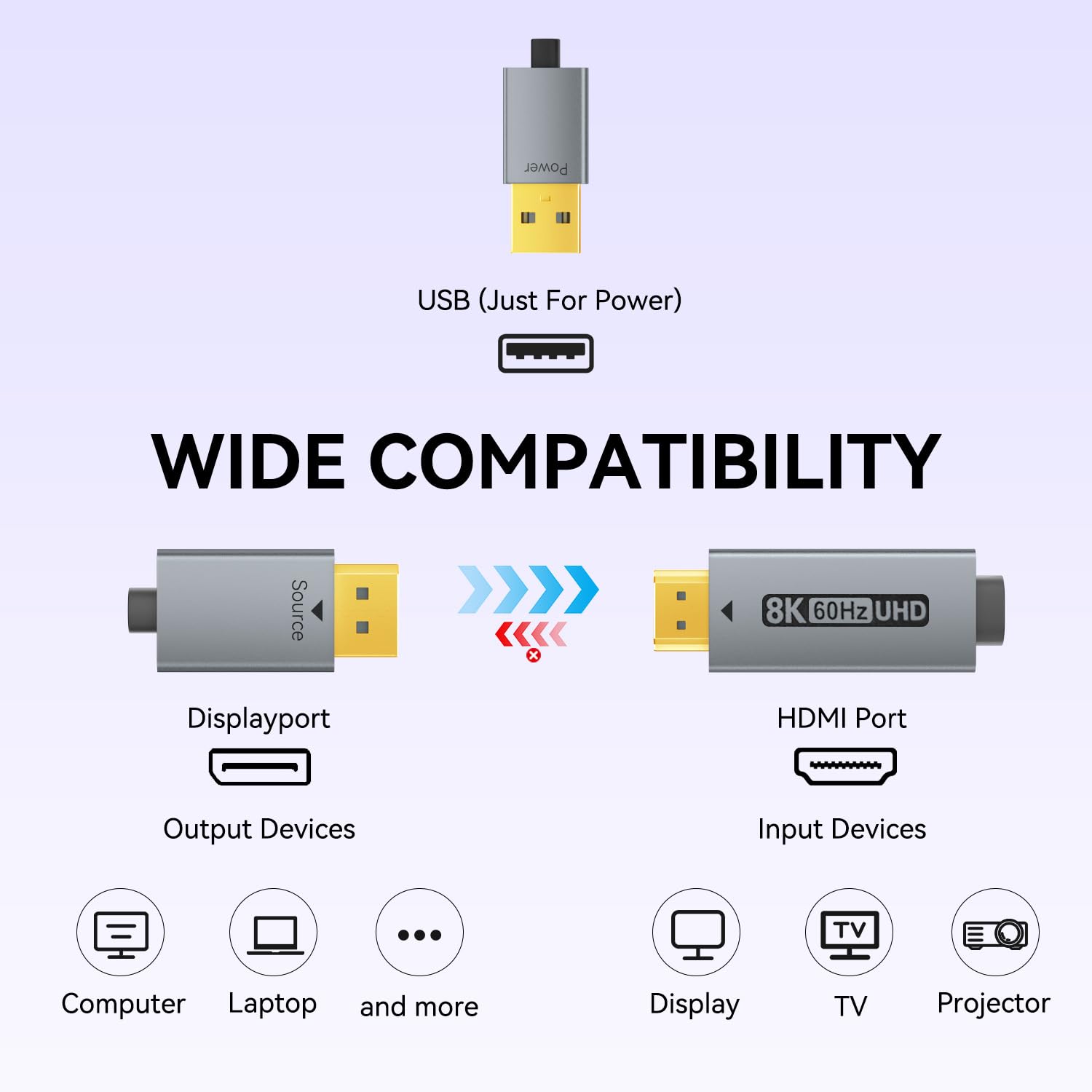
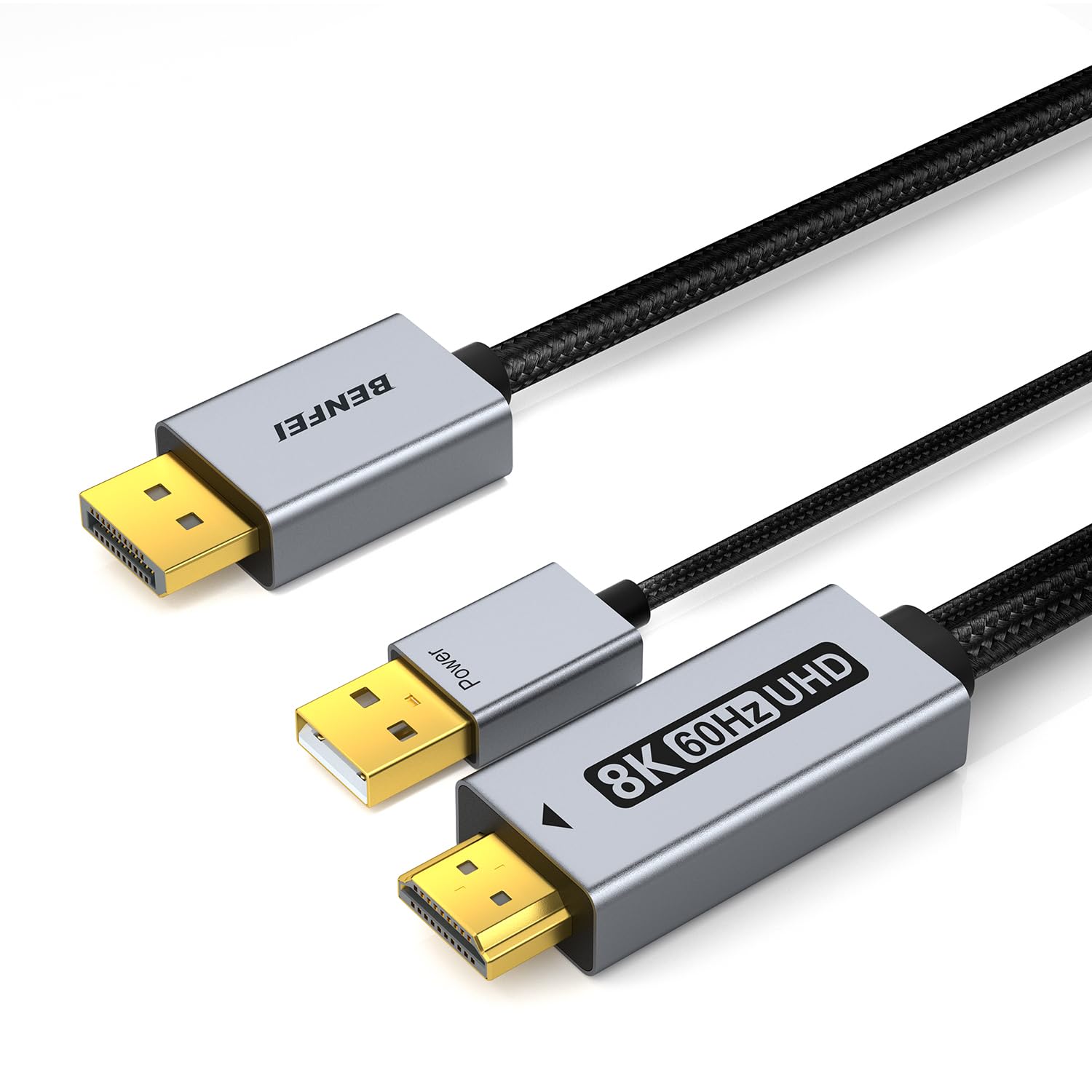
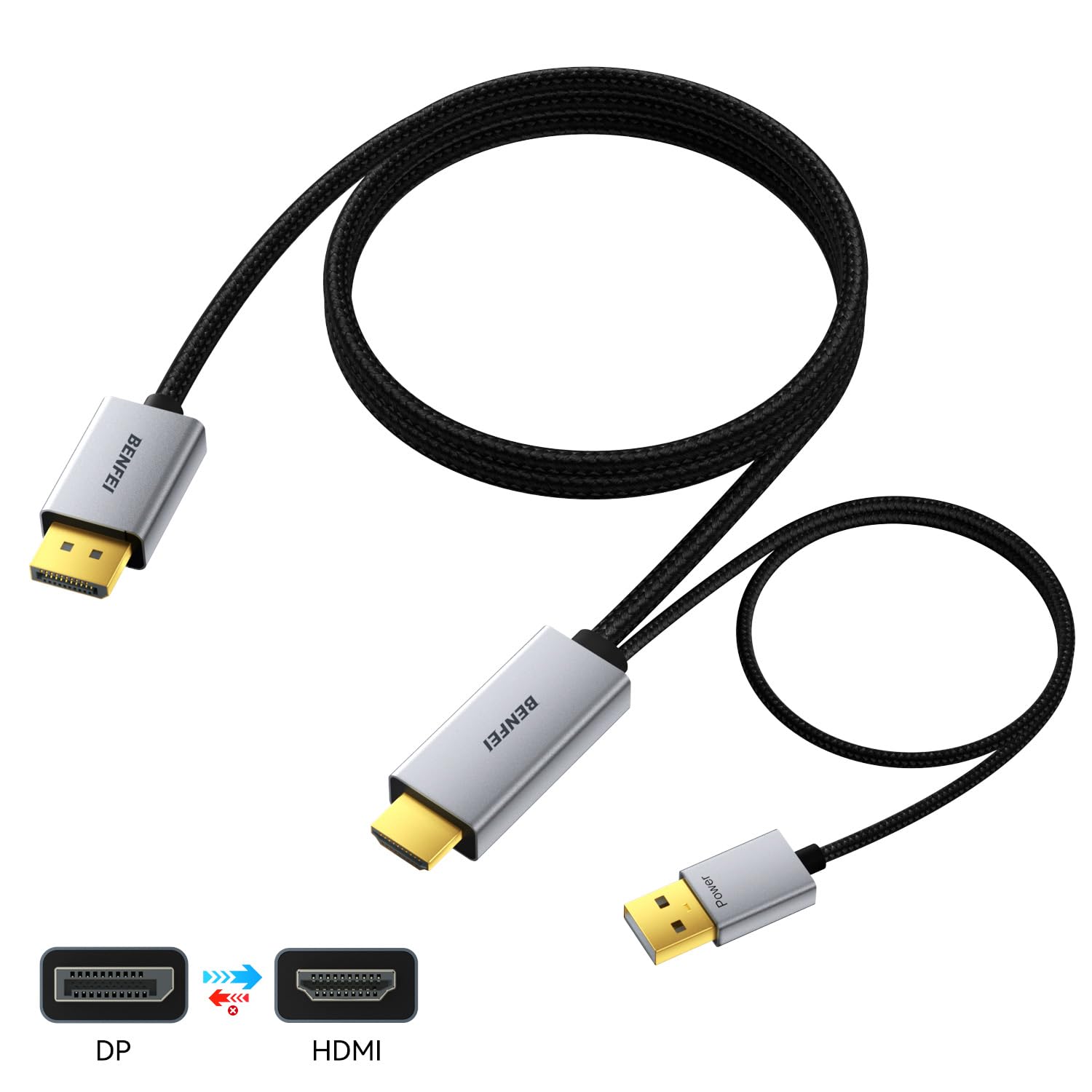
This BENFEI cable is a unidirectional DisplayPort 1.4 to HDMI 2.1 converter cable designed to connect a DisplayPort source to an HDMI display. It aims to deliver high-resolution video and audio from a PC or other DP source to a monitor or TV that uses HDMI, with the convenience of a single cable. It’s positioned for users who want to drive modern high-refresh-rate displays or ultra‑high-resolution screens without a modular adapter box.
How it performs on paper
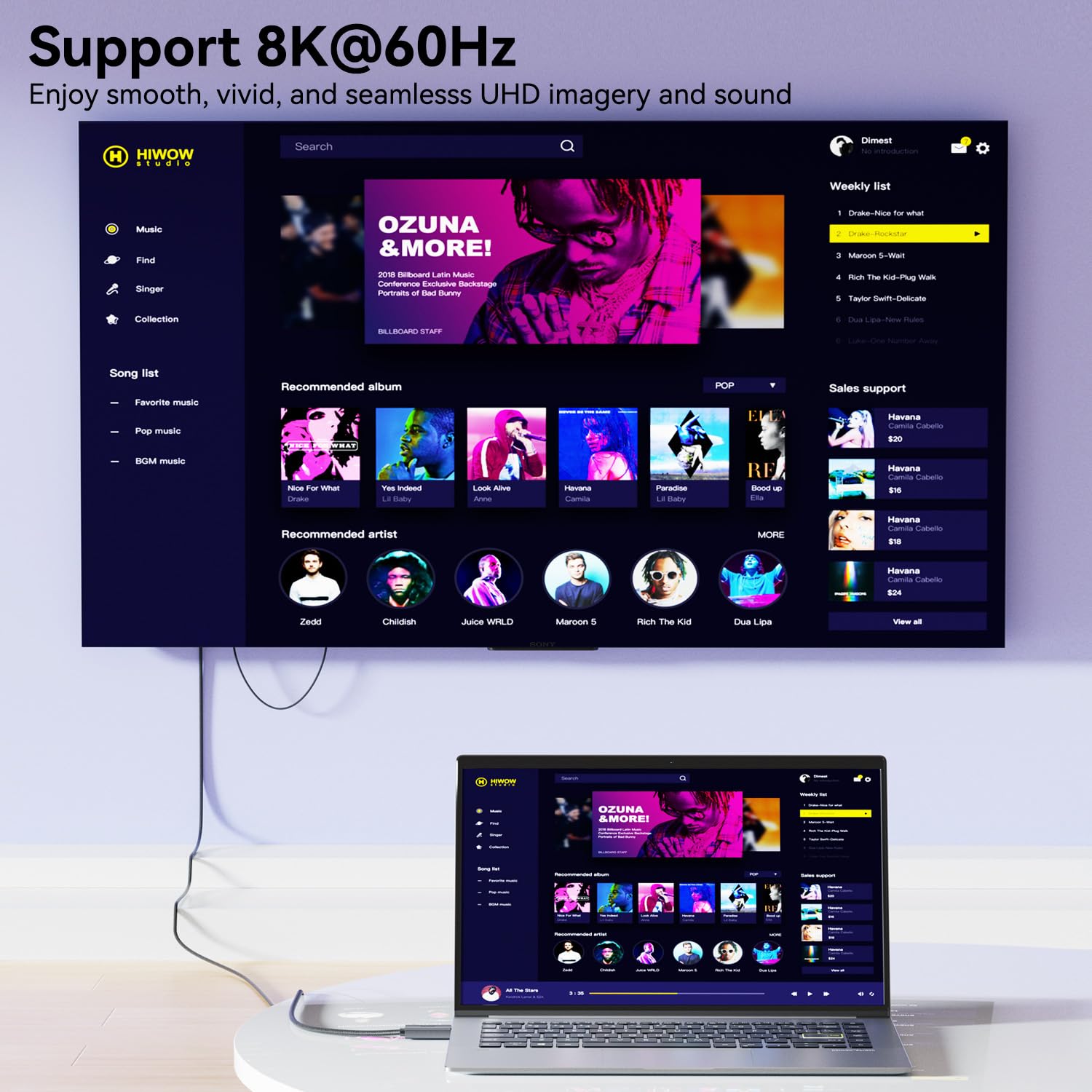
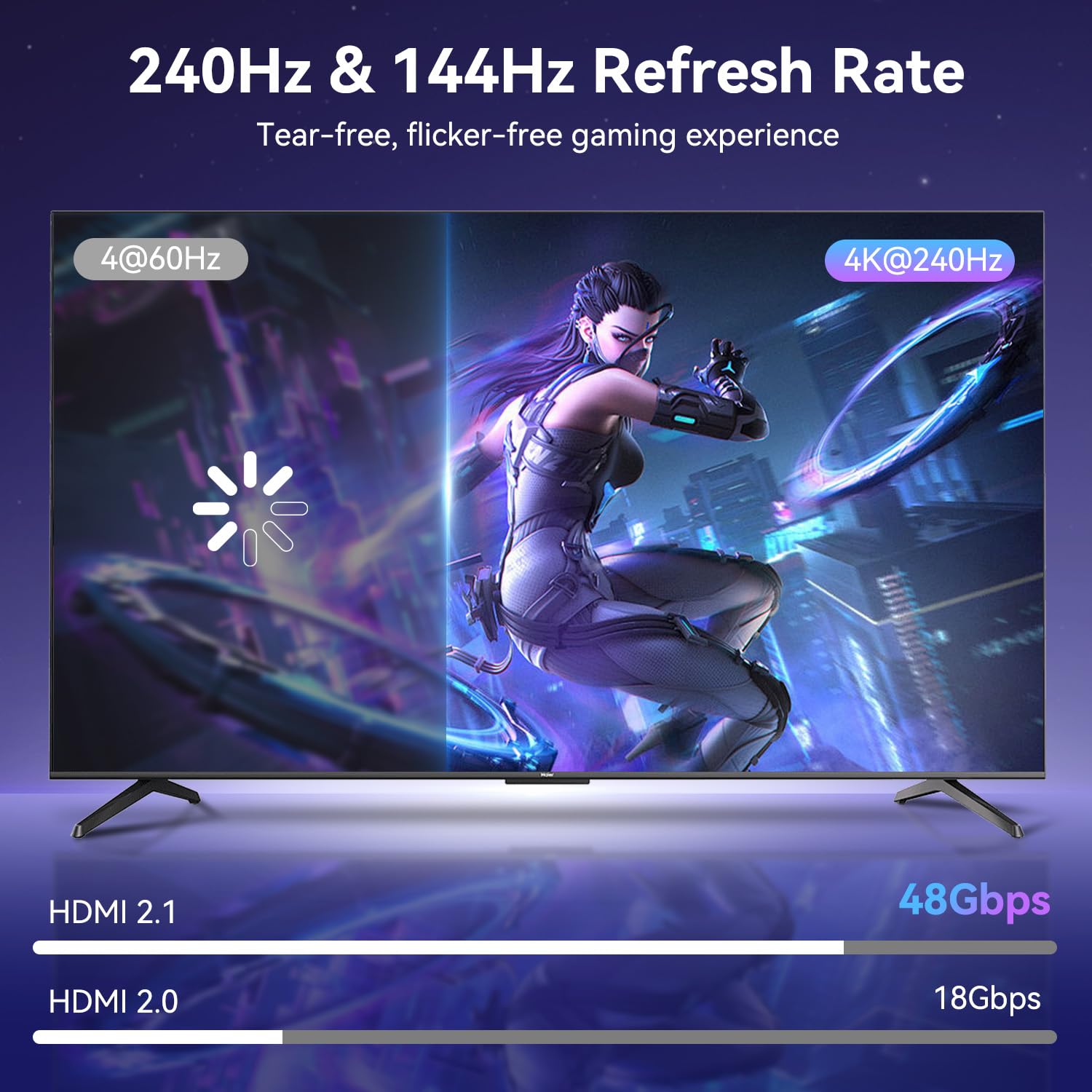
The cable supports a wide range of refresh rates and resolutions, including 8K@60Hz and 4K up to 240Hz (with some intermediate rates listed like 165Hz, 144Hz, 120Hz, and 60Hz). It also targets 2K and 1080p at high refresh rates. Dynamic HDR and DSC 1.2 are included, along with HDCP 2.3 for content protection. Note that the DisplayPort interface is version 1.4, not 2.1, so the bandwidth advantages of a newer DP standard are not part of this cable.
What stands out in everyday use
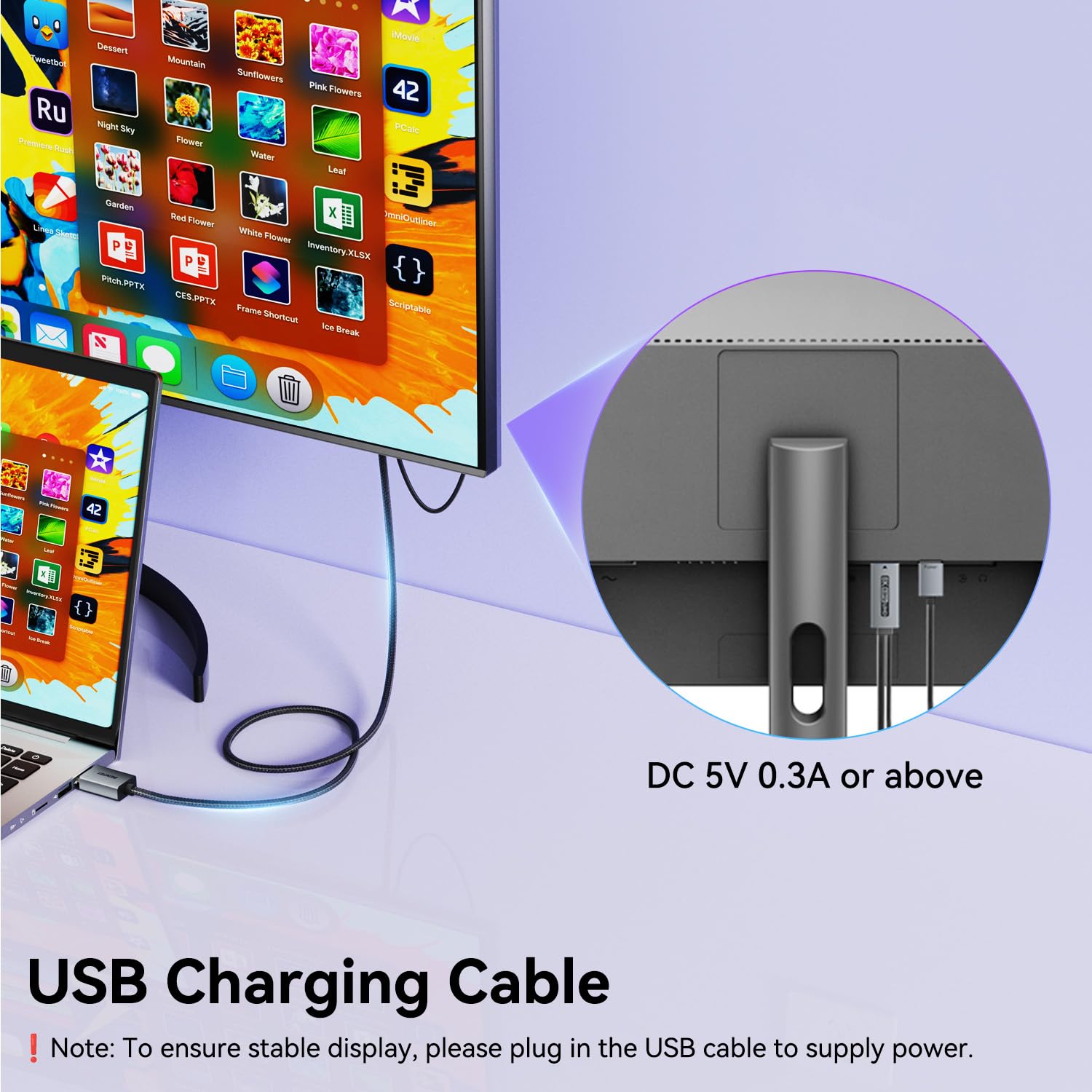
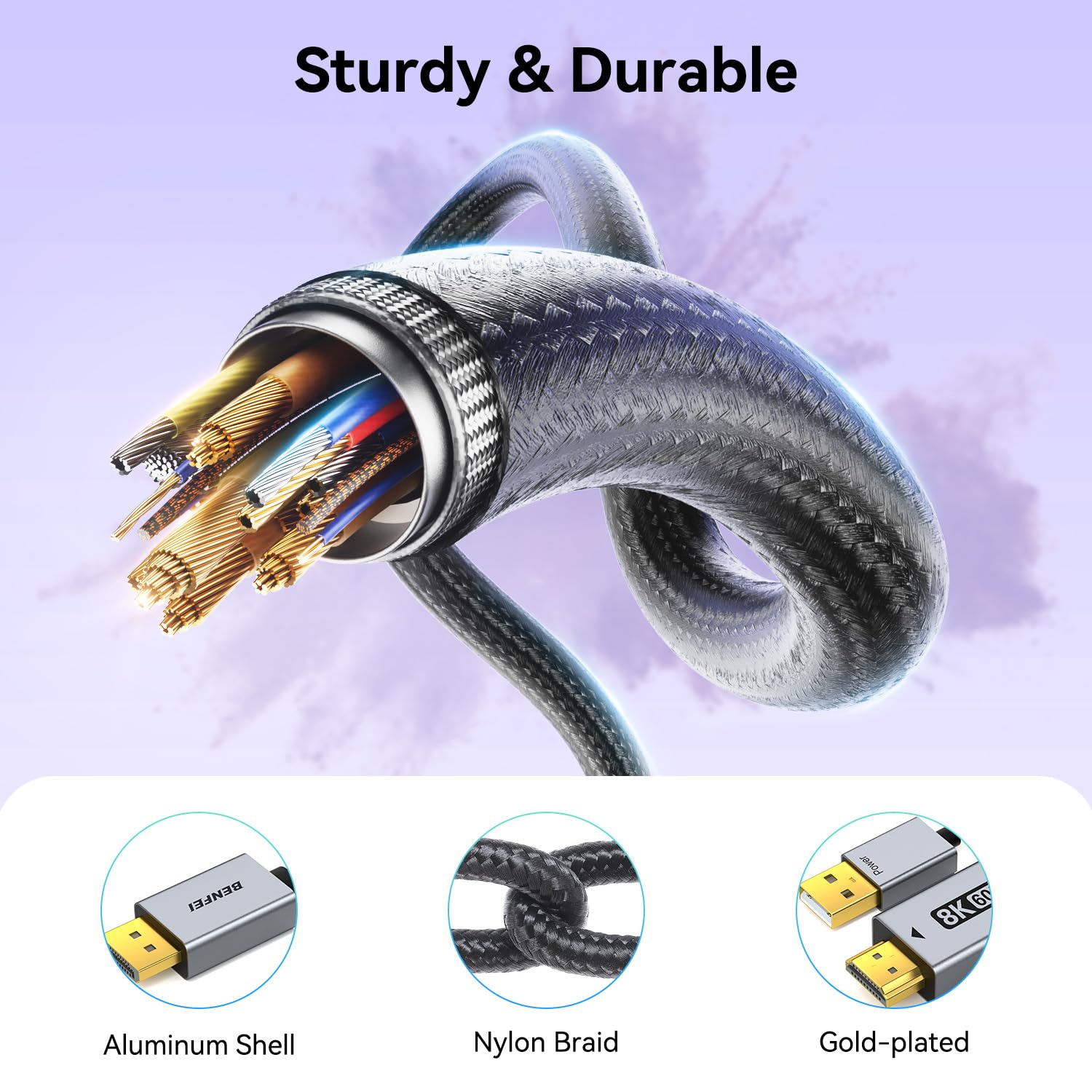
The design emphasises stability and reliability. A smart chip, 30 AWG copper core, shielding, and a non-locking plug help minimise signal interference and accidental damage during insertion or removal. The 24K gold‑plated connectors and aluminium housing are meant to improve durability and connection consistency. There’s also a USB power requirement (5V/1A) to help sustain higher resolutions, which is important when pushing 8K or high‑refresh-rate 4K.
The practical limits and caveats
- It’s strictly unidirectional: DP source to HDMI display. It won’t convert HDMI back to DP or function as a hub between devices.
- It’s not compatible with hubs, docking stations, or KVM switches, so expect a direct DP source to HDMI display setup only.
- The DP interface inside is DP 1.4, if you’re hoping to exploit DP 2.1 bandwidth, this cable won’t offer that upgrade.
- To maintain the intended video resolution, you’ll likely need to connect the USB power cable for stable operation.
What to check before buying
- Ensure your output device is a DP source (like a PC GPU) and your display is HDMI‑capable.
- If you intend 8K60, confirm your source and display both support it and that the content is available at that resolution.
- Check that the HDMI display supports the desired refresh rate at the given resolution and that you’re prepared to use the USB power connection.
- Consider whether you need such high refresh rates or if 4K at up to 240Hz suffices for your use case (gaming or fast visuals).
Who it’s for and who should think twice
This cable is a reasonable option for PC users seeking high‑refresh‑rate HDMI output from a DisplayPort source, especially if they want a simple, direct cable without extra boxes. It may be less compelling if you require HDMI input on devices that only accept HDMI from DP converters that offer more bidirectional flexibility, or if you anticipate needing DP 2.1 bandwidth in the near term.
How it compares to alternatives
If you mostly need to connect a modern GPU to a high‑end HDMI display, this cable offers the convenience of a single cable with a dedicated power requirement and a rugged build. For setups requiring multi‑monitor hubs, daisy‑chain setups, or HDMI to DP direction, you’d likely look at different adapters or cables. In other words, it’s best when your workflow is straightforward: DP output from a computer to an HDMI monitor.
Practical usage example
Imagine you’ve got a PC with a DP 1.4 output and a high‑end HDMI monitor capable of 4K at 144–240Hz. You connect this 1.8m cable, plug in the USB power, and you’re ready to game or edit with smooth motion and vibrant colours. You’ll notice fewer frame drops when driving a fast‑paced title, provided the source and display support the chosen resolution and refresh rate.
FAQ snapshot
- Do I need to install drivers? No, it’s plug‑and‑play.
- Will it work with a docking station or KVM? Not according to its stated compatibility.
- Can I use 8K at 60Hz? Yes, subject to source and display support and the USB power being supplied.
Final decision
Final verdict: Worth considering if you need a direct DP→HDMI connection with high refresh potential and you’re certain your setup relies on DisplayPort as the source. It’s not a universal solution for every display scenario, and the DP 1.4 bandwidth means you won’t gain the DP 2.1 advantages. If you prioritise a simple, robust cable with sufficient power support for high resolutions, this could be a sensible purchase. If your workflow requires multi‑device hubs or DP 2.1 features, you may want to explore alternatives.