

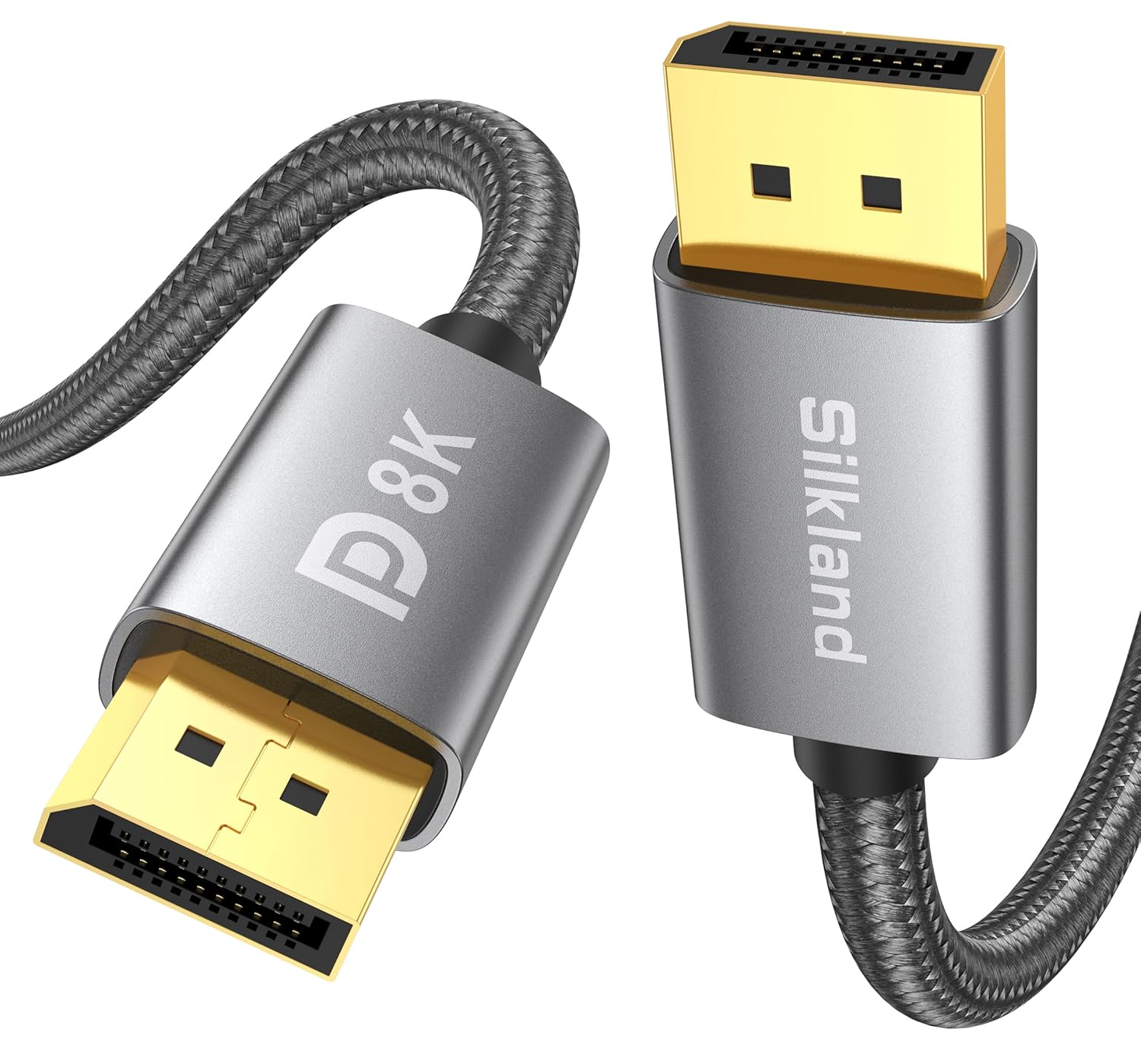
Silkland DisplayPort 1.4 Cable 5m (1.4) for Gaming Monitors & Graphics Cards
Product description
The essentials
A long DisplayPort lead can be surprisingly annoying when it limits your refresh rate or turns into a “maybe it works” cable. This Silkland DisplayPort 1.4 cable (5m) is aimed at high-bandwidth setups, with support for DisplayPort 1.4 features like HBR3, DSC 1.2 and HDR10. On paper, it’s built for modern gaming monitor connections where you want higher resolutions and higher refresh rates without stepping down.
You also get the kind of gaming-minded extras that matter day to day: the cable is specified with HDR support, and it claims compatibility with adaptive sync technologies (G-Sync & Free-Sync). If your current lead is short, ageing, or you simply want a cleaner route from your PC to your screen, a 5m DisplayPort cable is the practical move—just remember that “long” is always a little more demanding than “short”.
What it’s designed to do (and what the specs suggest)
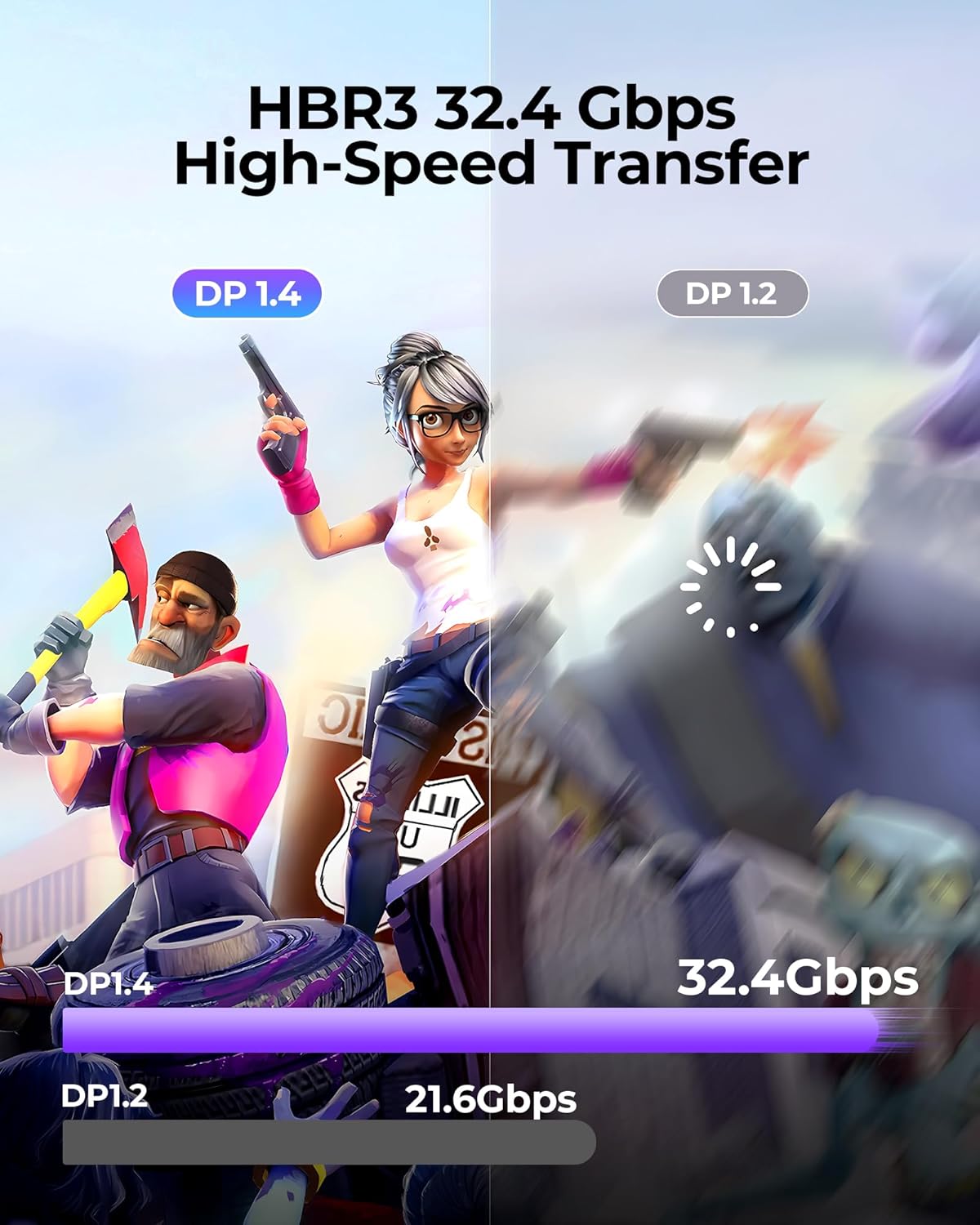
This cable is positioned as a DisplayPort 1.4 option that supports bandwidth up to 32.4Gbps via HBR3, plus Display Stream Compression (DSC 1.2). The headline resolutions listed are up to 8K@60Hz, 4K@144Hz and 2K@240Hz, along with HDR10.
In practical terms, the usefulness is pretty clear: if you’re running a gaming monitor that can actually hit high refresh rates and you want to keep the signal path straightforward, a DisplayPort 1.4 cable is meant to keep things within spec. The inclusion of FEC (Forward Error Correction) and anti-interference shielding also points to fewer “random glitch” moments when you’ve got a busy desk with other cables and electronics.
That said, it’s still worth a small reality check: the maximum numbers depend heavily on your monitor, GPU output, and display settings. The cable can only do so much—if your monitor is set to a lower refresh rate or your source doesn’t support the mode, you won’t magically get 4K@144Hz just by swapping the lead.
Where it stands out for gaming setups
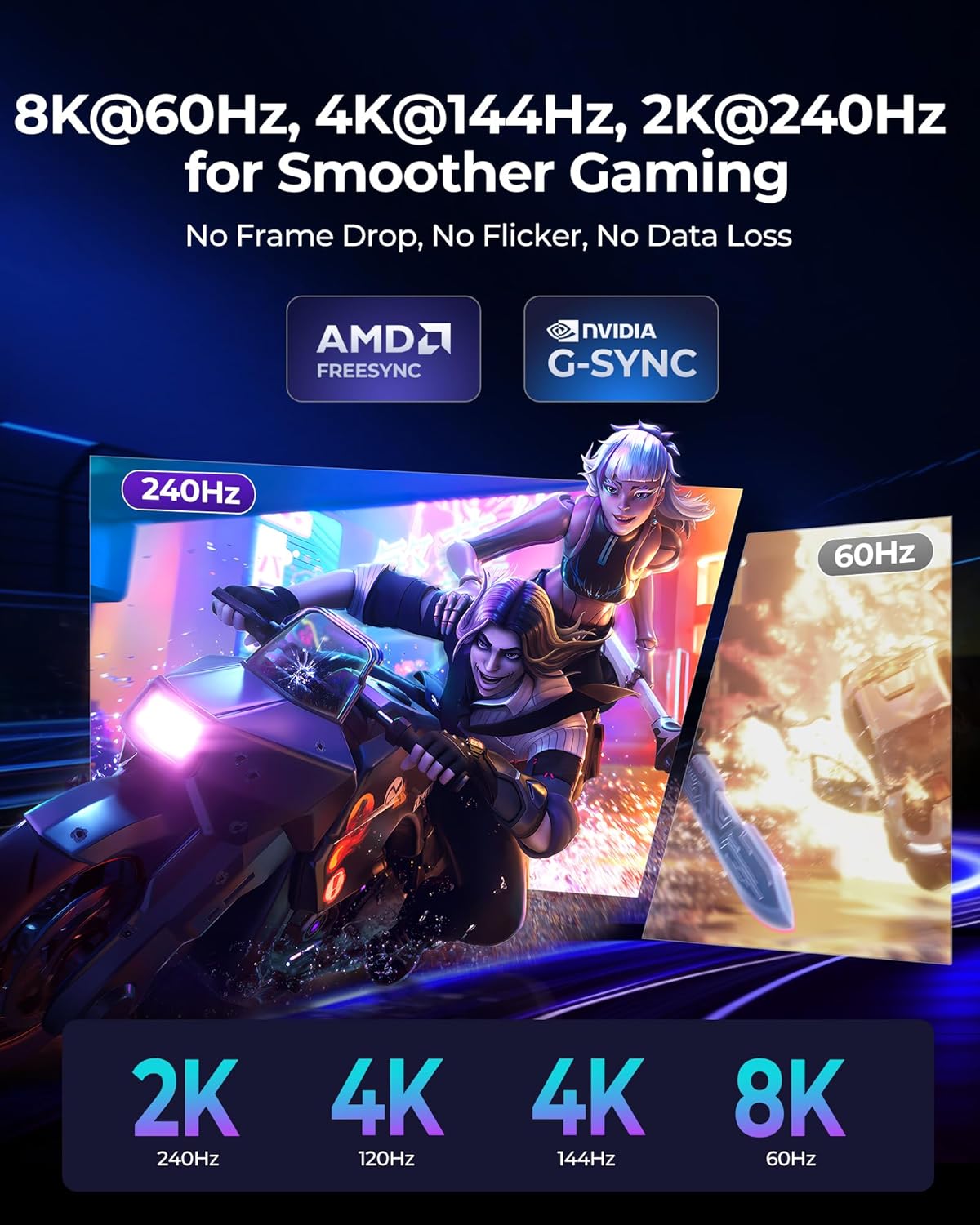
The Silkland DP 1.4 cable is clearly geared towards gaming monitor use. It’s described as supporting DP, DP++, and DisplayPort++ (which is the sort of compatibility wording people look for when they’re trying to avoid “this port won’t negotiate” issues).
It also calls out G-Sync & Free-Sync support, which is relevant if your monitor relies on adaptive sync to smooth out frame pacing. If you’ve ever had tearing or stutter when your refresh doesn’t match your frame output, having the right cable and connection standard matters—especially on higher-spec monitors.
A micro example of how this might play out: imagine your PC is on the floor or under a desk, but your monitor sits on a wall-mounted arm. You route the DisplayPort cable carefully along the back, set your monitor to the high refresh profile in its OSD, and then check your game’s video settings. If the cable is the limiting factor, you’d typically see drop-offs like lower refresh options disappearing, with a DP 1.4 lead like this, those higher modes are what you’re trying to keep available.
Build, durability, and day-to-day handling
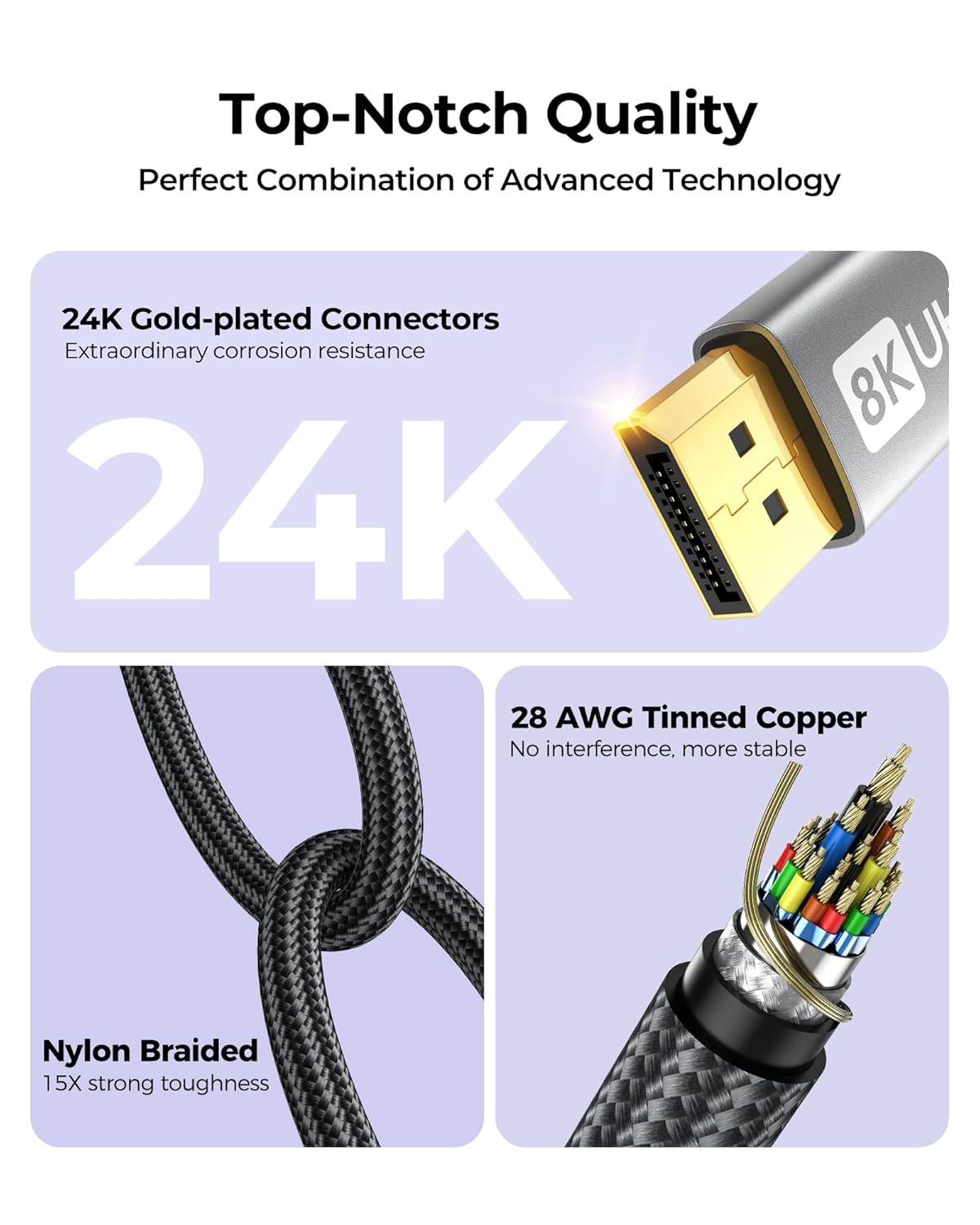
This is where the cable feels a bit more convincing than “just another DP lead”. The input mentions a 28AWG tinned OFC copper core, plus an “exclusive tinplate shield” aimed at stable video/audio transfer.
For physical durability, it’s listed with a nylon braided jacket and a “15000+ bend lifespan” claim. For a 5m cable, that’s not just marketing fluff in the abstract—long cables tend to get bent more often during routing and future rearrangements.
The connectors are described as 24K gold-plated. Gold plating is mainly about corrosion resistance and maintaining contact quality over time, rather than boosting raw performance.
Key limitations to keep in mind

No cable is magic, and this one is no different. You should be cautious about assuming the top resolution/refresh claims will show up in every configuration. The advertised 8K/4K/2K refresh targets are about capability, but actual performance depends on what your monitor and graphics card support, plus what you’ve configured in Windows/your monitor’s settings.
Also, “5m” is a longer run than many people use. Longer cables can be less forgiving if your setup is electrically noisy or if the cable is routed alongside sources of interference. The shielding and anti-interference intent helps, but it can’t erase physics.
Finally, the compatibility section in the description lists some monitor brands and a handful of graphics card examples, but it doesn’t map out every exact model. It’s a helpful indicator, not a guarantee for every corner case.
Is it worth it?
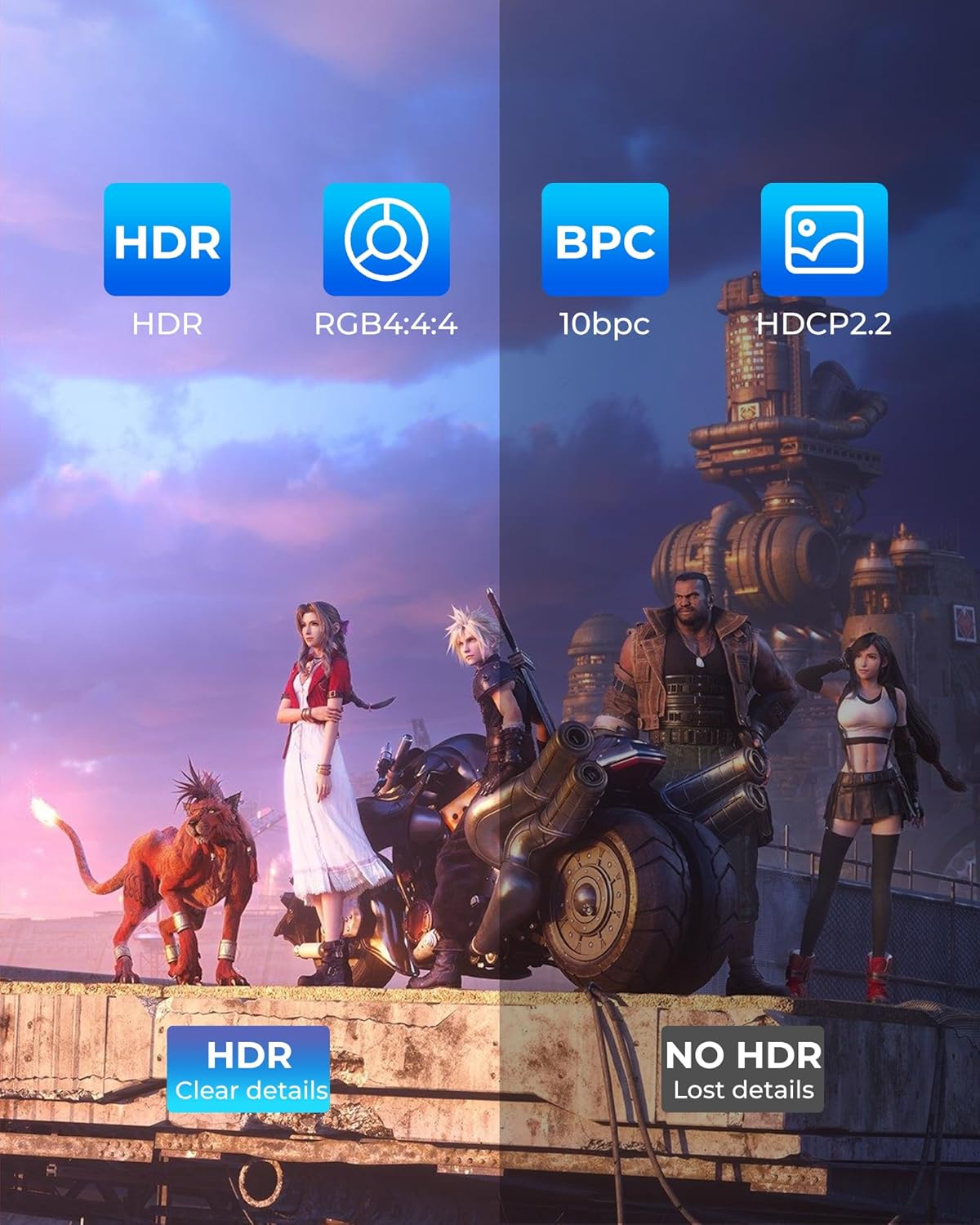
This Silkland DisplayPort 1.4 5m cable is worth considering if you’re trying to run a modern gaming monitor at high refresh rates and you specifically want a DisplayPort 1.4 connection path that includes DSC 1.2, HBR3 and HDR10 support. It also makes sense if you need the extra length to reach your screen without resorting to adapters or awkward cable extensions.
You may want to skip it if your monitor setup is older and you don’t need DP 1.4 features (in that case, you might not benefit from paying for the latest bandwidth capability). It might not be a great match if you’re expecting plug-and-play to unlock unsupported modes—set-up settings, monitor capability and GPU output still decide what you can actually run.
Quick FAQ
Will this cable support HDR10?
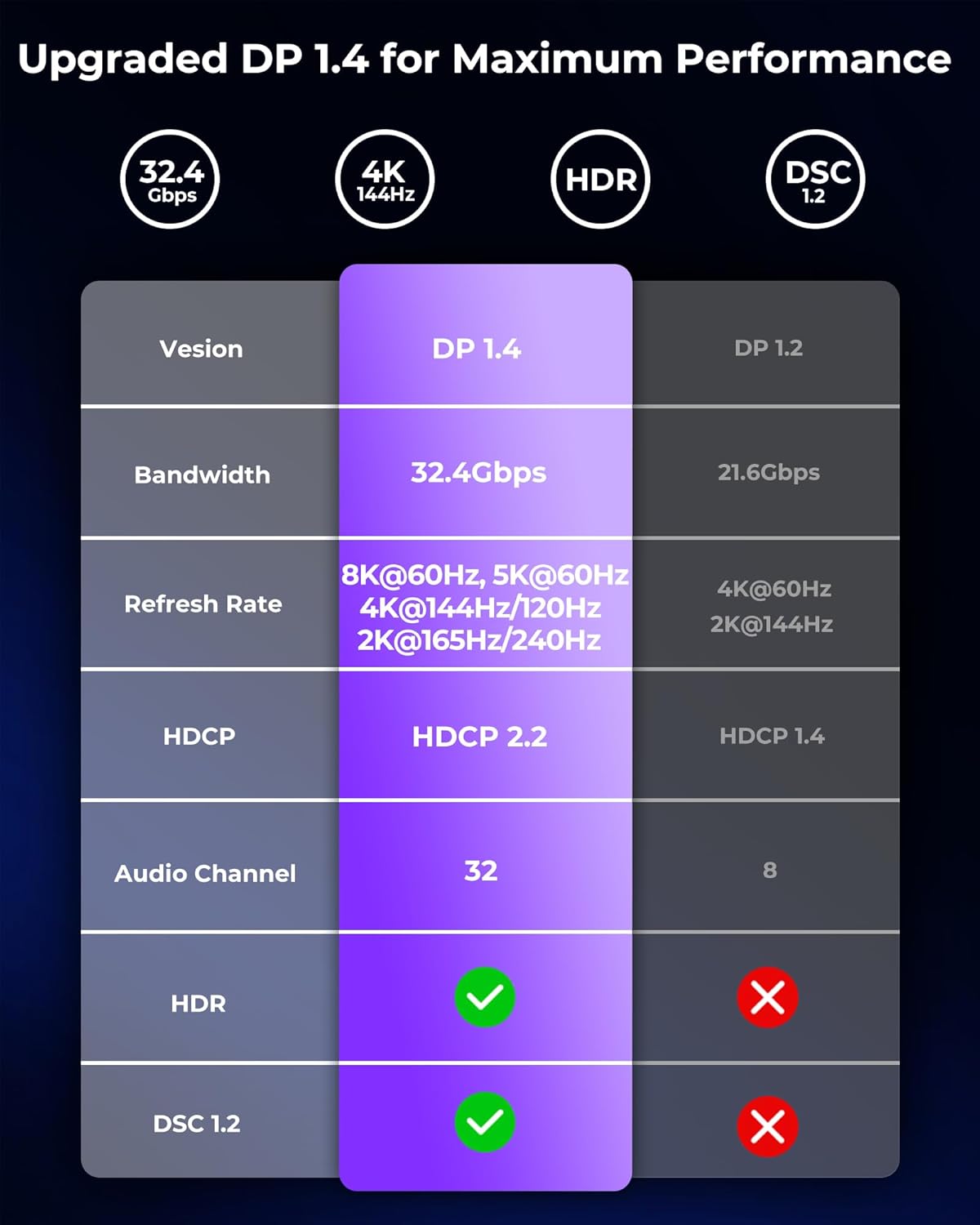
The description explicitly states HDR10 support, so it’s designed for HDR use over DisplayPort 1.4.
Does it support high refresh rates like 4K@144Hz?
It’s specified to support up to 4K@144Hz (and 2K@240Hz / 8K@60Hz). Whether you achieve those modes depends on your monitor and graphics card settings.
Is it compatible with adaptive sync?
The listing mentions G-Sync & Free-Sync support, aimed at smoother gaming when paired with a compatible monitor.
How durable is the cable for a 5m run?
It’s described as having a nylon braided jacket and a “15000+ bend lifespan” claim, which is relevant when you’re routing a longer cable around a desk.
What should I double-check before buying?
Check that your monitor and graphics card support the DisplayPort 1.4 modes you care about, and confirm the refresh/HDR settings are enabled on the monitor and in your system after connecting.