

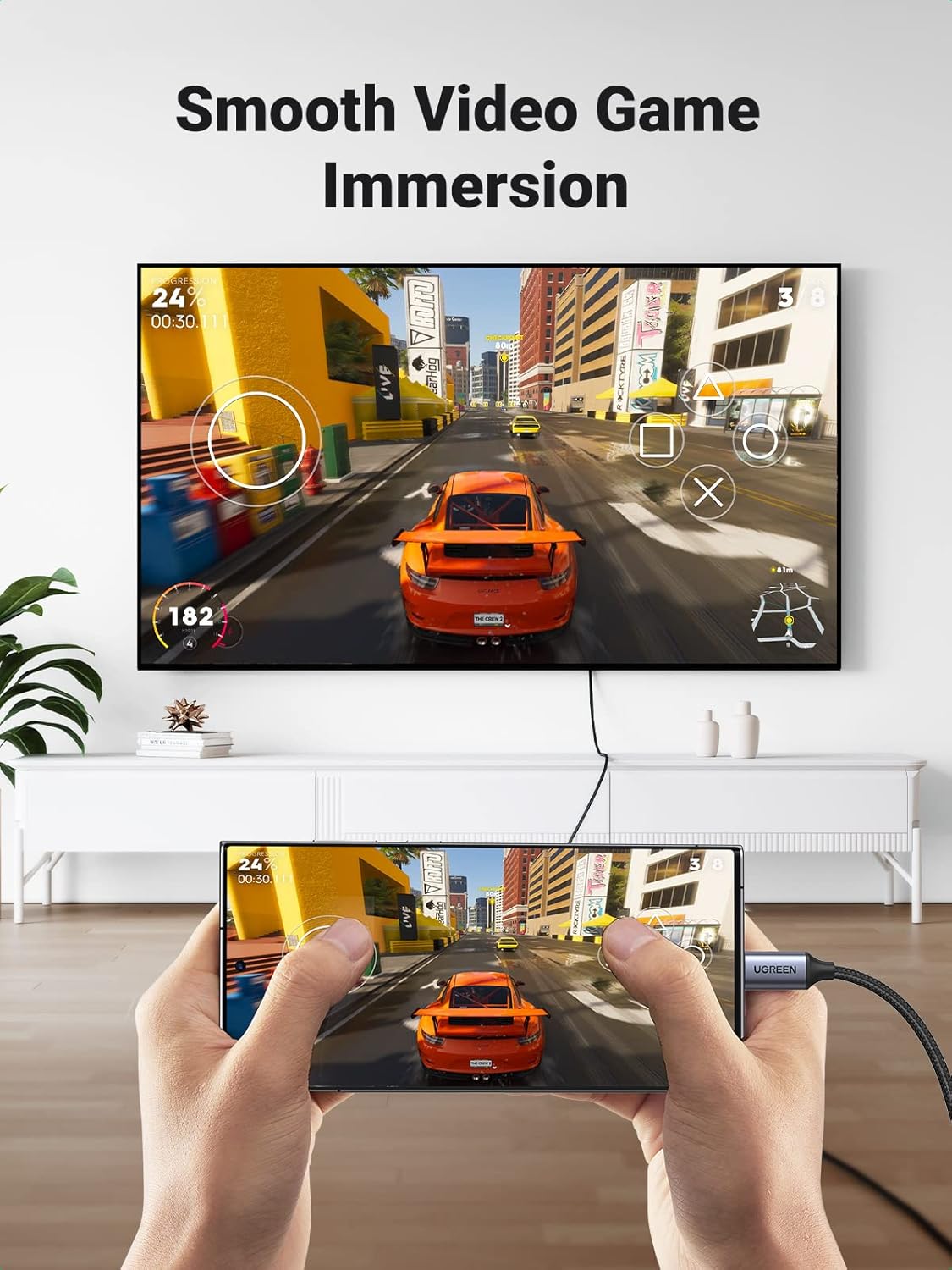
UGREEN USB-C to HDMI Cable (4K 60Hz, 3ft) with Thunderbolt/DP support
Reviews
Price
Product description
If you want a simple way to mirror your laptop or mobile screen onto a bigger display, the UGREEN USB-C to HDMI Cable is built for that job. It’s designed to carry video (and audio) from a USB‑C/Thunderbolt 4/3–capable device to an HDMI monitor or TV, aiming for up to 4K at 60Hz.
That said, this type of cable lives or dies by compatibility with your device’s USB‑C video output. On paper it checks the right boxes (DP support is mentioned), but it’s not a universal “works with everything” solution.
The essentials
The UGREEN USB‑C to HDMI cable is a straightforward HDMI connection method: plug USB‑C into a compatible device and HDMI into your TV/monitor, then select the correct HDMI input on the screen. The product description highlights:
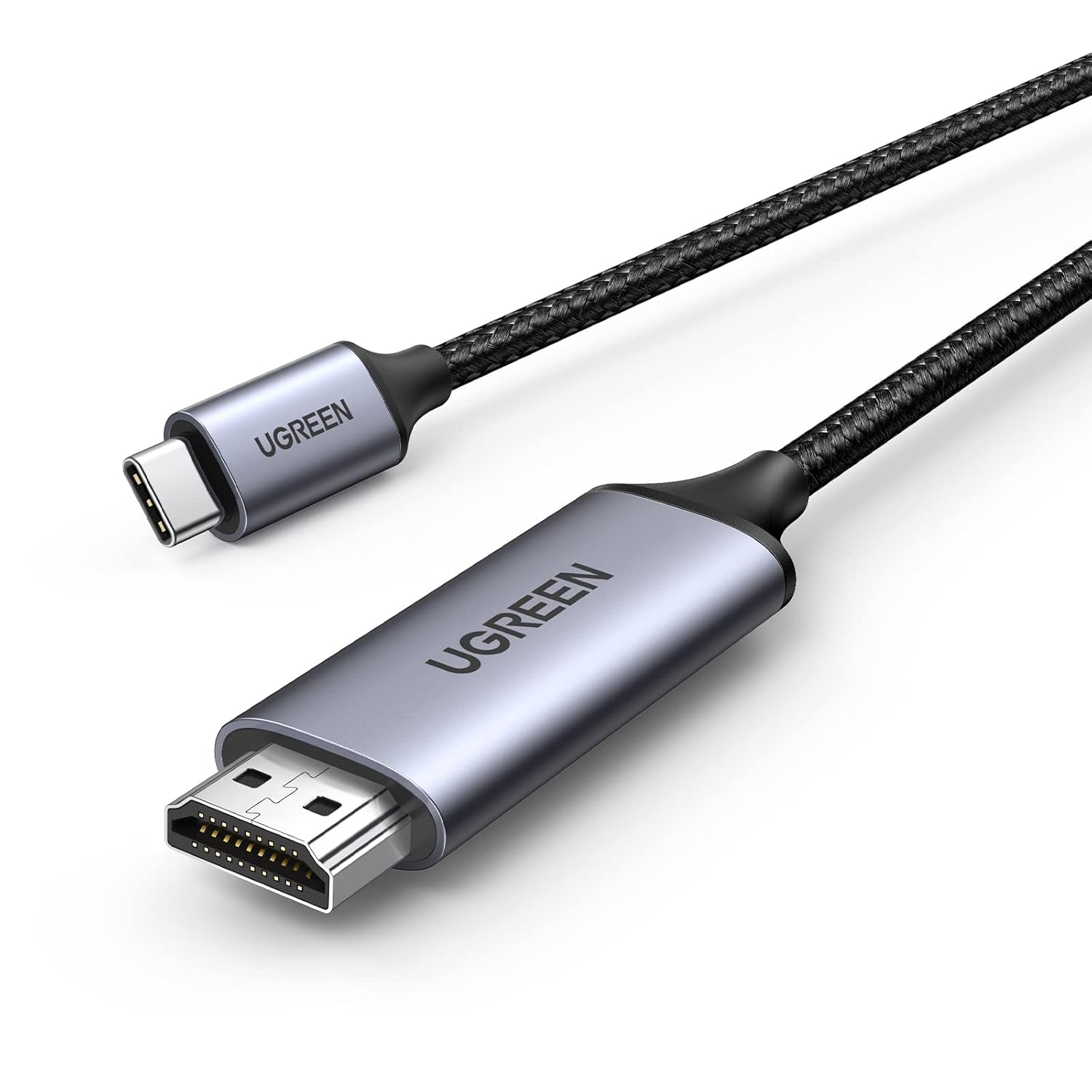
- Output up to 4K at 60Hz (and Full HD at 1080p at 60Hz is also referenced)
- Support for 3D and HDR, plus HDCP2.2 for protected content
- Audio and video transmission, with no mention of charging (so don’t treat it as a charge-through cable)
If your goal is things like watching films on a lounge TV, sharing a presentation on a meeting screen, or playing on a larger display, this is the kind of cable you’d reach for.
What you’ll notice day to day
In everyday use, the main “feel” of a USB‑C to HDMI cable is whether the connection is stable and whether the picture modes you want are actually available.
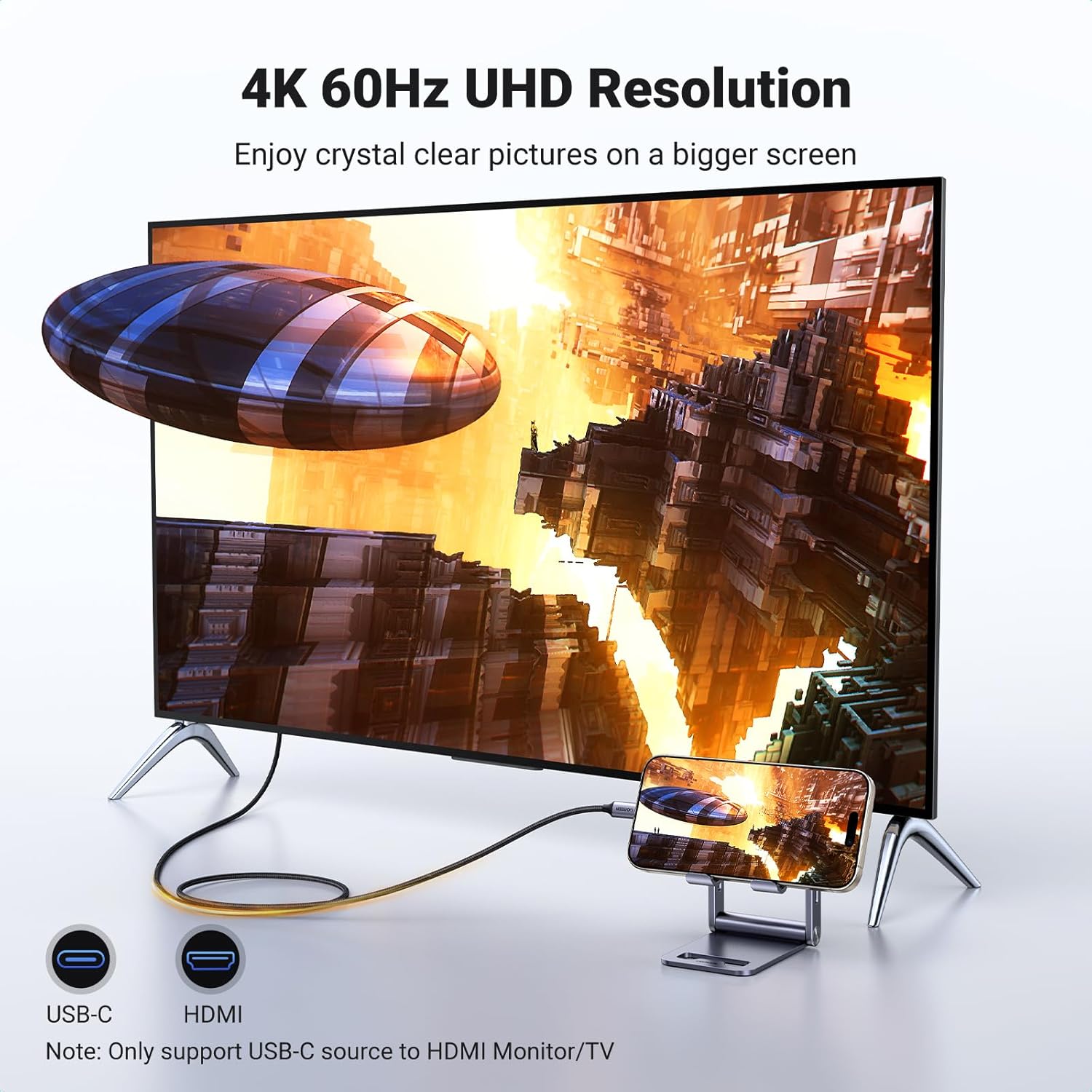
UGREEN states the cable uses a three-layer shielding approach intended to keep the signal stable, and it explicitly says it shouldn’t distort audio or video. It also mentions that the cable’s build is designed to be durable: a nylon jacket for flexibility and wear resistance, and an aluminium housing for heat dissipation. There are also notes about the connectors being corrosion-resistant.
One practical point that can save frustration: the description includes a reminder that the cable must be fully inserted and the port kept clean and free from oxidation, otherwise normal operation may be affected. That’s not the most exciting detail, but it’s the sort of thing that stops “why isn’t it working?” troubleshooting spirals.
Key specifications
- Name: UGREEN USB C to HDMI Cable 4K 60Hz 3FT Thunderbolt 4/3 to HDMI Converter
- Type: USB-C to HDMI video/audio cable + converter
- Format: HDMI output
- Size: 3ft
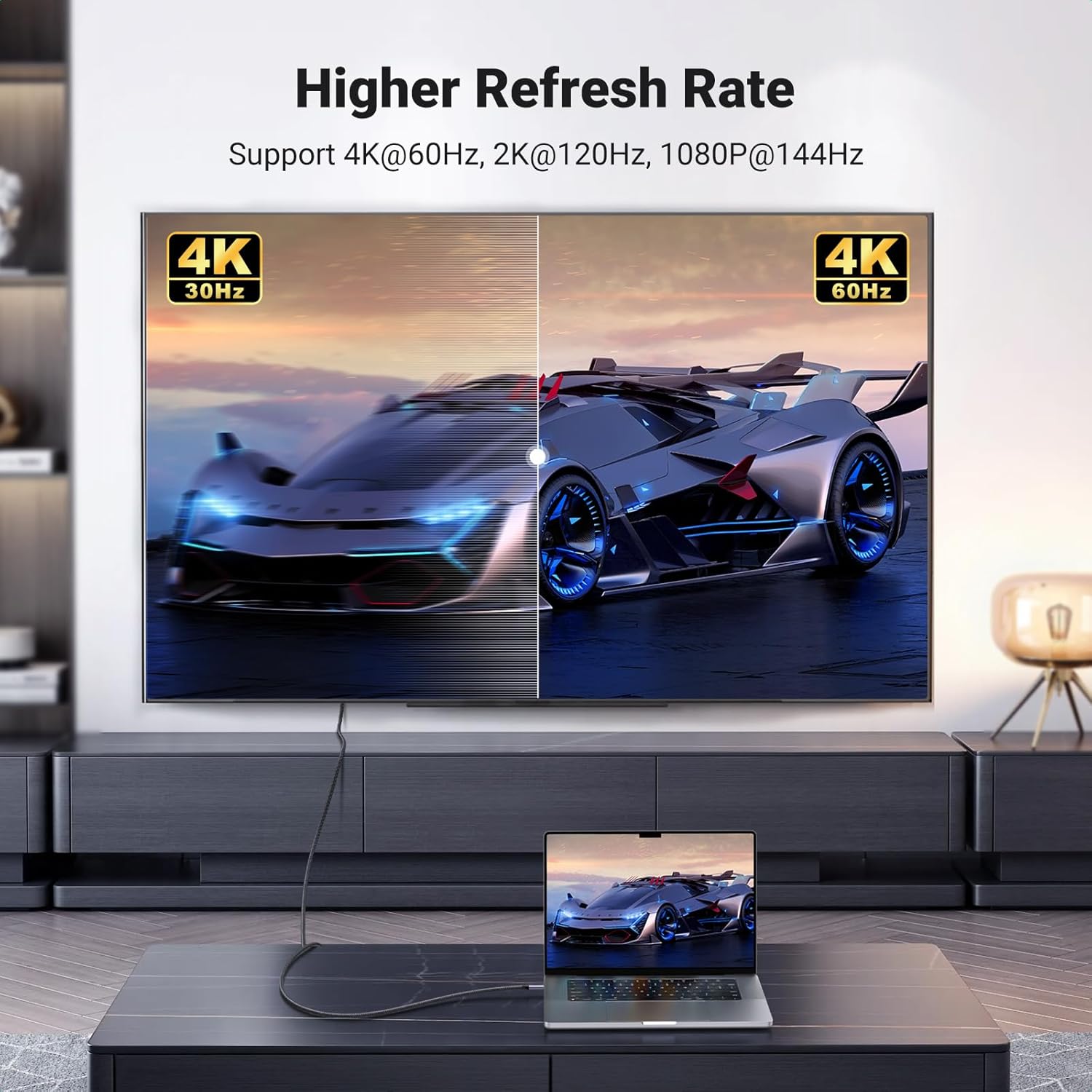
- Supported output: up to 4K @ 60Hz (also references 1080P @ 60Hz)
- Video compatibility notes: DP protocol support required on the USB‑C device side
- Content/protection: HDCP2.2 support mentioned
- Audio/video: audio and video transmission only, does not support charging
- Build notes: three-layer shielding, nylon outer jacket, aluminium housing, corrosion-resistant 24K gold-plated connectors
Compatibility & requirements
This cable is aimed at devices that support USB‑C video output (USB 3.1+ is mentioned) and that can provide the DisplayPort (DP) protocol for external display. The included “note” is quite clear: devices below USB 3.1 are not compatible, and it calls out Xiaomi phones/tablets as an example of those that may not work.
On the “device list” side, the description mentions compatibility with a broad range of USB‑C/Thunderbolt-capable systems, including (as listed) MacBook Pro/Air, iMac/iMac Pro, iPad Pro models, Surface devices, Dell XPS lines, and Samsung Galaxy S24/S24 Plus/S24 Ultra, plus various others.
The limitation to keep in mind is that this is not just about having a USB‑C port—it’s about whether that port can output video. If your device doesn’t support DP over USB‑C, you may get no picture even if the connector physically fits.
Where it shines (and where it may fall short)
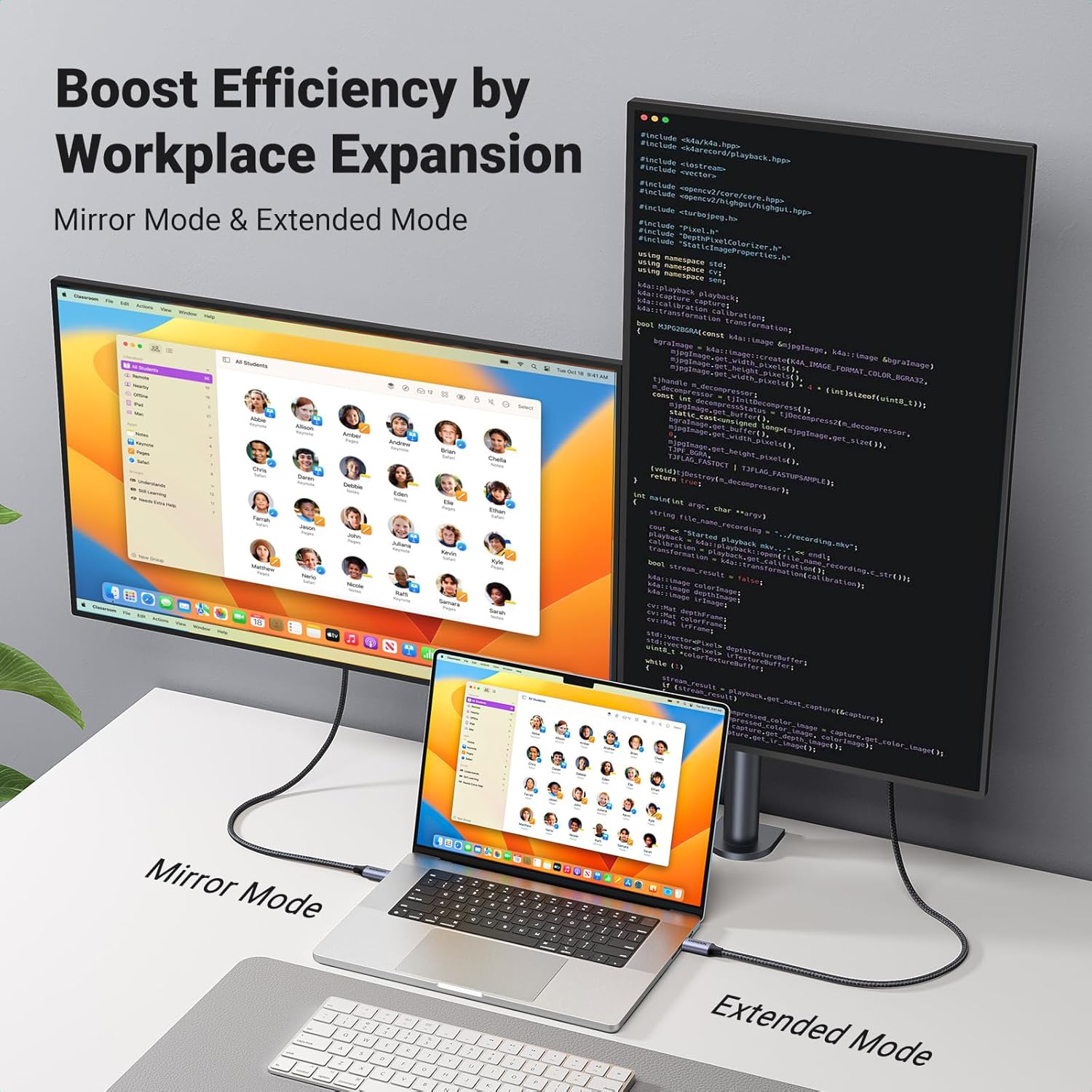
Worth considering if you have a compatible USB‑C device that supports video output and DP, and you want a cable-based solution for mirroring or extending onto an HDMI monitor/TV—especially when 4K at up to 60Hz is part of what you’re aiming for.
Not the best choice if your device’s USB‑C port can’t output video (or you’re unsure). In that case, no amount of plugging and re-plugging will replace the missing DP/USB‑C video capability. Also, if you were expecting the cable to carry charging through the same connection, the description explicitly says it only transmits audio/video.
There’s also a small workflow detail: you may need to switch the display’s HDMI input channel (the description mentions HDMI1/2/3) so it’s worth having that ready when you set it up.

Best use cases
A couple of realistic scenarios:
- Home viewing: connect to a 4K TV to watch saved videos or streaming content that’s protected via HDCP2.2—then set your TV to the matching HDMI input. If it’s supported, you’re aiming for crisp motion up to 4K@60Hz.
- Work or study: mirror a laptop screen for a slideshow or documents on a desk monitor. The stable signal design and shielding can help if you’ve previously had cables that flake out.
Is it worth it?
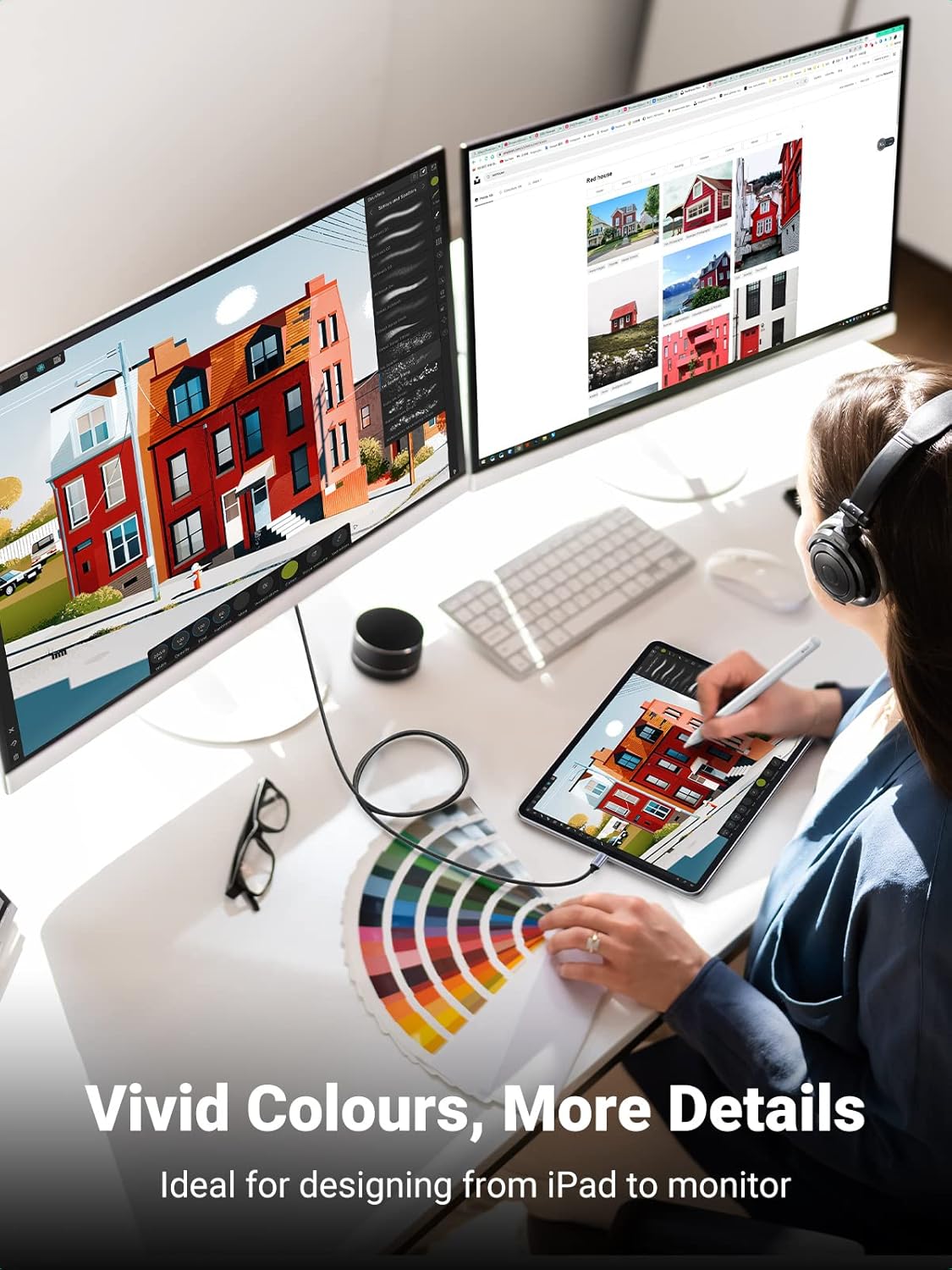
It makes sense to buy the UGREEN USB‑C to HDMI Cable if your device supports USB‑C video output with DP (USB 3.1+ is mentioned), and you specifically want up to 4K@60Hz with audio/video over HDMI. If your setup already has an HDMI TV/monitor and you’re comfortable selecting the correct HDMI channel, it’s a practical, cable-based upgrade.
You may want to skip it if your USB‑C port is more “charging/data only” than video-out, or if you’re dealing with a device the description flags as not compatible (for example, devices below USB 3.1). Also, if your priority is charging while outputting to HDMI, this one won’t be the right match.
Mini FAQ
Quick questions before you buy
Does it support charging through the cable? No. The description states it only transmits audio and video and does not support charging.
Do I need DP support on my USB‑C device? Yes—DP protocol support is mentioned as a requirement for enabling external display.
What resolution can I expect? The cable is described as supporting up to 4K at 60Hz, with 1080p at 60Hz also referenced.
Why isn’t the picture showing even though the cable is connected? On paper, the usual culprits are USB‑C video compatibility (DP/USB 3.1+ support) and ensuring the HDMI input channel on the display is selected correctly, plus fully inserting the cable and keeping the port clean.
Is it designed to handle everyday wear? The description includes durability notes like a nylon jacket, aluminium housing for heat dissipation, and corrosion-resistant gold-plated connectors—useful if the cable will move around often.