

REUMAR 32GB 10.1-inch Smart WiFi Digital Photo Frame (Frameo App, IPS Touch Screen, Auto-Rotate) – White
Product description
The essentials
If you’re the sort of person who keeps taking photos but then never quite gets around to printing them, a smart digital photo frame can fill that gap. The REUMAR 10.1-inch WiFi digital picture frame is built around a simple idea: put your photos (and short videos) somewhere family can actually view them, and let people send new content to the frame from elsewhere.
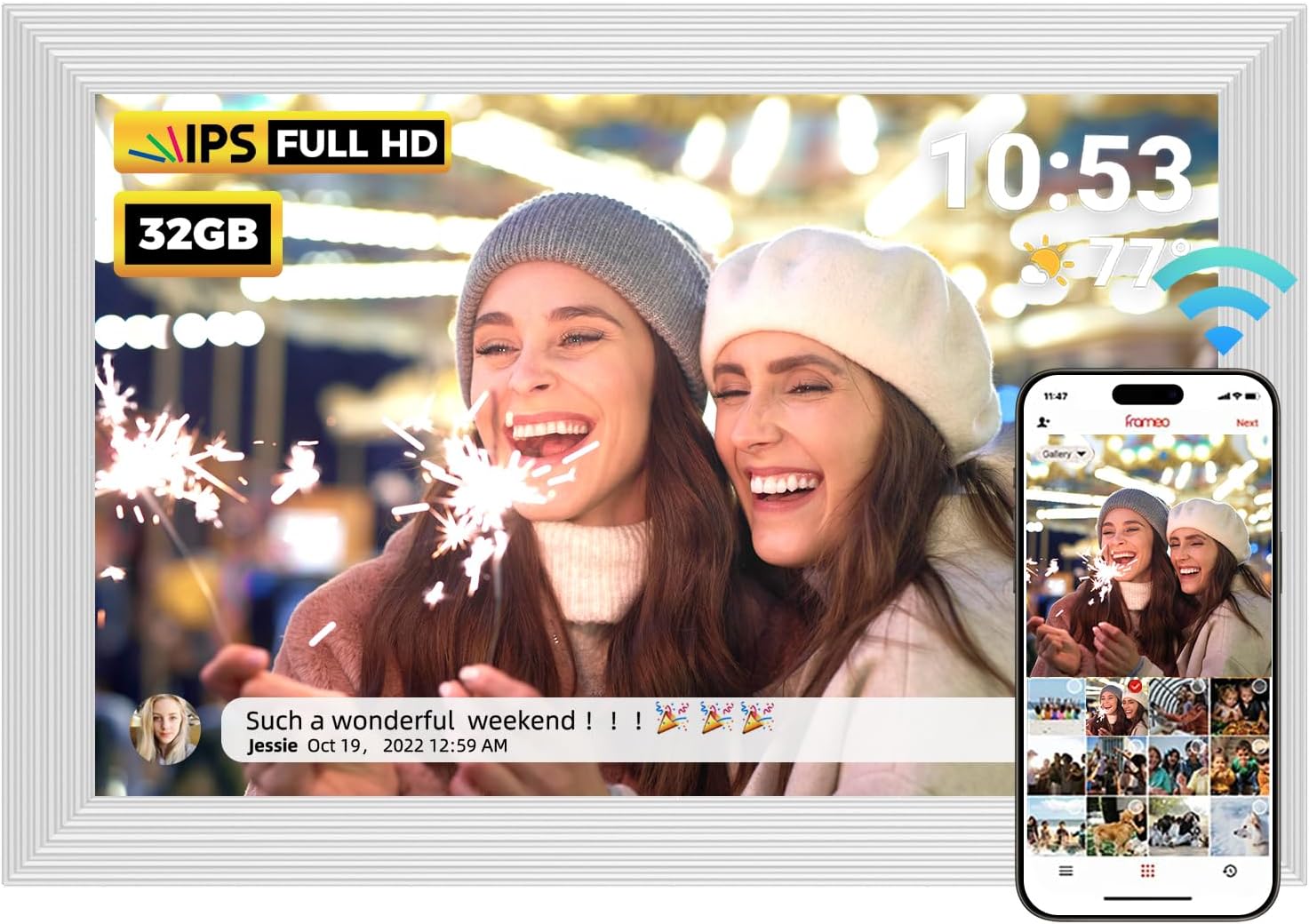
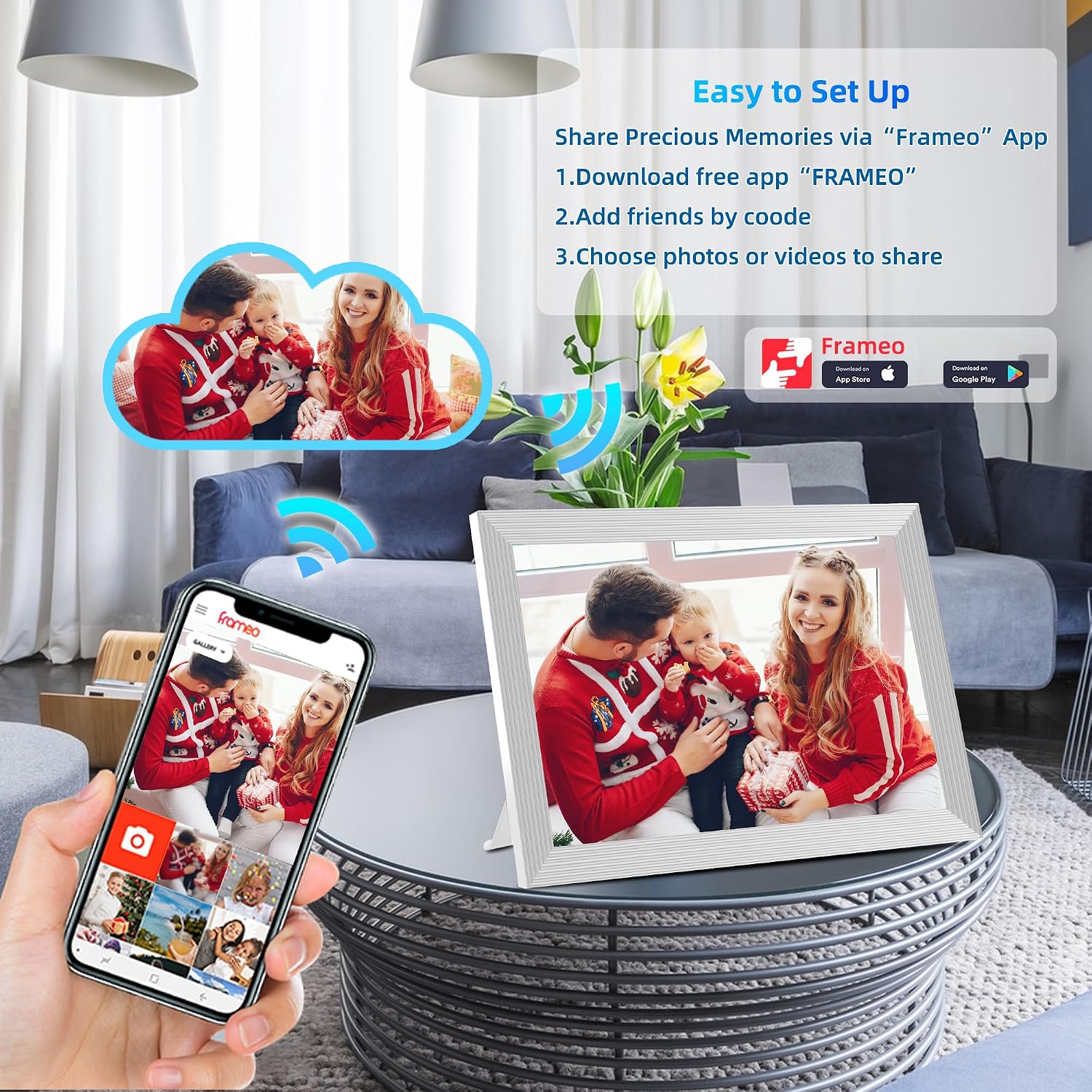
On paper, it’s aimed at households where multiple people want to contribute without fiddling with cables. The setup is described as straightforward—plug it in and start—then you use the Frameo app to share from your phone. It also includes built-in 32GB storage, plus support for microSD cards up to 128GB, which should reduce how often you need to move files around.
That said, it’s not a “set-and-forget” gadget in the same way a simple slideshow frame is. Because it’s WiFi and relies on the app workflow, your experience will depend quite a bit on how comfortable your household is with installing and using apps.
What you’ll notice in everyday use
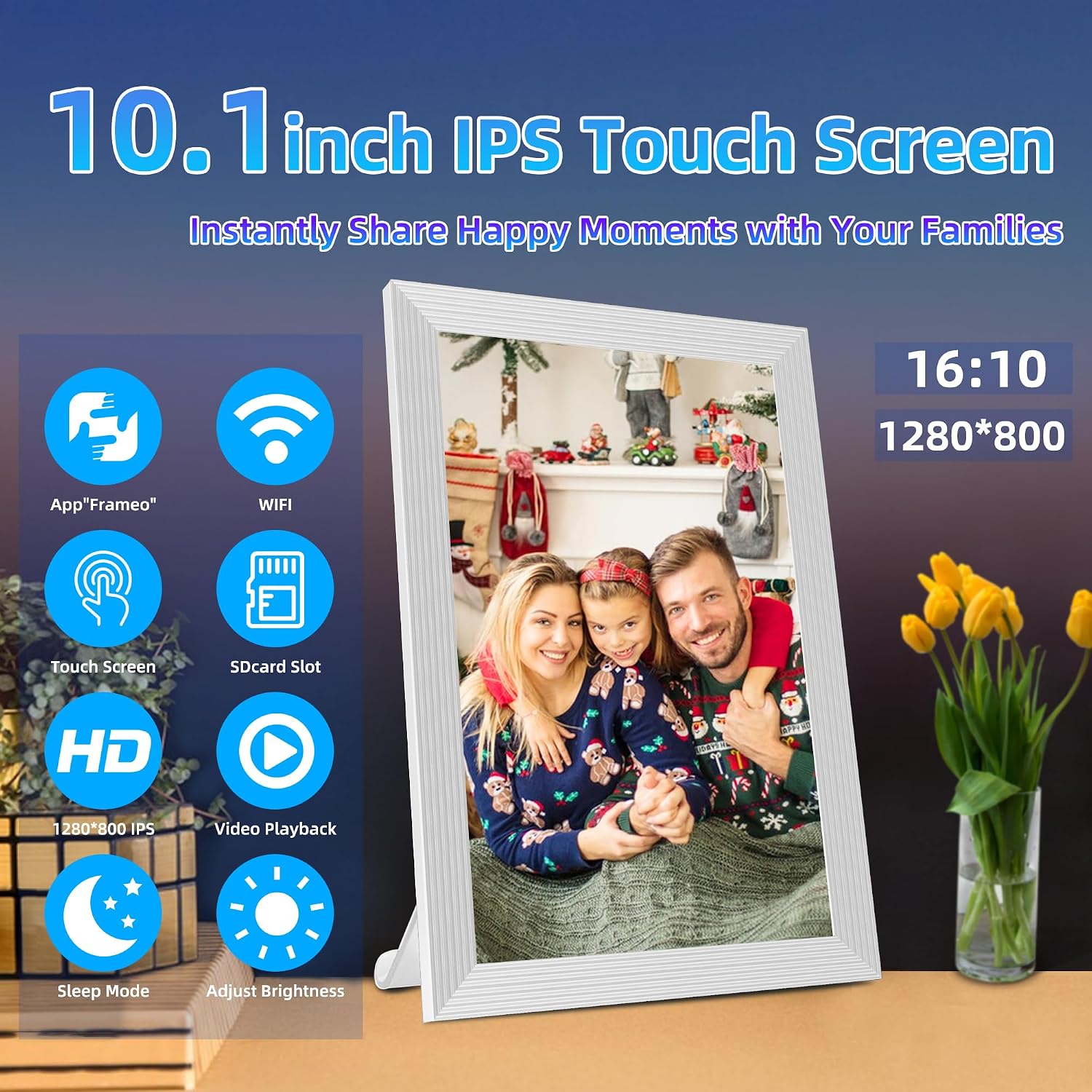
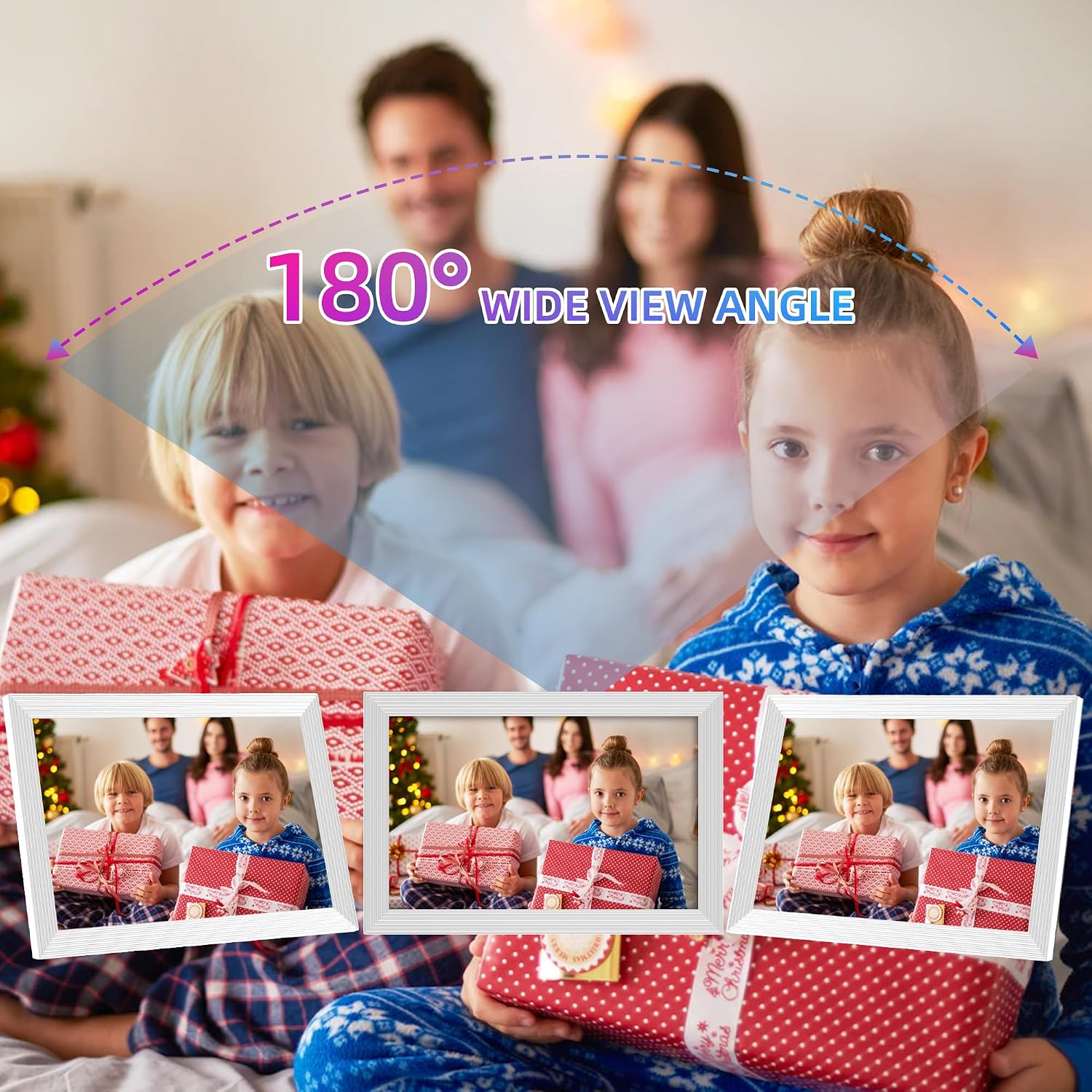
The 10.1-inch IPS touch screen with 1280×800 resolution is the main viewing side of the experience. The manufacturer states the display remains clear from different angles, and you can interact with it via touch rather than only using physical buttons.
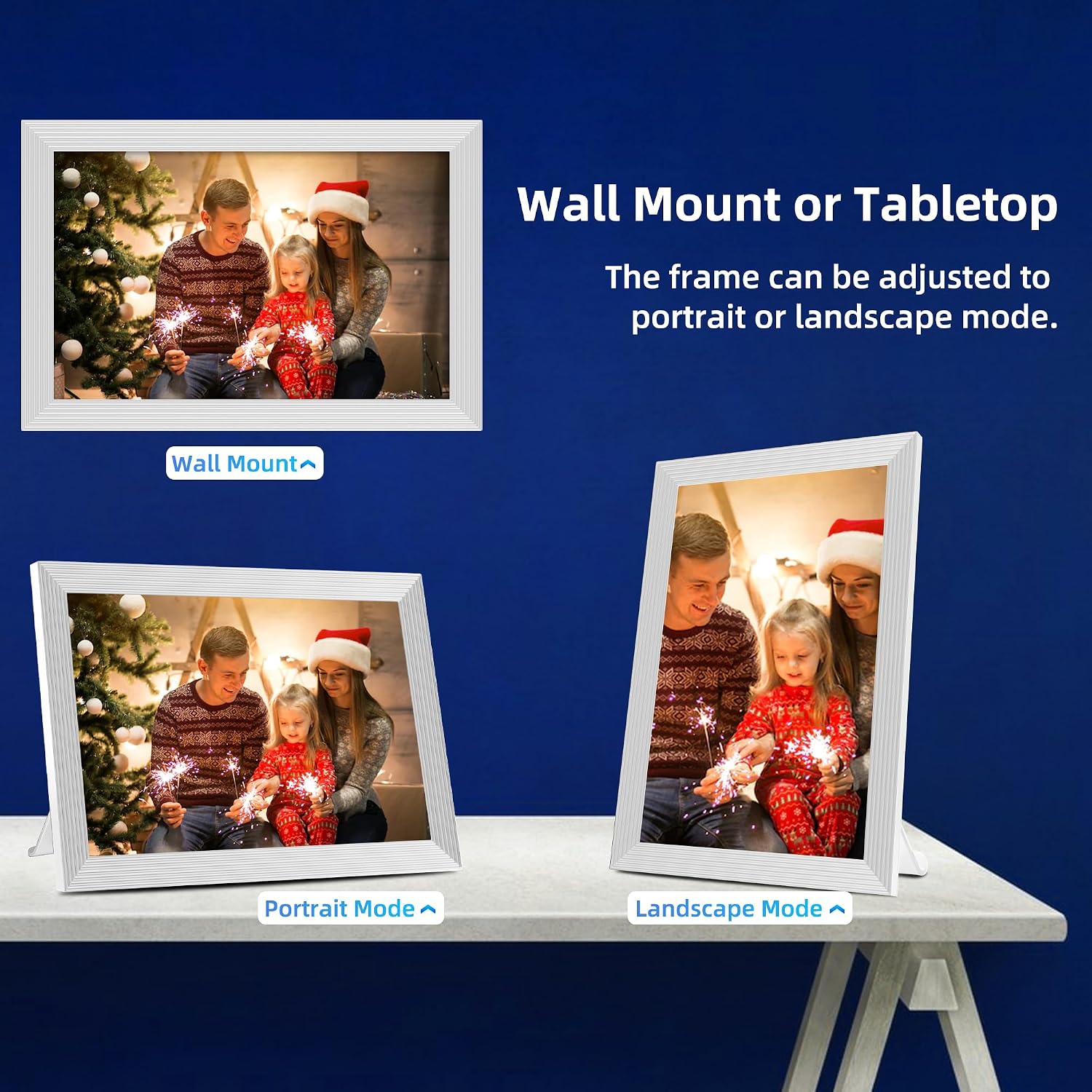
A nice touch for real-world viewing is the auto-rotate function, plus a magnetic holder that lets you view in portrait or landscape orientation. If your family uploads loads of phone photos (often shot vertically), auto-rotate can save you from manual re-laying the images.
There are also custom display options mentioned, such as play order, zooming, hiding or publishing images, captions, weather and clock (with updates to the latest software), adjustable brightness and a sleep mode. None of this is guaranteed to be perfect for every user, but it does suggest the frame is meant to feel more “alive” than a basic picture stand.
Sharing photos and short videos with Frameo
This model is specifically positioned around the Frameo app for iOS and Android. You can invite friends and family to send photos and 15-second videos to the WiFi digital photo frame from anywhere in the world.
The privacy story is one of its selling points: the Frameo app is described as using end-to-end encrypted transmission, intended to prevent others (including unspecified third parties) from viewing the content. If privacy matters in your household, it’s worth weighing this against any other frames that use a less clearly stated security approach.
One practical limitation to keep in mind: you’re sharing through the app. If you want a frame that works purely from local uploads on a USB or memory card with zero phone involvement, this may feel like more faff than you need.
Storage, formats and media support
For storing content, it includes 32GB of built-in memory. The frame also supports microSD cards up to 128GB, which is useful if you want seasonal albums, wedding photos, or a lot of day-to-day snapshots without constantly clearing the memory.
The listed file support is fairly broad on the photo side: JPG/JPEG/BMP/PNG. Video support is stated as MP4, with videos limited to 15 seconds when shared via the app.

It’s also mentioned that you can import pictures to the frame via the SD card or via the Frameo app, so you’re not forced into one method—though, in practice, the “instant sharing” experience is tied to the app route.
Setup and placement: simple, but plan the power and WiFi
The frame is described as using wired power (no batteries), so you’ll need a plug socket where you want it. It can be wall mounted too, which helps if you’re placing it in a hallway, kitchen, or living room where counter space is limited.

Touch controls mean you can browse and adjust settings directly on the device, but the key step for getting photos to arrive is the app setup and inviting contributors. If your household isn’t keen on installing apps, you may end up doing most of the uploading yourself.
Where it shines is when the frame becomes the family “photo spot”—for example, you could set it up in the living room and invite relatives to send updates after events, rather than waiting until everyone is back together.
Tech details (so you can sanity-check it)
- Name: REUMAR 32GB Digital Photo Frame
- Type: WiFi digital picture frame / smart digital photo frame
- Size: 10.1 inch
- Resolution: 1280×800
- Display: IPS LCD touch screen
- Storage capacity: 32GB built-in memory
- Memory expansion: microSD card support up to 128GB
- Display orientation: type-c auto-rotate (portrait/landscape viewing supported)
- Photo formats: JPG/JPEG/BMP/PNG
- Video formats: MP4 (15-second videos when shared via Frameo)
Buying verdict
Is it worth it?
Worth considering if you want a WiFi digital photo frame that supports app-based sharing, including short videos, and you’re happy to set up the Frameo app so family members can contribute remotely.
It’s also a solid pick if you like the idea of ongoing updates—photos arriving without you having to transfer files each time—plus the option to expand storage with microSD when you build up large collections.
You may want to skip it if you prefer a purely local, no-phone workflow (or you don’t expect household members to engage with app permissions and sharing). It can also feel more like a mid-range lifestyle gadget than a “premium-only” display experience, because the usefulness depends on the app and the way your family actually uses it.
Quick mini FAQ
Can people send photos to the frame from outside the house?
Yes—this model is described as letting invited family and friends send photos and 15-second videos from anywhere via the Frameo app.
Does it support memory cards as well as built-in storage?
It includes 32GB built-in memory and supports microSD cards up to 128GB.
What screen size and resolution is it?
It’s a 10.1-inch IPS LCD touch screen with a listed resolution of 1280×800.
Does it work without charging batteries?
It’s described as using wired power, and no batteries are needed.
What photo and video formats are supported?
Photo formats listed are JPG/JPEG/BMP/PNG, while video is listed as MP4.