


Digital Photo Frame WiFi Oak Wood Frame (10.1 inch) with 32GB storage and Frameo app sharing
Product description
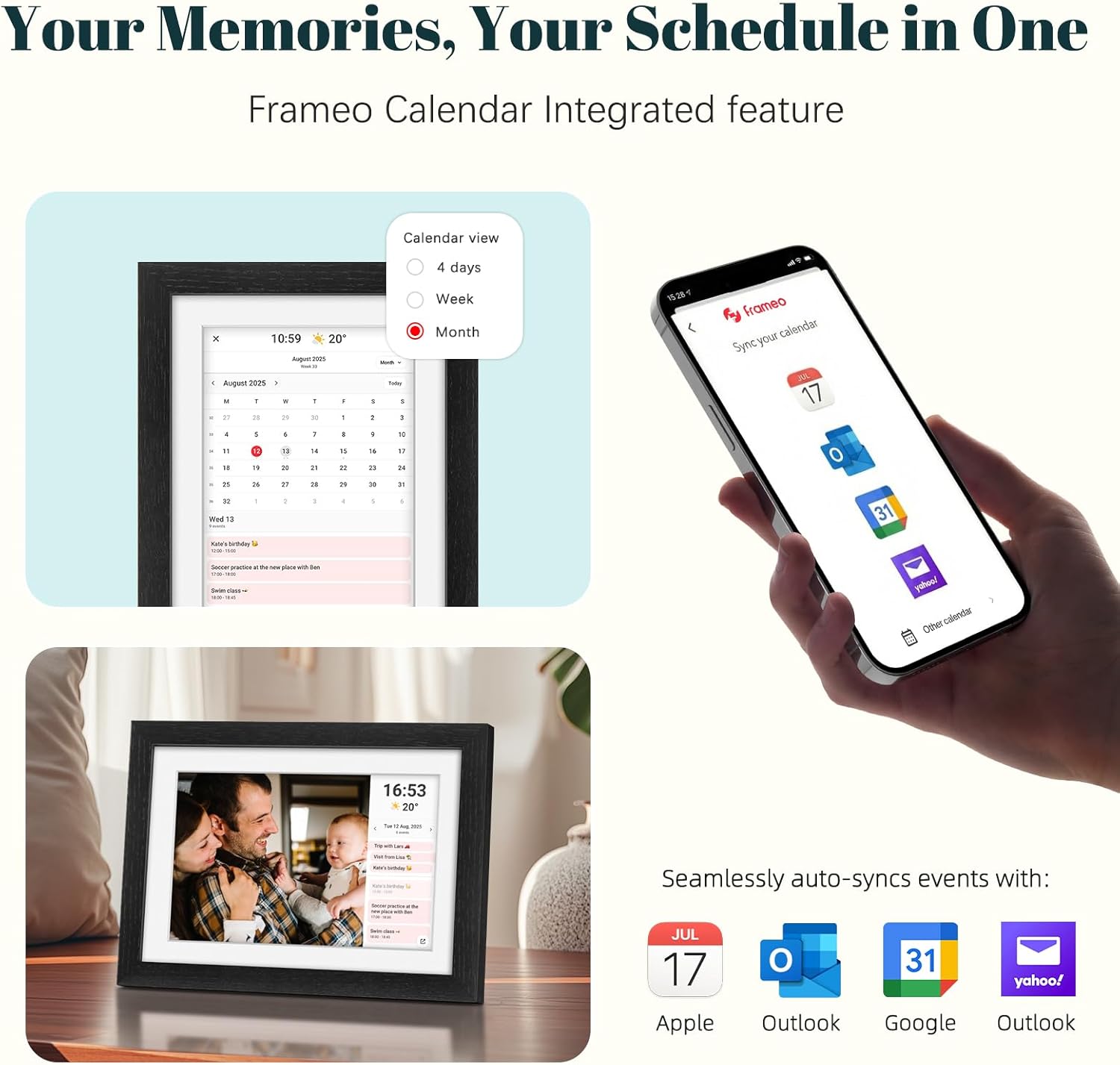
If you’re buying a digital photo frame, the big question is usually the same: will it actually make sharing easier, or will it just become another screen you have to update manually? This 10.1 inch WiFi digital photo frame leans into the “hands-off sharing” idea thanks to built-in Frameo app support, plus a touchscreen for basic control.
On paper it’s a nice mix of a classic oak-style look and everyday features like auto-rotate, themed albums and a few extra display extras (weather, clock and calendar). That said, there are a couple of practical limits worth noting—especially around WiFi compatibility and how Frameo sharing is capped on the free option.
The essentials
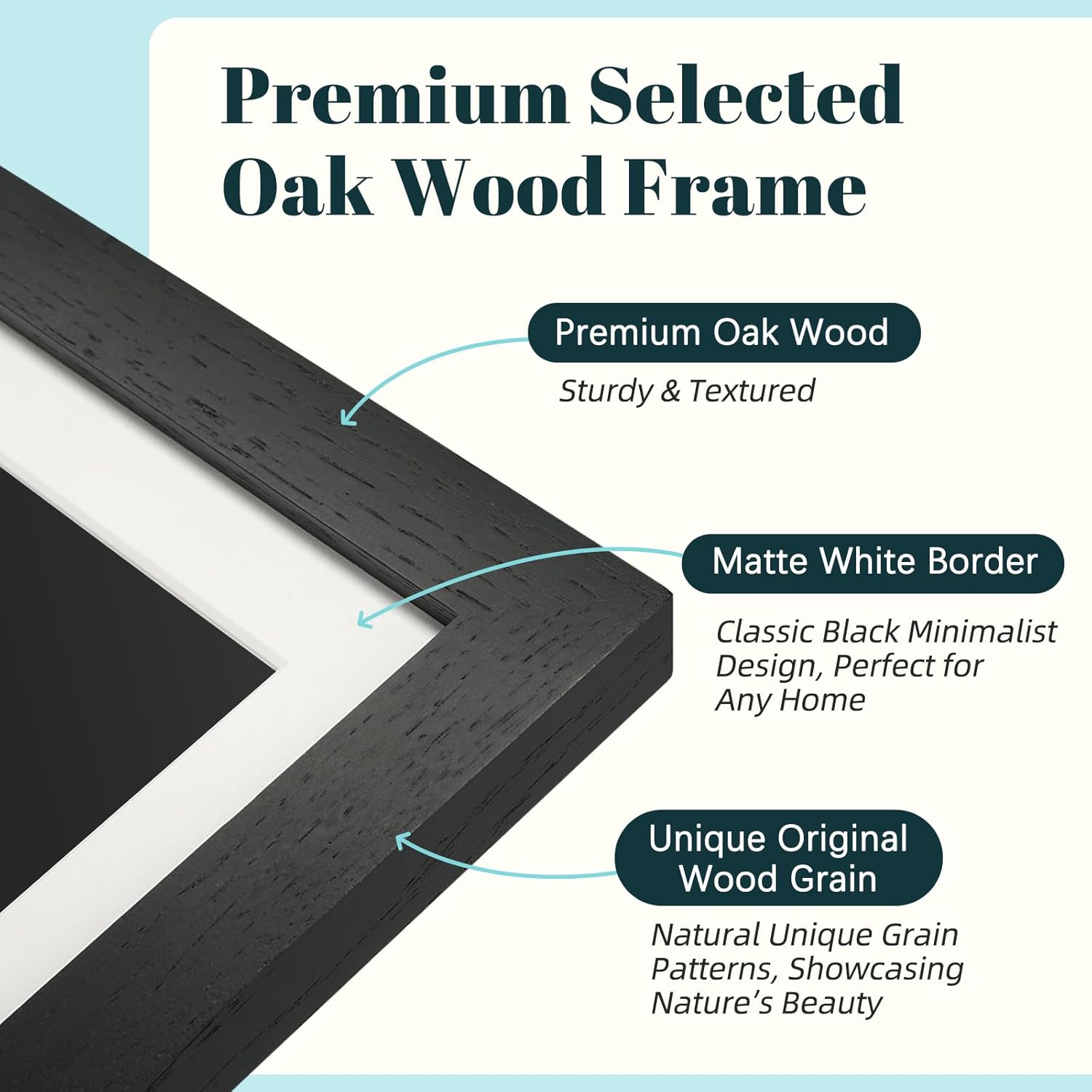
This is a WiFi-connected digital picture frame with a 10.1 inch IPS touchscreen and 32GB internal memory for storing photos. The oak wood frame is positioned as more than just a functional border, it’s meant to suit home interiors (bedrooms, living rooms, studies) and look like a proper display rather than a gadget.
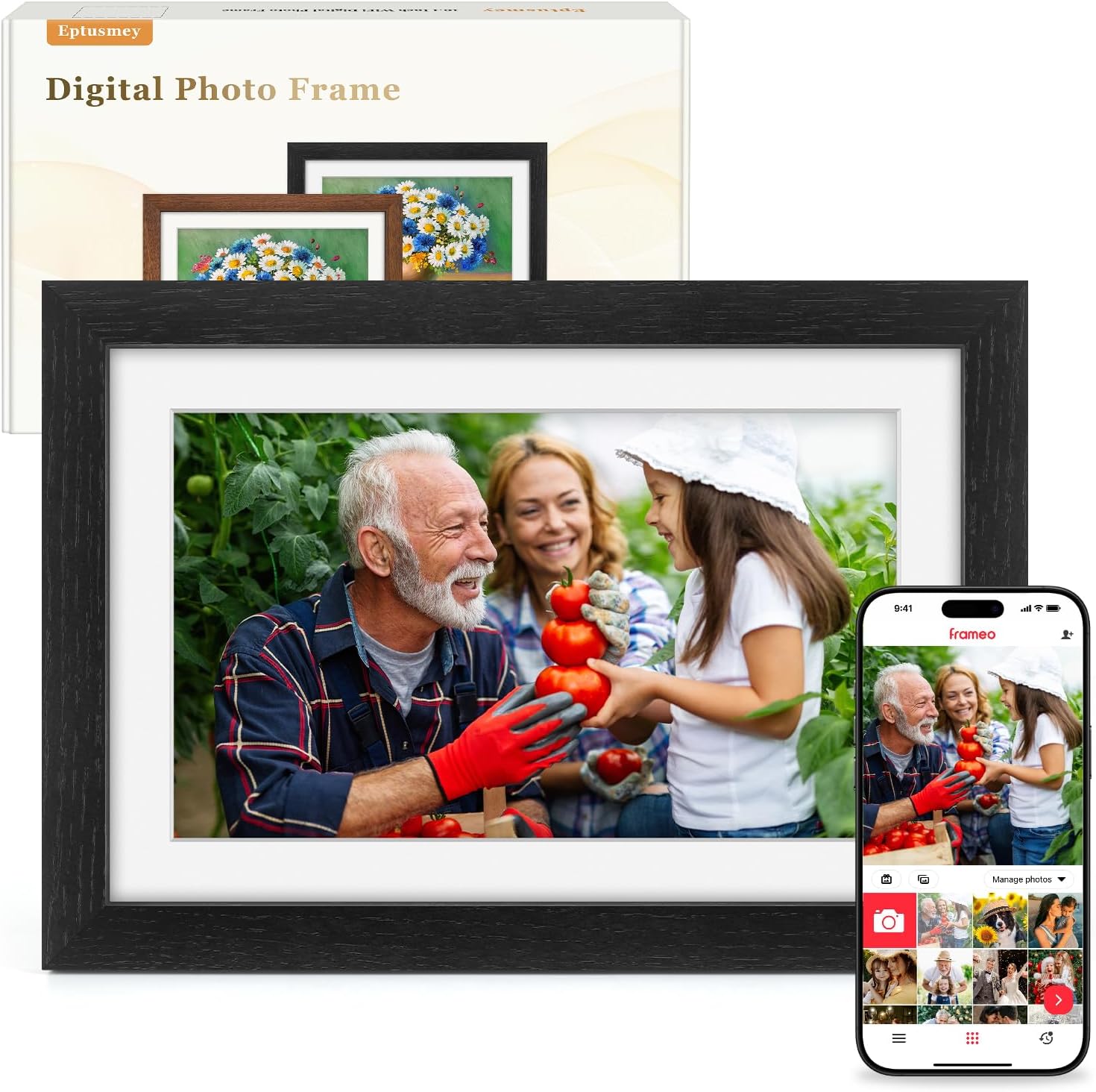
The main “why” here is sharing. With the Frameo app pre-installed, you can send photos and videos over your home WiFi and add text to help tell the story behind each image. For many people, that’s the real value: sending a new memory without needing to physically carry SD cards around.
There’s also offline transfer support if you insert an SD card, which helps if someone’s WiFi setup is awkward or you want a fallback method.
What matters most in everyday use
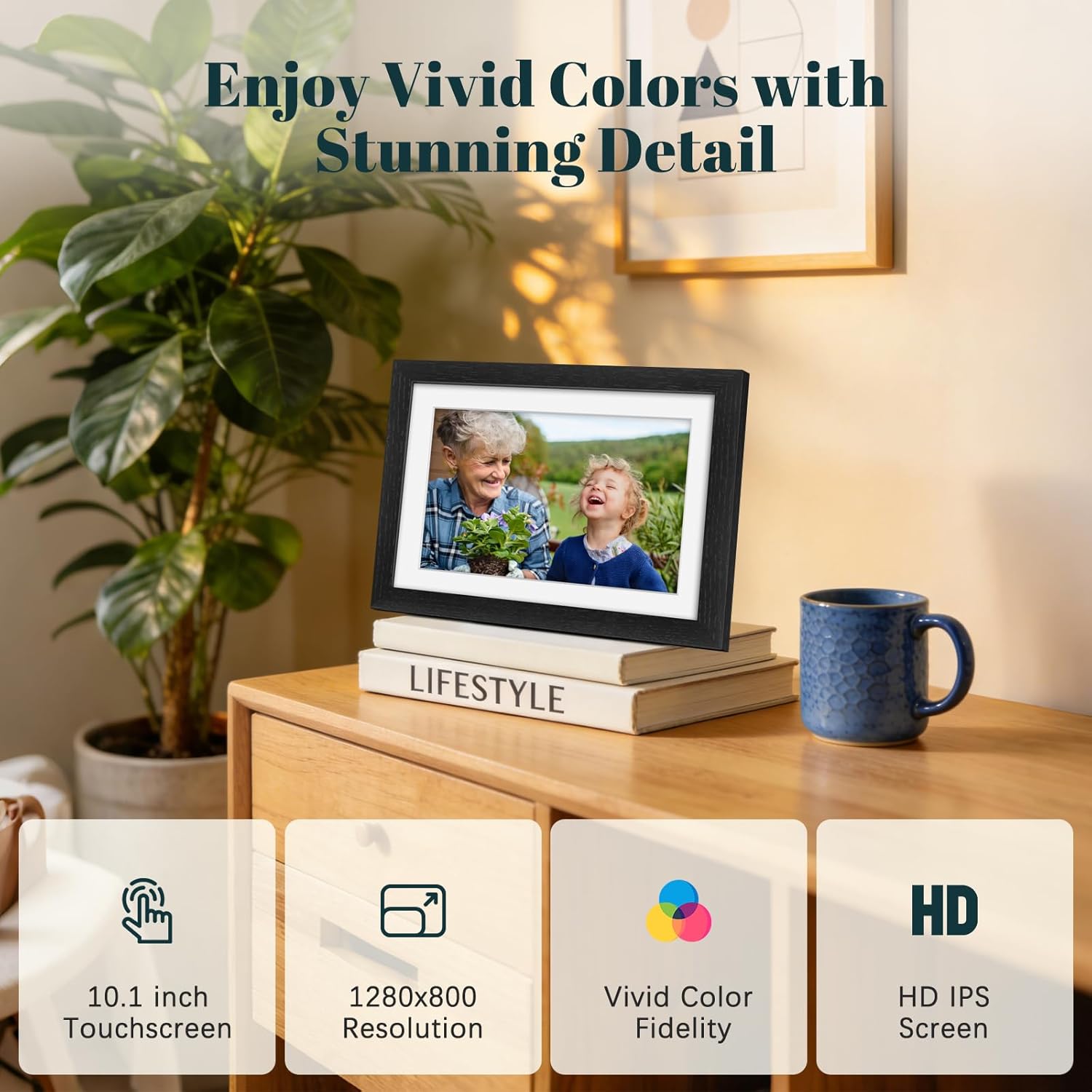
The touchscreen and IPS display are the day-to-day factors. The frame is described as using a 1280 x 800 resolution IPS screen with a full viewing angle approach, so photos and videos should be easier to see from different spots in a room.
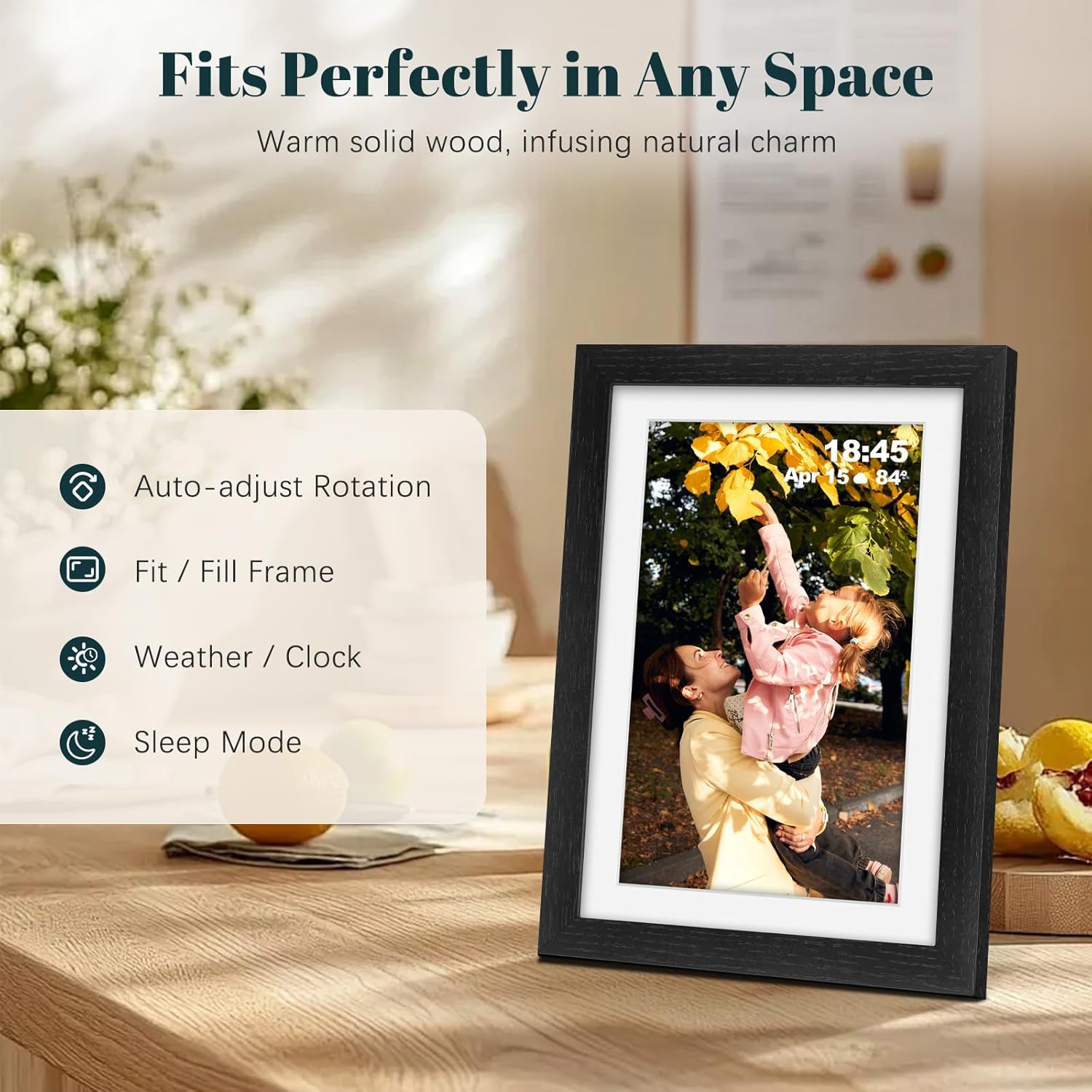
Where this frame becomes more than a slideshow is in the small utilities it includes: automatic photo rotation (so images are shown the right way up), adjustable brightness, a sleep mode, and zoom capability for a closer look. It also supports audio-video playback, subtitles in 30 languages, and options to hide or show photos.
Micro-example: imagine you’ve visited family and want the frame in the living room to update the same evening. You open the Frameo app on your phone, connect it to the frame on your WiFi network, then upload photos and include a short line of text. Later, the frame rotates and displays the new images without you needing to touch the device.
Do keep in mind one limitation that can affect setup: it only supports 2.4GHz WiFi networks, not 5GHz. If your router leans heavily towards 5GHz, you may need to check you have a 2.4GHz network available.
Key takeaways on sharing (Frameo) and limits
Sharing works through the Frameo app available on Android and iOS phones. The listing notes a distinction between Frameo and Frameo+: Frameo offers a free option, while Frameo+ is a paid membership upgrade.
For the free version, the document says it caters to 98% of needs, with caps such as uploading up to 10 photos at a time and videos up to 15 seconds at a time. If you expect to send large batches of photos or longer videos frequently, you may find the free limits a bit tight and Frameo+ would be the intended route (there’s no mandatory subscription, but the upgrade is there).
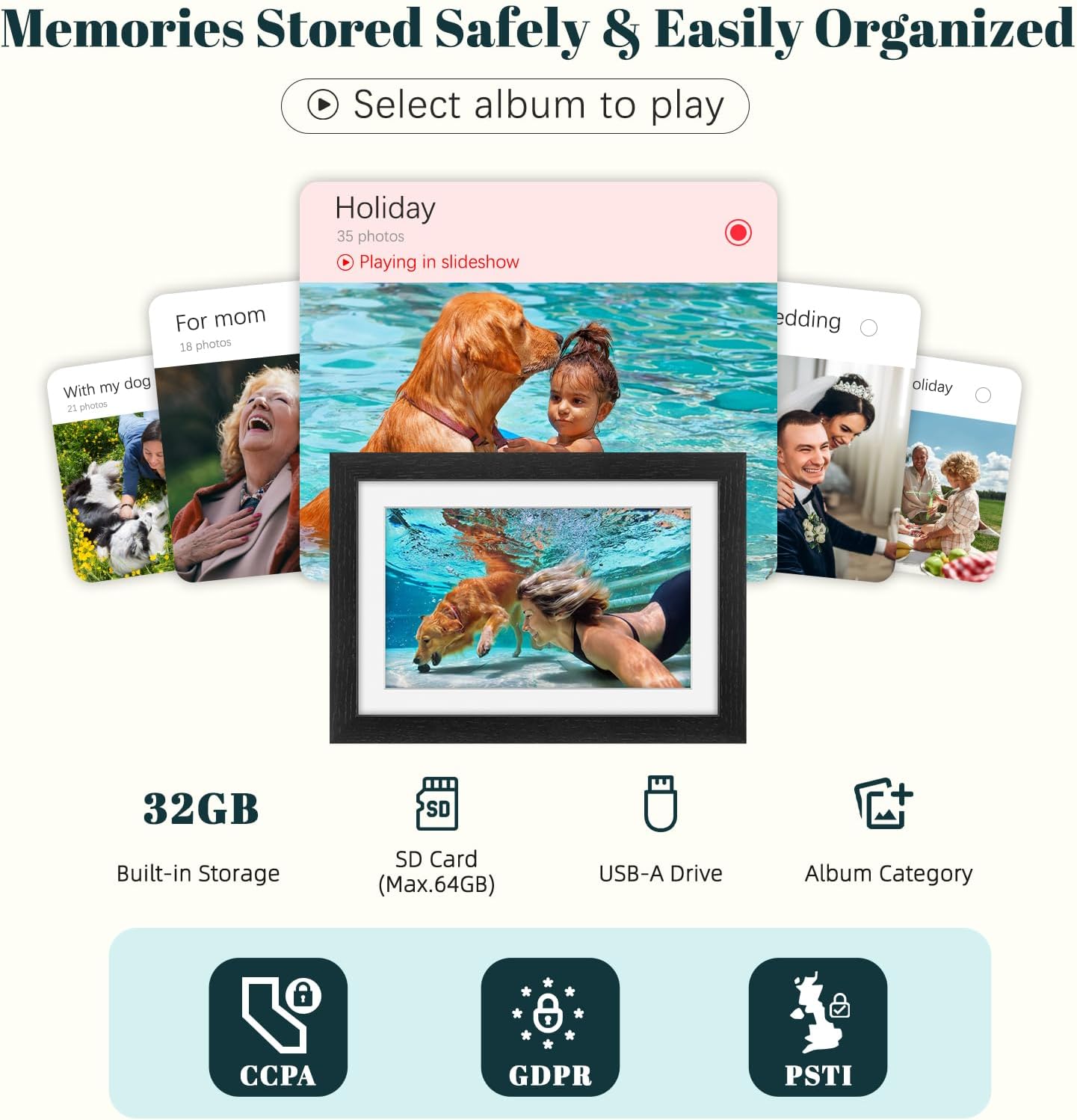
Also worth flagging: offline transfer is supported by inserting an SD card, and storage can be expanded up to 64GB. Photo transfer via computer is also mentioned, but it only works with Windows/Linux systems—so if you’re mainly on macOS, that’s a detail to double-check before committing.
Tech summary
- Type: WiFi digital photo frame
- Name: Digital Photo Frame WiFi Oak Wood Frame
- Display: 10.1 inch IPS touchscreen (1280 x 800 resolution)
- Internal memory: 32GB
- WiFi support: 2.4GHz only (doesn’t support 5GHz)
- Frameo app sharing: add text, share photos/videos (via Frameo app)
- Storage expansion: SD card support up to 64GB
- Wall mounting: supported (for different room layouts)
Where it shines (and where it may not)
This frame fits best if you want a family-friendly “send updates from your phone” setup and you like the idea of keeping memories on display with minimal fuss. The oak-style frame is also a strong plus if you care how it looks on a shelf or wall, rather than just the spec.
It’s less ideal if you specifically need 5GHz WiFi support, or if you plan to push lots of high-volume uploads and long video clips using the free Frameo option. In those cases, you may feel it’s more mid-range in flexibility than it is a total “set-and-forget” powerhouse.
Also, because the listing mentions computer transfer limited to Windows/Linux, anyone relying on a different desktop setup might want to lean on the app or SD card route instead.
In the right home: buying verdict
It’s worth buying if your priority is easy WiFi sharing via the Frameo app, a 10.1 inch touchscreen display for clear viewing, and the convenience of auto-rotate plus memory storage for everyday photo updates.
You may want to skip it if your WiFi network is 5GHz-only, you expect to upload big photo batches or longer videos through the free sharing limits, or you’ll be using a computer environment that isn’t covered by the Windows/Linux transfer note.
Overall, it reads as a practical home display that sits comfortably in the “family memories” category—especially for people who want to send updates remotely—rather than something you’d choose purely for advanced video or storage-heavy media management.
Mini FAQ
Does it support 5GHz WiFi? No. The listing says it only supports 2.4GHz WiFi networks.
Can I add photos without using WiFi? Yes, the frame supports offline transfer via an SD card, and storage can be expanded up to 64GB.
How does sharing work from a phone? You connect using the Frameo app (available on Android and iOS) and can share photos/videos and add text.
Is there a difference between Frameo and Frameo+? Yes. Frameo is the free option with upload caps mentioned in the listing, while Frameo+ is a paid upgrade for extended features. No mandatory subscription is stated.
Can it be wall-mounted? Yes, wall mounting is supported.