

Frameo 10.1 inch WiFi Digital Photo Frame with 32GB and HD IPS Touchscreen
Product description
A connected digital frame for sharing moments
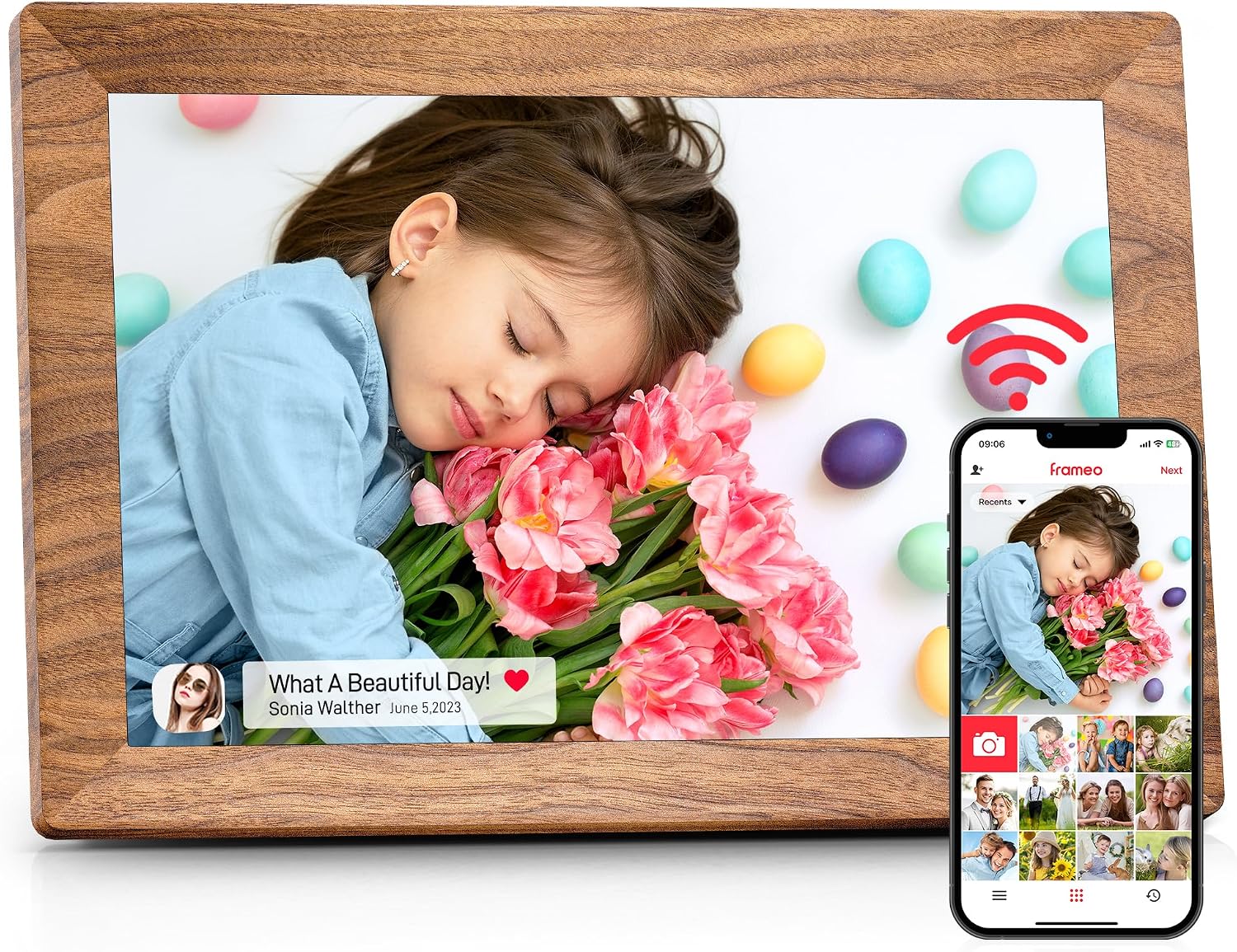
If you like the idea of a photo frame that feels “live”, the Frameo 10.1 inch WiFi Digital Photo Frame is aimed at one thing: sending and receiving pictures and short video clips via the Frameo app over Wi‑Fi. On paper, it’s a different approach to the usual digital frames that rely on manually swapping memory cards.
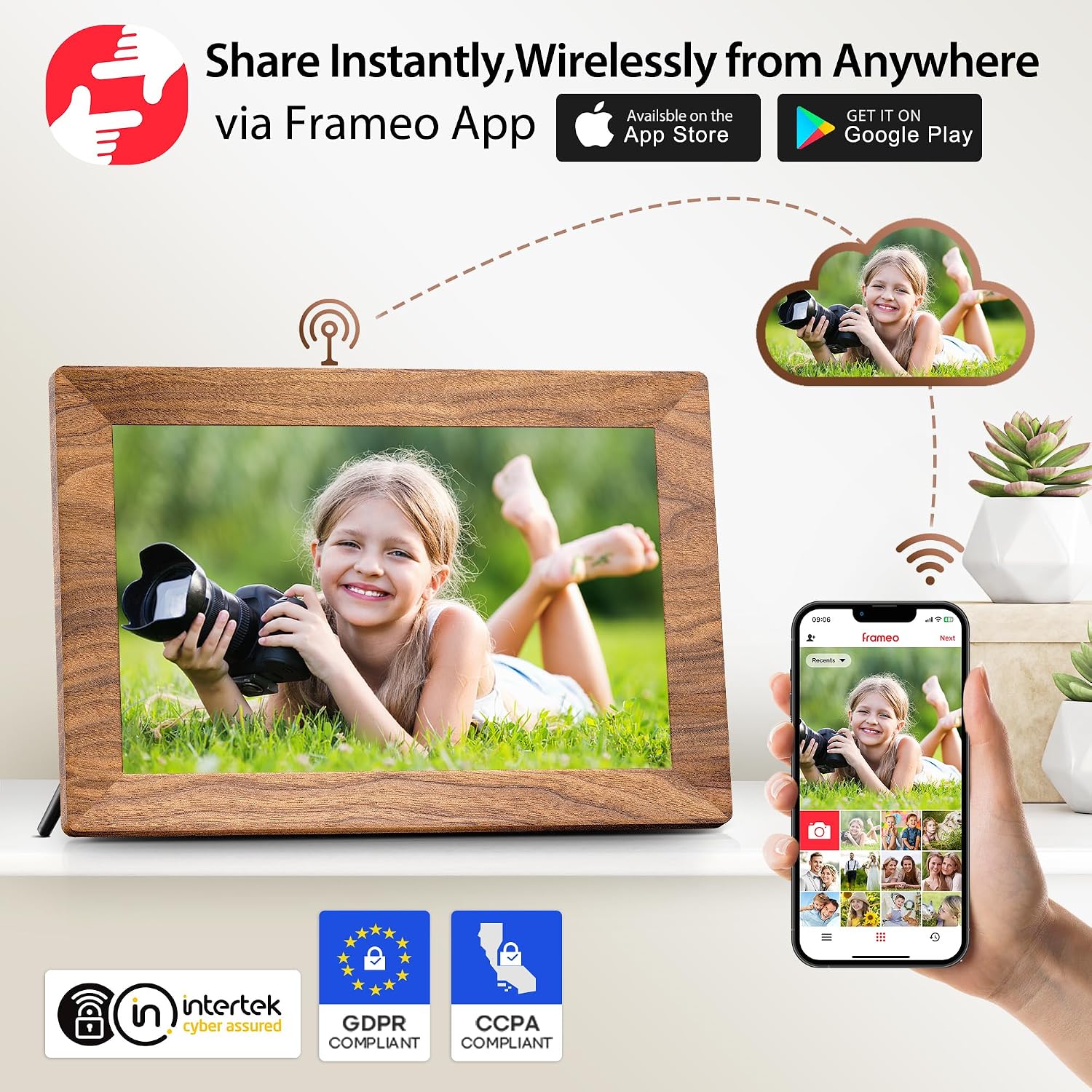
Setup is meant to be straightforward: connect the frame to Wi‑Fi, then share photos and videos from your phone so family and friends can see updates without waiting for someone to travel with a card. For many households, that “instant sharing” angle is the real reason to choose this kind of frame.
What you’ll notice on the screen
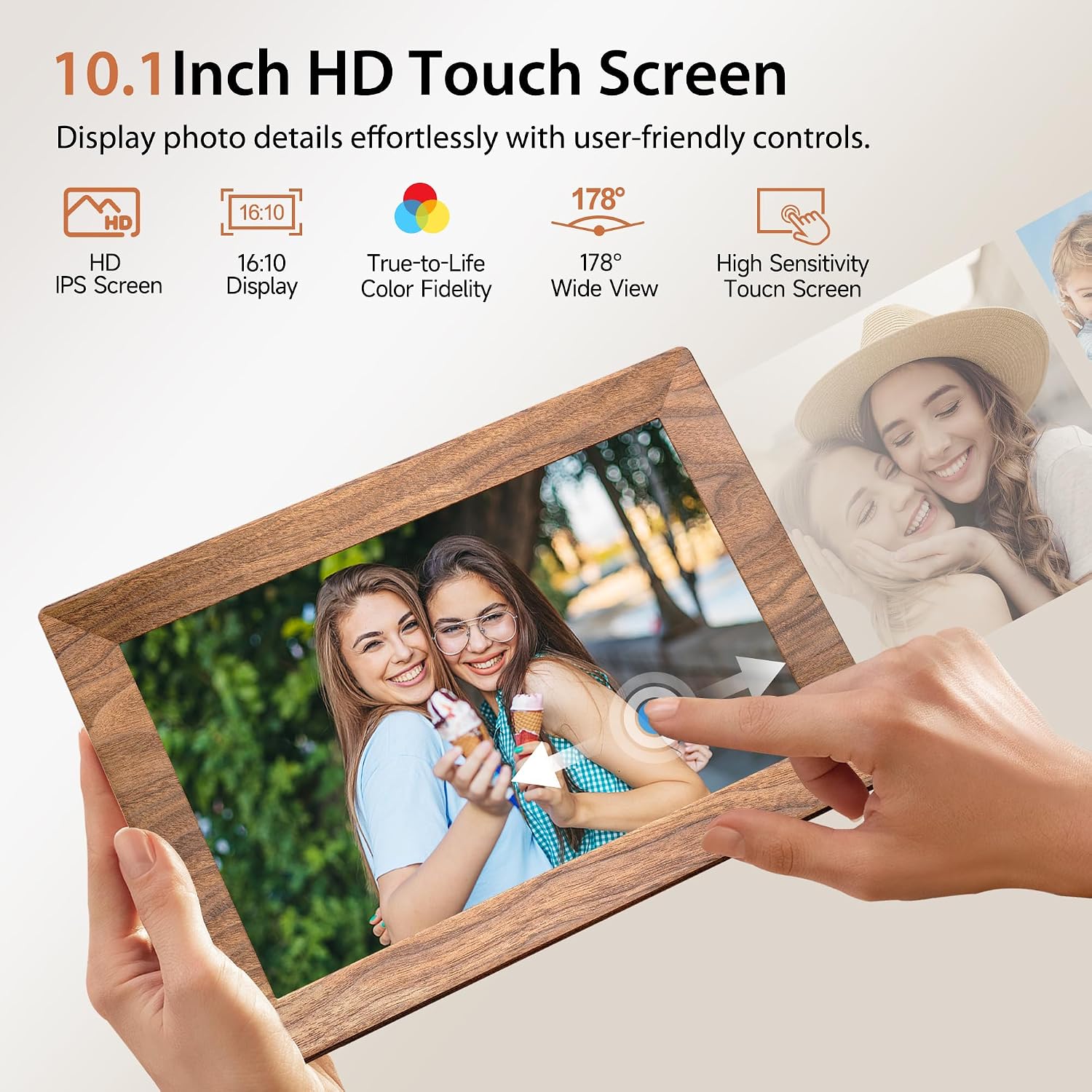
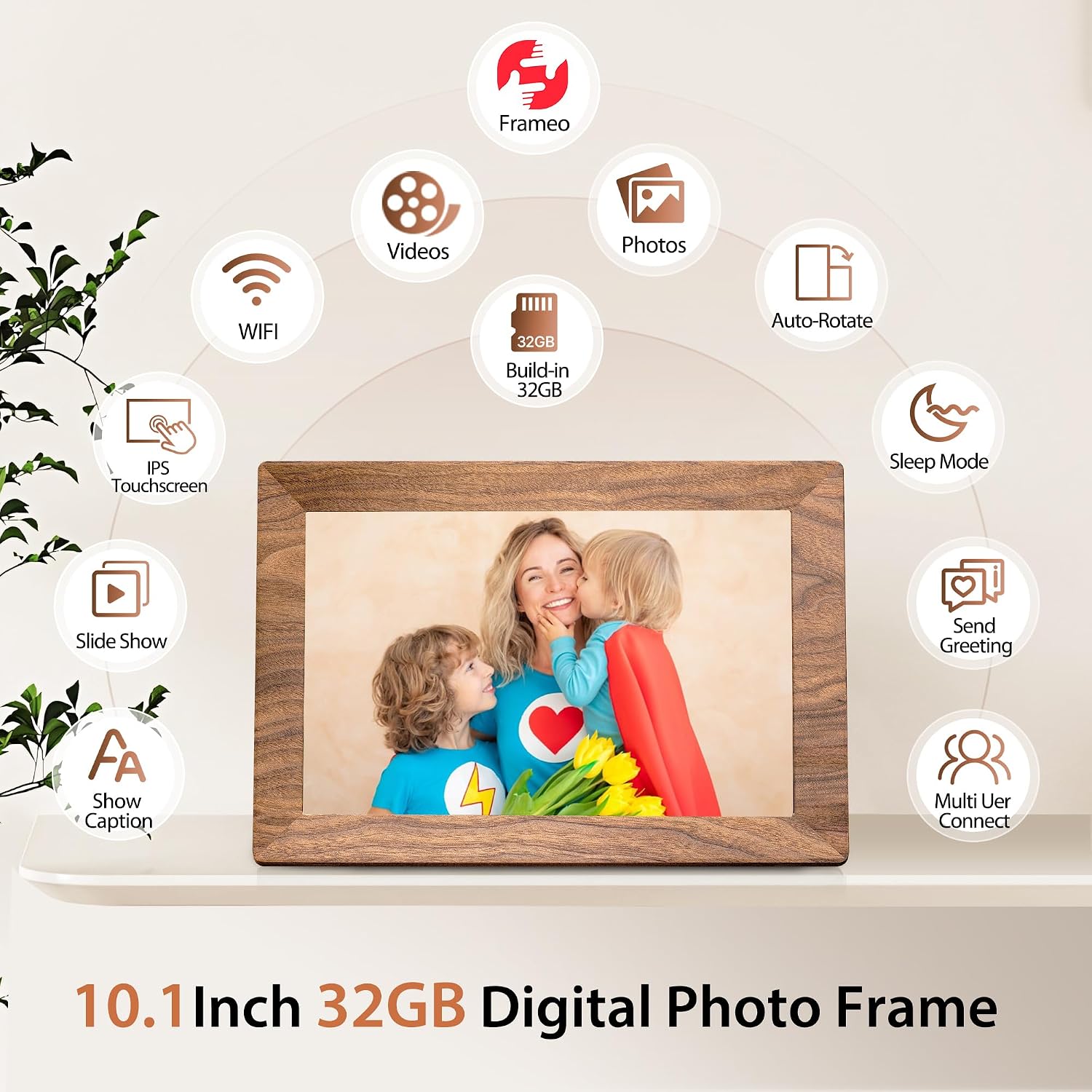
The display is a 10.1 inch HD IPS touchscreen, designed for clear viewing with vibrant colour and an easy touch interface. This matters if you want to do more than just passively watch slideshows—for example, navigating menus, setting things up, and managing what’s shown.
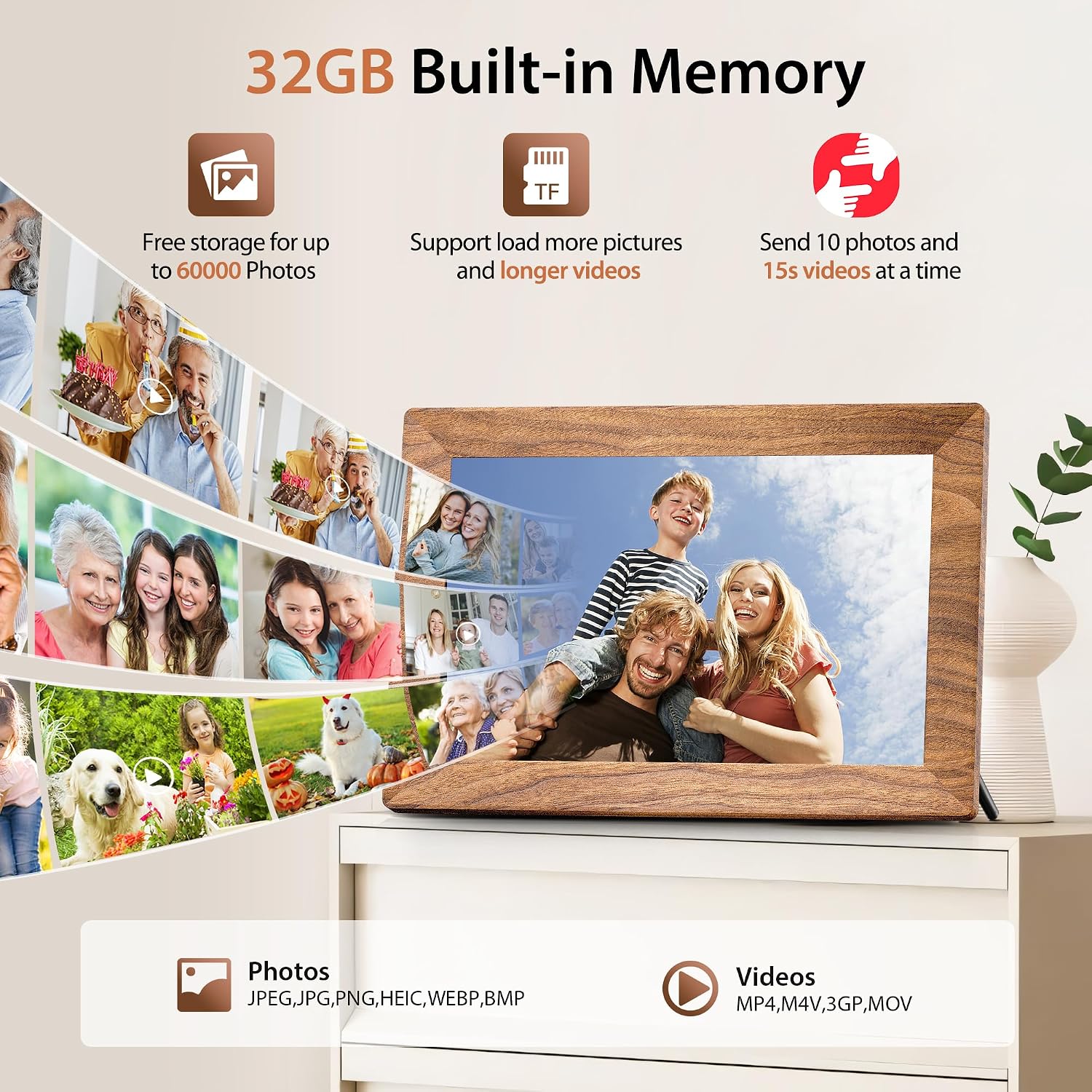
It supports multiple common image and video formats (JPG, JPEG, BMP, PNG and MP4), so it’s not locked into a single file type. Also, it plays videos with sound, which is a nice step up from “photo-only” frames when you want the memory to include the moment’s audio.
There’s one practical limitation to be aware of: videos uploaded via the Frameo app have a 15s limit. If you regularly want longer clips sent instantly, you may find that slightly restrictive.
Storage, file handling and the SD card angle
This frame includes 32GB built-in storage, described as enough for roughly 80,000 photos. It also has micro SD card compatibility, with support for direct playback and file management such as import/export/backup (spelled out in the base description as micro SD card support).
In day-to-day terms, this gives you two paths: you can rely on the built-in storage for everyday albums and sharing, or you can use a micro SD card when you want to bring in a batch of files without depending entirely on app sharing.
Worth considering if you’re planning a “family archive”: the app-based approach is great for new updates, while having local storage and SD support helps when you want more control over what’s on the frame.
Sharing with privacy and multiple frames in mind
The Frameo app is positioned as a photo management app where you explicitly author who can access the frame. That’s a sensible privacy model on paper—because it reduces the risk of random account access compared with less controlled sharing methods.
The description also highlights multi-frame sharing: you can share memories across multiple frames at home, or invite family and friends to contribute to a single frame. If your goal is a shared “living album” (birthdays, holidays, reunions), that collaborative angle can be more appealing than a one-person display.
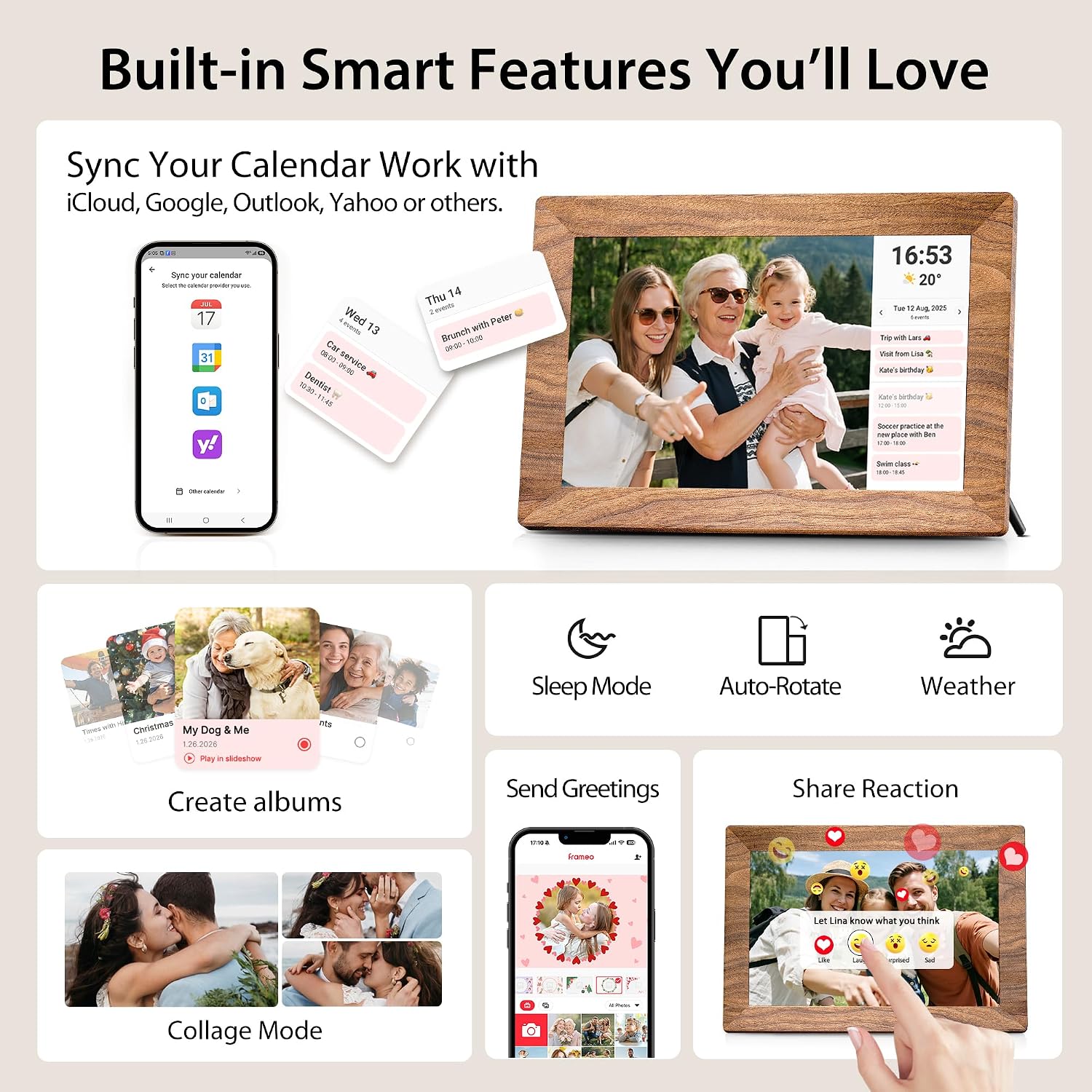
And for a bit of personality, there are interactive reactions—using a “React” feature to send emojis in real time.
Extra modes and day-to-day usability
Beyond straightforward photo viewing, the bundle of features is what gives this frame its “more than a screen” feel. The base description mentions:
- Album Creator, including the ability to organise photos into albums and play albums in slideshow form
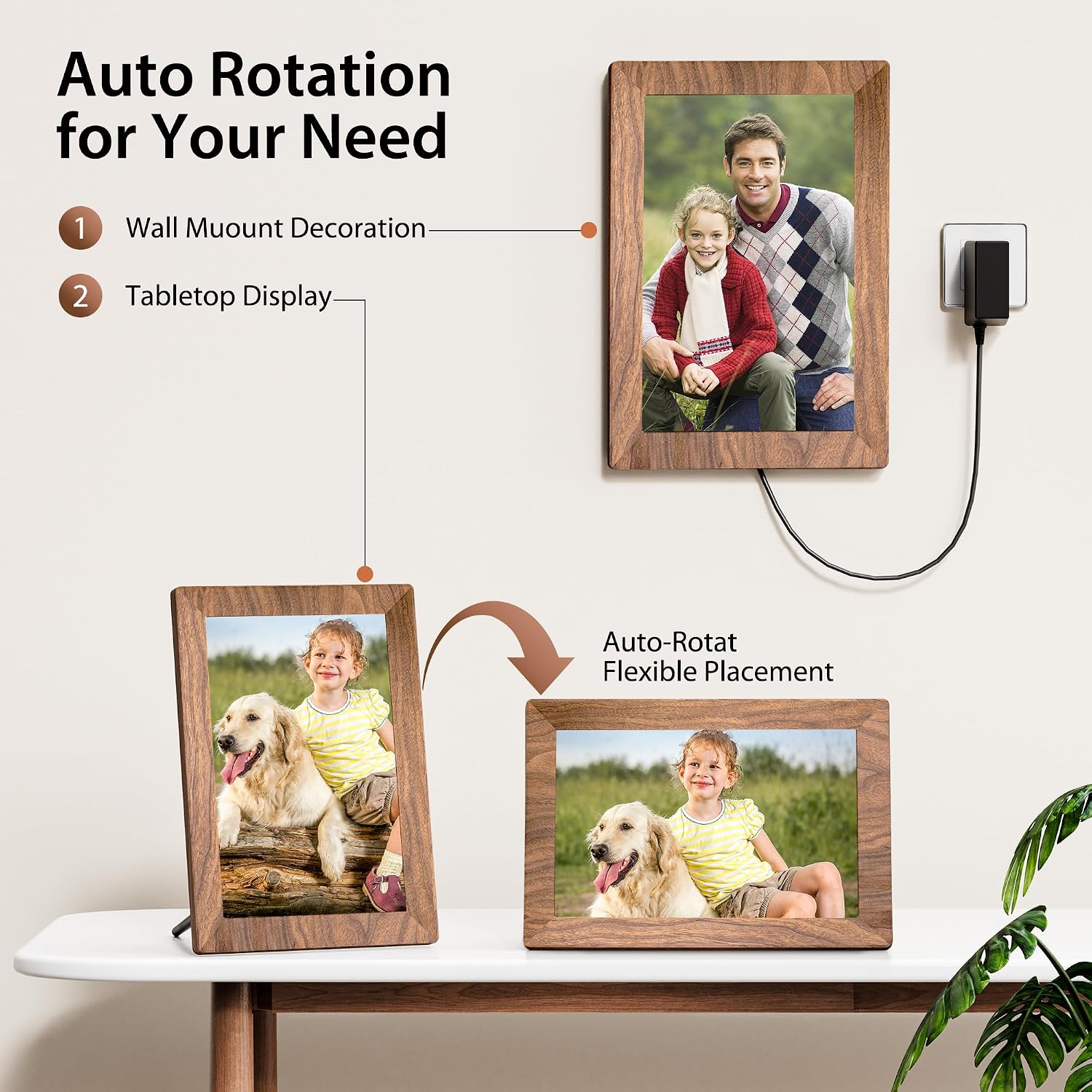
- Auto-rotate so portrait and landscape photos switch orientation seamlessly
- Collage mode for showing multiple memories on one screen
- An all-in-one hub with time and weather display, custom greetings, adjustable brightness/volume, a sleep timer, and slideshow mode
These are the kinds of details that can make the frame feel more integrated into everyday life, not just a digital replacement for a picture.
Who it suits, and who should be cautious
It’s a good fit if you want an easy way to keep family photos moving—especially if several people contribute and you don’t want to rely on someone changing cards every time.
It also makes sense if videos matter to you, because it supports MP4 playback and can play videos with sound.
It may not suit you if you’re mainly looking for a simple, single-use display where you upload content once and never think about sharing again. In that scenario, the “Wi‑Fi and app” side could feel like more complexity than you need.
You may also want to think twice if you’re expecting app-uploaded video to be unlimited in length, as the app upload is capped at 15 seconds.
Quick checks before you buy
Before committing, it’s worth confirming how you plan to add content. If most of your updates will come from the Frameo app, remember the 15s upload limit for videos. If you prefer curating longer videos or batches in advance, the micro SD card support and the ability to import/export/backup can matter more than the instant sharing.
Also consider placement: this is a touchscreen IPS frame, so you’ll likely interact with it occasionally rather than treating it as a fully “set and forget” object.
Final verdict
Should you buy it? The Frameo 10.1 inch WiFi Digital Photo Frame is a strong choice if you want a connected family frame that supports instant sharing through the Frameo app, with touchscreen navigation, auto-rotate, album tools, and video playback with sound. The 32GB internal storage plus micro SD compatibility gives you flexibility, but it’s not “perfect for everything”: app-uploaded videos are limited to 15 seconds, and the collaborative Wi‑Fi workflow only really shines when you’ll actually use it.
Mini FAQ
Is the Frameo 10.1 inch digital photo frame mainly for photos or videos too?
It’s designed for both: it supports multiple image formats and plays MP4 videos with sound. Just note that videos uploaded via the Frameo app are limited to 15 seconds.
Does it require Wi‑Fi to display shared content?
The sharing workflow described relies on connecting the frame to Wi‑Fi and using the Frameo app to send photos and videos.
What formats does it support?
The base description states support for JPG, JPEG, BMP, PNG and MP4.
Can I manage files using a memory card?
Yes, the description says it supports playback and file management (import/export/backup) via micro SD card.
Can multiple people contribute to the same frame?
The app is described as supporting multi-frame sharing and inviting family and friends to contribute to a single frame, with access controlled by authorisation.