

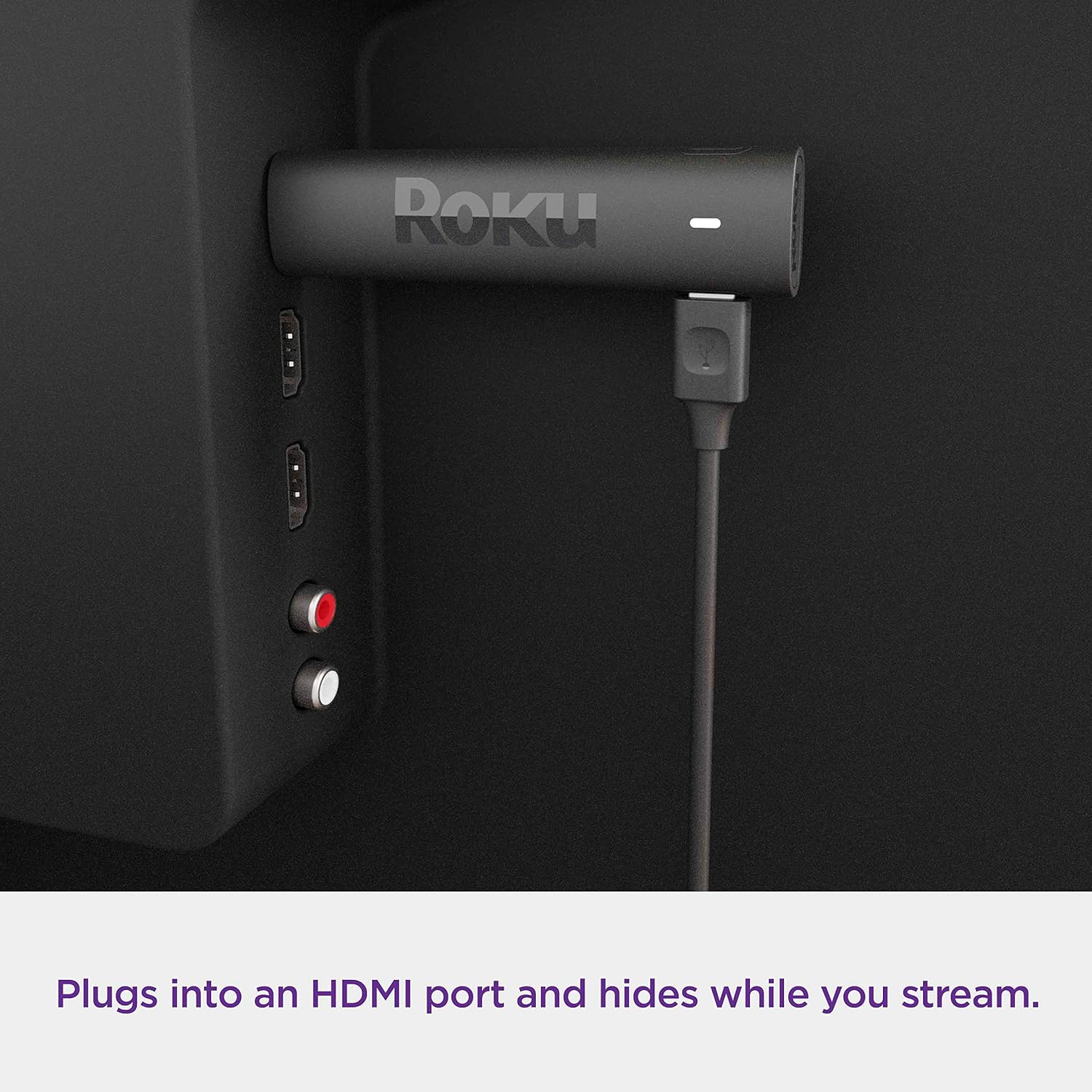
Roku 3820EU Streaming Stick 4K (4K, HD, HDR) with voice remote
Product description
The essentials
The Roku 3820EU is a streaming stick aimed at getting your TV online quickly, with a simple “hide behind the TV” setup and a voice remote that can handle basic TV controls as well as playback. On paper, it’s a straightforward way to move beyond the built-in apps many TVs ship with, especially if your current set-up feels clunky or you want something that’s more focused on streaming.
A key thing to flag before you get too excited: licensing limitations mean that most content and apps work only in the UK. If you’re in the UK, that’s a non-issue. If you travel often or buy for a household that watches from multiple regions, it’s worth remembering, because it can affect what you’ll be able to access.
What you’ll notice day to day
This stick is built around modern picture formats for supported services. The listing calls out streaming in 4K with Dolby Vision and HDR10+. The practical benefit is that, assuming your TV and the content support those formats, you can get a sharper look and vivid colour rather than settling for upscaled HD.
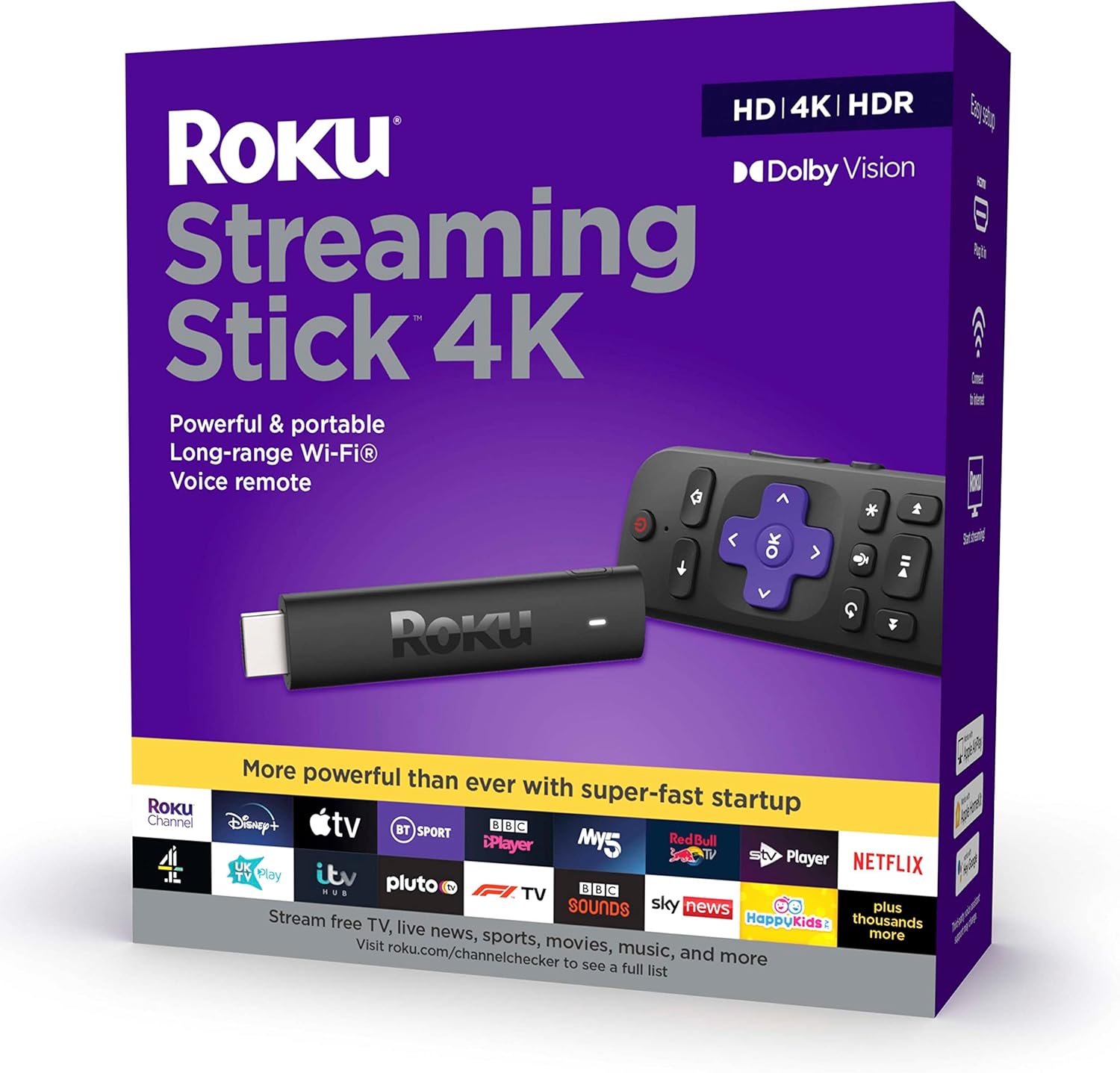
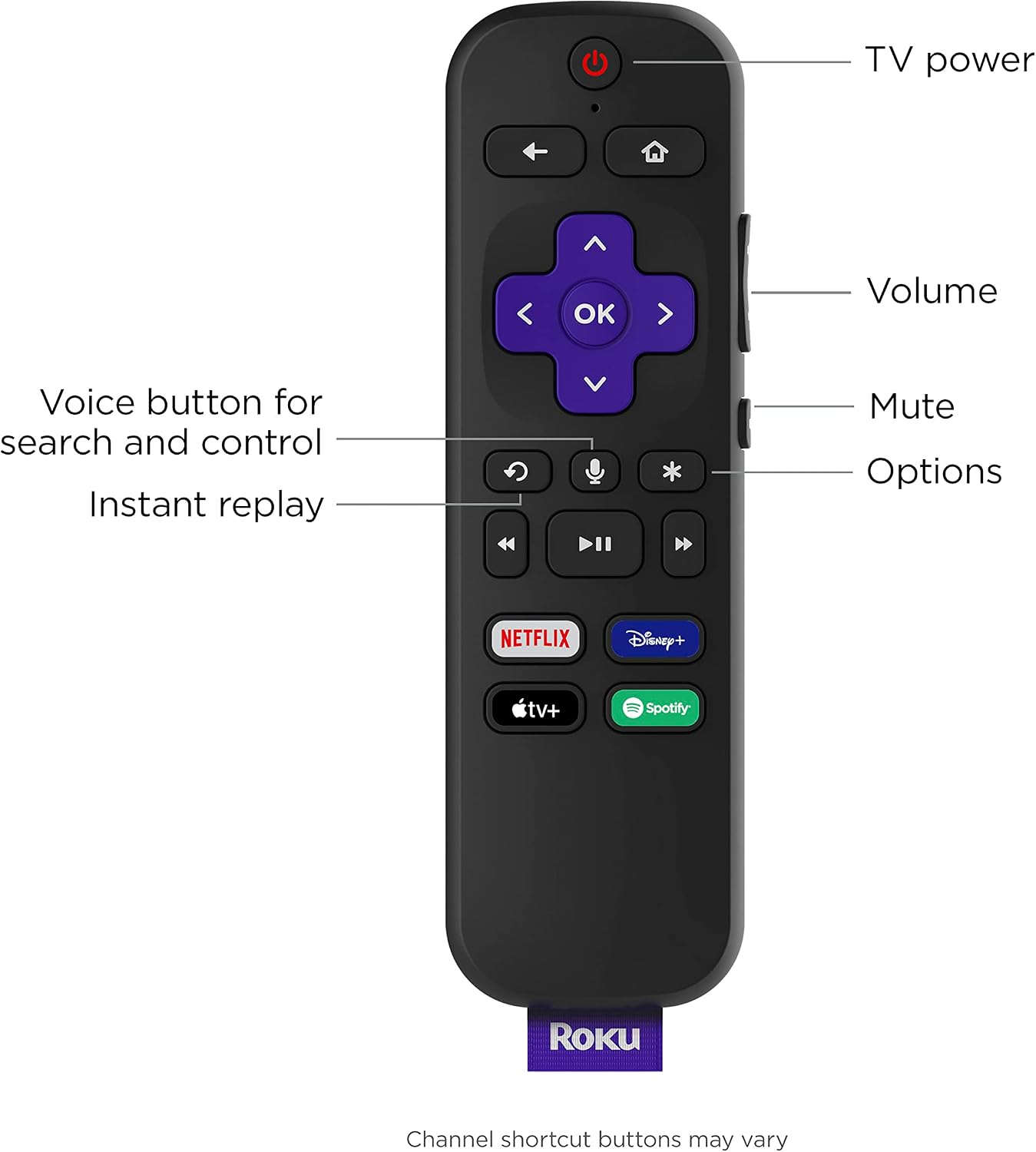
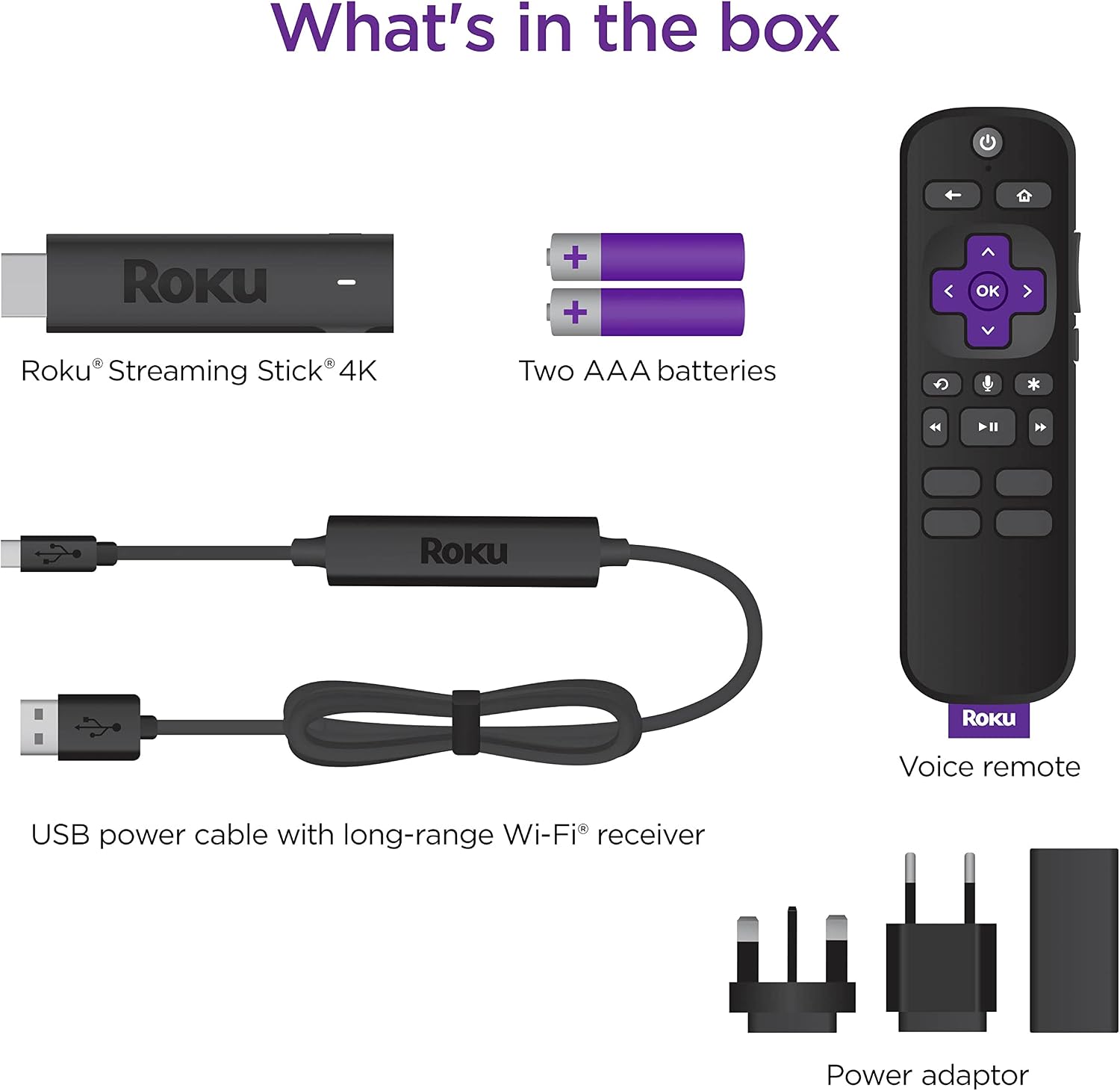
There’s also a “quick start” style experience described here: plug it in, connect to the internet, and start streaming. The remote is another everyday touchpoint. It’s described as a voice remote that can power up your TV, adjust the volume, and control streaming, so you’re not juggling multiple remotes for basic tasks.
One more comfort feature for real life is the long-range Wi‑Fi claim. Instead of needing perfect router placement, it’s designed to help keep streaming fast and smooth in any room, as long as your Wi‑Fi connection is strong.
Where it shines (and where it doesn’t)
The biggest “yes” for this kind of product is simplicity. Streaming sticks are often the easiest middle ground between smart TV features you might not fully trust and bulkier streaming boxes that take more space and setup.
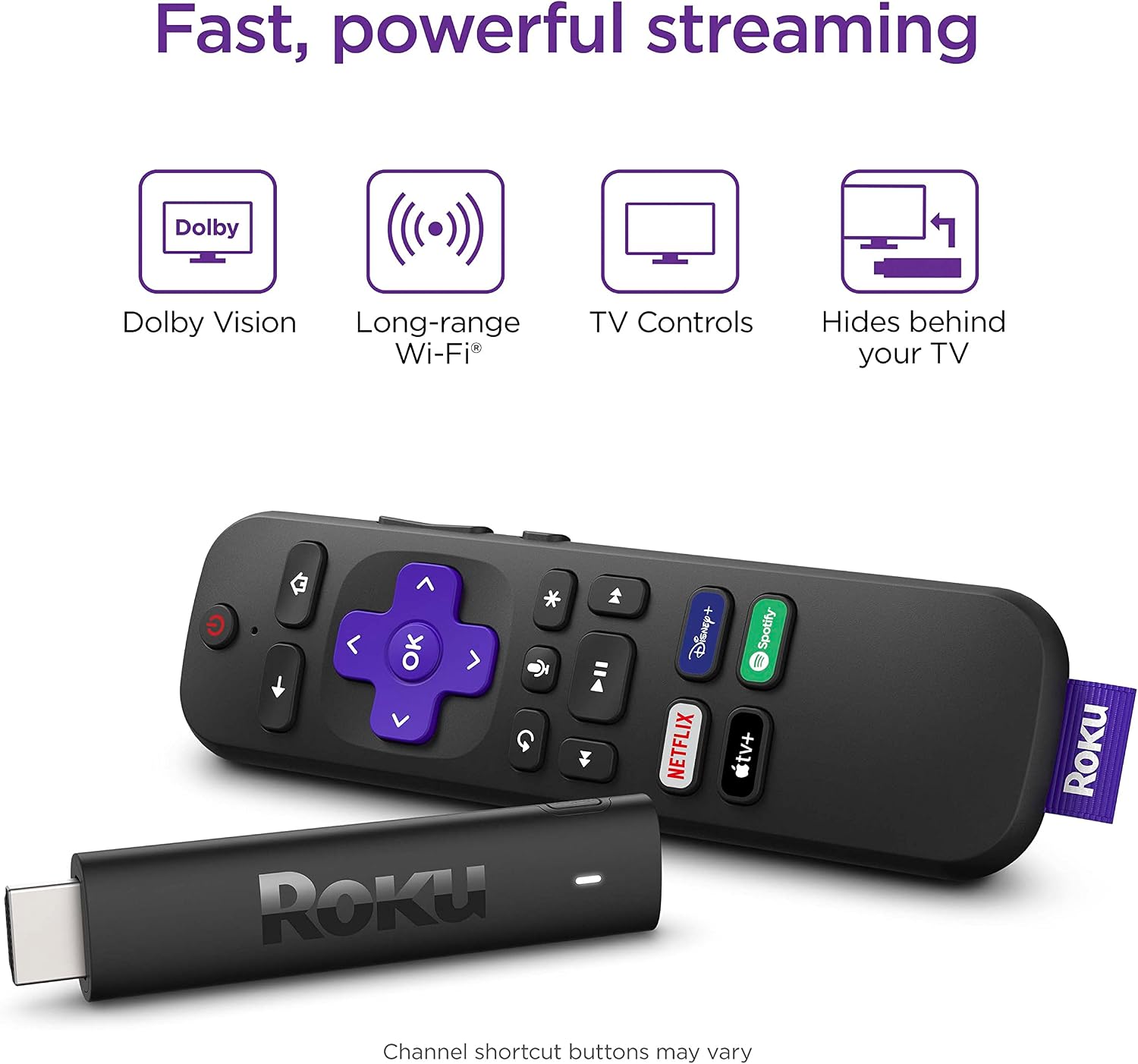
The other strong angle is free viewing. The listing mentions Stream Free with a massive selection of free movies and series, including Roku Originals on The Roku Channel. That can be genuinely useful if you want something to watch without constantly searching for what’s new or deciding whether a subscription is worth it.
That said, it may not be the right purchase if you need a very specific app ecosystem that isn’t covered by what’s available in the UK. Because the entry explicitly mentions licensing limitations, it’s a reasonable assumption that availability can be more restricted than you’d expect from a “global” streaming device.
Also, if your TV doesn’t support the HDR formats mentioned here, you might not see the full benefit of Dolby Vision or HDR10+. In that scenario, it’s still a streamer, but it won’t look quite as dramatic as it could on a compatible display.
Key specifications (as far as the listing goes)
- Name: Roku 3820EU Streaming Stick 4K
- Type: HD/4K/HDR streaming media player
- Video formats called out: 4K, Dolby Vision, HDR10+
- Remote: voice remote (also controls TV power and volume)
- Wi‑Fi: long-range Wi‑Fi for smoother streaming around the home
- Content access note: licensing limitations mean most content and apps work only in the UK
Best use cases

This is the sort of streaming stick you’d buy if you want to upgrade streaming without rewriting your living room. For example, if your TV is in the bedroom and you’ve ended up relying on a slow or outdated app menu, plugging in the stick and using the voice remote can make everyday viewing feel more immediate—especially when you’re searching for something quickly.
It also makes sense if you like having a “what can I watch right now?” option, because the listing specifically highlights free movies and series through The Roku Channel and Roku Originals.
It might not suit you if you’re trying to solve a stubborn Wi‑Fi problem. The long-range idea helps, but streaming still depends on connection quality, so if your network is unreliable, it can still fall flat.
How to decide before you buy
Worth considering if you mainly watch in the UK and want a simple setup with voice control and modern streaming formats.
You may want to skip it if you’re buying for mixed-region use (because licensing limitations are explicitly mentioned), or if your TV doesn’t support the HDR standards being highlighted.
Finally, double-check you’re comfortable with a streaming stick approach: it’s designed to sit behind the TV and streamline access, not to be a “do everything” media hub with extensive local media features.
Is it worth it?
It’s a solid pick if you want an easy, stick-style upgrade for UK-based streaming, and if the idea of 4K plus Dolby Vision and HDR10+ matters to how you watch. The voice remote, including TV power and volume control, is the kind of daily convenience that usually justifies choosing a dedicated streamer over relying on a TV’s menus.
It’s not the best choice if you need broad app access beyond the UK due to licensing limitations, or if you’re chasing the picture quality promises but your TV can’t make use of HDR. In those cases, the benefits may feel limited, even if setup is quick.
Mini FAQ
Can I use it outside the UK?
The listing states that licensing limitations mean that most content and apps work only in the UK, so outside the UK availability may be restricted.
Does it support 4K and HDR formats?
The product description calls out streaming in 4K and support for Dolby Vision and HDR10+ with supported services and equipment.
Does the remote control the TV as well as streaming?
Yes. The remote is described as a voice remote that can power up the TV, adjust volume, and control streaming.
Will it work well if the TV is far from the router?
The listing mentions long-range Wi‑Fi for fast, smooth streaming in any room with a strong Wi‑Fi connection. If your Wi‑Fi signal is weak, you may still experience issues.
What’s the appeal of the free streaming option?
The listing highlights Stream Free, including Roku Originals on The Roku Channel, which can be handy for finding something to watch without extra searching or committing to a paid subscription every time.