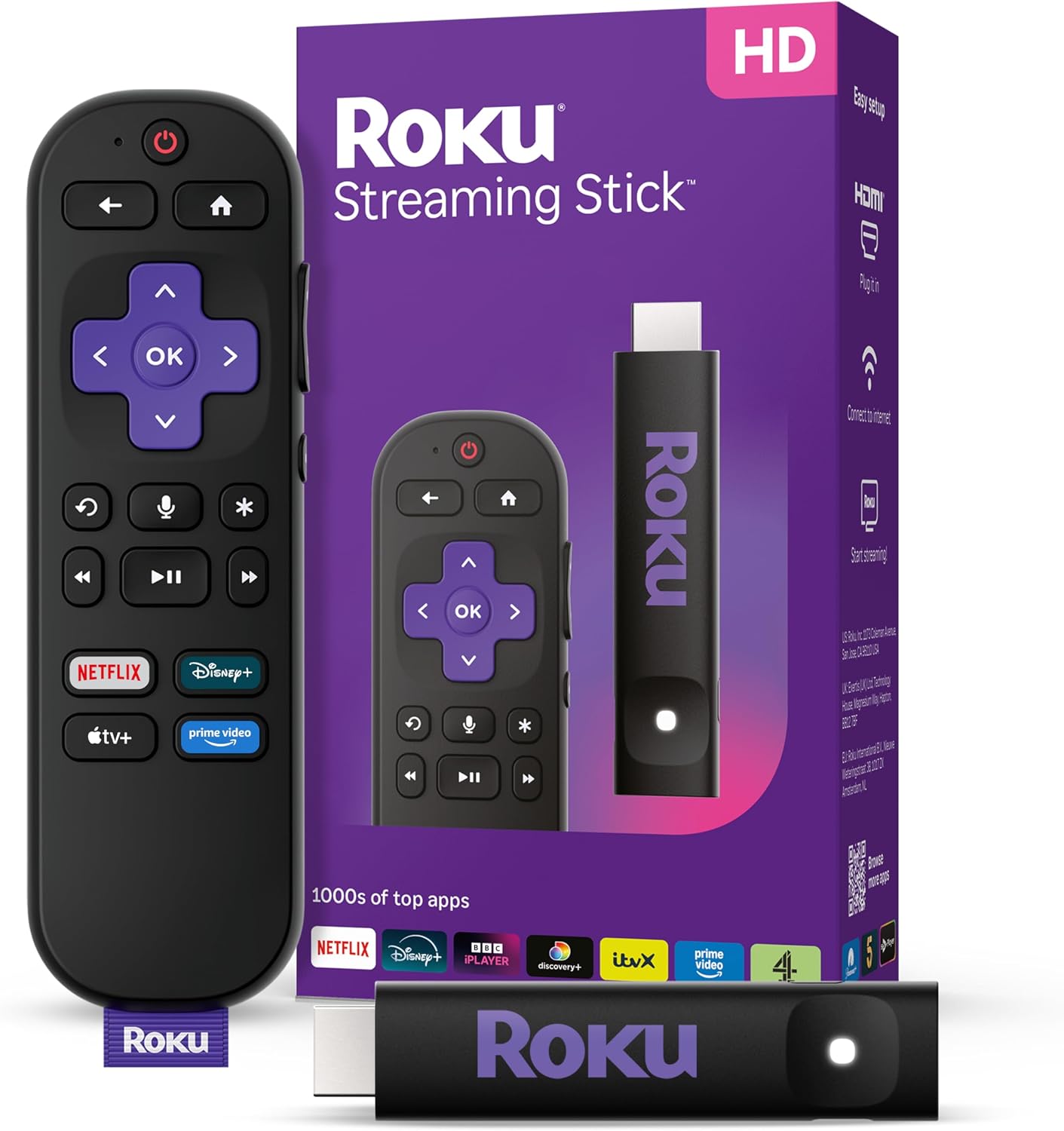
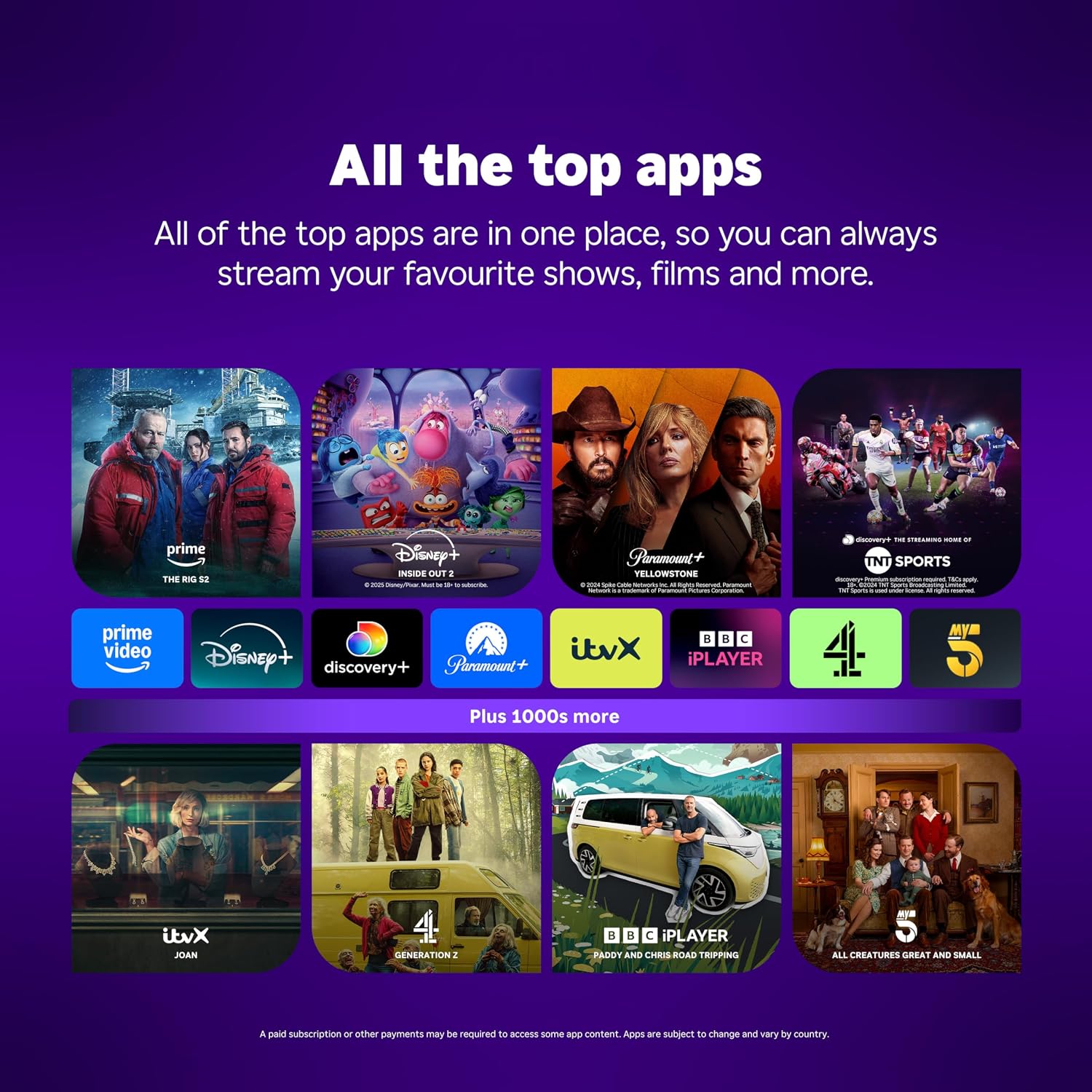
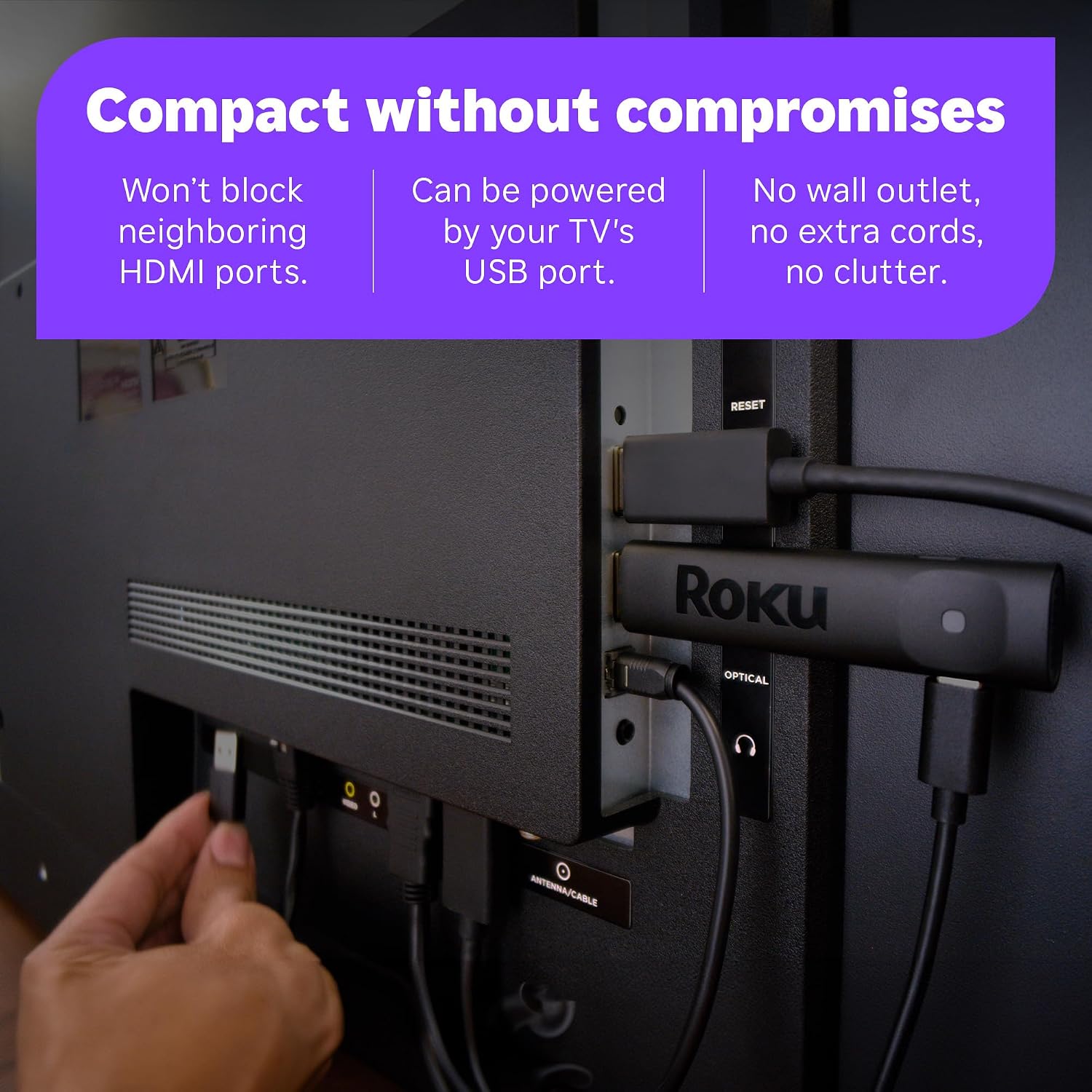
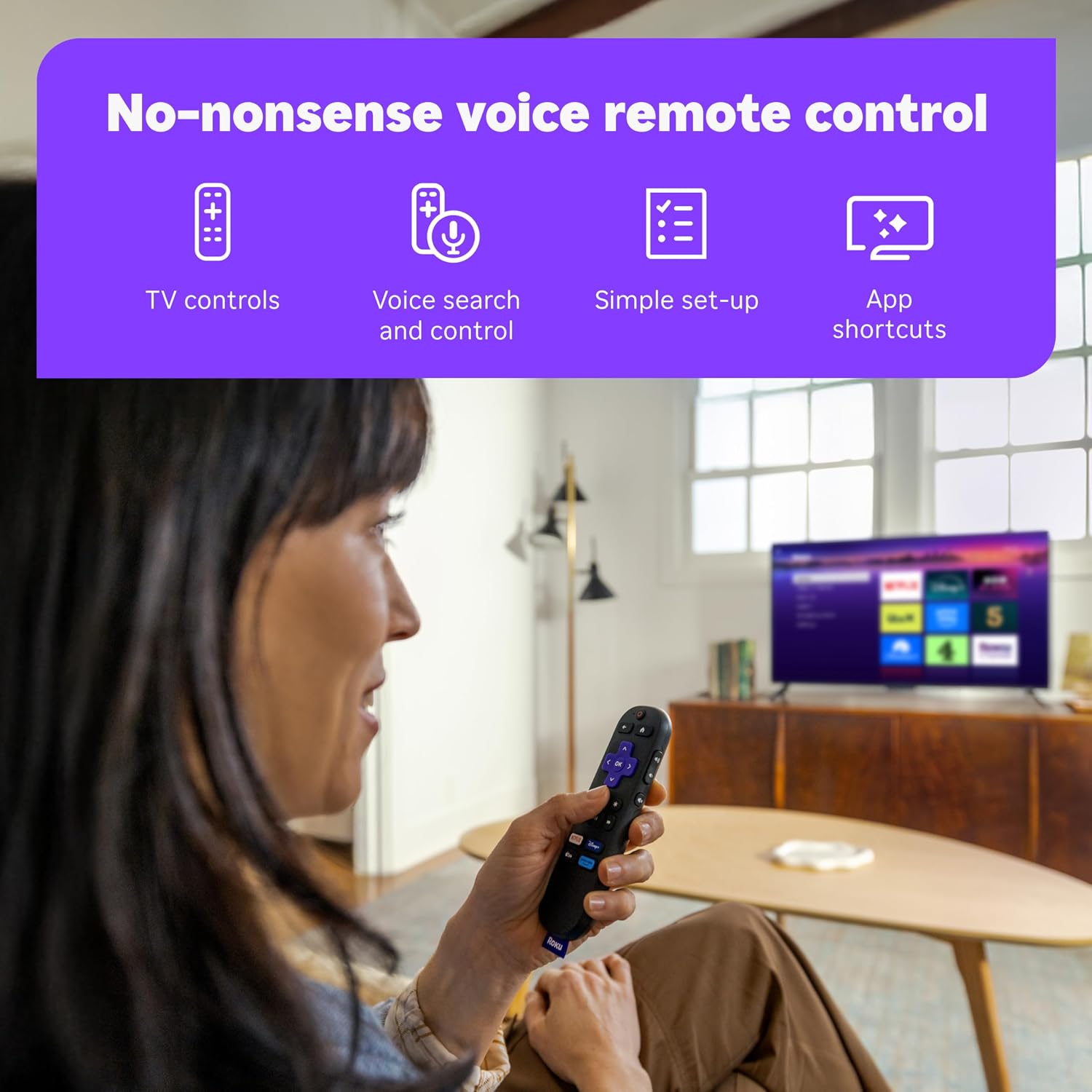
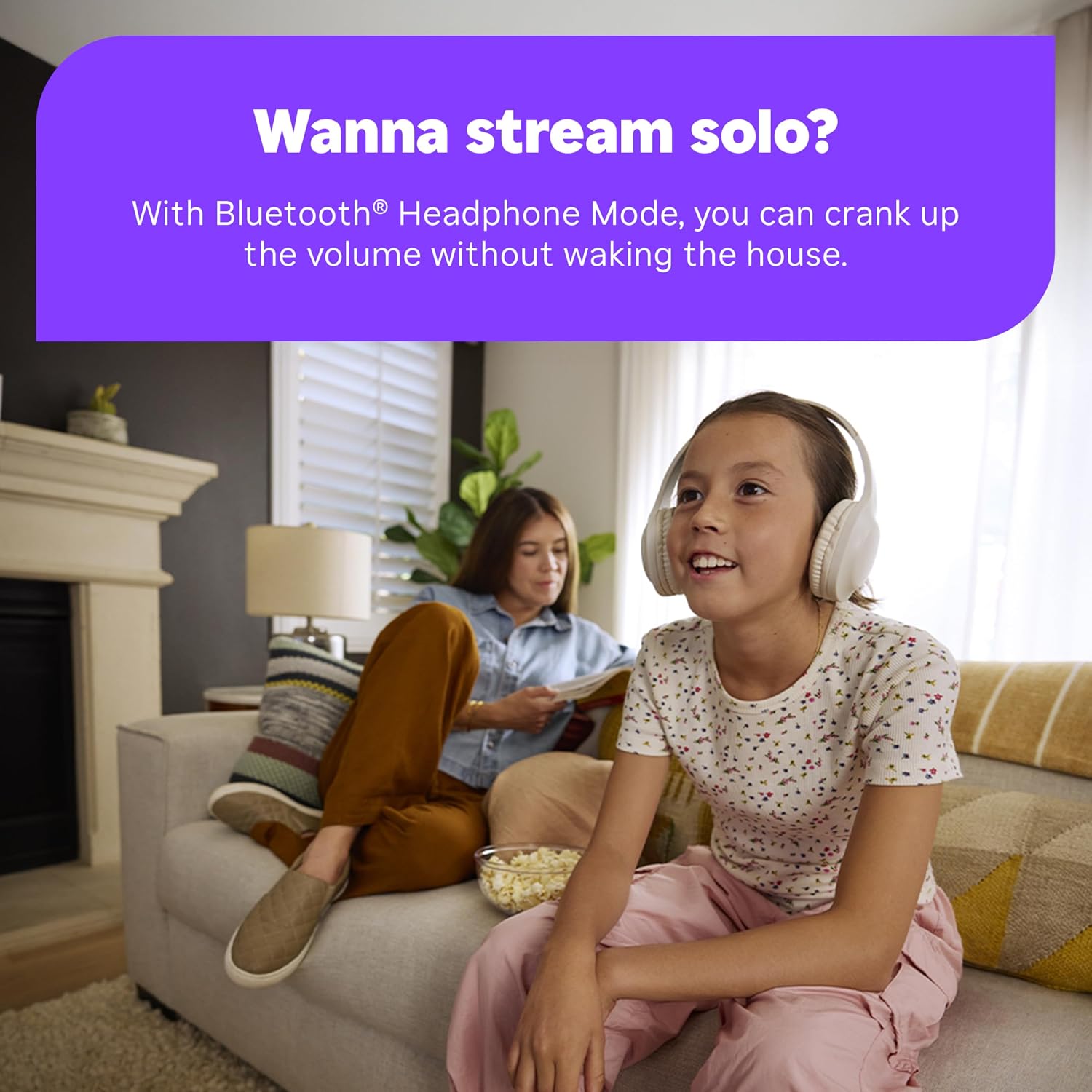
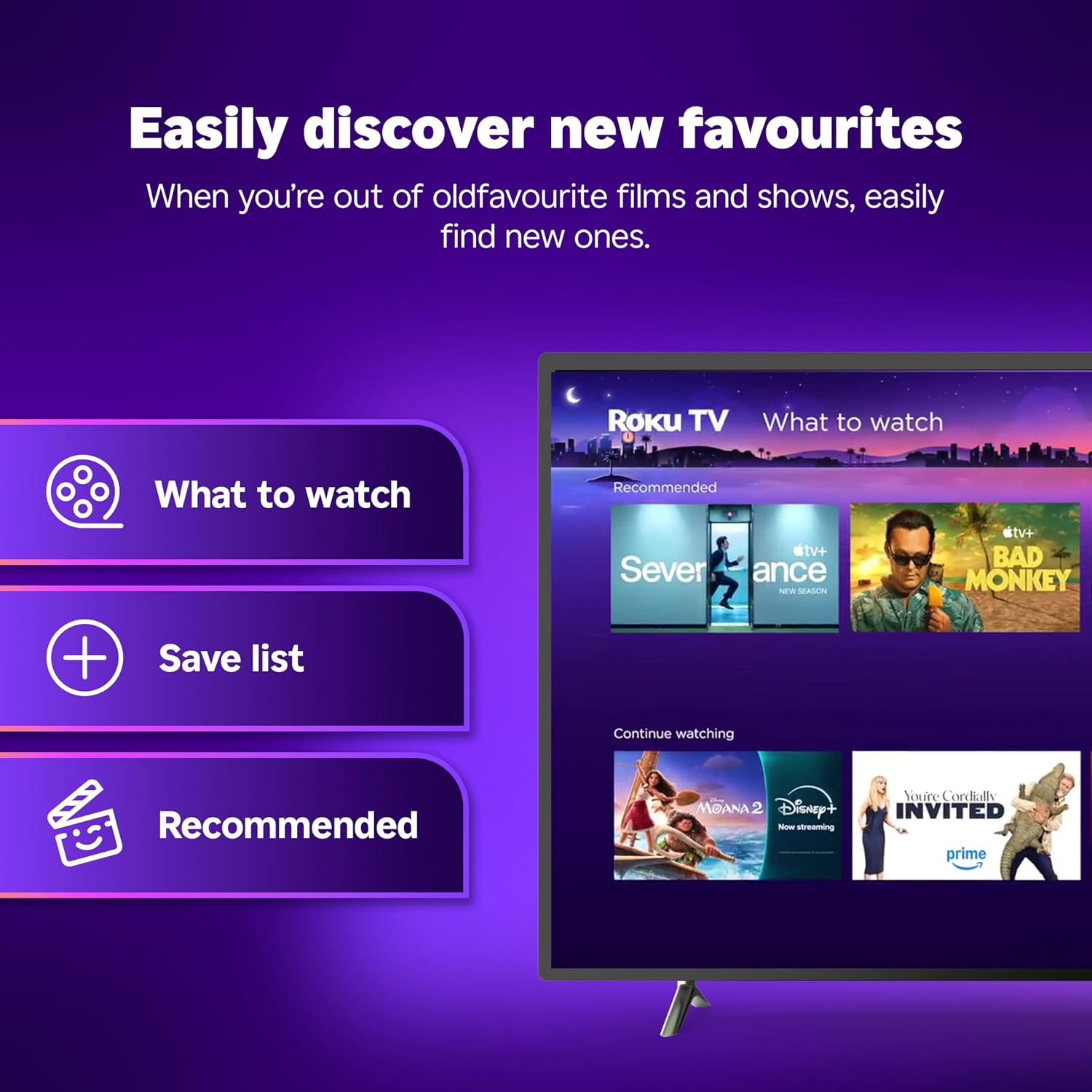
What it is and what it solves\nThe Roku Streaming Stick 2025 is a compact HD streaming device designed to sit behind your TV and deliver access to a wide range of apps, free films, shows and live TV. It’s pitched as an easy, clutter-free upgrade for TVs that need a simple way to stream without extra hubs or boxes. On paper, it combines a straightforward plug‑in setup, power from a TV USB port, and a remote that supports voice search to streamline how you find content. For many, this addresses the common hassle of juggling multiple remotes and hunting for apps across separate devices.\n\n## How it works and what you get\nPlug it into the back of the TV, power from USB if available, and use a single remote to turn the TV on and control playback. The appeal is the clean, unobtrusive installation and an interface that aggregates top streaming apps in one place. This makes it practical for casual viewers who want quick access to live TV and on‑demand content without extra cables or monthly hardware costs.\n\n## What stands out about the design and experience\nThe stick’s form factor isinsel to keep HDMI ports free and reduce cable clutter. The voice remote adds convenience for searching and playing content, which can feel particularly helpful if you don’t want to type on an on‑screen keyboard. The portability means you can move the device between compatible TVs if you travel or move rooms, subject to login requirements on new devices.\n\n## Pros and cons in everyday use\nPros: simple setup, tidy design, centralised access to apps, voice search for fast navigation, USB‑powered option keeps wiring minimal. Cons: HD resolution is the entry level, if you’re after 4K or higher fidelity, this model may feel limited, performance and app availability depend on the TV’s internet connection and the apps you personally use.\n\n## Who it’s for and who might skip it\nIt’s well suited for people upgrading older TVs, renters who want a low‑commitment streaming solution, or households that value a straightforward, affordable way to access live TV and bundled apps. If you’re seeking high‑end picture quality, a premium sound setup, or a dedicated gaming device, this device isn’t the best match. Also, if you already rely on other streaming ecosystems with advanced features, you may prefer a different streaming stick.\n\n## When it makes sense to buy\nIf you want an uncomplicated entry point to streaming, with a tidy setup and a single remote, this Roku model makes pragmatic sense. It’s worth considering if you value easy access to free and live TV as part of a broader streaming plan, and you don’t mind HD rather than 4K.\n\n## What to review before buying\nCheck whether your TV has a spare HDMI port and a USB port for power. Consider your home Wi‑Fi stability, as performance hinges on a solid internet connection. Think about which apps you actually use—if the apps you need aren’t well supported on Roku, the value drops.\n\n## How it compares to other approaches\nMany people opt for all‑in‑one streaming devices from other ecosystems or built‑in smart TV platforms. This Roku offers simplicity and centralisation at a potentially lower upfront cost, with a focus on ease of use rather than cutting‑edge visuals. If you prioritise 4K, HDR or advanced gaming features, you might look at higher‑tier devices or different ecosystems.\n\n## Final decision\nIs it worth it? It’s worth considering if you prioritise a compact, easy‑to‑set‑up streaming stick that consolidates apps and live TV in one place and you’re comfortable with HD resolution as the baseline. It may not be the best option if your home entertainment plan relies on 4K playback or a premium feature set.\n\n## Frequently asked questions\n- Can I take it on travels? Yes, its portable design allows use on different TVs, though you’ll need to sign in on each device.\n- Do I need a separate subscription? It provides access to apps and some free content, many apps require their own subscriptions.\n- Is the remote voice‑enabled? Yes, the remote supports voice search to find content quickly.\n- Will it block HDMI ports? The stick is designed to be compact and won’t heavily obstruct neighbouring ports.