

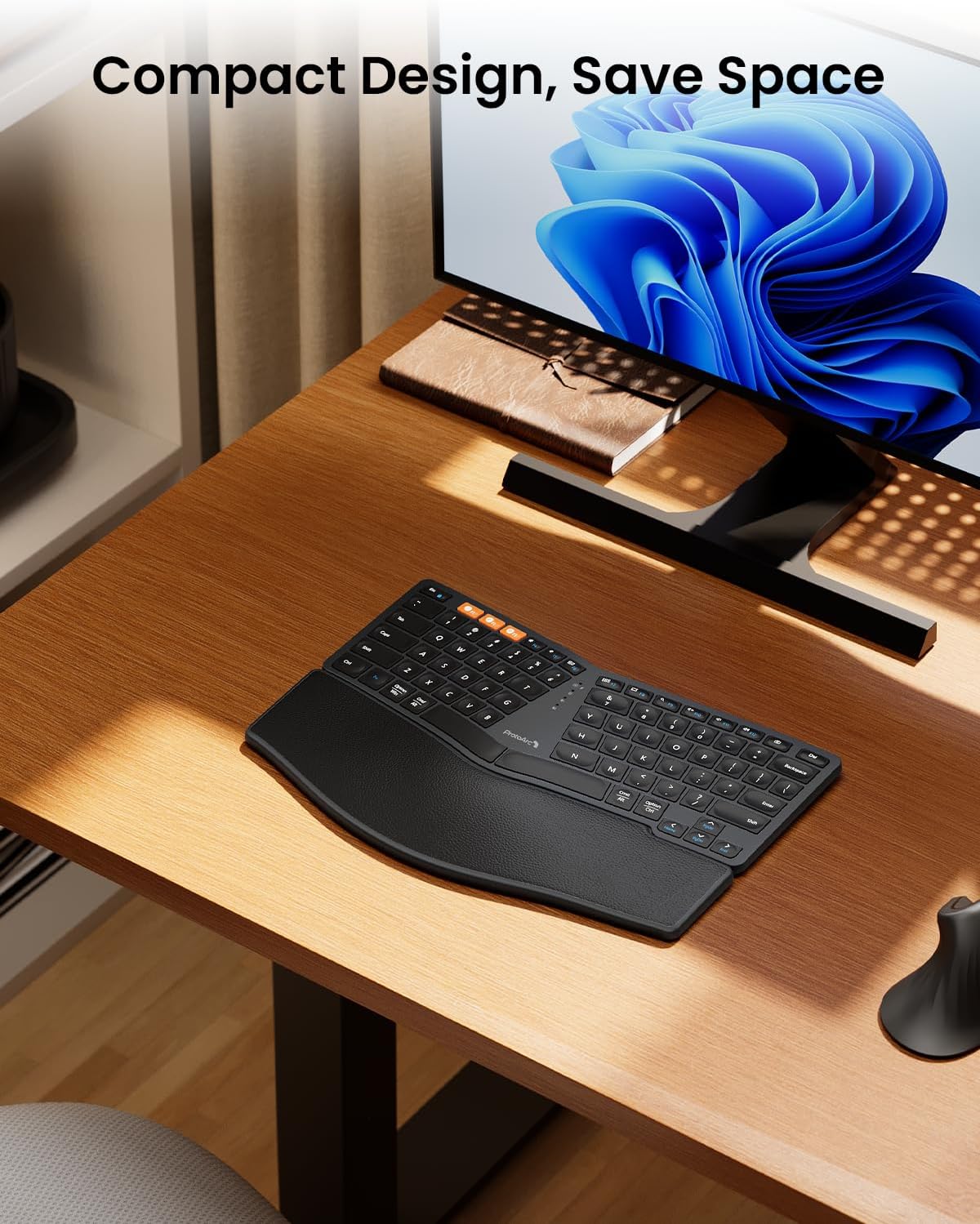
ProtoArc EK04 Mini Compact Ergonomic Keyboard with Palm Rest
Product description
What it is and who it’s for
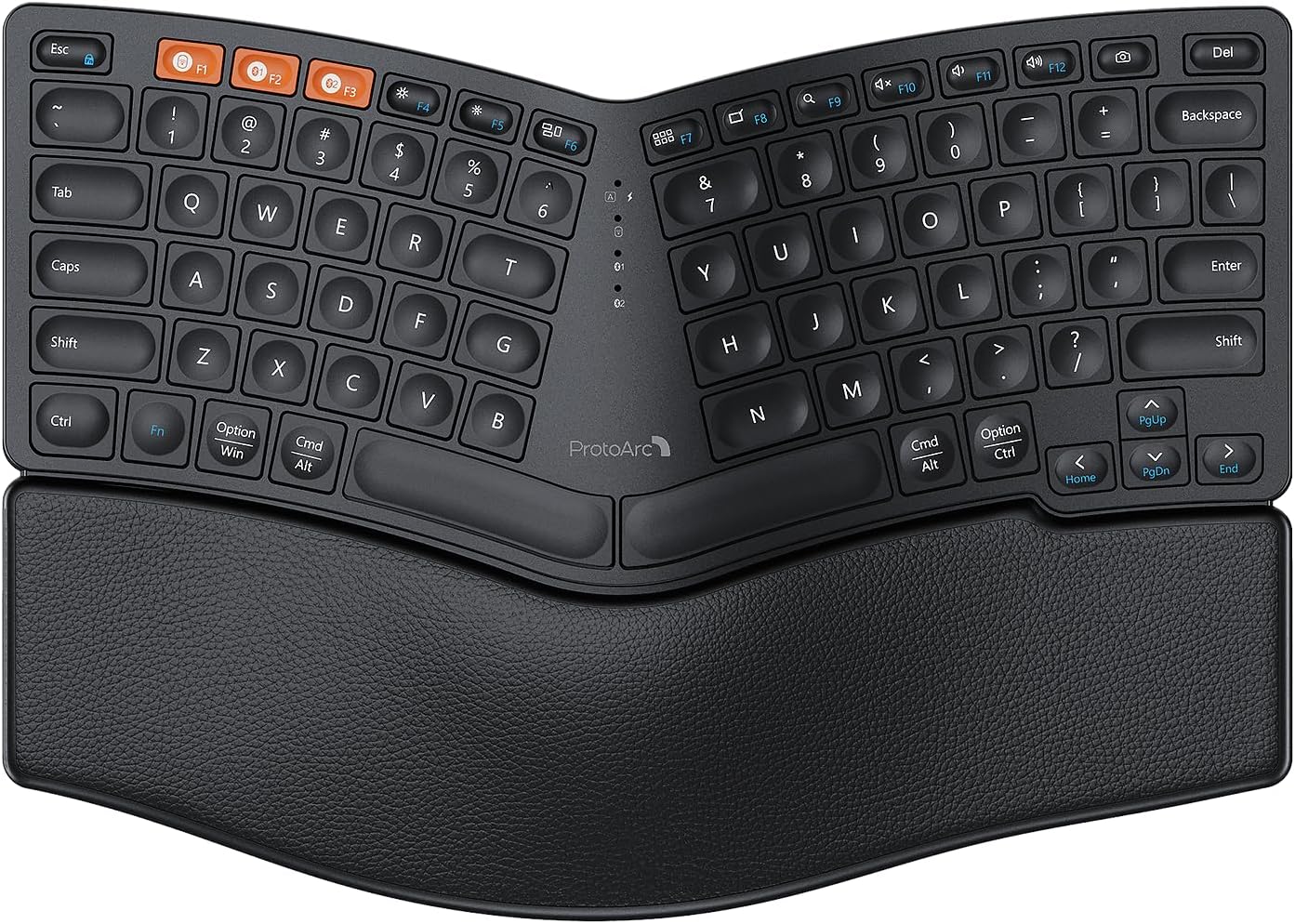
The ProtoArc EK04 is a compact, ergonomic keyboard designed to reduce shoulder strain by removing the traditional number pad and offering a split, curved layout. With a leather palm rest and a forward tilt, it targets users who spend long sessions typing and want a more natural wrist position. It’s suitable for both Windows and Mac environments, and works with Android as well.
How it connects and what you can switch between
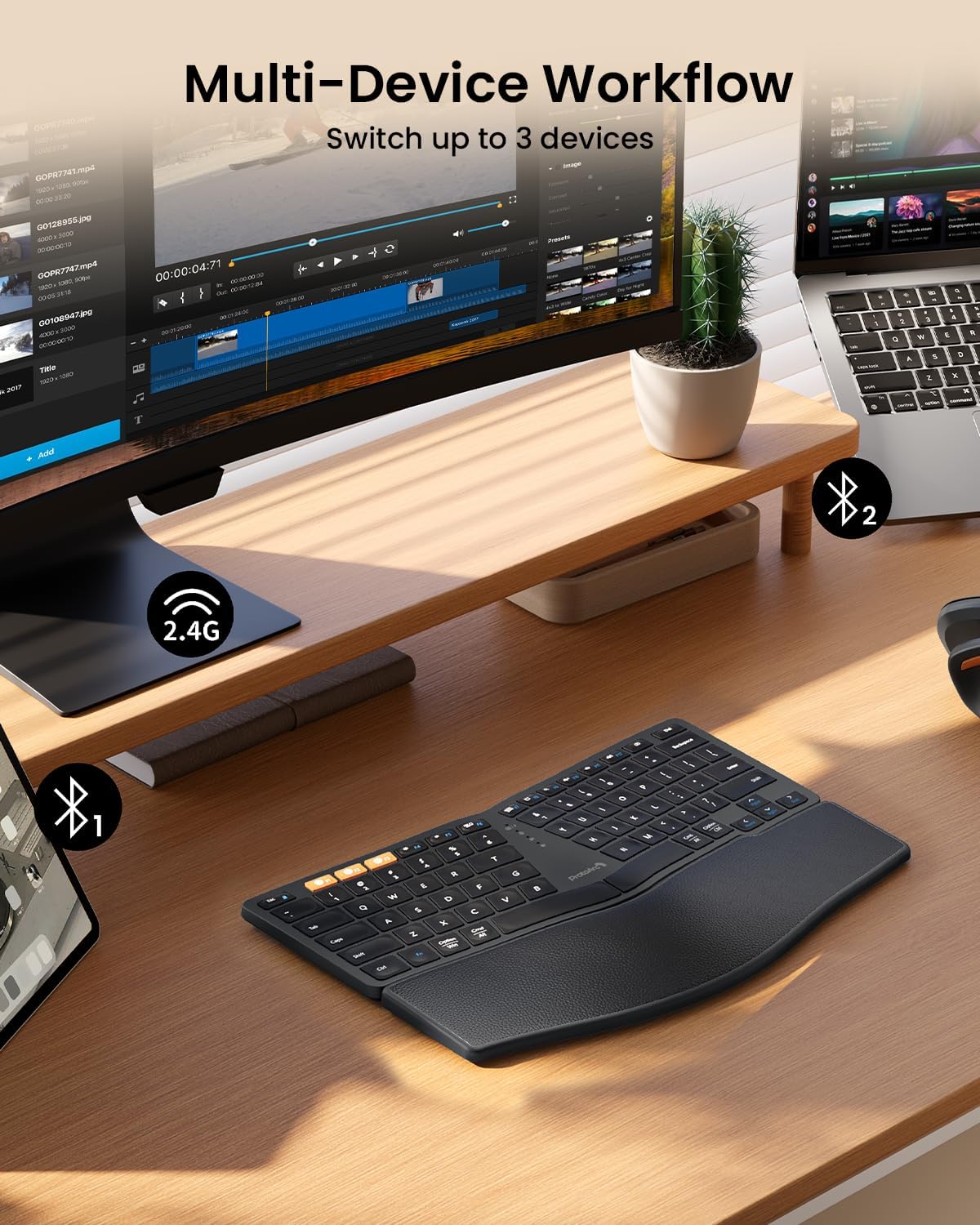
This keyboard offers flexible connectivity options: a USB receiver or Bluetooth, and it can pair with up to 3 devices. The ability to switch quickly between devices is handy if you alternate between a laptop, desktop and tablet. Pairing is straightforward, and the layout aims to keep your hands closer to your body, which may help reduce strain during extended typing sessions.
Key features at a glance
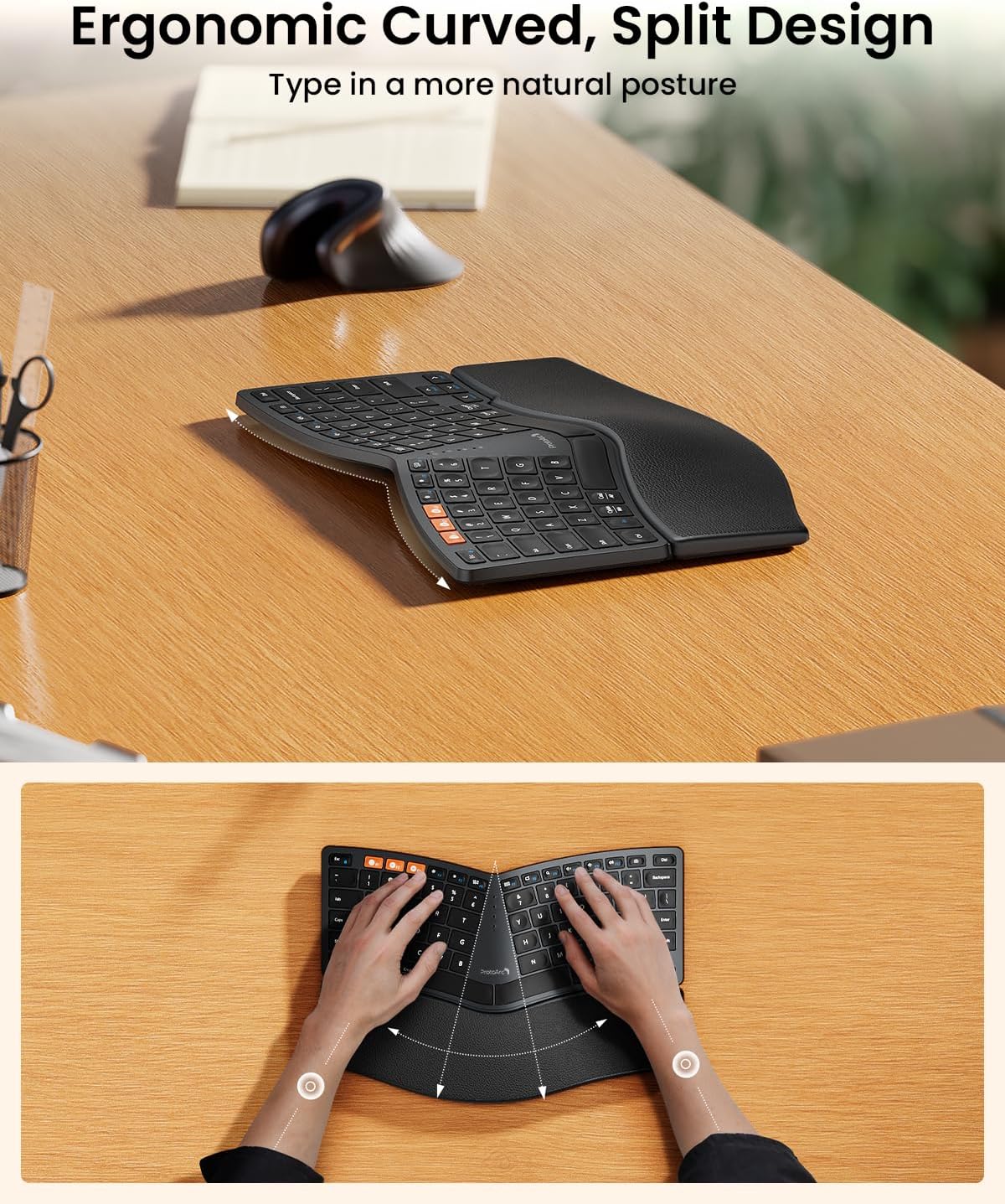
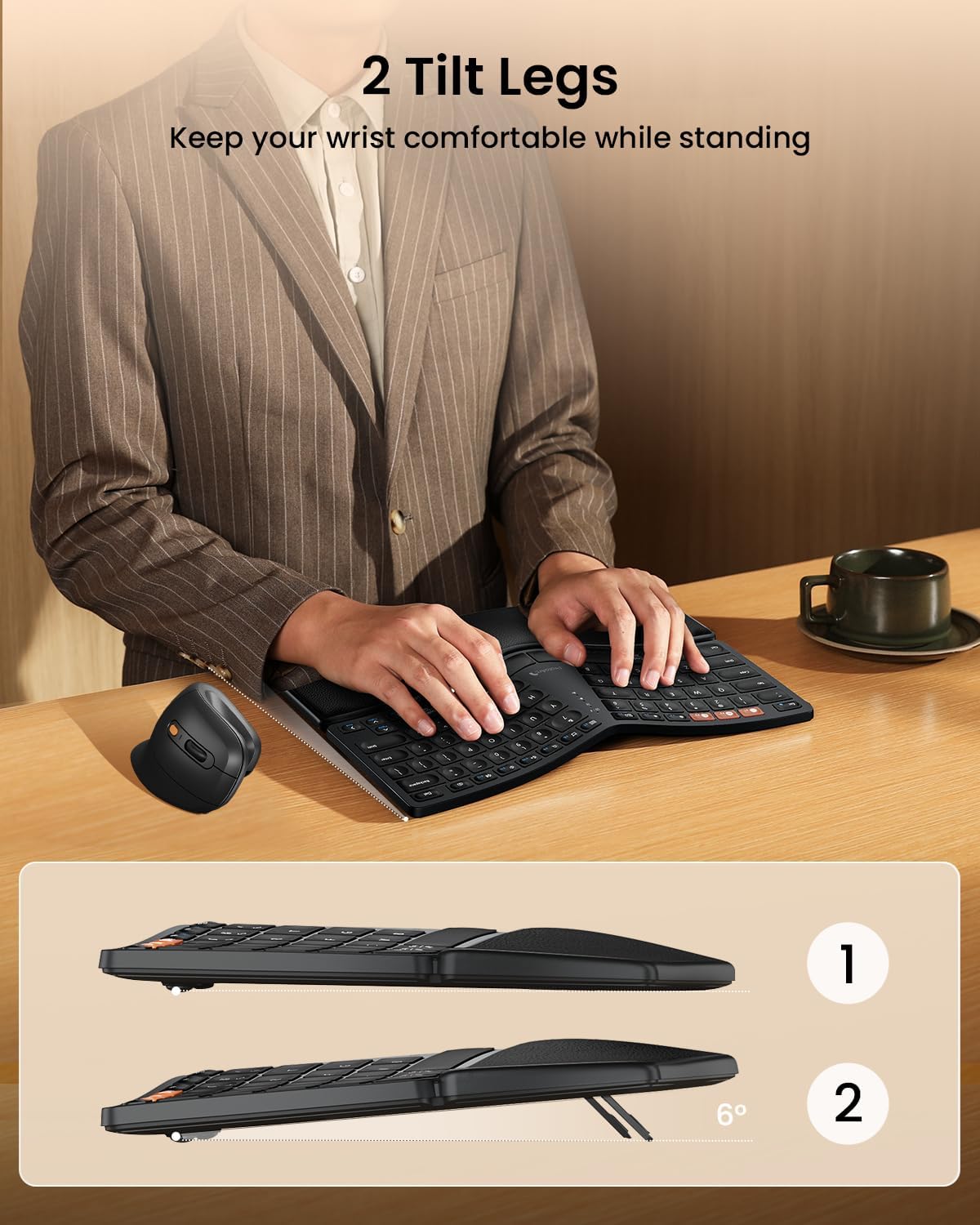
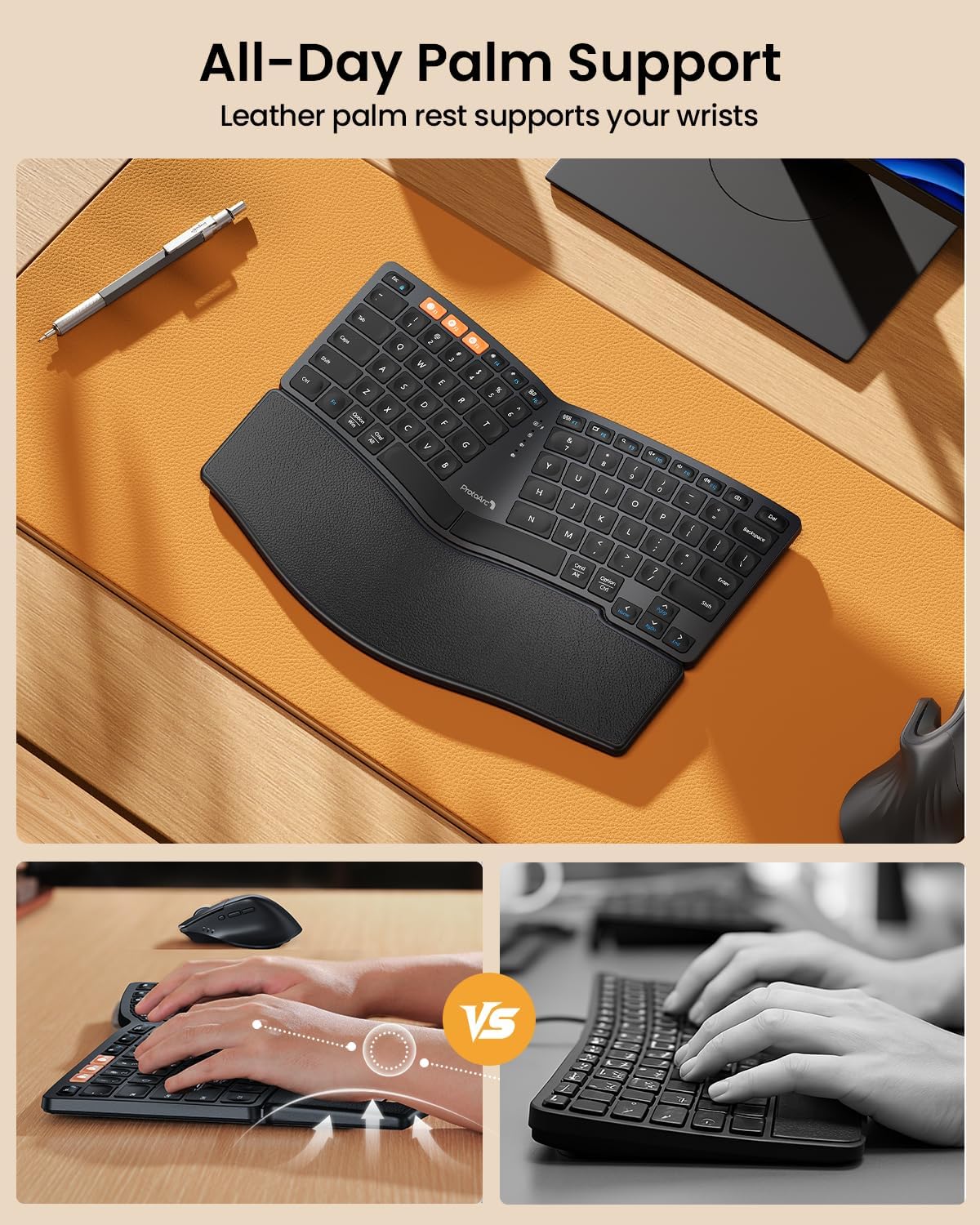
With 80 keys, the EK04 keeps the footprint modest while maintaining a functional layout. The split design encourages a natural shoulder alignment. The curved keyframes and leather palm rest provide wrist support, and the front tilt helps elevate the typing surface for a more comfortable posture.
What stands out in everyday use
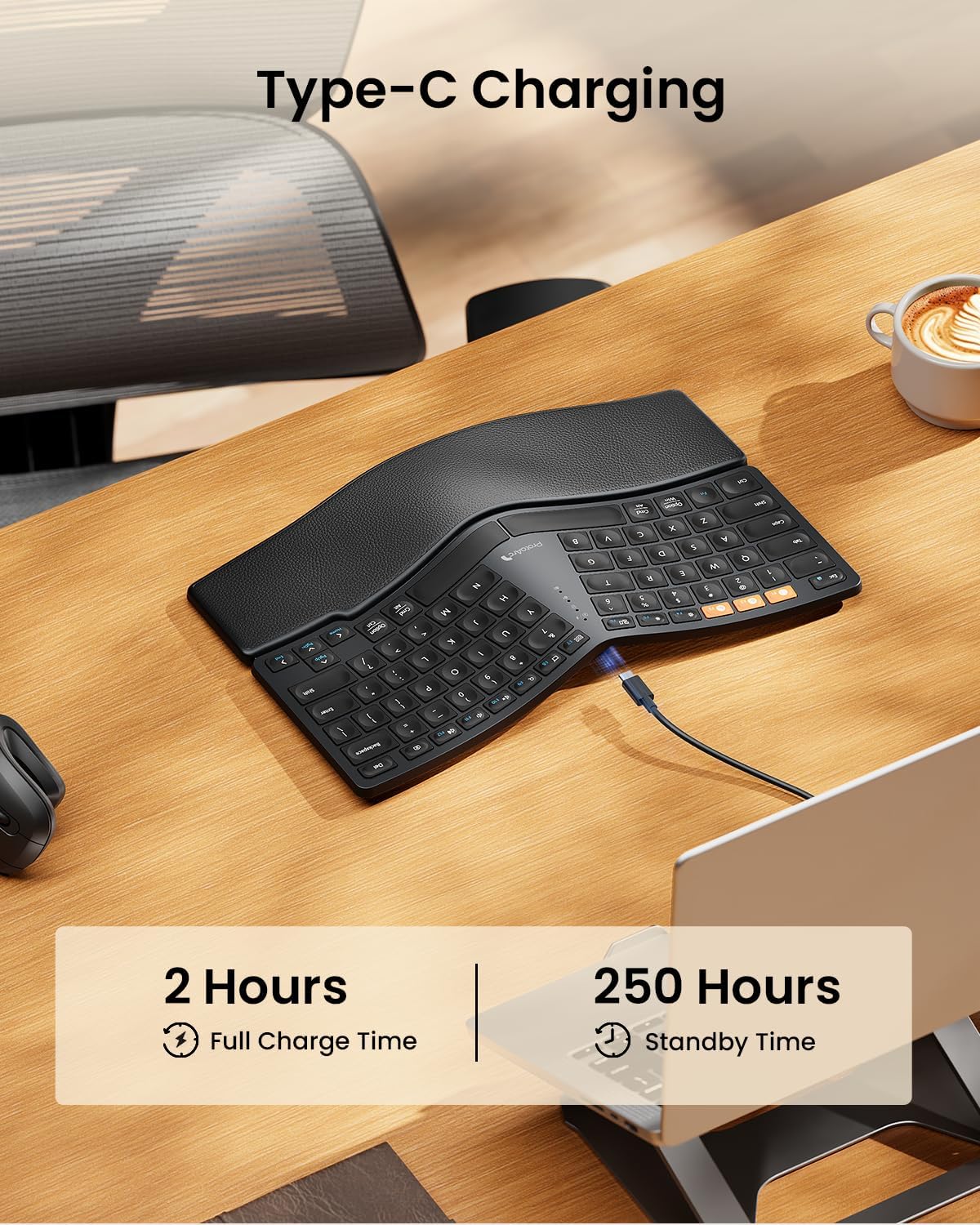
In daily use, you’ll notice the shorter reach to the mouse when the desk setup allows for it, thanks to the compact footprint. The leather palm rest adds a soft surface to rest your wrists, which some users find preferable to fabric or plastic rests. The auto sleep feature after 30 minutes helps conserve power, while a full charge gives you about 250 hours of standby time.
Limitations and considerations
It’s worth noting that the layout is not identical to a standard full-size keyboard, so there can be a learning curve when you first switch. RSI sufferers may appreciate the reduced strain, but it may take time to acclimatise. The keyboard emphasises a particular typing posture, if your workflow relies heavily on a numeric keypad or certain key placements, you might feel the trade-off more acutely.
Who it’s for
This is well-suited to users who value compact design, multi-device versatility and ergonomic aiming. It’s a sensible option for home offices or shared workspaces where desk real estate is at a premium, and for those who want to experiment with an ergonomic split layout without committing to a higher-end model.
When to buy and when to steer clear
Choose the EK04 if you prioritise a smaller footprint, a palm-rest-supported typing position and seamless Bluetooth/USB connectivity across up to three devices. If you rely on a standard full-size layout for intense data entry, or you need a traditional numeric keypad, you may prefer a different setup.
Before you buy: quick checks
- Confirm your primary OS compatibility (Windows 7/8/10, Mac OS X 10.12+ and Android 4.3+ are listed).
- Consider desk layout: can you position the mouse close enough to benefit from the compact form?
- Be prepared for a light adjustment period to the split, curved keyframe design.
Practical use case
Imagine drafting emails on your laptop while occasionally switching to a tablet for reference. With the EK04, you can keep the tablet nearby and switch devices with a press of a button, maintaining a relatively neutral wrist angle across tasks.
Final verdict
Final verdict: It makes sense if you prioritise a compact ergonomic keyboard with multi-device versatility and a leather palm rest. It’s not the cheapest option, and the learning curve isn’t negligible, but for RSI-conscious users seeking a smaller footprint without compromising ergonomics, it’s a credible candidate.
Frequently asked questions
- Does the EK04 work with multiple operating systems at once? Yes, it supports up to 3 devices via Bluetooth or USB receiver and allows switching between them.
- How long does the battery last between charges? About 250 hours of standby after a 2-hour full charge, with auto sleep after 30 minutes of inactivity.
- Is the palm rest removable? The product description notes a leather palm rest as part of the design, it does not state that it is removable.