


PINKCAT Wireless Keyboard Mouse Combo – Full Size UK QWERTY Ergonomic Set (Milk Tea Pink)
Product description
What this is
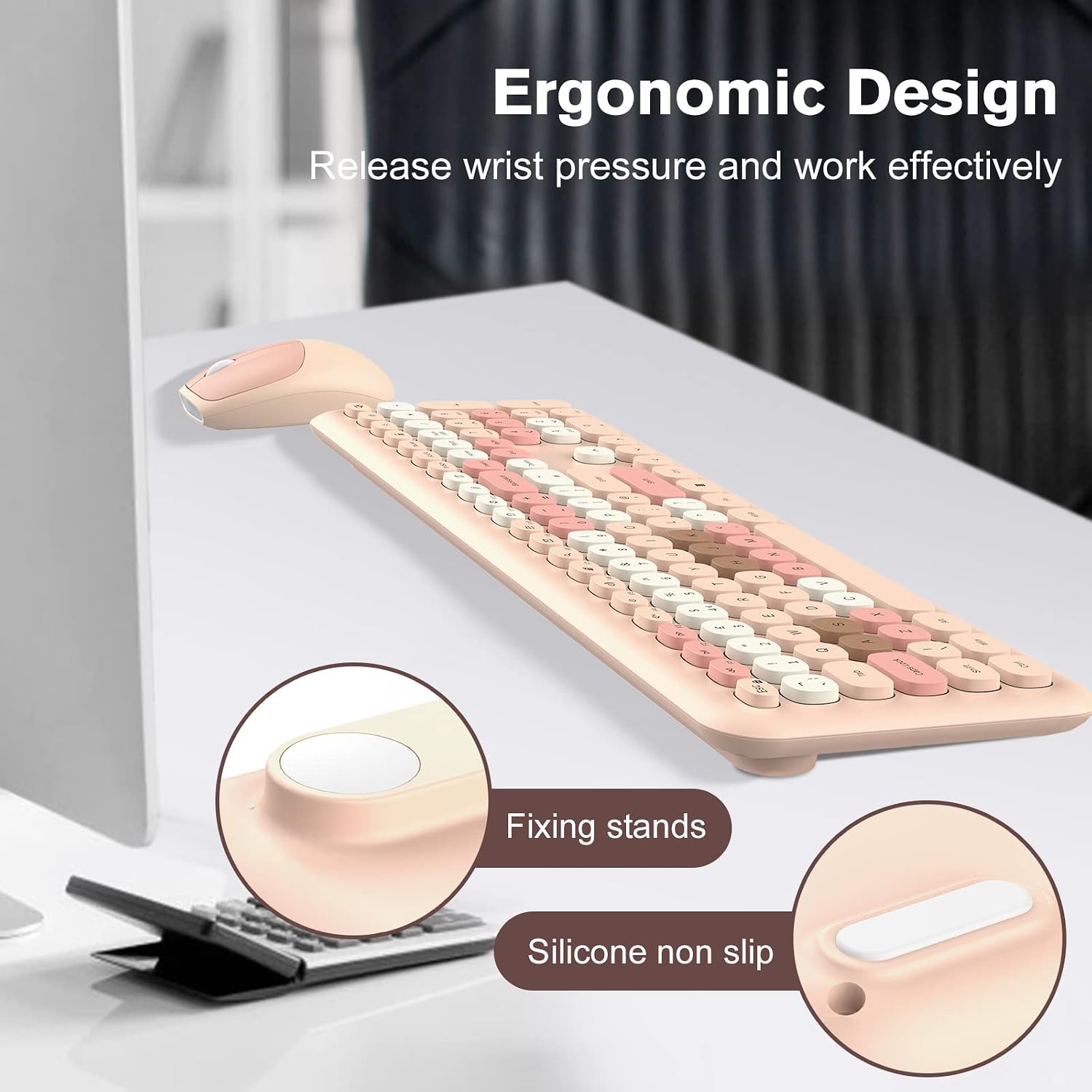
This is a wireless keyboard and mouse set designed for Windows PCs and laptops, finished in a soft Milk Tea Pink. It’s a full-size, ergonomic pairing aimed at everyday computing tasks, browsing, and light productivity without the clutter of cables.
How it connects and sets up
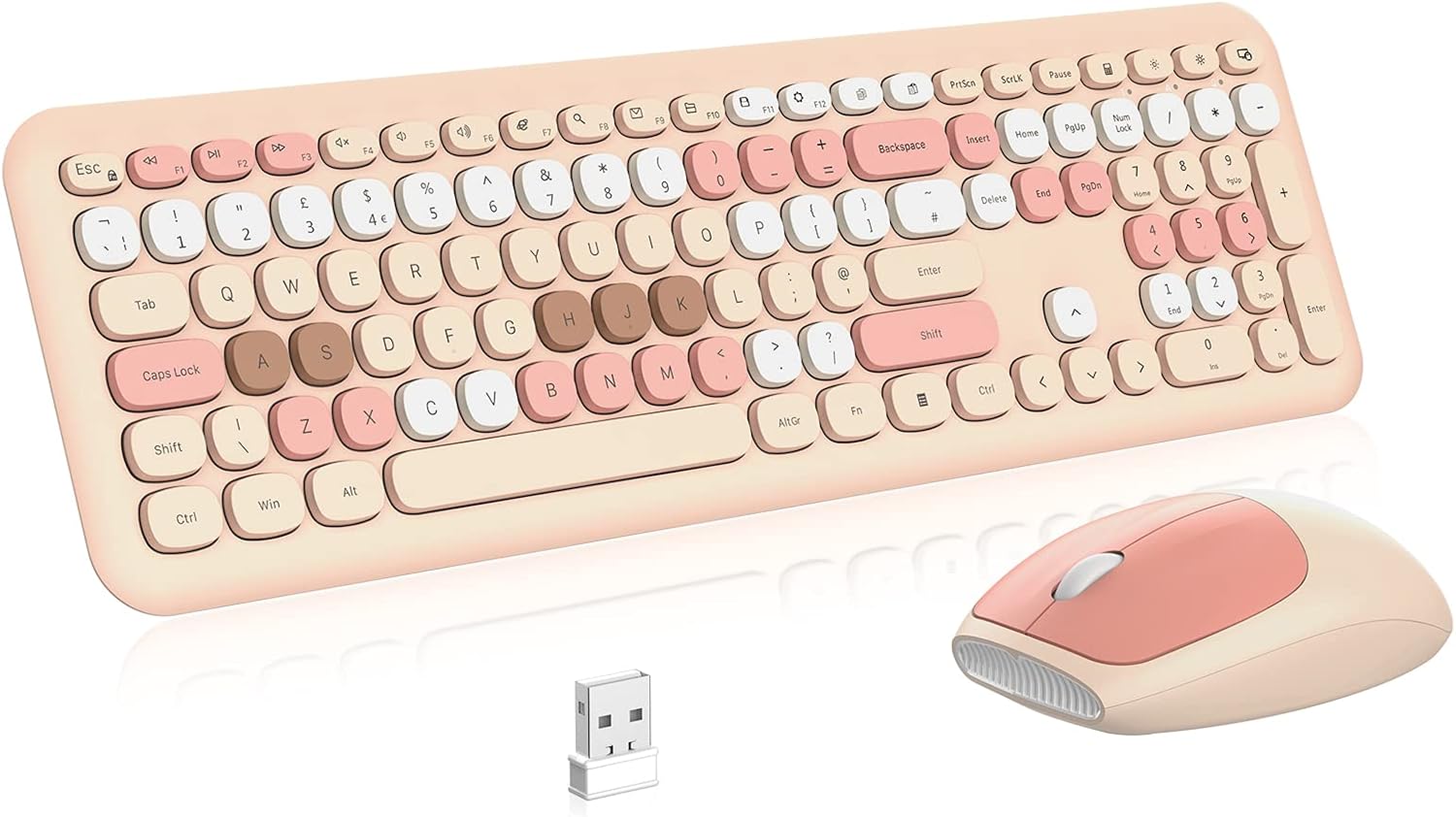
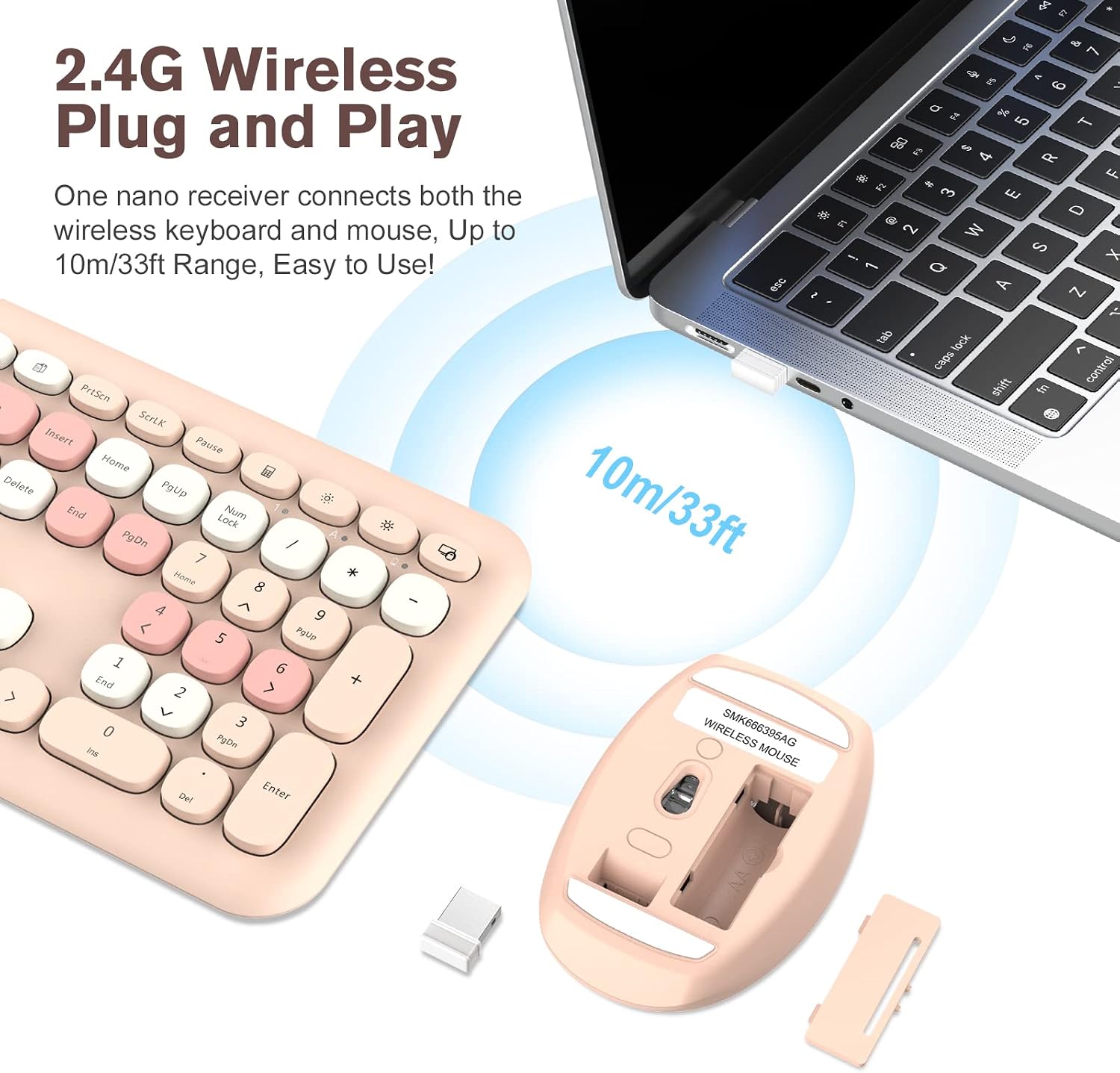
The keyboard and mouse use a 2.4G USB receiver that plugs into your computer and, with a single receiver, keeps both devices connected. If you misplace the receiver, there’s a 2-in-1 solution to store it in the mouse, making setup straightforward and quick—no drivers required. The connection is advertised as stable up to 10 metres, which should cover most desk-based work setups.
Design and comfort in use
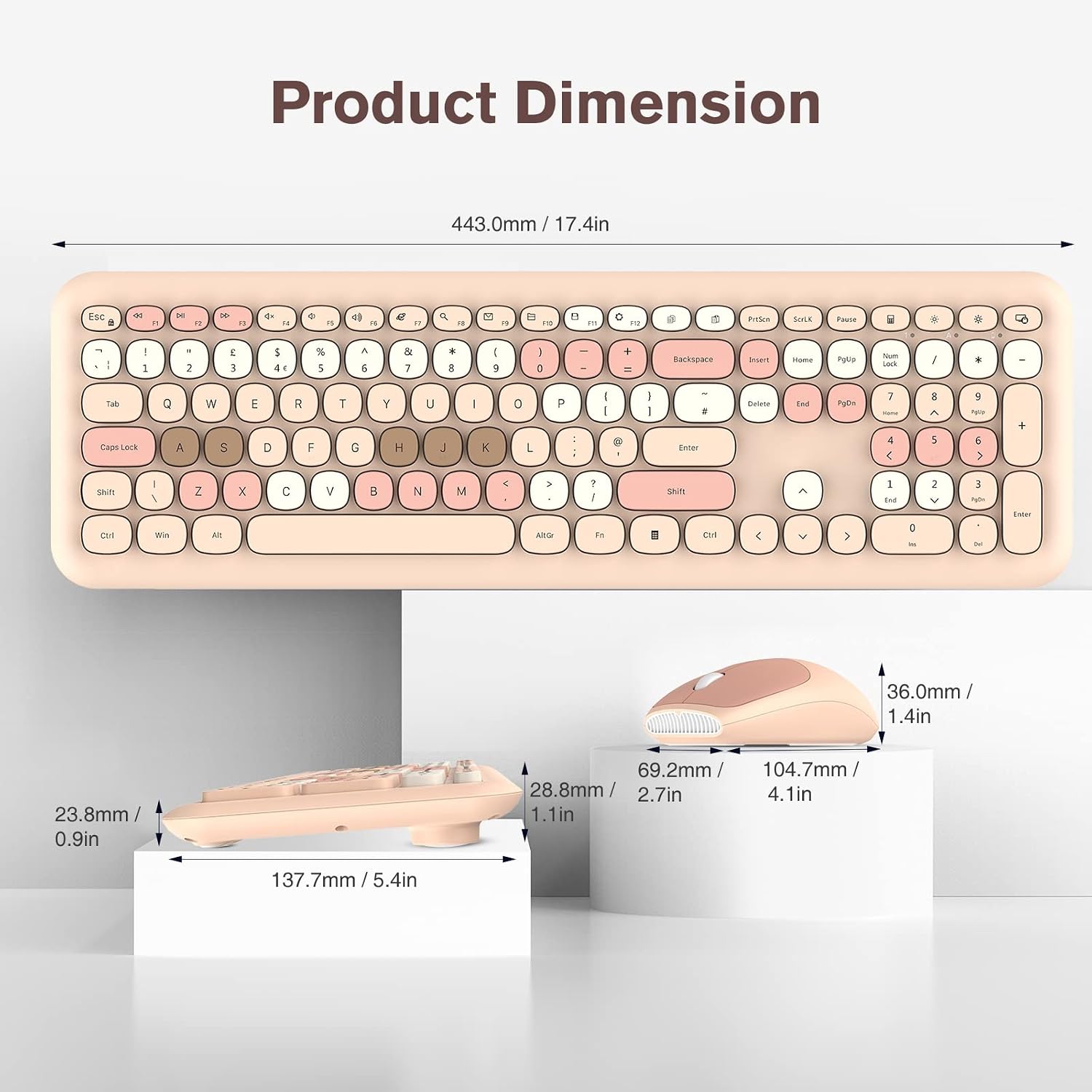
The keyboard features a compact, full-size layout with round keys, which gives a softer, friendlier feel under the fingers. The mouse is designed to suit both left- and right-handed users and is aimed at smooth cursor control on most surfaces. The overall build emphasises durability with spill resistance and keys rated for heavy use, reporting over 1 million clicks in testing.
Compatibility and limitations
This set is described as compatible with Windows 2000/ME/XP/Vista/7/8/10, Mac OS above V10.4, and Android. Practically, hotkeys may not work fully on Mac systems, so users who rely on keyboard shortcuts in macOS should consider this limitation.
What stands out in use
On the positive side, the plug-and-play simplicity, the potential convenience of the built-in storage for the USB receiver, and the claimed 10m wireless range are practical for typical home or office tasks. The pink, ergonomically styled design might also appeal to users seeking a more personalised desk aesthetic.
Where it might fall short
If you need a keyboard with advanced macOS hotkey support, or if you require a particularly compact or ultra-light setup, this combo may feel limited by its standard layout and the stated cross-platform caveats. Durability tests are described but real-world life-span can vary with heavy typists or harsh environments.
Who it’s for
This set is well-suited for general computer users who value a full-size keyboard and an ambidextrous mouse, a tidy wireless desk, and a kit that’s easy to set up for everyday tasks. It should be appealing to those who enjoy a softer, pastel aesthetic or want a cost-conscious wireless pair for a home office.
Who it isn’t for
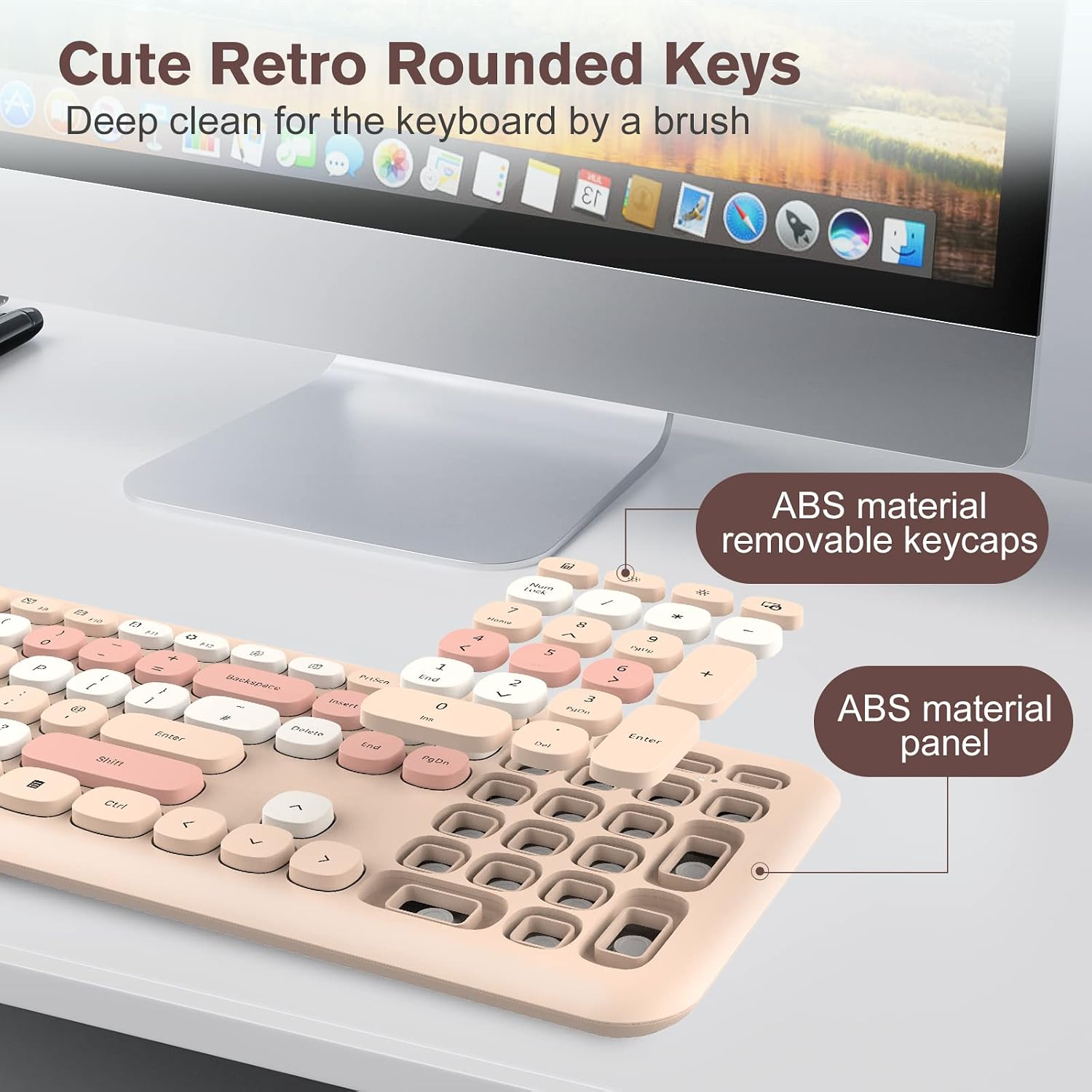
If you need high-end mechanical switches, macro-enabled keys, or full macOS keyboard integration, this entry-level approach may not meet those expectations. It’s more about practicality and value than premium features.
What to check before buying
- Confirm compatibility with your operating system and whether you rely on specific hotkeys.
- Consider your desk layout to ensure the 10-metre range is more than sufficient.
- Think about the look and whether the Milk Tea Pink finish fits your space.

Practical use example
Imagine you’re working from home, moving between documents and web research. The 2.4G connection keeps things responsive on a typical home Wi-Fi setup, while the round keys offer a comfortable rhythm for long typing sessions. The mouse sits nicely in the hand, and the spill-resistant design provides a small safety margin in a busy kitchen-desk environment.
The buying decision
Is it worth it?
Final verdict: The PINKCAT Wireless Keyboard Mouse Combo offers a practical, value-focused option for everyday use. It’s a straightforward plug-and-play solution with a design twist, suitable for users who prioritise comfort, reliability, and a cohesive look on their desk. It may not be the best option if you require advanced macOS hotkeys or premium features, but for many home office setups it delivers solid everyday performance.
Frequently asked questions
- Is the keyboard truly plug-and-play with no drivers? Yes, the set is described as plug-and-play.
- What is the maximum wireless range? Up to 10 metres (33 feet).
- Are hotkeys fully compatible with Mac? Not necessarily all hotkeys will work on Mac OS.
- Is the mouse suitable for left-handed users? Yes, the mouse is designed to be comfortable for both left- and right-handed users.