

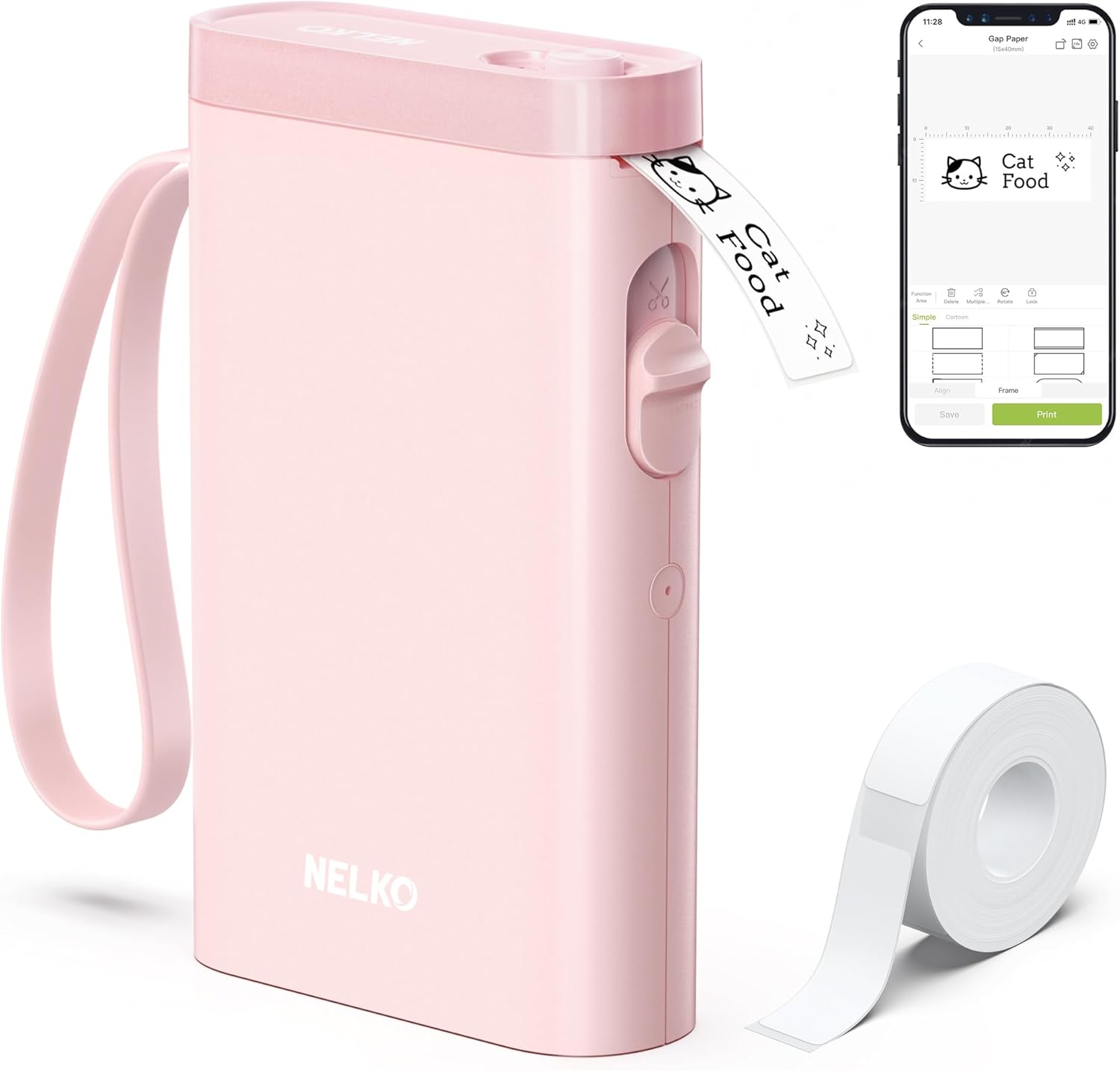
Nelko P21 portable Bluetooth label printer with tape (pink) for phone-based stickers and organisation
Product description
The essentials
The Nelko Label Maker Machine with Tape (P21) is a portable Bluetooth label printer designed to help you create labels from your phone, rather than from a desktop computer. It’s built around thermal printing (so you’re not dealing with ink or toner), and the selling point is convenience: smaller size, lower weight, and the ability to print “anytime, anywhere” once it’s connected to your mobile device in the Nelko app.
On paper, it sits in the practical, everyday category—think home organisation, office tagging, and classroom labelling—more than “industrial” label production. It’s monochrome, which is worth knowing up front: it prints black text rather than full colour designs unless you’re using the right colour pattern tape.
What’s good about it in everyday use
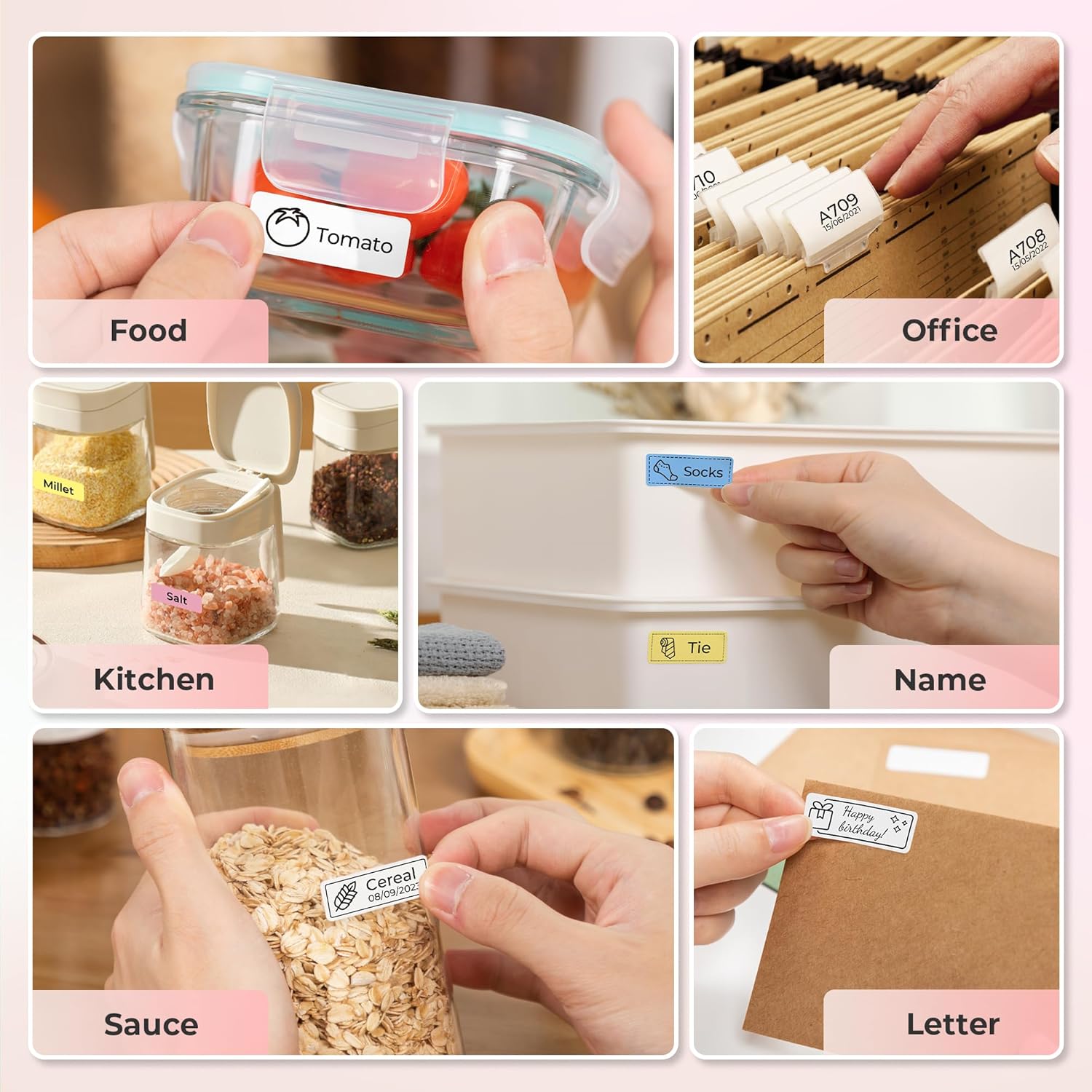
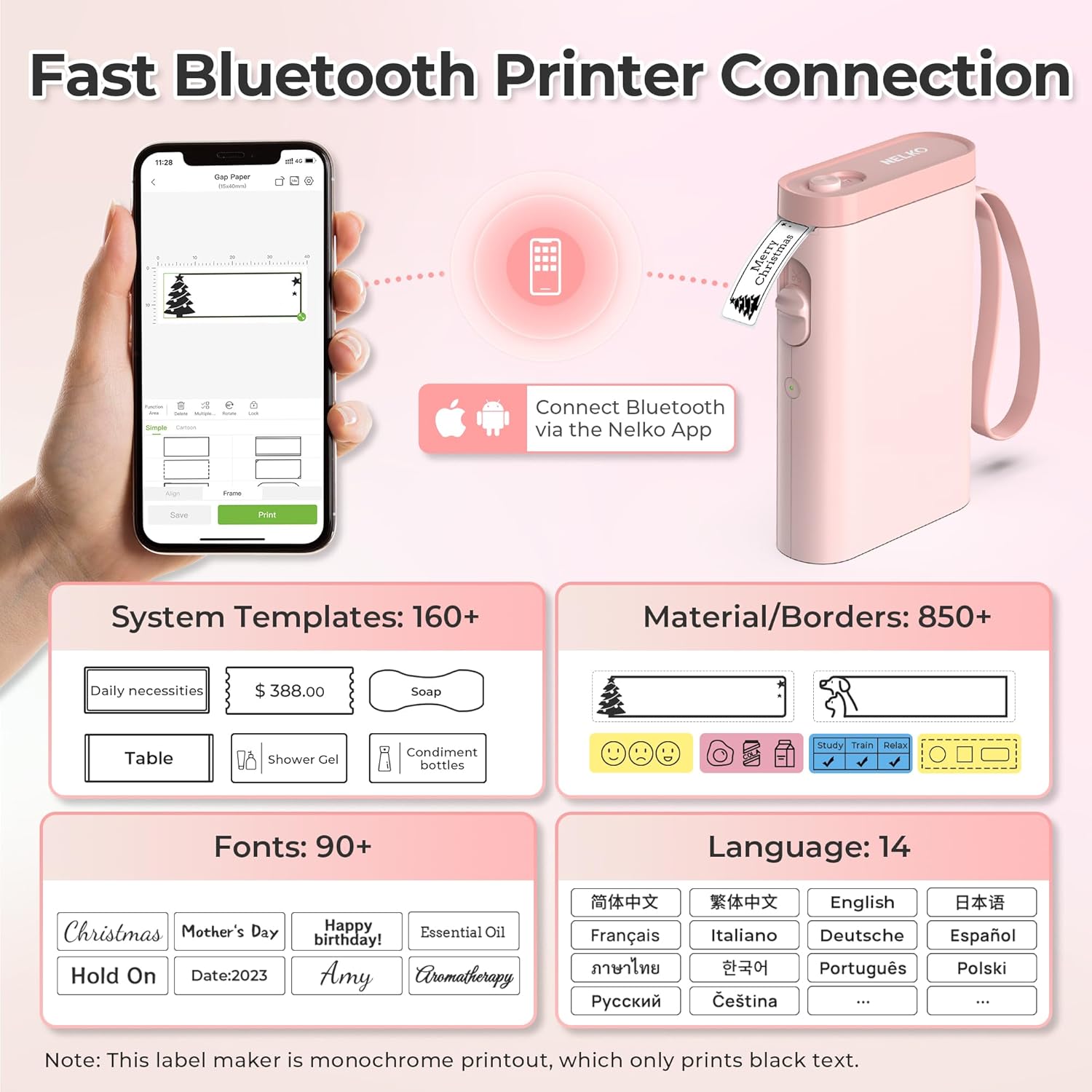
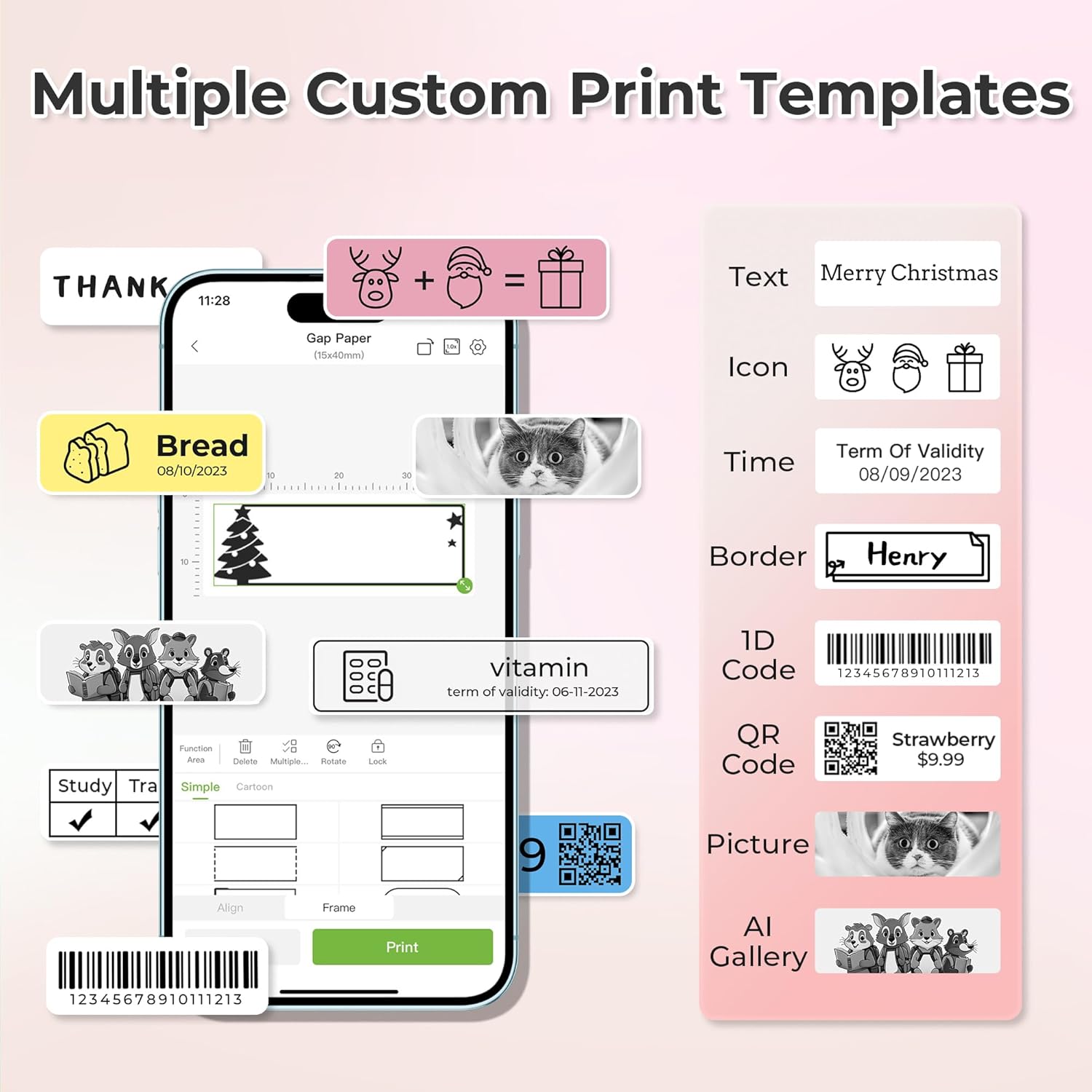
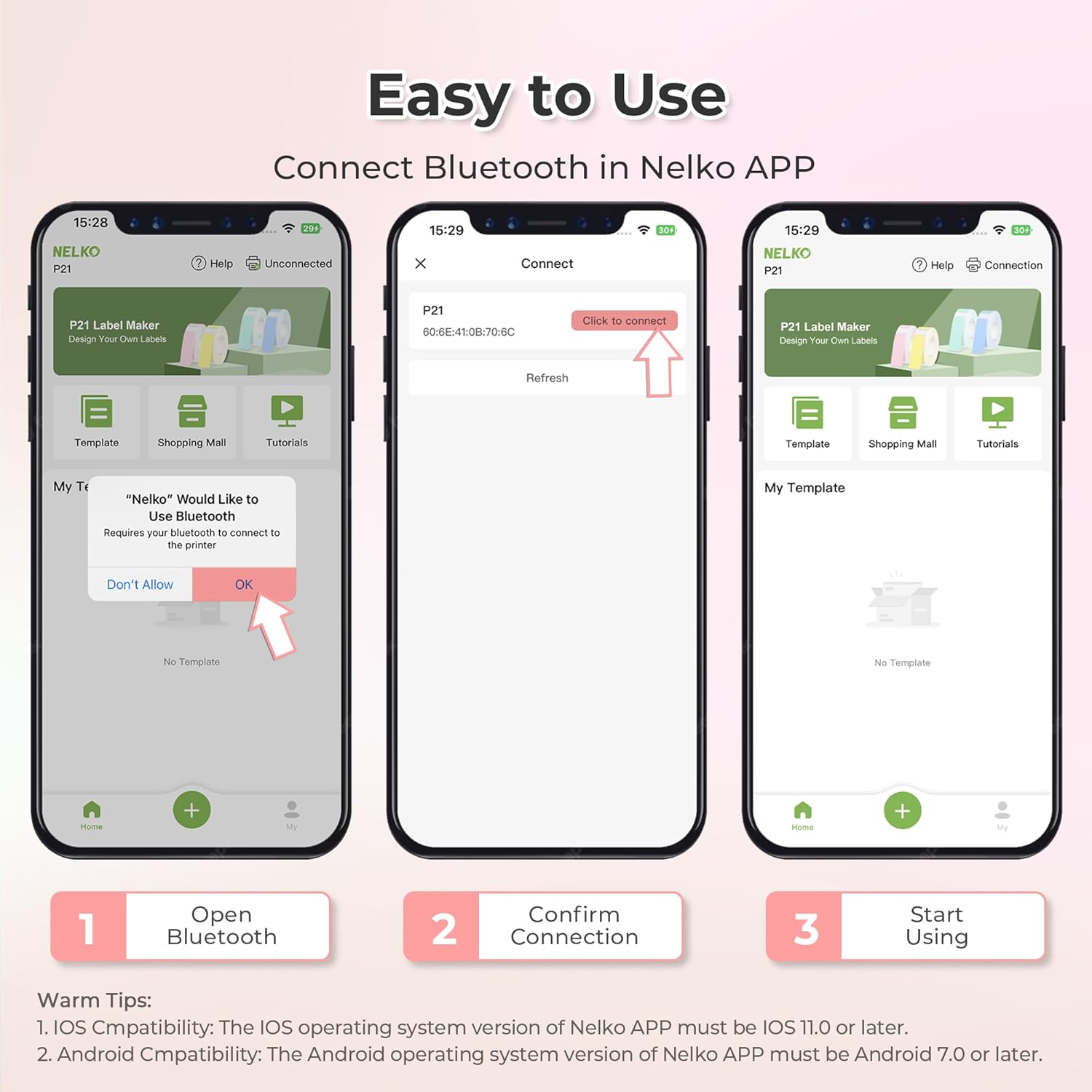
This label maker is aimed at people who want quick labels without a big setup. The process is fairly straightforward: you install paper roll (tape roll), connect the P21 via Bluetooth inside the Nelko app, pick a template, and print. The app approach matters here because it gives you a range of templates and label elements such as text, QR code, barcode, materials, images, time, and borders.
A small practical example: imagine you’re sorting a kitchen shelf or pantry. You can choose a template, type the name (or add a QR/barcode-style label element if that’s your thing), and print a neat label for jars. Because it’s thermal and monochrome, it’s more about clarity and consistency than decorative colour.
The app and template side (where it earns its place)
The P21’s design is closely tied to the Nelko app on mobile. The entry data mentions compatibility with iOS and Android via Bluetooth and highlights a library of templates and assets: 90+ fonts, 10+ languages, and 450+ materials. In short, you’re not starting from a blank screen.
There are, however, a couple of compatibility limits that are easy to overlook when shopping. It’s not compatible with Google phones on Android 14 (per the provided notes). Also, for P21 Nelko APP iOS users, there’s a specific note that multiple-copy printing can behave abnormally on older iOS app versions—updating the Nelko app to the latest version (V2.7.1) is recommended.
Printing basics: thermal, 203 DPI, and label length limits
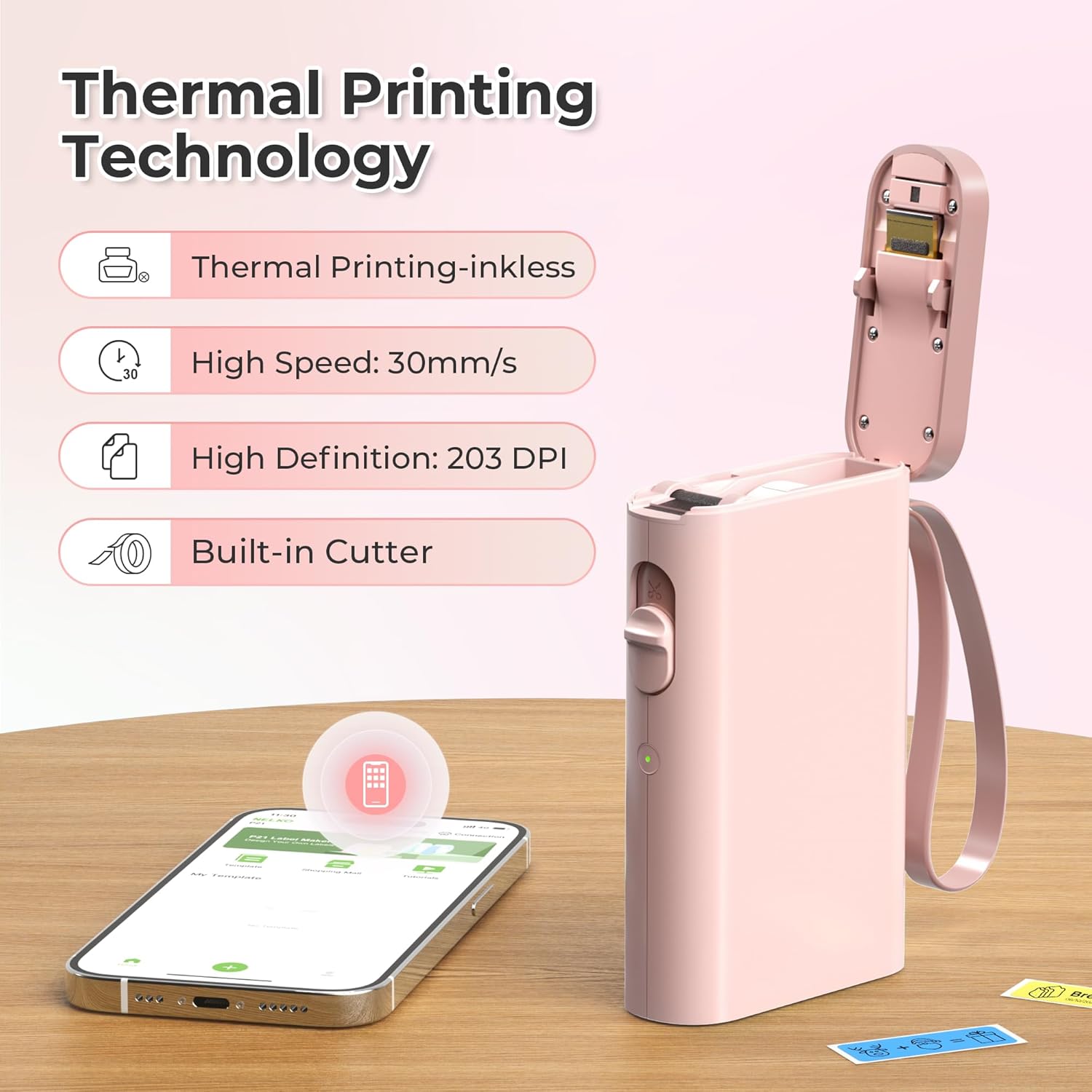
The printer uses BPA-free direct thermal technology, with high-speed chips and 203 DPI. That combination is aimed at “high-definition without relying on ink or toner”, so it’s the kind of setup that typically works well for crisp text and barcodes/QR codes on the right tape.
One nuance: label length is fixed depending on the available formats listed (for example, 12×40mm, 15×30mm, 15×40mm). If you’re the kind of person who wants totally custom label sizes, it may feel restrictive.
Also, continuous label tapes are not supported, and the length of labels is defined by the formats the machine/tape system provides.
What to know before you buy (important limitations)
It may not be the best fit for everyone, and the limitations are fairly clear from the description.
- No colour printing by default: the output is monochrome (black text only). If you want colour labels, you’d need to use colour pattern label tapes for printing.
- No charging adapter included: the listing notes the charging adapter isn’t included, and it’s not suitable for fast charging adapters. If you were planning to use a random fast charger, it’s safer to double-check what power adapter you intend to use.
- Not for computer printing: this label maker doesn’t work with computers, so you’ll be living inside the phone-and-app workflow.
- Don’t damage the backing sticker: the description warns not to tear or destruct the green sticker on the back of the label strip, as it can affect printing quality.
Key specs, in plain English
Tech specs
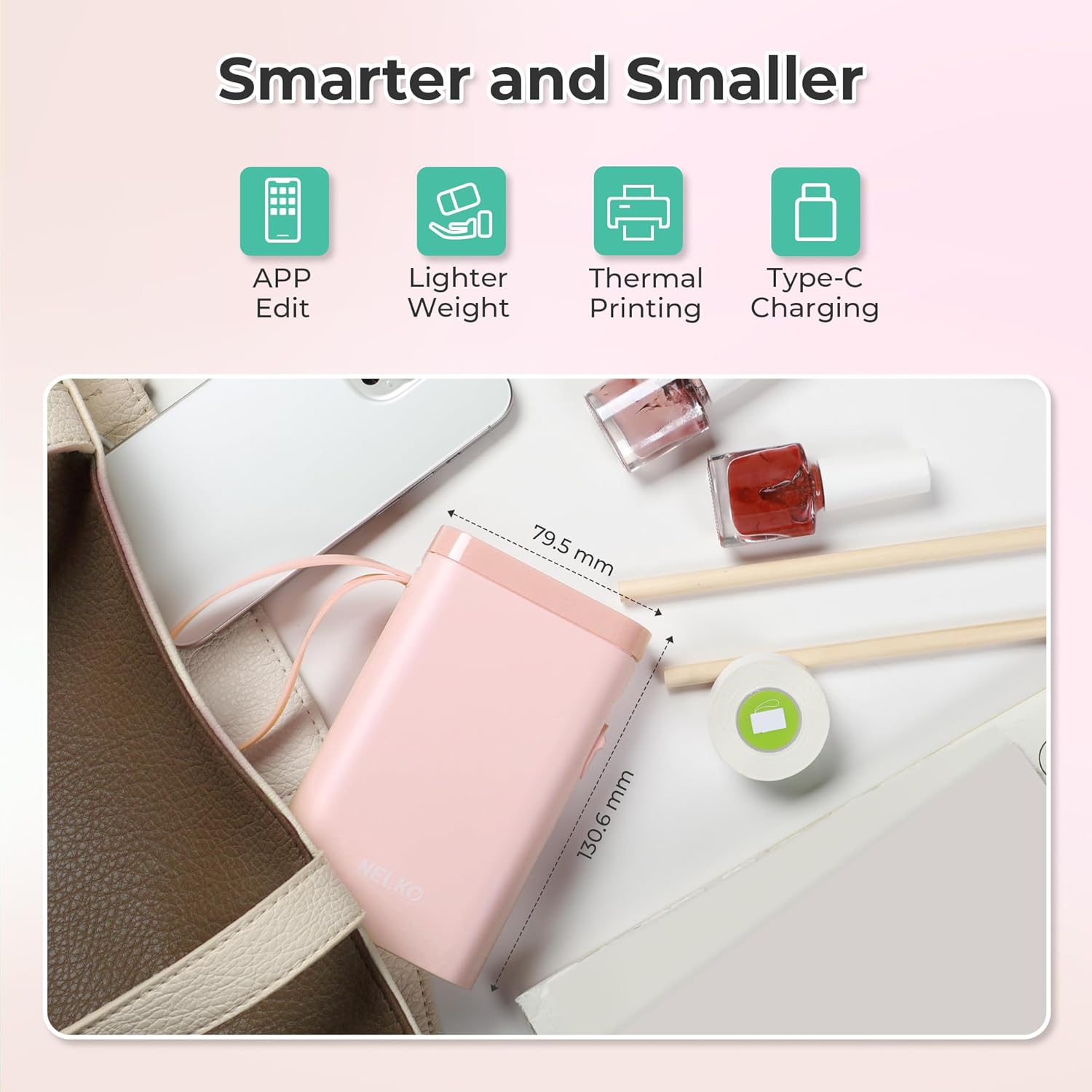
- Type: Portable Bluetooth label printer (phone/app based)
- Printing method: BPA-free direct thermal
- Print clarity: 203 DPI
- Output colour: Monochrome (black text)
- Connectivity: Bluetooth connection via Nelko app on iOS/Android
- Power: Durable rechargeable battery (charging adapter not included)
- Label size formats mentioned: 12×40mm, 15×30mm, 15×40mm (and more)
- Not supported: Continuous label tapes
- Compatibility notes: Not compatible with Google phones on Android 14, iOS multiple-copy printing issue fixed by updating Nelko app to V2.7.1
Pros
Benefits
- Portable and designed for pocket-friendly use compared with “traditional” label makers
- Thermal printing avoids ink/toner hassles
- Phone templates include options like QR codes and barcodes, plus fonts/languages and materials
- Rechargeable battery means less dependency on cables during setup
Final verdict
Is it worth it?
Buy the Nelko P21 if you want a compact, Bluetooth label maker that’s quick to use from a mobile app, and you’re happy to design labels on your phone with templates (including QR/barcode-style elements). It makes sense for day-to-day organising—home storage, office reminders or price tags, and classroom name/label use—especially if monochrome text is fine for your purposes.
Skip it (or at least reconsider) if you need full-colour printing out of the box, you want truly custom label sizes, or you rely on printing from a computer. It also won’t suit everyone due to the Android 14 Google-phone compatibility note and the fact it doesn’t support continuous label tapes.
Mini FAQ
What phone types is it designed for?
It’s designed to work via Bluetooth with iOS and Android through the Nelko app, but it’s noted as not compatible with Google phones on Android 14.
Does it need ink or toner?
No. It uses direct thermal technology, so it doesn’t rely on ink or toner.
Can it print in colour?
The output described is monochrome (black text). Colour labels would require colour pattern label tapes.
What label sizes does it support?
The listing mentions fixed label formats such as 12×40mm, 15×30mm, and 15×40mm, plus other sizes in the available set.
Is it suitable if I want to print multiple copies?
It’s mentioned that iOS users may see abnormal multiple-copy printing unless the Nelko app is updated to V2.7.1, so checking the app version is important.