

XP-Pen Star G640 6x4 drawing tablet
Reviews
Price
Product description
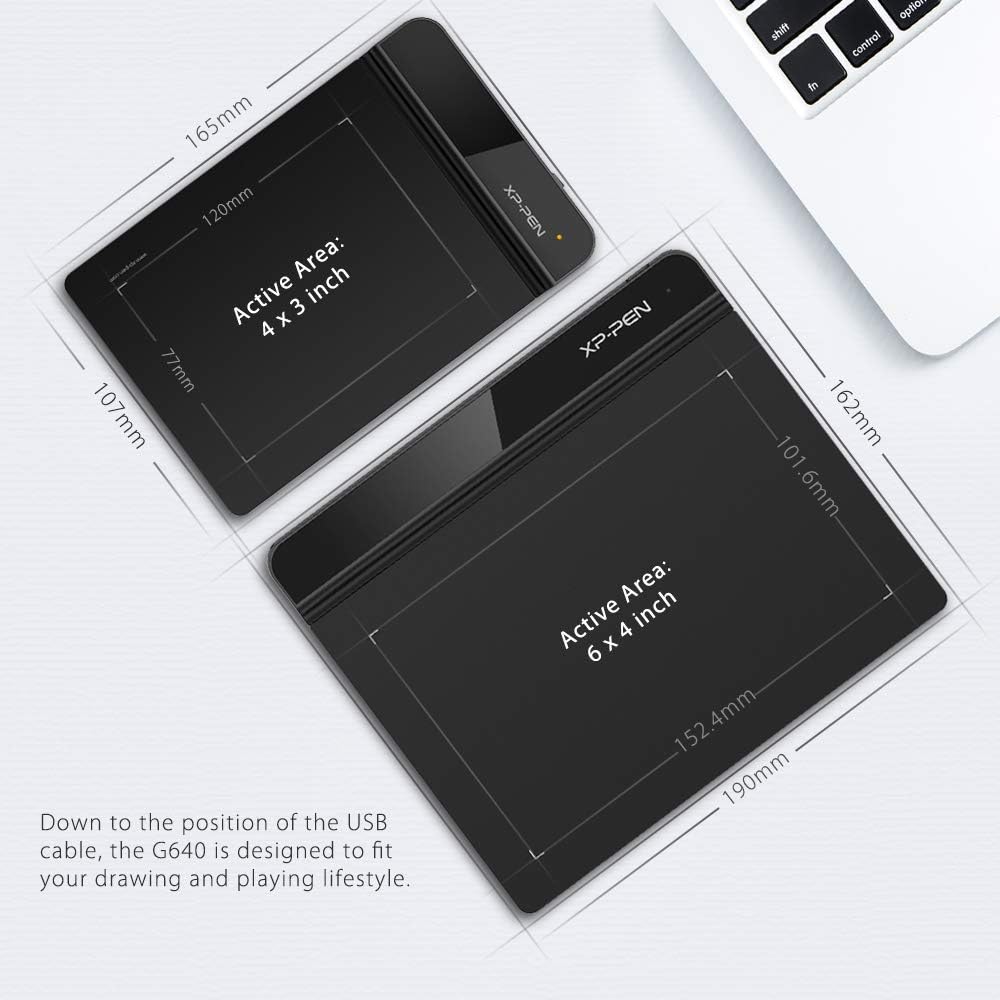
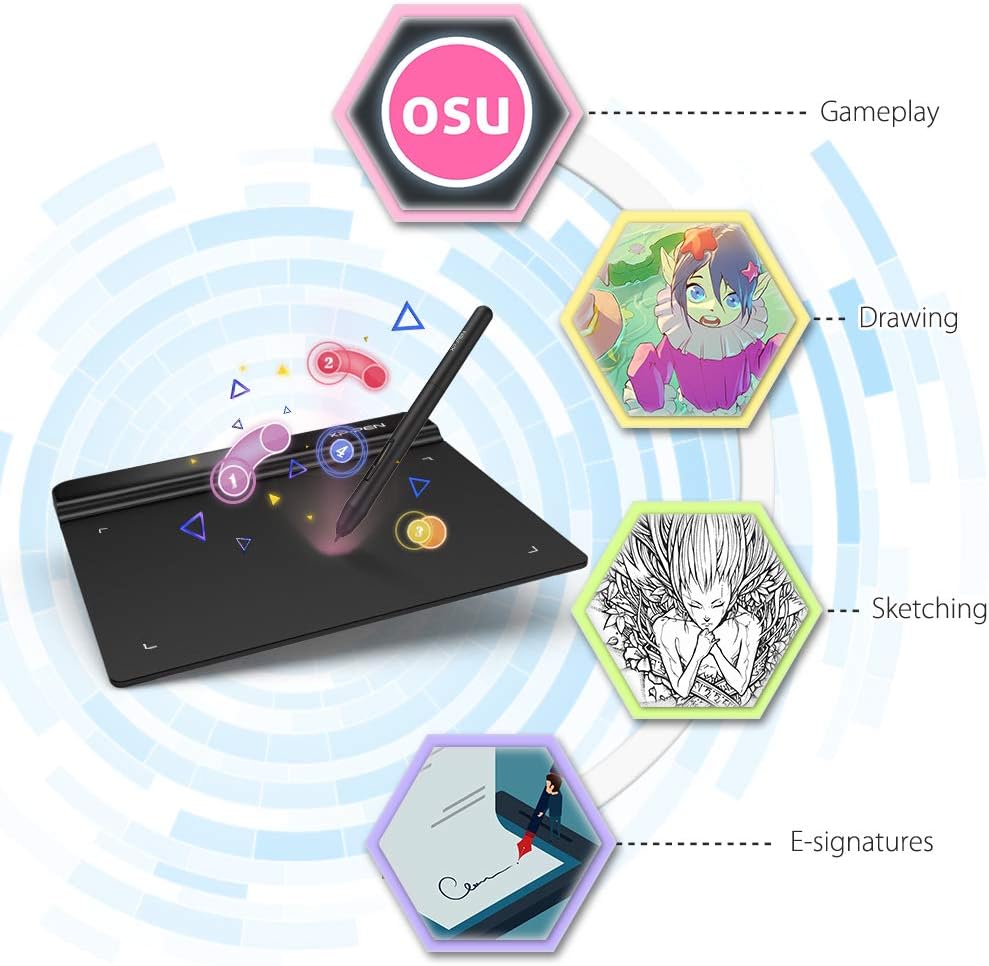
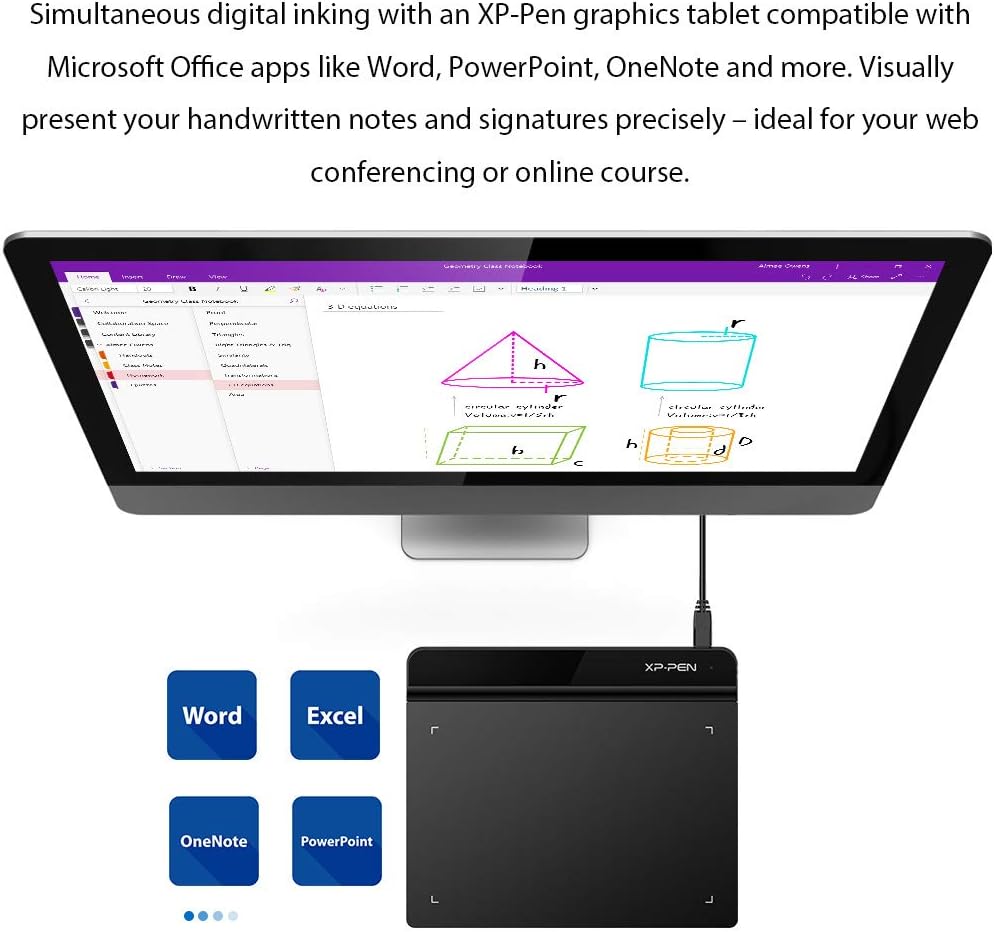
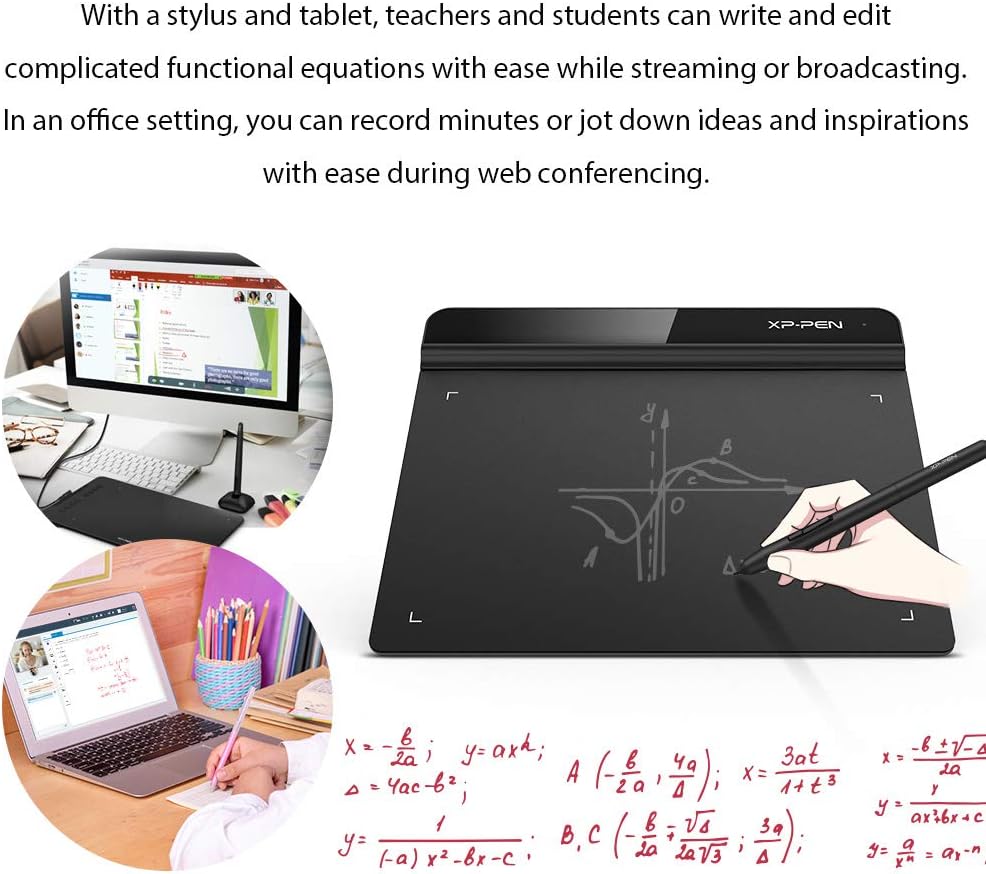
The XP-Pen Star G640 is a compact drawing tablet that brings 8192 levels of pen pressure to a portable 6 x 4 inch active area, ideal for sketching, note taking and OSU! gameplay. It blends responsive input and a slim profile so you can work on the move, while retaining enough control for casual digital art and business signatures.
Key features
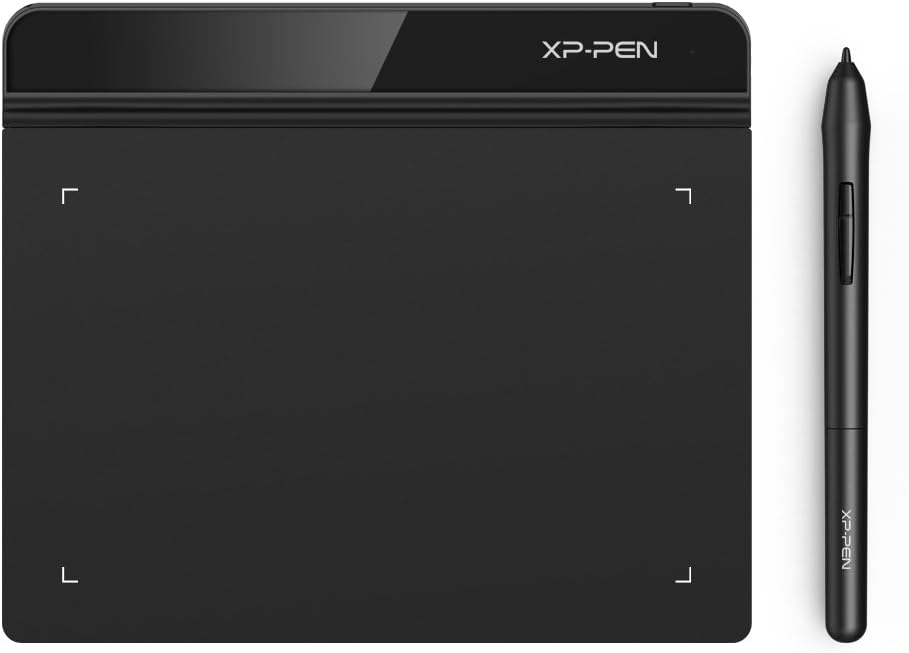
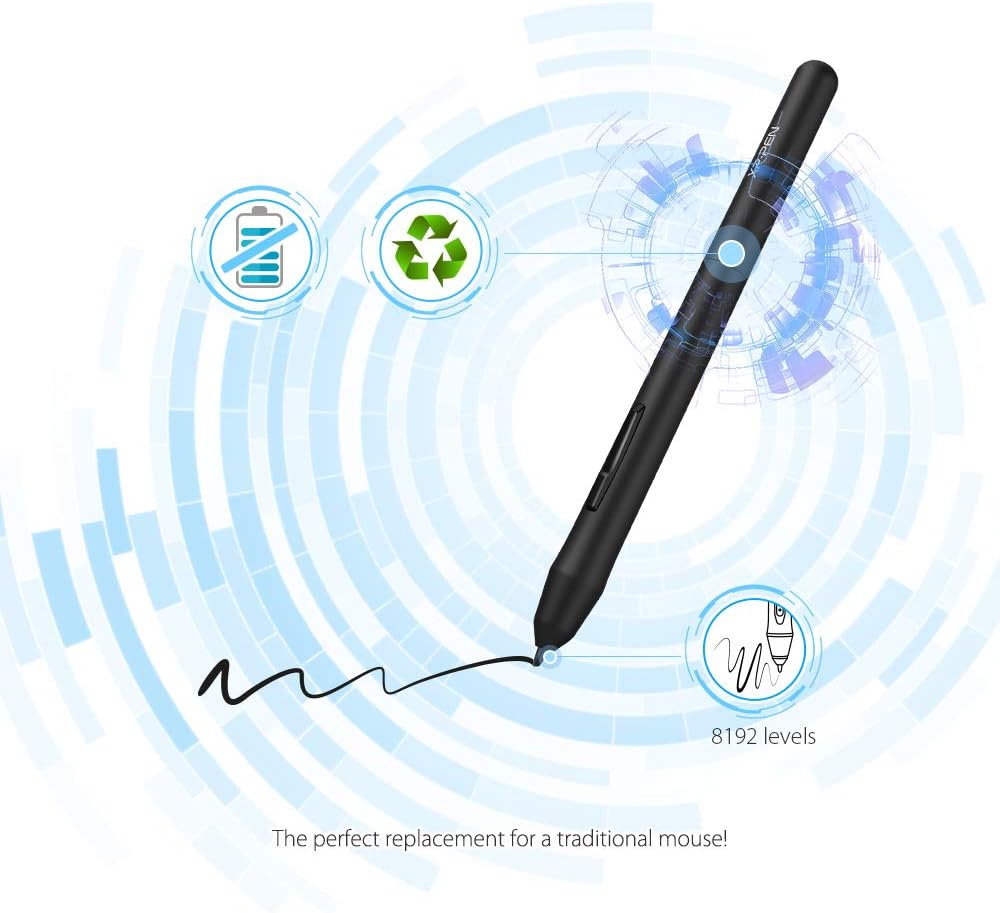
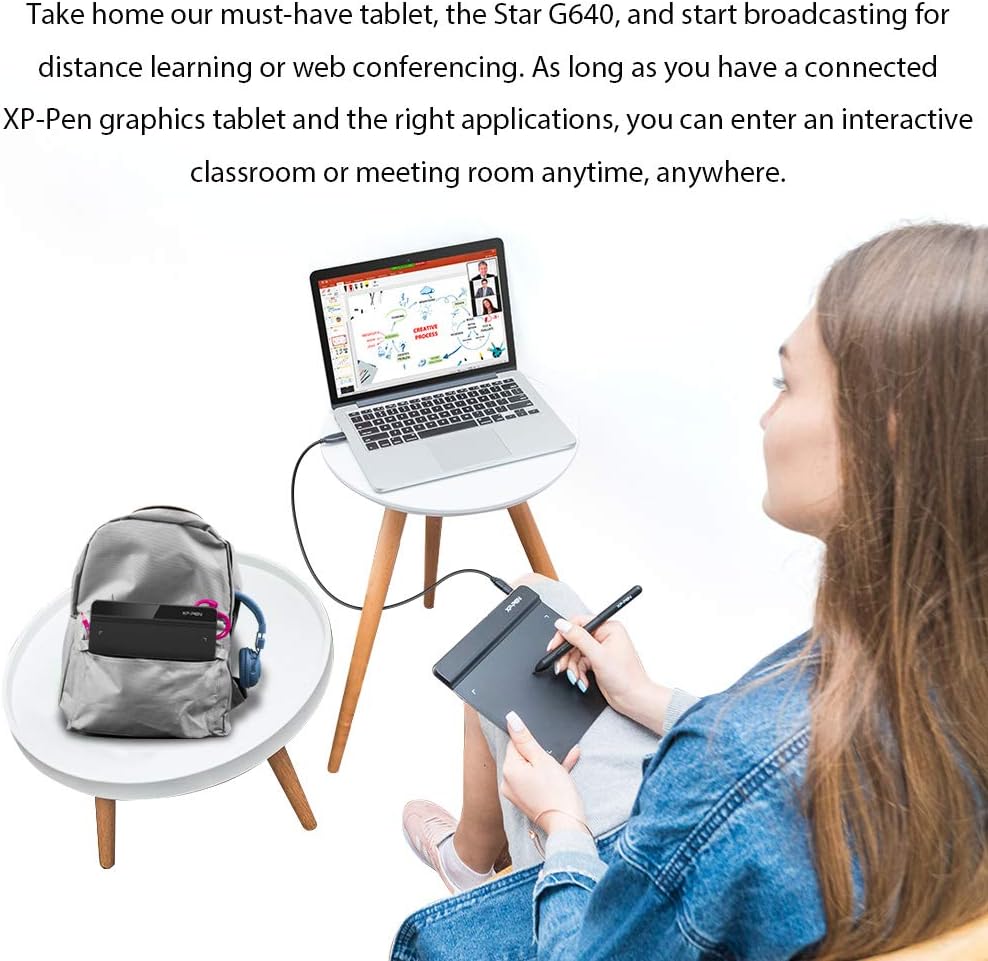
The tablet uses a battery-free stylus with high pressure sensitivity for nuanced strokes, and a report rate raised to 266 RPS for smoother lines according to the manufacturer. At just 2 mm thickness it slips into a bag easily, and the USB cable position suits both left and right handed users. The device is practical for students, hobbyists and anyone who needs a low-cost graphics input.
Specifications
- Name: XP-Pen Star G640
- Size: 6 x 4 inch
- Pressure: 8192 levels
- Weight: 2 mm thickness
- Compatibility: Windows 10/8/7, Mac OS 10.10 and above
Usage tips
Keep the driver up to date for best performance, as XP-Pen periodically improves compatibility and responsiveness. If you play OSU! adjust the active area and pointer settings to match your grip and screen resolution. It’s a good fit if you prioritise portability and precise pressure sensitivity without extra bulk.
Care & maintenance
Wipe the surface with a soft, lint free cloth and avoid abrasive cleaners. Store the stylus in a safe place to protect the nib, and disconnect the USB cable when transporting to reduce wear. A light limitation to note is that this model is aimed at entry level users and may lack advanced shortcut keys found on larger tablets.