

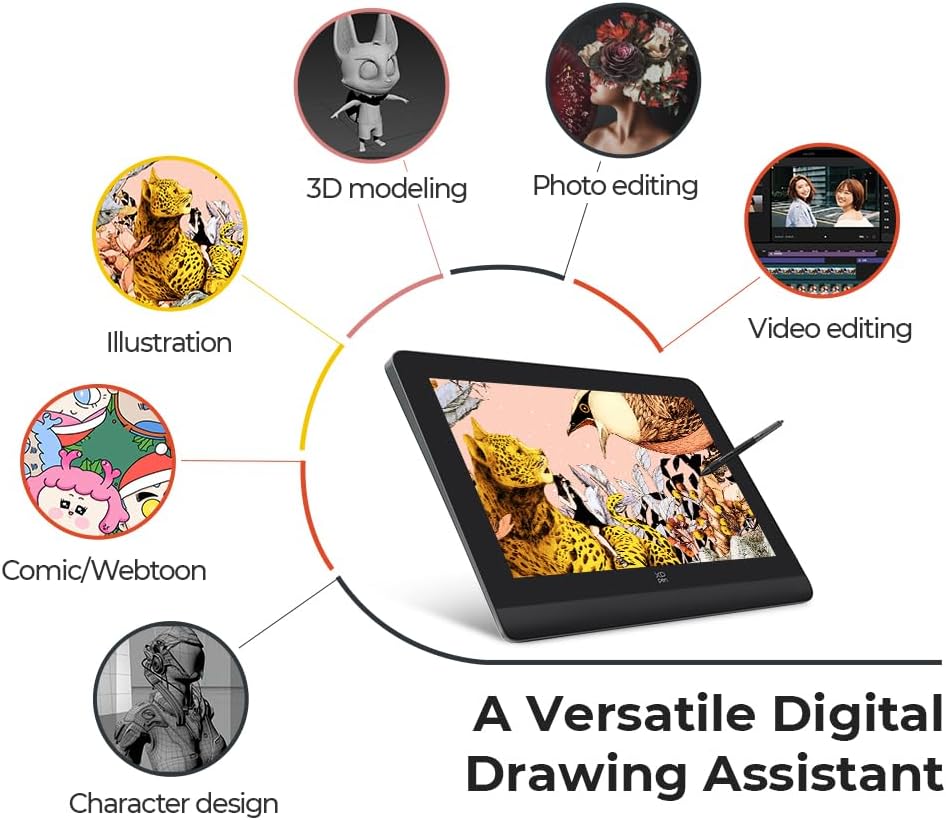
XPPen Artist Pro 16 2.5K drawing tablet
Product description
If you want a more natural way to draw and edit digital artwork, this pen display is built to feel responsive and intuitive. The XPPen Artist Pro 16 (Gen 2) pairs a large 16-inch canvas with a 2.5K QHD full-laminated screen and a stylus designed for fine control. It suits creators who care about smooth inking and accurate colour when working on sketches, illustrations, or design concepts.
The essentials
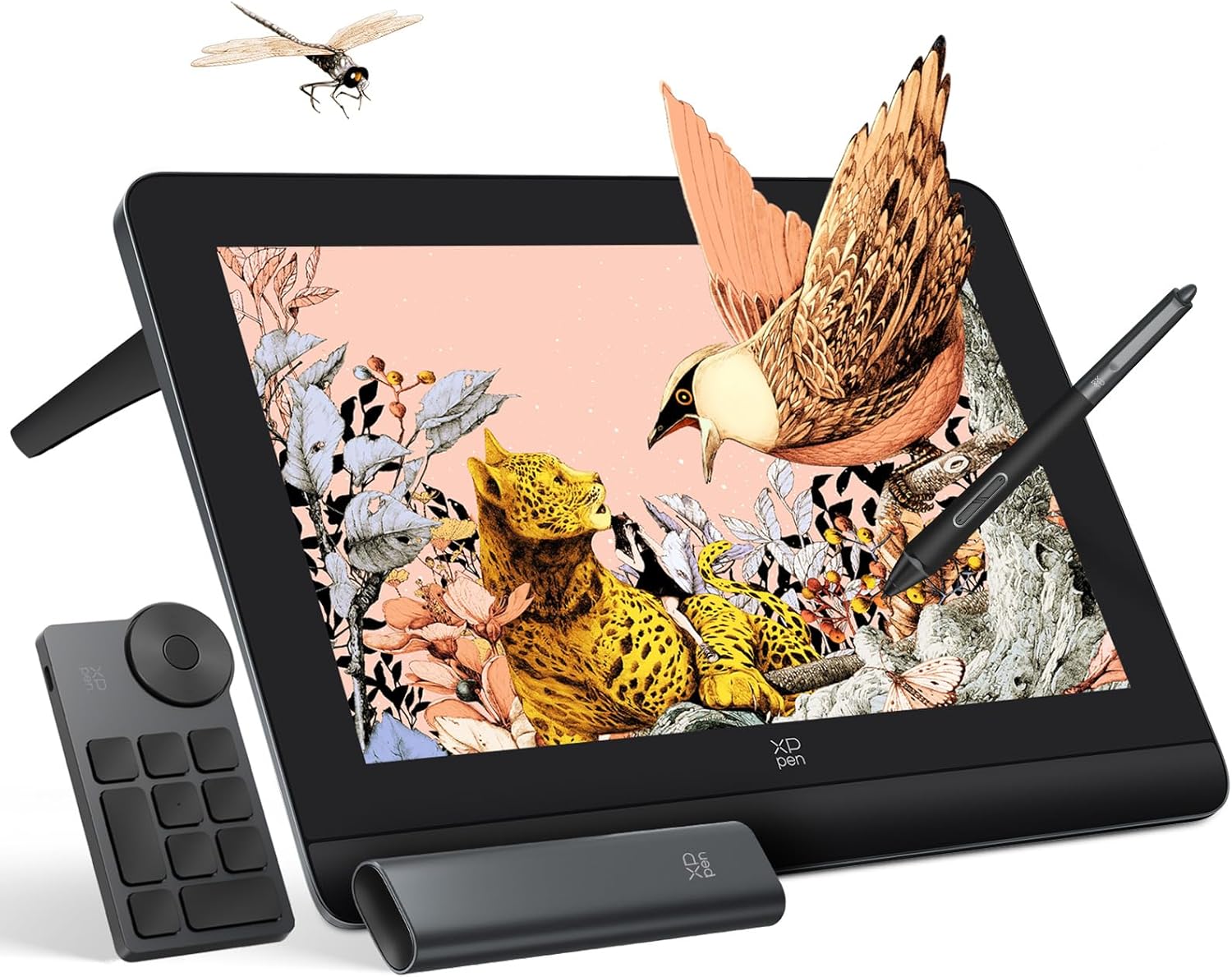
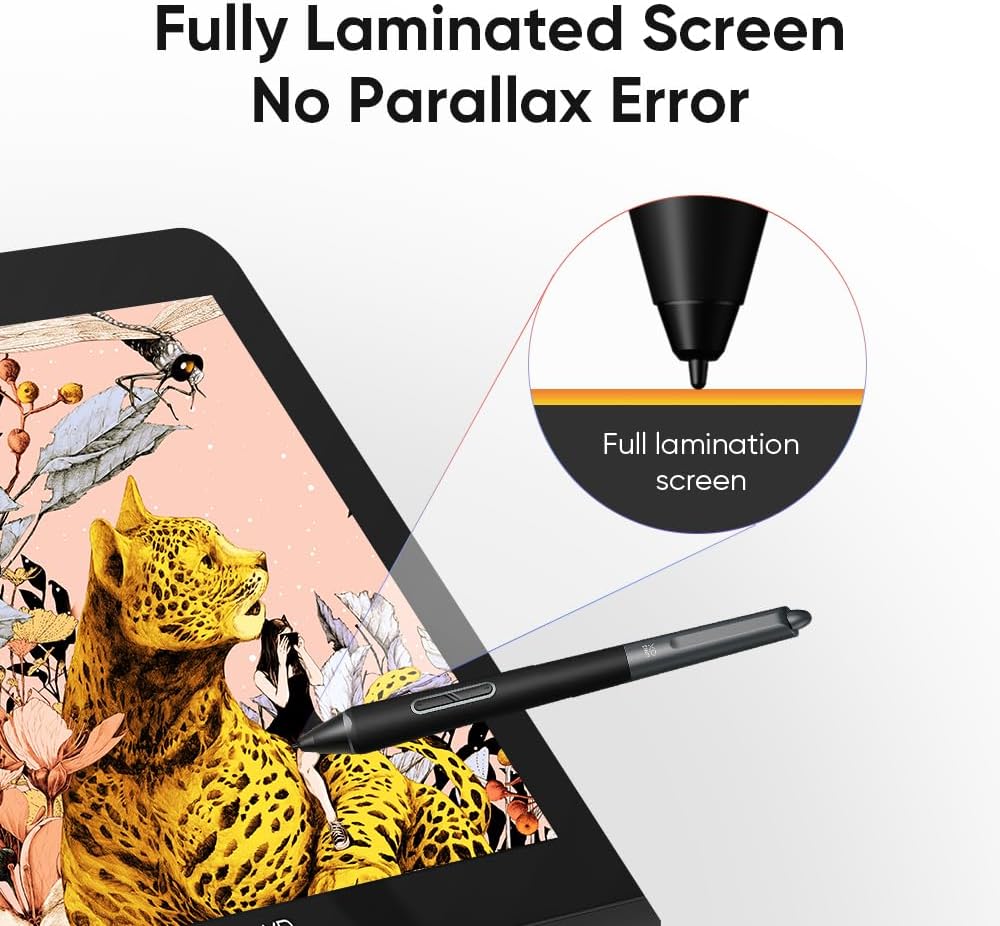
The XPPen Artist Pro 16 (Gen 2) is a pen display drawing tablet that lets you work directly on a full-laminated screen, with an interface that aims to be comfortable for longer sessions. The 2.5K QHD resolution on a 16-inch display gives you more room to see your work clearly, while the anti-glare, anti-fingerprint etched glass is made to support a calmer viewing experience. On top of the display, the stylus technology is intended to help you create precise, smooth lines with reduced issues such as lag or broken strokes. 🎨
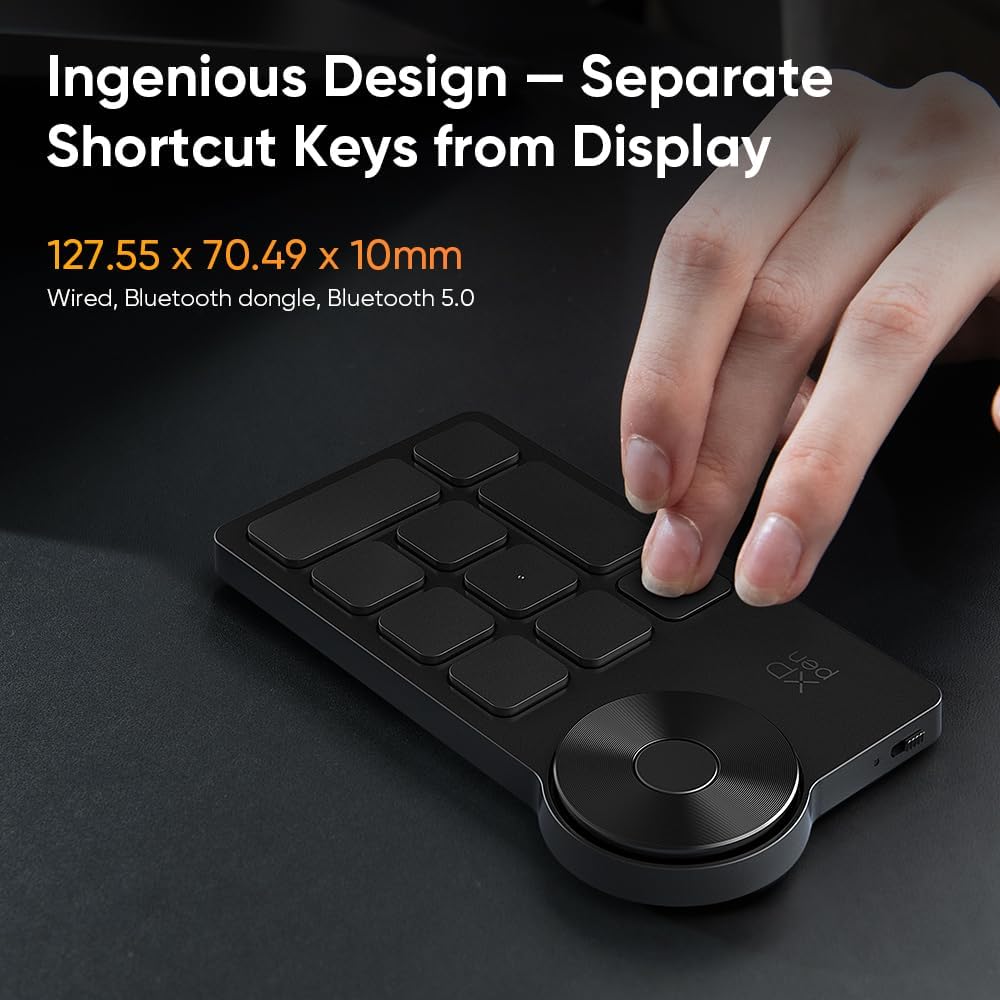
A key practical advantage is the way it blends display viewing and pen input into one workflow, so you are not flipping between a tablet and a separate monitor. The built in foldable stand also helps with desk positioning, which can matter when you are drawing for hours. You also get a way to make quick function changes using the ACK05 Wireless Shortcut Remote, which can reduce how often you need to reach for menus mid flow. ✅
Worth noting that it is not a standalone tablet. According to the manufacturer, it requires a connection to a PC or laptop, so you will want to plan your setup around your computer and compatible software.
Key features
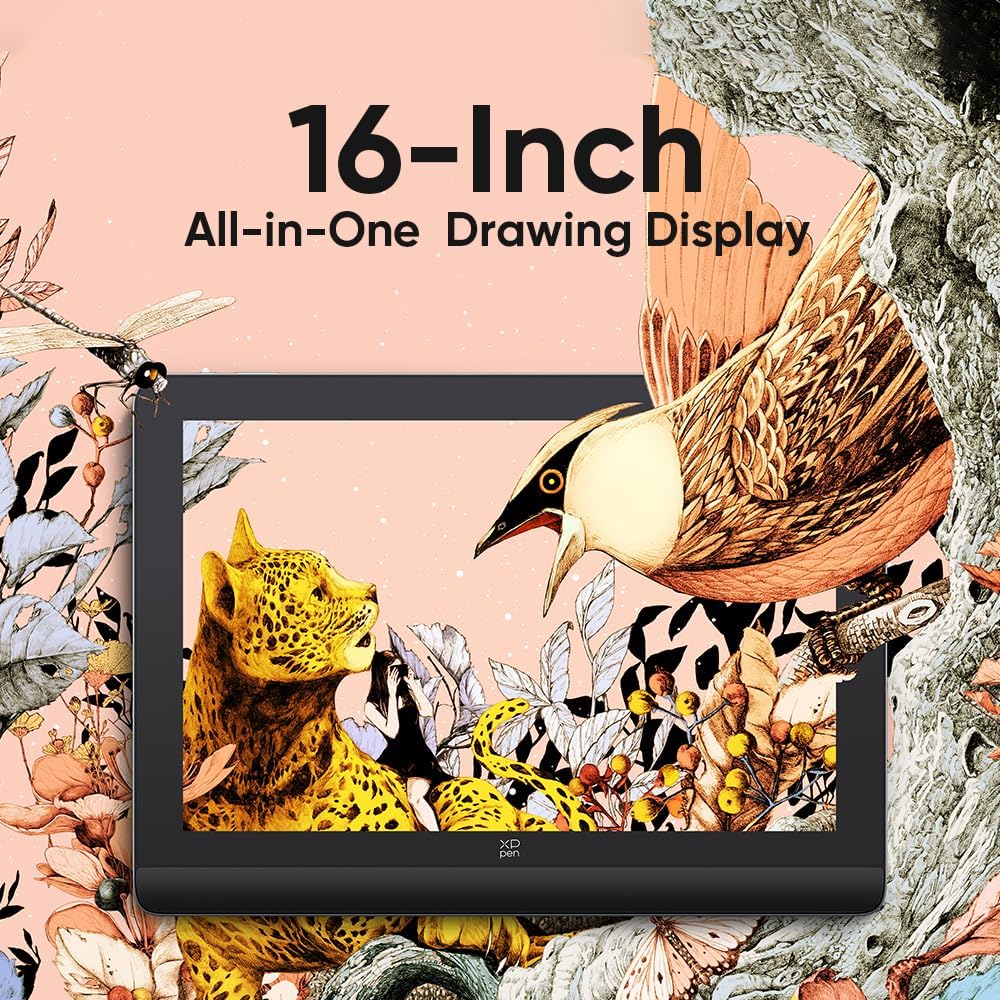
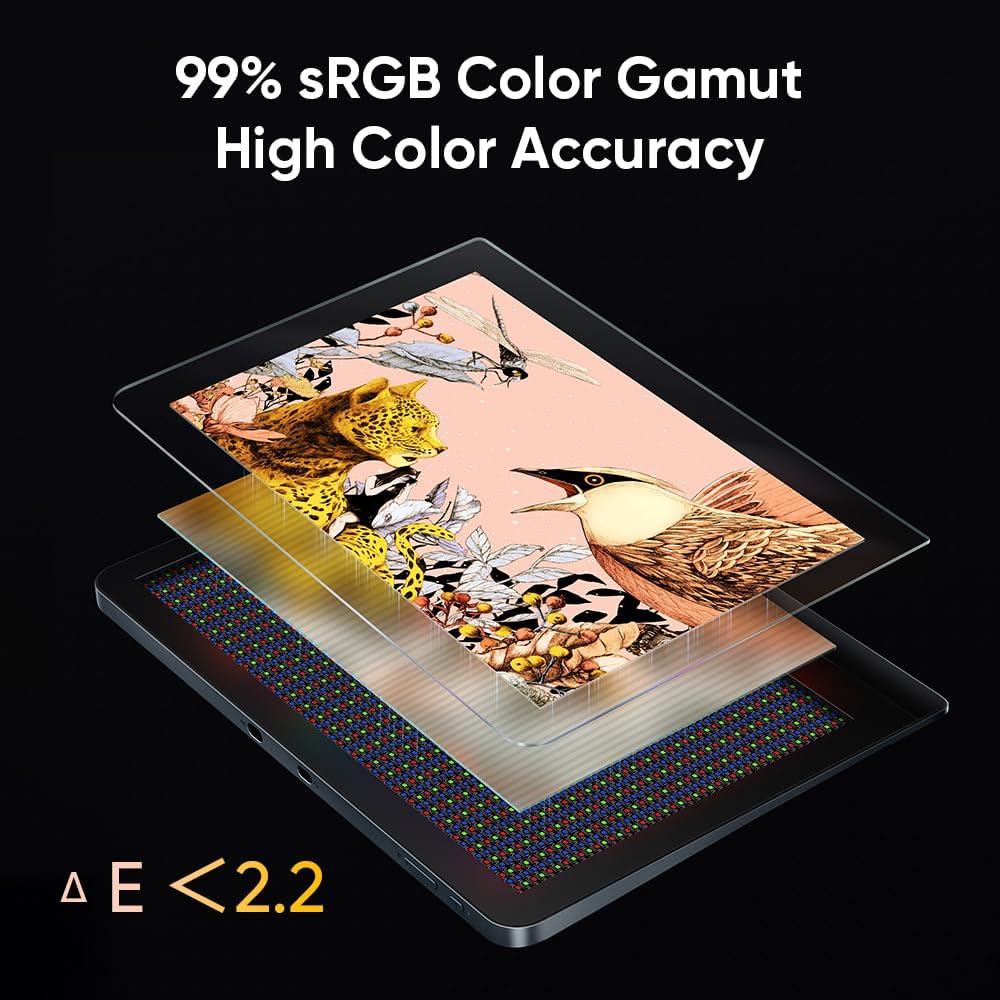
The display is the centrepiece here, using a 16-inch full-laminated 2.5K QHD screen designed to look closer to paper while still offering the benefits of a screen workflow. With a 99% sRGB colour gamut, it is set up for everyday digital art tasks where consistent colour matters, especially when you are creating content that you want to view accurately. The etched glass surface and the anti-glare approach are designed to make drawing feel more grounded, so you can sketch with less visual distraction. ✍️
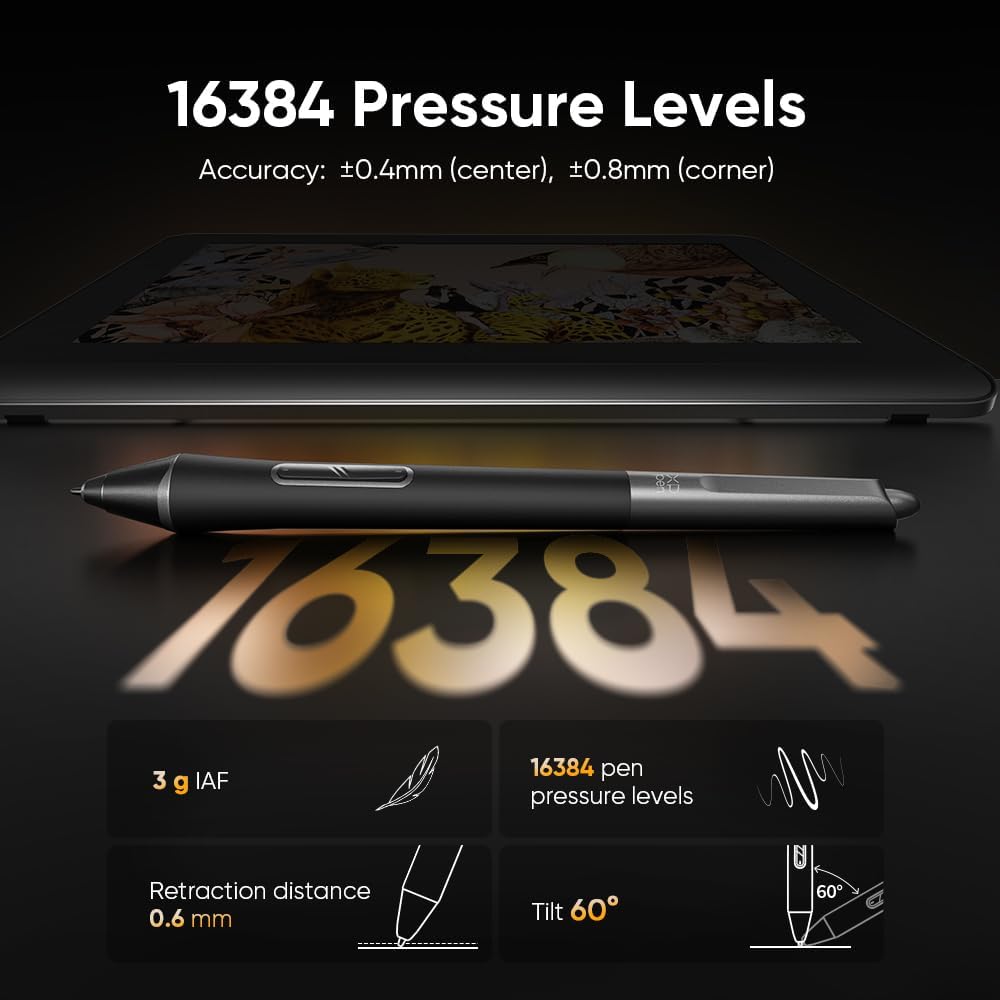
On the input side, the stylus is described as an X3 Pro Smart Chip stylus for the Artist Pro 16 (Gen 2), with 16K pressure levels. The product information highlights that it delivers precise and smooth lines, with virtually no lag or broken lines, and that accuracy increases by 20% to help bring out detail in your art project. The stylus experience is also supported by a felt nib for tactile simulation, which can be a helpful detail if you are coming from pencil style drawing.
In terms of everyday usability, the tablet’s sleek metal body and stand are made to keep things tidy on your desk. The built in foldable stand helps you maintain your preferred viewing angle, and the ACK05 Wireless Shortcut Remote offers easier access to functions for faster adjustments during work. That matters when your process is iterative, with lots of small changes across layers, brushes, and tools.
Compatibility is broad, so it can fit into many existing setups. It supports Windows 7 or later, macOS 10.10 or later, Android via USB3.1 DP1.2, Chrome OS 88 or later, and Linux. It is also listed as compatible with popular digital art software such as Adobe Photoshop, Illustrator, SAI, CDR, GIMP, Krita, MediBang, FireAlpaca, Toonboom, Maya, and Blender3D.
Tech specs
- Type: Graphics pen display
- Size: 16 inch
- Resolution: 2.5K QHD
- Colour: 99% sRGB colour gamut
- Pressure levels: 16K pen pressure
- Screen surface: anti-glare anti-fingerprint etched glass
- Stylus: X3 Pro Smart Chip stylus
Who it’s for
It’s a good fit if you want a larger pen display with a full-laminated, paper-like drawing feel and a screen built for detailed work. It suits illustrators, digital artists, and designers who prefer seeing their strokes on a high resolution canvas and want consistent colour coverage for creative output. You’ll like it if your routine includes drawing, sketching, and inking with frequent tool switching, since the shortcut remote is meant to speed up those moments. It makes sense if you already use a compatible PC or laptop, because the tablet requires that connection rather than being used on its own. 🖥️
It may not suit you if you are looking for a standalone device without connecting to a computer. It might not be a great match if you need to work entirely without any software setup, since compatibility depends on supported operating systems and digital art applications. If you want a tablet that focuses on the screen drawing experience and stylus control, this is built around that exact workflow from the screen surface to the pen pressure features. 🎯