

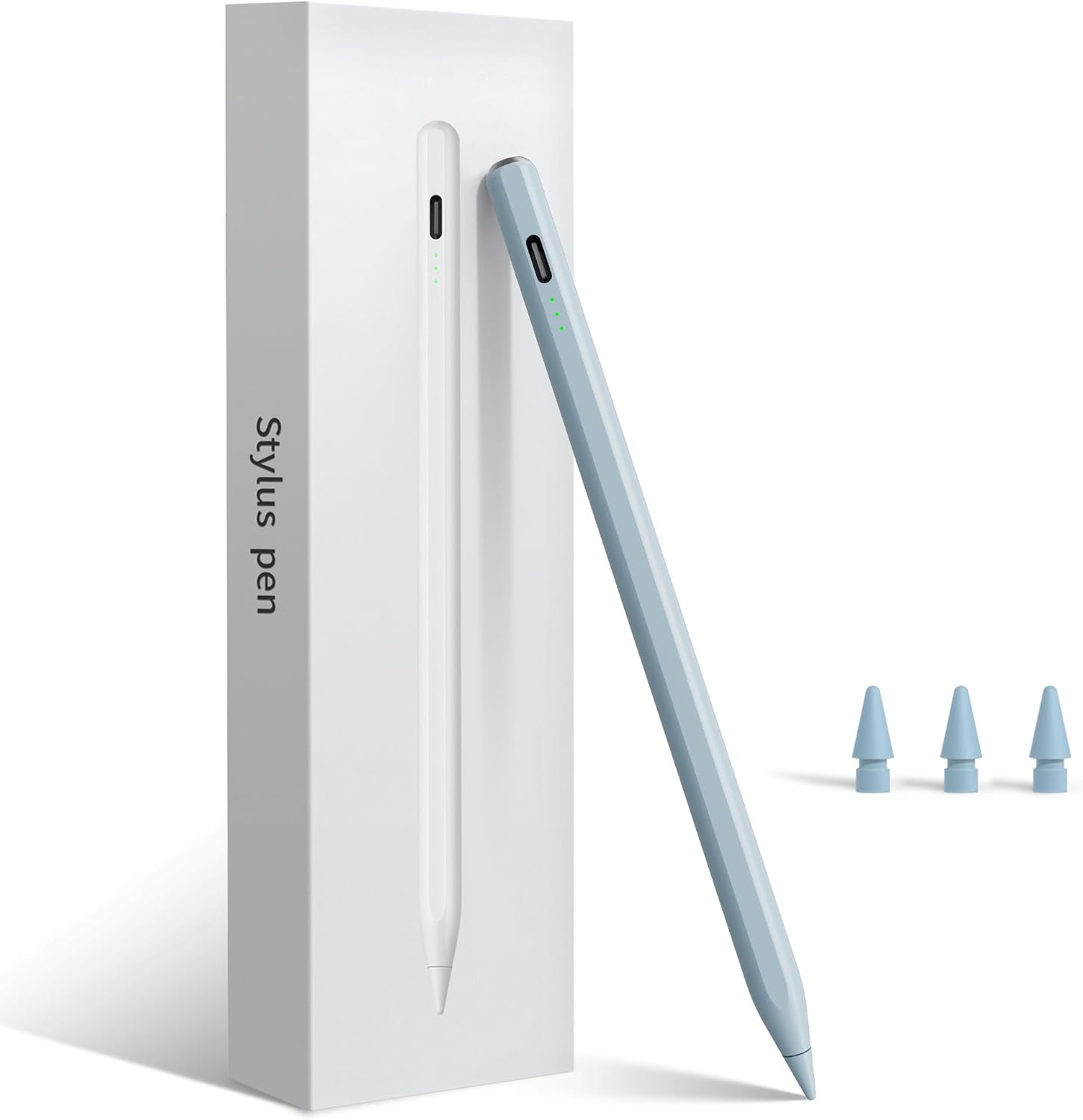
Pencil for iPad (2026–2018) Fast Charge Stylus with Palm Rejection & Tilt Sensitivity
Product description
Quick overview
This Pencil for iPad (2026–2018) is a stylus built for people who want a responsive pen-like experience without jumping straight to the most expensive ecosystem. On paper, it ticks a few practical boxes: fast charging via a Type‑C cable, palm rejection for more natural writing, and tilt sensitivity for thicker/thinner lines when you angle the tip.
Where it gets more interesting is the balance of features aimed at day-to-day use. You’re not just getting something that makes the iPad think you’re touching the screen—you’re also getting controls that reduce friction in real tasks like taking notes, sketching simple shapes, or marking up documents. That said, it’s worth remembering that the spec-style description doesn’t tell you everything about how it feels over long sessions, or how consistently it performs across every iPad case and screen protector setup.
Key points
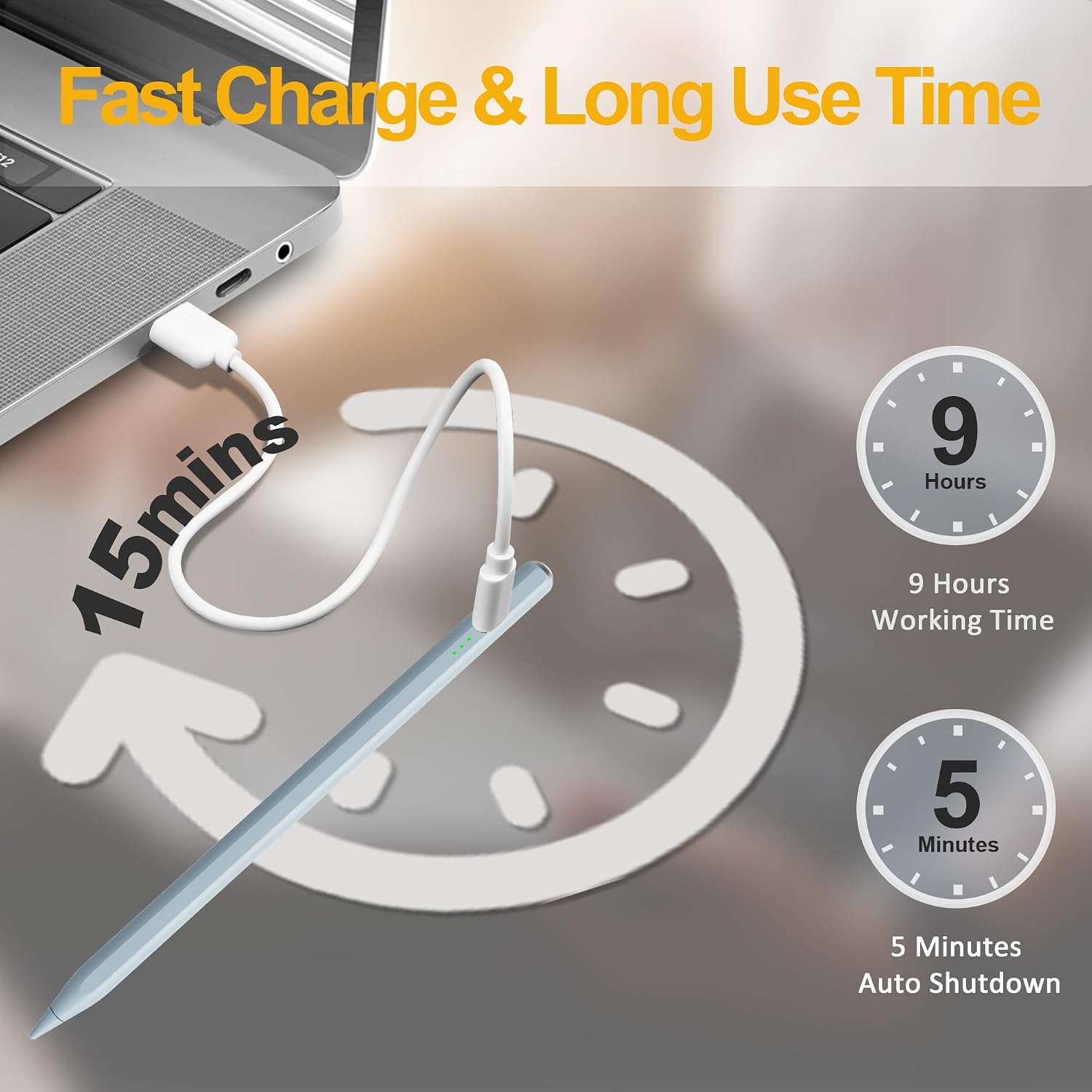
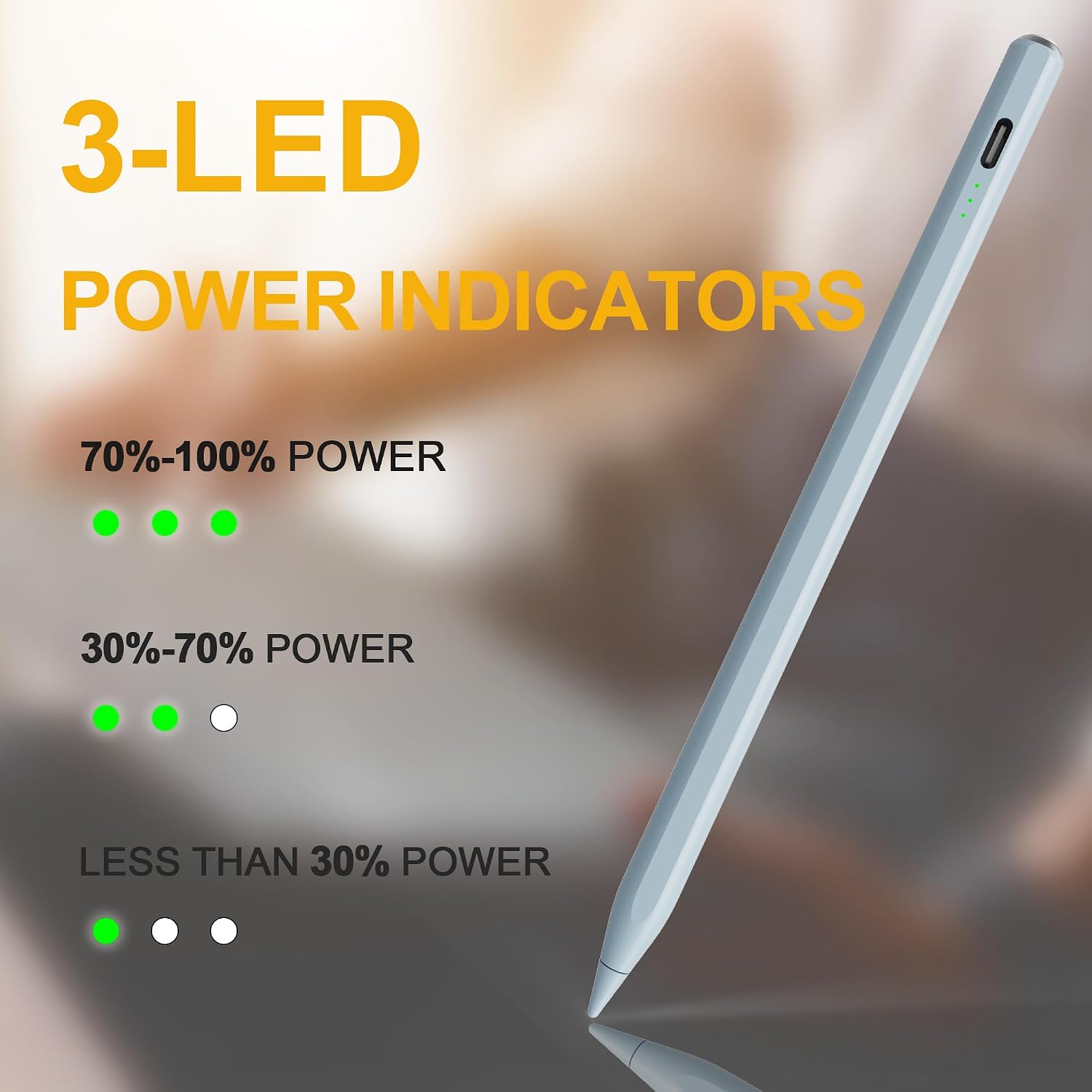
Fast charge matters if you forget to top up until you’re about to use it. This one is described as fully charging in 15 minutes via Type‑C, with three LED indicators showing battery level, plus an auto power-off after 5 minutes of inactivity to conserve energy. If you’re the sort of person who keeps the stylus in a bag and only remembers it when it’s needed, those details are exactly the kind that can make the difference between “works” and “actually convenient”.
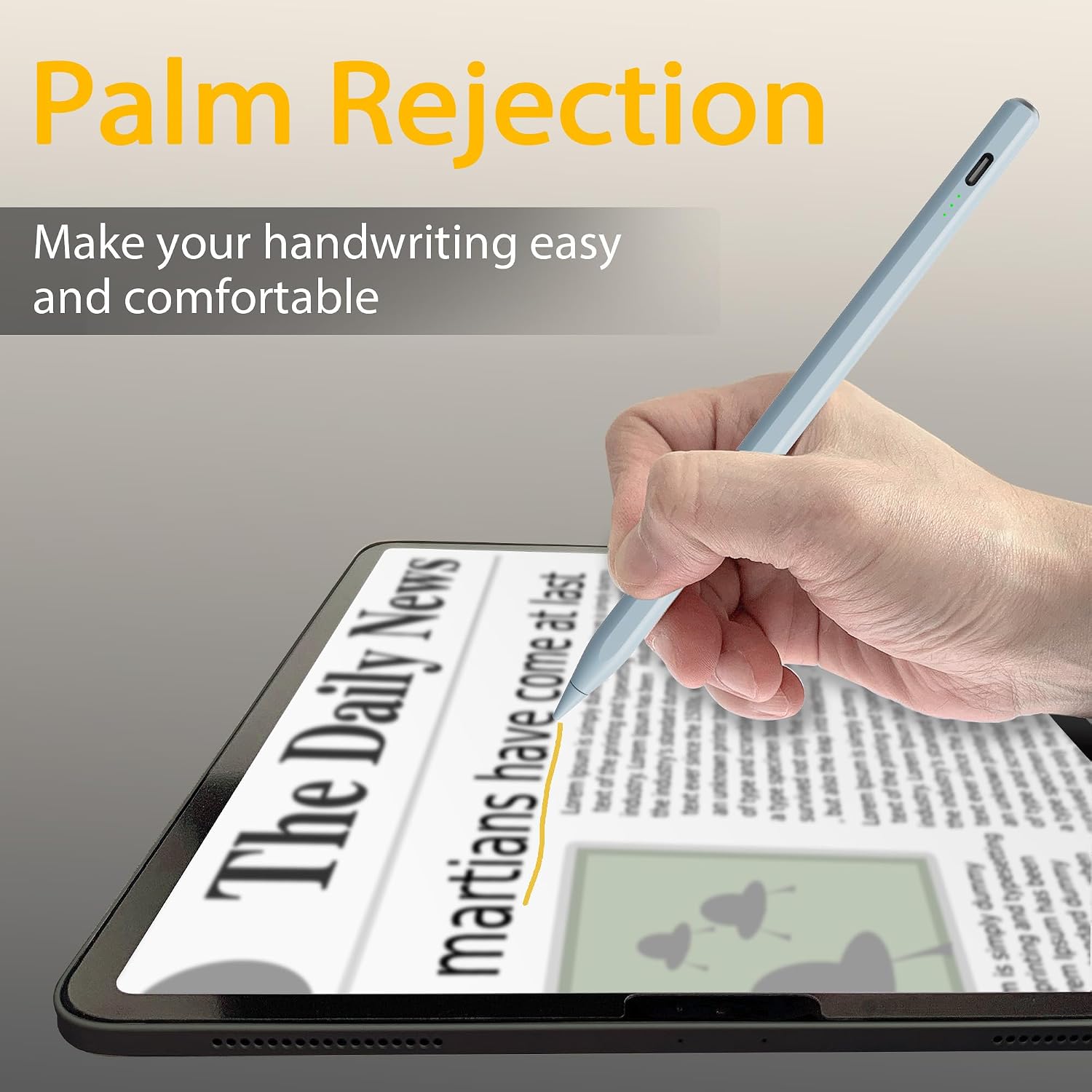
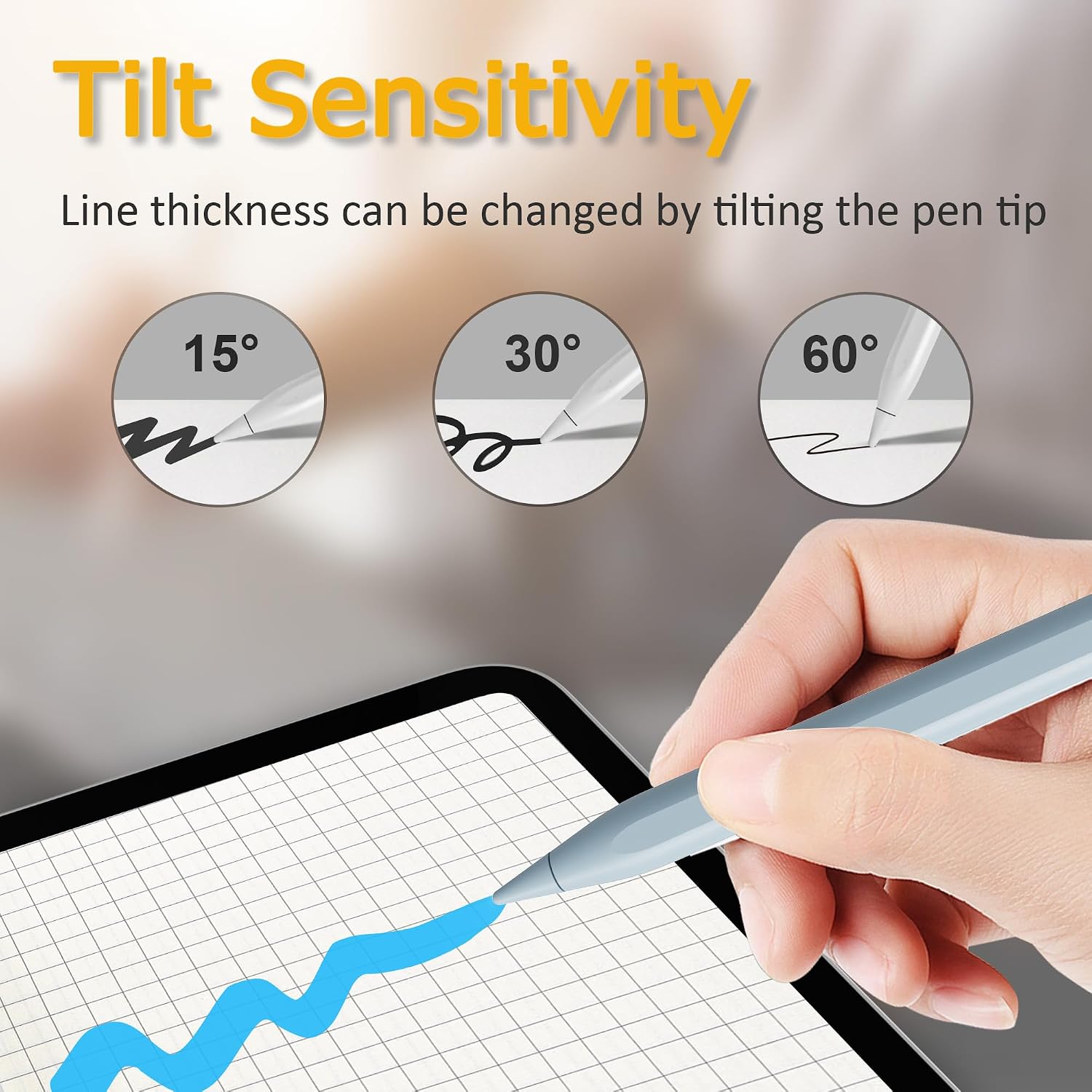
The palm rejection and tilt sensitivity are also the sort of features that change how the stylus behaves in your hand. Instead of worrying about your palm causing unwanted marks, you can rest your hand while you write or draw. And with tilt sensitivity, line thickness can vary based on the angle of the stylus—helpful for shading, signature-style strokes, or adding emphasis in sketches.
What it’s best for (and where it may fall short)
It makes the most sense if your main goal is smooth everyday input: handwritten notes, school or office annotation, and casual digital drawing. The described 1.5 mm durable tip is aimed at better control, especially for line details and text-style writing where small inaccuracies can feel annoying.
However, it may not be the best choice if you’re expecting the very top layer of creative precision or “it just clicks with everything” behaviour. The description outlines compatibility and features, but it doesn’t mention things like pressure levels, latency figures, or software-specific gestures. So if you’re someone who measures performance down to the millisecond, or relies on advanced drawing workflows, you might want to check how closely this matches your expectations.
Compatibility and what to double-check
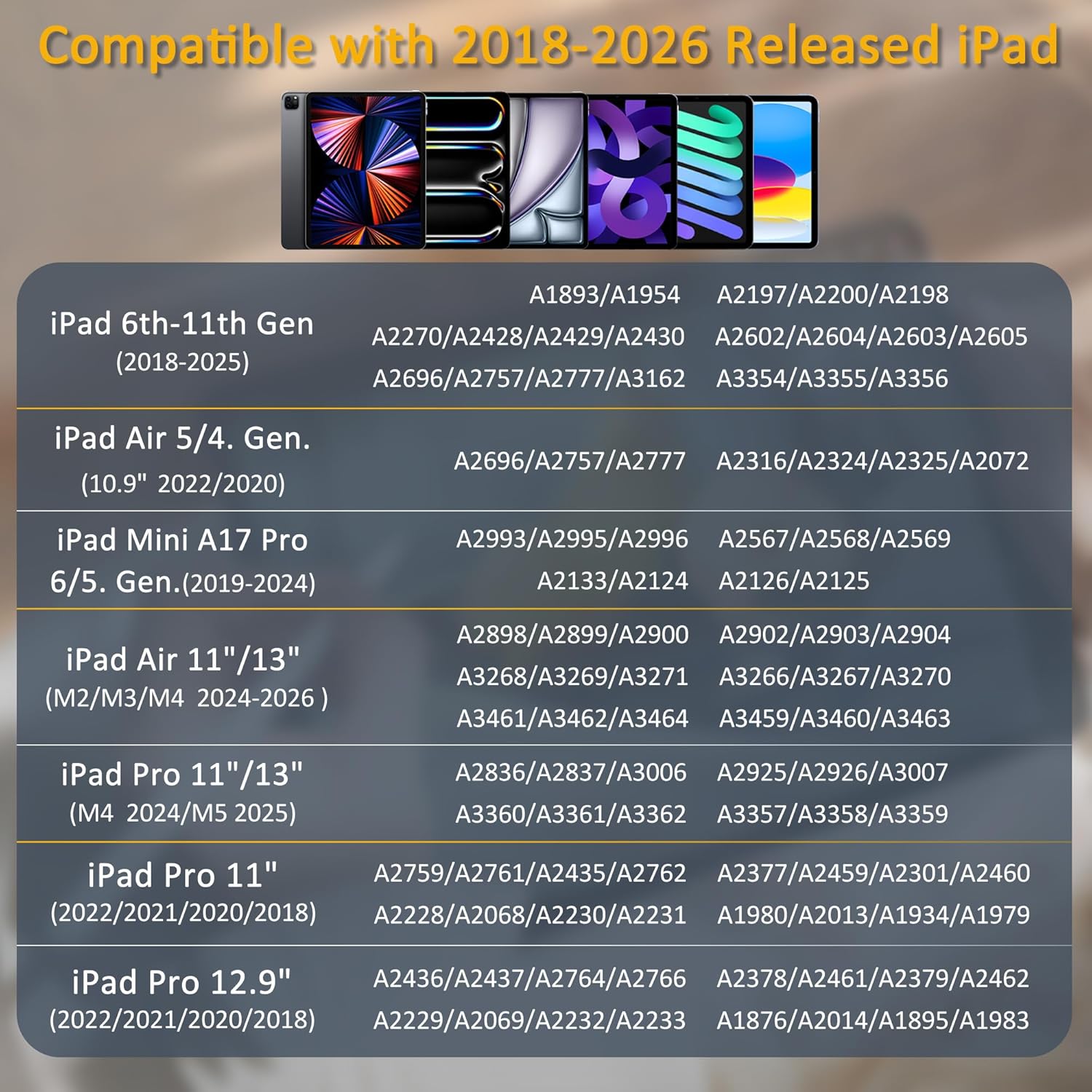
The manufacturer lists support for a wide set of iPads, including iPad 10th/11th generation and iPad 9th/8th–6th, plus iPad Air models (M2/M3/M4 13 inch and 11 inch, and Air 5th/4th/3rd). It also covers iPad Pro M4 13 inch/11 inch and Pro 12.9 inch 3rd–6th generation, and iPad Mini (A17 Pro 7th, 6th and 5th).
Before you buy, double-check your exact iPad model and generation—especially if you have an iPad Air or Pro with a similar-looking screen size. Also consider your case: the stylus uses magnetic attachment and is described as being compact enough to work with various iPad protective cases, but “various” is still a broad promise. If your case is thick or has unusual cut-outs, it’s the one practical area where setups can vary.
Tech summary
- Type: Stylus pen for compatible iPads
- Charging: Type‑C cable, fully charges in 15 minutes (as stated)
- Battery indicators: Three LED indicators showing battery level (as stated)
- Power saving: Auto powers off after 5 minutes of inactivity (as stated)
- Palm rejection: Allows resting your hand while writing/drawing without unwanted marks (as stated)
- Tilt sensitivity: Creates lines of varying thickness depending on the stylus angle (as stated)
- Tip: 1.5 mm durable tip for detailed control (as stated)
- Attachment: Magnetic adsorption to attach securely to the iPad (as stated)
What you’ll notice day to day
A quick example: say you’re revising on an iPad during the evening. You pull the stylus out, see the LEDs indicate battery level, and get writing without worrying too much about your palm brushing the screen. When you switch from straight note lines to a shaded section, the tilt sensitivity described should help you vary line weight by changing the angle. It’s the kind of improvement that’s easier to feel than to explain.
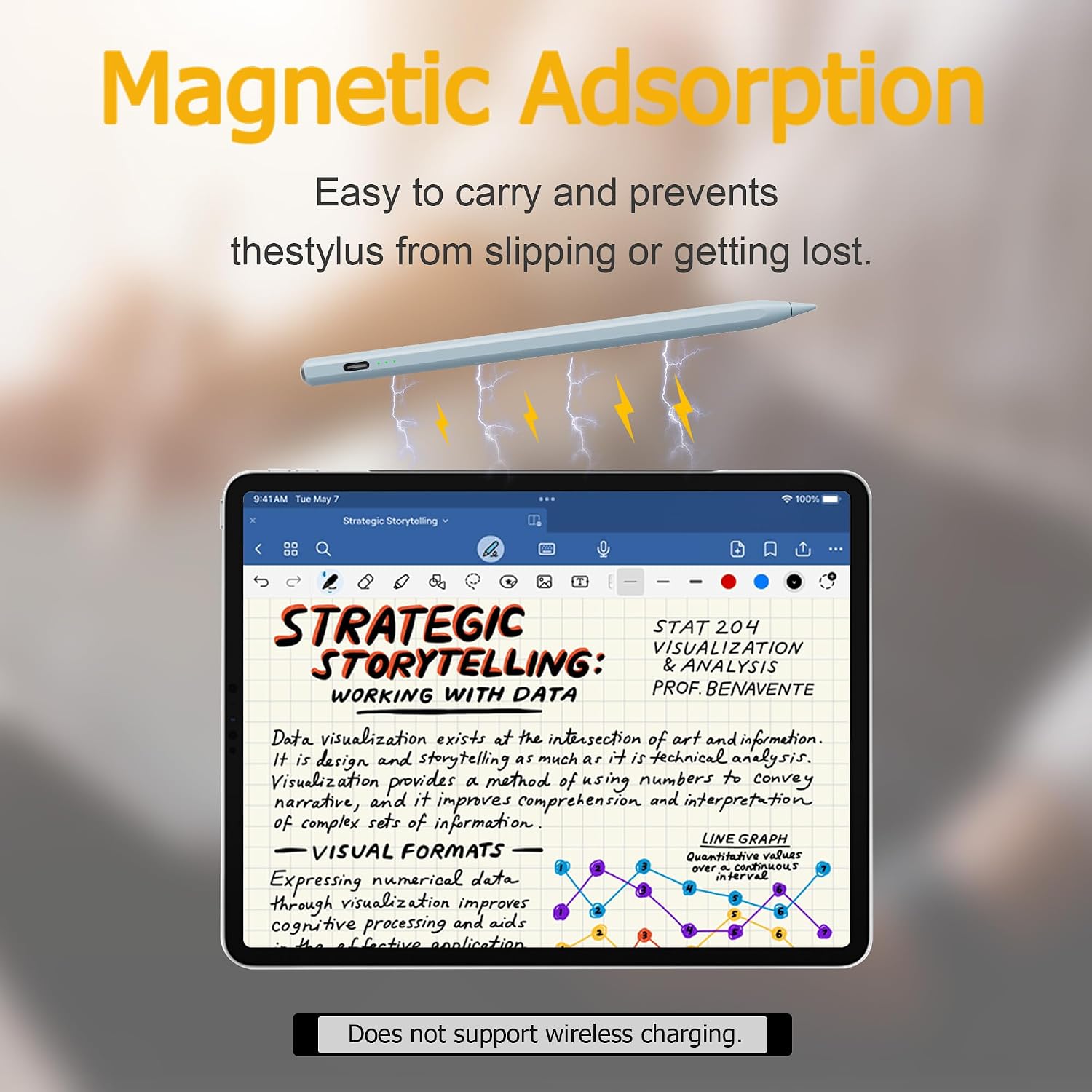
The magnetic attachment is also one of those “small but real” features. If you’ve ever had a stylus roll off a desk or vanish into a bag, having a proper magnet-friendly way to keep it attached can be surprisingly helpful.
Pros
- Fast charging via Type‑C and quick top-ups (15 minutes to full, as stated)
- Palm rejection for more natural writing and drawing
- Tilt sensitivity for thicker/thinner strokes
- LED indicators for battery level awareness
- Magnetic attachment to help prevent losing or rolling the stylus away
Should you buy it?
You should buy it if you want a feature-led stylus for a compatible iPad and you value practical things like fast charging, palm rejection, and tilt-based line variation. It suits students, home office users, and anyone doing notes and light-to-moderate sketching who doesn’t want to overthink charging routines.
You may want to skip it if your use case is highly specialised (for example, advanced creative workflows where subtle input behaviour matters a lot), or if you’re unsure about your exact iPad generation. In those cases, the listed compatibility and feature claims are a starting point, but it’s still smart to verify that your iPad model matches what’s claimed and that your case won’t interfere with the magnetic attachment.
FAQ
Is it easy to recharge when you’re out and about?
The description says it fully charges in 15 minutes using a Type‑C cable, plus it has three LED indicators for battery level.
Does palm rejection stop marks when I rest my hand on the screen?
Palm rejection is claimed to let you rest your hand while writing or drawing without unwanted marks or shifting.
Can it vary line thickness?
Yes, it’s described as having tilt sensitivity so line thickness changes based on the stylus angle.
Will it fit with my iPad case?
It’s described as compact and compatible with various iPad protective cases, but your specific case design may still matter.
How do I make sure it works with my iPad?
Match your iPad model and generation to the list provided in the product details before ordering.