

T Pen (New) stylus — compatible for selected TCL tablets
Reviews
Price
Product description
If you’re trying to make a TCL tablet feel more like a proper note-taking or drawing tool, a compatible stylus is usually the missing piece. The T Pen (New) is designed to work with a specific set of TCL tablet models, so the big question isn’t “is it a stylus?”, it’s whether your exact tablet is on the compatibility list.
The short version: on paper, this is a straightforward upgrade if you already own one of the supported TCL devices. If you don’t, though, it may be a mismatch—so double-check the model name before ordering.
The essentials (what it is and what it’s for)
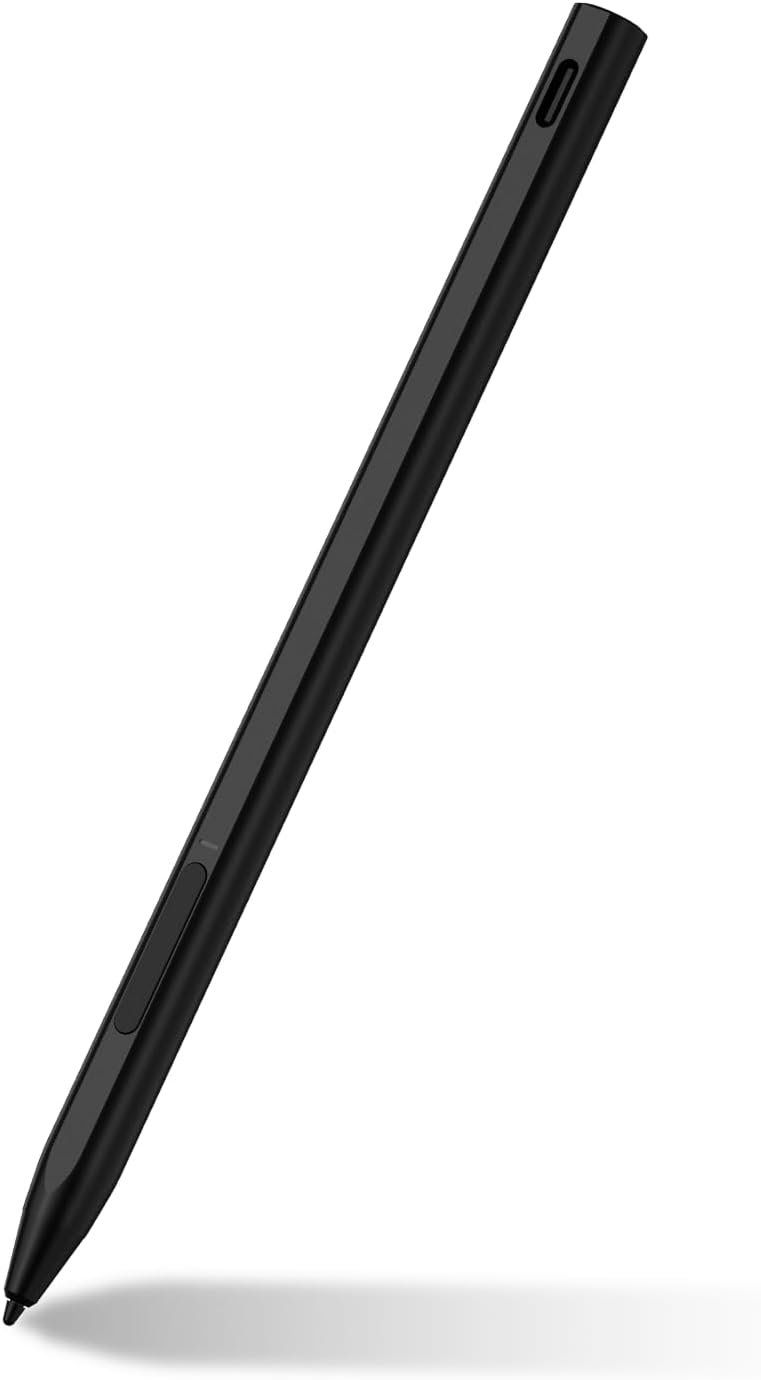
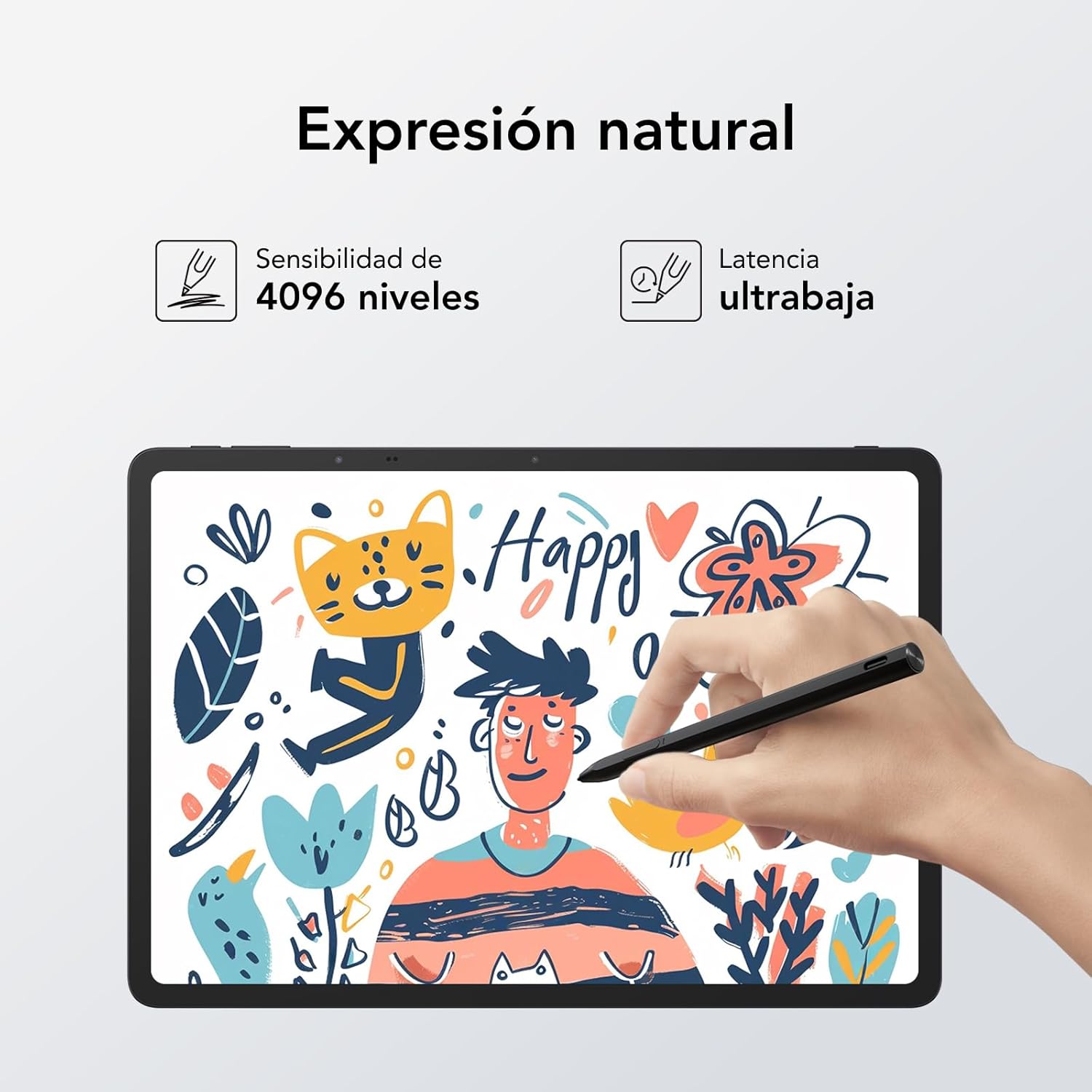
The T Pen (New) is a pen-style stylus intended for use with compatible TCL tablets. In practical terms, that means you can use it for tasks where a finger just doesn’t give you enough control—scribbling notes, marking up documents, sketching rough ideas, or tapping around apps with more precision.
A micro example: imagine you’re in a meeting and want to jot bullet points quickly. With a stylus, you can write more clearly and keep your notes neater than if you’re relying on touch alone. It also tends to feel more natural for “small movements”, like underlining or making quick edits in a PDF-type workflow.
What to know before buying (compatibility matters)
This stylus is listed as compatible with these TCL tablets:
- TCL TAB 10 Gen 2
- TCL NXTPAPER 11
- TCL TAB 11
- TCL TAB 11 Gen2
- TAB11 FE
- TCL NXTPAPER 14
- TCL NXTPAPER 11Plus
That compatibility list is the most important part of the buying decision. If your tablet model isn’t one of the above, you may end up with a pen that doesn’t behave as expected (or simply isn’t recognised properly). When it comes to styluses, being “close” usually isn’t enough—model naming is where people often get caught out.
It’s not perfect, but it’s typical: this isn’t a universal stylus for every tablet. It’s more like a “for your TCL model” accessory.
What stands out in everyday use
For supported TCL tablets, a stylus like this generally makes the tablet feel more usable for handwriting and more accurate for small on-screen tasks. Depending on your apps, you can expect:
- Better precision than finger input
- More natural writing/doodling compared with a glass-tip experience
- A more comfortable workflow for note-taking and quick annotations
If you’re already using pen-friendly apps on your TCL tablet, the T Pen (New) fits that lifestyle. If you mainly watch content or browse casually, a stylus may be less essential—there, the value comes down to how often you actually write or mark things up.
When it makes sense (and when it doesn’t)
It makes sense to buy the T Pen (New) if:
- You own one of the compatible TCL tablet models listed above
- You want a pen for handwriting, quick edits, sketching, or annotation-style use
- You’re looking for a practical accessory rather than something overly complicated
You may want to skip it if:
- Your TCL tablet model isn’t explicitly listed
- You mostly use your tablet for reading/watching and touch navigation is already fine
- You’re expecting it to work seamlessly across many brands or unrelated devices (this one is purpose-built for a set of TCL models)
Mini FAQ
Is this stylus compatible with all TCL tablets?
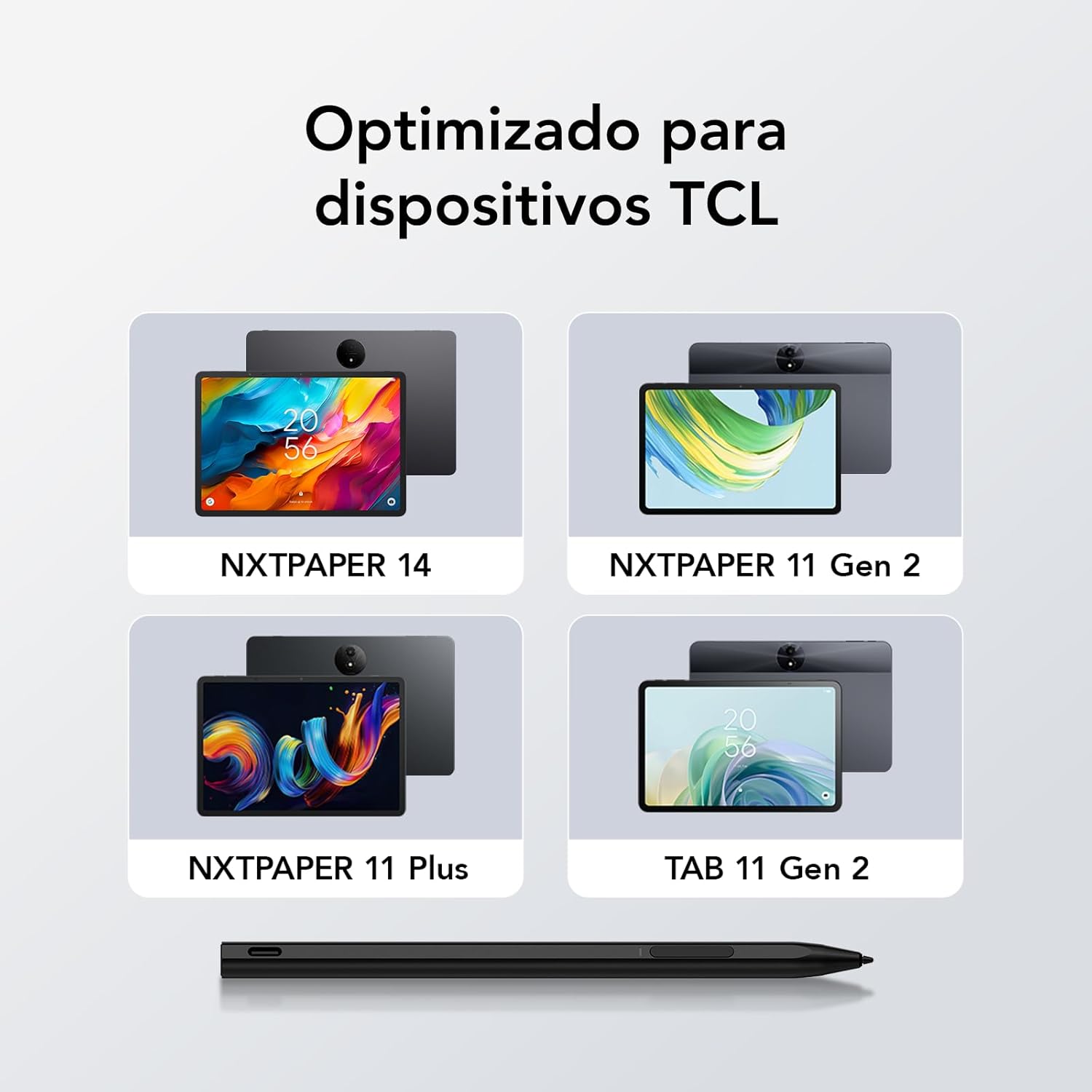
No. It’s stated as compatible with specific TCL models listed above, so you’ll want to match your tablet’s model name.
What do people typically use a stylus like this for?
Common use cases are handwriting notes, making quick annotations, doodling, and more precise tapping/marking than with a finger.
Where should I look to confirm my tablet model?
Check your tablet’s model name/version in its settings or on the device documentation—then compare it to the compatibility list.
Should I buy it if I only use my tablet for reading?
Probably not as a priority. If you mainly read and scroll, the stylus adds less day-to-day value than it does for writing and editing.
Final verdict
The T Pen (New) is worth considering if you’ve got a compatible TCL tablet from the listed models and you actually do pen-style tasks like taking notes or annotating screens. It’s the kind of accessory that quietly improves a tablet’s usefulness—without needing fancy extras.
But if your tablet model doesn’t match the compatibility list, it’s better to pause. Stylus compatibility is where mismatches happen, and this one is clearly targeted at particular TCL devices rather than being a broad, universal solution.