

TQQ Pencil for iPad (2018–2026): Pixel-Perfect Precision with Tilt Sensitivity and Fast Charge
Reviews
Price
Product description
What it is and who it’s for
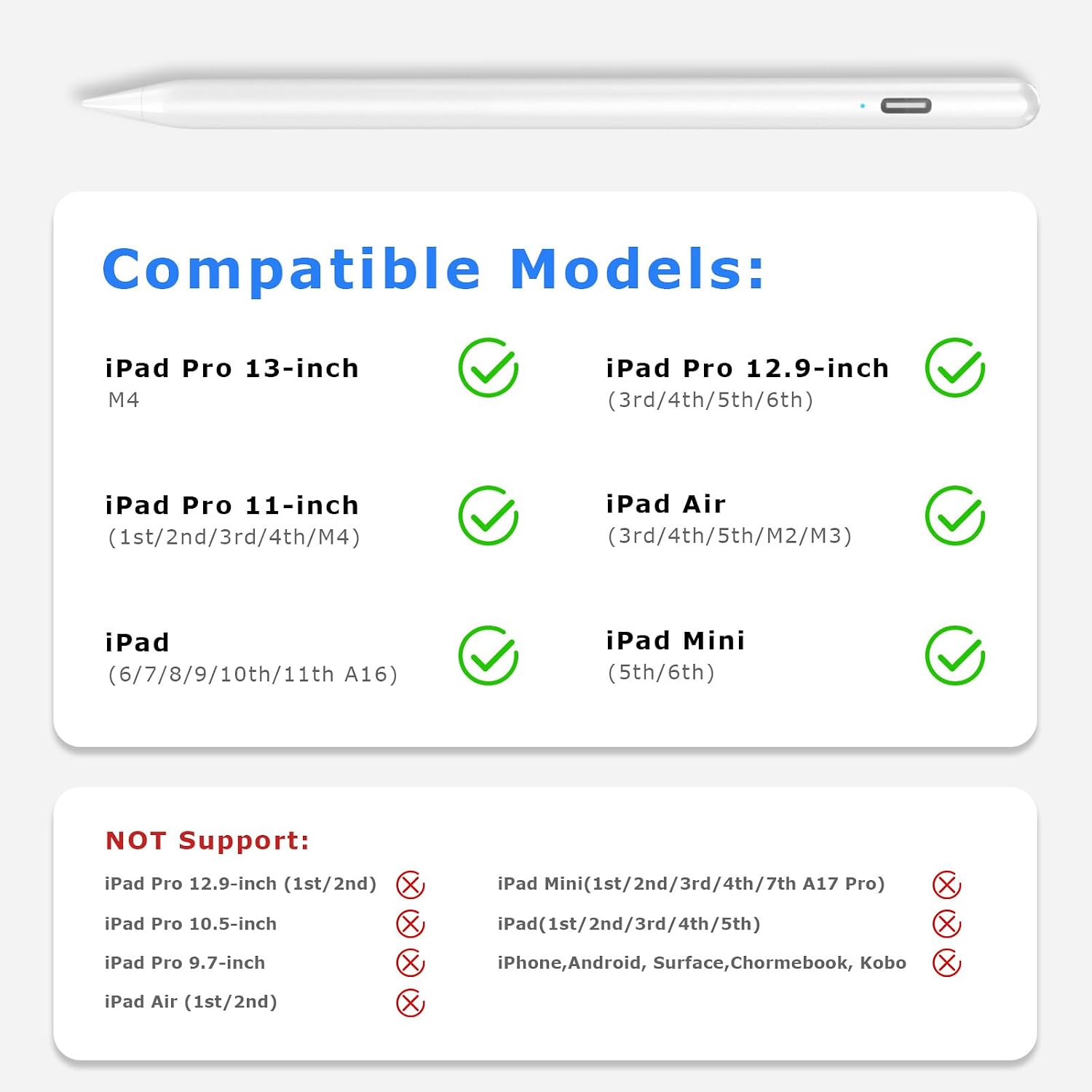
The TQQ Pencil is a stylus designed for a wide range of iPad models released from 2018 through 2026. If you rely on precise drawing, detailed note‑taking, or fine PDF markup on supported iPads, this pen aims to offer a palm‑rejection writing experience and tilt‑aware sketching. It’s not compatible with iPads older than 2018 or non‑iPad devices, so it’s worth checking your model before you buy.
How it performs on paper (on the screen)
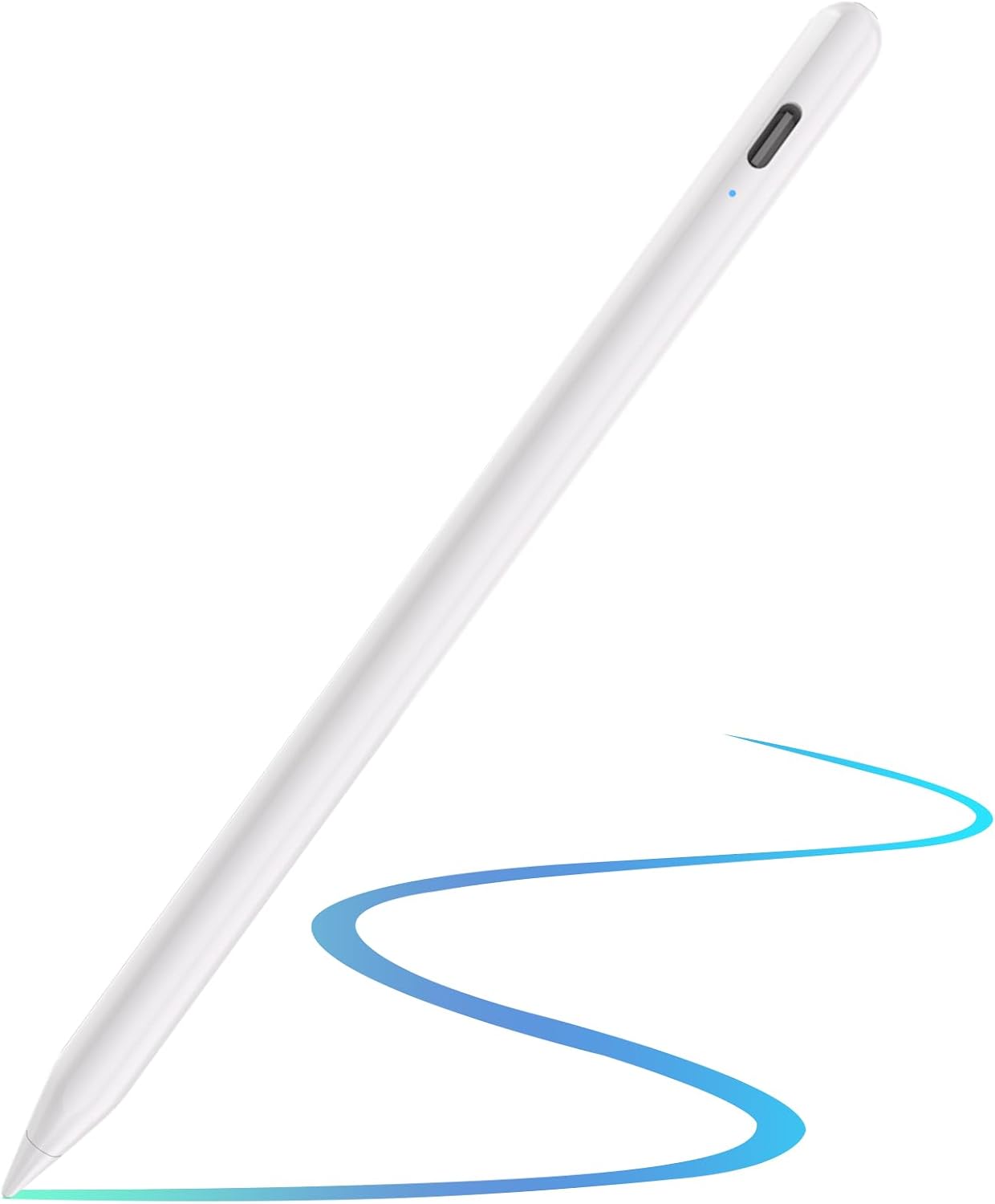
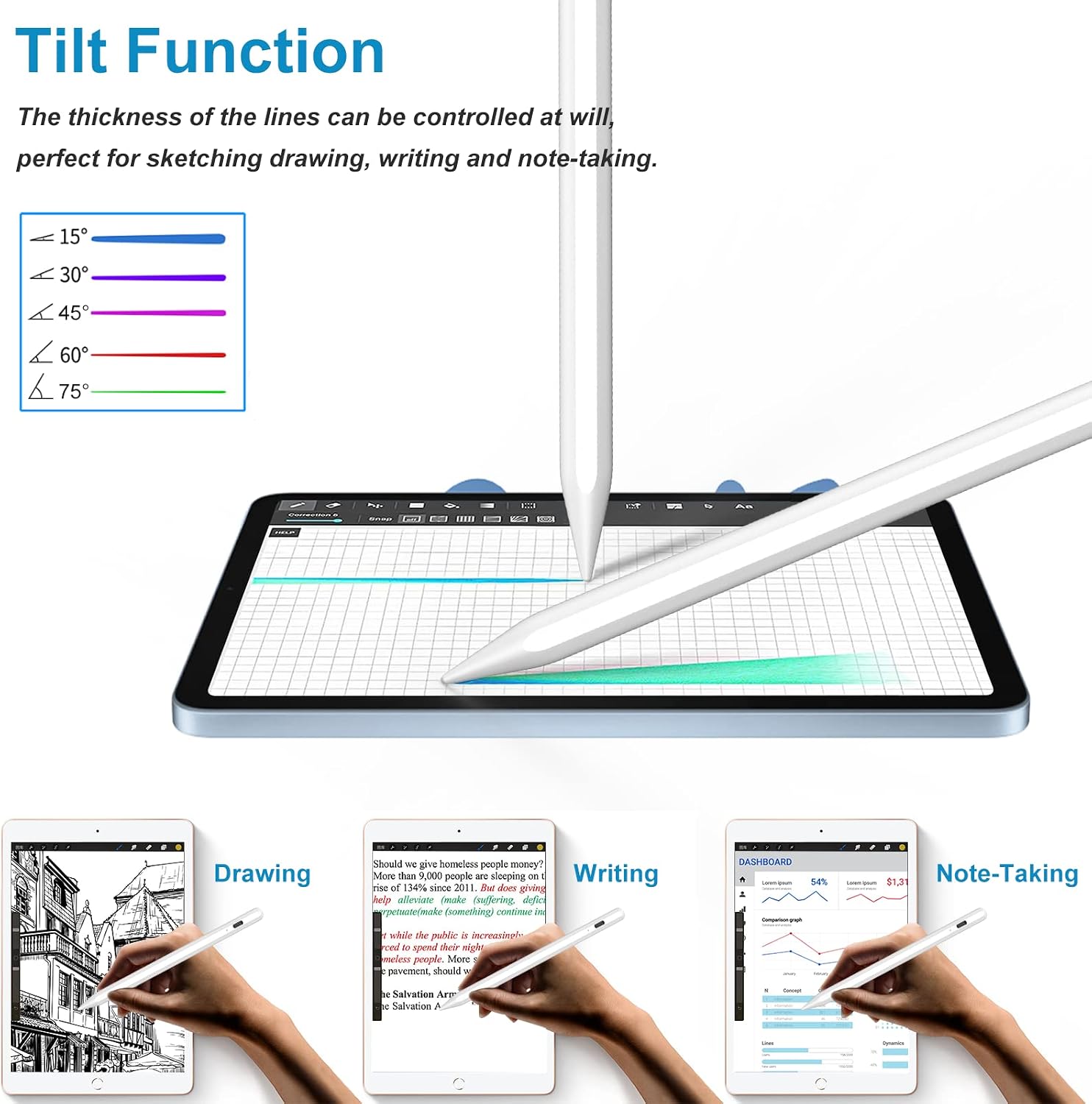
On the screen, the device provides pixel‑level precision with a reported 0.1mm tip accuracy. In practice this means fewer lags, offsets, or gaps when you’re drawing or annotating. Tilt sensitivity lets you vary line weight and shading to mimic real pencils and brushes, which is helpful for sketches or more expressive note‑taking. However, exact feel can still depend on the app you use and how you hold the device.
Power and longevity
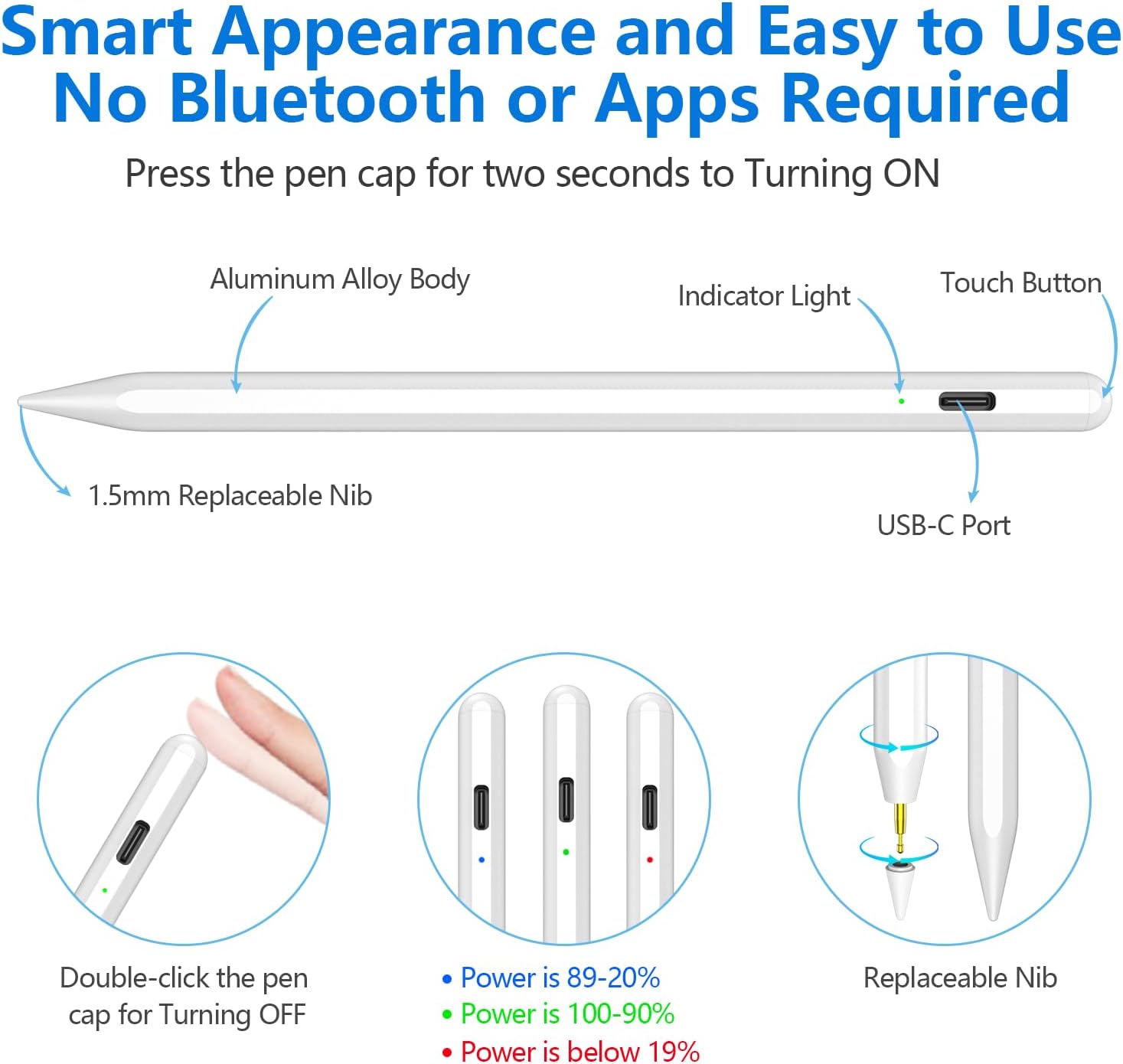
The pencil features 2.0 fast charging, a built‑in 130mAh battery, and claims of around 8–10 hours of continuous use with a quick top‑up in about 10–15 minutes. If you forget to charge, there’s a standby time quoted at roughly 180 days. In real‑world use, you’ll want to keep an eye on charging habits during heavy drawing sessions or long travel days.
Build, tips and everyday practicality
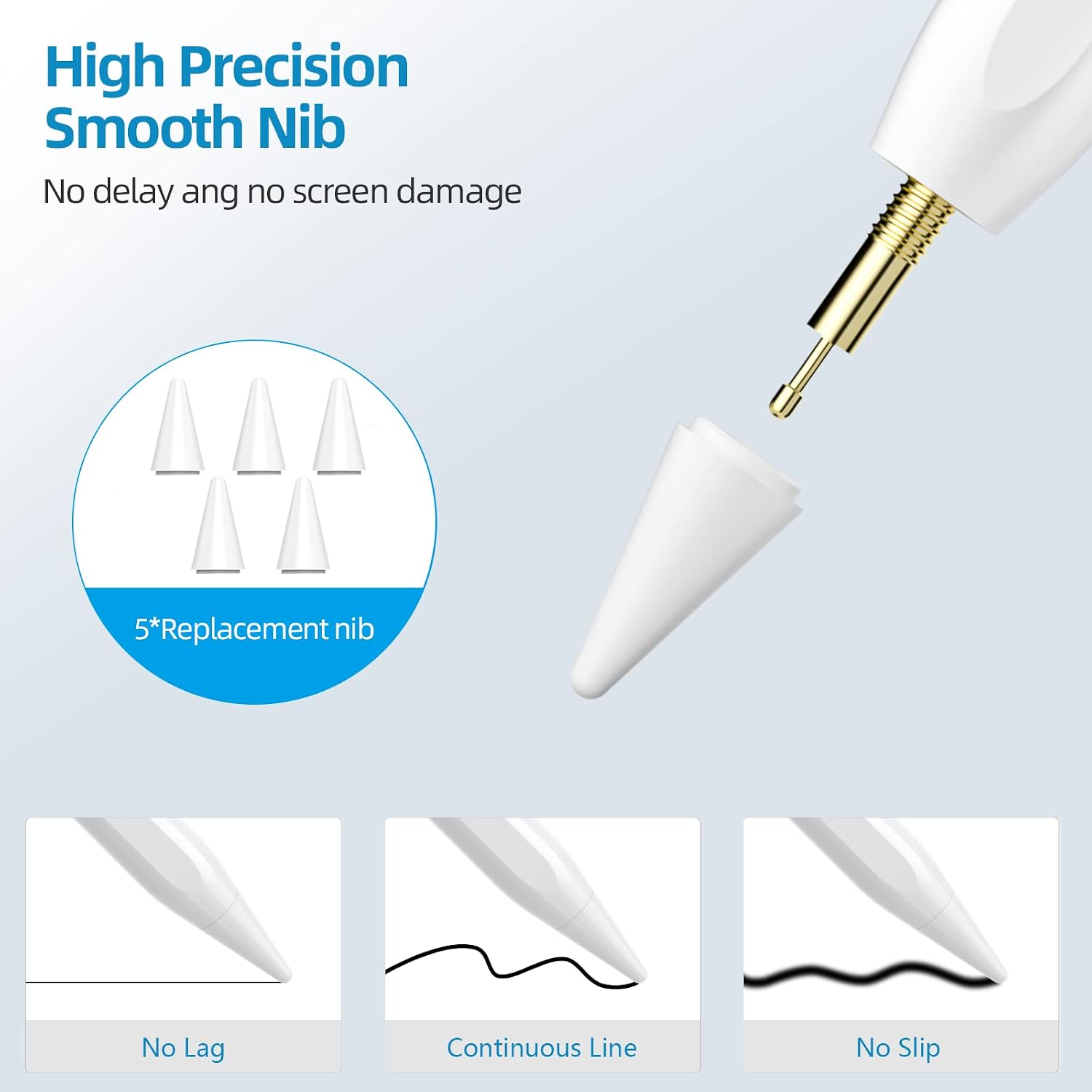
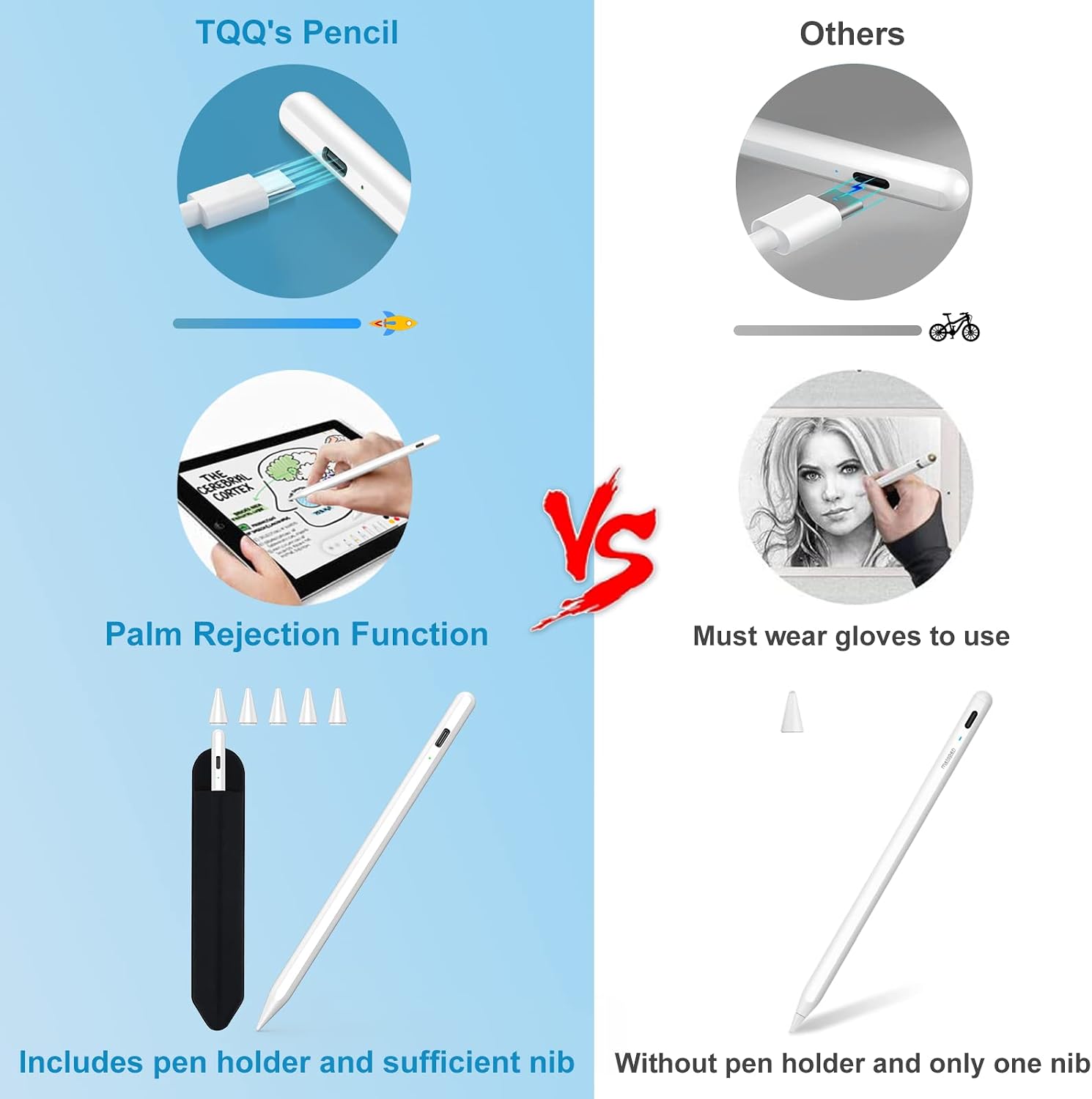
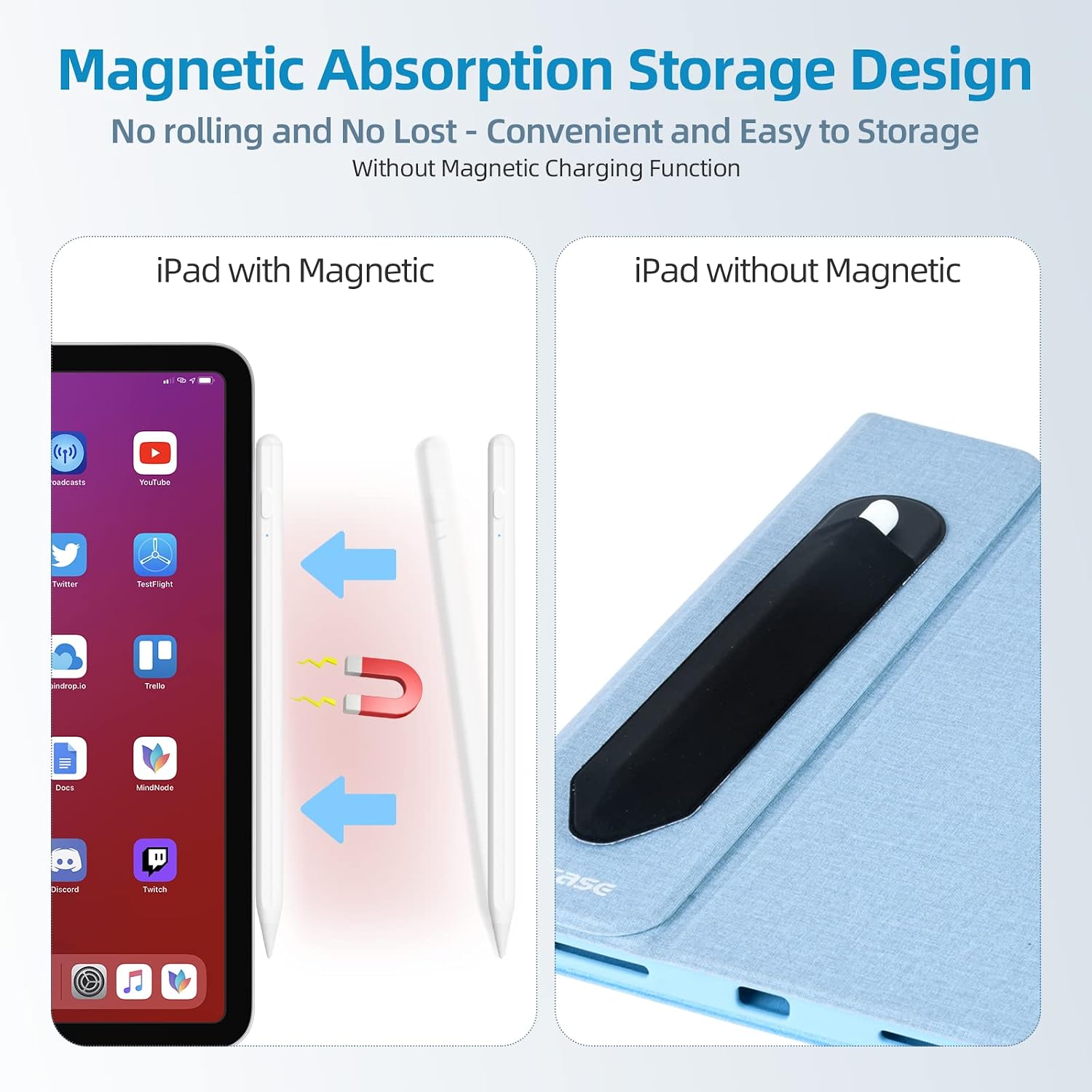
A replaceable POM nib set (5 tips included) helps prolong screen courtesy and reduces noise during writing. The pencil is designed with palm rejection—meaning you can rest your hand on the screen while writing—without the need for gloves. It also supports magnetic adsorption so you can snap it to the side of the iPad to avoid misplacement.
What stands out
- Pixel precision for precise drawing and note‑taking
- Tilt sensitivity that enables shading and line variation
- Quick charge plus long standby, aimed at daily use
- Palm rejection and magnetic attachment for convenience
- Replacements tips and a dedicated sleeve/case holder reduce loss and wear
What might not convince you
- Compatibility is restricted to 2018–2026 iPad models, older iPads won’t work, and it’s not intended for iPhone, Android or Windows devices. If your device sits on the cusp of generational changes, double‑checking compatibility is prudent.
- Real‑world accuracy and feel can vary with app support and screen coating. If you prioritise near‑zero latency in every app, you’ll want to test with your preferred software first.
Who it suits
This pen is well‑suited to students, casual artists, and professionals who work within the Apple ecosystem and use supported iPad generations for drawing, annotating PDFs, or taking quick notes with a pencil‑like feel.
Who it isn’t the best option for
If you rely on devices older than 2018, or you need cross‑platform compatibility across Android or Windows, this model won’t meet those needs. It’s also not a replacement for a heavy‑duty drawing tablet if you require extremely high‑end professional colour work or workflow integrations beyond basic sketching and note‑taking.
Before you buy: what to check
- Confirm your iPad model and year to ensure compatibility (2018–2026 iPad Pro, Air, Mini, and other listed generations).
- Consider whether the app you use supports tilt input and palm rejection to get the most from the pen.
- Think about how you’ll charge and store the pen at your desk or in a bag, the magnetic side attachment helps reduce loss.
Compared to other approaches
If you mainly annotate PDFs and jot quick notes, this stylus sits between a basic capacitive stylus and a high‑end digital pen: it adds finer control and tilt features without the premium price tag or advanced raster control of top‑tier models. If you need fingertip precision with immediate responsiveness across a broad app ecosystem, you might weigh how the magnetism, nib replacements, and battery life align with your daily tasks.
Practical example of use
Imagine you’re sketching a quick diagram during a meeting: you hold the iPad naturally, rest your palm on the screen, and vary pressure and tilt to create light shading. When you need to convert a sketch to a clean line, you switch to a precise tool, and the pen’s tip glides with little lag. After a long session, you top up the battery in a short break and resume without significant downtime.
FAQ
- How long does the battery last in everyday use? The manufacturer cites about 8–10 hours of continuous use with a 130mAh battery, plus long standby.
- Is it suitable for drawing vs. note‑taking? The tilt feature and high precision suit both detailed drawing and precise note‑taking, depending on your app support.
- Can I use it with any iPad model? No, it’s only compatible with 2018–2026 iPad generations listed in the product notes.
Final decision
Is it worth it?
It makes sense if you have a compatible iPad and you value pixel‑level precision, tilt drawing, and palm rejection in daily tasks like sketching, note‑taking, or PDF marking. If you require cross‑platform compatibility or use an older iPad, you may want to look at alternatives. For a pragmatic choice in its category, this pencil offers practical features without venturing into premium price territory.