

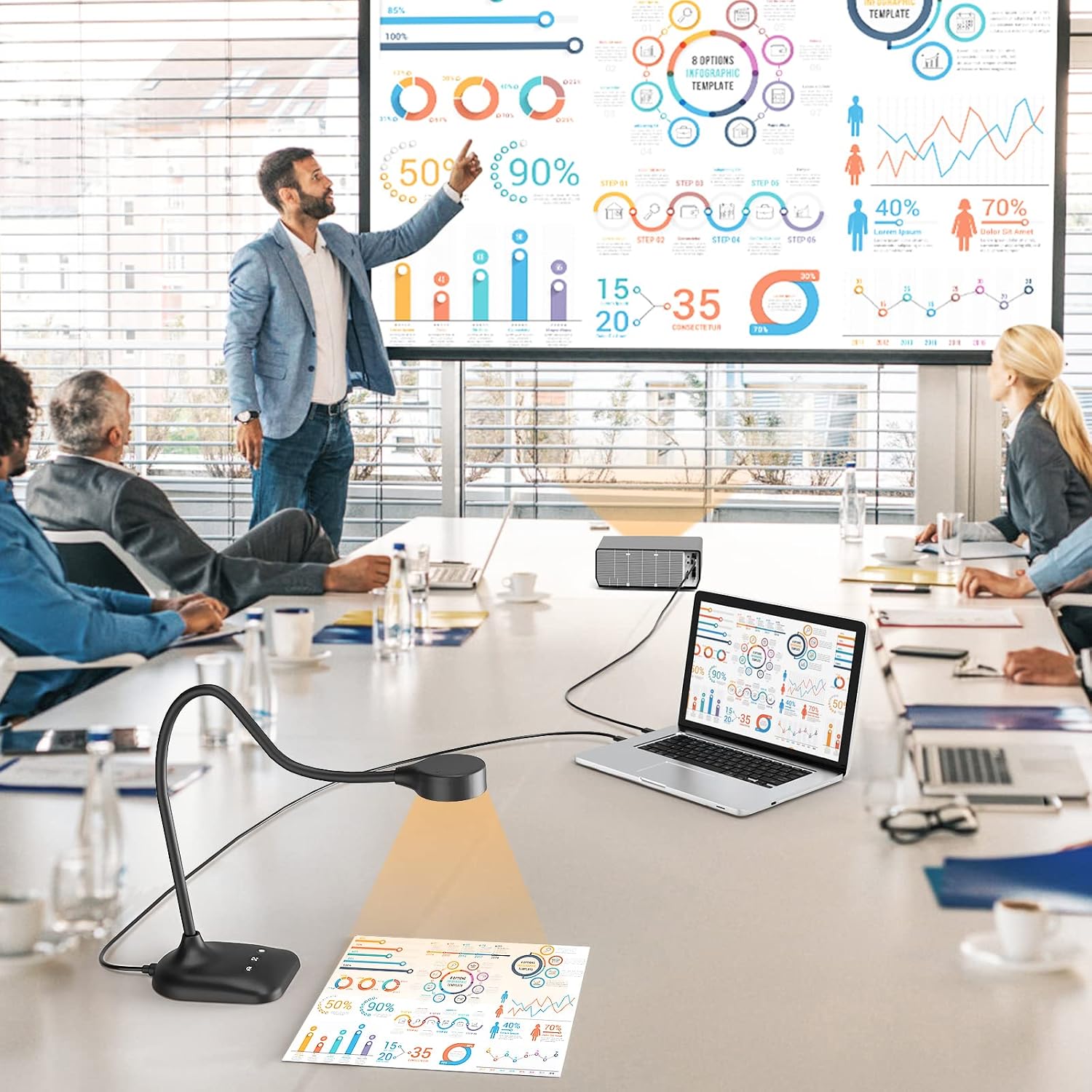
PAKOTOO Document Camera 5MP for A3 size
Reviews
Price
Product description
This compact document camera offers flexible capture for lessons, demonstrations and remote meetings, with a foldable arm that reaches A3 size and a 5MP sensor for clear close-ups. It suits teachers and presenters who need easy switching between webcam mode and overhead visualiser, and it includes adjustable LED fill light to cope with varying classroom lighting.
Key Points
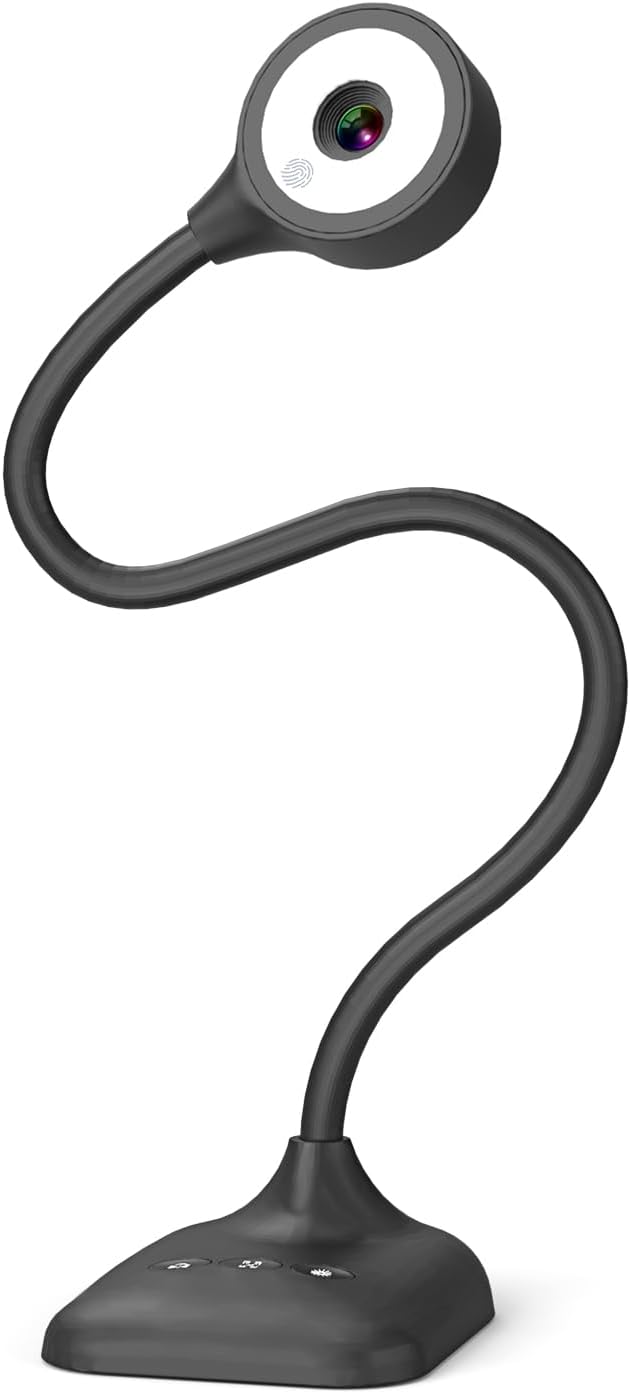
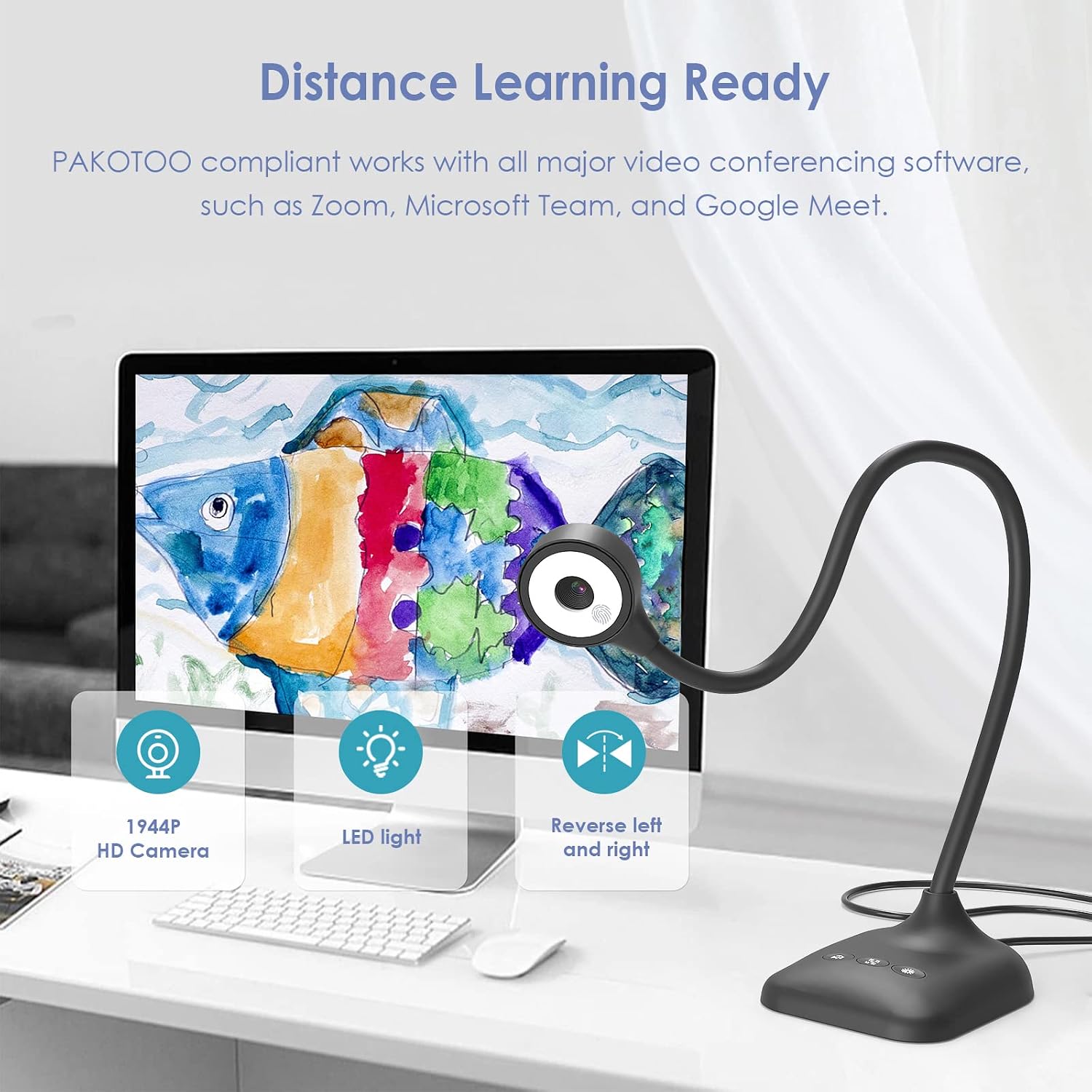
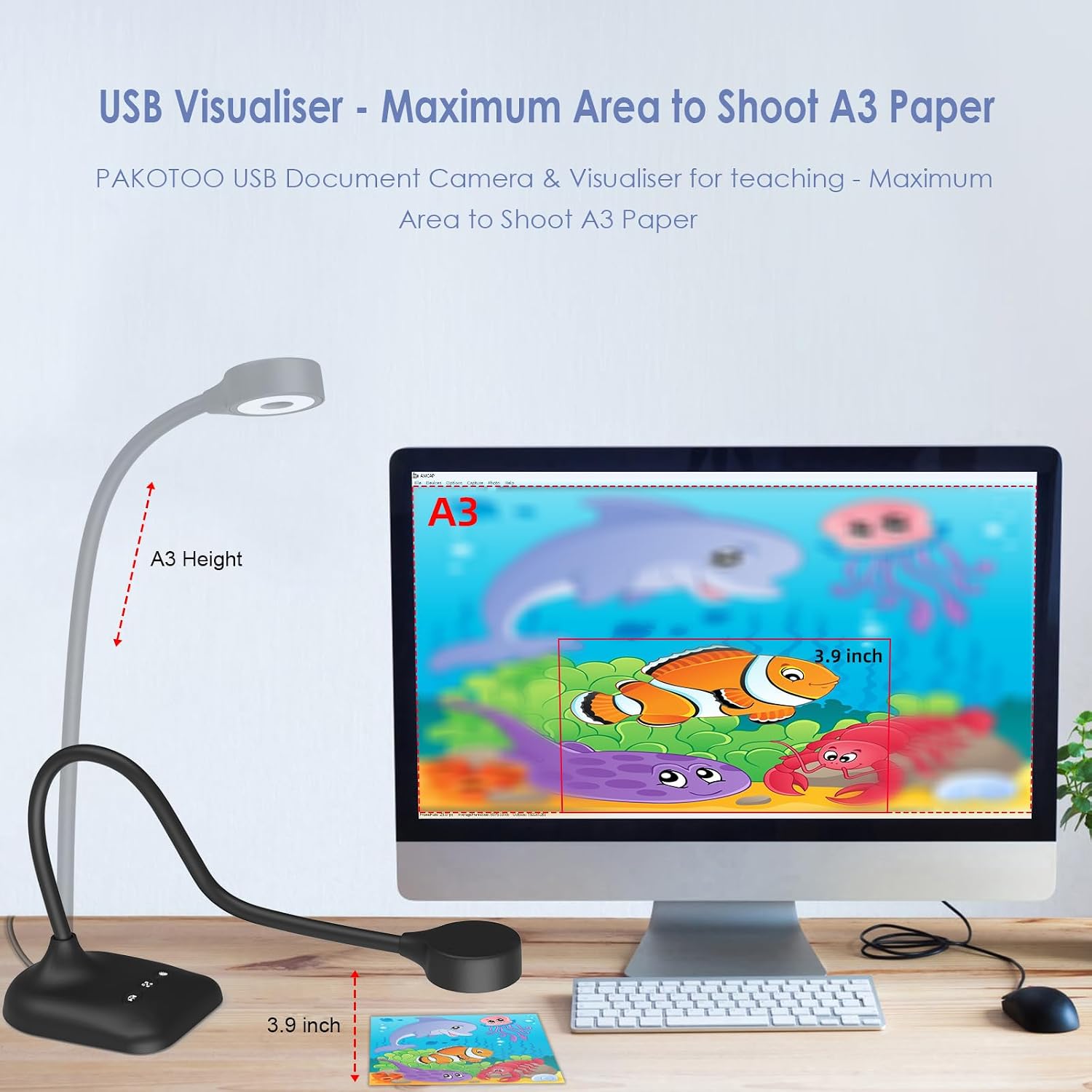
The camera works as a 3-in-1 device: a USB visualiser, document camera and webcam, allowing desktop conferencing or flipped-lens presentations. Its foldable hose-style arm can be positioned at many angles to frame paper, objects or demonstrations, and the unit supports left-right mirroring and image inversion for flexible presentation setups. 📷
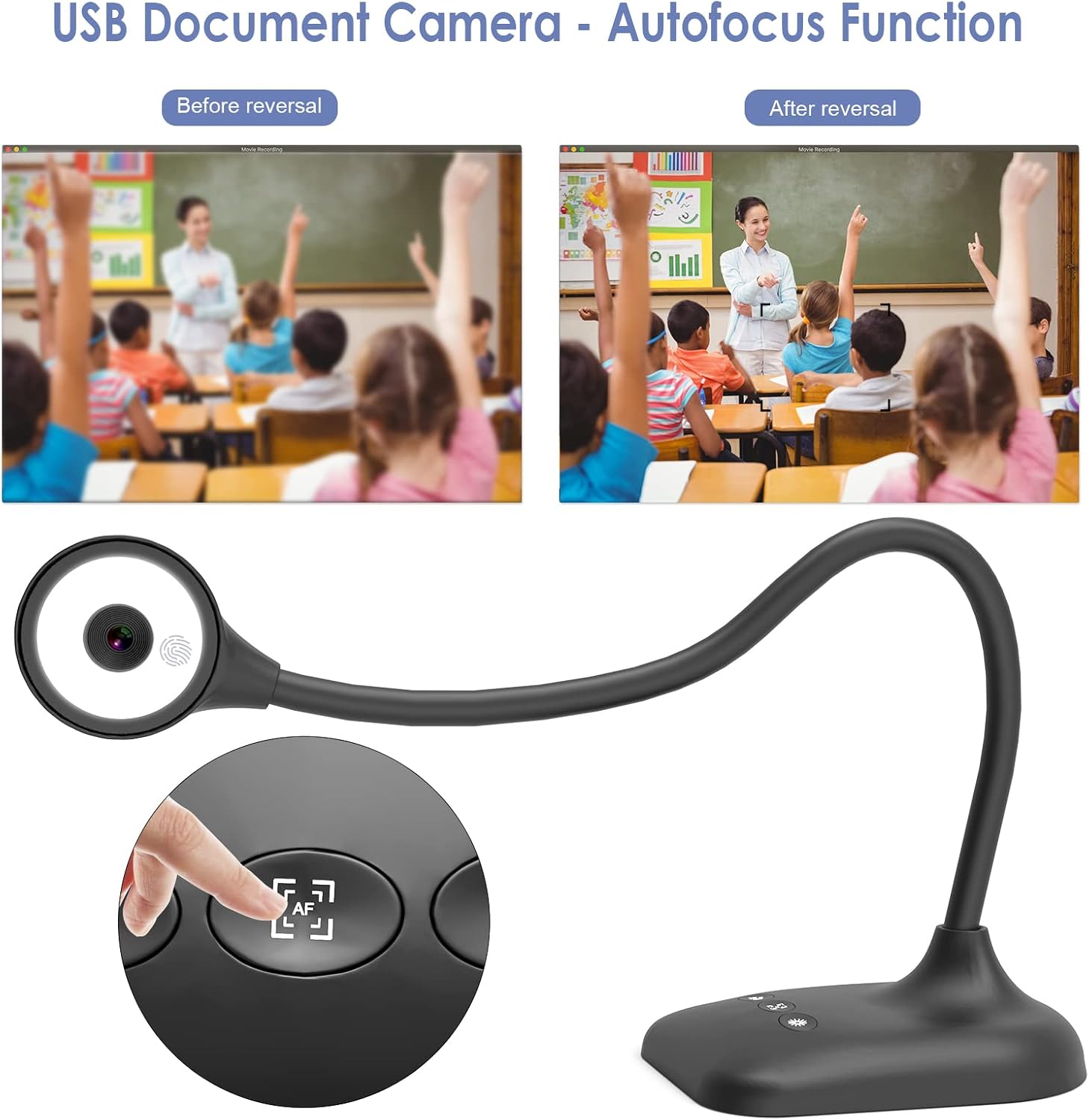
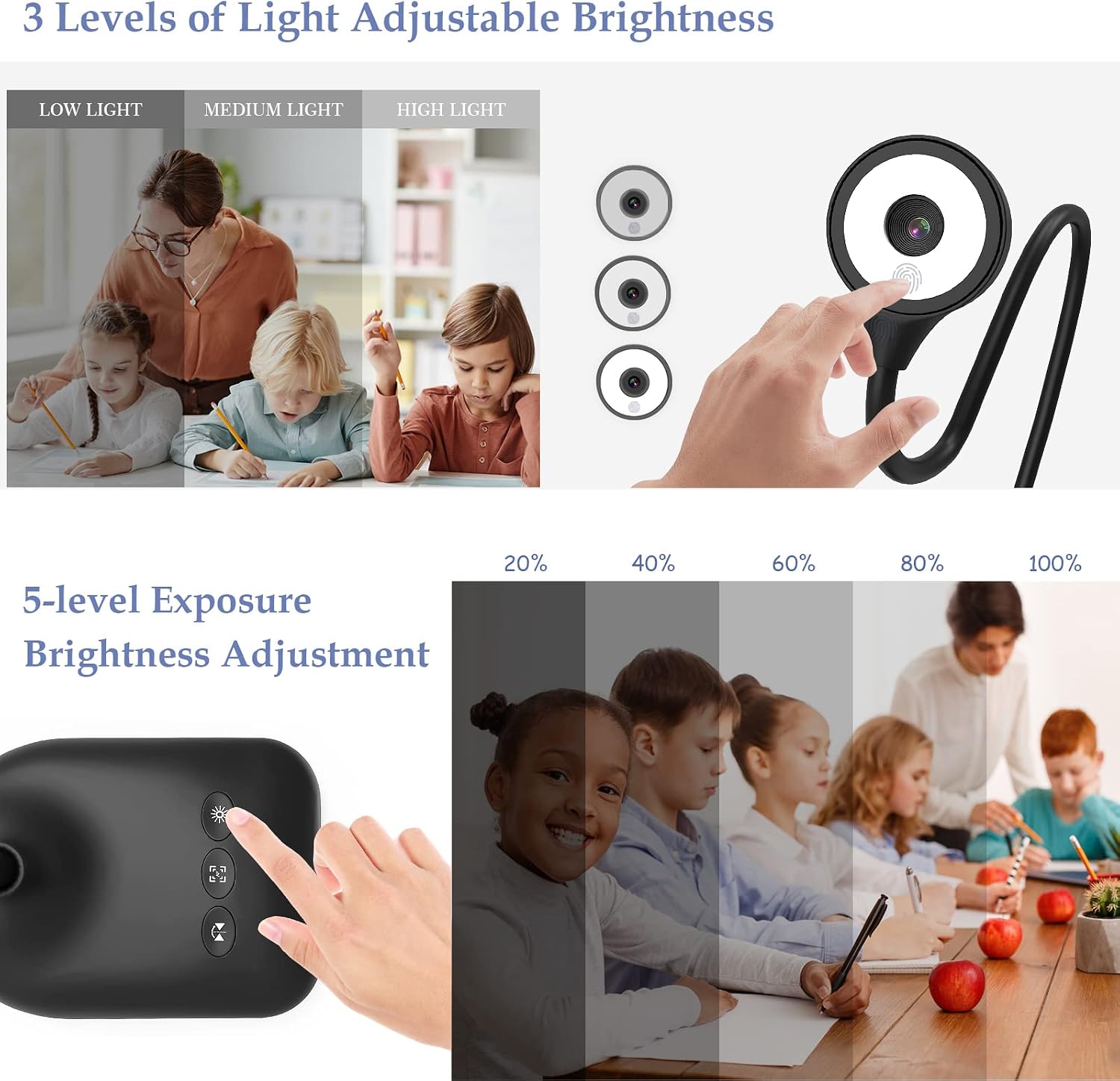
Autofocus is activated with a single button press, and a macro mode captures details from about 3.94 inches away, which helps when showing small items or fine writing. The integrated dual microphones pick up voice during live streams, while the three-level LED fill light and a five-level exposure control help keep images readable even in dim rooms. 💡
For compatibility the device connects via USB-C and works with Windows, macOS and Chromebooks. It supports common conferencing and streaming platforms such as Zoom, Microsoft Teams and OBS, although you may need to select "USB Camera" in your system settings if the camera is not immediately recognised. Please consider that setup steps vary between systems according to the manufacturer.
Technical Specifications
- Name: PAKOTOO Document Camera & USB Visualizer 5MP
- Sensor: 5MP CMOS, outputs up to 1944p at 30 fps
- Maximum capture area: A3 paper size
- Close focus distance: 3.94 inches (approx)
- Connectivity: USB-C cable included, compatible with Windows, macOS, Linux and Chromebook
Benefits
The visualiser offers live HD streaming for remote teaching and webinars, with real-time image reproduction and reduced noise thanks to its sensor design. The fold-flat structure makes it more portable than rigid stands and easier to store between sessions. Lighting and exposure controls reduce the need for external lamps, which can be useful in classrooms and small offices. 🎥
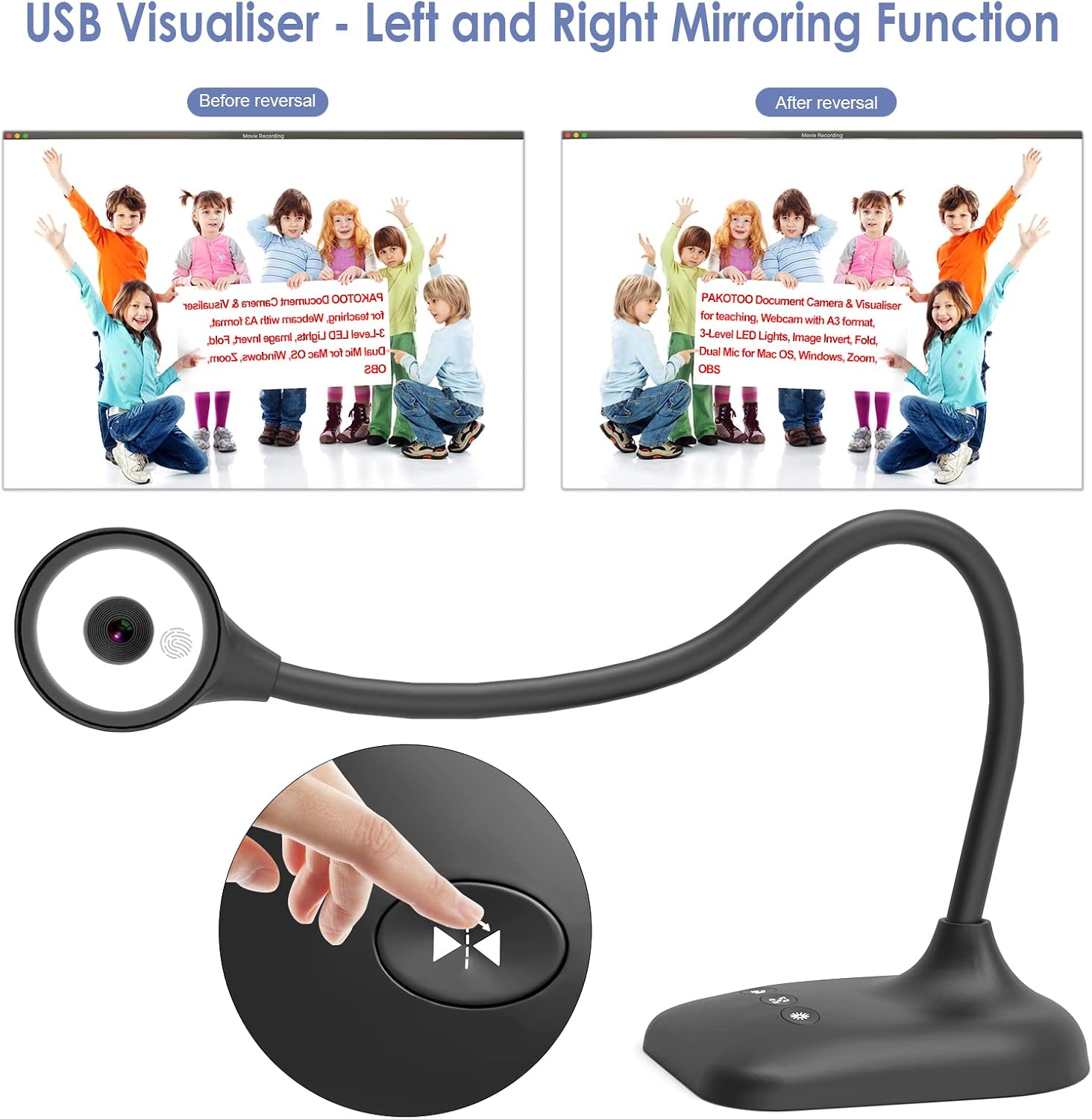
Built-in mirroring options allow instructors to adjust the image for different camera orientations during demonstrations. The autofocus button speeds up transitions between items on the desk and full-page documents, saving time during live lessons. A practical nuance is that, according to the manufacturer, the camera may require manual selection in some systems rather than instant plug-and-play detection.
Usage Recommendations
Position the arm so the lens is centred over the document for the most even illumination and sharper edges. Use the LED fill light with the lowest exposure setting for white pages under strong room lighting, and increase exposure or fill light levels in darker environments. For close-up work switch to macro focus and move the subject slowly to keep the automatic focus stable. Use mirroring when sharing with students who see the image reversed, and test the microphone levels before a live session to avoid clipping.