

Wireless Bluetooth Keyboard for Mac OS with Numeric Keypad – Foldable Kickstand, 450mAh Battery, 90 Days Battery Life
Product description
What it is
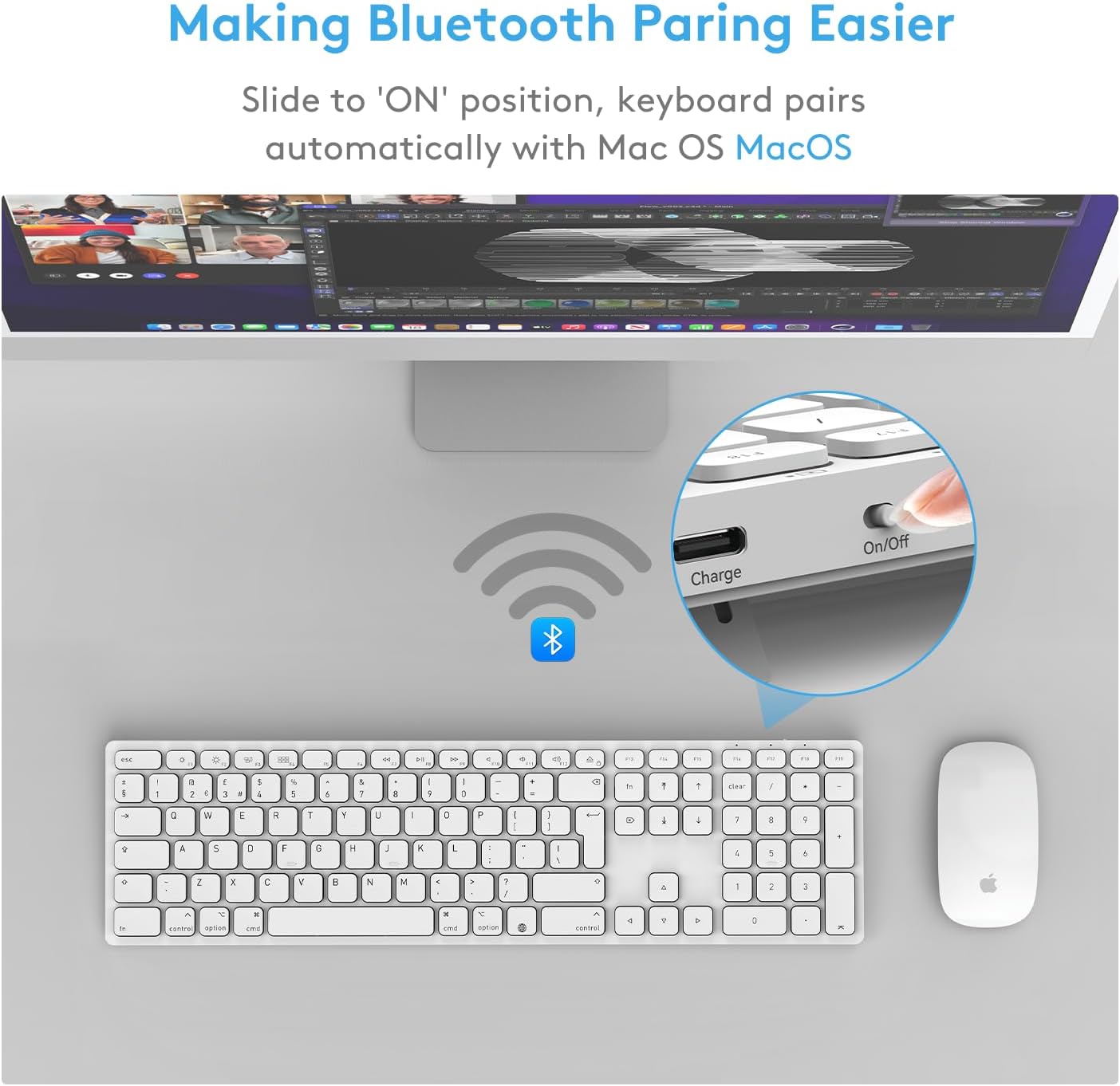
A wireless Bluetooth keyboard designed for macOS, featuring a full numeric keypad, low-profile scissor-switch keys, and a built-in foldable kickstand. It aims to deliver a familiar Apple-like layout at a more pragmatic price point, with easy one-step pairing and a reliable multi‑device connection.
What it solves
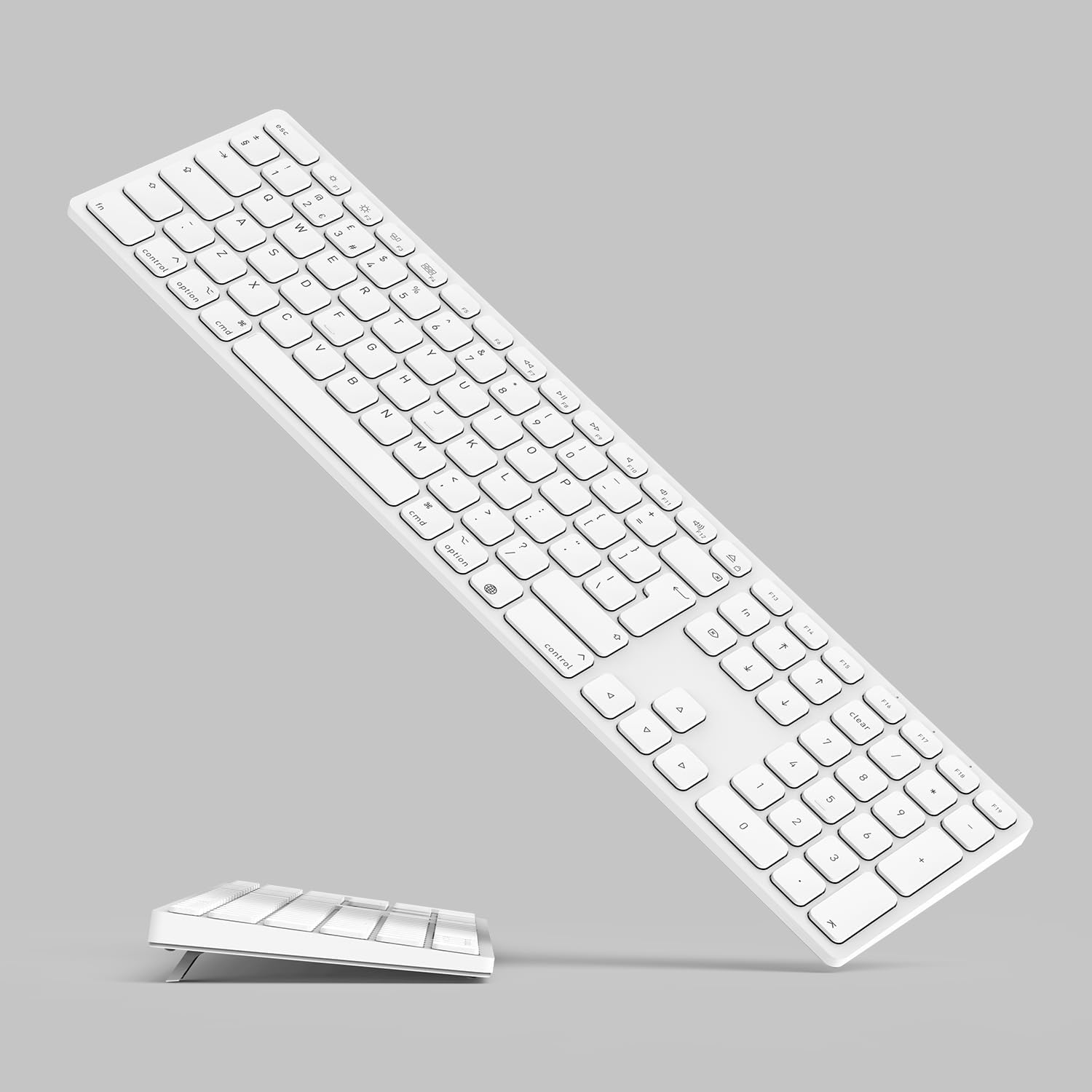
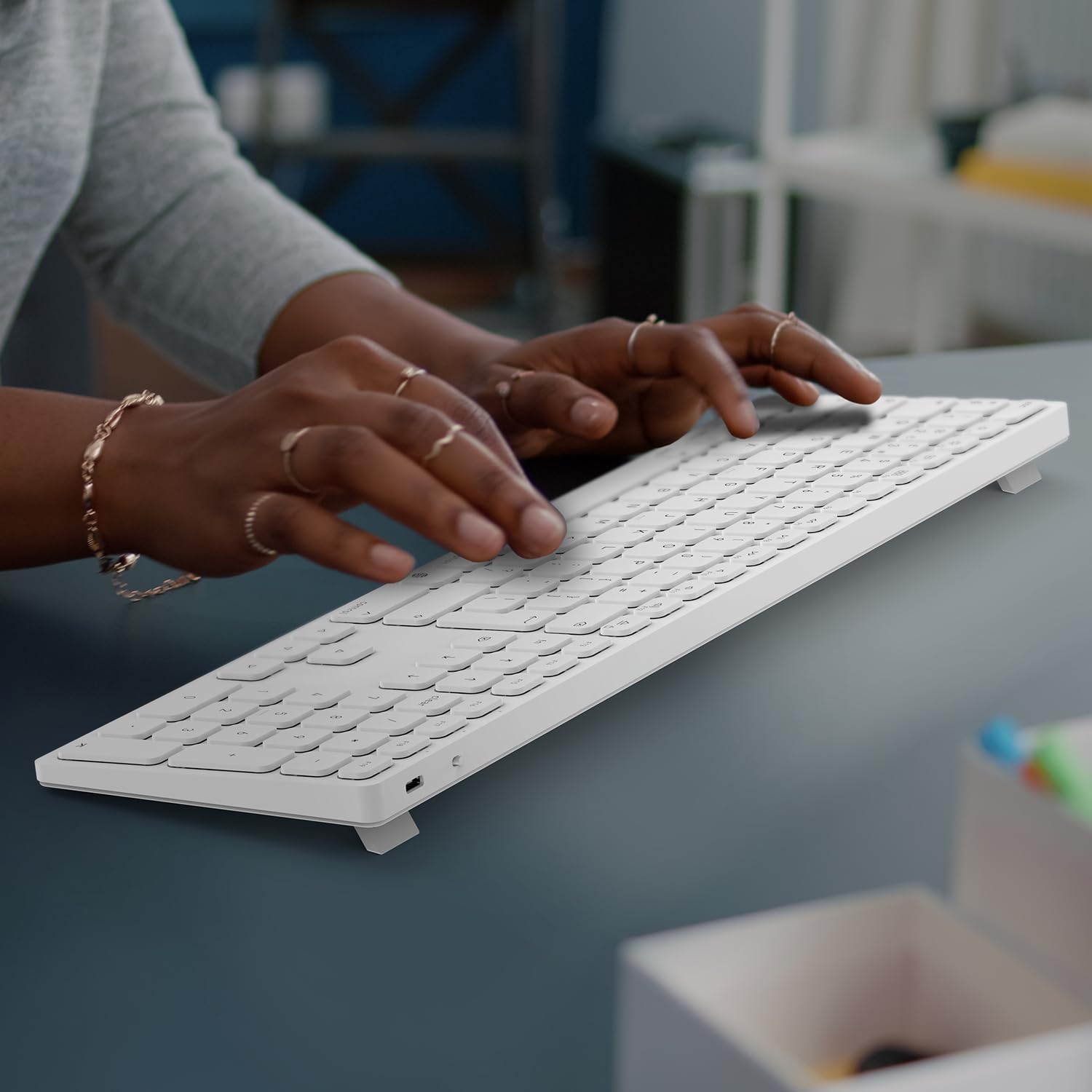
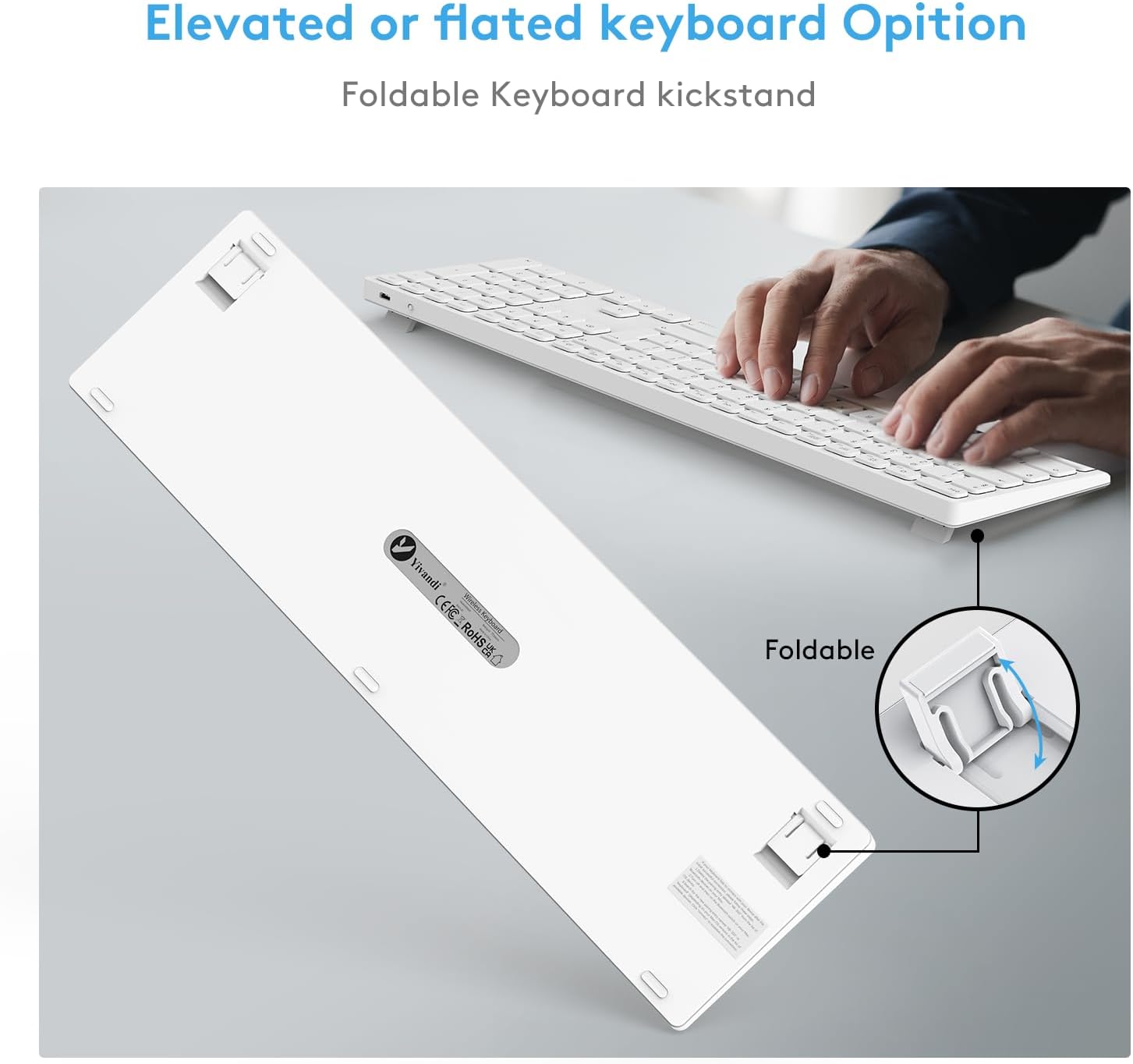
For Mac users who want a compact setup without sacrificing a numeric keypad or long battery life, this keyboard offers a convenient alternative to the standard Apple keyboard. The foldable kickstand helps you tailor typing angle to reduce wrist strain during longer sessions, which can matter when you’re working from home or in the office.
How it performs (on the page, not a test lab)
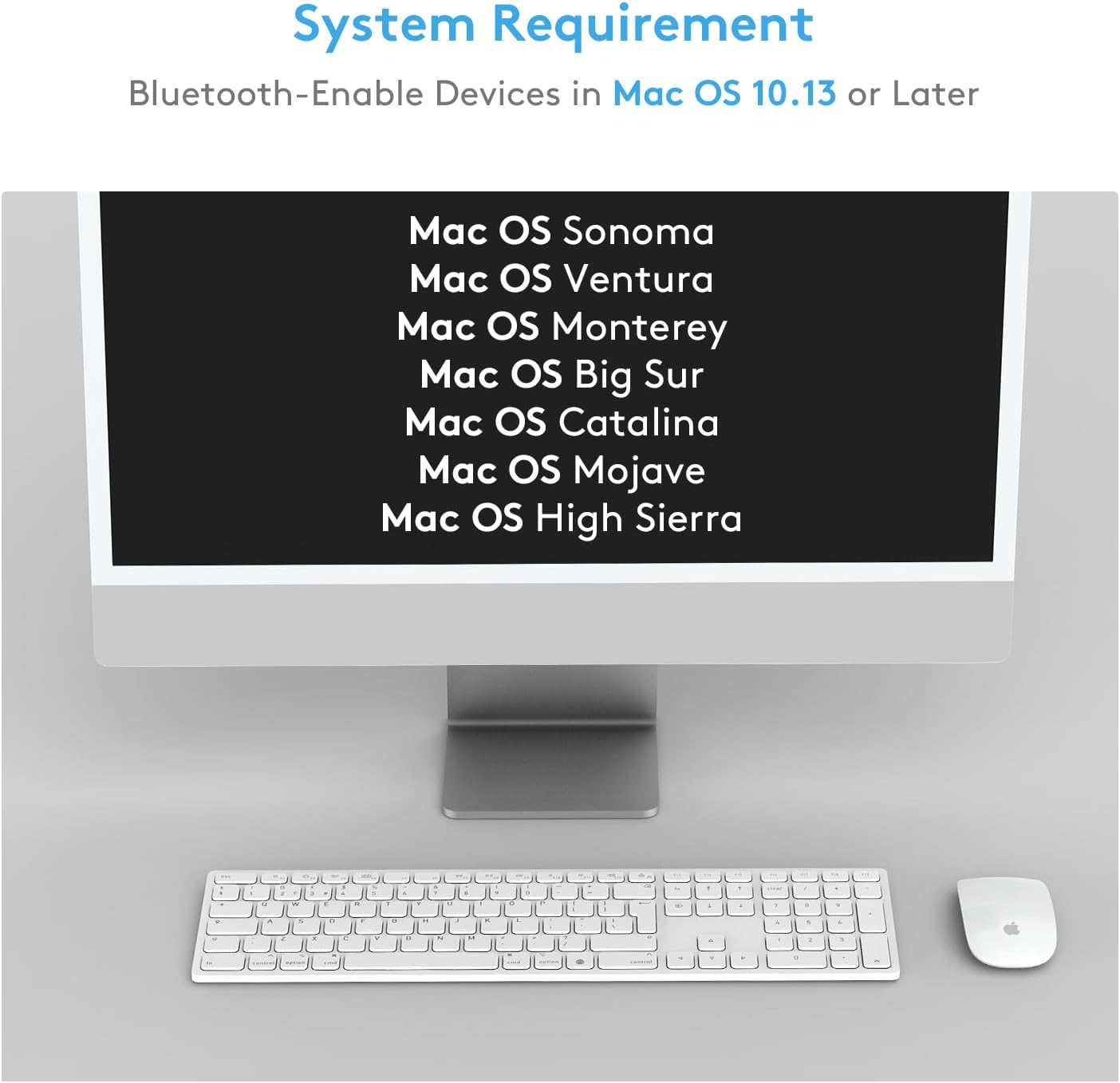
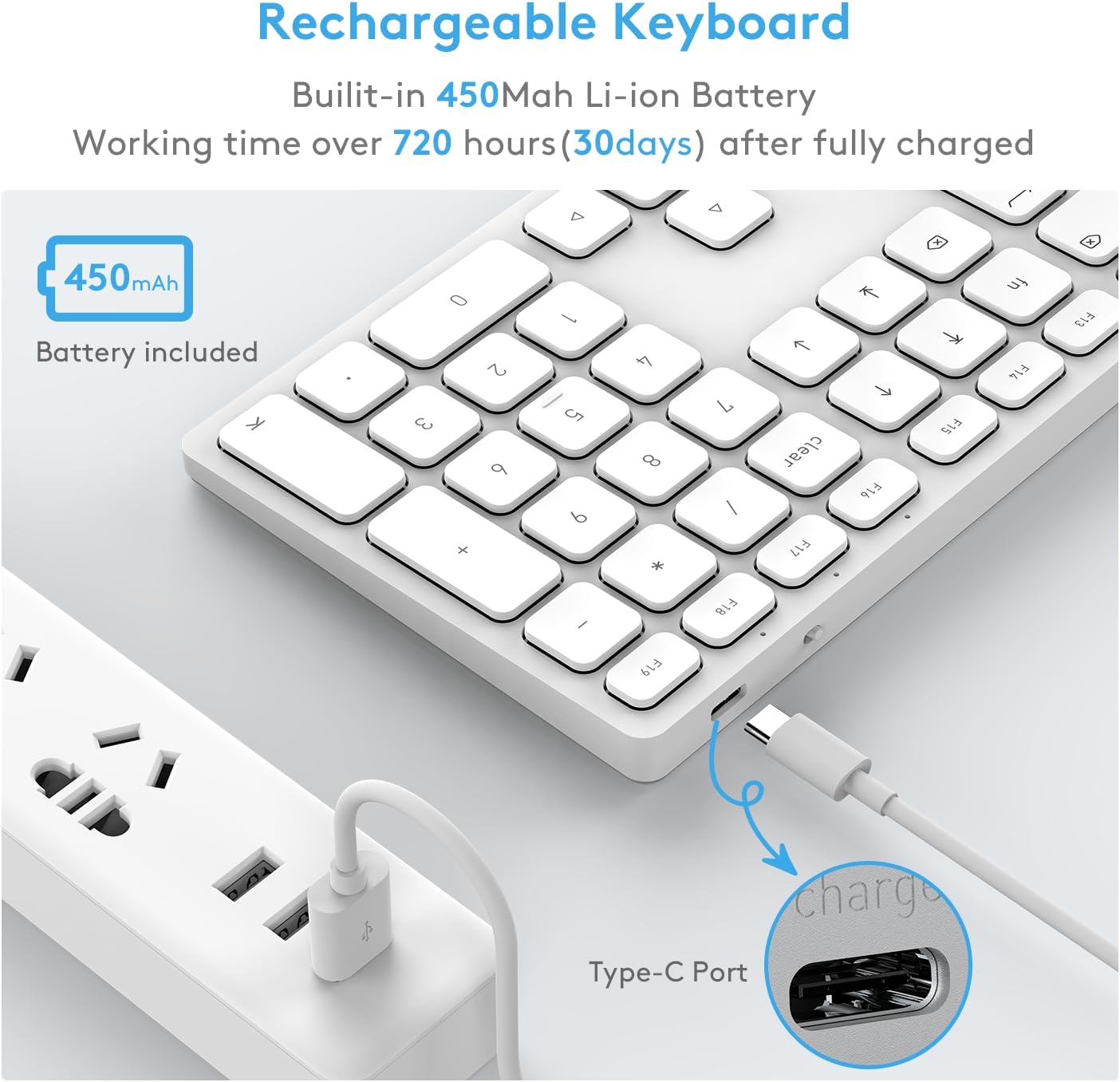
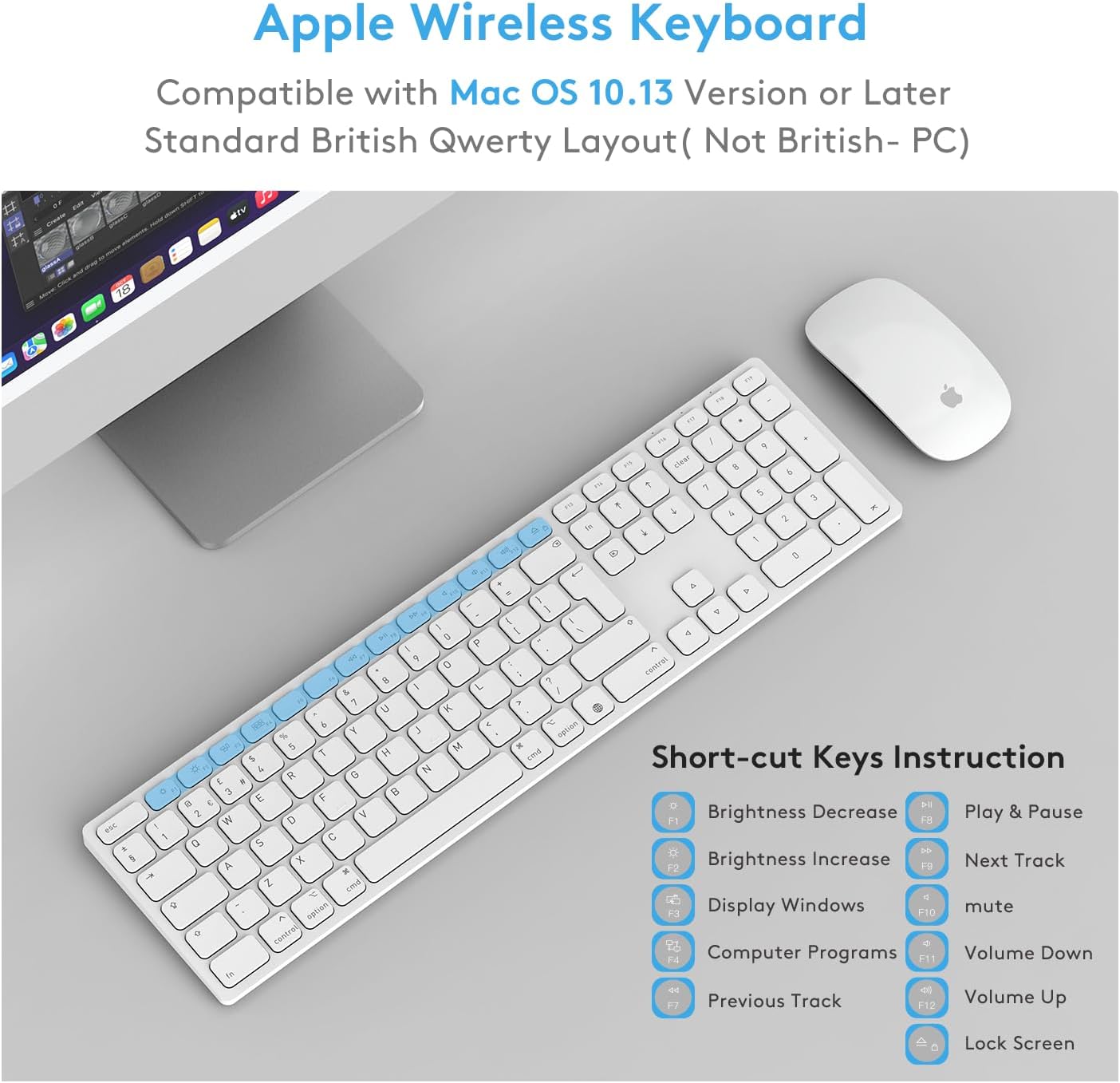
On macOS 10.13.6 and newer, pairing is intended to be quick and stable across iMac, MacBook Pro/Air and Mac Mini. The layout mirrors the familiar Apple style with quiet keys and a dedicated set of macOS shortcuts, so the transition from an Apple keyboard can feel natural. The built‑in 450mAh rechargeable battery supports an extended runtime of up to 60–90 days on a full charge, depending on usage, which reduces the need for constant recharging and helps keep desk clutter down.
What stands out
- Folding kickstand for adjustable typing angle, aiding comfort during longer sessions.
- Full numeric keypad included, which is handy for data entry, numbers, and quick calculations.
- Rechargeable battery with long life, meaning fewer cables and interruptions on your desk.
- Familiar layout and quiet keystrokes created with low-profile scissor switches, which resemble the feel of an Apple keyboard without being a direct copy.
Limitations worth noting
The information provided doesn’t specify advanced features such as backlighting, multi‑device pairing limits, or exact keycap materials. The claim of compatibility includes macOS High Sierra and later, but real-world pairing stability can vary by device model and macOS version. If you rely on super‑fast switching or require per‑key programming, this model may not meet every need. Also, the 60–90 day battery figure is a broad range and assumes typical use, heavy typists or backlight usage could shorten that window.
Who it’s for
- Mac users who want a complete keyboard with a numeric keypad at a lower cost than some flagship models.
- People who value a relatively native Mac feel but prefer a longer battery life between charges.
- Those who work from home or in the office and want a compact, tidy desk with a legible keyboard that’s easy on the wrists.
Who it isn’t the best option for
- If you require extremely low keystroke noise or premium material feel, you may prefer higher‑end models.
- If you need guaranteed multi‑device hot‑swap with a lot of features (macro keys, backlighting, etc.), this keyboard might feel basic.
- If you rely on very long battery life without recharging at all, keep expectations reasonable since real‑world life varies with usage patterns.
When it makes sense to buy
- When you want a macOS‑focused keyboard that looks and feels similar to an Apple layout but with a dedicated numeric keypad.
- If you value a simple pairing process and a tidy desk with fewer cables.
- When you prefer a long‑lasting, rechargeable battery and a flexible typing angle for comfort.
When to hold off
- If you need more advanced features or customisation beyond the standard macOS shortcuts.
- If you frequently type in very dim environments and require backlit keys.
- If you operate in an ecosystem where you rely on advanced shortcut mappings or heavy per‑key programming.
What to check before buying
- Confirm your Mac model and macOS version will support quick pairing as described.
- Consider desk setup and whether a foldable kickstand will align with your preferred typing angle.
- Think about how often you’ll use the numeric keypad and whether the full layout suits your workflow.
Practical use case
Imagine drafting a spreadsheet while drafting a report on a MacBook Pro, with the keyboard sitting at a comfortable angle thanks to the kickstand. The numeric keypad speeds up column entries, while the quiet keys let you type without disturbing others in a shared workspace. If you move between devices, the wireless setup keeps your desk neat and minimal.
FAQ (brief and practical)
- Is this keyboard compatible with all Mac models? It’s stated as compatible with macOS 10.13.6 and newer and works with iMac, Mac Mini, and MacBook Pro/Air.
- How long does the battery last? Up to 60–90 days on a full charge, depending on usage. Real‑world results may vary.
- Does it require drivers or software? The description emphasises quick pairing and a familiar layout, it doesn’t mention additional software requirements.
What to expect in daily use
In everyday tasks, you’ll notice a familiar typing experience with a slightly different feel from Apple’s keyboards. The low‑profile keys and numeric keypad enable efficient data entry, while the foldable stand offers a practical way to adjust ergonomics without adding clutter. It isn’t a perfect substitute for everyone, but for many Mac users it may offer real value for money and comfort over long sessions.