

ErGear Single Monitor Stand for 13–32” Screens, VESA 75x75/100x100 – Stable, space-saving desk mount
Reviews
Price
Product description
What it is and what it solves
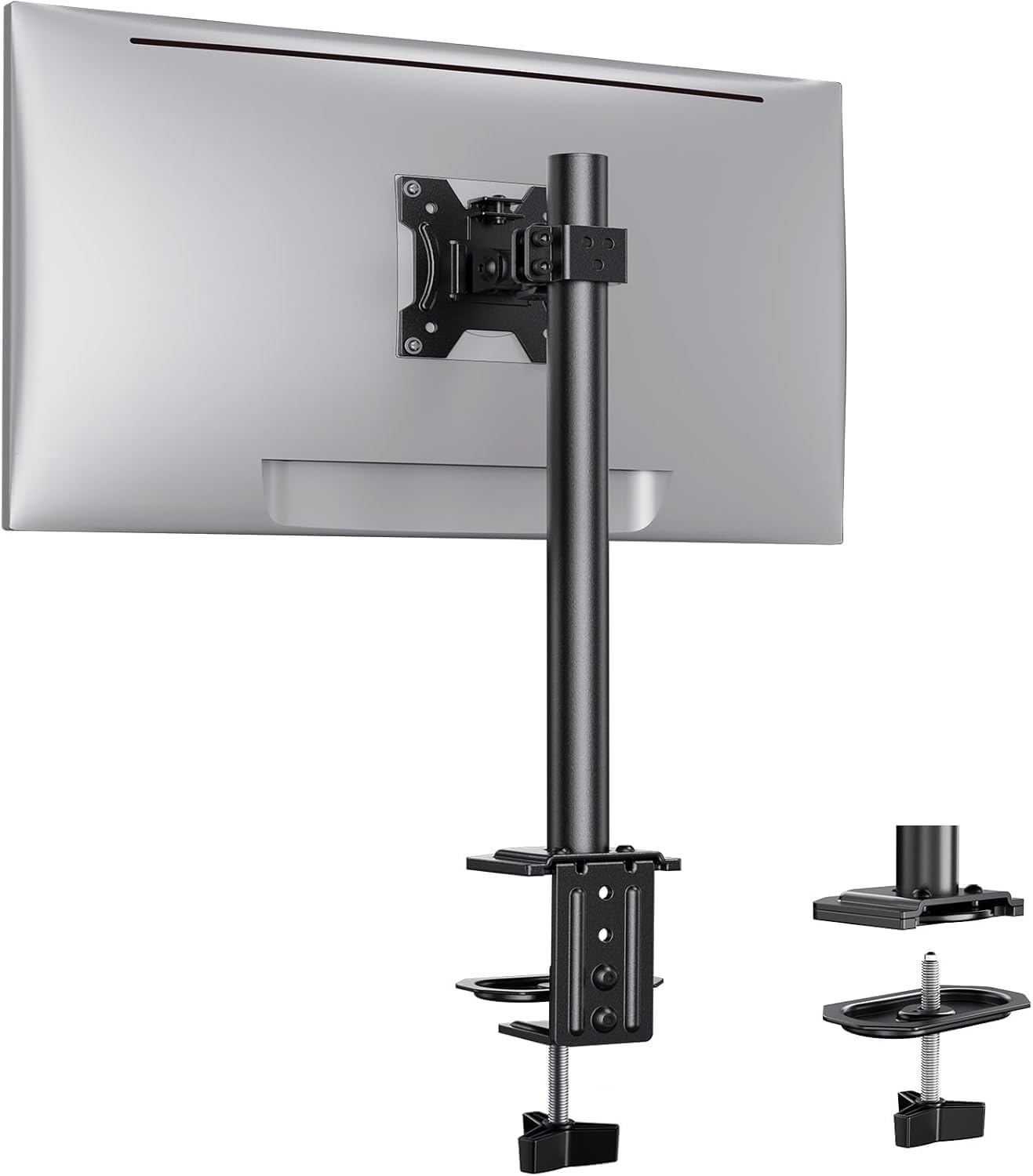
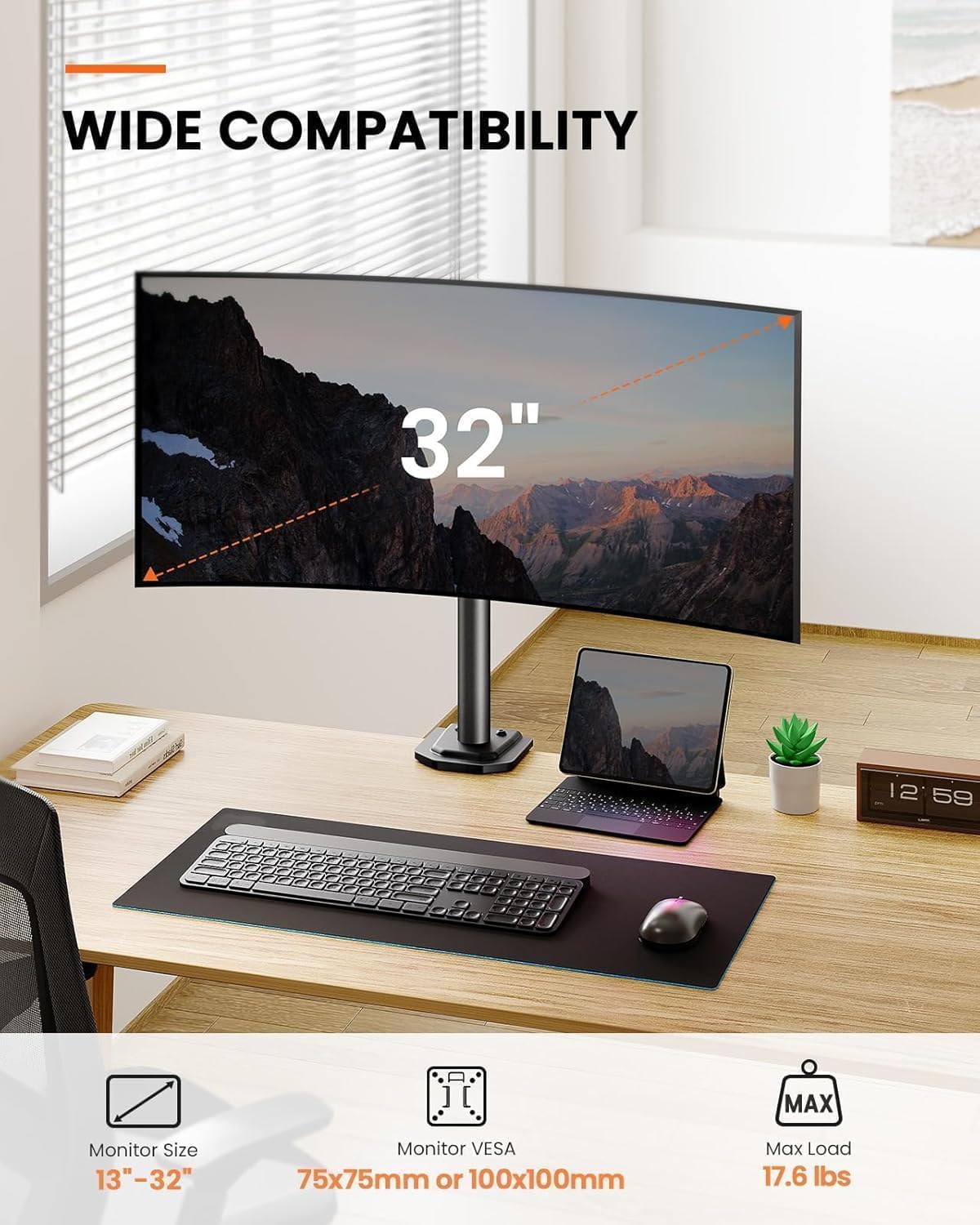
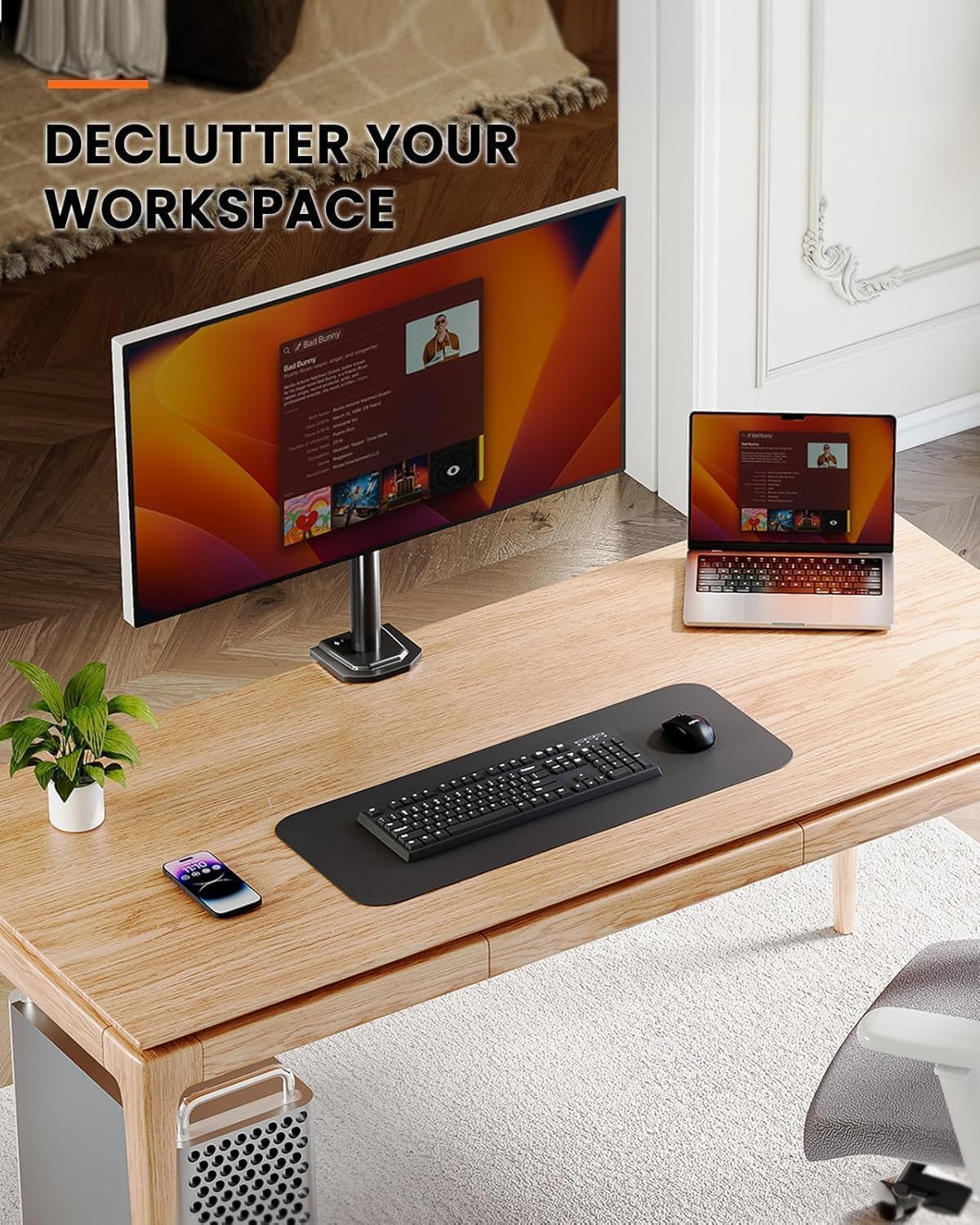
The ErGear single monitor arm is a desk-mounted support designed for a single display in the 13–32” range, offering VESA 75x75 or 100x100 compatibility. On paper it aims to improve stability over traditional arms and to maximise desk space by keeping the monitor close to the wall when in use. It’s pitched as easy to install with clear diagrams and two mounting options, which can help reduce clutter and free up valuable workspace.
Key features and how they help
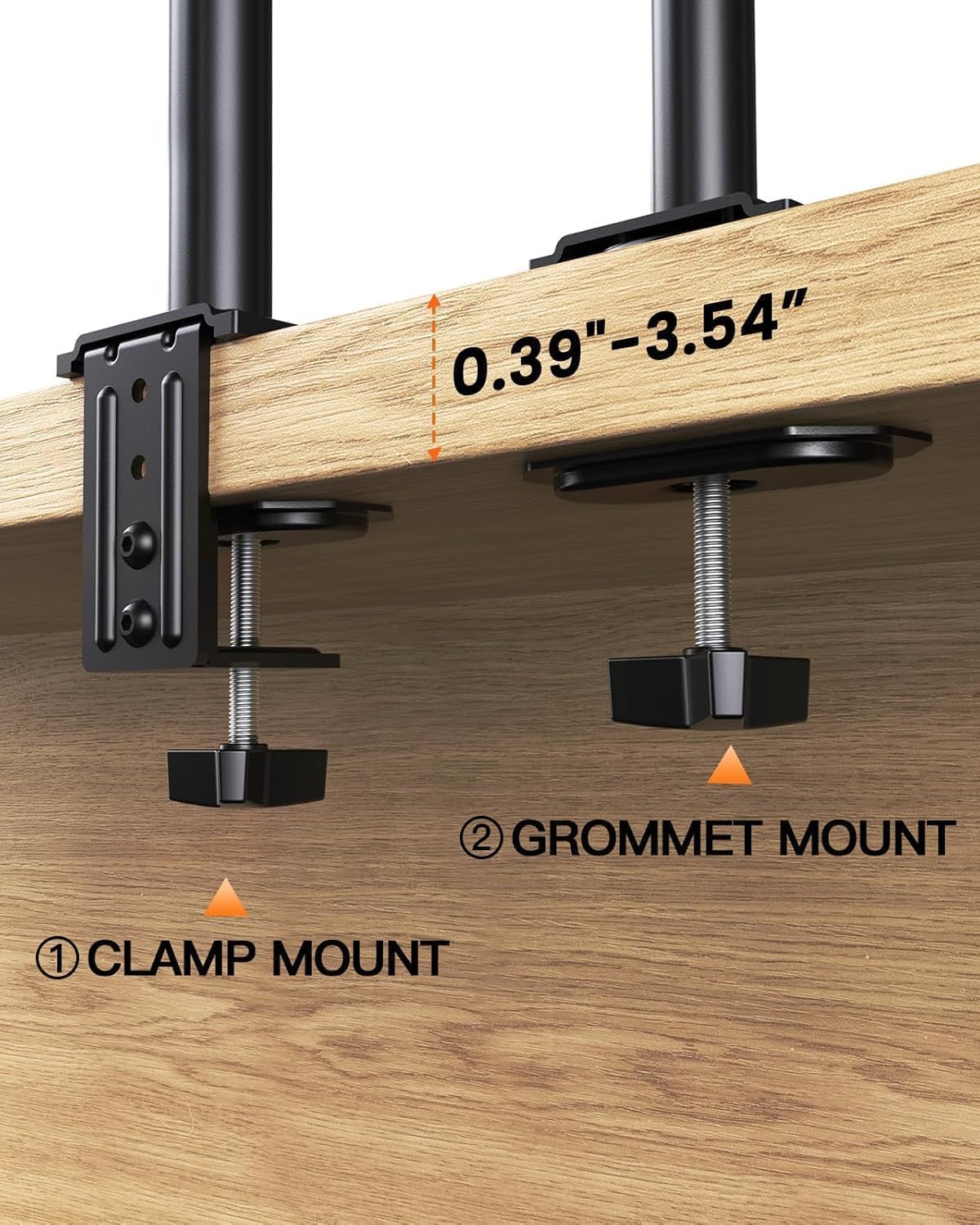
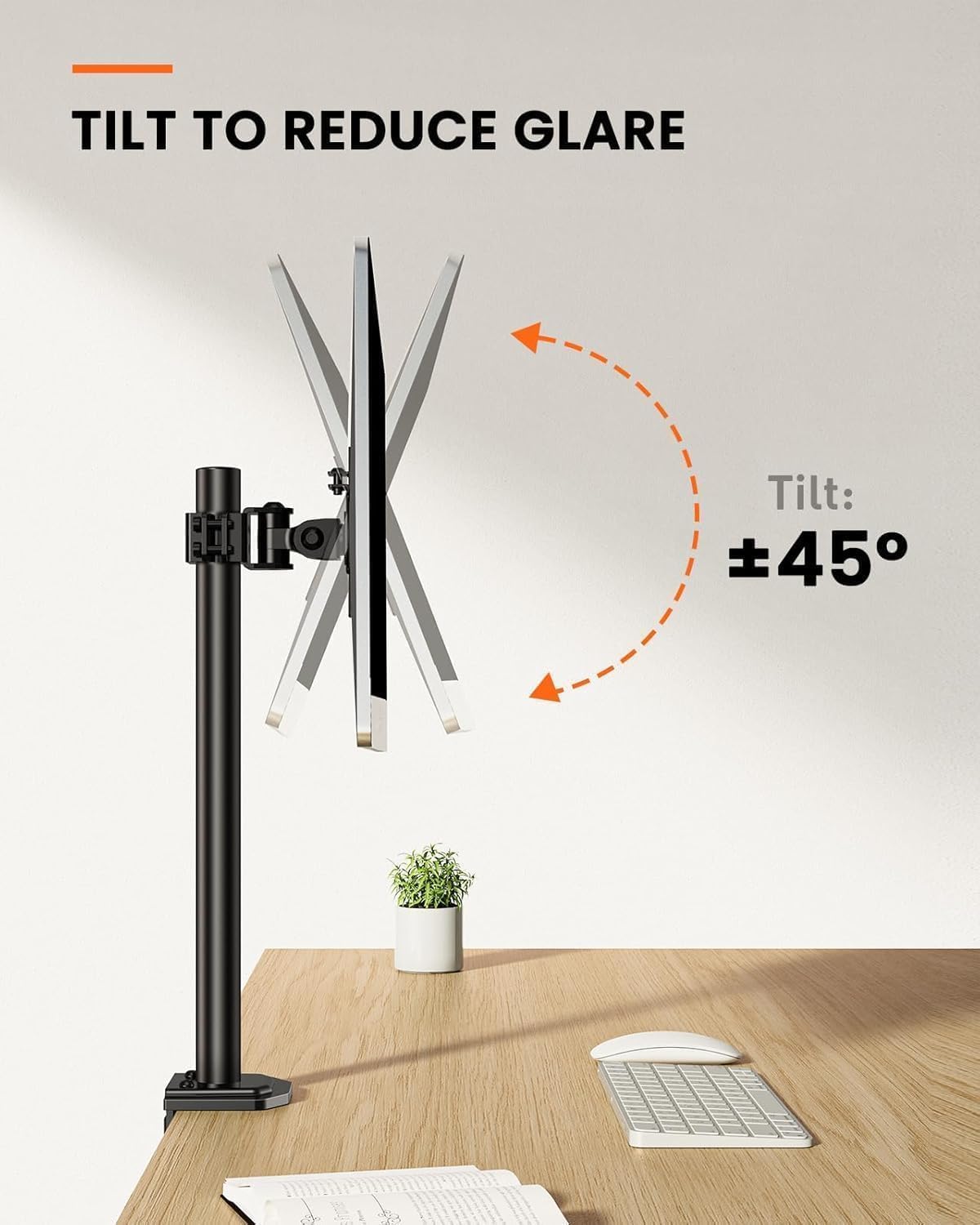
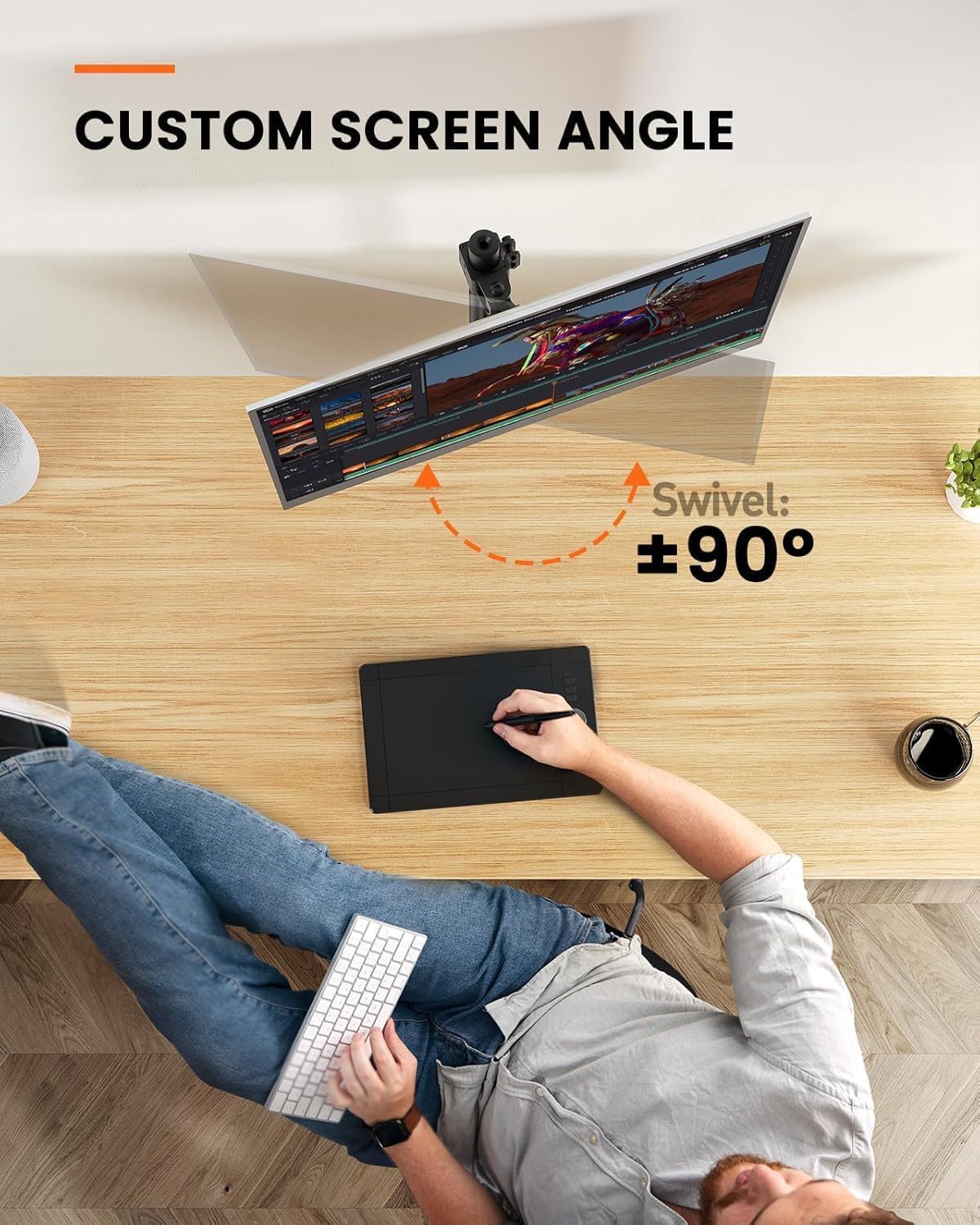
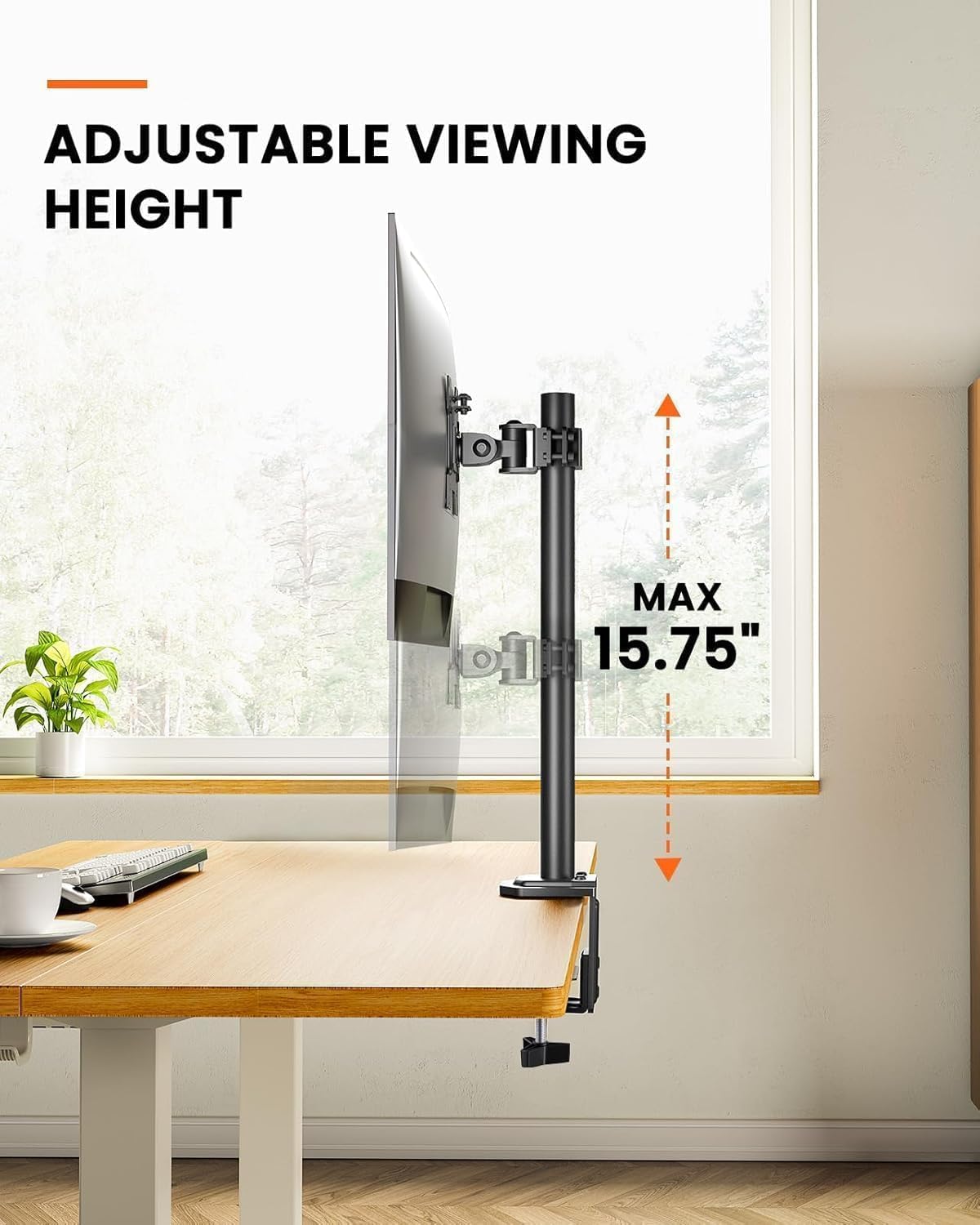
This arm is rated to carry up to 8 kg, which covers most standard flat and curved screens within the size range. The design supports height adjustment, swivel, tilt and rotation, giving you freedom to find a comfortable viewing angle and to switch between portrait and landscape modes. With a straightforward clamp or grommet installation, it claims compatibility with desk thickness from about 1.5 cm to 8 cm, and it can be fitted to various materials including wood, glass and aluminium.
What stands out (and what might not)
On the positive side, you get a compact, arms-length footprint that frees up more than half of the workspace by letting the monitor sit close to the wall when pushed back. The claimed improvement in stability, thanks to centralised locking bolts, suggests fewer instances of sagging or drifting once things are tightened. The 10‑minute assembly target is practical for a first-time setup, especially with two mounting methods to choose from. The trade-off to consider is that, while the spec sheet covers common screens up to 32”, real-world fit depends on the exact VESA pattern and the weight distribution of the chosen monitor. If your screen is near the upper end of the 8 kg limit or has unusual mounting hardware, you may want to confirm it balances as neatly as you expect.
Who it’s for
This is well suited for home offices or compact workspaces where desk real estate matters but you still want flexibility in screen positioning. It suits users with mid-weight displays and those who value a tidy desk, quick adjustments, and the option to mount with either a clamp or a through‑the‑desk mount. If you value a minimal, back‑to‑the‑wall setup and don’t routinely push screens to extreme angles, it makes practical sense.
Who it isn’t the best option for
If your monitor weighs more than 8 kg, or if you require very high tilt ranges or heavy-duty rigidity for frequent, aggressive re‑positioning, you may outgrow this arm. Additionally, if you need a larger footprint with extended reach or dual‑monitor configurations, you’ll need a different solution.
When it makes sense to buy
Consider this arm if you want a straightforward, space‑saving mounting solution for a single screen up to 32” and 8 kg, with easy installation and adjustable angles to suit day‑to‑day use. It’s particularly sensible when desk space is tight and you want to keep the monitor close to the wall while still enabling tilt, swivel and rotation.
Before you buy: what to check
- Confirm your monitor’s VESA pattern is 75x75 mm or 100x100 mm.
- Check the weight of your monitor sits comfortably under 8 kg.
- Measure your desk thickness to ensure it falls within the 1.5–8 cm range for mounting.
- Consider whether you prefer clamp or through‑desk mounting for your setup and desk material.
Practical usage and comparisons
For a general office or gaming setup, this arm fits as a mid‑range option: it prioritises stability and desk space over feature extravagance. If you need more aggressive extension, higher load capacity, or multi‑monitor arrangements, you’ll likely explore sturdier arms or a different mounting approach. In everyday terms, you can position the screen for comfortable viewing during long sessions, then tuck it away when not in use to keep cables orderly.
FAQ (based on available information)
- What sizes does it support? It supports 13–32” screens with a VESA pattern of 75x75 or 100x100 mm.
- How heavy can the monitor be? Up to 8 kg load capacity.
- How long does installation take? The manufacturer claims about 10 minutes with two mounting options.
- Can I mount it to thin or thick desks? Yes, it supports desk thickness from approximately 1.5 cm to 8 cm.
- Is it suitable for gaming setups? It can be suitable for gaming if the monitor size and weight fall within the stated range and you value space-saving, adjustable positioning.
Is it worth it?
Worth considering if you prioritise space efficiency and a straightforward, dependable mounting solution for a single monitor up to 32” and 8 kg. If your needs include heavy-duty bearing for frequent, intense repositioning or a dual‑monitor build, this may not be the best fit.