

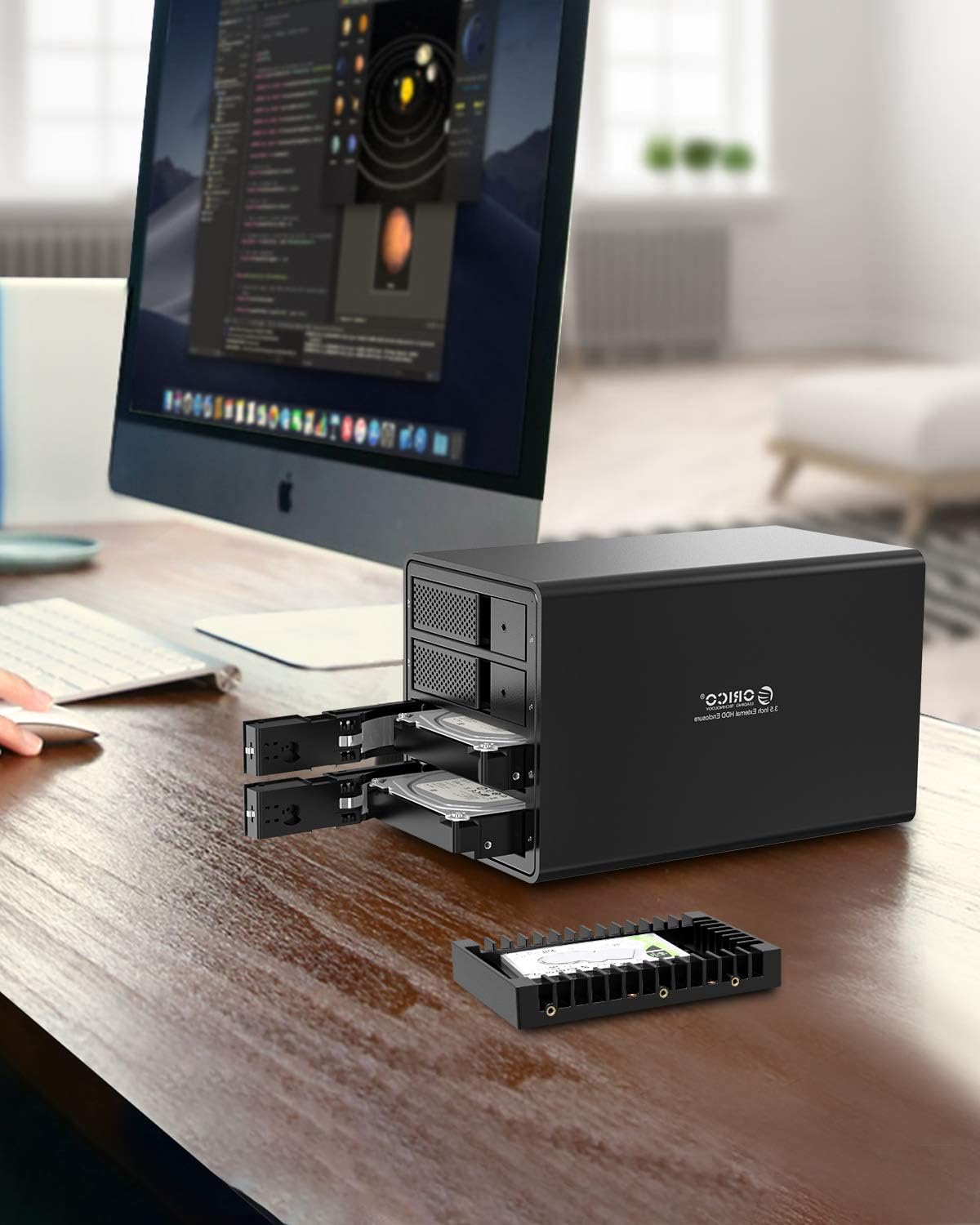
ORICO 2.5 to 3.5 Inch HDD/SSD Mounting Bracket – Removable Mounting Bracket for 7/9.5/12.5 mm SATA Drives
Product description
What this is
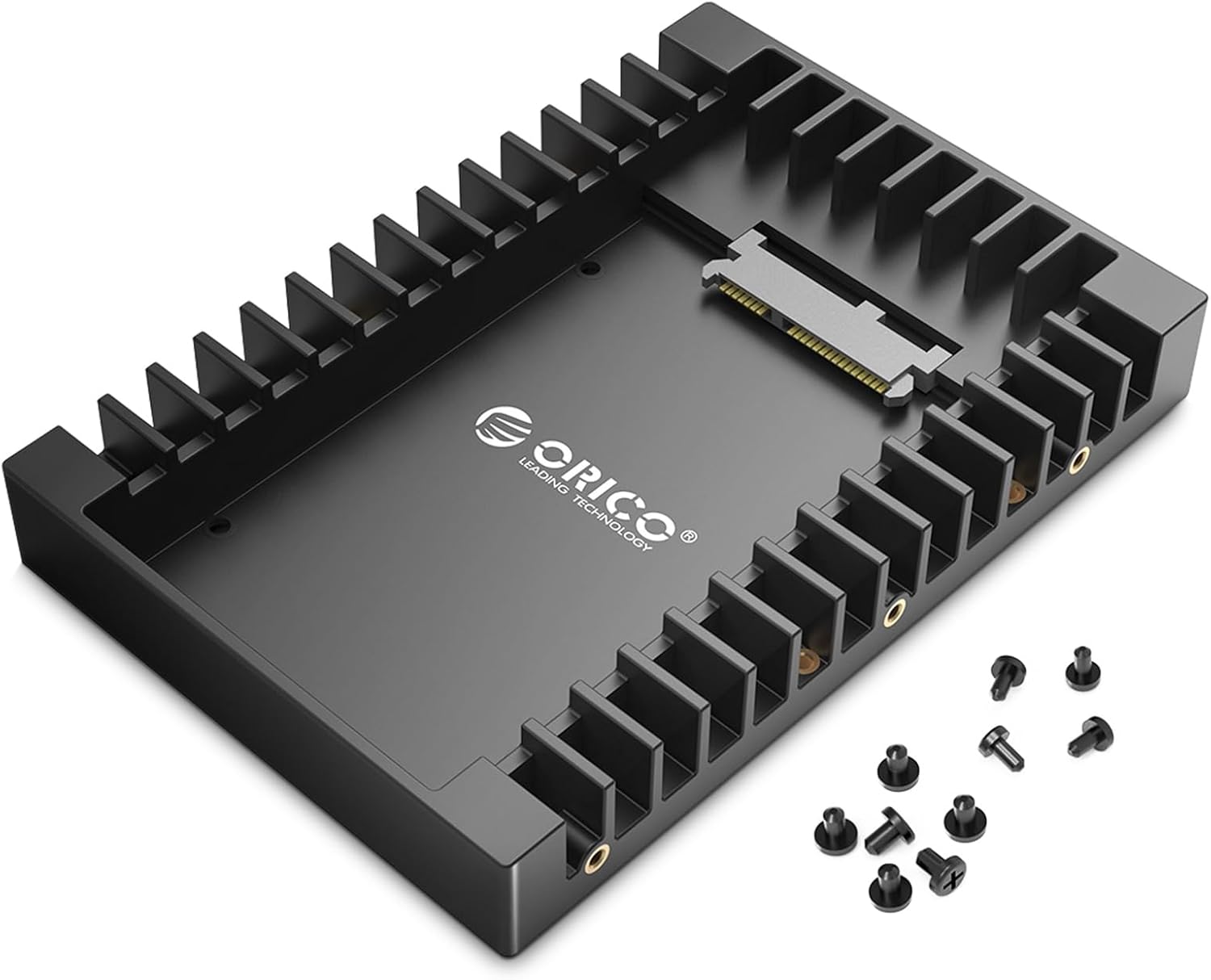
The ORICO mounting bracket is a simple adapter that lets you convert a 2.5-inch SATA HDD or SSD into a 3.5-inch form factor. It’s designed to slot into a drive caddy or chassis, enabling older laptops’ drives to be reused in a desktop-like environment. On paper, this can extend the life of an existing drive and keep data moving without needing to buy a new 3.5-inch drive from scratch.
Why it might matter
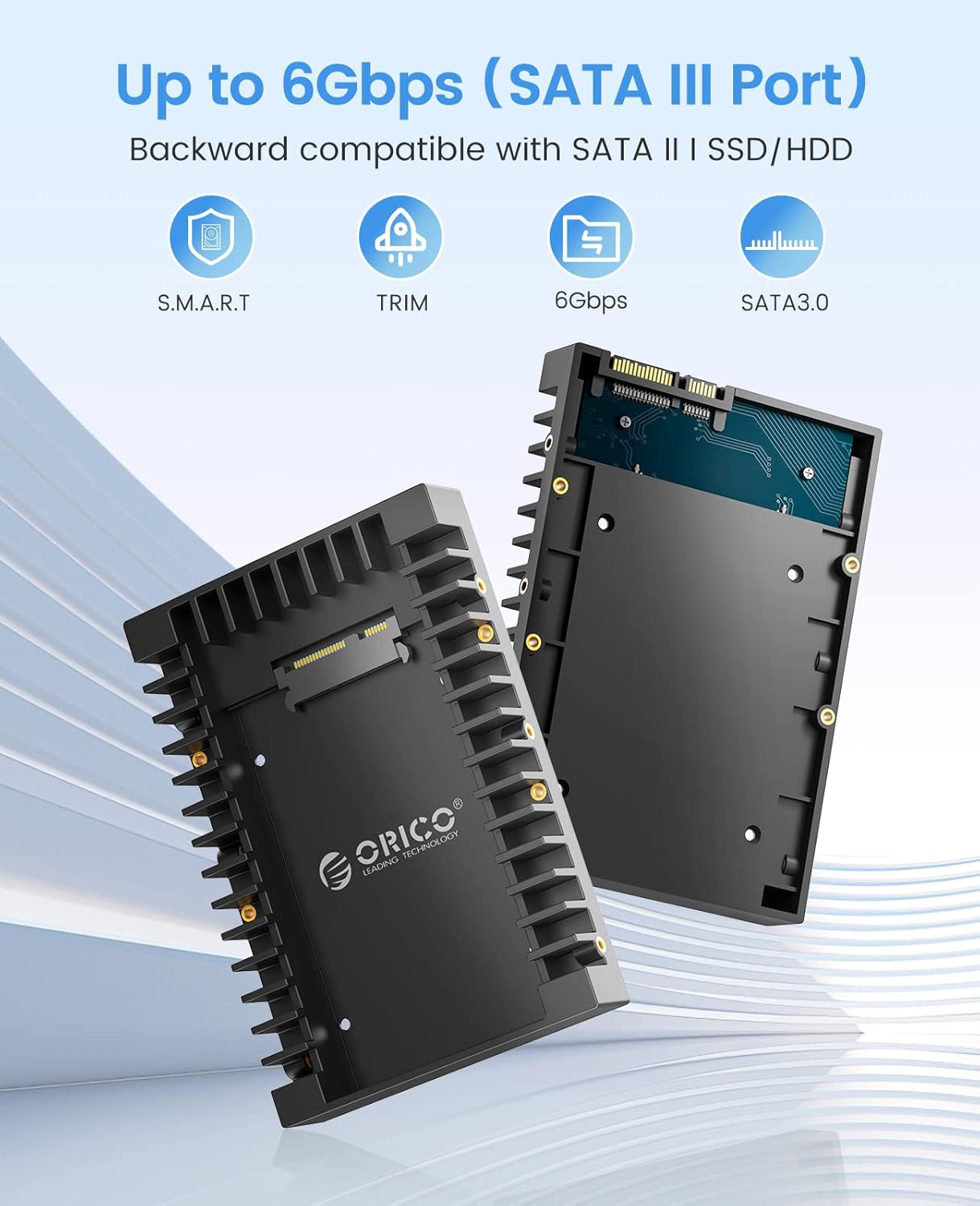
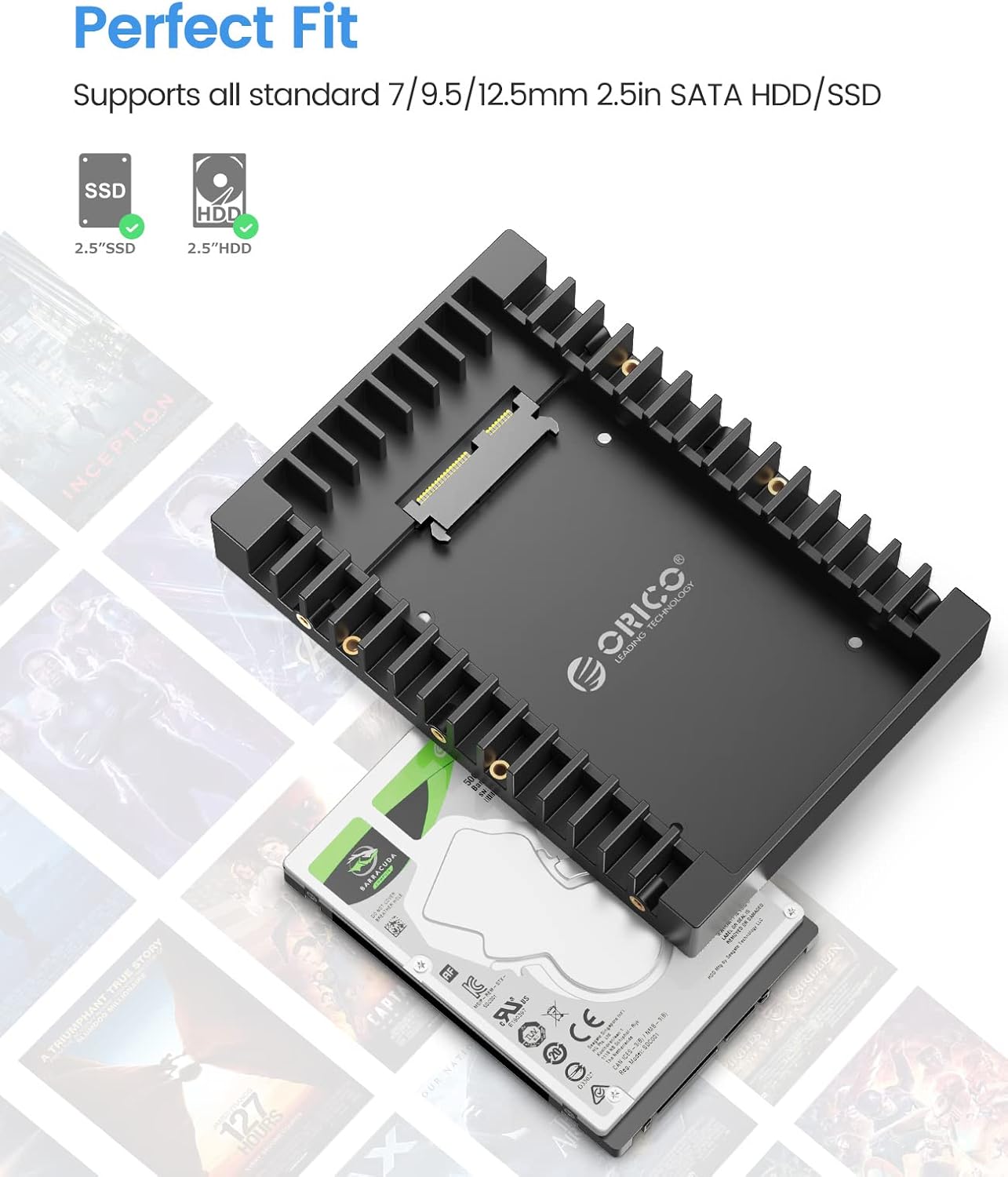
If you’ve got a 2.5-inch SATA drive sitting in a laptop or external enclosure and want to regain its usefulness in a desktop setup, this bracket provides a straightforward plug‑and‑play path. It supports common thicknesses of 7 mm, 9.5 mm and 12.5 mm, and it claims compatibility with SATA speeds up to 6 Gbit/s through a SATA 3.0 interface. It’s backward compatible with SATA 1.0/2.0 as a precaution, which means it won’t be a bottleneck for older drives.
How it works in practice
The design includes side slots and an open side to enhance airflow around the drive, which helps with heat dissipation during typical operation. It’s made from fire-resistant ABS, which keeps the unit lightweight while remaining sturdy enough for daily use. The bracket supports hot swapping and plug-and-play operation, so you don’t need extra drivers to get a drive mounted and detected by the host system.
What stands out in use
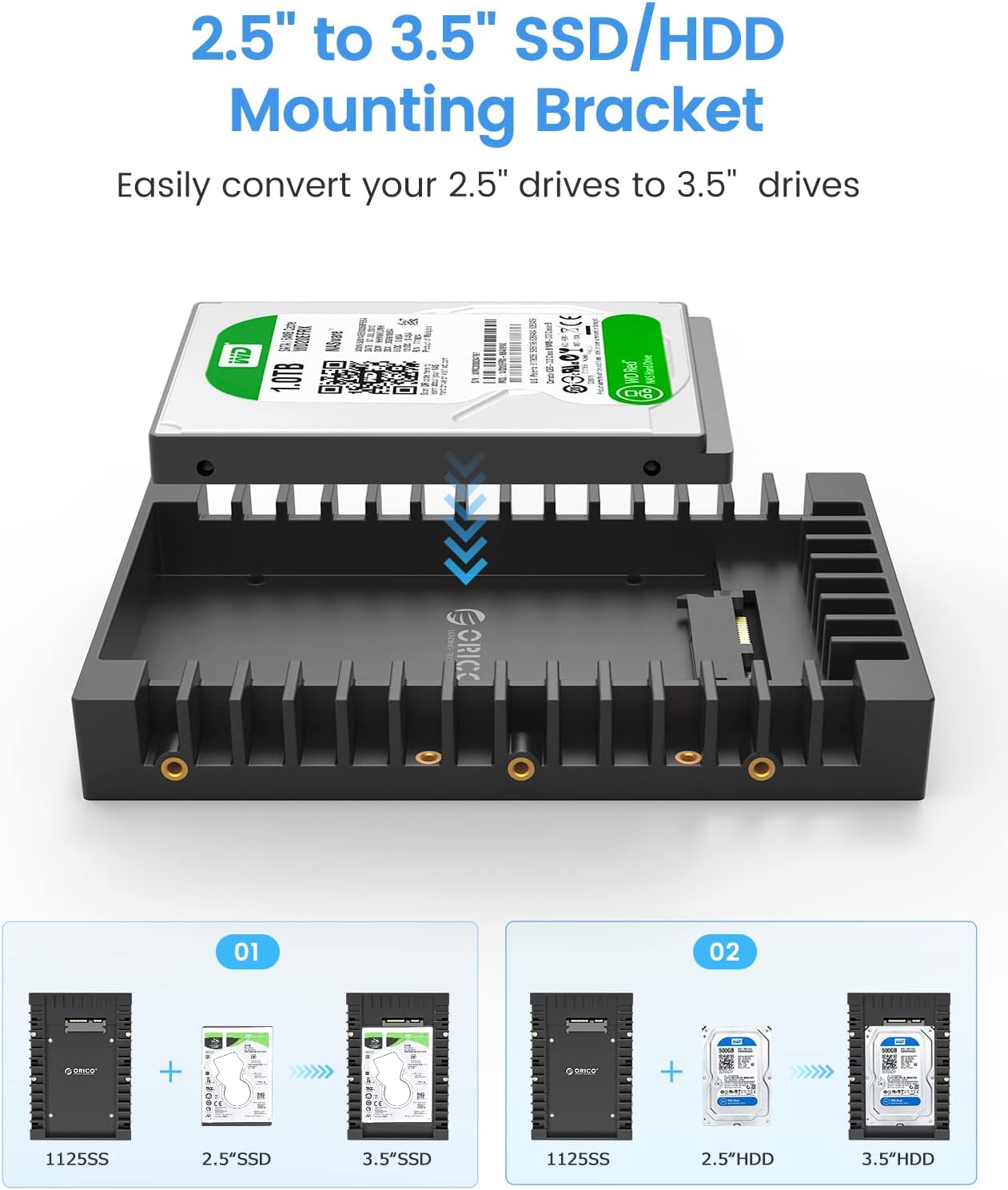
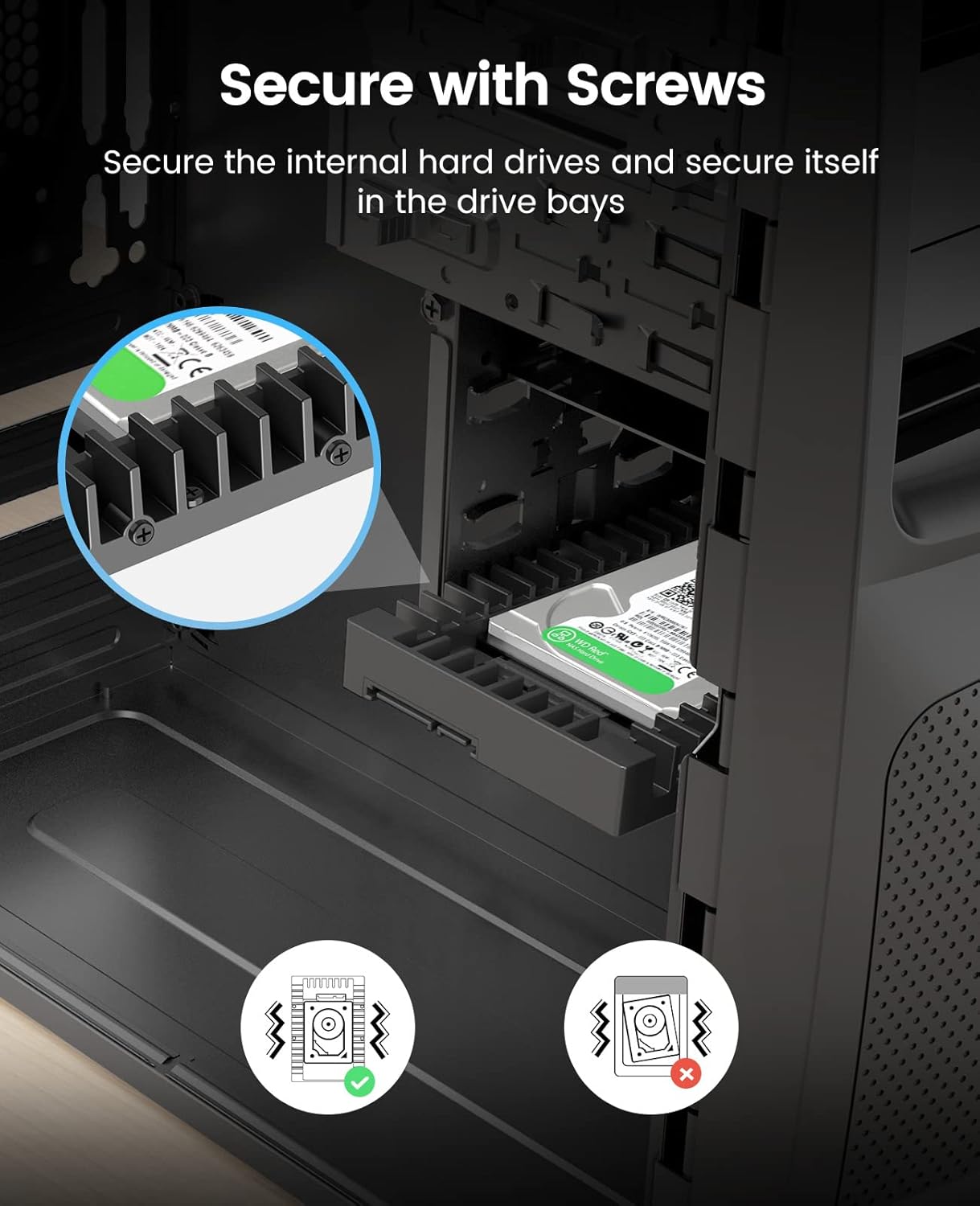
Its claim to easy installation is reinforced by the requirement to secure the 2.5-inch drive with screws provided in the package. This means you can repurpose a drive quickly for a desktop or storage cage without disassembly of the whole system. The open sides not only aid cooling but also make it easier to observe any heat‑related concerns during long transfers.
What could be less convincing
If you’re looking for a performance boost on its own, remember this is an adapter bracket, not a standalone storage upgrade. The speed you see will depend on the original drive and the host controller. For users expecting a noticeable improvement in random access times, the limitations of the base drive remain a factor. Also, while the material is easy to carry, ABS is not as premium as metal brackets, so it may feel less robust under heavy desk-use or frequent re‑mounting.
Who it’s for
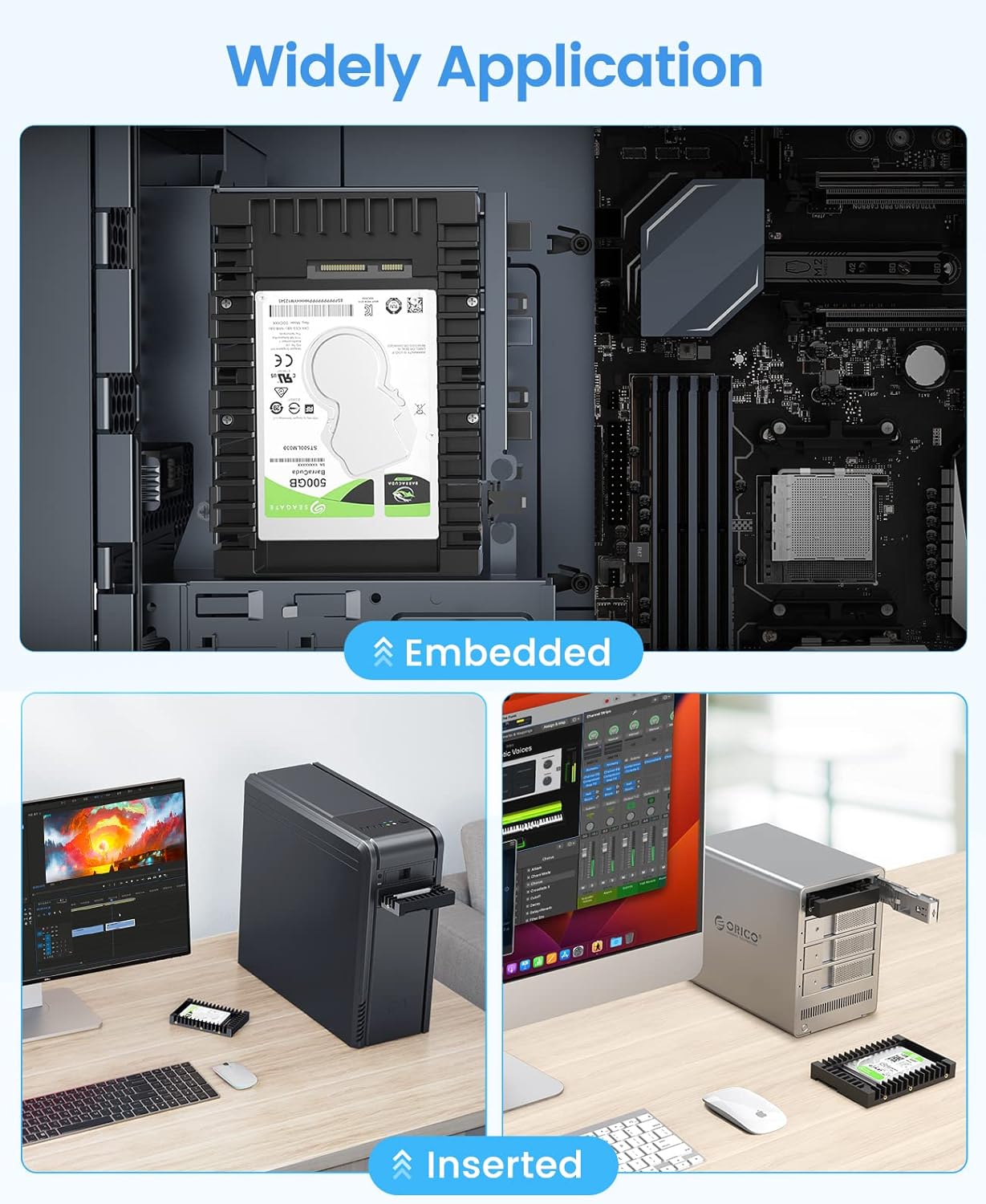
This is practical for users who have an older or unused 2.5-inch SATA drive and want to repurpose it into a 3.5-inch bay, for example in a NAS-like chassis, a external drive bay, or a DIY storage solution. It’s suited to those prioritising value for money, straightforward installation, and compatibility with a range of drive thicknesses.
Who it isn’t ideal for
If you require a high‑end, rigid mounting solution with premium materials, or you plan to mount drives in harsh environments, this ABS bracket may not meet those expectations. It’s also not a replacement for dedicated 3.5-inch drive cages where integrated cooling, vibration damping, or shock resistance are critical.
Before you buy: what to check
- Confirm your drive thickness is within 7 mm, 9.5 mm or 12.5 mm and that the mounting holes align with the bracket.
- Ensure your enclosure or chassis has a free 3.5-inch bay or compatible mounting area.
- Consider whether airflow is adequate in your setup, the open design helps but passive cooling depends on the overall enclosure.
- If you rely on high‑duty continuous use, factor in the drive’s thermal profile and the overall cooling of your system.
How this compares to other approaches
If you’re simply looking to reuse an old 2.5-inch drive, a purpose-built 2.5-to-3.5 adapter can be more cost-effective than purchasing a new 3.5-inch drive with similar capacity. The upside is straightforward compatibility and a low barrier to entry, the trade-off is that you’re not adding any features beyond the mechanical consolidation. For tasks requiring better cooling or a more rugged build, a metal bracket or a dedicated 3.5-inch cage might be a preferable route.
Usage tips
- Keep the screws handy, they’re included, but it’s easy to misplace small fittings when you’re juggling multiple drives.
- After mounting, verify the drive shows up in your system settings and that there are no unusual heat readings during initial transfers.
- If your enclosure supports tool‑less mounting, this bracket will still work, but a screwdriver makes the process quicker and more secure.
What’s included
- ORICO mounting bracket for 2.5-inch SATA HDD/SSD to 3.5-inch bay
- Mounting screws for securing the 2.5-inch drive
Tech specs
- Drive compatibility: 2.5-inch SATA HDD or SSD of 7 mm, 9.5 mm, 12.5 mm
- Interface: SATA, up to 6 Gbit/s (SATA 3.0 level), backwards compatible with SATA 1.0/2.0
- Material: Fire‑resistant ABS
- Airflow design: side slots and open side for improved cooling
- Features: hot swap, plug and play, no driver required
Final verdict
Final verdict: Worth considering if you want to extend the life of a 2.5-inch drive and integrate it into a 3.5-inch bay without extra frills. It suits pragmatic buyers who value simplicity and compatibility, and who are comfortable with a basic, lightweight mount. If you prioritise premium build quality or heavy‑duty use, explore metal alternatives or enclosed cages that offer enhanced rigidity and cooling.
FAQ
- Can I use this if my drive is 7 mm thick? Yes, it supports 7 mm, 9.5 mm and 12.5 mm drives.
- Do I need drivers to operate the drive after mounting? No, it’s plug and play.
- Will this fix heat issues in a small enclosure? It promotes airflow, but heat management also depends on the overall enclosure design and airflow.