

NEWFAST 1300Mbps USB WiFi Adapter with Dual-Band Antennas (USB 3.0, 802.11ac/b/g/n) for Windows PCs
Product description
The essentials
If you’re trying to bring WiFi back to an older laptop/PC (or you just want a steadier connection than the built-in card), the NEWFAST 1300Mbps USB WiFi Adapter is designed for exactly that kind of upgrade. It’s a dual-band USB dongle, aimed at everyday internet use and more bandwidth-hungry tasks like 4K video playback and large downloads.
On paper, the big idea is simple: use 5GHz when you’re close to the router for speed, then rely on 2.4GHz when you need better wall penetration and wider coverage. It’s also meant to be straightforward to get running on Windows, with driver support included.
That said, it’s worth keeping expectations realistic. A USB adapter can’t fully escape the limits of the WiFi signal in your room, and performance will vary quite a lot depending on router placement and interference.
Key features that matter in daily use
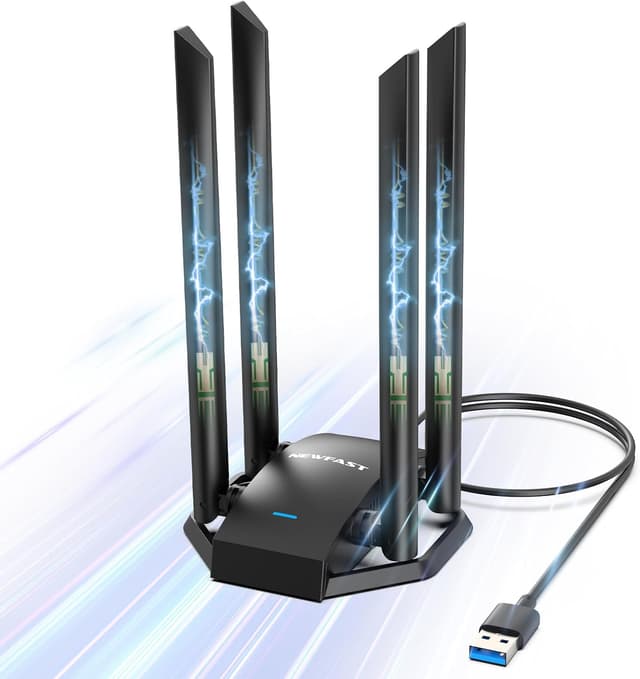
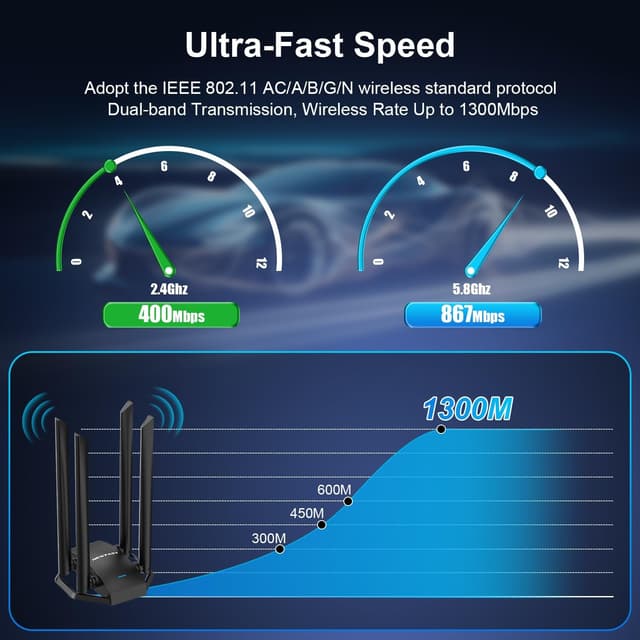
The adapter is presented as a 1300Mbps class dongle, split into 867Mbps on 5GHz and 400Mbps on 2.4GHz. In practice, those headline numbers are best treated as “up to” capabilities, but the split does make sense for mixed home setups: 5GHz for speed when you’re nearby, 2.4GHz for reliability when you’re not.
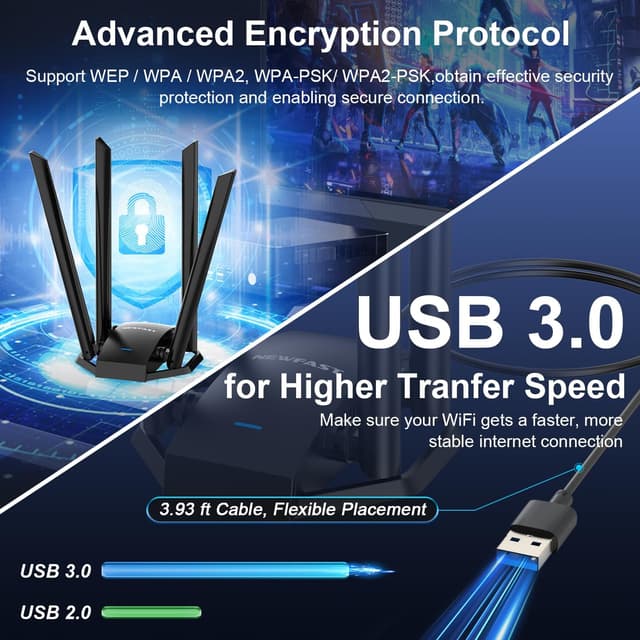
A notable practical touch is the built-in USB 3.0 cable (listed as 3.93ft). With USB placement, you’re not stuck with the adapter directly under your desk or inside a thick PC case. Being able to move it to a better spot can help signal reception compared with a fixed internal card.
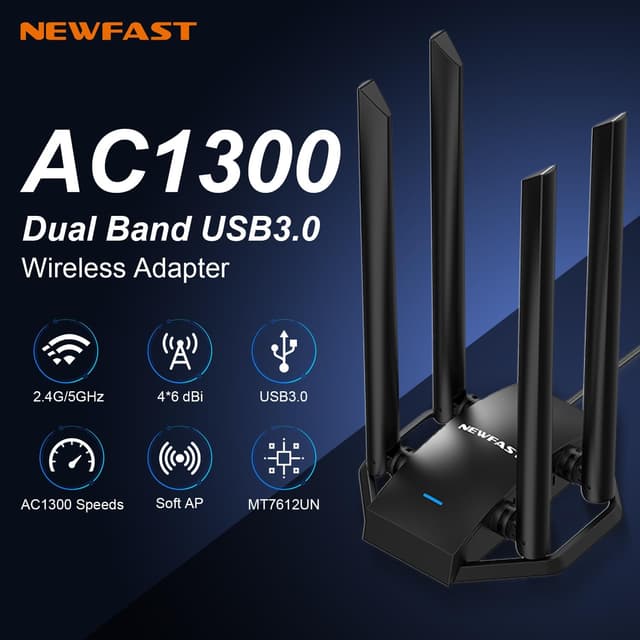
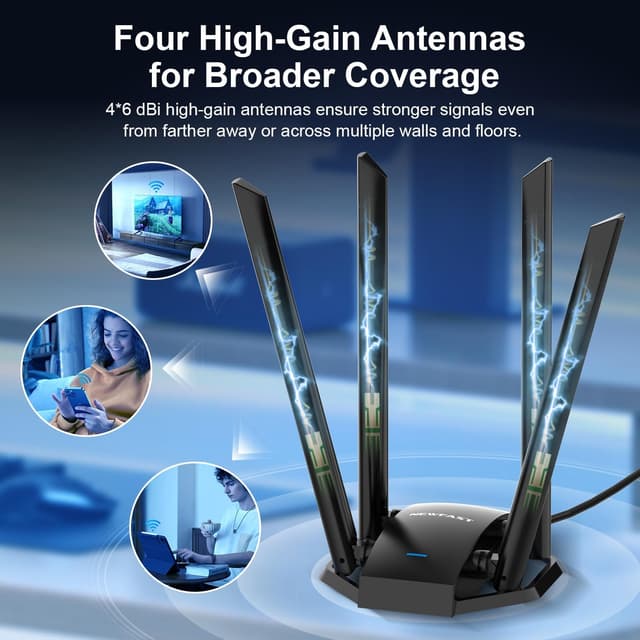
It also includes four 6dBi high-gain antennas. More antennas don’t automatically guarantee better real-world throughput in every home, but they do support the “coverage and stability” goal this type of dongle typically targets.
What stands out (and where it may feel limited)
What stands out most is the dual-frequency approach combined with security support. You’re not just getting “WiFi added”, you’re getting the option to choose the band that fits what you’re doing, and you can connect using WPA/WPA2 variants.
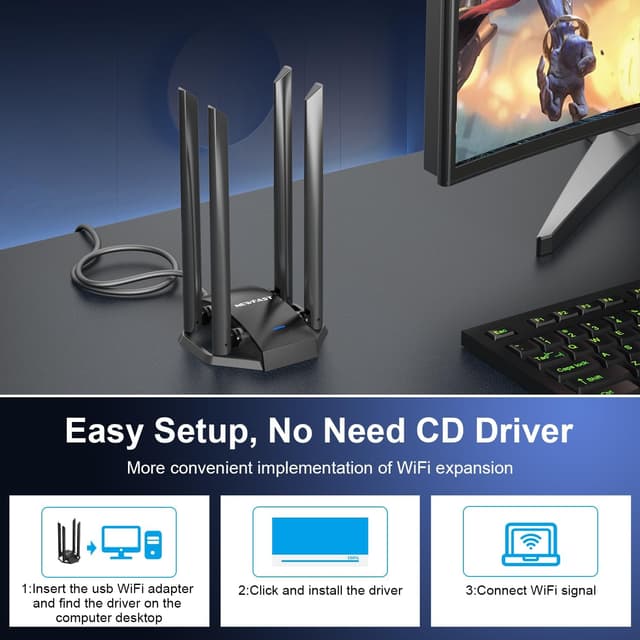
Where it may feel a bit limiting is positioning and expectations. Because it’s a USB dongle, it’s usually best when you place it sensibly (not behind metal obstructions, not hidden in the worst possible location). Also, while the product states support for Windows 7/8/8.1/10/11, Linux is described as needing a driver download before installation—so if you’re on Linux and want plug-and-play, you may need a bit of extra setup.
Who it’s for
This adapter makes sense if:
- You have a laptop or desktop that doesn’t have a strong WiFi connection and you want a quick hardware fix.
- You care about separating your usage: 5GHz for faster, lower-latency-type performance for close-range tasks, and 2.4GHz for devices that need more coverage.
- You want an easy installation route on Windows, with the driver described as built-in.
- You’re connecting devices like PCs for video streaming, online gaming downloads, or smart home control where stable WiFi matters.
It also fits situations where you don’t want to open a PC to add or replace internal networking.
Should you buy it?
Is it worth it?
Worth considering if you’re after a sensible WiFi upgrade for a Windows PC or laptop, and you can place the USB adapter where it gets a better signal. The dual-band design (5GHz for speed, 2.4GHz for coverage), USB 3.0 cable flexibility, and support for 802.11ac/b/g/n all line up well with the kind of “get connected properly” use case most people shop for.
It may not be the best match if you need guaranteed, room-by-room consistent performance regardless of router distance and interference—because with any USB dongle, placement and your environment still matter. You may want to skip it if you’re on Linux and don’t want to deal with driver downloads, or if you’re expecting the full headline Mbps in every scenario.
A quick real-world example: if you place the adapter on a desktop using the USB cable so it sits closer to the router line-of-sight, you’ll generally see the practical benefit when streaming or downloading large files. Move it into a blocked area, and the 2.4GHz band is likely the one you’ll lean on for steadier connectivity.
Tech specs
- Name: NEWFAST 1300Mbps USB WiFi Adapter for Laptop/PC
- Type: USB WiFi adapter (wireless network card / wireless dongle)
- Format: Dual-band
- Wireless standard: 802.11ac/b/g/n (also listed as compatible with 802.11a/b/g/n/ac)
- Data rates: 867Mbps on 5GHz, 400Mbps on 2.4GHz (1300Mbps total class)
- USB interface: USB 3.0 (with 3.93ft USB 3.0 cable)
- Antennas: 4x 6dBi high gain antennas
- Security: WPA / WPA2, WPA-PSK / WPA2-PSK
- Supported systems: Windows 7/8/8.1/10/11, Linux requires driver download before install
Careful buying checks before you order
Before choosing this, it’s worth double-checking two things:
1) Your operating system—Windows is described as supported with built-in driver design, while Linux needs driver download. 2) Where the adapter will sit—USB placement matters, and the cable length is there for a reason.
Also, if you’re buying to solve a specific coverage issue (like a far room with lots of walls), decide up front whether you’re likely to use 2.4GHz most of the time.
Mini FAQ
What operating systems does it support?
It’s listed as supporting Windows 7/8/8.1/10/11. Linux is mentioned, but it requires downloading a driver before installation.
Is it dual-band?
Yes. The adapter is set up for 5GHz and 2.4GHz, with the stated rates of 867Mbps (5GHz) and 400Mbps (2.4GHz).
Does it support secure WiFi connections?
It supports WPA/WPA2 and the PSK versions (WPA-PSK / WPA2-PSK).
Will the USB cable improve reception?
The product includes a USB 3.0 cable (3.93ft). That gives you flexibility to place the adapter in a better position for network reception, which can help compared with a fixed, badly placed dongle.