

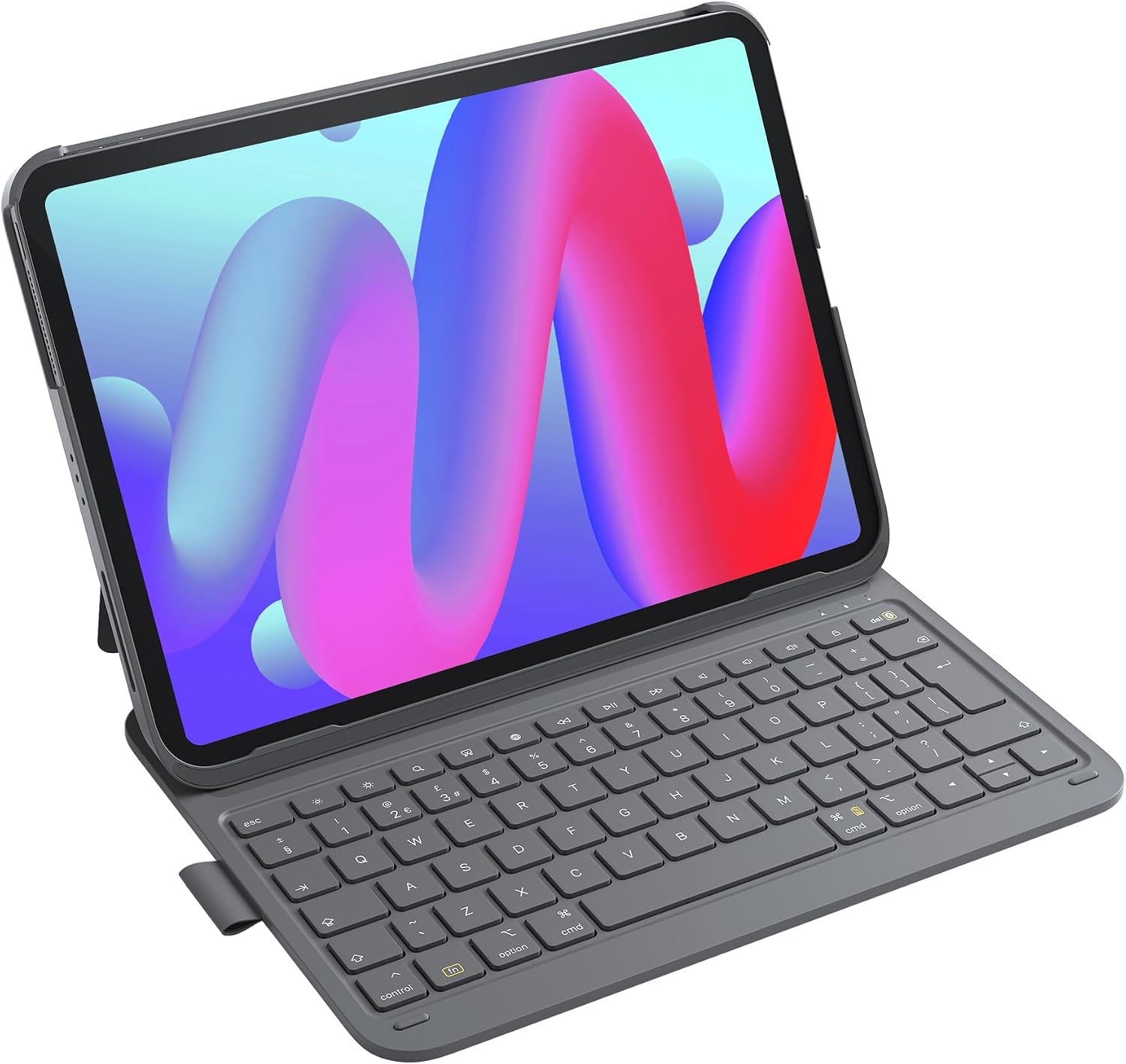
Inateck Keyboard Case for iPad 10th Gen / A16 iPad 11th Gen (2025) and iPad Air/Pro 11-inch – Ultralight grey with pen holder (BK2007)
Product description
Quick overview
If you do a decent amount of writing on your iPad, a keyboard case can be a practical shortcut. The Inateck model is built around the idea of “open the bag, start typing” rather than fiddly setup. It’s an ultrathin folio-style keyboard case aimed at specific iPad generations, and it focuses on keeping weight and thickness down while still giving you a laptop-like typing feel.
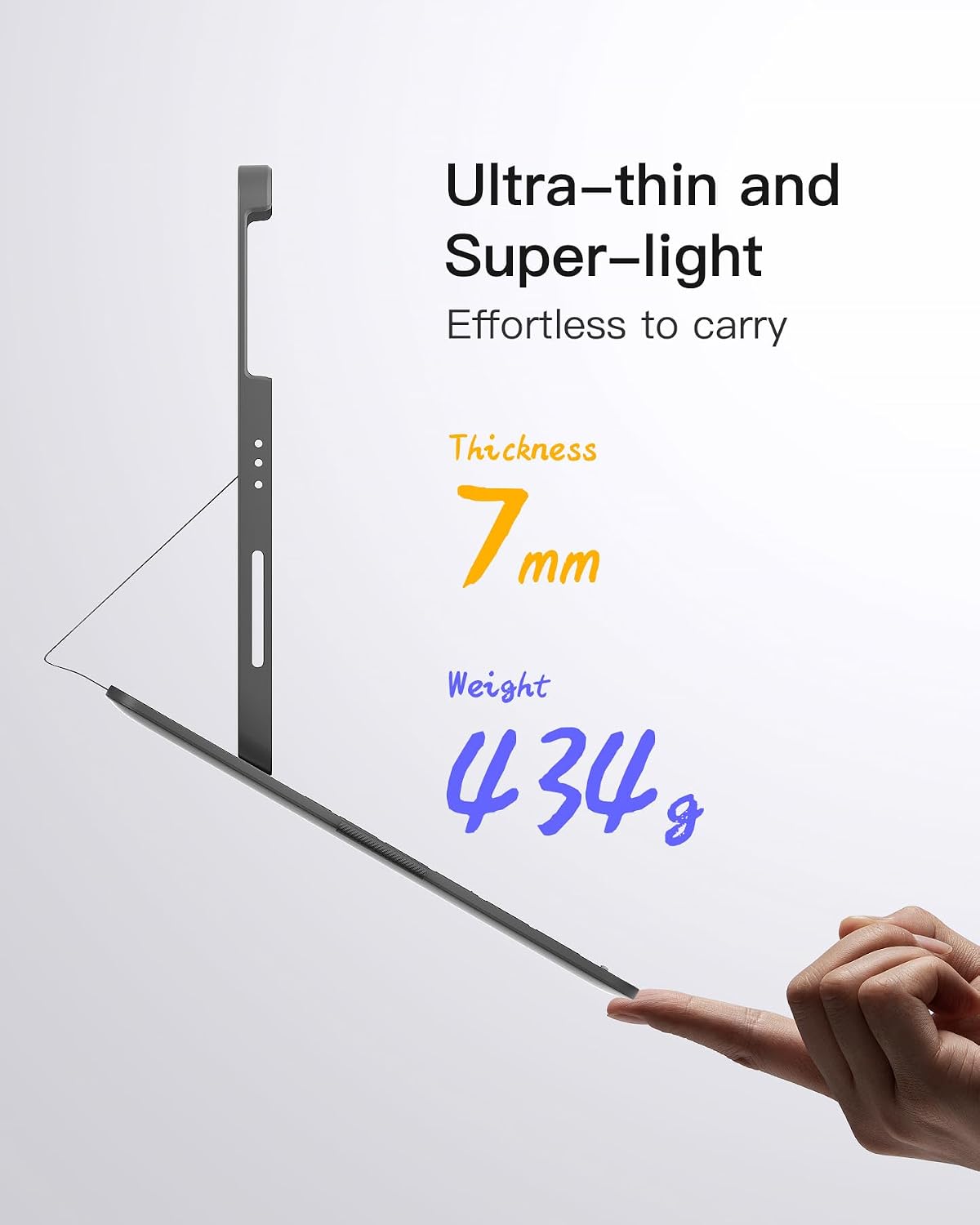
On paper, it’s positioned as a travel-friendly option: the keyboard case is described as only 0.7cm thick (1.5cm with the cover) and weighing 434g overall. There’s also an auto power feature (it switches on when attached and off when detached), plus shortcut keys for everyday actions like volume control and locking the screen.
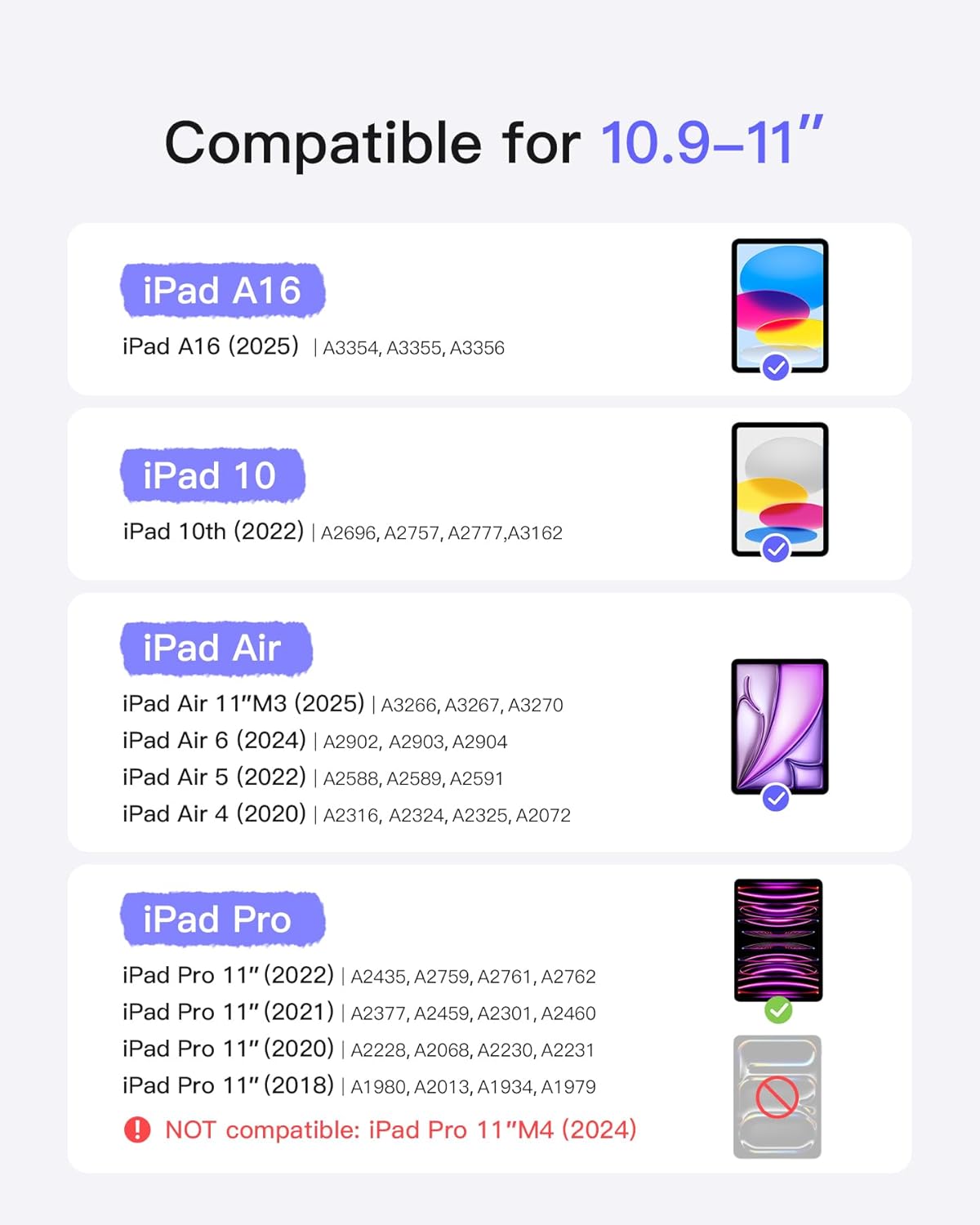
That said, it’s not a universal case. If you don’t have one of the supported iPad models listed by the manufacturer, it won’t be the right fit—worth checking before you commit.
Key features that matter in daily use
The headline here is portability. A 0.7cm base thickness and 434g overall weight are the sort of numbers you’d typically associate with travel-focused accessories rather than heavier “dock-like” keyboard setups. In practice, that means it should sit more comfortably in a backpack or hand luggage, and you’re less likely to leave it behind because it feels bulky.
The keyboard is described as a six-row layout with a dedicated function key row for shortcuts. Instead of relying on complex key combinations, you get quick access for tasks such as locking the screen or adjusting volume.
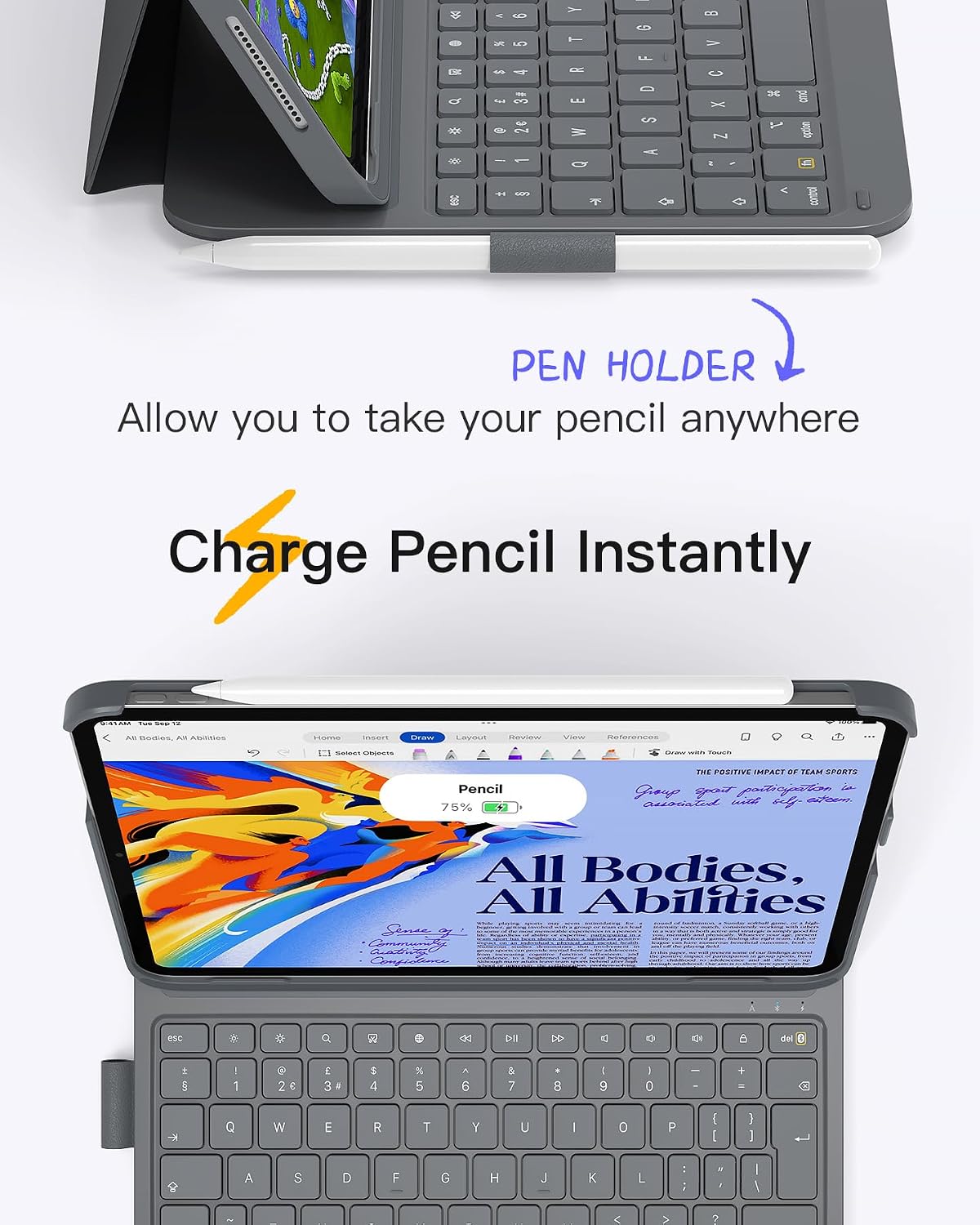
Another “small but useful” detail is the included pen holder. It’s made from PU material, with space for a Pencil and a borderless design that allows convenient magnetic charging for the 2nd-generation Pencil (the Pencil itself is not included, so you’ll need to check what you already own).
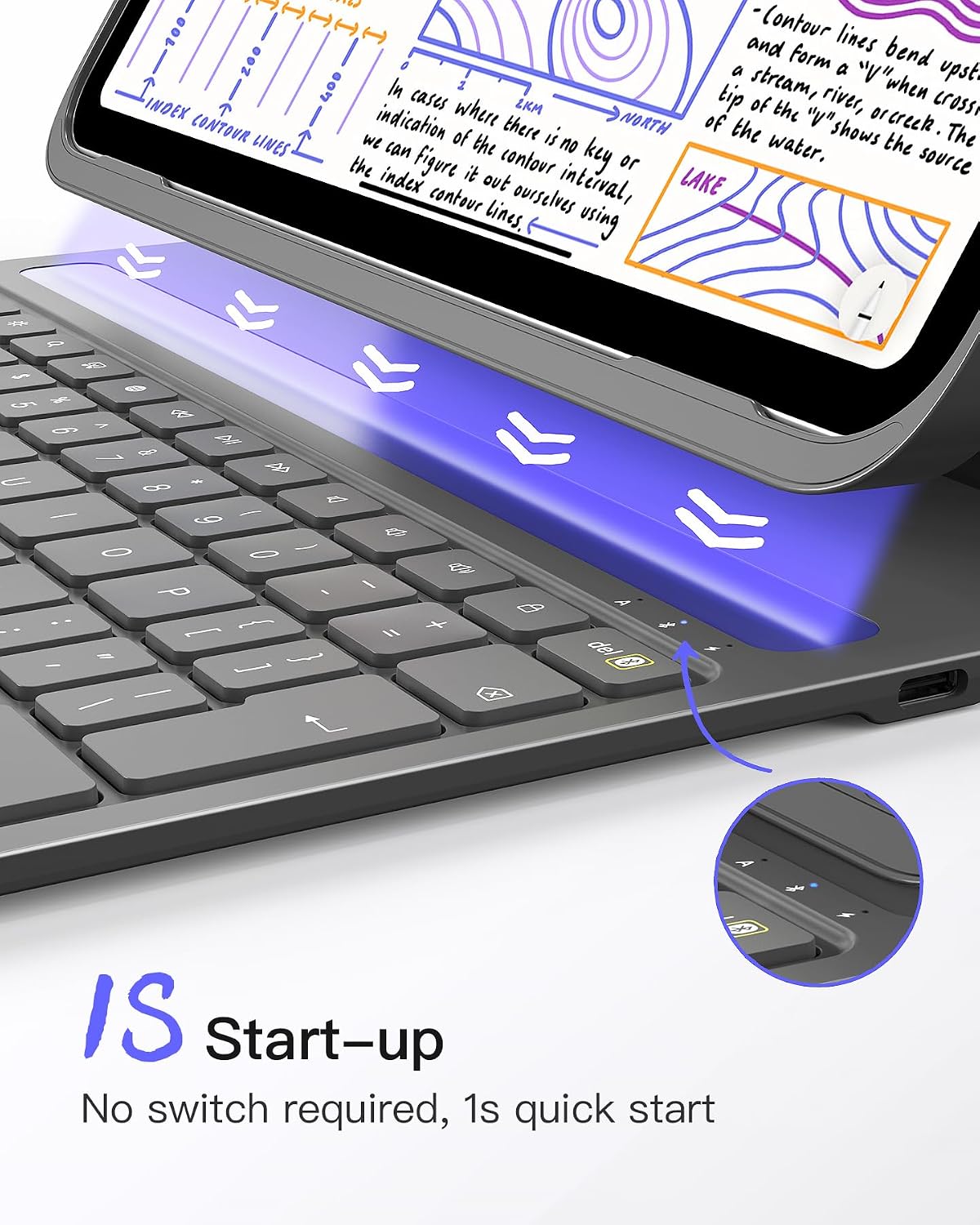
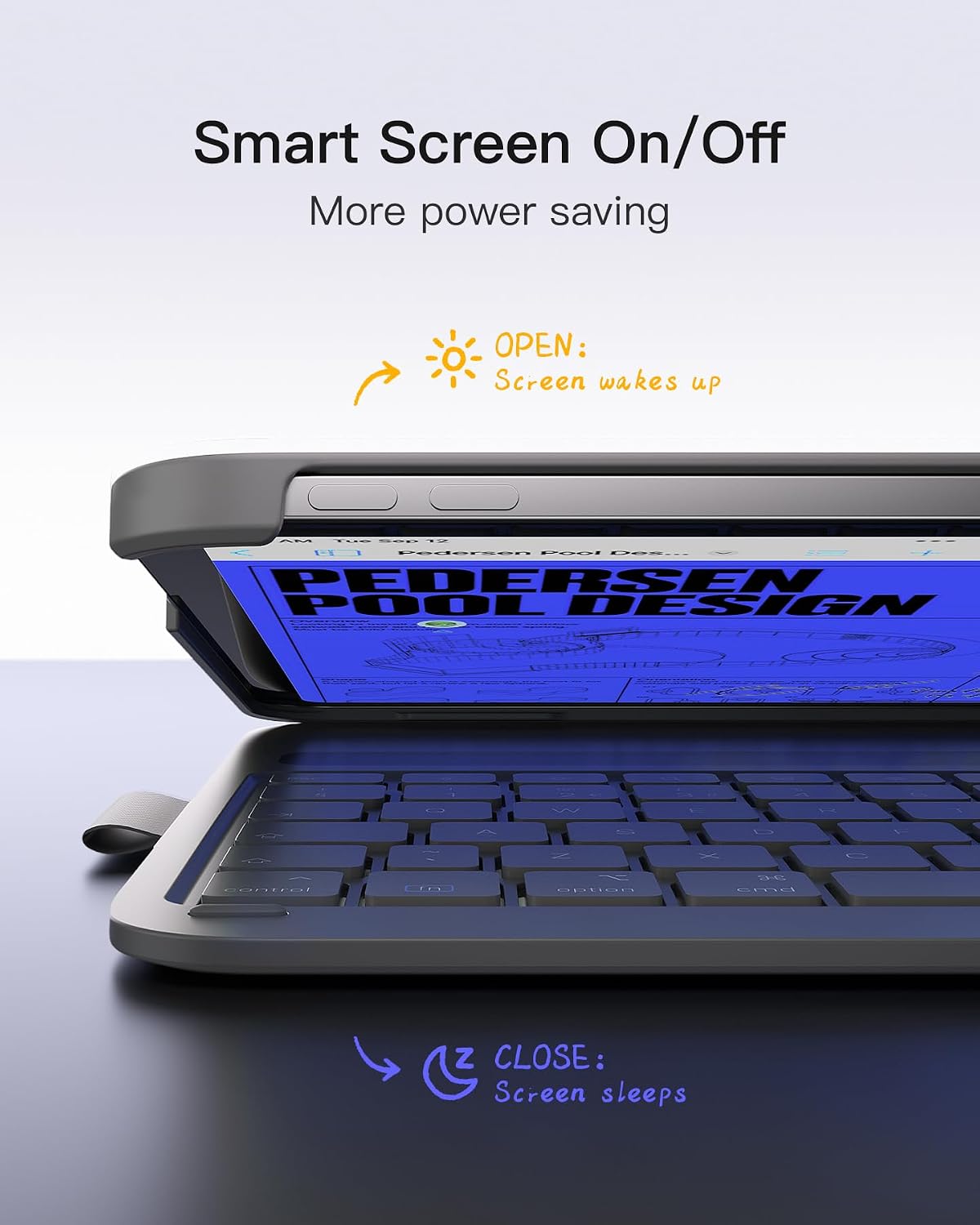
One more point that stands out is the start-up behaviour: the case is said to turn on in less than 1 second, automatically when attached, and to power off when detached. That removes the need for a physical switch and should help with power saving if you often pop the case on and off.
Tech specs
- Type: Keyboard case for supported iPad models
- Thickness: 0.7cm (1.5cm with cover)
- Overall weight: 434g
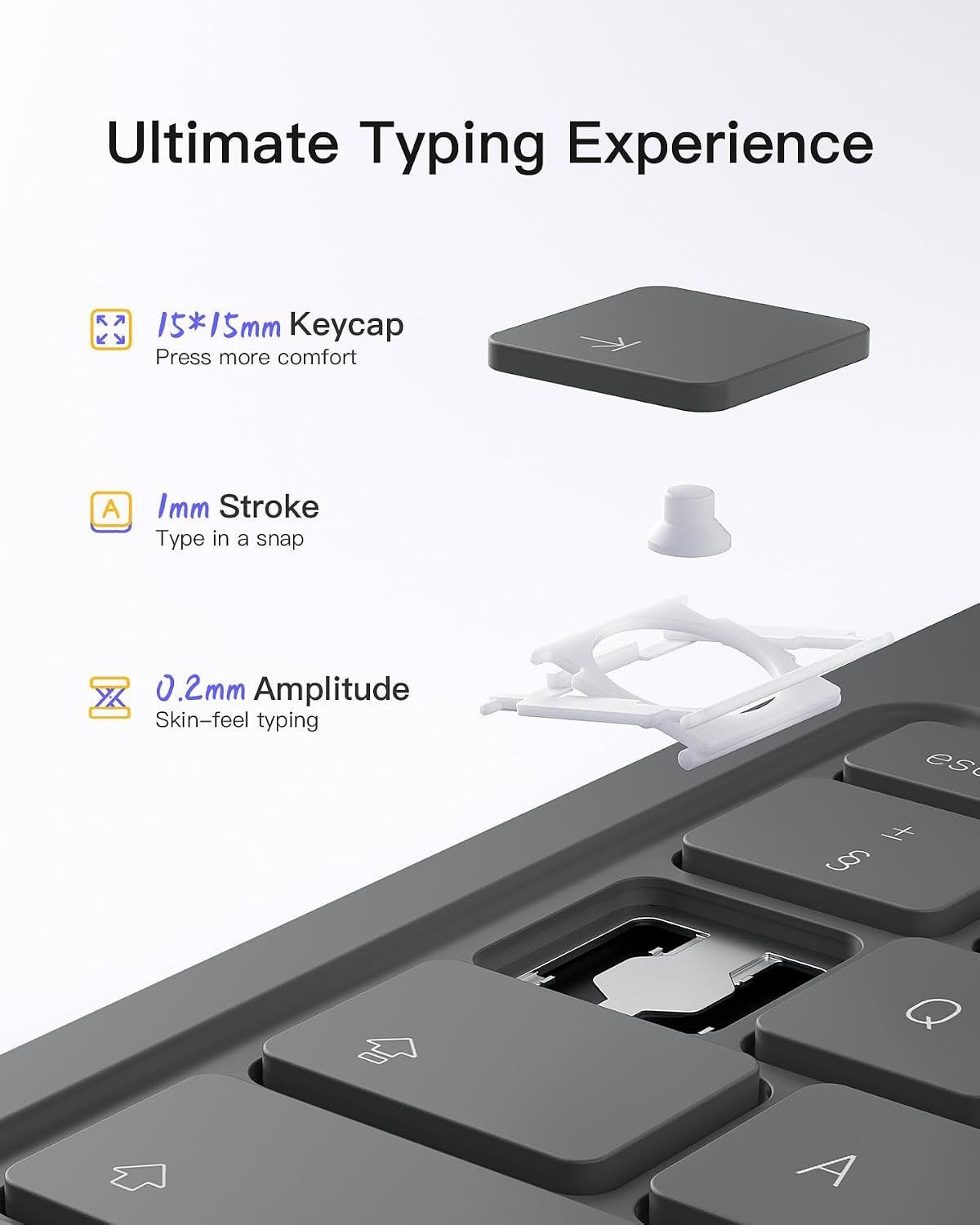
- Keys: 15mm × 15mm
- Keyboard layout: six-row keyboard with an additional function key row
- Start-up: turns on in less than 1 second, auto on/off when attached/detached
Where it shines (and where it can fall short)
This is the kind of accessory that makes sense if you want quick typing without turning your iPad into a desktop replacement. If your iPad is your “work on the move” device—emails, notes, study, light documents—an ultralight keyboard case like this is designed to support that routine.
Where it can feel limiting is in the fit-to-model dependency. The compatibility list is quite specific: iPad A16 11th 2025, iPad 10th 2022, various iPad Pro 11 (4/3/2/1), iPad Air 11-inch (M4 2026 / M3 2025 / M2 2024), plus Air 5 (2022) and Air 4 (2020). If your iPad isn’t on the list, you may end up with a case that simply doesn’t align properly.
Also, while the keys are described as comfortable (15mm × 15mm) and the case aims to feel laptop-like, it’s still a keyboard case. Compared with a full-size stand-alone keyboard, you may not get the same depth of typing ergonomics—particularly if you’re doing long sessions. It’s more about convenience than desktop comfort.
Finally, note that the Pencil charging mention is specifically for the 2nd-generation Pencil (and the Pencil isn’t included). If you’re hoping to store and charge a different stylus, you’ll want to double-check compatibility.
Who it’s for (and who should skip it)
It makes sense if you:
- Want an ultralight keyboard case you can carry without it feeling like an extra laptop
- Prefer immediate use (auto on when attached, fast start-up) rather than manual switching
- Like having basic shortcut controls (volume, screen lock) without keyboard gymnastics
- Own a compatible iPad from the manufacturer’s list and want an integrated pen holder
You may want to skip it if:
- Your iPad model isn’t included in the compatibility range
- You’re expecting a universal keyboard case that works with any 11-inch iPad
- You mainly need a maximum-comfort typing setup for hours on end (this is built for travel and everyday productivity, not deep ergonomic overhaul)
A quick real-world example: say you’re heading to a train or meeting room, drop your iPad into the case, open it, and start replying to messages within about a second. When you’re done, detach it and it should switch off automatically—handy when you don’t want to remember power settings.
Buying verdict
Worth considering if you’re shopping for a lightweight keyboard case for a compatible iPad and you value “grab-and-go” start-up with simple shortcut controls. The thin profile and 434g weight are the most compelling reasons to look at it in the first place, especially if you travel.
It may not be a great match if model compatibility is unclear, or if you need a keyboard setup that’s designed primarily for very long typing sessions in a fixed workspace.
If you prioritise portability, quick start-up behaviour, and integrated pen storage (with support for magnetic charging of the 2nd-generation Pencil), this Inateck case looks like it fits the brief. Just do a careful check of your exact iPad model against the compatibility list before buying.
Mini FAQ
Does it need a switch to turn on?
The case is described as auto-starting when attached to the iPad (turning on in less than 1 second) and auto power-off when detached, so there’s no physical switch mentioned.
What about the pen holder—will I be able to charge my Pencil?
The pen holder is described as allowing convenient magnetic charging for the 2nd-generation Pencil. The Pencil itself is not included.
Is it compatible with every 11-inch iPad?
No. Compatibility is listed for specific iPad generations (including iPad Pro 11 (4/3/2/1), iPad Air 11-inch M4/M3/M2, and iPad Air 5/4, as well as iPad A16 11th 2025 and iPad 10th 2022). Check your exact model first.
How thick and heavy is it?
The manufacturer describes it as 0.7cm thick, or 1.5cm with the cover, and 434g overall.
Are the keys comfortable for typing?
Key size is stated as 15mm × 15mm, and it’s described as offering a comfortable typing experience similar to a laptop—though comfort can still vary by how you type and for how long.