

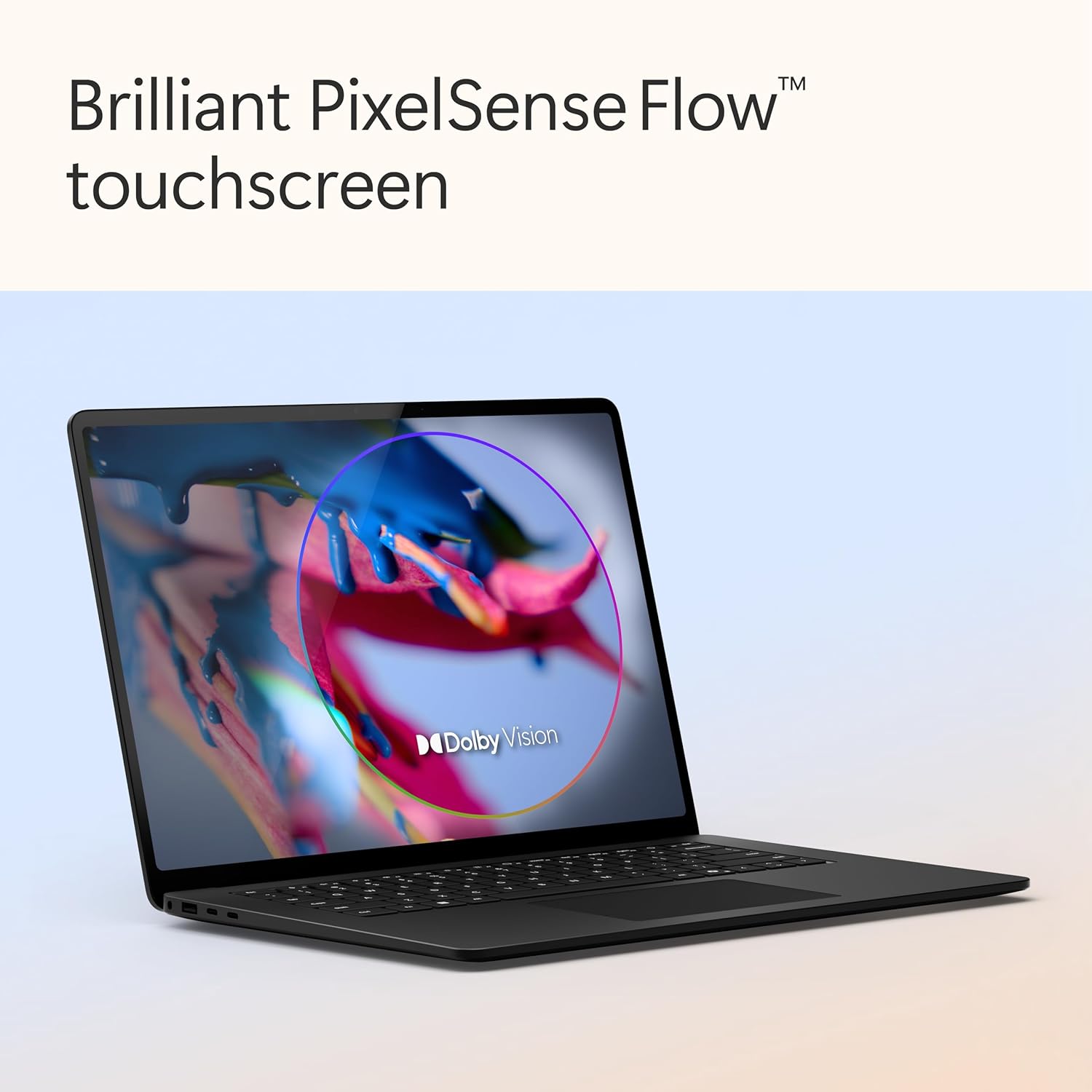
Microsoft Surface Laptop Copilot+ PC (2024, 7th Edition) with Snapdragon X Elite, 15-inch touchscreen, 16GB/512GB – Black
Product description
What it is and who it suits
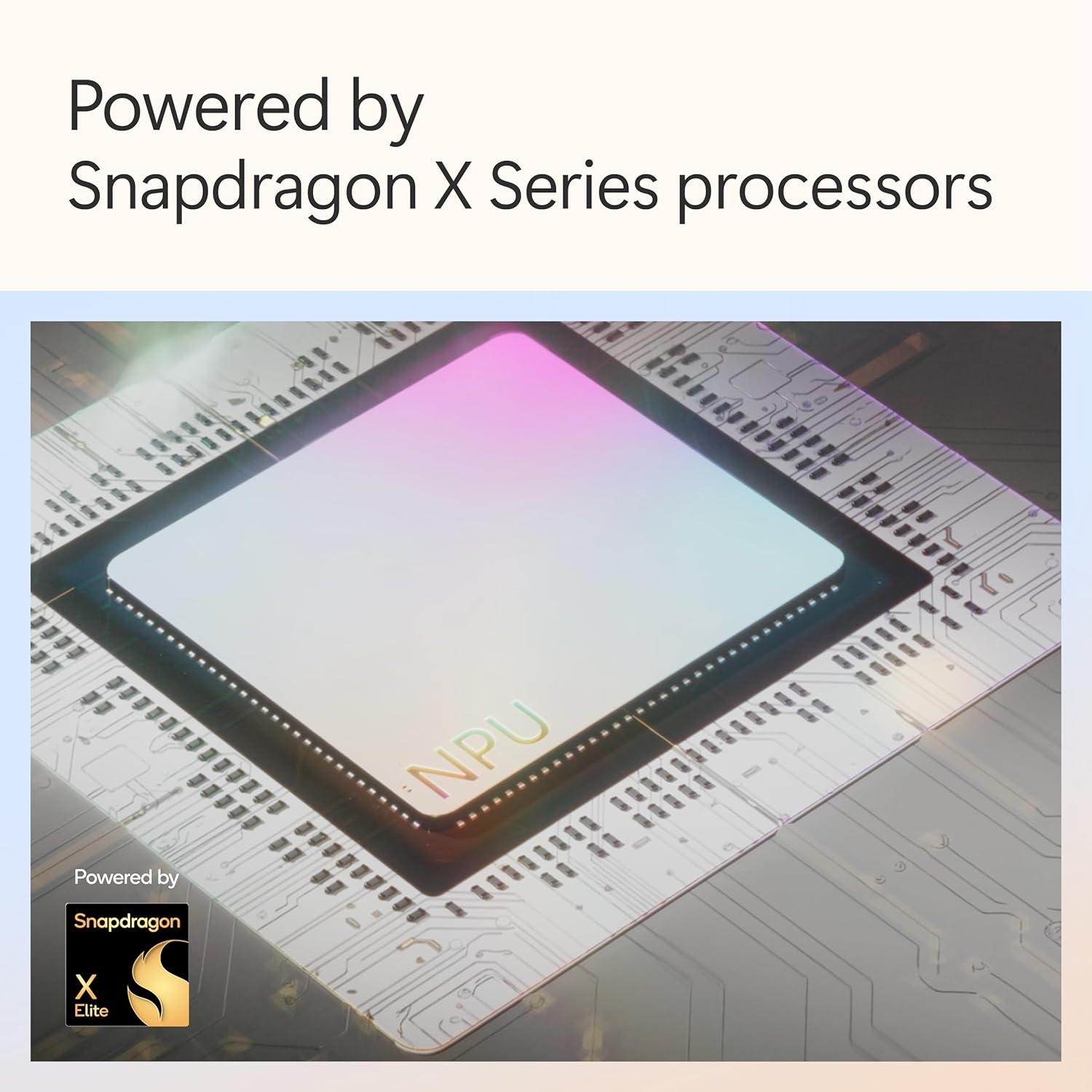
The Microsoft Surface Laptop Copilot+ PC for 2024 (7th Edition) is a premium 15-inch touchscreen laptop built around an AI-focused setup. The headline is the Snapdragon® X Elite (12 cores) paired with 16GB memory and a 512GB SSD, aimed at people who want a responsive, all-day machine for everyday productivity and content creation—plus the option to lean on Microsoft Copilot from the keyboard.
On paper, it’s positioned as a high-end “daily driver” rather than a budget workhorse. The aluminium build is part of that story: it’s designed to feel lightweight yet durable, which matters if you travel, commute, or just keep moving between desk and sofa.
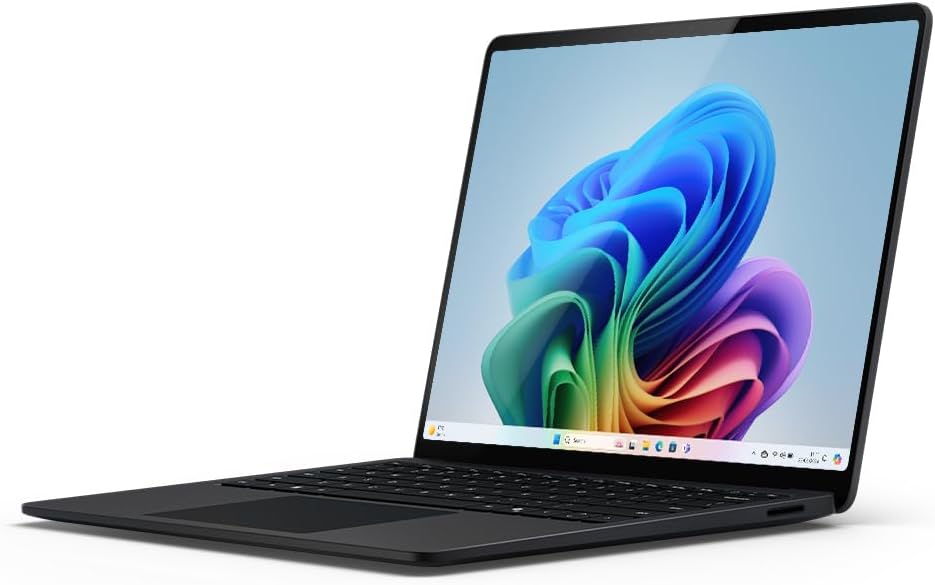
Key features that actually matter day to day
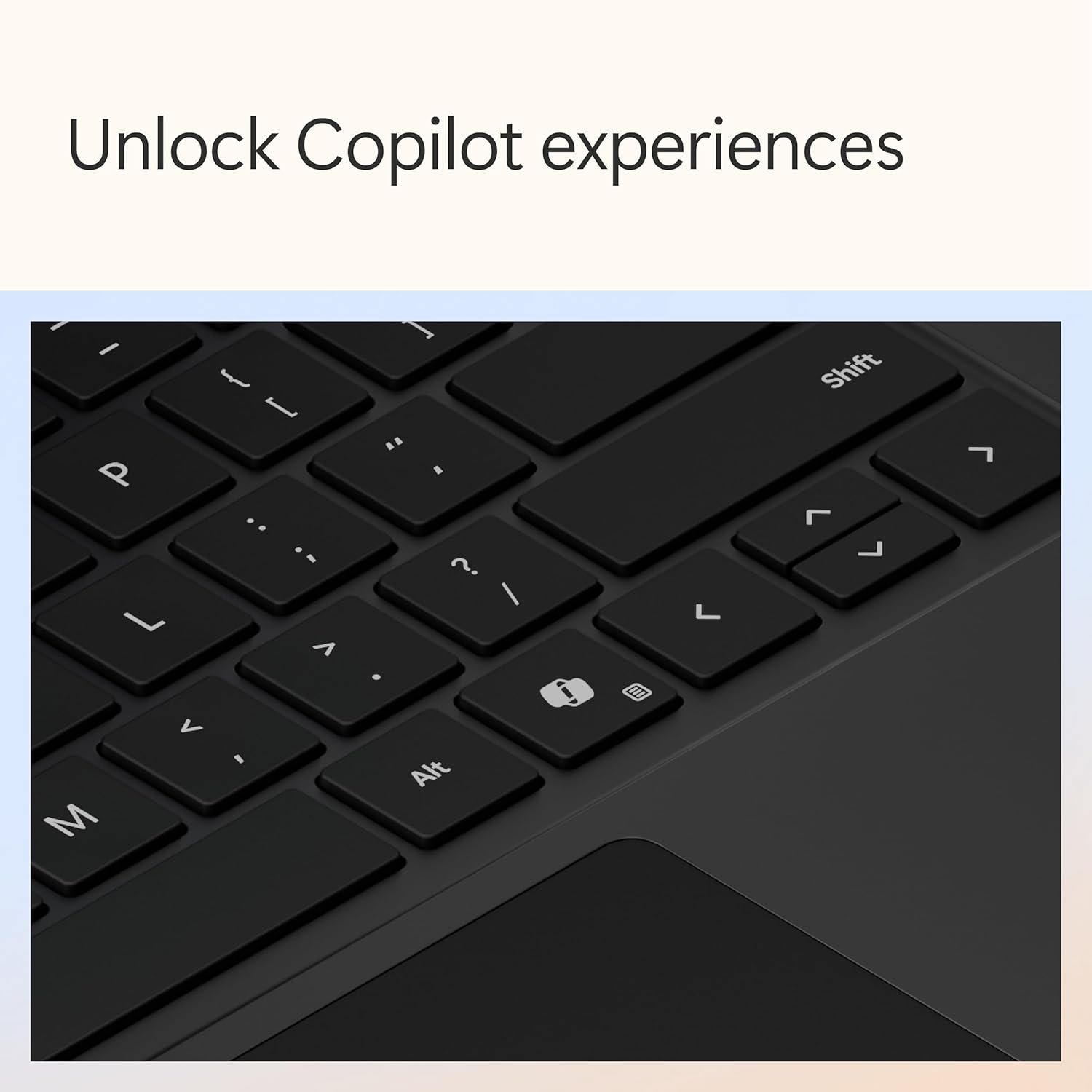
The most distinctive part of this model is how Surface Laptop frames “AI assistance” as a workflow, not just a gimmick. There’s a Copilot key for quick access, and the description also points to an AI-driven search experience using natural language, plus Recall to help you find things quickly (whether you saw, received, or saved them).
The other practical area is the display and camera setup. The screen is described as remarkably bright with enriched HDR tech—so, if you care about readable text outdoors or you do colour-sensitive creative work, you’ll likely notice the effort put into image quality. The Studio Camera is also AI-enhanced, with HD cameras front and rear, positioned for better lighting and clearer audio during calls. It’s the sort of feature set that tends to show up most on video meetings and content capture, not while gaming.
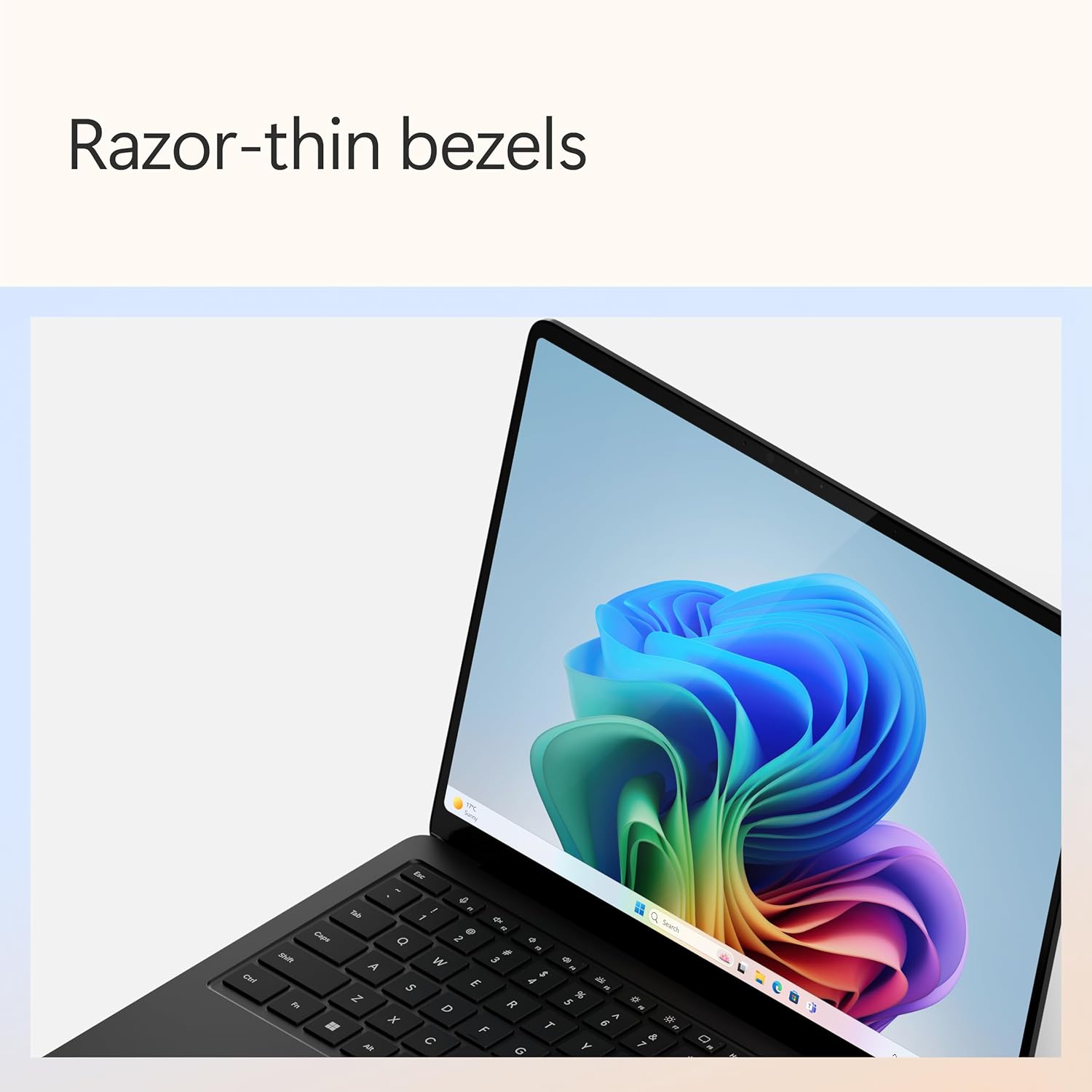
What you’ll notice on the screen and in calls
The enriched HDR tech is the kind of spec that sounds marketing-heavy, but it can translate into a more comfortable viewing experience: crisper whites, darker blacks, and an extended colour spectrum are the exact phrases used in the product overview. In real terms, that tends to mean a more satisfying look for everyday browsing, editing, and watching videos—especially if you don’t like screens that feel washed out.
For video calls and scanning/capture-style tasks, the AI-enhanced Studio Camera is a clear selling point. The description calls out front and rear HD cameras and AI features for better lighting and crystal-clear sound “wherever you’re dialing in from”. If your work involves frequent meetings, you can expect the camera experience to be one of the reasons to choose this laptop.
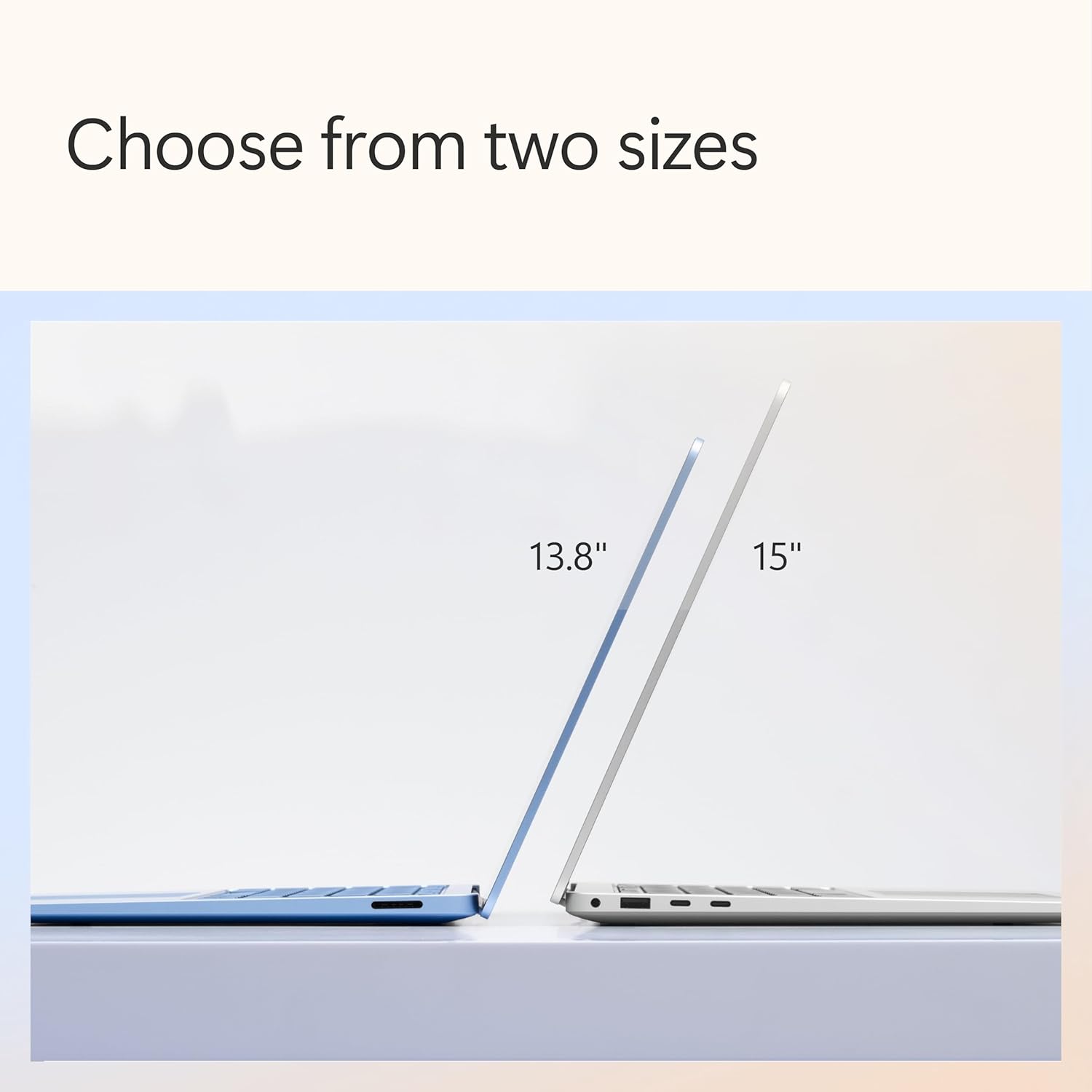
Tech specs (quick, without the fluff)
- Name: Microsoft Surface Laptop | Copilot+ PC
- Type: Laptop
- Size: 15-inch touchscreen
- Processor: Snapdragon® X Elite (12 cores)
- Memory: 16GB
- Storage: 512GB SSD
- Display: Touchscreen
- Colour: Black
It’s a good fit if…
It’s a good fit if you want a premium 15-inch touchscreen laptop with an AI-first experience built around Microsoft Copilot. If you regularly do office work, writing, browsing, and creative tasks, the 16GB memory and 512GB SSD are the kind of “no drama” baseline that helps keep productivity snappy.
It makes sense if video calls matter to you. The AI-enhanced Studio Camera (front and rear HD cameras) is there for real-life scenarios—meeting from different rooms, under different lighting, or joining calls with background noise.
It might not be a great match if you’re mostly looking for a cheap laptop for basic documents and email, because this model is clearly aimed higher up the range.
Worth noting: potential limitations
A couple of things to keep in mind before buying. First, the AI-focused features (Copilot key, natural language search, Recall) depend quite a bit on how you use your laptop day to day. If you don’t want or don’t benefit from AI-assisted searching and workflow shortcuts, you may find you’re paying for features you won’t use.
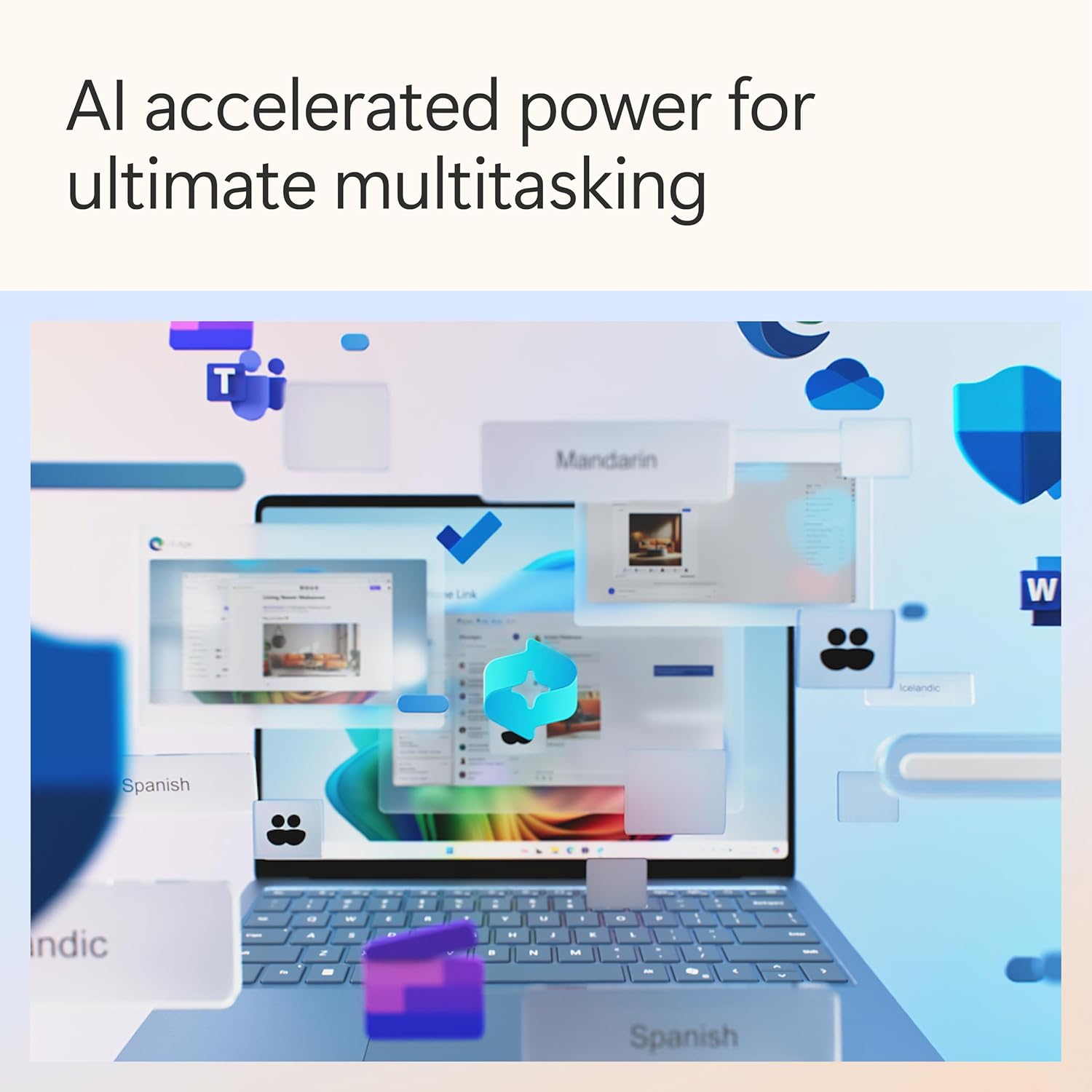
Second, the description highlights performance and NPU speed for AI-powered applications, but it doesn’t list specific software compatibility beyond the general AI promise. So if your must-run apps are very specific, it’s worth checking that they’re well supported for your use case.
Practical tips for getting started
When you first set it up, spend a little time mapping your routine to the Copilot key. For example, if you often lose track of something you saw in a document or chat, try a simple natural-language search for it right away—then see how quickly Recall surfaces what you need based on your activity.
For calls, test the camera and audio in your typical environment (desk light, window light, and the usual background). The “AI-enhanced lighting and crystal-clear sound” angle only pays off when the setup matches what you normally do.
Is it worth it?
This Surface Laptop Copilot+ PC (2024, 7th Edition) is worth considering if you want a premium, aluminium-built 15-inch touchscreen laptop that leans into Microsoft Copilot and AI-assisted productivity—while also aiming for a stronger display and better call experience. The 16GB memory and 512GB SSD line up with a comfortable everyday setup.
You may want to skip it if you’re after the cheapest way into a laptop, or if you already know you won’t use Copilot-style assistance. And if your work depends on a narrow set of apps, it’s better to verify support for your specific needs rather than assume the AI focus covers everything automatically.