

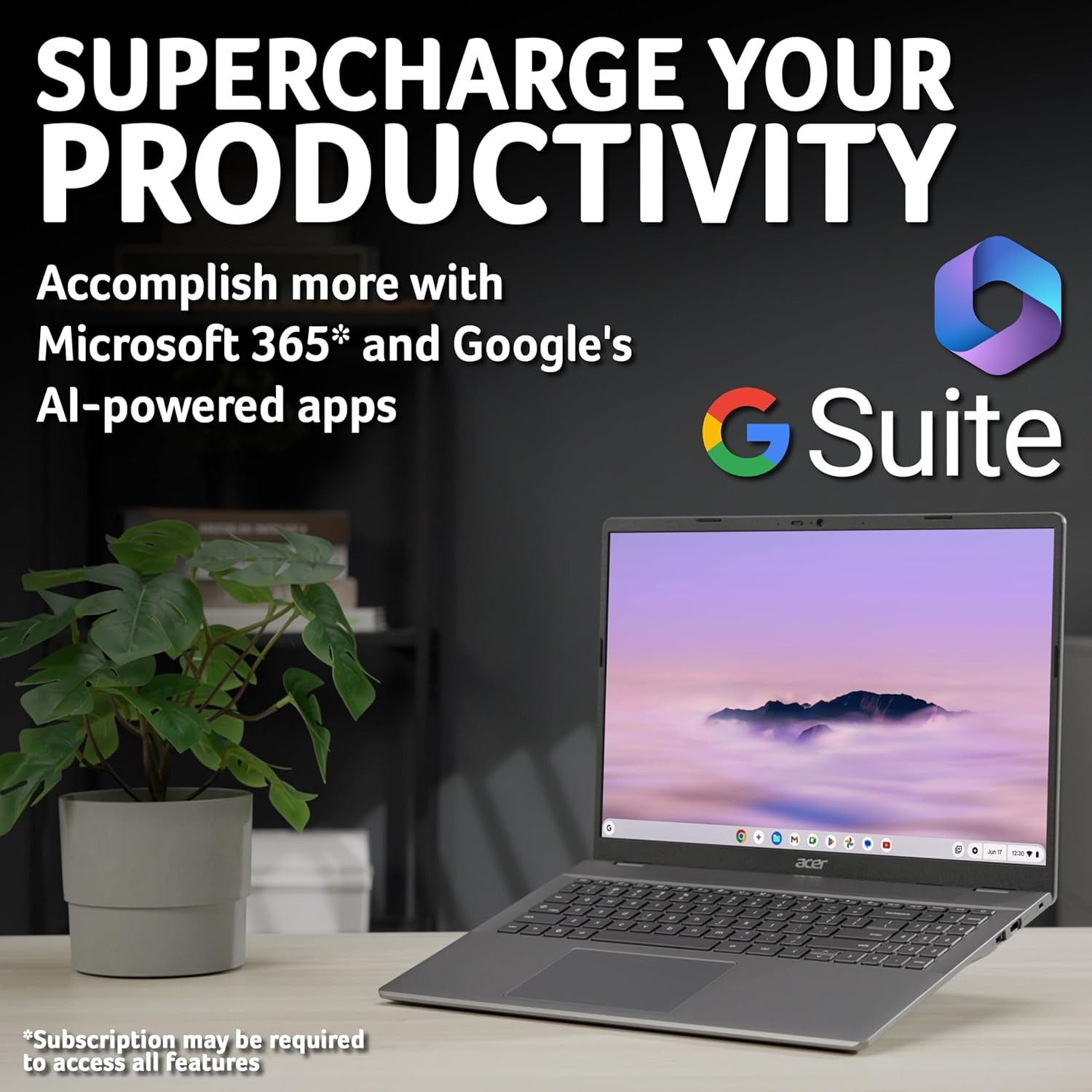
Acer Chromebook Plus 516 CB516-1H (Intel Core i3, 8GB RAM, 256GB SSD) — 16" WUXGA laptop with Chrome OS
Reviews
Price
Product description
The essentials
The Acer Chromebook Plus 516 CB516-1H is a 16" Chromebook built around Chrome OS, with an Intel Core i3 processor, 8GB of RAM and a 256GB SSD. The pitch here is straightforward: you get a laptop that’s designed to run Chrome OS smoothly, with quick sign-in to your Google account and access to web-based work and everyday apps.
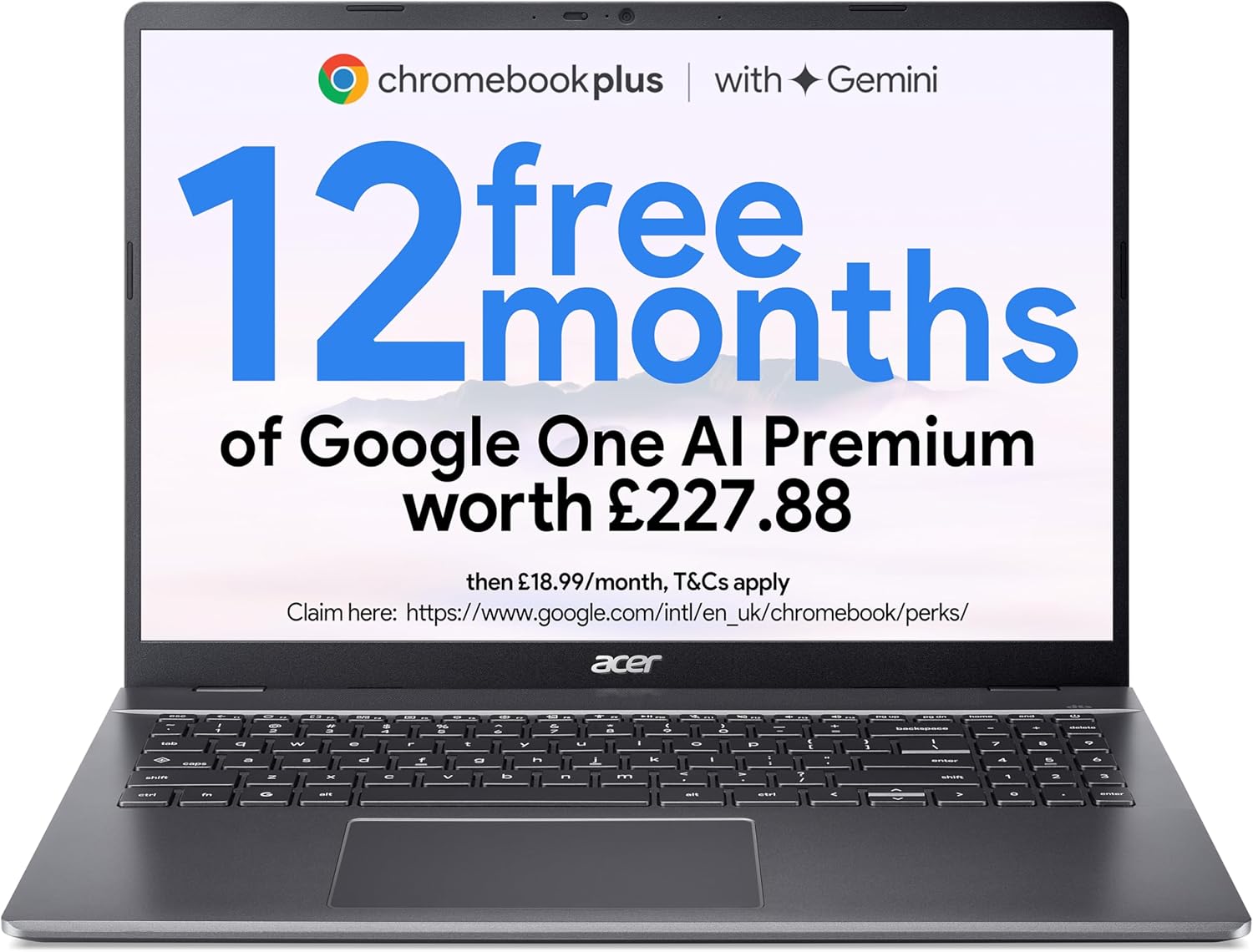
On paper, it’s aimed at people who want less faff than a traditional Windows setup, but still want real “everyday performance”. It also leans into Google’s AI story, with 12 months of Google AI included for free (details aren’t listed here, so do note you’ll want to check what’s available in your region/account).
What it’s for (and how it feels day to day)
If your routine is mostly browser-based—email, documents, spreadsheets, school tasks, online learning, light creative edits—this kind of Chromebook is usually where it makes the most sense. The base use case is clear: sign in with your Google account to jump into built-in Google Workspace apps like Docs and Sheets.
A small practical example: say you’re working on a shared spreadsheet for work. You open it in your browser, edit it, and collaborate without installing anything. The Chromebook workflow is built around “open in the browser, get on with it”. For people who don’t want to manage software updates and licensing, that’s the appeal.
Worth noting, though, that the entry-level nature of Chromebook setups can become a limitation if you rely on desktop applications that must be installed locally.
Key points you’ll notice
A few things stand out from the information provided:
- Chrome OS focus: the device is built to run Chrome OS for optimised performance and security.
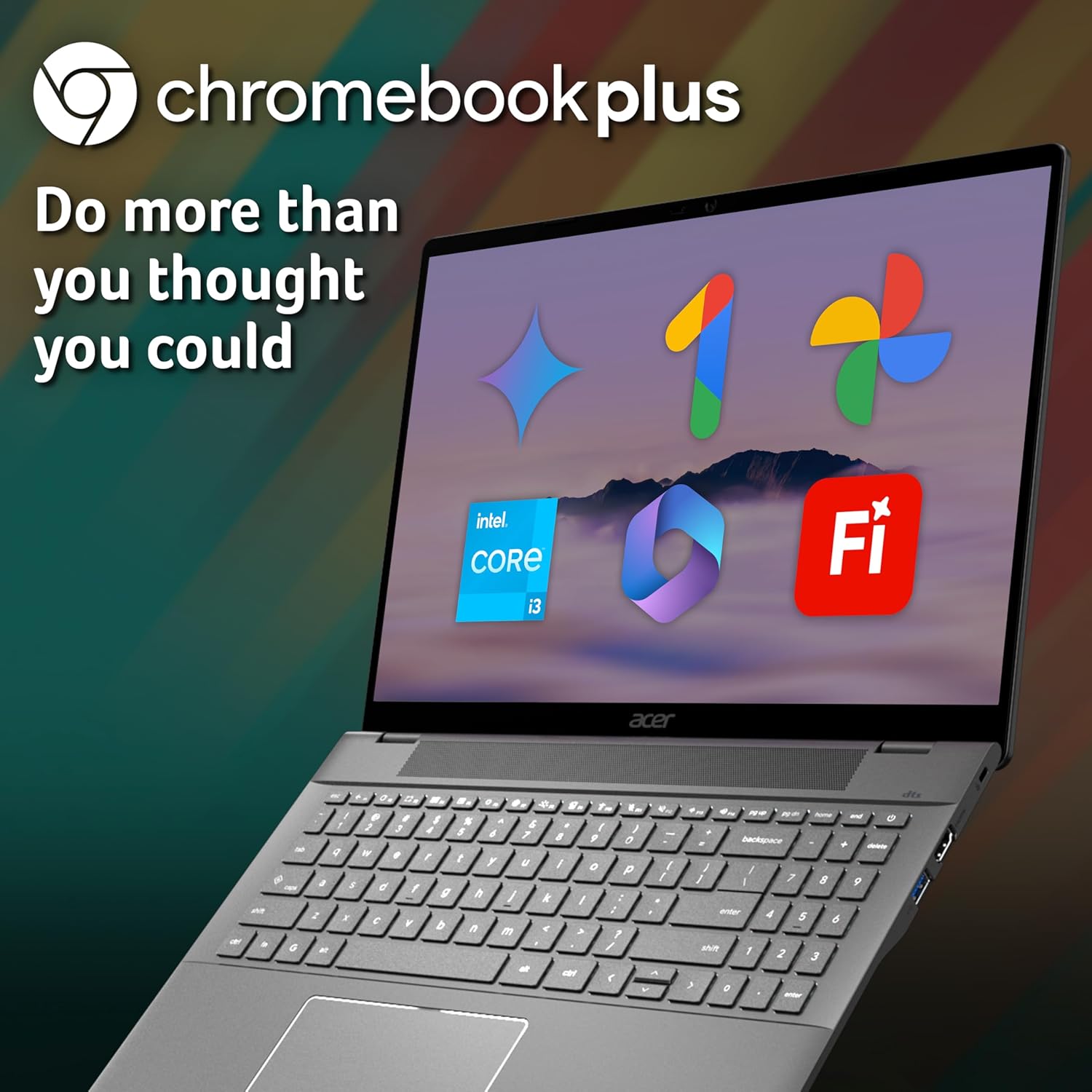
- Microsoft 365 access is web-based: you can use Word, Excel and PowerPoint by going to Microsoft365.com in your browser to create and edit files.
- Offline mode is included: it’s there so you can manage files even without Wi‑Fi, which helps if you travel or have unreliable connections.
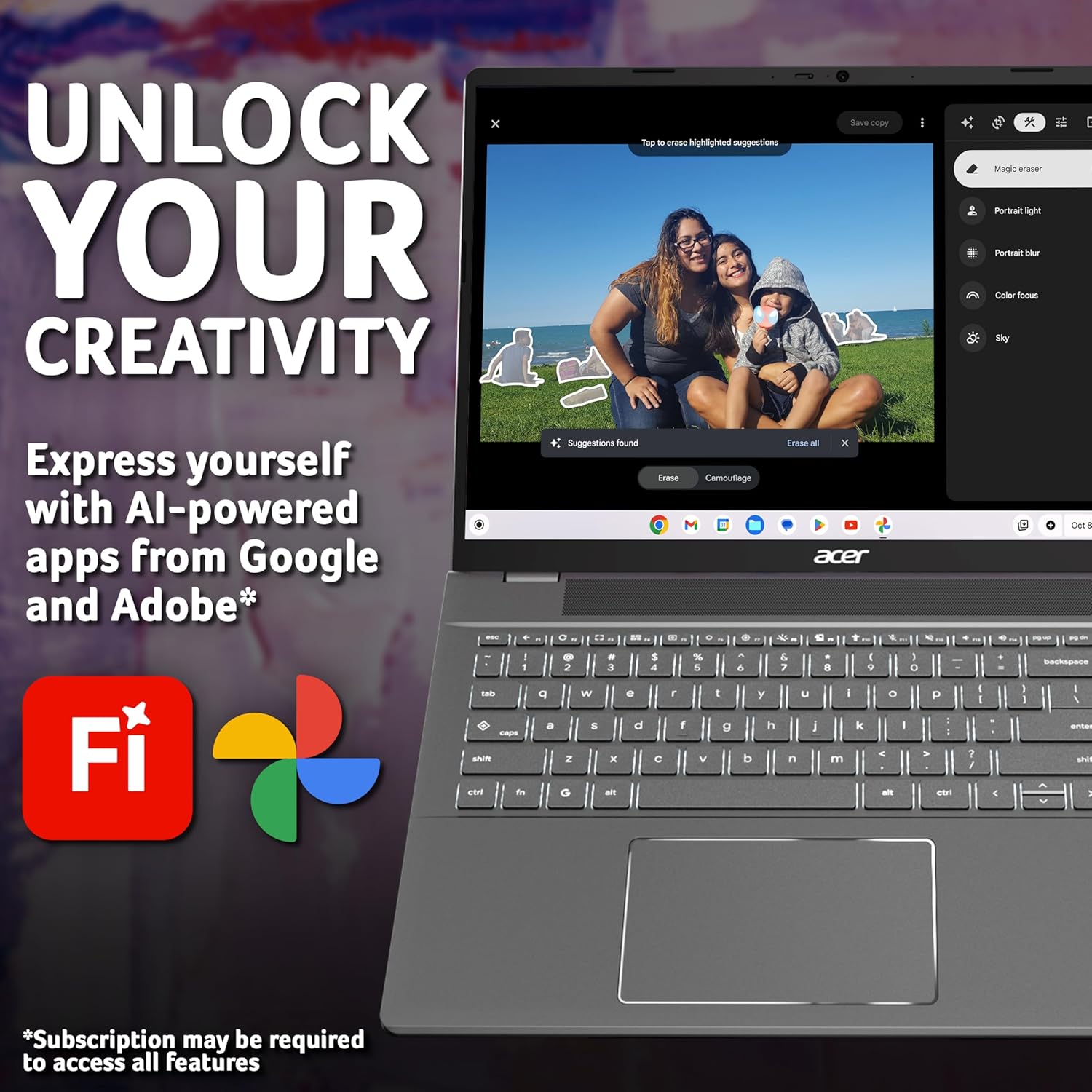
- AI extras for creativity: the Chromebook Plus lineup includes Google Photos AI editing tools such as Magic Eraser and Portrait Blur, with 12 months of Google AI included for free.
It’s not perfect for everyone. If your work depends on desktop versions of Microsoft Office that you need installed, this approach can feel restrictive—desktop versions cannot be installed, and a Microsoft 365 subscription is required for additional functionality.
Performance and display—what the spec suggests
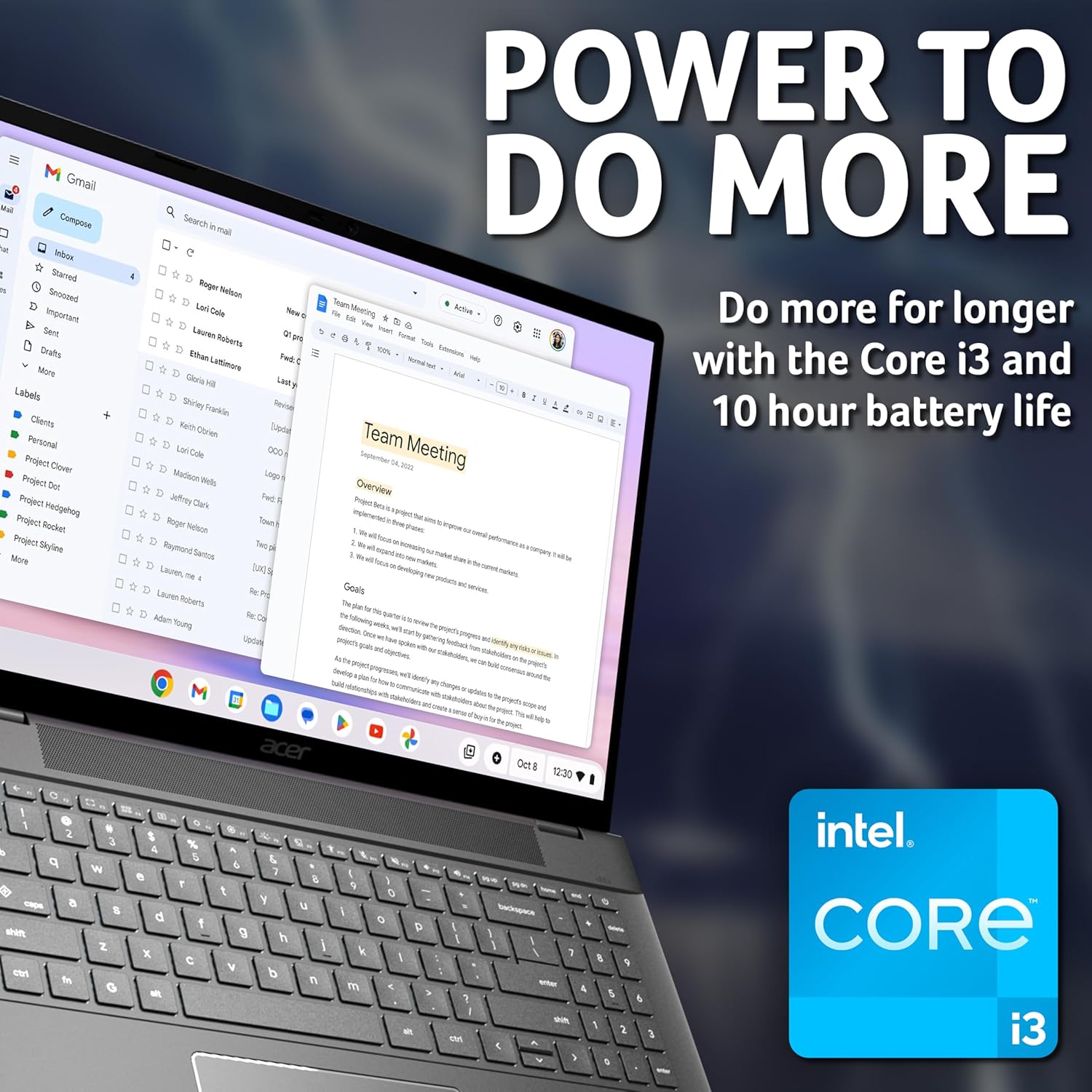
The Intel Core i3 CPU paired with 8GB RAM and 256GB SSD is a solid “middle of the road” setup for a Chromebook. It should be well suited to multitasking you’d normally do in Chrome OS—lots of tabs, documents, video calls, and the typical mix of web apps.
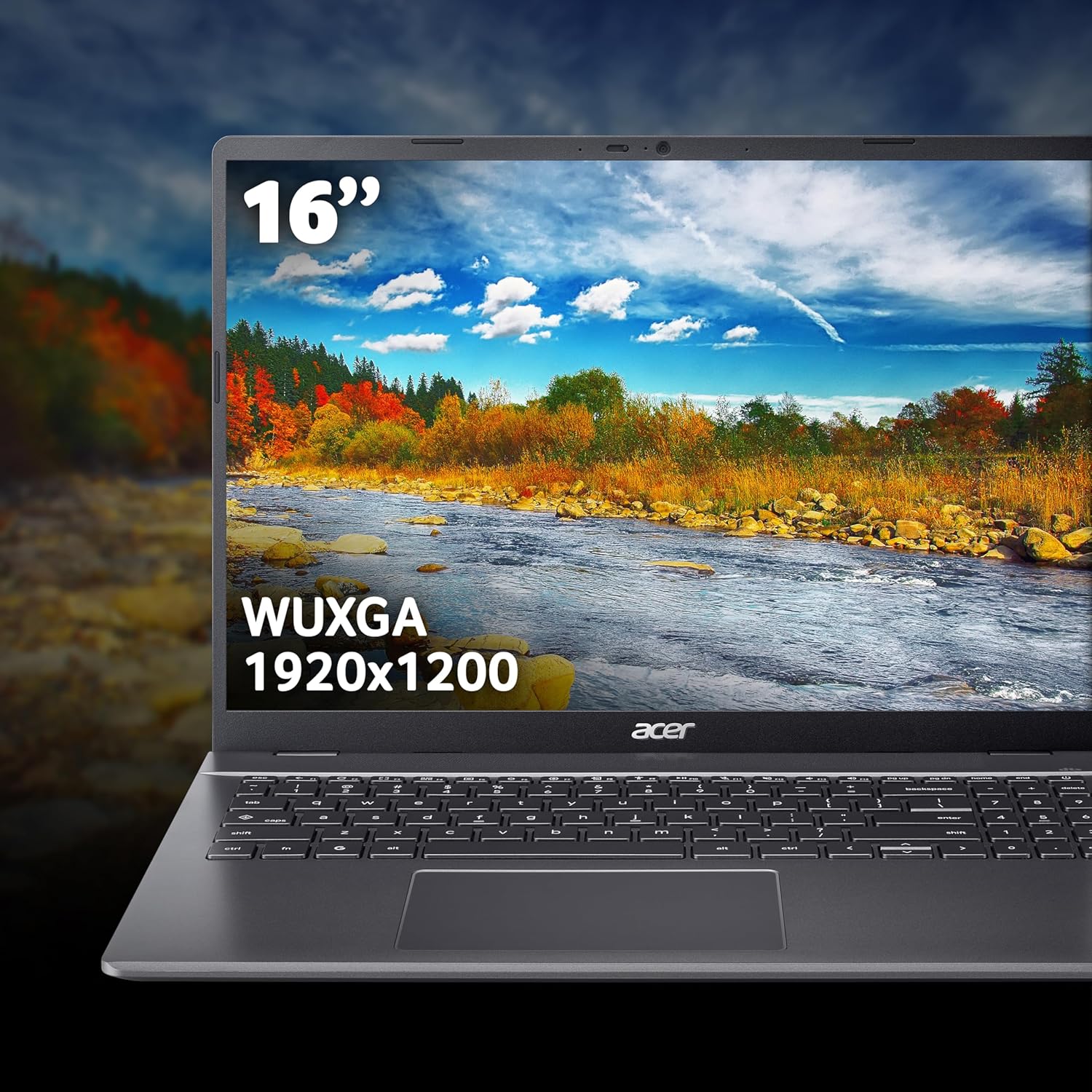
The display is a 16" WUXGA panel. That larger screen size is a plus if you like working with more space (documents, spreadsheets, and layouts), rather than squinting on smaller screens. However, a bigger screen can also mean you’ll want to be mindful of where you use it most—on desks and for longer sessions rather than constant pocketable travel.
Tech details (as given)
- Name: Acer Chromebook Plus 516 CB516-1H Laptop
- Type: Chromebook laptop (Chrome OS)
- Processor: Intel Core i3-1315U
- Memory: 8GB
- Storage: 256GB SSD
- Graphics: Integrated Graphics
- Display: 16" WUXGA
Should you buy it?
It makes sense if you want a Chromebook that’s geared towards fast, secure Chrome OS performance, you’re comfortable living in the browser, and you mostly use Google Workspace apps. If you need offline access for file management, and you like the idea of AI-powered photo editing tools in Google Photos, the Chromebook Plus 516 is aimed at exactly that kind of day-to-day use.
You may want to skip it if you rely on specific desktop applications that must be installed, because desktop Microsoft 365 versions cannot be installed here. It might not be a great match if you’re looking for a fully “Windows-style” experience with full desktop software control—this is designed for Chrome OS first.
Quick check before you commit
Before buying, it’s worth checking how you work with Microsoft 365. This device uses Microsoft365.com in your browser (and you’ll need a subscription for additional functionality). Also consider whether the “12 months of Google AI included” matches what you expect to use day-to-day—since the details aren’t included here, it’s safer to confirm availability for your account.
Final verdict
This Acer Chromebook Plus 516 CB516-1H looks like a practical, value-leaning choice for Chromebook users who want a larger 16" screen, a Core i3-class setup, and a Chrome OS-first workflow—with offline mode and web-based Microsoft Office access built around Microsoft365.com. It’s not the one to choose if you need fully installed desktop apps, but for everyday web work and light creative tasks, it should feel like a sensible laptop rather than a compromise.
Mini FAQ
Is Microsoft 365 available on this Chromebook?
Microsoft 365 can be used via the browser at Microsoft365.com for Word, Excel and PowerPoint editing. Desktop versions cannot be installed, and a Microsoft 365 subscription is required for additional functionality.
Can I use it offline?
Yes—offline mode is included so you can manage files without Wi‑Fi.
What AI features does it include?
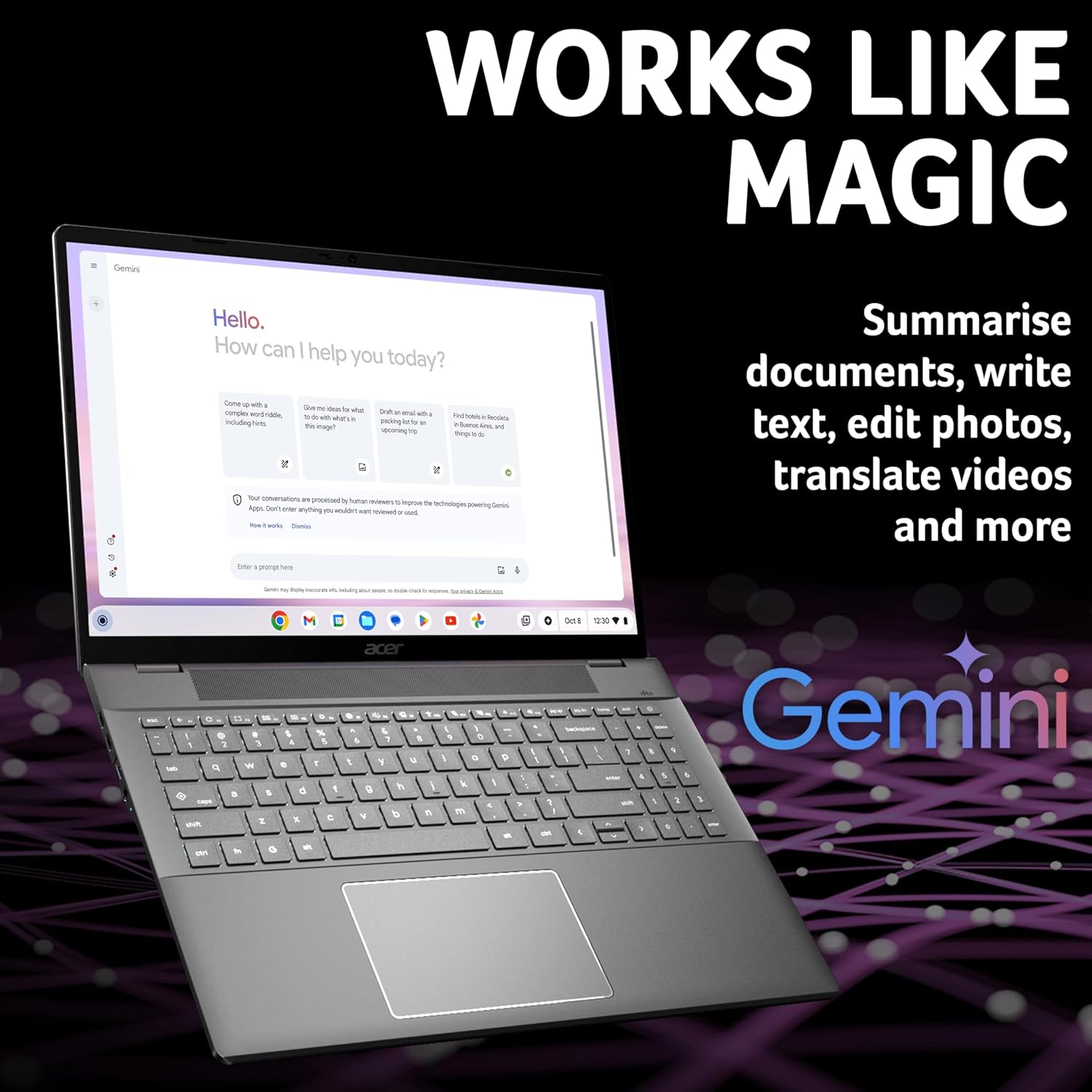
The Chromebook Plus line includes 12 months of Google AI included for free, and Google Photos AI editing tools such as Magic Eraser and Portrait Blur are mentioned.
Is it good for multitasking?
With an Intel Core i3 CPU, 8GB RAM and a 256GB SSD, it should handle typical Chrome OS multitasking such as multiple tabs and web apps, which is usually the sweet spot for Chromebooks.