


KOOFORWAY Triple Screen Laptop 16 inch (i7-12700H, 16GB RAM, 1TB SSD) with dual 10.5" monitors, Win 11 Pro
Product description
What it is and the problem it tries to solve
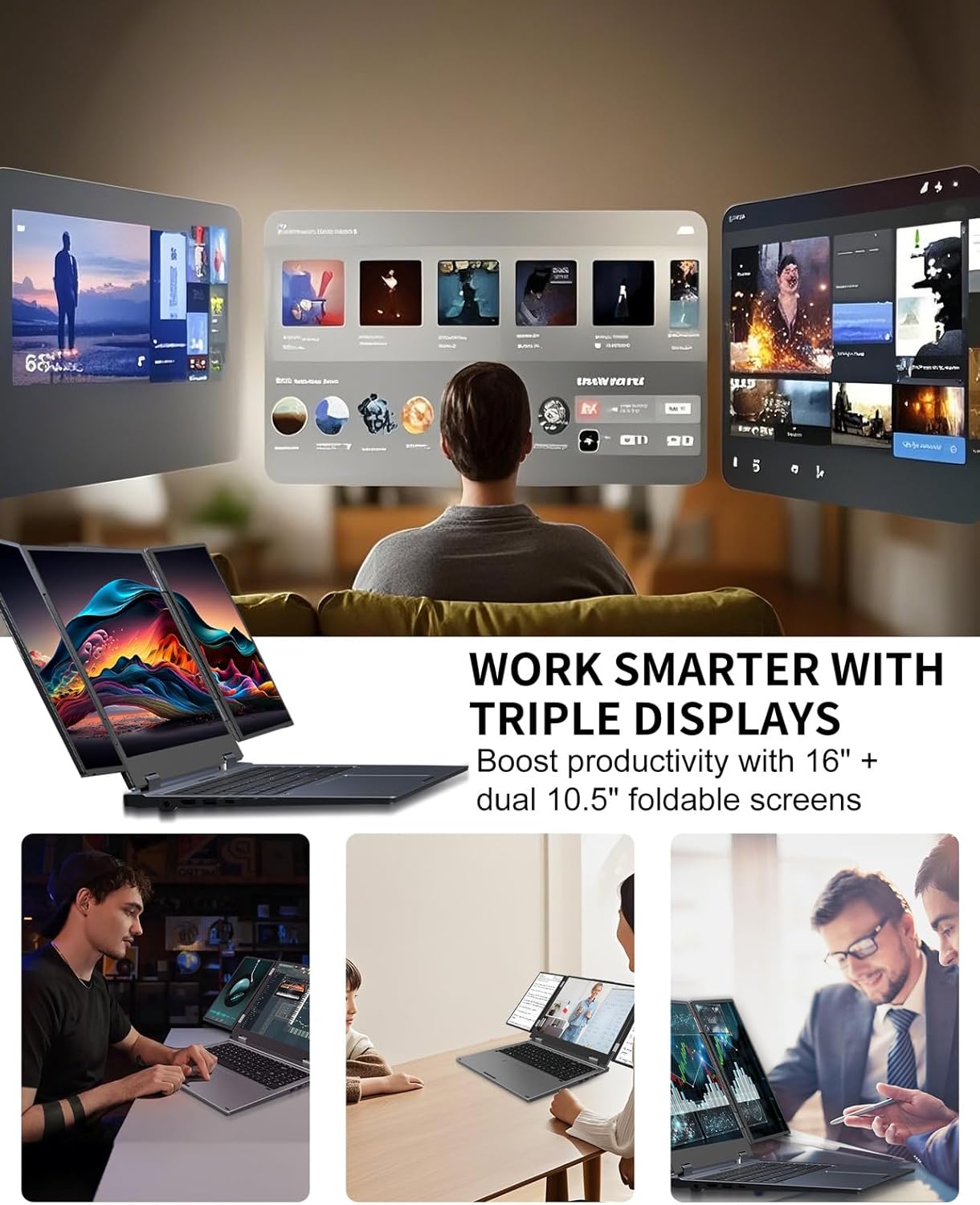
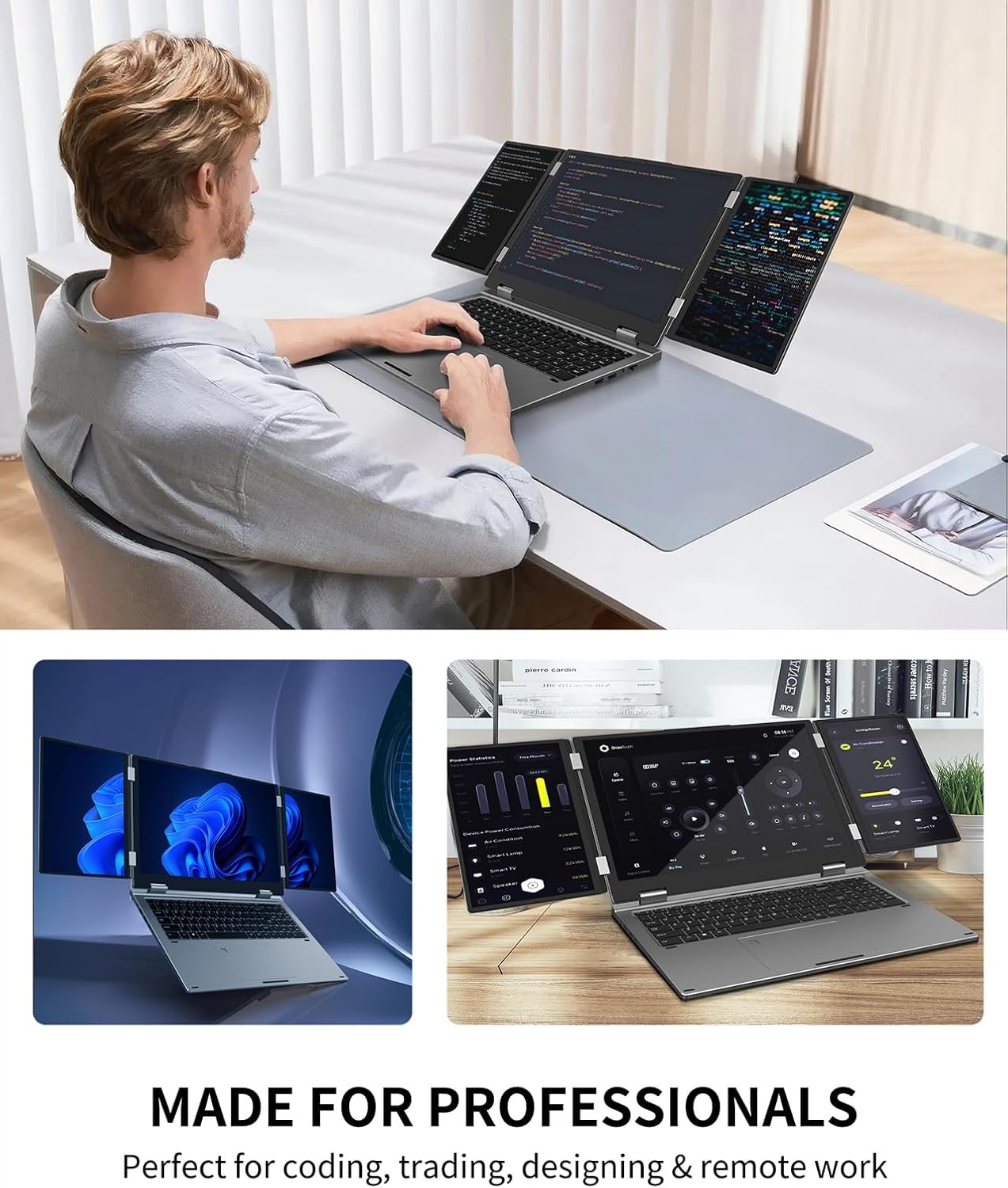
The KOOFORWAY Triple Screen Laptop is built around one clear idea: more screen space, on the move. Instead of relying on a single panel, this 16 inch laptop is described as having a triple-screen setup using dual foldable 10.5 inch monitors. In plain terms, it’s aimed at people who regularly juggle windows—spreadsheets and charts, editing timelines, code and documentation, or trading tools—where having multiple views side-by-side can save time.
That “triple screen” concept is where it stands out. If your day involves moving between apps constantly, a bigger workspace can feel less like convenience and more like momentum. And because it’s designed to be portable (it’s stated to weigh 5.5 pounds), the intention is that you can bring the setup to a meeting room, a client site, or while working remotely.
The essentials: performance, storage, and day-to-day responsiveness
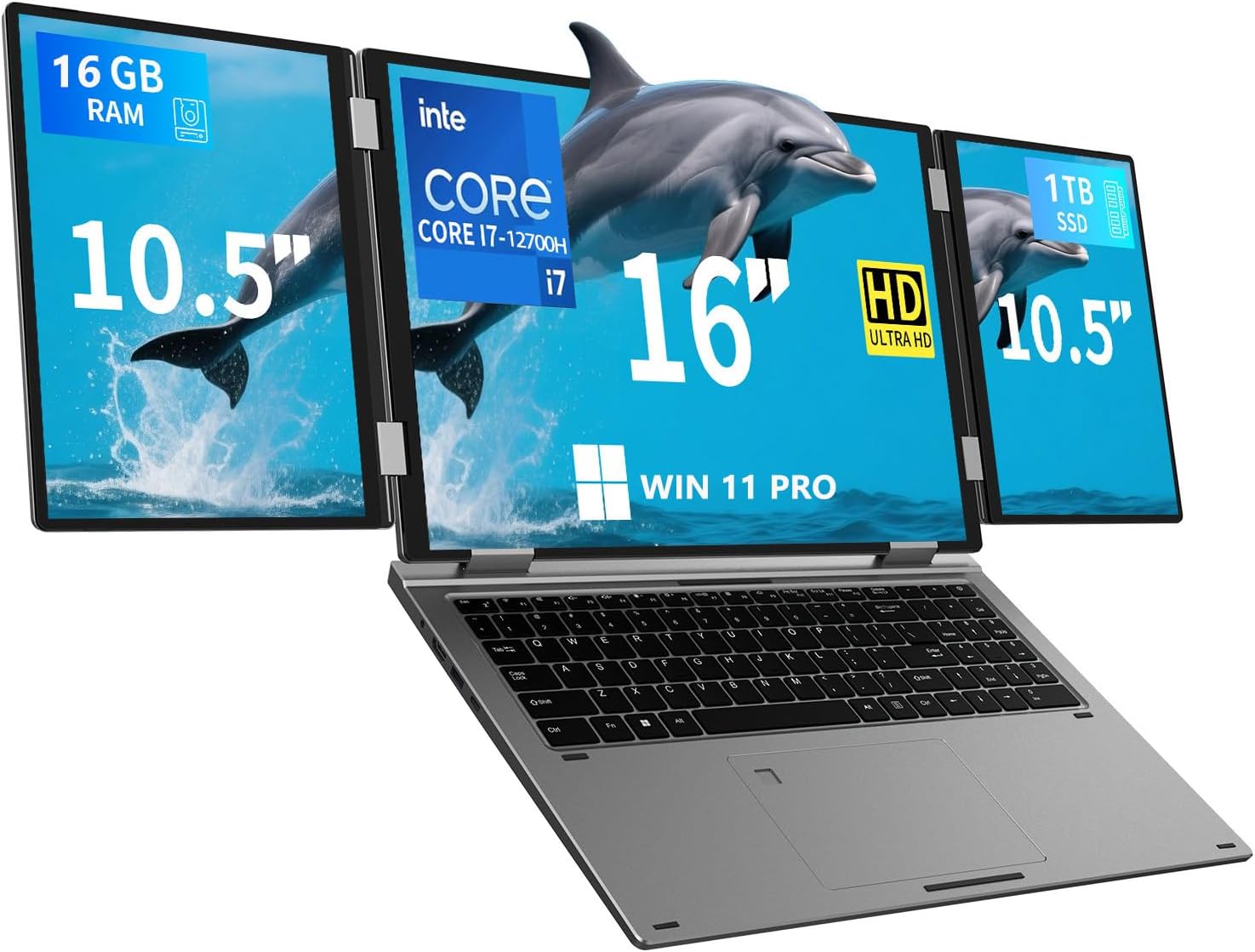
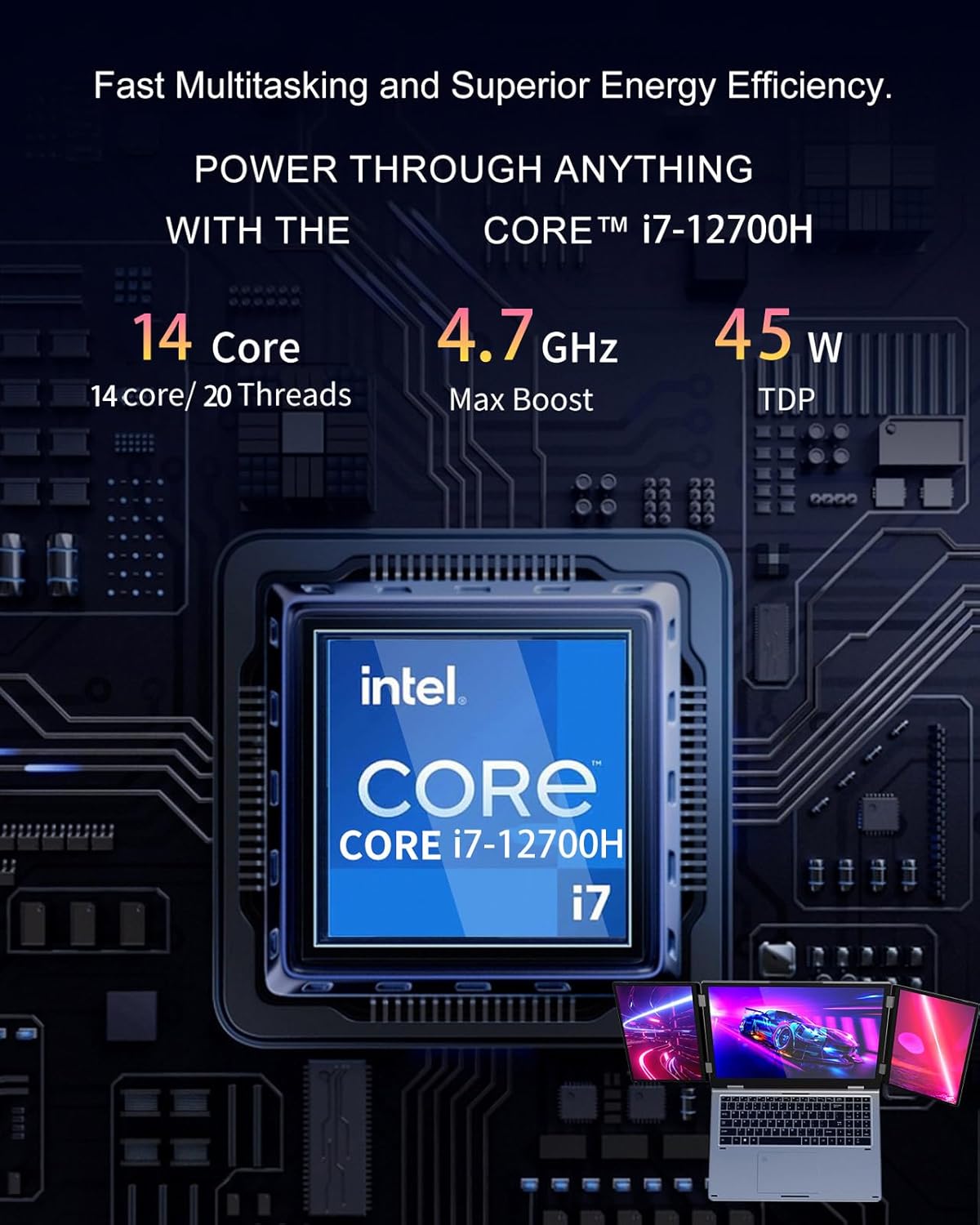
On paper, the core spec is fairly serious for a mobile workstation-style machine: Intel Core i7-12700H, 16GB RAM (DDR4) and a 1TB NVMe SSD. The base description positions it for demanding work like video editing and 4K image work, and also for gaming. Whether it’s “zero lag” in every scenario is hard to judge without independent testing—but the combination of an i7-class CPU and NVMe storage does make sense for multitasking and quick app switching.
The practical takeaway is simple: it’s more than just a document-and-browser laptop. If you run heavier desktop software, keep lots of tabs and tools open, or frequently switch between projects, this spec set is geared towards staying responsive rather than feeling sluggish.
The screen setup: what you’ll notice in use
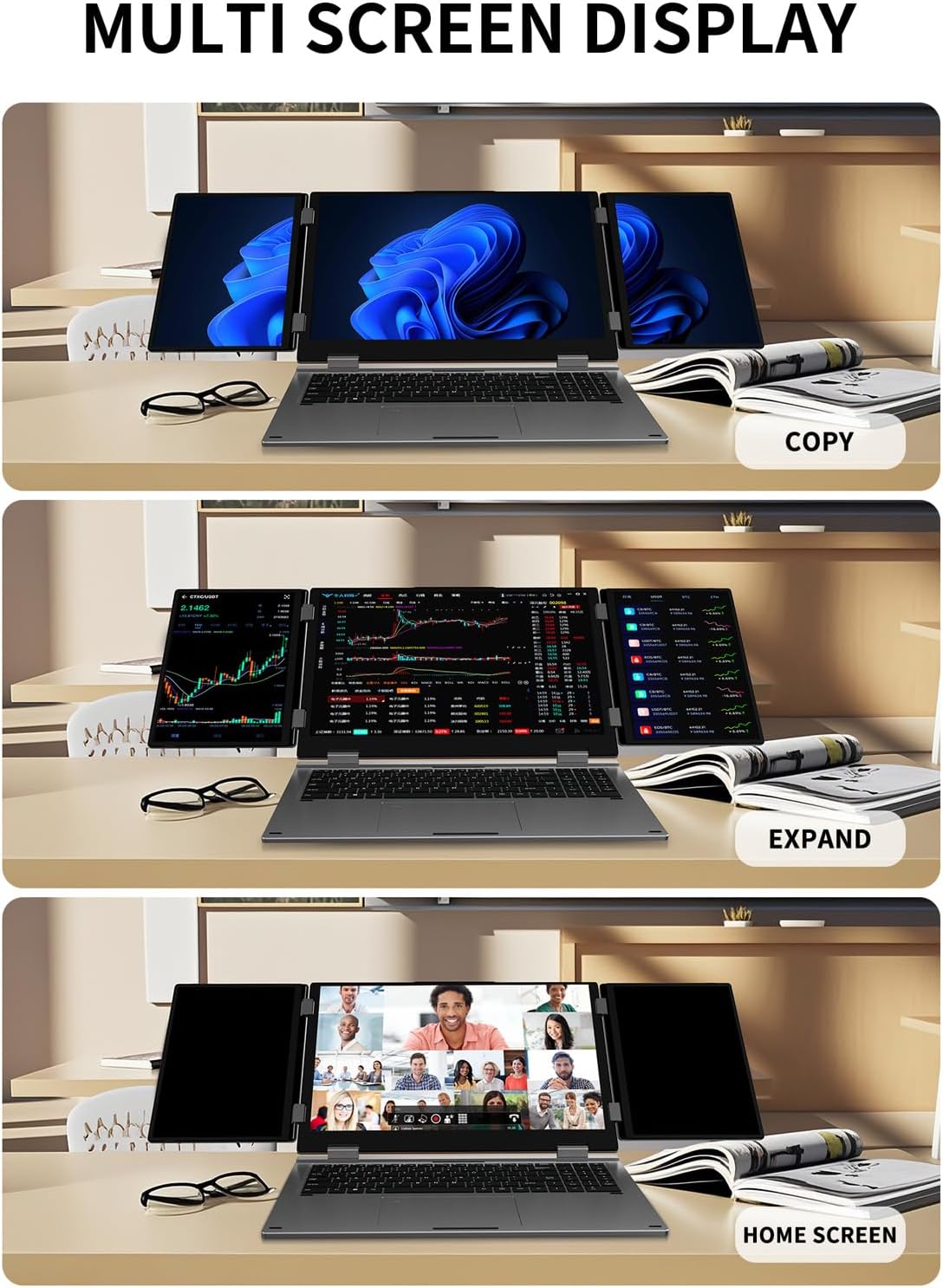
Where you really feel the difference is in how the three-screen layout supports workflow. Instead of one cramped workspace, you can spread tasks out: timelines on one side, source materials on another, and the main editing or trading dashboard on the laptop screen. For example, an editor could keep a preview window on one 10.5 inch display while scrubbing and adjusting on the main 16 inch panel.
For trading and operations work, the appeal is similarly straightforward: charts, order panels, and reference notes become less of a constant switching exercise. And for design or development, multi-window layouts can help keep reference material visible while you work.
That said, it’s worth being honest about constraints: the folding triple-screen concept depends on how comfortable you are setting it up around your space. If you need something that’s truly “open-and-go” with no extra components, this may feel like more faff than a simple laptop + external monitor.
Ports and connectivity: modern enough for common setups
This laptop includes connectivity options that suit a multi-device desk. The description calls out HDMI, RJ45 LAN, USB-A 3.0 and full-function USB-C. It also mentions Wi‑Fi 5 and Bluetooth 5.0 for wireless performance.
In everyday terms, this is helpful if you want options beyond wireless only—like plugging into an Ethernet network for stability (handy for trading or remote work) or using HDMI to connect to additional screens or accessories. It’s also described as supporting work with docking-style setups for more screens, speakers, keyboards or controllers, which matters if your “work station” isn’t just the laptop itself.
Security and login convenience
If you’re signing in often, the inclusion of biometric security is a genuinely practical touch. The base details mention facial recognition (Win Hello) and a fingerprint reader. The point isn’t just “security” in theory—it’s fewer passwords during busy sessions, whether that’s a meeting, a quick trading check, or jumping between gaming and work.
One limitation to keep in mind: biometric login is only useful if it works reliably in your real environment (lighting for face recognition, and clean/consistent fingerprint capture). That’s not a flaw specific to this device, but it’s something to consider before you rely on it.
Tech specs (as stated)
- Name: KOOFORWAY Triple Screen Laptop 16 Inch (Triple-screen, portable multi-screen laptop)
- Type: Laptop with triple-screen concept using two foldable 10.5 inch monitors
- Processor: Intel Core i7-12700H
- Memory: 16GB DDR4 RAM
- Storage: 1TB NVMe SSD
- Display: Main 16 inch laptop screen with dual 10.5" foldable monitors (touch-screen mentioned)
- Weight: 5.5 pounds
- Operating system: Windows 11 Pro
- Connectivity: HDMI, RJ45 LAN, USB-A 3.0, USB-C (full-function)
- Wireless: Wi‑Fi 5, Bluetooth 5.0
Is it worth it?
This is worth considering if you actively benefit from a multi-screen workflow and you want that workspace in a portable form factor. It suits people who do mixed-use work — developers, video editors, designers, financial/trading operators — and who prefer to spread tasks out rather than cram everything into one display.
It’s not the best choice if you want a simple laptop that you can grab, open, and immediately start without managing additional screens. Also, if you’re mainly doing light browsing, emails and occasional documents, the extra complexity may not justify the spend compared with a more straightforward setup.
A good way to decide is to ask yourself how often you genuinely use multiple windows at once. If your answer is “most days”, the triple-screen approach makes a lot of sense. If your answer is “only sometimes”, it may feel like overkill.
Quick mini FAQ
How portable is the triple-screen setup?
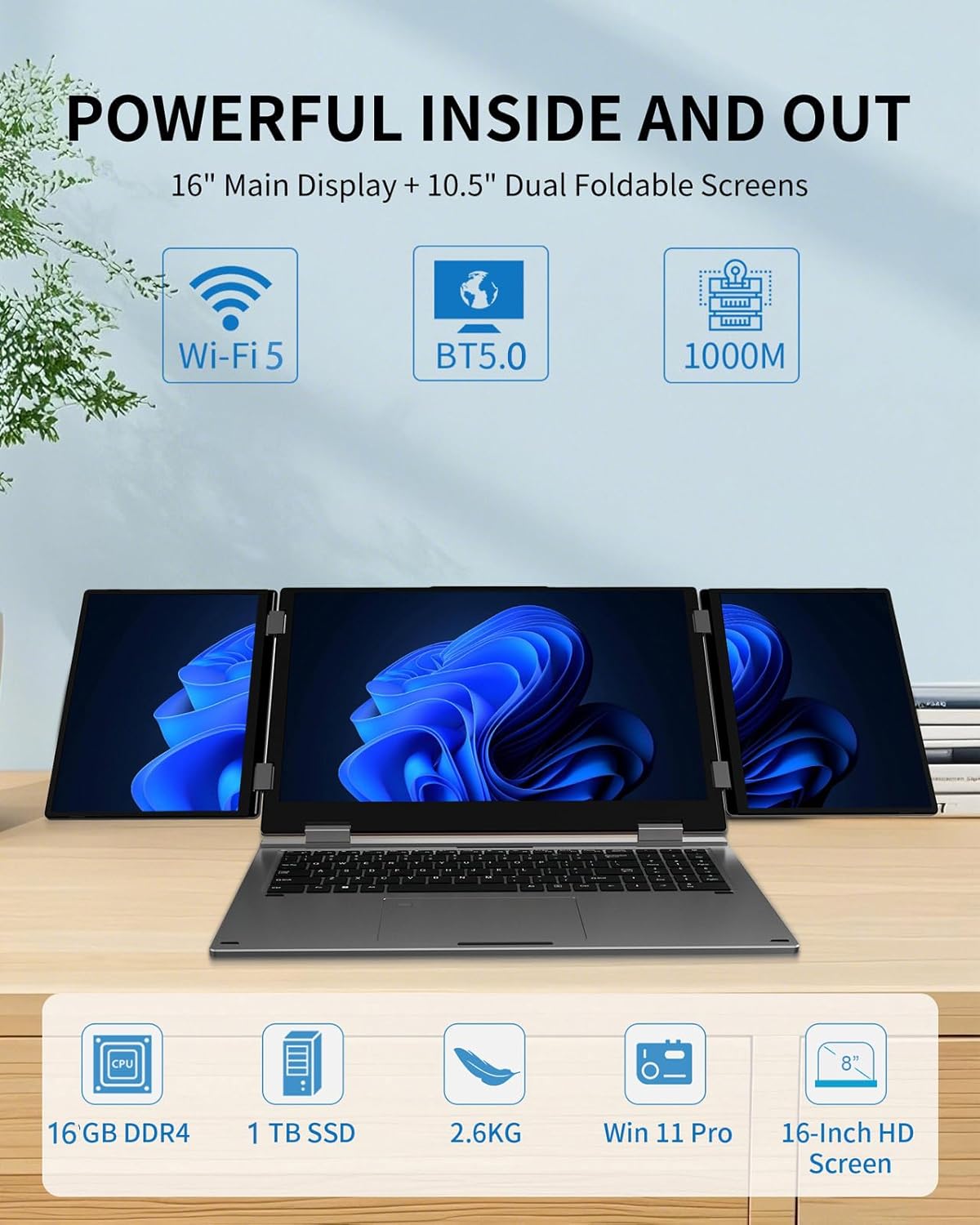
The laptop is stated to be 5.5 pounds and uses foldable dual 10.5 inch monitors, so the goal is to fit into a laptop bag or travel setup. Still, portability is partly about how quickly you’re willing to set up the extra screens.
Does it include Windows 11 Pro?
Yes, the description states Windows 11 Pro.
What connections does it have for accessories?
It’s described with HDMI, RJ45 LAN, USB-A 3.0 and USB-C (full-function), which should cover a lot of typical workstation needs.
Is it aimed at gaming as well as work?
The base description positions it for both, including “heavy” games and content creation. Without independent benchmarks, it’s safest to think of it as a work-capable laptop with gaming intentions rather than a guaranteed console-like experience.
Should you buy it for trading?
If you like having charts and panels visible at the same time, the triple-screen concept is clearly aligned with that use case. You’ll just want to consider whether the extra screen setup matches your routine.