

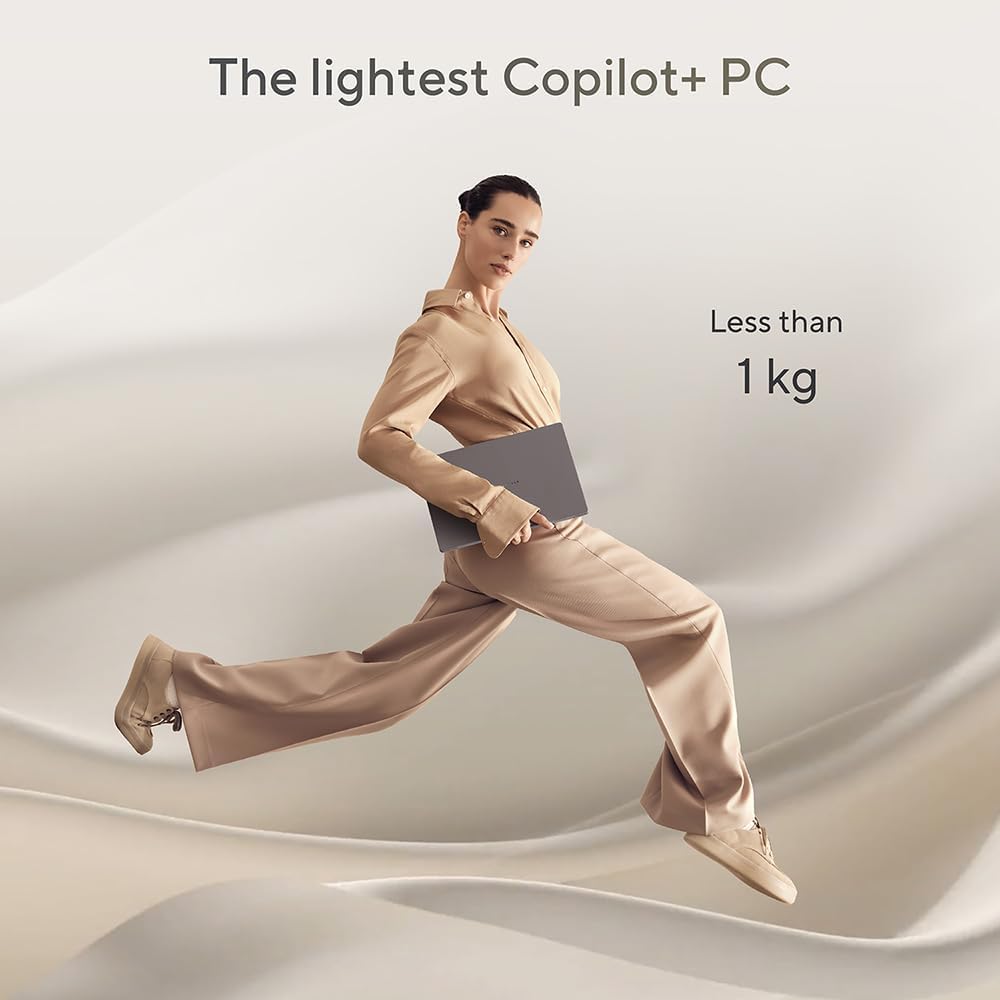
ASUS Zenbook A14 OLED UX3407QA CoPilot+ Laptop with 14.0" WUXGA OLED, Snapdragon X1
Product description
The essentials
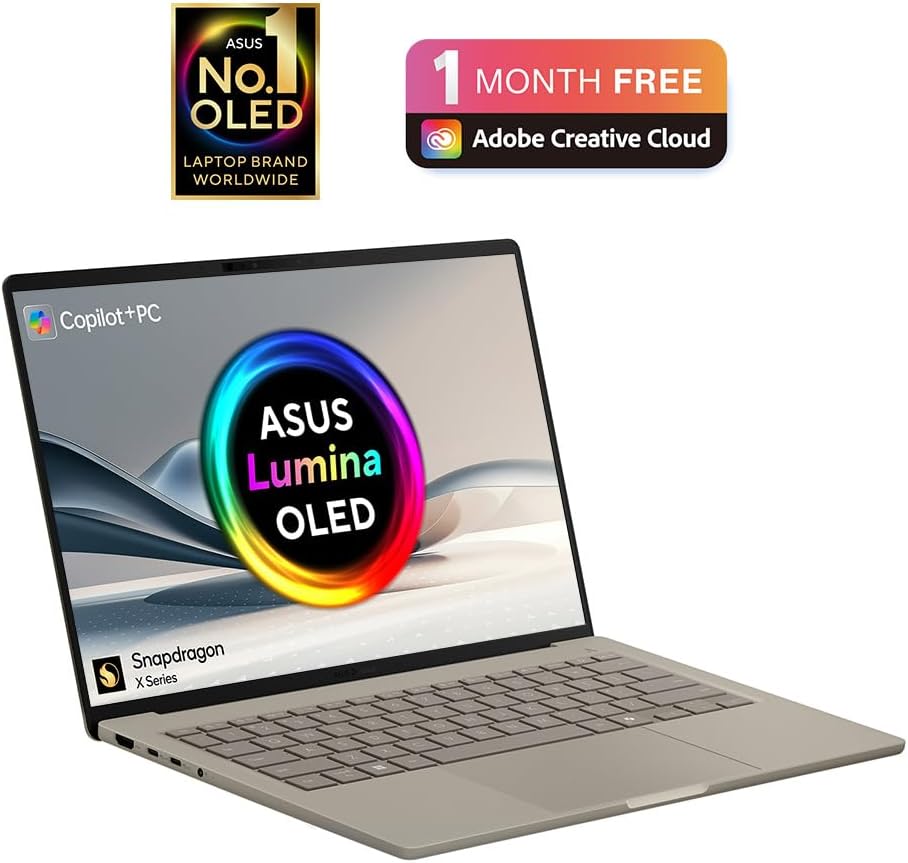
If you’re looking at a Windows laptop that leans into battery-friendly, always-on feel rather than brute-force performance, the ASUS Zenbook A14 OLED UX3407QA is built for that kind of everyday use. On paper, it pairs a Qualcomm Snapdragon X1-26-100 processor with 16GB RAM and a 1TB PCIe SSD, and the headline display is a 14.0" WUXGA (1920x1200) OLED screen.
It also comes with the CoPilot+ positioning and Windows 11, which tends to matter if you’re planning to use newer AI-style features provided through the software side. That said, it’s still a laptop first, so the practical question is whether the screen and the platform fit what you actually do day to day.
At a glance: what you’re really buying
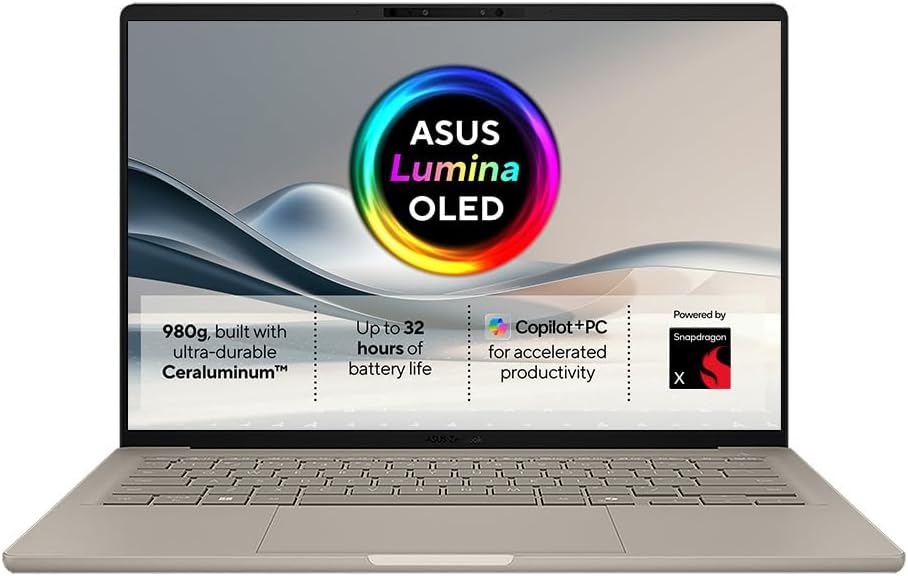
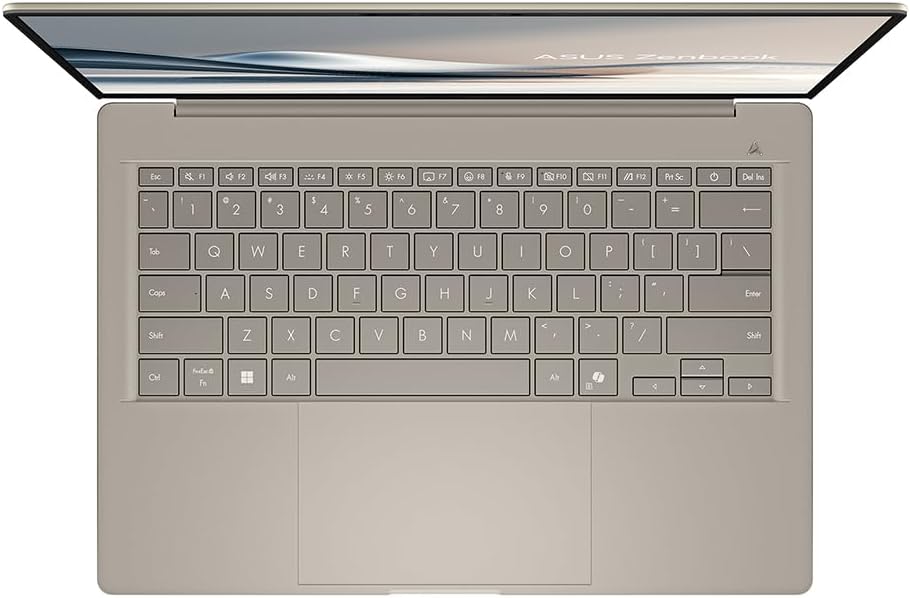
This Zenbook A14 OLED is aimed at people who want a compact 14-inch format with a higher-end panel choice (OLED) and modern storage capacity (1TB PCIe SSD). The UK backlit keyboard layout is also explicitly included, which sounds obvious, but it’s the kind of detail that saves hassle when you’re ordering for the UK.
Where it’s likely to feel especially good is in tasks where screen quality matters more than anything else: reading, spreadsheets with lots of cells, browsing with dark themes, and creative work where colour and contrast can make a noticeable difference. It’s not perfect for everyone, though. If your workflow depends on very specific compatibility needs, or you need heavy compute for long stretches, you may find you have to double-check your apps first.
Key features that stand out
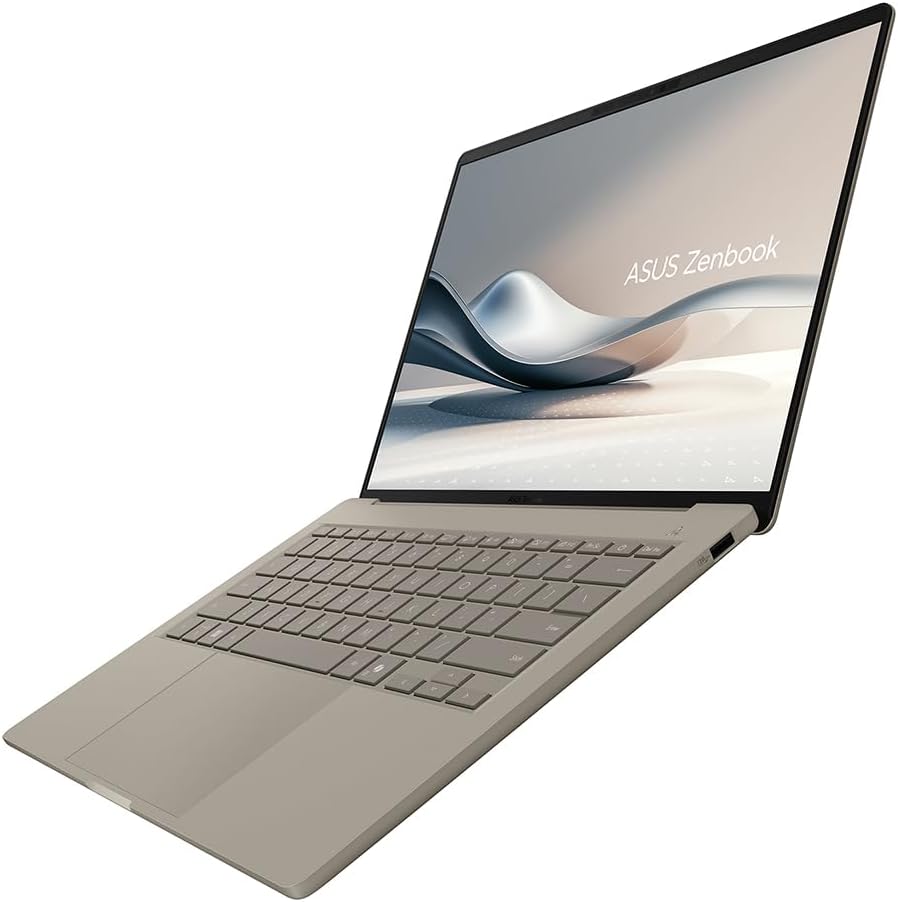
The OLED display at 1920x1200 is a big part of the appeal here. OLED generally offers deep blacks and strong contrast, and in day-to-day use that can make media and UI elements look more vivid than standard LCD panels. You’ll also get a sensible desktop-style resolution for a 14-inch screen, which can help with readability without forcing everything to be tiny.
Under the hood, the Snapdragon X1-26-100 processor and 16GB RAM are paired with 1TB PCIe SSD storage. That’s the kind of spec mix that typically suits common productivity patterns: multi-tab web browsing, office work, file management, and keeping lots of documents and media locally.
One thing to keep in mind: CoPilot+ is a software platform, so the “experience” you get depends on what Microsoft includes and what your usage actually calls for. It’s worth thinking about what you’ll realistically use rather than assuming every AI feature will be relevant on day one.
What it’s like day-to-day
Imagine you start the morning with a couple of browser tabs, open a document and a spreadsheet, then switch to streaming later. The OLED panel is the part you’ll notice most quickly—dark-mode pages, video scenes, and even standard Windows backgrounds can look noticeably richer than on lower-tier screens.
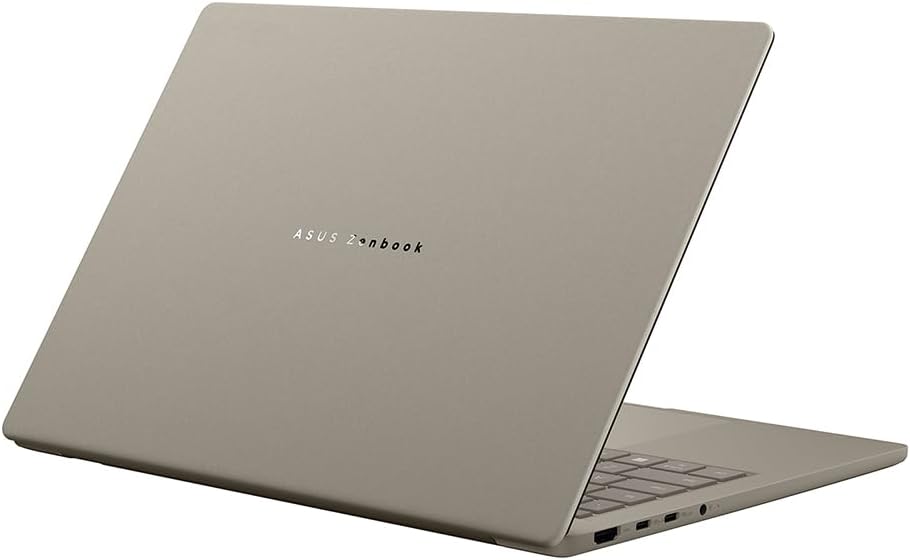
With 16GB RAM and a 1TB PCIe SSD, the setup is also designed to avoid the “always managing storage” feeling. You won’t necessarily need to juggle external drives for everyday saving, and you should have enough breathing room for software and files without constantly tidying up.
Still, this is a platform choice, not just a spec sheet. If your work relies on particular professional software or drivers, it’s sensible to check compatibility before committing.
Tech specs
- Name: ASUS Zenbook A14 OLED UX3407QA CoPilot+ Laptop
- Type: Laptop
- Display: 14.0" WUXGA (1920x1200) OLED
- Processor: Qualcomm Snapdragon X1-26-100
- Memory: 16GB RAM (LPDDR5X)
- Storage: 1TB PCIe SSD
- Keyboard: UK backlit keyboard layout
- Operating system: Windows 11
Final verdict
It makes sense if you want a 14-inch Windows laptop with an OLED display, modern “all-round” storage, and a Snapdragon X1 platform intended for efficient daily use. It’s a solid pick if your main priorities are screen quality for everyday work and enough headroom (16GB RAM, 1TB SSD) to keep your workflow smooth without constant housekeeping.
It’s not the best choice if you’re buying mainly for compatibility-sensitive workloads or if your apps have strict requirements—you’ll want to verify that before you spend. And if you’re expecting this to behave like a high-power workstation under sustained load, it may feel more like a capable mainstream machine than something built to “max out” heavy tasks.
Quick check FAQ
Who is this laptop likely to suit?
It suits people who want a compact Windows laptop with an OLED screen and a practical mix of 16GB RAM and 1TB SSD for everyday productivity.
Does the OLED screen matter for normal use?
Yes—if you do lots of reading, browsing, or media consumption, OLED can noticeably improve contrast and the look of dark-themed content.
Is CoPilot+ a reason to buy on its own?
It can be a plus, but it depends what you plan to use. It’s more convincing when your workflow includes features enabled through CoPilot+ on Windows.
What should I double-check before ordering?
Check app and software compatibility for your specific work needs, especially if you rely on professional tools that can be platform-sensitive.