

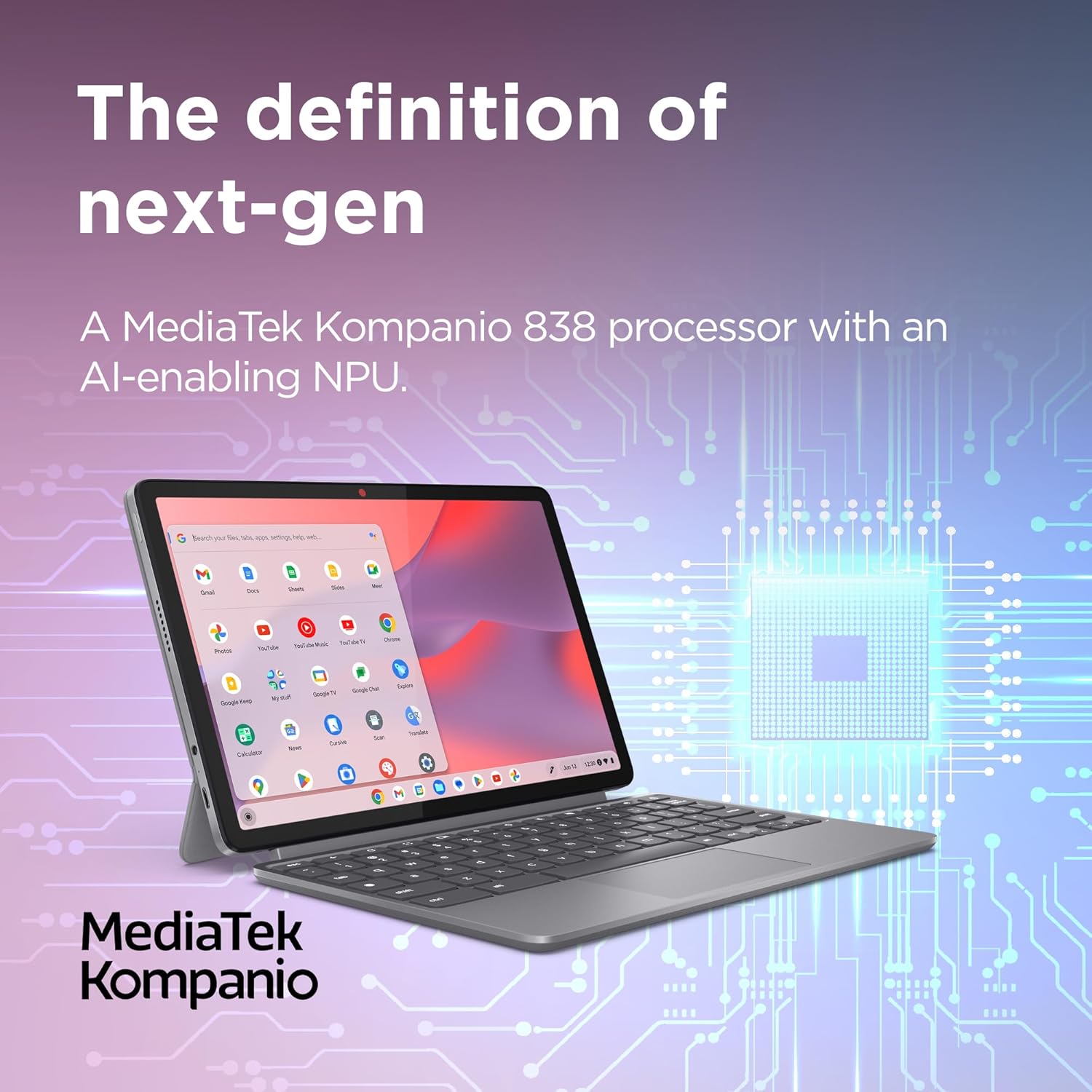
Lenovo IdeaPad Chromebook Duet 11-inch FHD+ (MediaTek Kompanio 838, 8GB/128GB) with USI Pen 2 and Folio Keyboard
Reviews
Price
Product description
The essentials
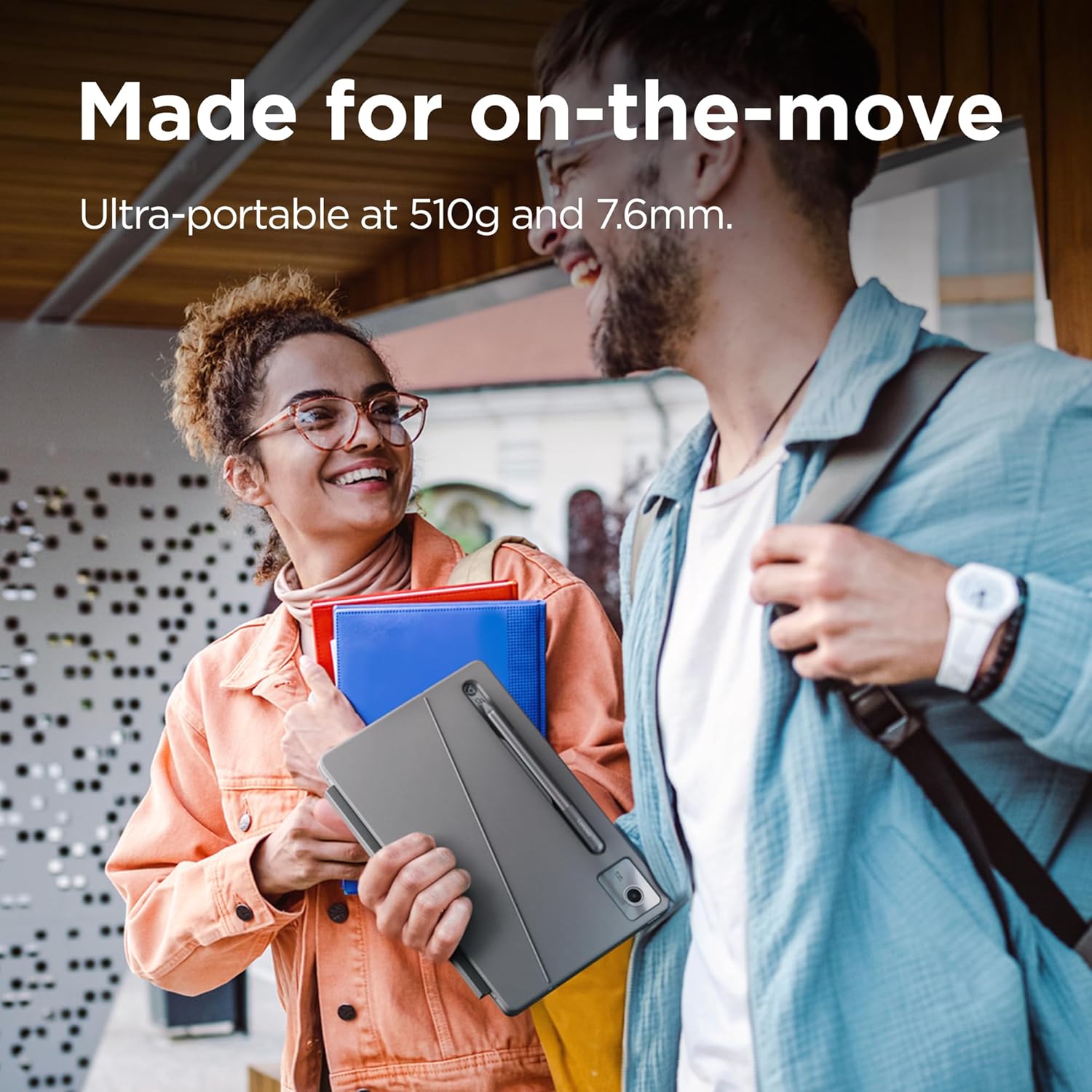
If you’re after a genuinely travel-friendly Chromebook that also works like a tablet, the Lenovo IdeaPad Chromebook Duet 11-inch is built for that kind of life. On paper, it’s an ultra-portable 11-inch 2-in-1 with a spill-proof chassis and a light feel, so it’s easier to take from sofa to commute to desk without feeling like you’re lugging a brick. Lenovo also positions it for long days away from the charger, claiming up to 12 hours of battery life.
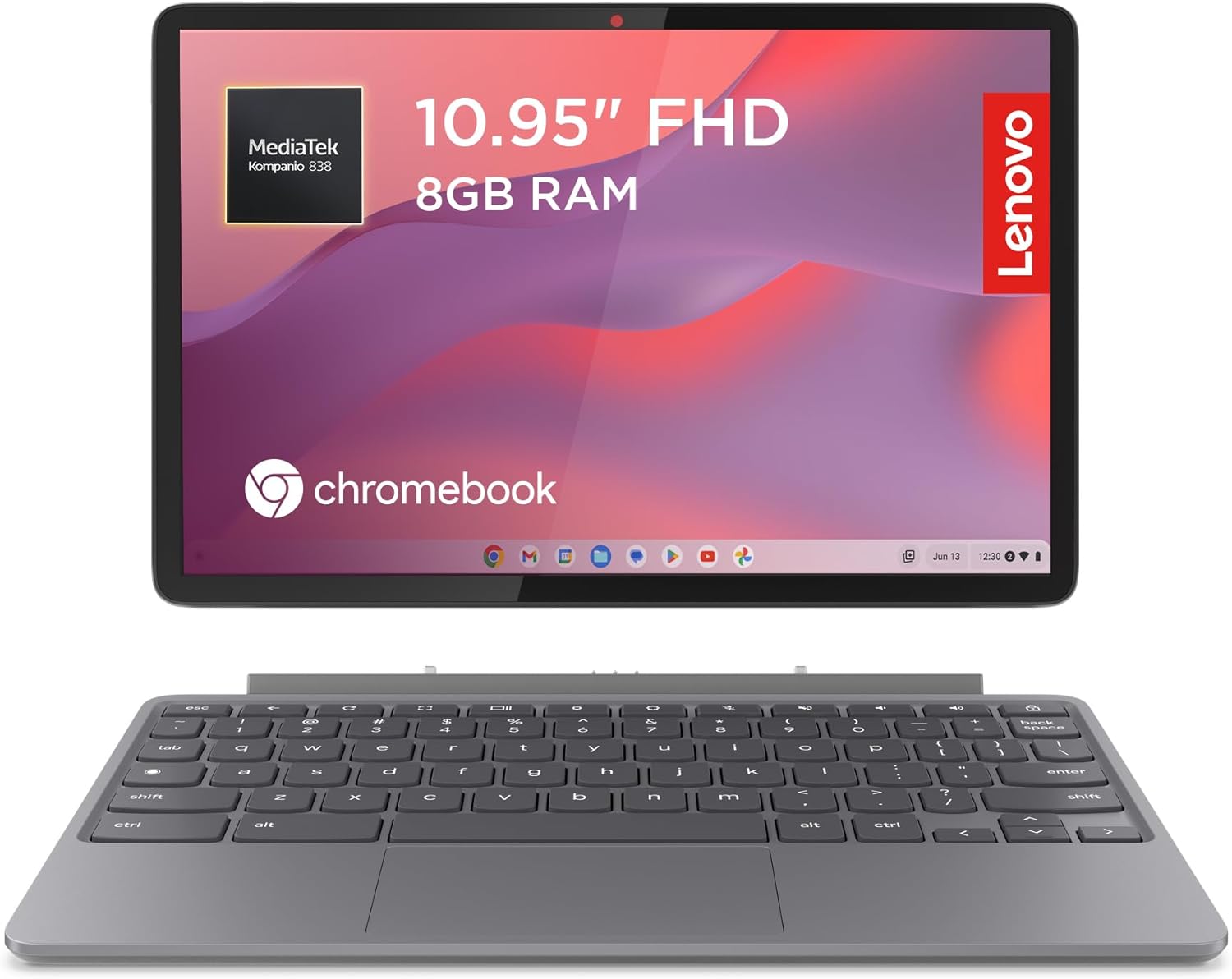
The screen is an 11-inch FHD+ display (marketed as WUXGA) with narrow bezels, so you get more active space for streaming, studying or light creative work. Pair that with the 5MP front camera that has a physical shutter, and video calls are at least more reassuring on the privacy front—especially compared with webcams that can’t be physically covered.
Key points
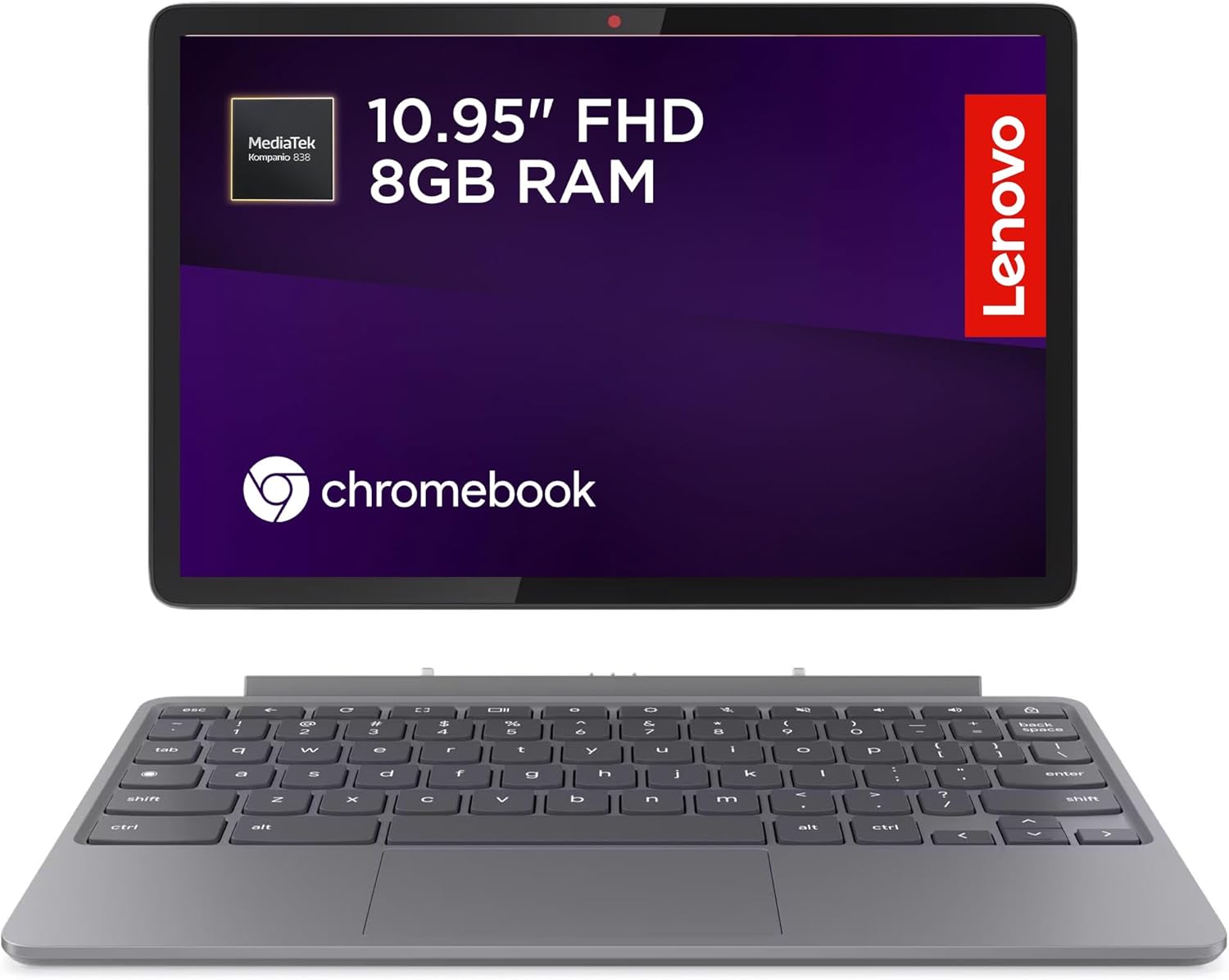
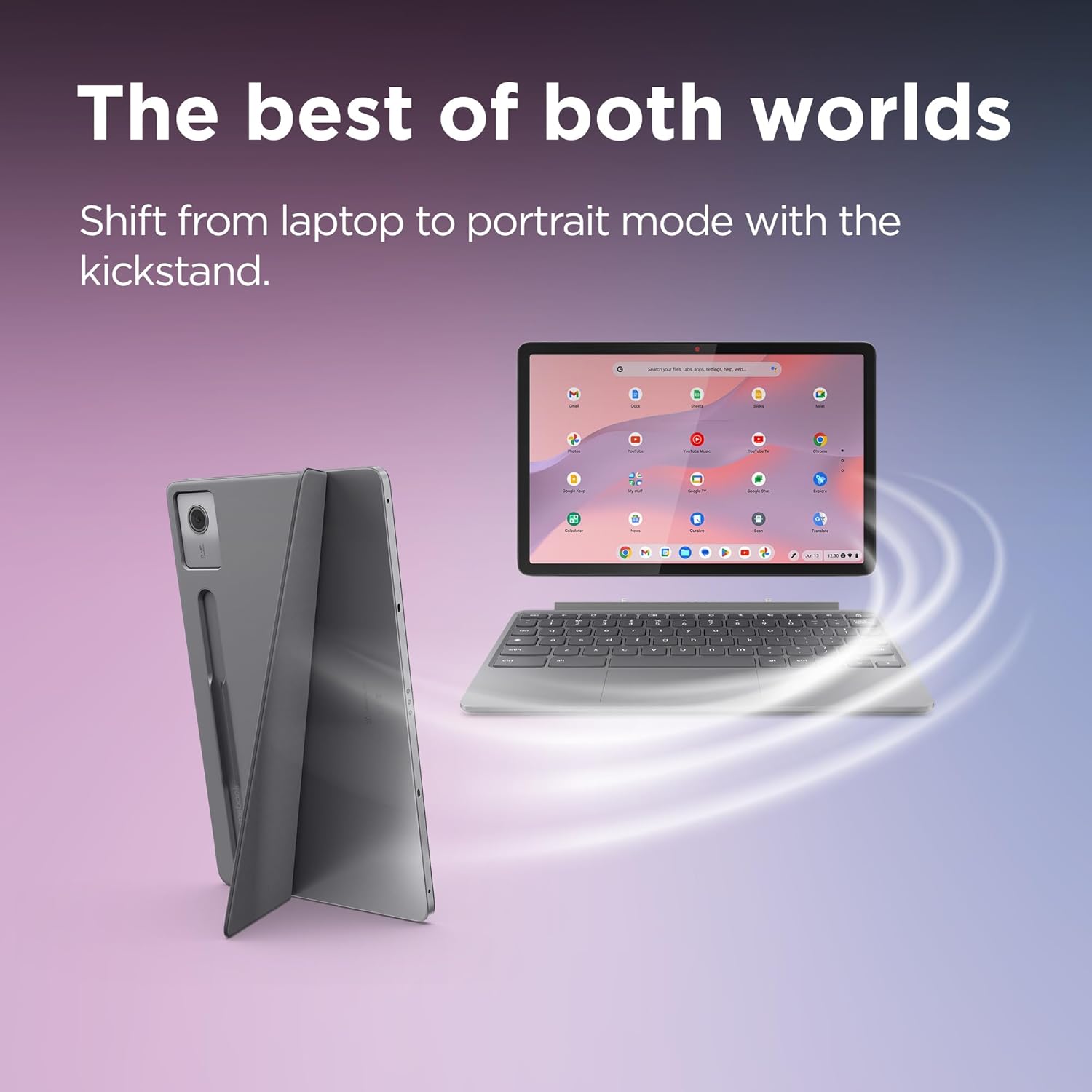
The standout idea here is flexibility: you get a laptop-style experience via a folio keyboard, but the Duet form factor is clearly about touch and sketching when you want it. It’s also not trying to be a performance monster, the Kompanio 838 platform plus 8GB RAM aims at everyday Chrome OS tasks like browsing, video calls, documents and cloud-based apps.
One other detail worth noting is the focus on “AI-assisted” features for connectivity and display support (including the ability to connect to a 4K display, powered by Lenovo’s advanced on-device AI solution). That could be useful if you regularly present, study on a bigger screen, or need a bigger workspace for spreadsheets and videos.
It’s a good fit if you want a versatile device that stays portable, and you’re happy living in Chrome OS and web-first workflows. It might not suit you if your plan is heavy desktop software, large offline workloads, or anything that needs sustained high performance.
What you’ll notice day to day
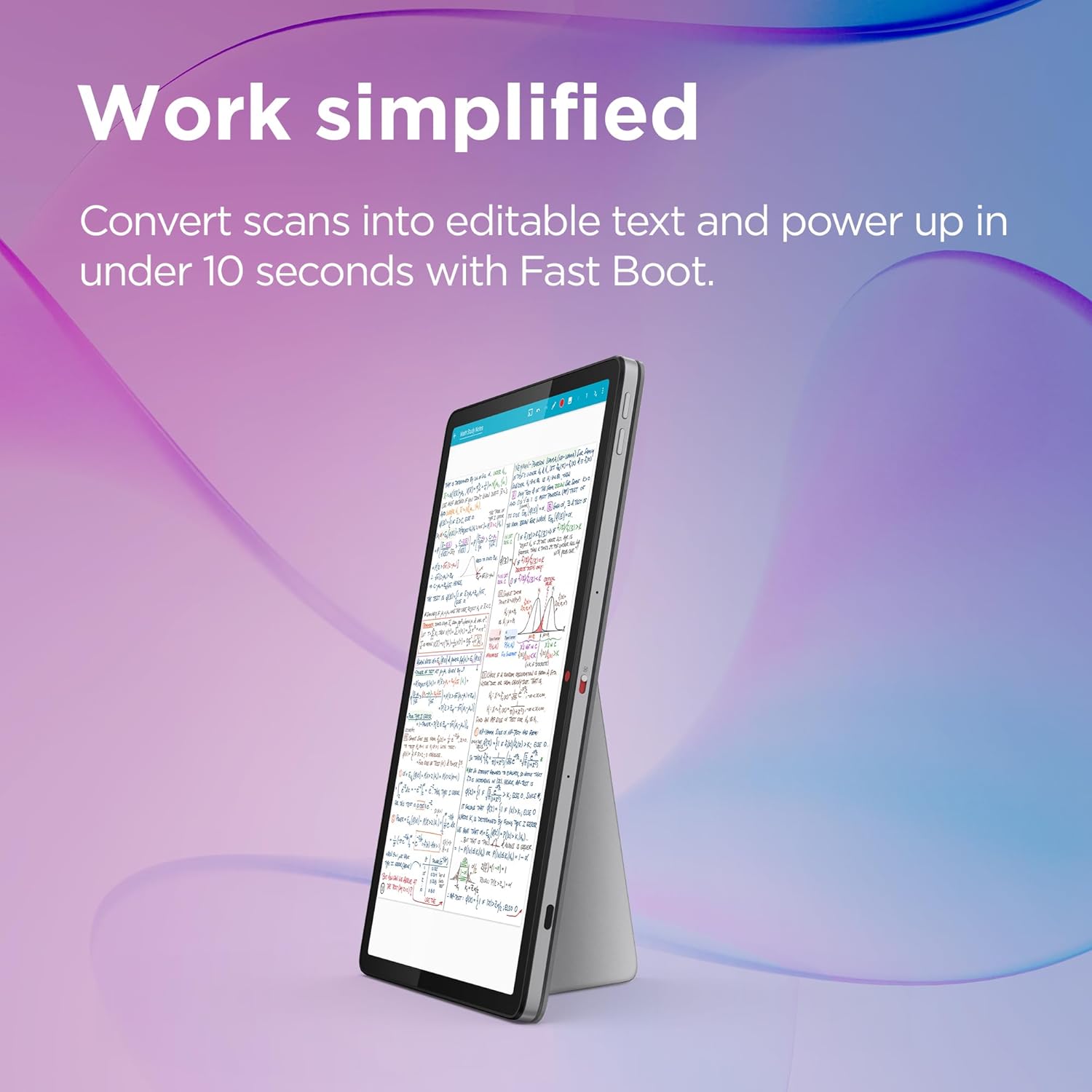
In real-world use, the Duet’s value tends to show up when you switch between modes. For example, you can stand it up in the folio stand for a video call, then pop into touch mode to annotate notes. If you’ve ever tried to edit a document on a phone and thought “this is fiddly”, the mention of converting scanned documents into editable digital text is exactly the kind of feature that can save time for study notes, receipts or forms.
For media and calls, Lenovo highlights SmartAMP with Waves Audio for “booming clarity”. Whether it’s truly booming will depend on volume and the content, but the intention is clear: it’s aimed at streaming and conference calls, not just quiet office work.
Key specifications
- Name: Lenovo IdeaPad Chromebook Duet
- Type: 11 inch FHD+ 2-in-1 Chromebook
- Processor: MediaTek Kompanio 838
- Memory: 8GB RAM
- Storage: 128GB eMMC
- Display: 11 inch FHD+ (WUXGA, narrow bezels)
- Graphics/AI: NPU mentioned
- Camera: 5MP front camera with physical shutter
- Audio: SmartAMP with Waves Audio
Where it shines (and where it may fall short)
This is a Chromebook that leans into lightness, touch use and everyday productivity. The combination of 8GB RAM and the Kompanio 838 platform is meant to keep tabs, video chats and typical web apps feeling smooth rather than struggling. If you’re organising notes, creating quick sketches or taking study input, the optional Lenovo USI Pen 2 support (sketching and writing like a real pen) makes a real difference over a basic laptop-only setup.

However, it’s not perfect, and a couple of limitations matter depending on what you do. The storage is 128GB eMMC, so if you store lots of offline files or want to keep big downloads locally, you may find yourself managing space sooner than you’d like. And because it’s a Chromebook, your best experience will be with web-based workflows—if you expect to run demanding desktop applications, it may feel more limited than a Windows laptop.
Buying verdict
When it makes sense
Buy it if you want an ultra-portable 11-inch Chromebook that can switch between laptop and tablet use, includes a folio stand + folio keyboard, and you’d genuinely use the USI Pen 2 for notes or sketches. It’s especially worth considering if video calls matter (thanks to the physical webcam shutter) and if you need a device that’s comfortable to move around.
It might not be a great match if
It may not suit you if you need lots of offline storage, rely on heavy desktop software, or you prefer a thicker laptop with more traditional expandability. It also might not be the best choice if you’re only looking for a basic, cheap Chromebook for casual browsing—because the value here is in the 2-in-1 tablet-and-keyboard setup.
Mini FAQ
Is the pen included? The product name includes Luna Grey USI Pen 2, so it’s presented as part of this bundle.
Does the webcam offer privacy? Yes. The front camera includes a physical shutter.
How good is it for video calls and streaming? Lenovo highlights SmartAMP with Waves Audio and a 5MP front camera. That suggests it’s designed for calls and media, but the final experience still depends on network and your viewing setup.
Can it connect to a bigger display? Lenovo states you can connect to a 4K display via its advanced on-device AI solution.
What’s the storage like for everyday use? It uses 128GB eMMC. For cloud-heavy work it’s usually workable, but offline file hoarders may need to manage storage more often.
Final verdict
Final verdict
The Lenovo IdeaPad Chromebook Duet 11-inch is one of those “small device, big day-to-day usefulness” buys—especially if you like writing, sketching or taking notes on a screen, and you want something light enough to carry without fuss. If your priorities are web-first productivity, video calls with a camera shutter, and a tablet-style setup with a folio keyboard, it comes across as a sensible pick. Just be realistic about storage limits and the fact it’s Chrome OS: it’s built to make everyday tasks easier, not to replace a fully fledged performance laptop for heavy offline work.