

Alienware 18 Area-51 18-inch gaming laptop with Intel Core Ultra 9 275HX and RTX 5080
Product description
The essentials
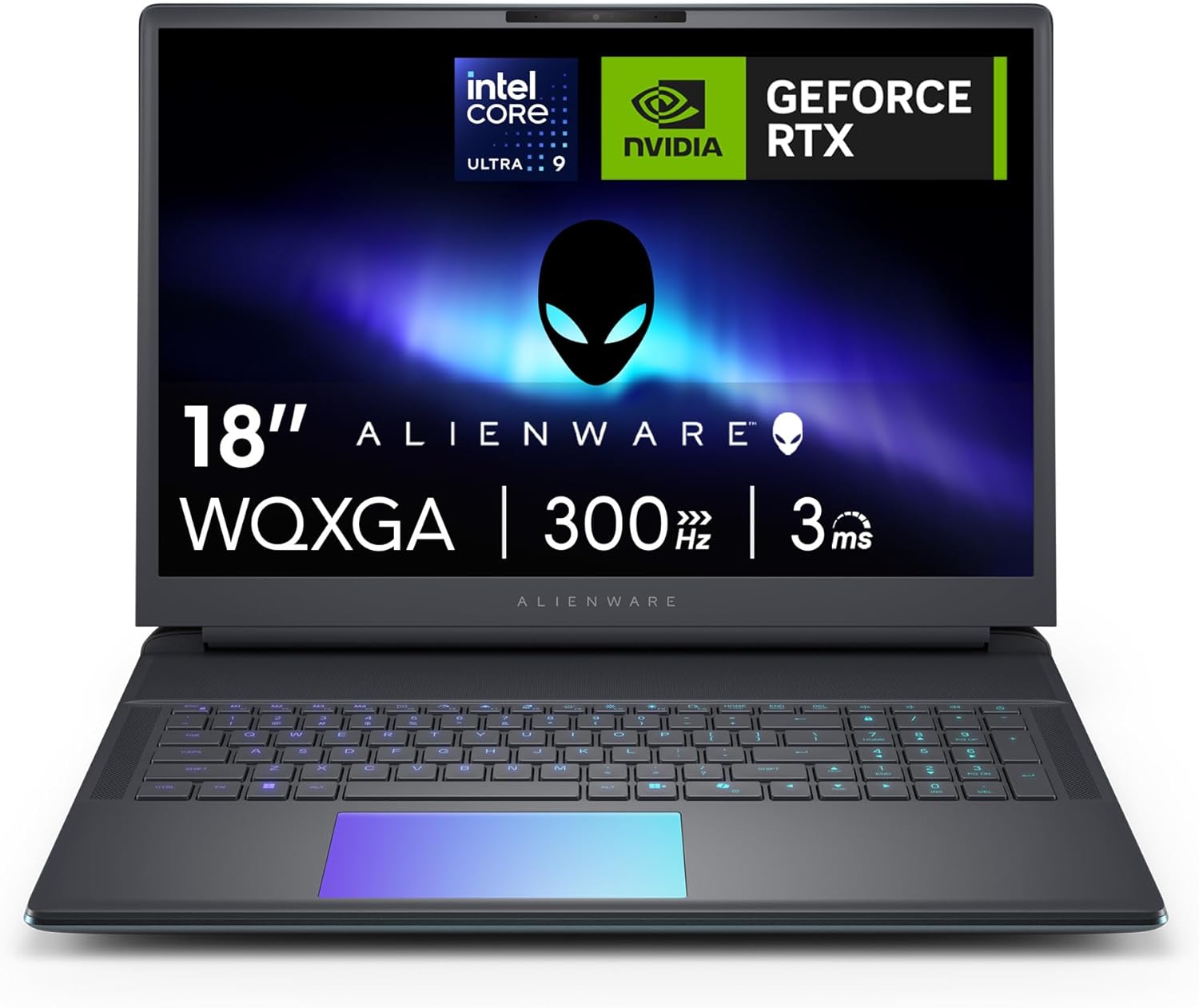
The Alienware 18 Area-51 is the kind of gaming laptop you buy when performance is the priority and you’re happy to trade “portable” for “proper power”. On paper it’s built around an 18-inch WQXGA display with a 300Hz refresh rate, paired with NVIDIA GeForce RTX 5080 graphics and an Intel Core Ultra 9 275HX CPU. If your goal is fast, responsive gameplay and you also run heavy workloads (think demanding multitasking and AI-optimised workflows, based on the way Alienware positions the system), this is clearly aimed at serious users rather than casual gamers.
There’s also a clear visual focus: the display is described as 100% DCI-P3 with 500-nit brightness, plus NVIDIA G-SYNC and Advanced Optimus. So it’s not only about raw frame rates, it’s also about keeping things looking stable while you play. And yes, it comes with Windows 11 Home and a 1 year Alienware Care warranty with 24/7 support, which is the kind of detail that can matter when you’re spending at this end of the market.
Key takeaways
What you’ll notice day to day is the “everything high-end” approach: a 300Hz panel, a top-tier RTX GPU with features like DLSS 4 and ray tracing, 32GB DDR5 RAM, and a 2TB PCIe Gen4 SSD. For anyone who hates waiting around—booting, loading levels, switching between tasks—this spec stack is designed to feel quick.
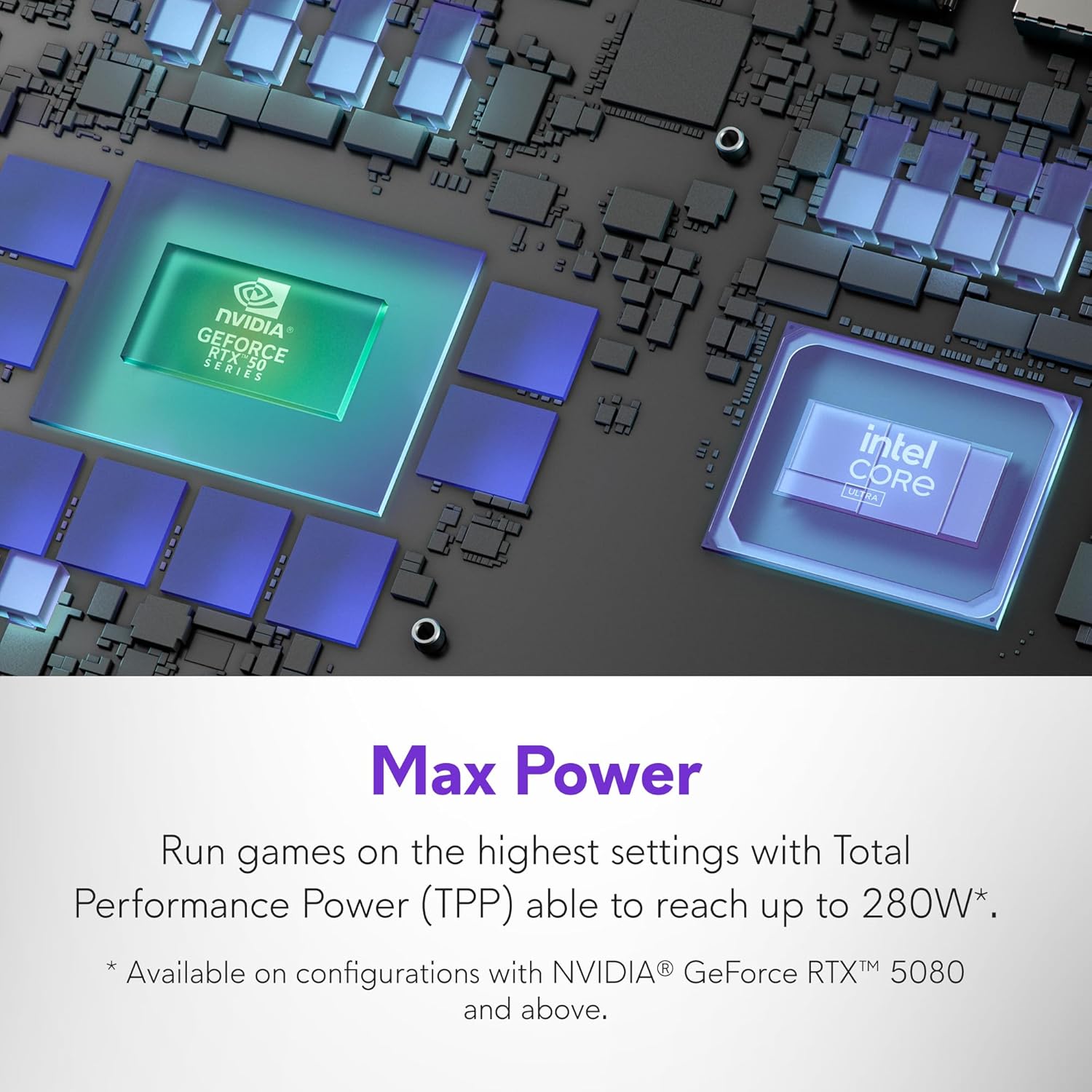
That said, it’s still a large 18-inch laptop, so it’s not a do-everything travel machine. If you’re primarily gaming in short bursts on the move, you may end up wishing it were smaller. Also, maximum performance depends on thermals and power settings, and while the cooling system is detailed, laptops can’t behave exactly like desktop hardware.
It makes sense if you want one device that can handle AAA gaming and demanding creative or AI-related workflows without constantly thinking about upgrades. It may not suit you if you only play less demanding titles, or if you want something you can realistically lug around.
What stands out
Alienware’s pitch here is a mix of display responsiveness and “extreme processing power”. The 18-inch WQXGA (2560 x 1600) screen is paired with a 300Hz refresh rate and ComfortView+ low blue light tech, plus NVIDIA G-SYNC for smoother frame pacing. On top of that, the system uses Advanced Optimus, which (on paper) is aimed at improving graphics switching for better real-time visuals.
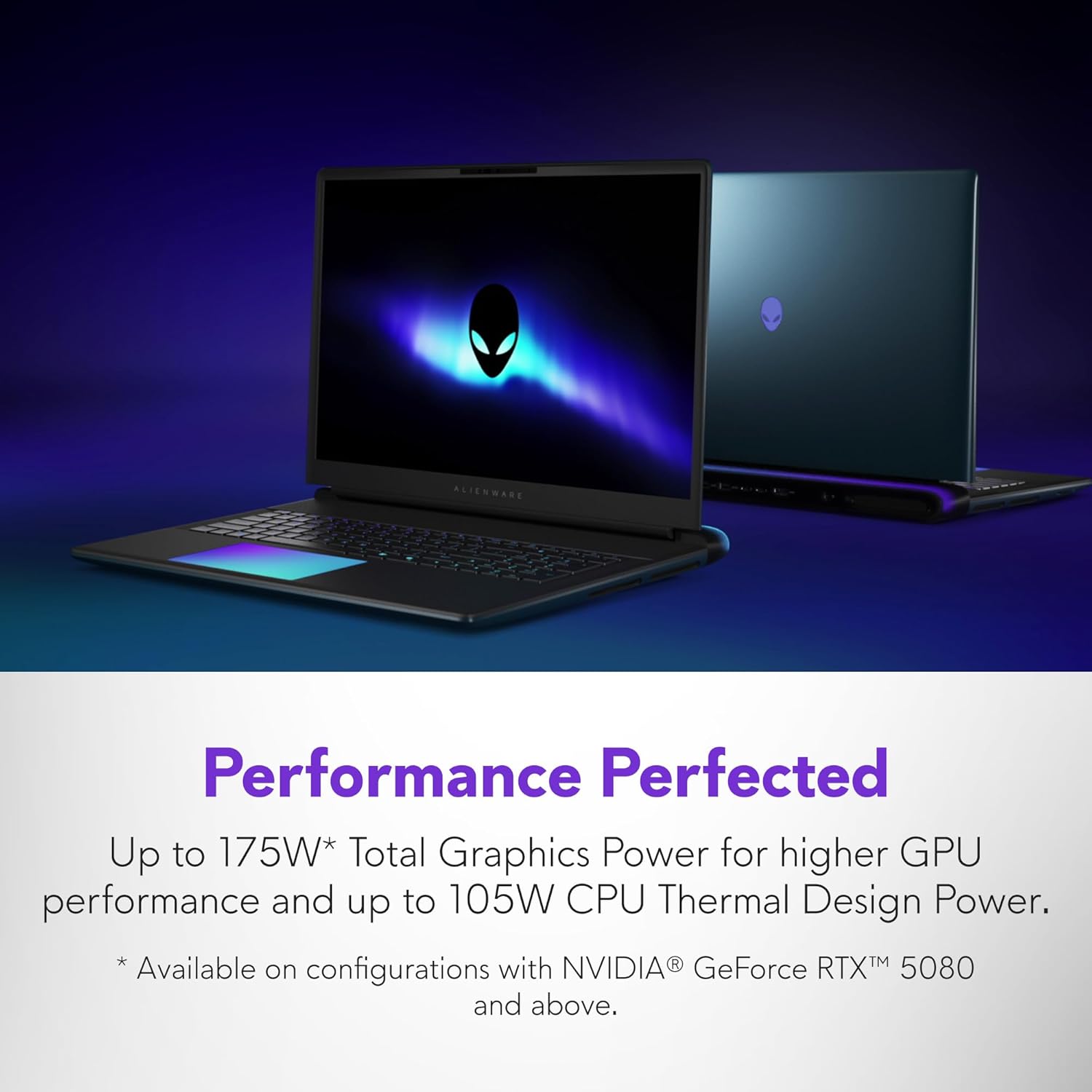
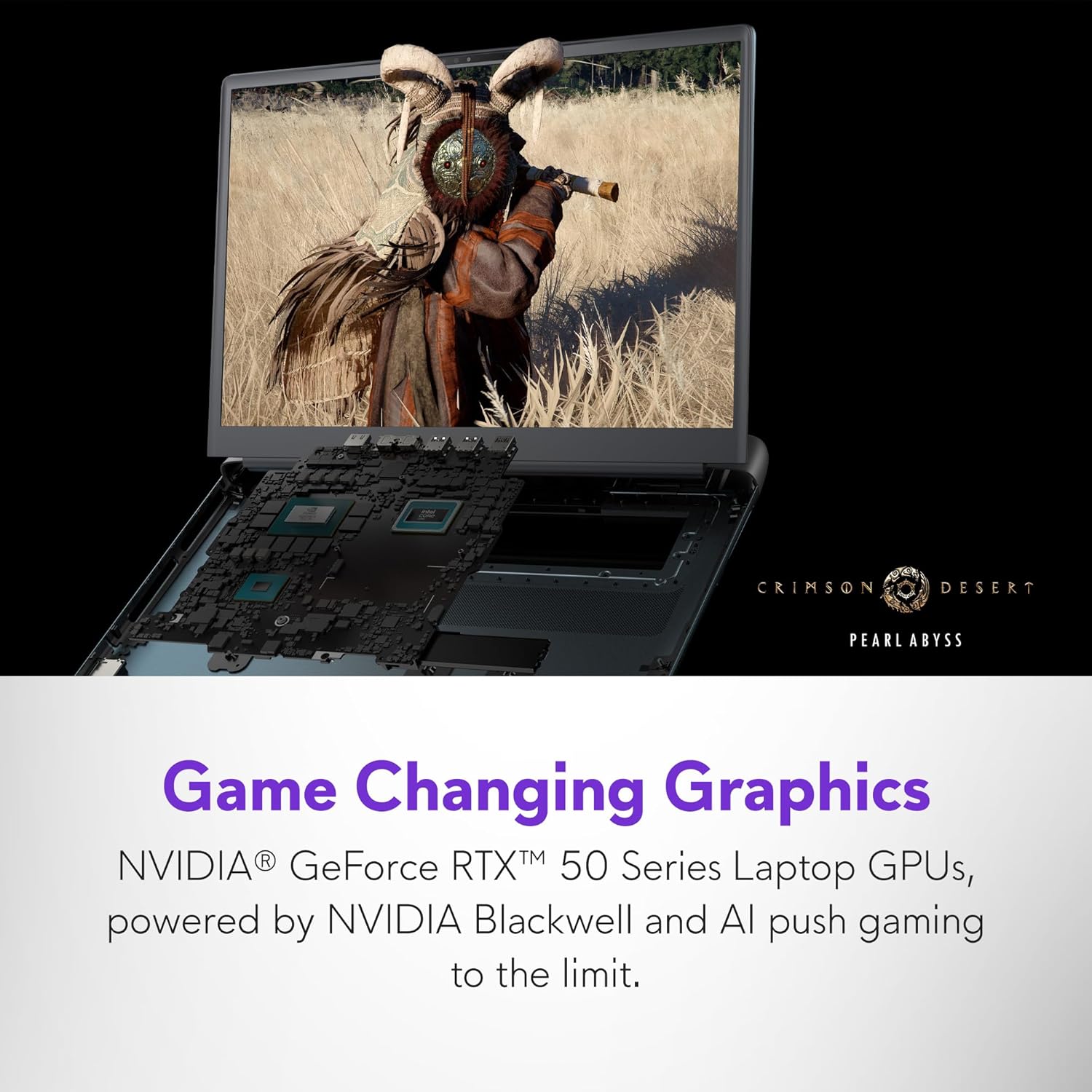
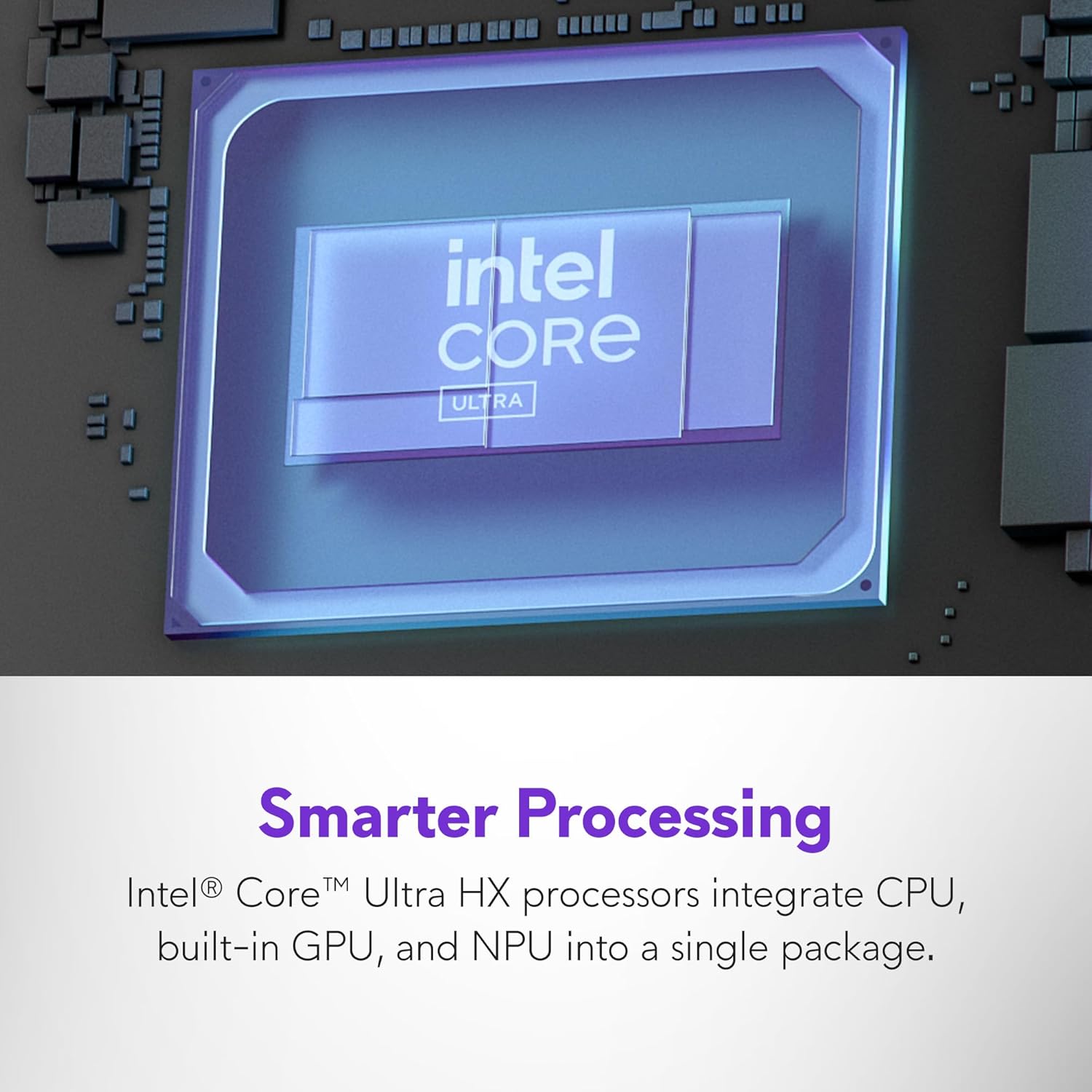
For performance, the headline is the Intel Core Ultra 9 275HX (24-core, 36MB cache, up to 5.4GHz) alongside integrated NPU for AI acceleration and intelligent multitasking. If you specifically care about AI-assisted workflows, that’s where the “modern CPU with NPU” part starts to sound more relevant rather than just marketing.
For graphics, the GeForce RTX 5080 16GB GDDR7 is positioned for ray tracing and AI-enhanced DLSS 4. There’s also mention of NVIDIA Reflex 2 with Frame Warp, which is aimed at reducing latency and keeping action feeling tight.
Tech specs
- Display: 18.0-inch WQXGA (2560 x 1600), 300Hz refresh rate
- Colour / brightness: 100% DCI-P3, 500-nit brightness
- Display tech: NVIDIA G-SYNC, Advanced Optimus, ComfortView+ low blue light tech
- CPU: Intel Core Ultra 9 275HX (24-core, 36MB cache), up to 5.4GHz
- GPU: NVIDIA GeForce RTX 5080 (16GB GDDR7)
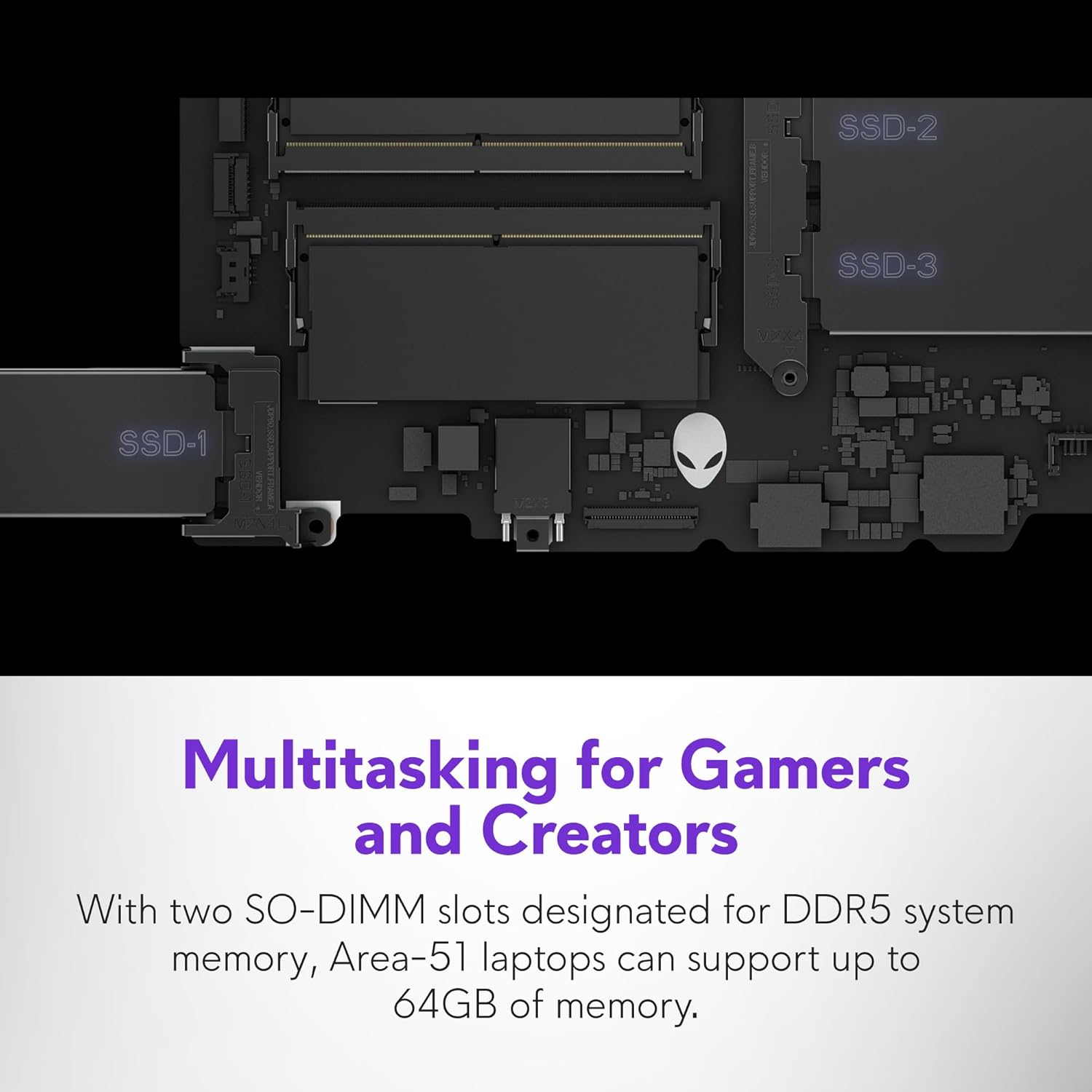
- Memory: 32GB DDR5 RAM (6400MT/s), upgradeable up to 64GB
- Storage: 2TB PCIe Gen4 SSD
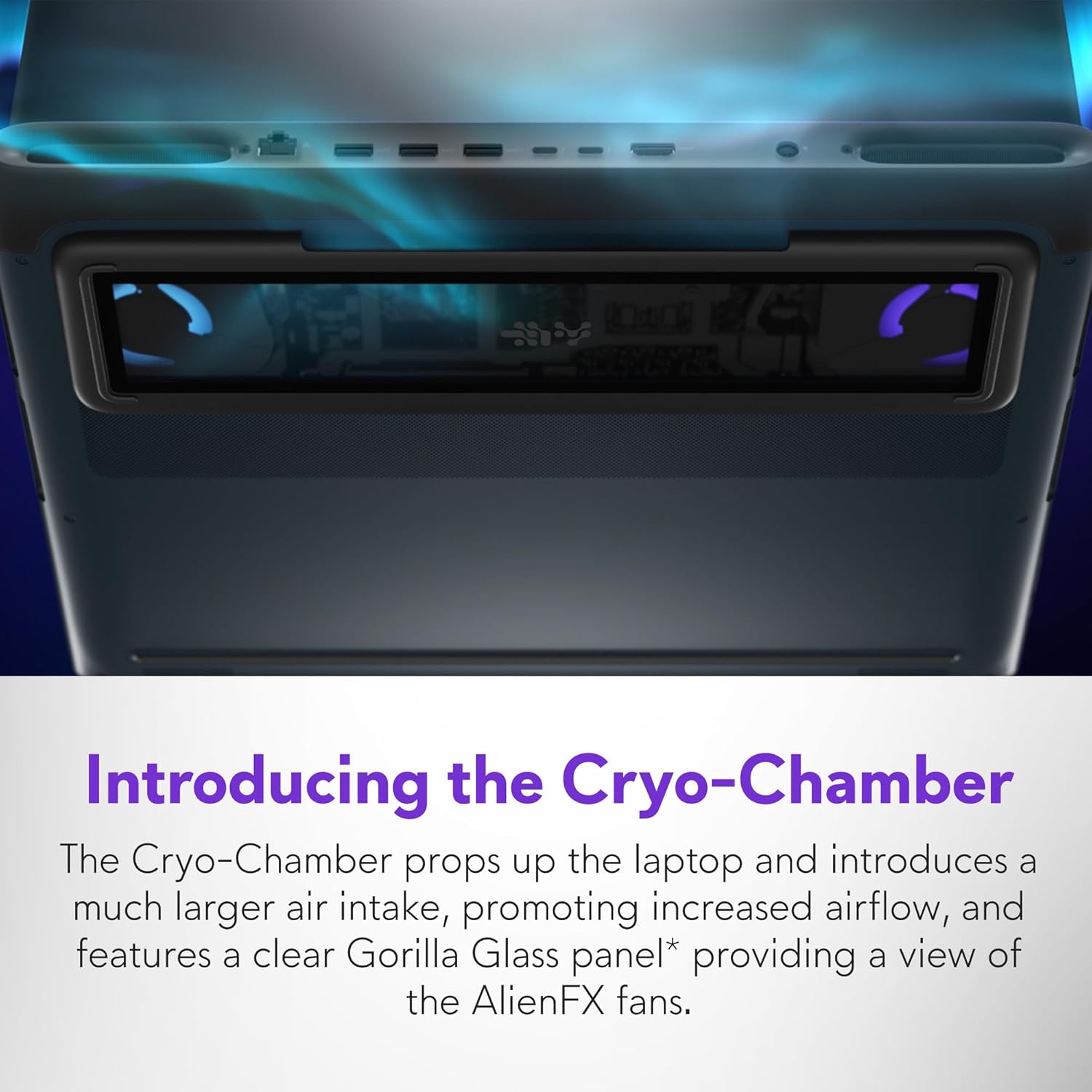
- Cooling: Alienware Cryo-tech with Cryo-Chamber intake system, quad fans, Element 31 gallium-silicone cooling on CPU, 7 heat pipes
- Warranty: 1 year Alienware Care with 24/7 hardware and software support
- Keyboard / region: UK RGB Qwerty
What you’ll notice day to day
In everyday use, this sort of configuration is about responsiveness rather than “wow factor”. A 300Hz display is most noticeable in titles that support high frame rates, where motion looks smoother and aiming can feel more controlled. Paired with G-SYNC, it should also help with the typical “tearing or stutter” concerns that come up when frame rates don’t perfectly match the refresh.
For multitasking, 32GB RAM at 6400MT/s should help when you’re juggling games plus browser tabs, chat tools, streaming overlays, or heavier creative apps. And the 2TB PCIe Gen4 SSD is the kind of storage choice that tends to keep loading times down and makes it easier to store a larger library of games and files.
Quick example: if you’re bouncing between a demanding game and a work task like exporting or running a compute-heavy workflow, having plenty of RAM and a fast SSD is what keeps the system from feeling sluggish between apps. Not every workload will benefit equally, but the spec direction here is clearly “less waiting”.
Limitations to bear in mind
It’s worth being realistic about the form factor. An 18-inch gaming laptop is big by design, and even with a strong cooling system it’s not going to be silent under heavy load. The thermal engineering details suggest Alienware is trying to keep performance stable and acoustics controlled, but high-performance laptops can still get loud depending on power settings and the specific game or workload.
Also, the entry includes “Supports future-ready Gen5 SSDs” in the description, but without specifics on how easy upgrades are in this exact configuration, it’s better to treat that as a longer-term possibility rather than something to plan around immediately.
Should you buy it?
Buy it if you want a top-end, high-refresh 18-inch gaming laptop with an RTX 5080 GPU, 32GB DDR5 RAM, and a 2TB PCIe Gen4 SSD, and you’re genuinely after smooth gameplay plus strong multitasking. The combination of 300Hz, G-SYNC, and a machine built for high sustained performance (via Cryo-tech cooling) is a strong match for people who play demanding titles and also run heavy workloads.
Don’t buy it if you’re looking for a small, travel-friendly laptop, or if your games don’t really need high refresh rates. You may also want to skip it if you prefer spending less and aren’t sure you’ll make use of advanced AI/workflow features—because this setup is aimed at power users, not value-only shoppers.
If you’re deciding between approaches, consider whether you want one “do everything” machine at the high end, or whether a more modest laptop could cover your needs with fewer trade-offs.
Mini FAQ
Is the 300Hz display good for all games?
It’s best for games that can push high frame rates. If a title runs at much lower FPS, you may not fully benefit from 300Hz, even with G-SYNC.
How much RAM does it come with?
It comes with 32GB DDR5 RAM, upgradeable up to 64GB.
What cooling system does it use?
The description points to Alienware Cryo-tech with a Cryo-Chamber intake system, quad fans, Element 31 gallium-silicone cooling on the CPU, and 7 heat pipes.
Does it include Windows?
Yes, it includes Windows 11 Home.
What warranty support is included?
It includes 1 year of Alienware Care with 24/7 hardware and software support and global coverage (as stated in the product description).