

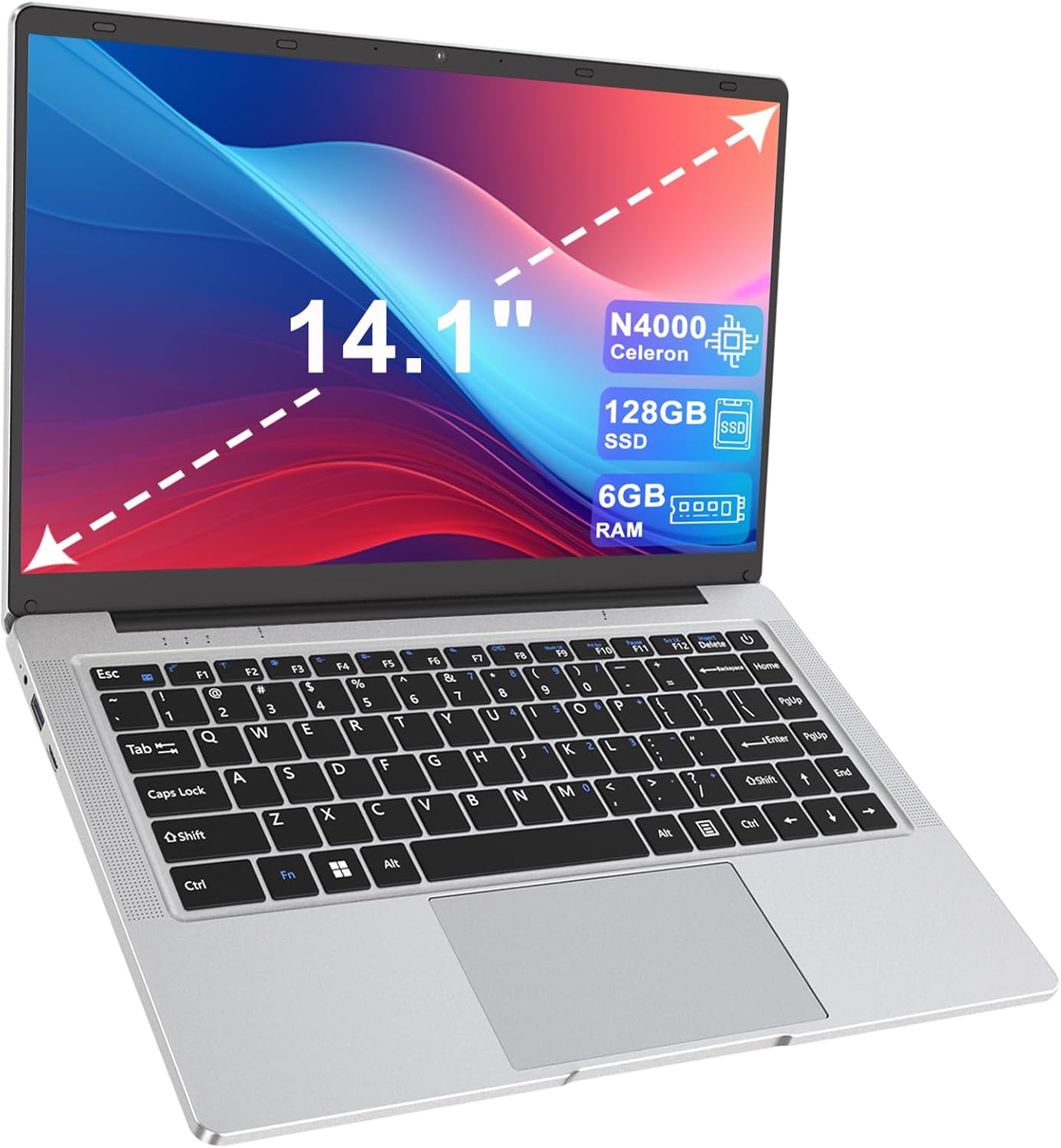
LEEDOW 14-inch Laptop (Celeron N4000, 6GB RAM, 128GB SSD) – fanless, dual-band WiFi
Product description
Quick overview
If you’re after a lightweight, portable 14-inch laptop for everyday tasks, this LEEDOW model has a fairly clear brief: study, home use, basic office work, and general web browsing on the move. On paper it leans towards a smooth-enough experience for typical “browser + documents” life, rather than anything that needs heavy CPU muscle.
The standout themes are the fanless design (aimed at quieter day-to-day use), a 14-inch form factor that’s easy to pack, and dual-band WiFi plus Bluetooth 5.0 for modern connectivity. You also get 6GB RAM and a 128GB SSD, which should help with responsiveness compared with older laptop setups that relied on traditional hard drives.
What matters most for day-to-day use
For the kind of work most people actually do on a “home/study/office” laptop—writing documents, joining video calls, and juggling multiple browser tabs—this configuration is designed to feel practical.
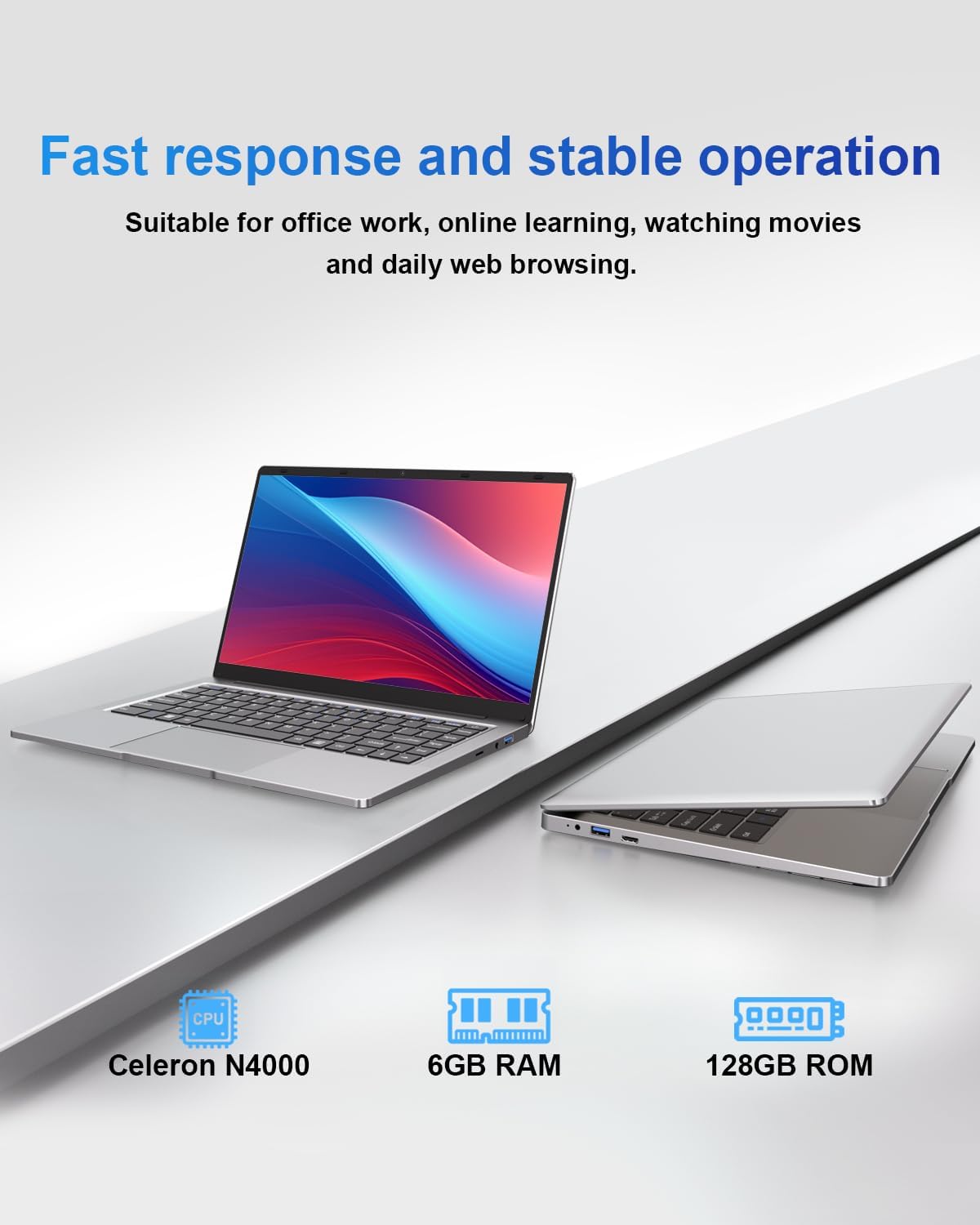
The Celeron N4000 is a dual-core processor with speeds quoted from 1.1GHz up to 2.6GHz. That’s the kind of spec you’d expect in entry-level laptops: it’s there to keep things moving for everyday tasks, not to power through complex workloads.
Where it’s likely to feel more comfortable is the combination of 6GB RAM and the SSD. The base description points to faster system starts and quicker app loading, and that matches how most people notice SSDs—less waiting, more “open and get on with it”. Integrated UHD graphics are also mentioned, including support for 4K video decoding, which is a useful checkbox if you stream a lot.
Key features you’ll notice (and one caveat)
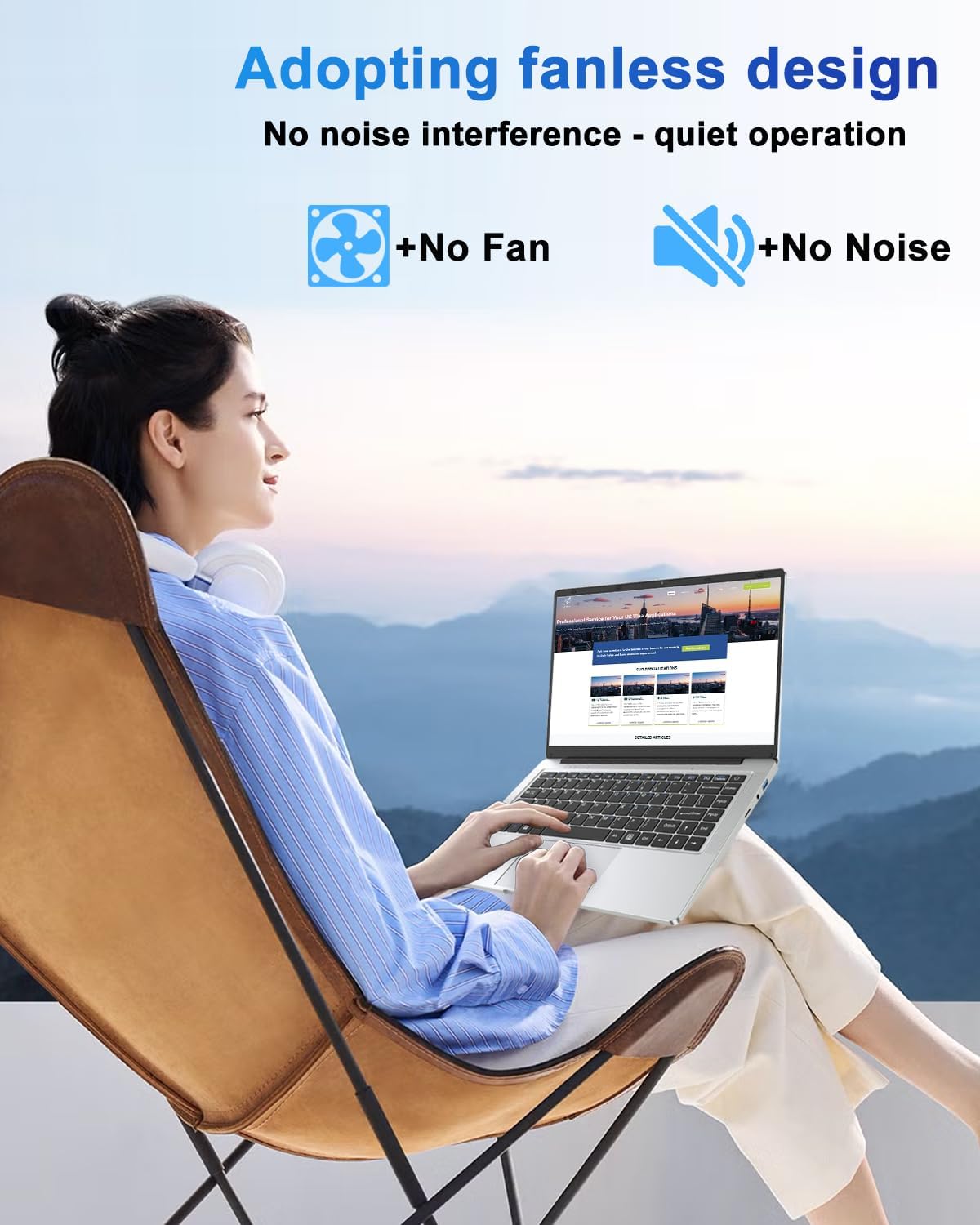
The fanless, silent design is the most “lifestyle” choice here. In practical terms, it means there’s no fan noise to deal with during quiet study sessions or working in the same room as others.
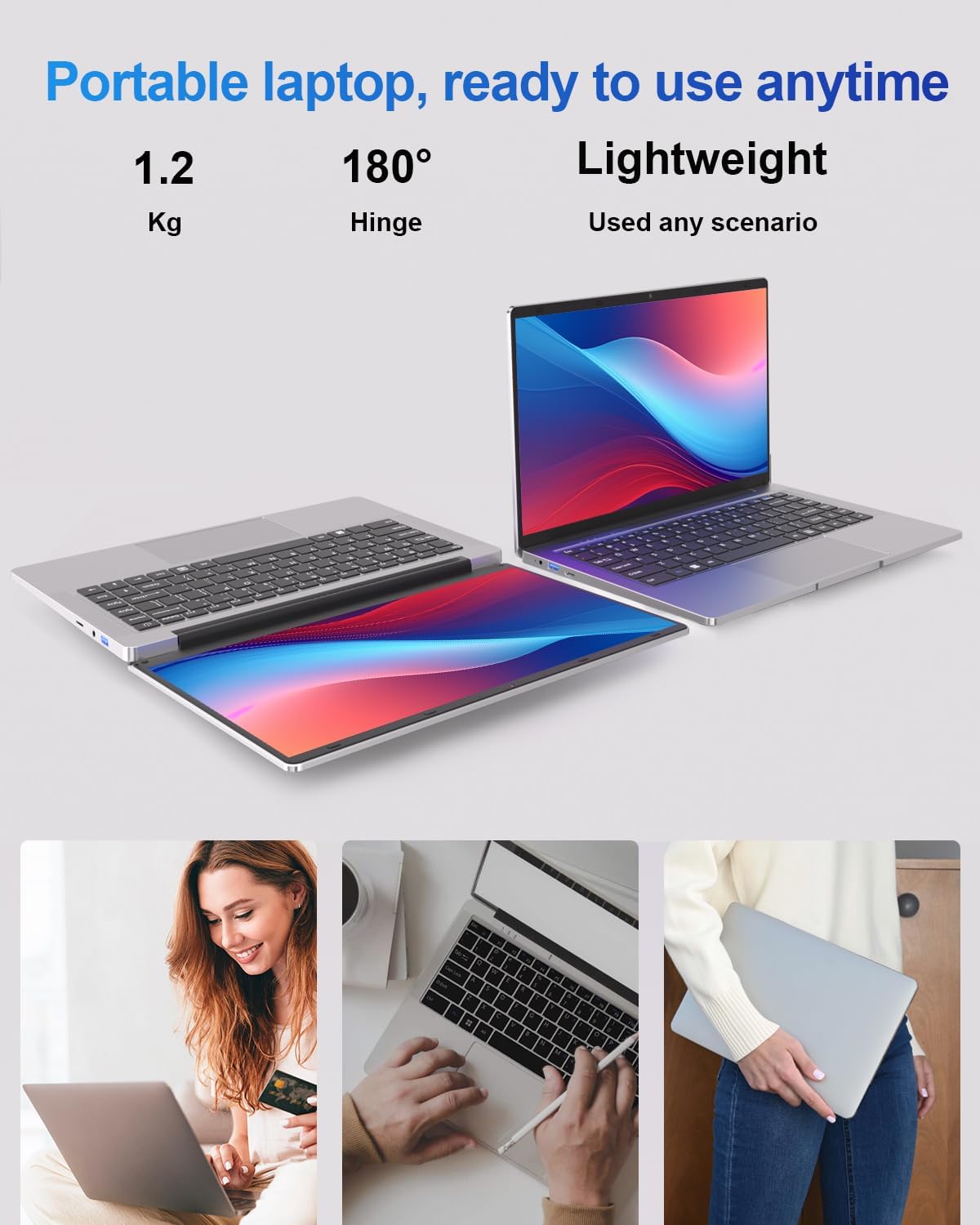
It also gives the laptop a simpler maintenance story over time—though it’s still worth remembering that fanless designs can sometimes be more sensitive to airflow. If you plan to use it on soft surfaces (like a bed or thick blanket), you may want to be cautious.
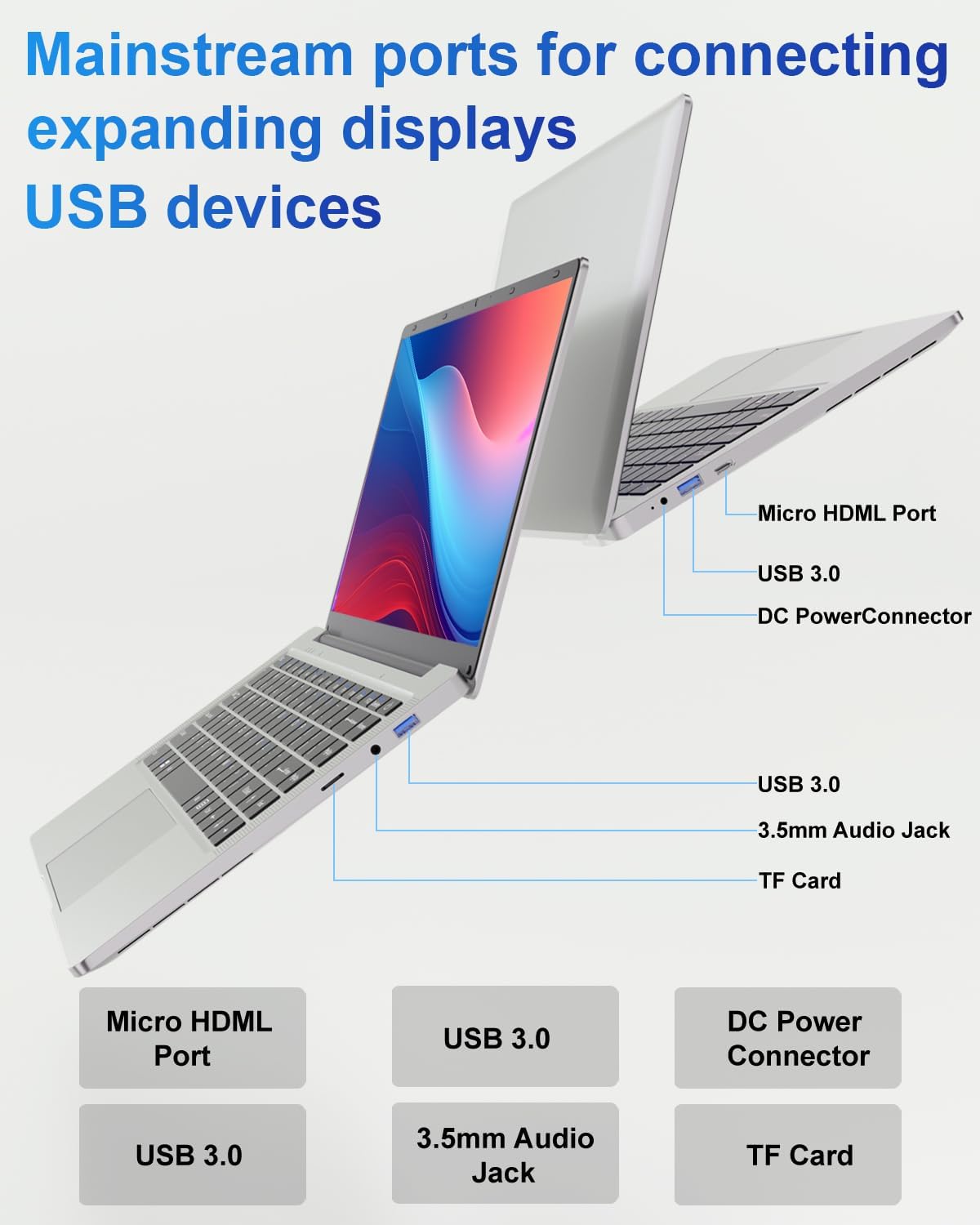
On connectivity, dual-band WiFi (2.4GHz + 5GHz) and Bluetooth 5.0 cover the basics well. Ports are also fairly flexible for its class: it mentions Micro HDMI, USB 3.0, and USB 2.0. That should cover common needs like plugging in a monitor or connecting everyday peripherals.
A small limitation worth considering: with 6GB RAM and an entry-level dual-core CPU, it may not suit users who regularly edit large media files, run heavy spreadsheets with huge datasets, or expect consistently fast performance under demanding multitasking. It’s not perfect, but it does seem aimed at “good enough, reliably” rather than “fast, all the time”.
Tech specs in plain English
- Name: LEEDOW 14-inch Laptop
- Type: Laptop
- Processor: Intel Celeron N4000 Dual-Core (quoted 1.1GHz up to 2.6GHz)
- Memory: 6GB RAM
- Storage: 128GB SSD
- Graphics: Integrated UHD graphics, supports 4K video decoding
- Display size: 14-inch
- Wireless: Dual-band WiFi (2.4GHz + 5GHz), Bluetooth 5.0
- Ports: Micro HDMI, USB 3.0, USB 2.0
- Cooling: Silent fanless design
Who it suits best (and who should think twice)
It’s a solid pick if you want a portable 14-inch laptop for home, study, or office basics—especially if your day is mostly documents, email, and web browsing with the occasional video.
You’ll probably like it if you value low-noise use and want the responsiveness that an SSD tends to bring. The dual-band WiFi is also handy if your broadband router supports both bands and you want the option to switch.
It may not suit you if you regularly work with demanding software, large media projects, or you need a laptop that stays snappy while pushing lots of heavy apps at once. In that scenario, this setup could feel more like “it works, but don’t expect miracles”.

Practical example: study and home office workflow
Imagine you’re doing an evening study session: you open a few documents, a browser with tabs for research, and a video lecture. With an SSD and 6GB RAM, the expectation is that you’re not waiting ages for apps to launch or the system to feel sluggish as you switch between tasks. Add the fanless setup, and it’s less distracting than a louder machine in a quiet room.
Care, support, and what to double-check before buying
The listing mentions 24/7 customer support, with technical support available via amazon email. That’s reassuring if you hit a setup snag.
Before you buy, it’s worth checking two practical things on your side: - whether your peripherals and monitor needs match the mentioned ports (notably Micro HDMI), and - whether your workflow is firmly in “documents, web, HD/4K playback” territory rather than heavy compute.
If those boxes line up, this laptop should feel like a straightforward, portable option for everyday use.
Final verdict
Should you buy it?
Worth considering if you want a lightweight 14-inch laptop for home, study, and office essentials, and you value a silent fanless design with dual-band WiFi and an SSD-backed setup. It’s designed for everyday browsing, documents, and smooth-enough media playback.
Better avoided if you need sustained performance for demanding applications or you expect a high-end experience under heavy multitasking. For more intensive work, this might feel more like a gateway laptop than a serious workhorse.
Mini FAQ
Is this laptop suitable for everyday web browsing?
Based on the Celeron N4000 dual-core setup and SSD/6GB RAM combination, it’s positioned for everyday browsing and document work, rather than intensive workloads.
Does the fanless design really matter?
If you work in quiet spaces, fanless operation is the kind of detail you notice—there’s no fan noise during use.
Does it have dual-band WiFi?
Yes. The listing specifies dual-band WiFi at 2.4GHz and 5GHz, plus Bluetooth 5.0.
Can it connect to a monitor?
It mentions Micro HDMI support. Whether that matches your monitor/cable depends on what inputs your display has.
Is 128GB SSD enough?
For basic tasks, an SSD of this size is often workable. But if you plan to store lots of large files locally, you may want to think about storage needs ahead of time.