NordVPN Basic: 10 Devices, 6-Month Digital Code (Premium VPN Software)
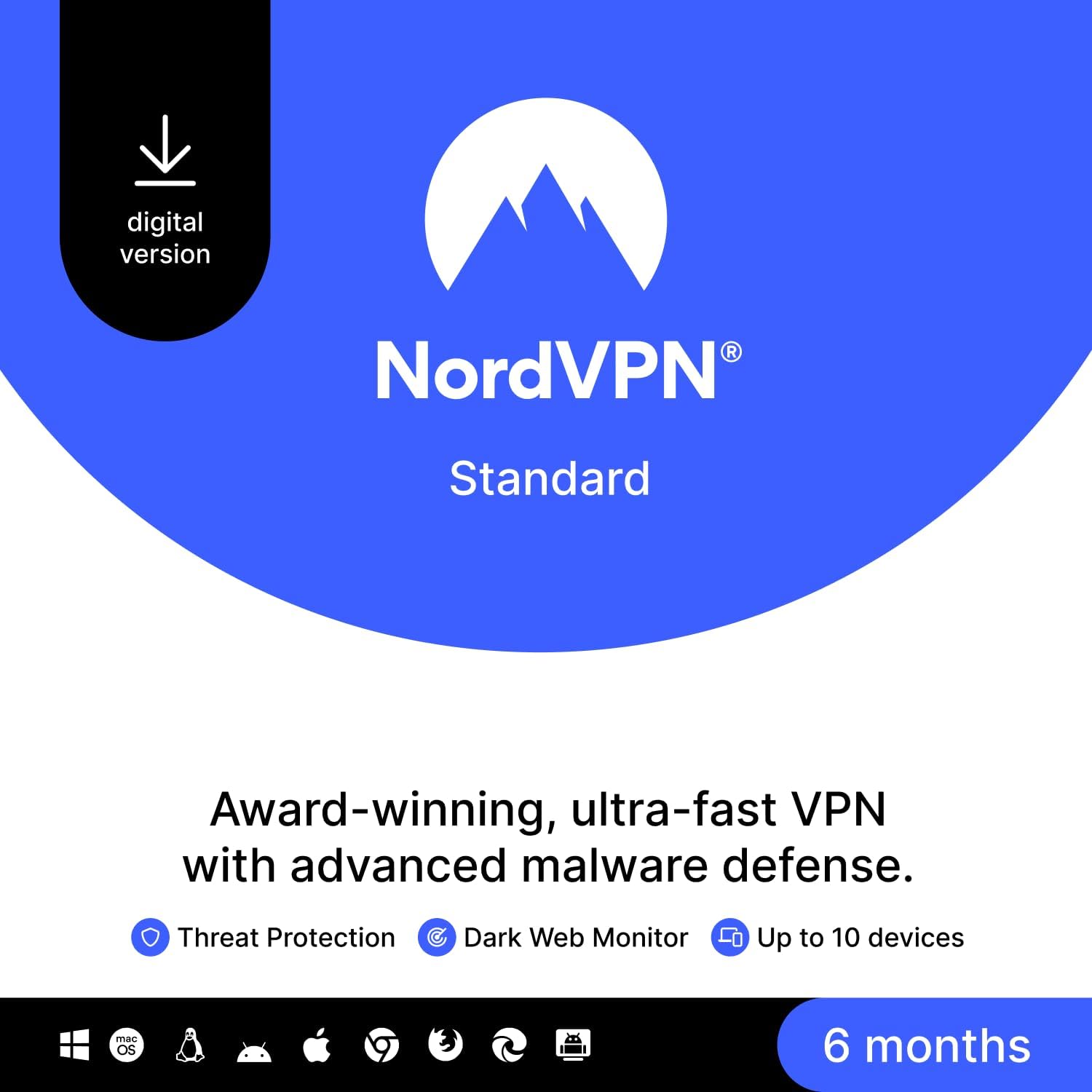
What it is and what it aims to solve\nNordVPN Basic is a digital code offering premium VPN protection for up to 10 devices simultaneously. It helps defend your online activity across household devices and, if preferred, can secure your home network by configuring the VPN on a router. It supports a wide range of platforms including Windows, macOS, iOS, Linux, Android, amazon Fire TV Stick and major web browsers. On paper, the value lies in simple, one-click protection and the ability to mask your location by switching to a different virtual IP address in 111 countries.\n\n## How it fits into everyday use\nIf you work from home, travel with a laptop, or stream content on multiple gadgets, this plan promises coverage for the whole household. The multi-device allowance reduces the need to juggle licences across family members or devices. However, the practicality depends on whether you actually need VPN protection across all those devices and whether you’re comfortable setting up a router-level VPN for home protection.\n\n## What stands out day to day\nA straightforward user experience with ‘one-click’ protection can be appealing for non‑tech-savvy users. The breadth of platform compatibility is convenient if you use a mix of devices. The ability to change your virtual location across 111 countries is useful for trying to bypass regional restrictions or locating local deals, though results can vary by service and content provider.\n\n## Limitations and caveats\nNo product is perfect for every scenario. If your priority is peak streaming reliability on a specific device or if you rely heavily on gaming with ultra-low latency, this plan’s effectiveness will depend on routing and server load. The six-month term is a snapshot in time, you’ll need to assess renewal options and price movement at that point. Also, router configuration adds a layer of setup even if it broadens coverage.\n\n## Who it’s for\nThis is a pragmatic option for households that want broad device coverage without juggling multiple licences, and for users who value easy protection across devices rather than bespoke, device‑specific features.\n\n## Who it’s not ideal for\nIf you primarily use a single device or you prioritise the absolute fastest speeds for competitive gaming, a more targeted plan or dedicated server setup might serve you better. If you’re not comfortable configuring a home router for VPN, the router route may feel extra work rather than additive value.\n\n## What to check before buying\nConfirm that your key devices are covered under the 10‑device limit and verify router compatibility if you plan to protect the whole home network. Consider whether a 6‑month window suits your budgeting and your expected VPN usage, and think about what happens when the term ends—whether you’d renew at a similar price or switch to another plan.\n\n## Practical usage example\nImagine you’re working from a café on a public Wi‑Fi. You would connect your laptop, phone, and tablet to NordVPN, keeping your browsing private while still accessing regional content as needed. If you manage a home network, you could enable VPN on your router so any connected device benefits from the protection without individual setup.\n\n## Quick comparison of options\nIf you need VPN protection on many devices with minimal hassle, this multi‑device approach is sensible. If you only require occasional use on one or two devices, a smaller plan could be more cost‑effective. If you rely on ultra‑fast, low‑latency connections for gaming, you may want to test performance on your typical routes before committing long term.\n\n## What to consider for the purchase decision\nFinal verdict depends on how many devices you want protected and whether you’re comfortable with router setup. For households wanting broad coverage with straightforward operation, this NordVPN Basic option offers a sensible balance between usability and reach.\n\n## FAQ\n- Is NordVPN Basic suitable for multiple devices at once? Yes, up to 10 devices can be connected simultaneously.\n- Can I protect my home network by router configuration? Yes, you can secure the entire home network by setting up VPN protection on your router.\n- What platforms are supported? Windows, macOS, iOS, Linux, Android, Amazon Fire TV Stick, and web browsers are supported.\n