

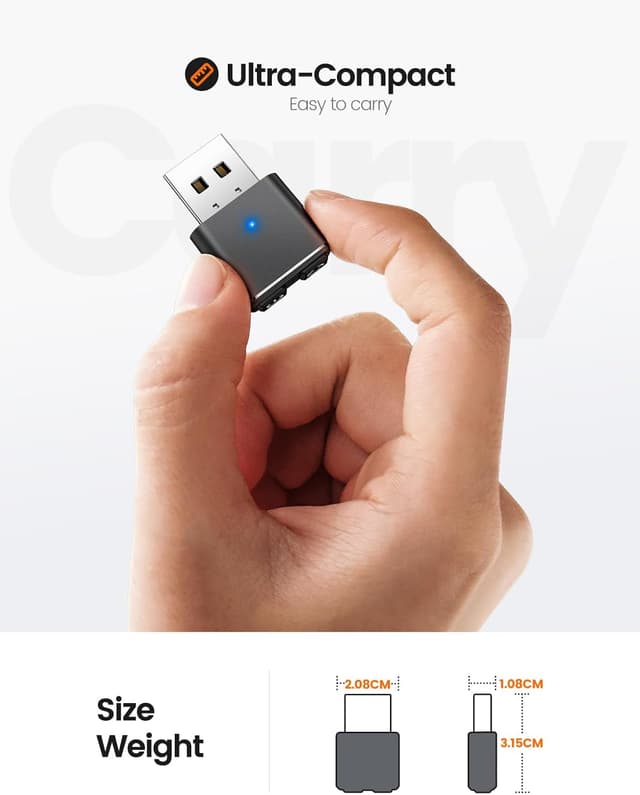
Meatanty Metal Mouse Jiggler (UK Design) – undetectable USB cursor mover with 3 smart modes
Product description
The essentials
A mouse jiggler is one of those tools people either don’t understand, or rely on day-to-day once hybrid working becomes normal. The meatanty Metal Mouse Jiggler (UK Design) is a plug-and-play USB cursor simulator designed to keep you showing as “active” by mimicking natural cursor movement. The pitch here is fairly direct: help avoid the awkward jump from “Active” to “Away” during long meetings, call breaks, or when you’re working in applications that expect input.
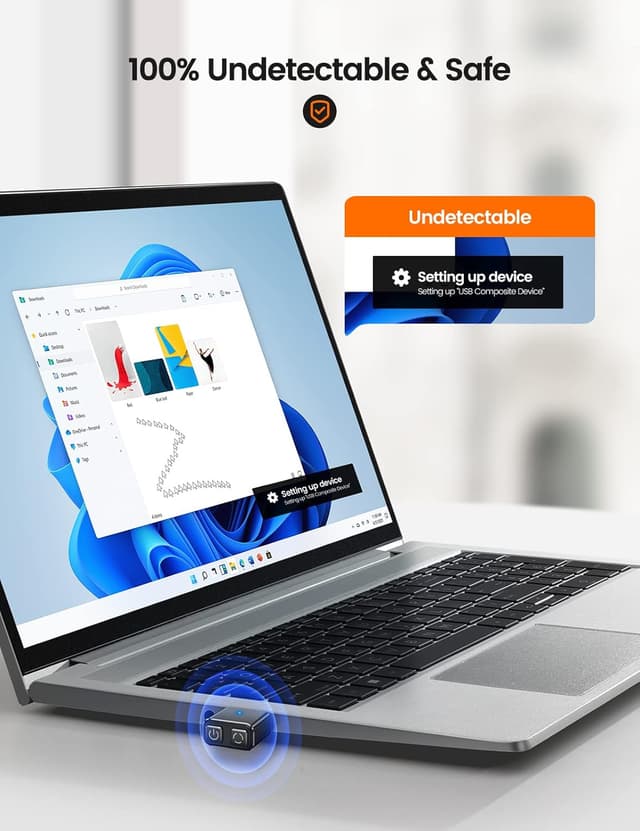
On paper, it’s built around three smart movement patterns and a simple one-button control. It also leans into an “IT-stealth” angle (it claims not to trigger corporate firewall alerts), which is clearly aimed at office users who want something that won’t constantly need fiddling. That said, you should treat any “undetectable” wording as a best-effort claim rather than a guarantee—workplace monitoring varies a lot.
Key features that matter in daily use
The standout practical elements are the way it’s controlled and the way it starts up.
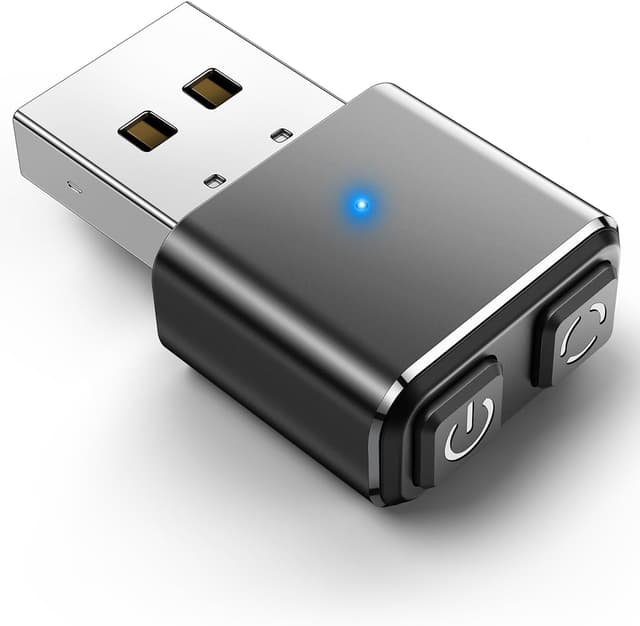
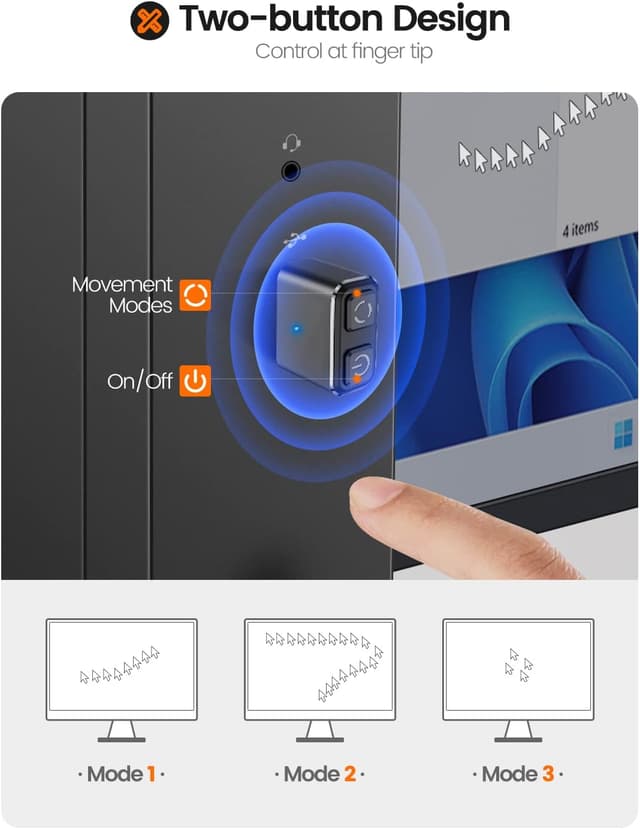
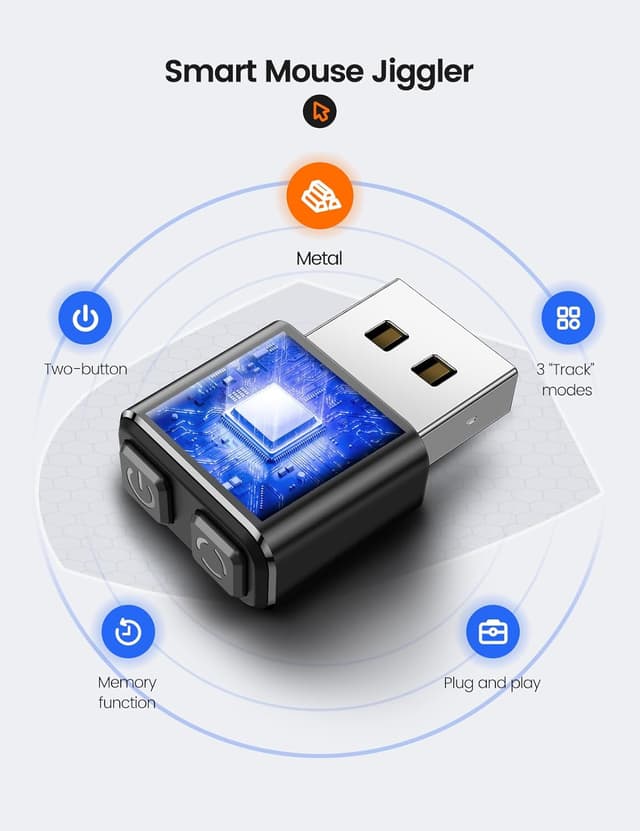
First, it uses a single button to switch on/off and cycle through the three modes. There’s no app or driver install mentioned in the provided details, and it’s described as driver-free. Second, it includes a memory function, so after a reboot it can resume the last-used movement pattern. In real terms, that reduces the “did I remember to set the right mode?” problem when you’re swapping laptops or restarting after updates.
The three movement styles are presented as: - subtle sway - random wander - wide range random wander
If you’ve ever had cursor movement stand out as too robotic (or too uniform), the ability to change pattern is the kind of small feature that can genuinely help—especially when a platform is picky about what counts as “real enough” movement.
What you’ll notice day to day
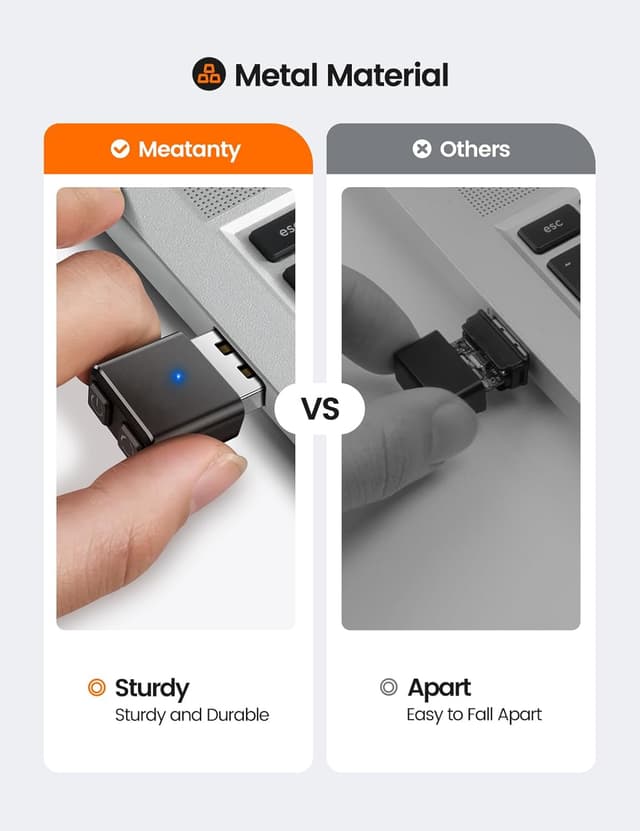
The metal body is designed to be travel-ready, and the description calls out a durable aluminium alloy build. For anyone who moves between home, the office, and coffee shops, that’s a sensible choice compared with flimsy plastic gadgets.
It also includes a snap-on silicone cover to shield the USB port from dust. That’s a small thing, but it’s the sort of detail that makes it easier to keep the device usable in a bag without constant fussing.
A quick example of use: you join a long Teams or Skype meeting, put your laptop in use mode, and then step away briefly to take notes or make tea. If the application would usually flip you to “Away” during inactivity, the jiggler is meant to keep the status stable until you’re back at the screen.
Tech specs
- Name: Meatanty Metal Mouse Jiggler (UK Design)
- Type: USB mouse cursor simulator / mouse jiggler
- Controls: One-click on/off and cycles through 3 smart modes
- Modes mentioned: subtle sway, random wander, wide range random wander
- Software: Driver-free, no app required (as described)
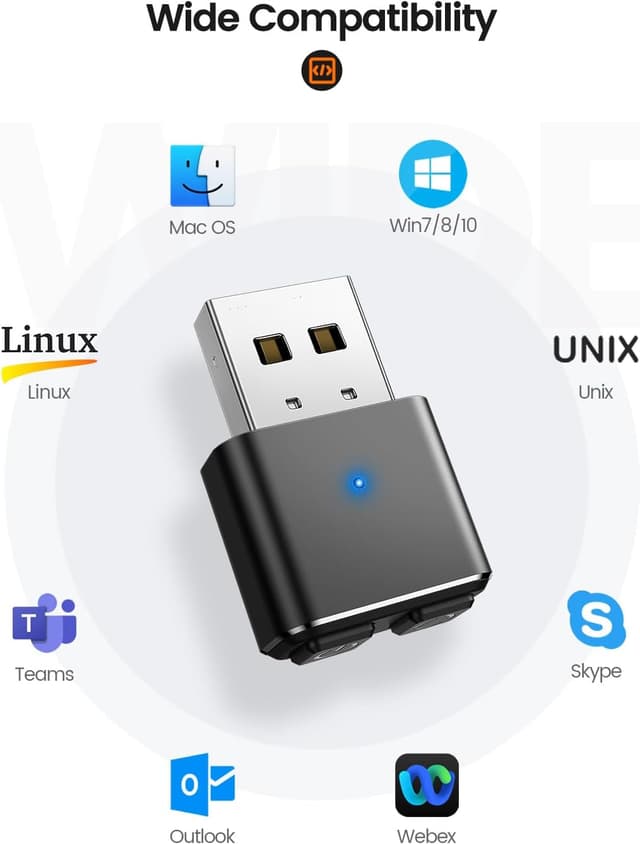
- Compatibility (as stated): Windows 11, macOS Ventura, Linux, and Chromebooks
- Warranty/support: 2-year warranty and 24/7 support
Where it shines (and where it may not)
This is the kind of device that makes the most sense if your problem is recurring and specific: you need to stay marked as “Active” in meeting/calling tools without constantly moving your mouse yourself. It’s also geared toward people who want something simple enough to leave plugged in rather than a setup project.
It may not be the best match if your workplace has strict policies around circumventing activity checks. While the product description includes claims about bypassing workplace restrictions and avoiding IT alerts, your employer’s rules and monitoring setup will ultimately decide what’s acceptable. If you’re in a setting where any workaround could breach policy, it’s safer to skip.
Also, if your main concern is power-user features or deep customisation, this is deliberately the opposite: it’s controlled by a single button with preset patterns, not detailed tuning.
What to check before you buy
Before committing, it’s worth confirming the practical basics for your setup. Since the product is described as plug & play and uses a UK/USB-C port connection, check that you have a suitable USB/USB-C access point on your device. If you rely on specific docking stations or work laptops with unusual port setups, it’s also sensible to double-check that the jiggler will physically fit and stay connected without being bumped.
Next, consider how your “Active/Away” status is determined. Some systems are more sensitive than others, so having three patterns is useful—but no device can guarantee the exact same behaviour in every environment.
Finally, if “undetectable” monitoring is your core concern, don’t assume wording from a product listing covers every corporate configuration. Treat it as a likely best effort, not a universal shield.
Should you buy it?
A solid pick if you’re a hybrid worker who regularly hits “Away” status in meeting tools and you want a driver-free, one-button solution that can remember its last mode after reboot. It suits people who value a robust build for everyday commuting, and the included silicone cover is a nice extra for bag carry.
You may want to skip it if your workplace policies explicitly prohibit cursor/activity simulators, or if you’re buying mainly for deep custom control rather than preset “keep-alive” movement patterns. And if your expectation is absolute certainty about how monitoring systems will respond, it’s better to be cautious: workplace IT varies too much.
Mini FAQ
How many movement modes does it have?
It’s described as offering 3 smart modes, including subtle sway, random wander, and wide range random wander.
Do I need to install software or drivers?
The listing says it’s plug & play and driver-free, with no app needed.
Will it keep the cursor movement after reboot?
Yes, the memory function is stated to auto-resume the last-used pattern after reboot.
Is it compatible with Macs and Linux?
The description states compatibility with Windows 11, macOS Ventura, Linux, and Chromebooks.
What’s the warranty like?
It’s backed by a 2-year warranty and 24/7 support, with replacement shipping described if it ever falters.