

SanDisk 64GB Ultra USB 3.0 Flash Drive
Reviews
Price
Product description
What it is and who it’s for
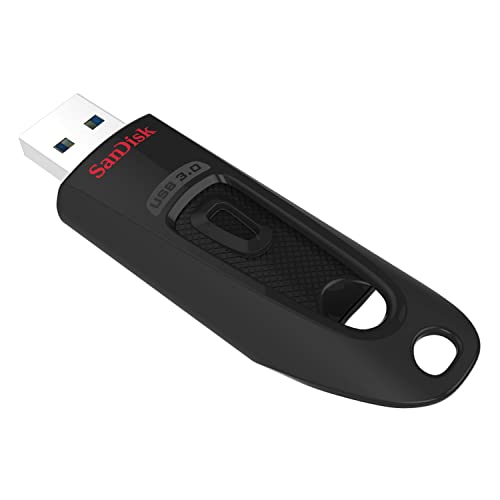
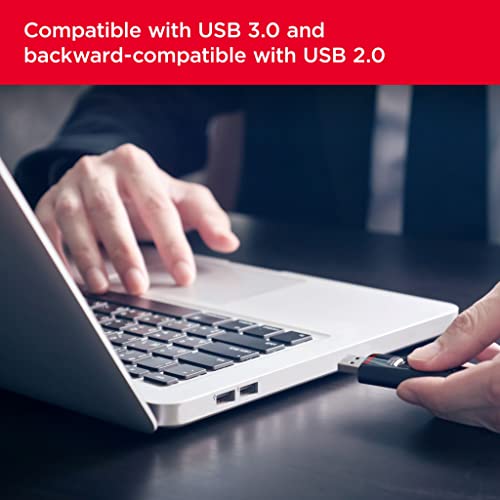
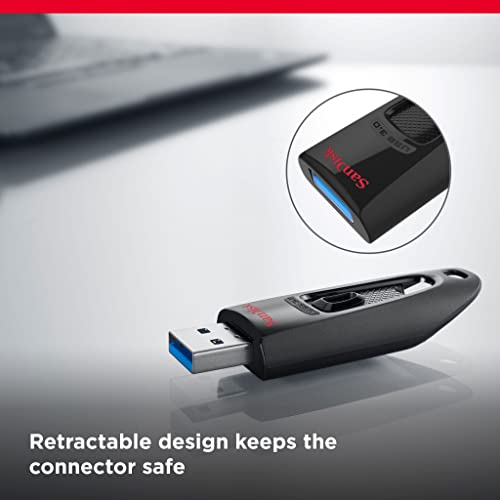
The SanDisk 64GB Ultra USB flash drive is a portable storage solution designed for quick, everyday file transfers and backups. It’s compatible with USB 3.0 and USB 2.0 ports, making it a practical choice for transferring documents, photos, videos and other media across laptops, desktops and compatible devices. If you’re looking for a simple, no-fuss way to carry essential files, this drive offers a straightforward approach without needing extra software beyond what SanDisk provides for security.
How it performs on paper
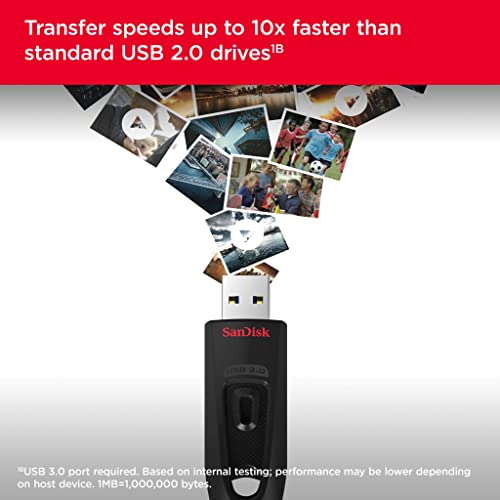
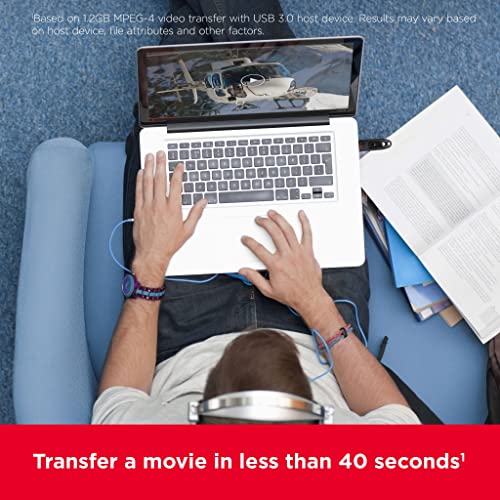
On the technical side, this model is advertised as USB 3.0-enabled, with compatibility for USB 2.0. The label notes up to 100 MB/s read speeds in some specifications, and a claim that a full-length movie could transfer quickly, which is a useful reminder of the potential for fast tasks. Temperature ranges give a sense of real-world use: operating from 0 to 45°C and storage from -10 to 70°C. The memory is compact and lightweight, designed to travel easily in a pocket or bag.
Security and protection
Security-minded users can password-protect and encrypt private files using SanDisk SecureAccess software. This adds a layer of protection for sensitive data, which can be valuable when using the drive in public or shared environments. It’s worth noting that security features depend on using the included software and the supported operating system.
Capacity options and value
Available in a range of sizes (including 64 GB), SanDisk’s Ultra line is positioned for everyday use rather than heavy, niche workloads. For light to moderate storage needs—document archives, photo backups, and casual media transfer—the 64 GB variant offers a balance between portability and capacity. If you routinely work with large 4K video projects or large datasets, you may want to consider higher capacity options.
What to check before buying
- Ensure you have a USB 3.0 port to maximise transfer speeds, though USB 2.0 compatibility remains.
- If you value security, confirm you’re comfortable using SanDisk SecureAccess software to enable password protection.
- Remember that real-world transfer speeds vary by device, file type and USB port, speeds quoted on packaging are best-case figures.
- Consider how often you’ll use the drive in different environments, operating and storage temperature ranges give a sense of resilience, but real-life handling can differ.
Practical use case
A common scenario is quick photo or document backups from a laptop to the drive before a meeting or trip. The compact form factor makes it easy to stash in a wallet or notebook, and the security feature helps protect confidential material if the drive is misplaced.
What stands out and what may fall short
On the plus side, the mix of USB 3.0 compatibility with USB 2.0 fallback, plus optional encryption, makes it a practical, no-frills carry-along drive. On the downside, the advertised maximum speeds vary by listing and use case, so the actual transfer rate may be lower than the headline figure on some devices. If you routinely need extremely fast, sustained write speeds for large files, you might explore higher-end options or larger capacities.
Who this is for
- People needing portable storage for documents, photos and casual media.
- Users who want optional password protection for sensitive files.
- Anyone seeking a cost-effective upgrade from older USB 2.0 drives without investing in more expensive alternatives.
Who it isn’t for
- Professionals handling large, continuous data transfers, or 4K/8K video workflows, where higher-end speeds and capacities are typical prerequisites.
- Those who prioritise advanced hardware encryption or feature-rich security suites beyond SecureAccess.
When it makes sense to buy
If you prioritise portability, simplicity and value for money, and you don’t require ultra-fast sustained performance, this drive can be a sensible choice. It’s especially sensible if you already have USB 3.0 ports and want a compact backup option with optional encryption.
When to look elsewhere
If you need the fastest possible transfers for large files, or you want a higher capacity in a similar form factor, there are alternatives with higher speed ratings and broader feature sets. Also, if you rely on ongoing, enterprise-grade encryption, you may prefer drives with built-in hardware encryption.
Quick decision guide
- It’s worth it if you want a straightforward, portable USB 3.0 drive with optional security and sensible capacity for everyday use.
- Not the best fit if you need maximum transfer speeds for large, ongoing workloads or hardware encryption at scale.
- Ideal for casual to moderate users who value practicality and price.
Fast FAQ
1) Do I need SanDisk SecureAccess to use the drive? Not strictly, but it provides optional password protection for private files. 2) Will it work with USB 2.0 ports? Yes, it’s compatible with USB 2.0 as well as USB 3.0. 3) How much storage do I get for 64 GB? 64 GB of usable storage, with the actual usable space slightly less once system files are accounted for. 4) Is the speed guaranteed at 100 MB/s? Speeds are up to the stated figure and can vary by device and file type. 5) Is it suited for travel? Yes, its compact size and security features make it convenient for on-the-go use.
Final check before purchase
If you want a simple, affordable way to add portable storage with optional protection, and you’re not chasing the very highest speeds, this SanDisk Ultra USB 3.0 drive offers practical value for everyday tasks.