

Diswoe Upgraded Wireless Controller for Switch Pro
Reviews
Price
Product description
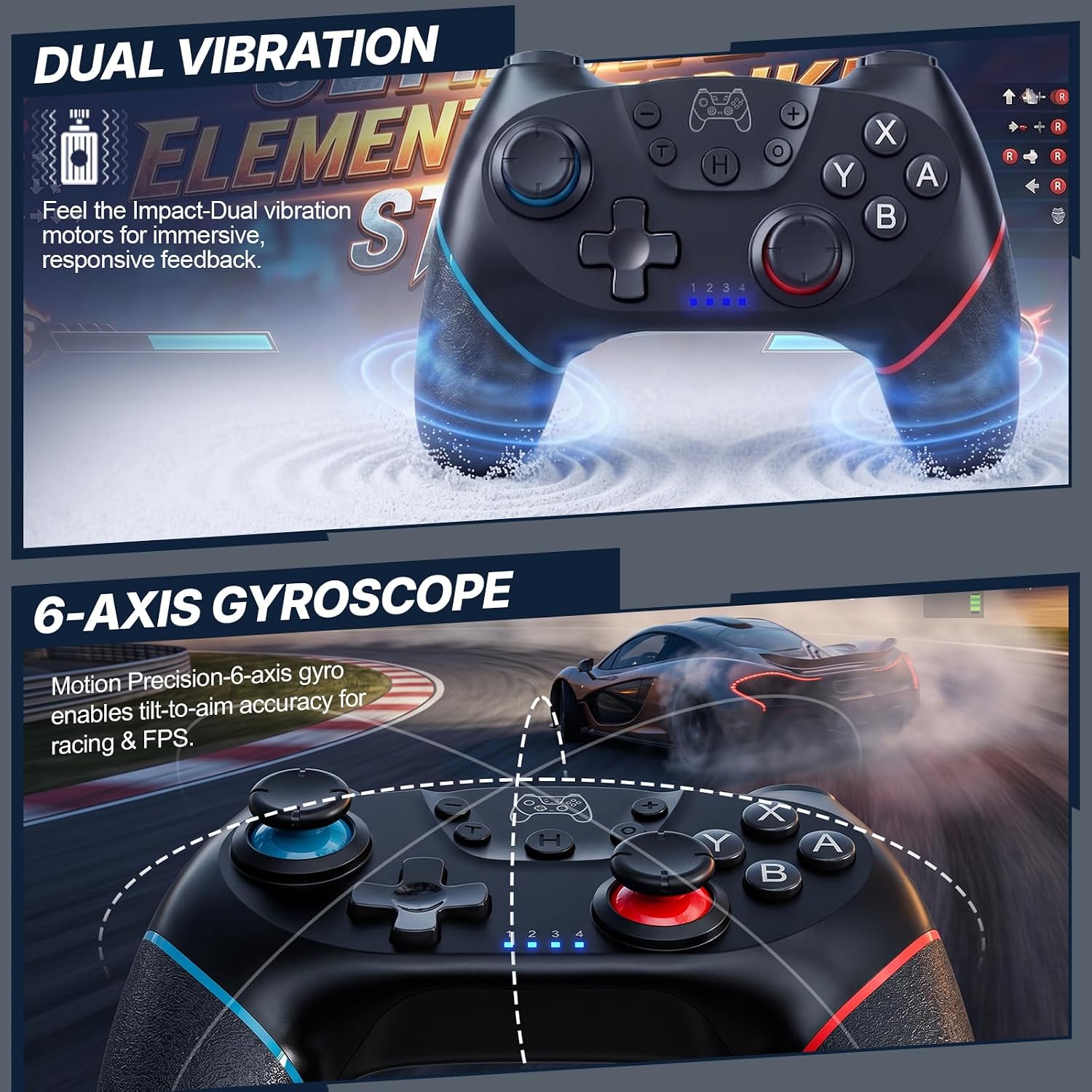
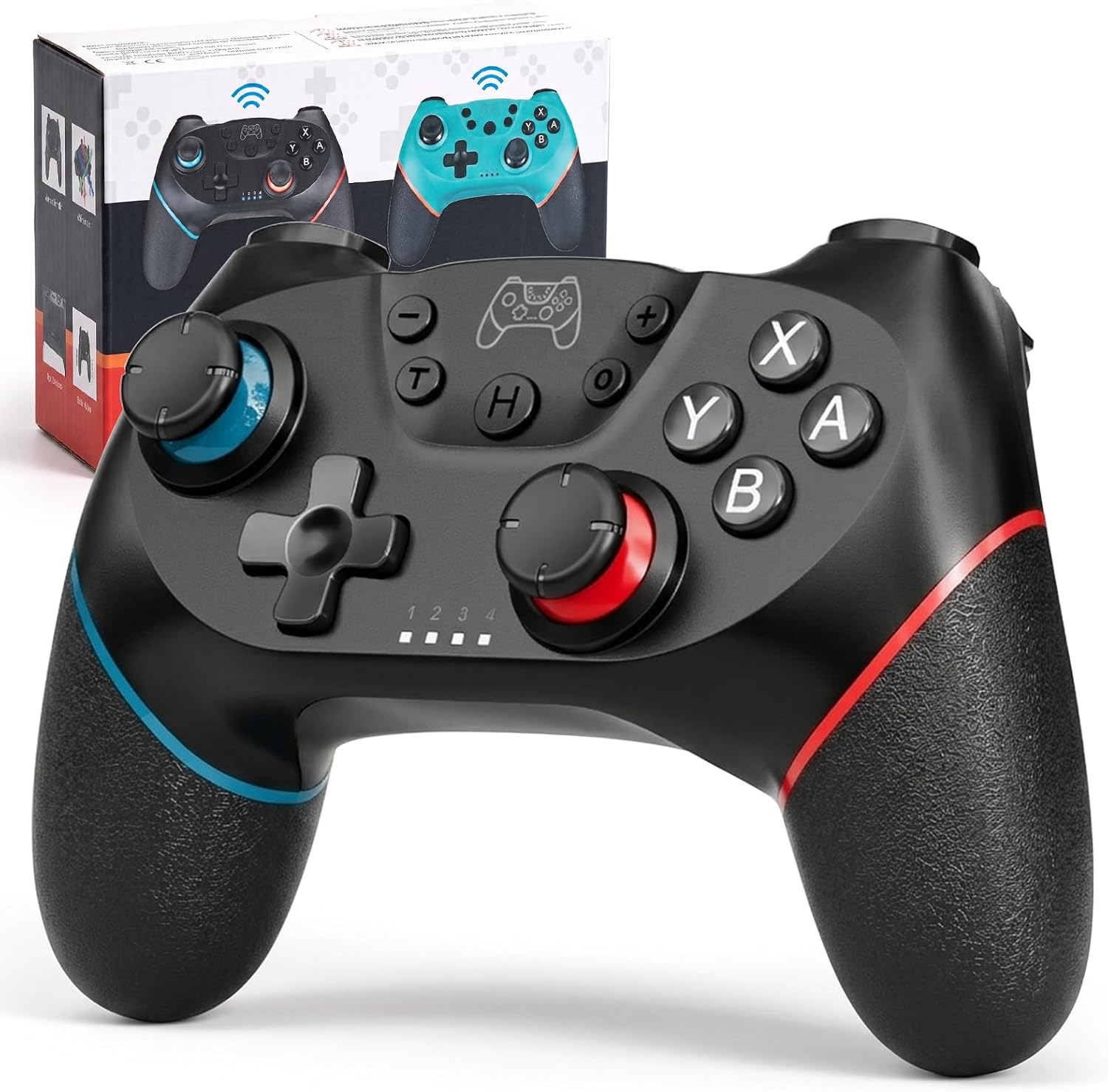
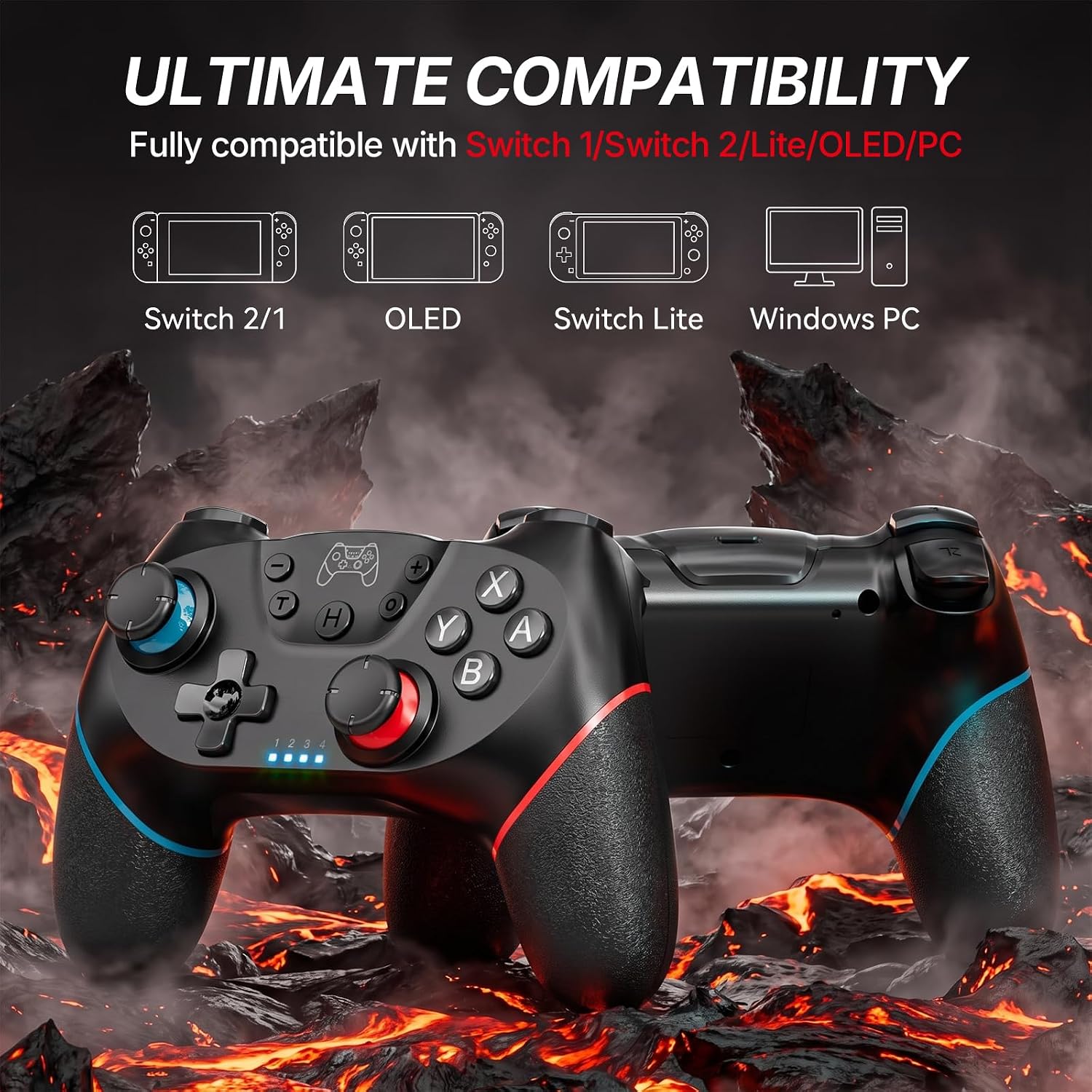
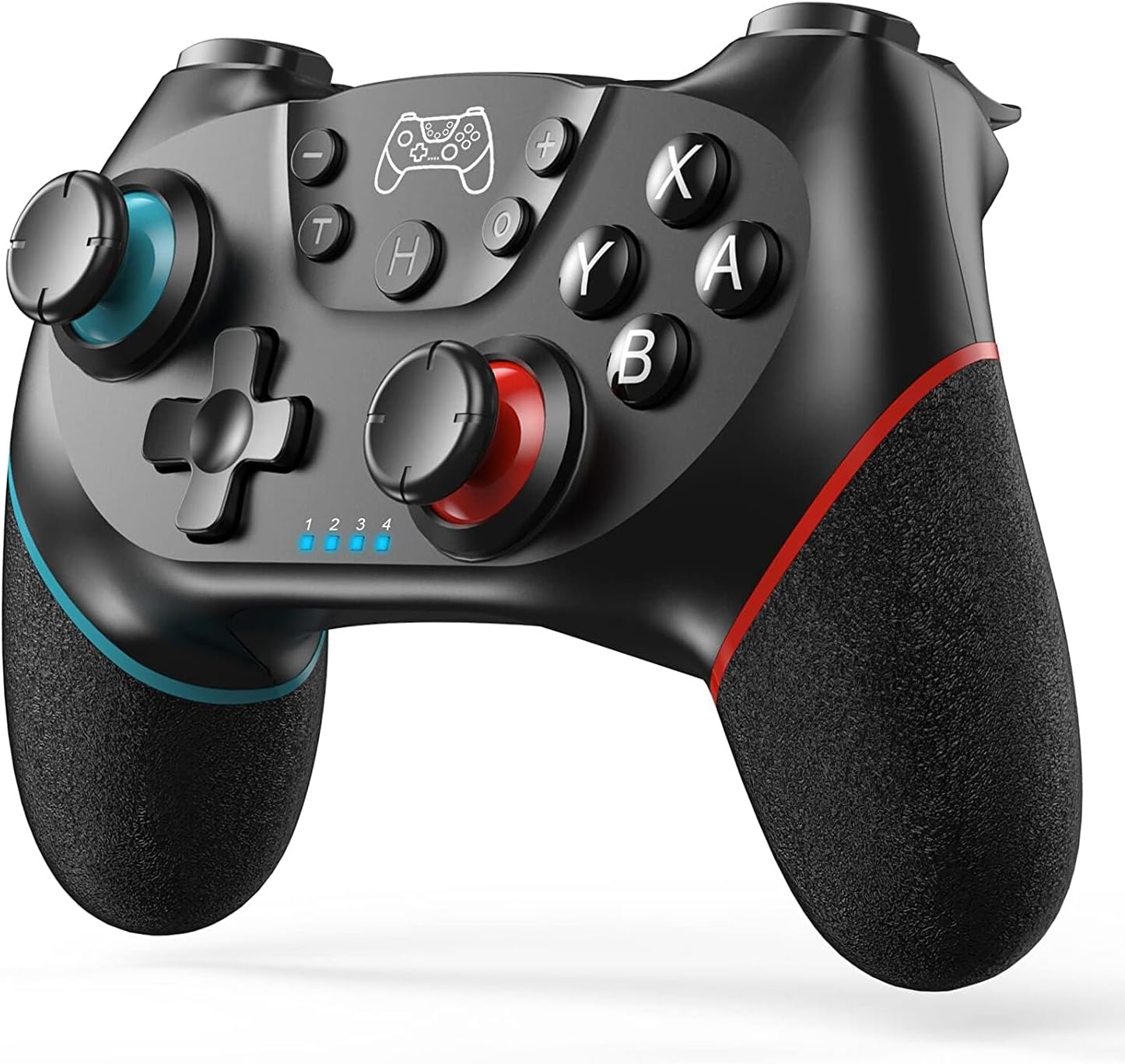
This wireless gamepad from Diswoe brings Hall effect joysticks and gyro control to Switch systems, offering responsive inputs for both casual play and longer sessions. It supports Switch, Switch 2, Switch Lite and Switch OLED according to the manufacturer, and includes features such as turbo, adjustable vibration and a screenshot button to capture highlights during gameplay.
Key Points
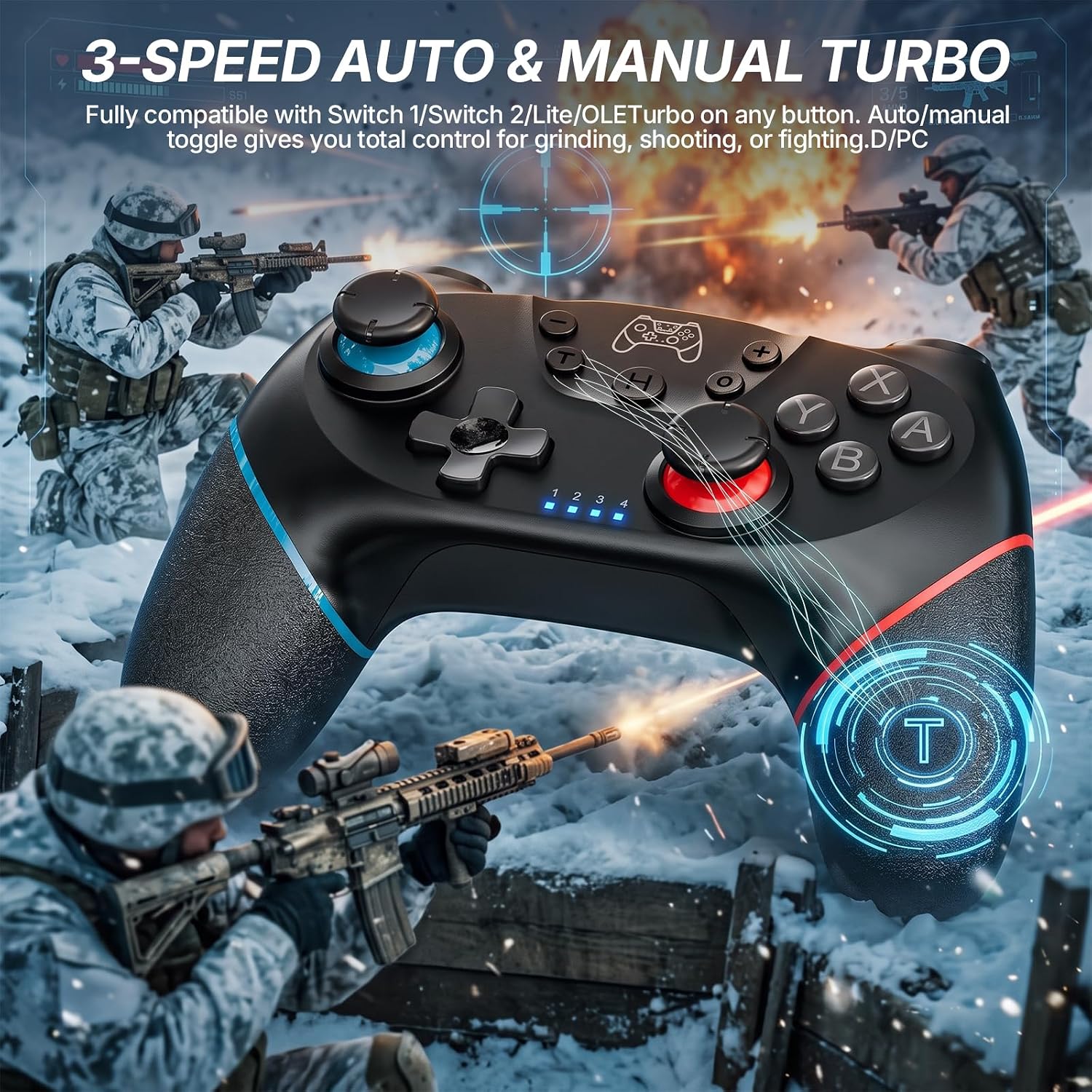
The controller pairs wirelessly with Nintendo Switch models and can also be used on PC when connected via the included USB-C charging cable. It includes a wake-up function that allows the console to be activated quickly by pressing the Home button, and the remote will reconnect automatically. Turbo mode can be assigned by holding the T button plus any desired face button, which helps in games requiring repeated presses. The grips are covered in high-quality rubber for a secure hold and improved comfort over extended sessions. Note that the Switch 2 may not support the wake-up pairing feature or audio functions according to the manufacturer.
Technical Specifications
- Name: Diswoe Upgraded Wireless Controller for Switch 2/Lite/OLED Pro
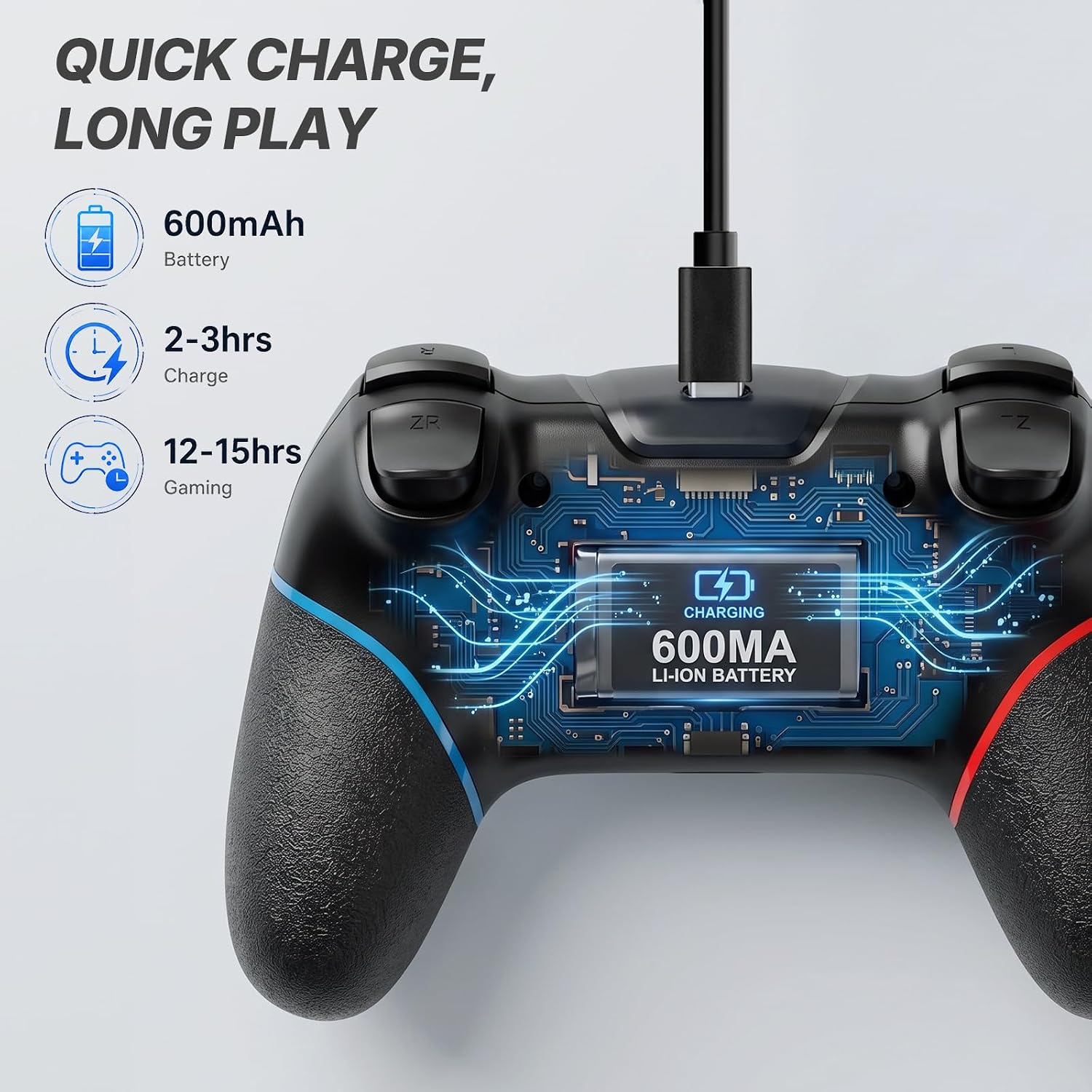
- Battery capacity: 600 mAh
- Battery life: 8–10 hours per full charge according to the manufacturer
- Charging time: 2–3 hours
- Motion sensor: 6-axis gyro
- Vibration: Dual motors with 3 adjustable intensity levels
Advantages
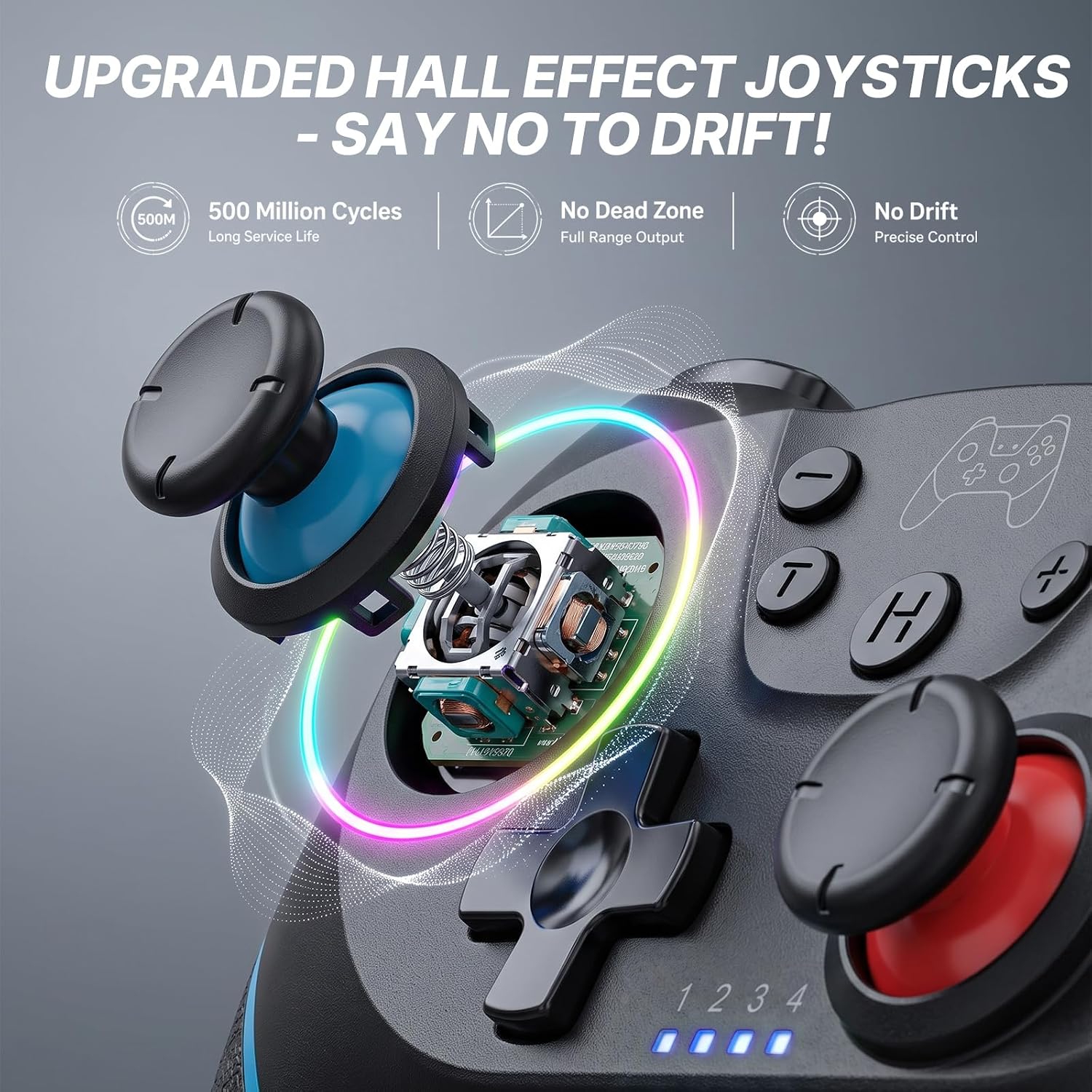
The inclusion of Hall effect joysticks reduces drift risk and offers smoother, more precise analogue control for aiming and movement. Adjustable vibration intensity lets you tailor feedback to preference, from subtle rumble to stronger impulses. Turbo functionality reduces finger fatigue during repetitive actions and may extend the usable life of face buttons by removing the need for constant button mashing. The built-in screenshot button is convenient for saving memorable moments without reaching for the console.
Usage Recommendations
Charge the controller fully before first use to reach the indicated 8–10 hours of playtime. For motion-controlled titles, enable the gyro sensor and calibrate within the game if available, as this can improve responsiveness. If you plan to use the pad on PC, connect the USB-C cable and confirm the controller is recognised by your operating system. Consider setting vibration to a lower intensity for longer sessions to conserve battery life and reduce motor wear.