

HUION ST100A Adjustable Drawing Tablet Stand (multi-angle) for Kamvas monitors
Product description
The essentials
The HUION ST100A is a multi-angle drawing tablet stand designed to sit in front of your desk setup and let you change the viewing position while you work. On paper, the main idea is simple: better comfort through adjustable angles, plus practical grip thanks to anti-slip mats.
If you spend long sessions drawing, editing, or simply moving your hand constantly between strokes, small posture changes can matter. A stand that lets you tilt your screen can reduce the constant “head down” feeling and keep your shoulders and upper back from doing all the work. It’s not a full ergonomic chair replacement, but for artists who draw at a computer most days, it’s a sensible upgrade.
Key features that actually affect your day to day
The stand supports angle adjustment from 20° to 80°. That range is useful because different people and different desk heights will want different viewing comfort—especially if you draw for stretches rather than in short bursts.
It also includes anti-slip mats. That’s one of those features you don’t notice until you need it: it helps keep the device stable and reduces the chance of unnecessary skidding when you’re tapping, dragging, or repositioning your work.
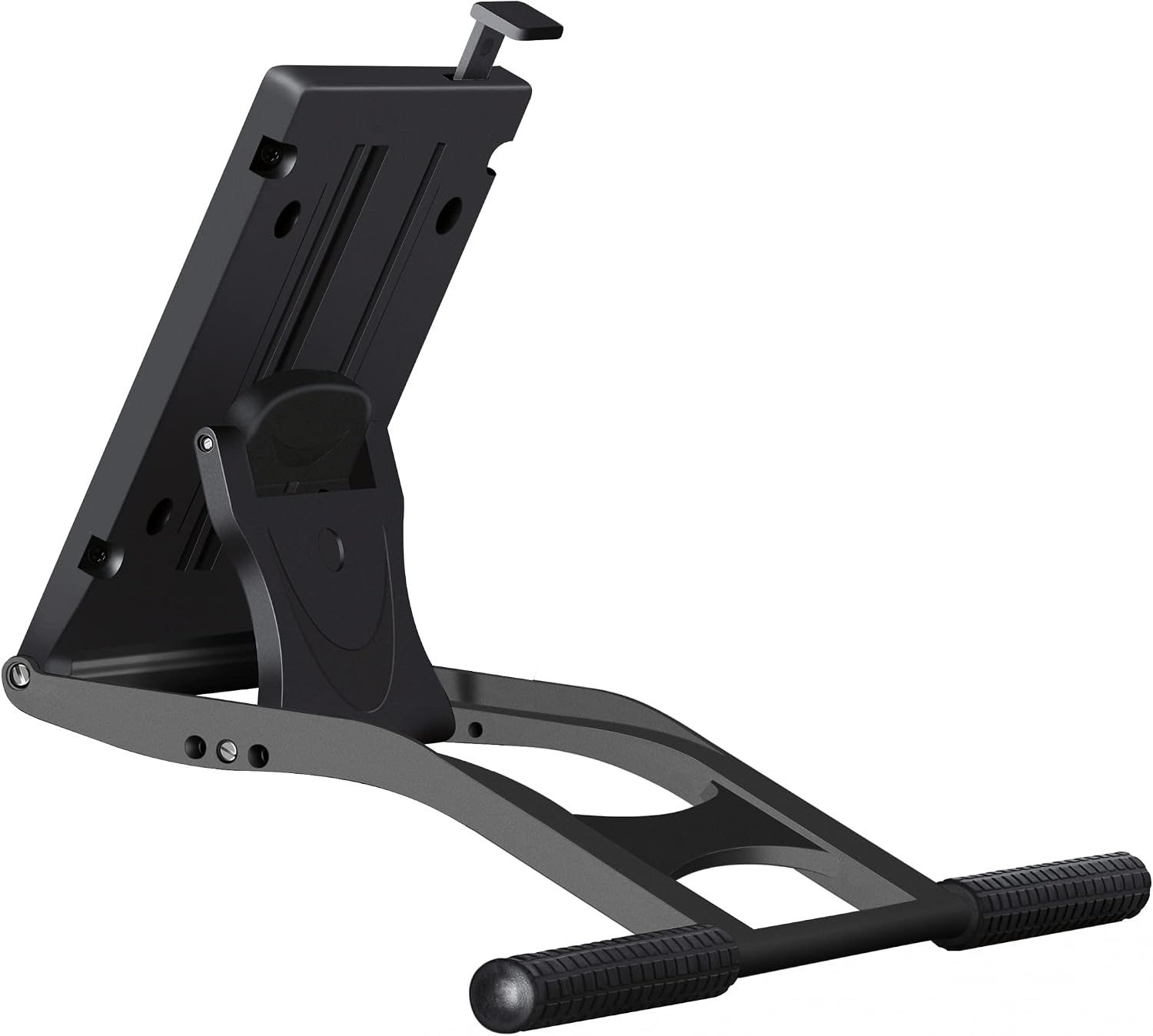
One more point worth noting: this stand is intended for monitors with VESA mounting holes, and it only matches systems that use the specified VESA pattern sizes mentioned in the product details.
Compatibility and mounting: where you need to be careful
This is the part that can make or break the purchase. The ST100A can only match a monitor that has VESA holes, and it’s compatible with two VESA sizes: 75mm x 75mm and 100mm x 100mm.
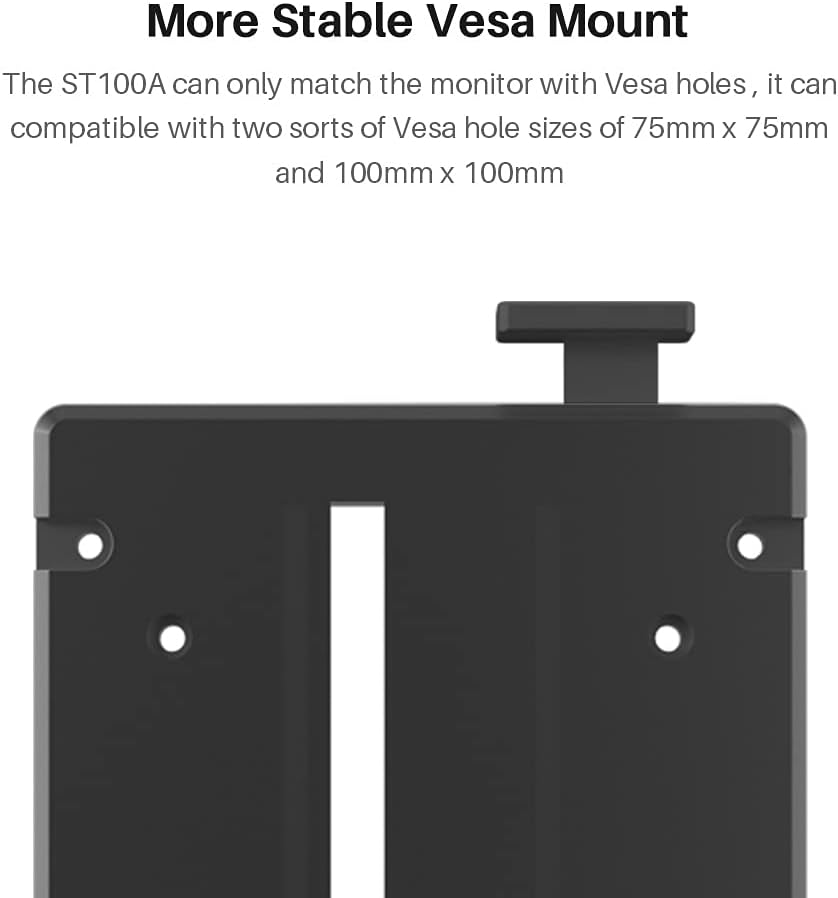
The product listing also references it as the original stand for several HUION Kamvas and Kamvas Pro models listed (including Kamvas 20/22/22 Plus/24/24 Plus/Pro 20/Pro 22/Pro 24 and Pro 24 (4K)). The listing further says it fits most drawing monitors over 15.6 inches.
That “most drawing monitor over 15.6 inches” line is helpful, but do take it as a general guideline rather than a guaranteed fit for every setup. The safe path is to check that your display has the VESA mounting holes that match 75 x 75 or 100 x 100.
It’s not ideal if your screen doesn’t use VESA mounting, or if you were hoping to use it with a non-standard bracket arrangement.
What stands out vs simpler desk risers
Compared with generic desk stands (or fixed-angle supports), the adjustable tilt is the real differentiator. If you’ve ever felt like you’re constantly “finding” a comfortable position—leaning forward slightly, sitting taller, or adjusting posture mid-session—this kind of range can make your setup feel more natural.
The anti-slip mats also make it feel more controlled than basic holders that rely only on friction. The ST100A’s design approach is closer to a workstation accessory than a temporary support.
That said, it’s still a monitor stand: it won’t change screen size, alter your input device behaviour, or replace software calibration. If you’re chasing improvements that depend on display settings rather than viewing angle, you may want to look elsewhere too.
Usage tips for getting the angle right
A practical way to set it up is to start at a mid-range angle, then adjust in small steps while you draw. For example, you might begin around 45°–60°, then sit in your normal posture for a few minutes and see whether your neck stays neutral.
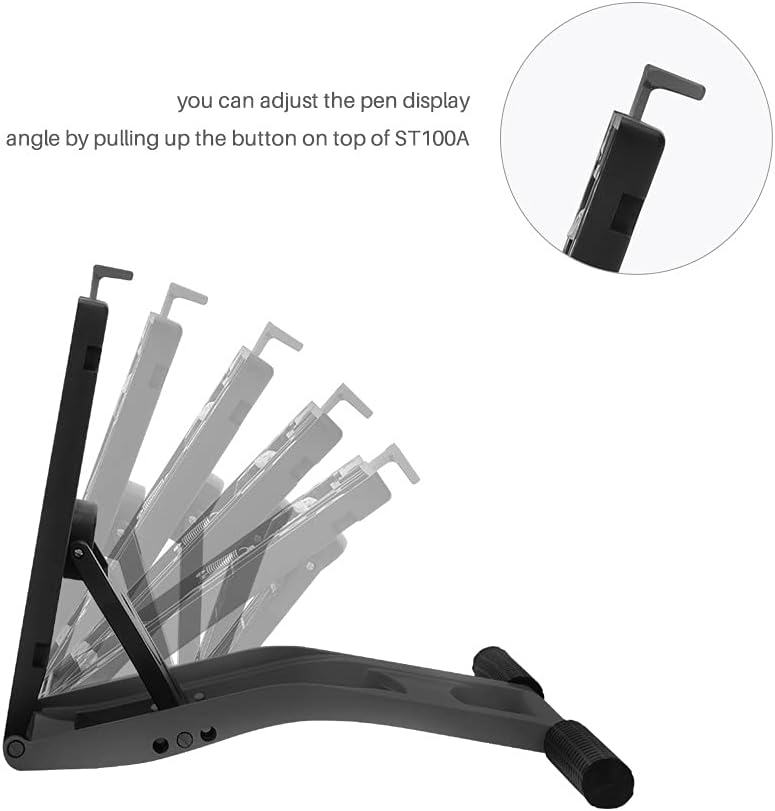
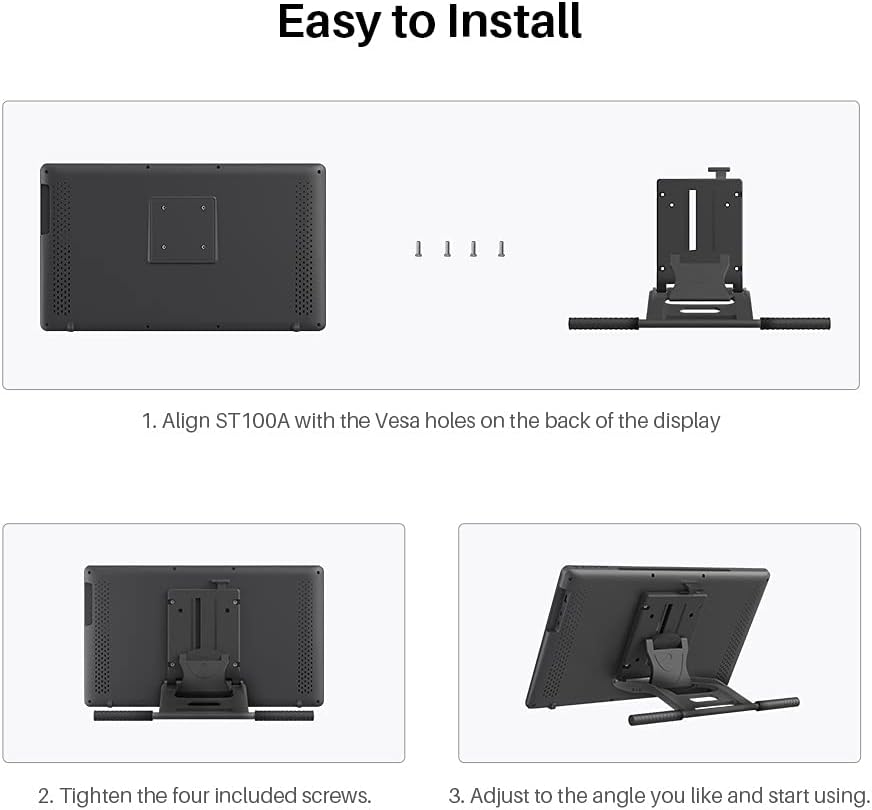
If you notice you’re hunching forward, try increasing the tilt. If your shoulders start to creep up, reduce the tilt slightly and ensure the stand position matches your desk distance. The 20° to 80° range gives you room to find a comfort sweet spot.
Also, make sure the device sits firmly and doesn’t wobble—those anti-slip mats are there to help, but proper mounting and seating is still the foundation.
Key specifications (from the listing)
- Type: adjustable drawing tablet stand / tablet holder
- Adjustable angle range: 20° to 80°
- VESA compatibility: 75mm x 75mm and 100mm x 100mm
- Mounting requirement: only monitors with VESA holes
- Stated fit: drawing monitors over 15.6 inches
Is it worth it?
A solid choice if you want a multi-angle HUION-compatible drawing monitor stand and your display uses VESA mounting at 75 x 75 or 100 x 100. The adjustable tilt (20°–80°) and anti-slip mats are exactly the sort of “small but noticeable” improvements that can make longer drawing sessions feel less demanding on posture.
It may not suit you if your monitor doesn’t have VESA holes, or if you’re hoping for compatibility without checking the mounting pattern first. Also, if your priority is something beyond viewing comfort—like desk space redesign or mobility—this stand on its own might feel limiting.
Mini FAQ
What angle range does the HUION ST100A offer?
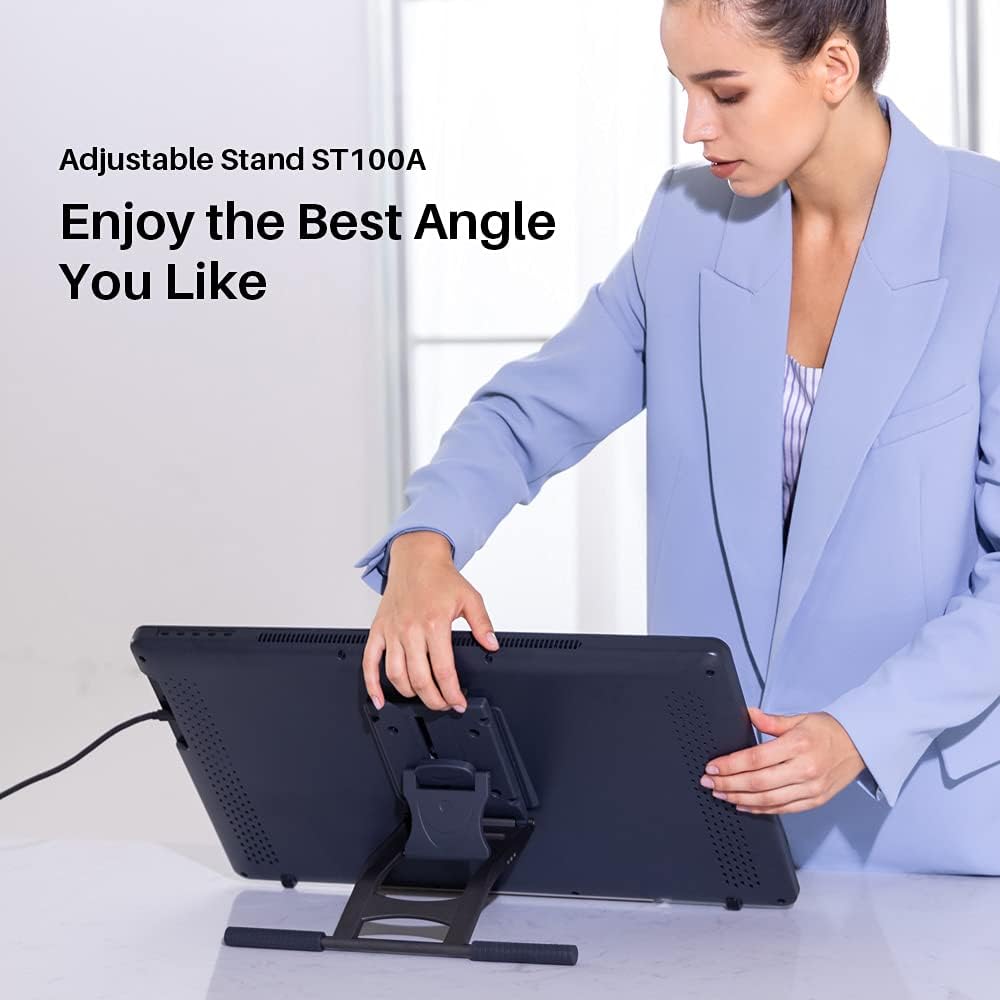
The stand can be adjusted between 20° and 80°, which gives you a broad range to suit different desk heights and comfort preferences.
Does it work with any drawing monitor?
Not exactly. The listing states it only matches monitors with VESA holes, specifically 75mm x 75mm or 100mm x 100mm.
Does the stand help with stability?
According to the product details, it includes anti-slip mats to help prevent skidding and keep the device in place.
Will it fit my HUION Kamvas?
The listing names several compatible Kamvas and Kamvas Pro models (including Pro 24 and Pro 24 (4K) variants). Still, it’s smart to confirm your specific monitor uses the relevant VESA size.
What’s the main benefit of this stand over a fixed one?
The biggest practical difference is the adjustable angle, letting you fine-tune how the screen sits for comfort during longer sessions.