

Amazon Basics Ventilated Adjustable Ergonomic Laptop Stand (Black) – steel mesh cooling for 10 to 17.3-inch laptops
Reviews
Price
Product description
If your laptop tends to run warm (or you spend long sessions reading and typing), a ventilated stand can make a noticeable difference in day-to-day comfort. The amazon Basics Ventilated Adjustable Ergonomic Laptop Stand is built around a steel mesh design for airflow, plus adjustable height and angle settings so you can find a more comfortable working position.
It’s not a fancy, premium-looking accessory, and it doesn’t pretend to be. On paper, it’s a practical, mid-range type of stand: sensible adjustability, solid materials, and an emphasis on cooling rather than soft-touch gimmicks.
What it is and why you might want it
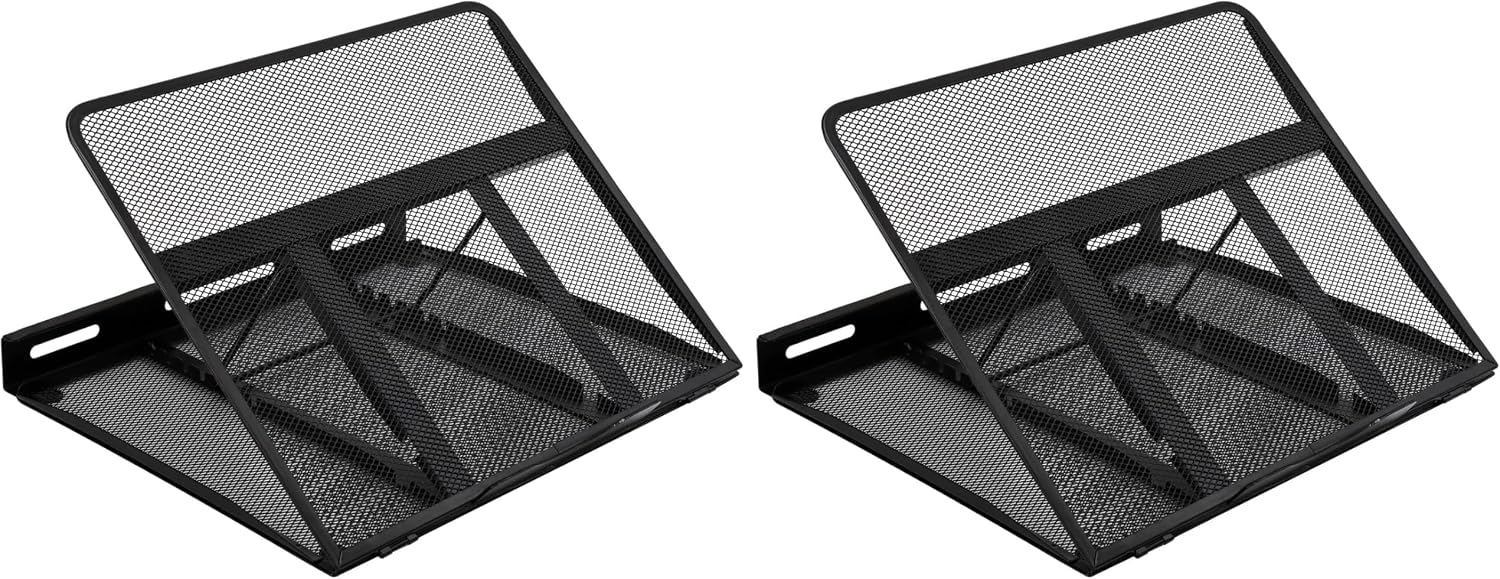
This is a ventilated, adjustable laptop stand designed to lift your screen off the desk while keeping air moving underneath. The key idea is enhanced airflow: the stand uses a steel mesh construction to promote ventilation, which should help reduce the chance of overheating during heavier use.
In use, that typically means less “trapped heat” feeling near the keyboard area and a more breathable setup when you’re working through meetings, studying, or getting stuck into a longer document. It’s also the kind of accessory that can quietly improve posture because the screen can be raised to a better viewing angle.
Where it stands out (and what the design is aiming to solve)
The standout feature here is ventilation. If your laptop is one of the models that runs hot under sustained load, lifting it with a mesh stand is a straightforward way to support cooling.
On the ergonomics side, you get 7 adjustable height and angle settings. That matters because comfort is rarely one-size-fits-all: some people type better with a flatter angle, while others prefer the screen higher for reduced neck strain.
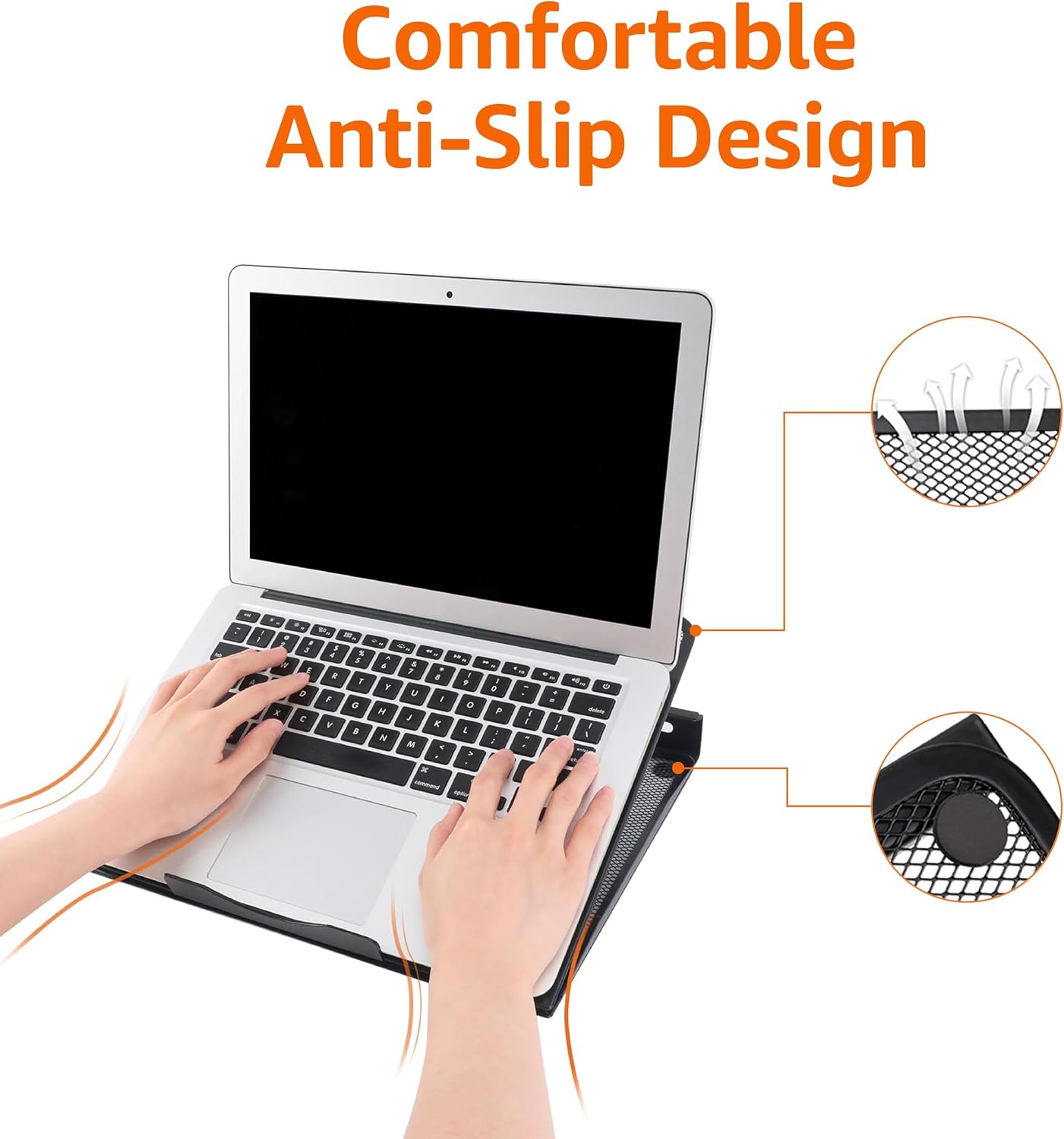
And for stability, there are anti-slip pads on each corner. That’s a small detail, but it’s exactly what you want if you’re scrolling, tapping the trackpad, or typing without the stand creeping around.
Key takeaways for everyday comfort
The stand is sized at 33 x 28.7 x 18.5 cm (LxWxH) at maximum height and weighs 900g. That suggests it’s built to be sturdy rather than flimsy, but still manageable if you ever need to move it between a desk and a home office.
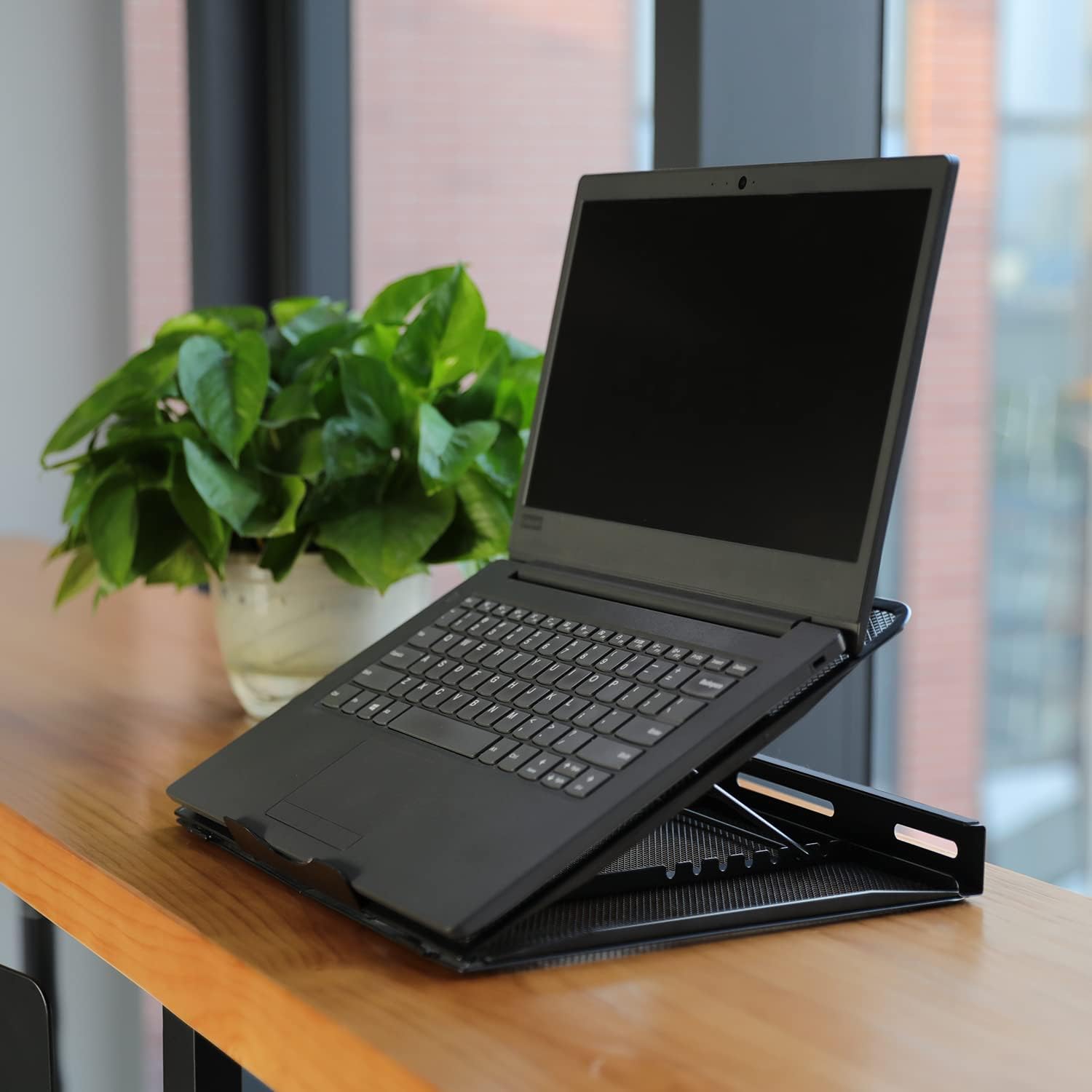
Its “universal” promise is also fairly broad: it supports laptops from 10 to 17.3 inches. The included examples in the description cover a wide range of popular brands and types, including MacBook Air/Pro, Lenovo ThinkPad, Dell, HP, ASUS, and Chromebook.
Tech specs you should care about before buying
- Size: 33 x 28.7 x 18.5 cm (LxWxH) at maximum height
- Weight: 900g
- Adjustment: 7 adjustable height and angle settings
- Compatibility: laptops from 10 to 17.3 inches
- Build: lightweight yet durable steel with anti-slip pads on each corner
- Colour: Black
Who it’s for (and who should think twice)
It makes sense if you’re looking for a practical stand that prioritises cooling support and gives you multiple ways to set height and angle. A good fit if you often work for long stretches at a desk, use an external keyboard and mouse, or simply want your laptop screen elevated rather than flat on the desk.
It may not suit you if you need something extremely compact for frequent travel, because 900g and the stand’s footprint aren’t “pocket-sized”. Also, if you’re after a high-end ergonomic workstation solution, this is more of a support accessory than a full replacement for a dedicated desk setup.
Worth considering that ventilation benefits can vary a lot depending on your laptop’s design and how warm it actually runs. A stand helps airflow, but it won’t magically make every hot laptop cool under heavy sustained load.
Practical usage example: setting it up for typing and reading
A common way to get the most out of this type of stand is to start at a mid height and then tweak only one variable at a time. For example, if you’re writing a report, try a slightly higher angle so your eyes sit closer to the screen top. Then, for typing comfort, drop the height a notch while keeping the angle similar—this can help reduce wrist strain compared with a low, desk-level screen.
The adjustable settings are there for a reason, and with 7 options you can usually find a compromise that works for both reading and typing without making you feel like you’re constantly fighting the angle.
Is it worth it?
Buy it if you want a ventilated laptop stand with adjustable height and angle (7 settings) and you need something broadly compatible with 10 to 17.3-inch laptops. It’s particularly reasonable if your main goals are better airflow and a more comfortable viewing position, with basic anti-slip stability for everyday use.
Skip it if you’re very focused on portability, or if you expect a stand alone to fully solve overheating for demanding workloads. It’s a solid support piece, but it’s not a replacement for proper cooling systems or laptop-specific performance management.
Mini FAQ
Will this laptop stand fit most 10 to 17.3-inch laptops?
The description states it supports laptops ranging from 10 to 17.3 inches, so it should cover many common models within that size range.
Does the steel mesh really help with cooling?
It’s designed for enhanced ventilation via steel mesh airflow. That can help promote airflow underneath, though the exact benefit will depend on how your specific laptop runs.
How many height and angle settings are there?
There are 7 adjustable height and angle settings, which should make it easier to find a comfortable position.
Does it stay in place when typing?
It includes anti-slip pads on each corner, which is intended to minimise movement and vibration during use.
What’s the maximum size footprint?
At maximum height, it measures 33 x 28.7 x 18.5 cm (LxWxH), so it’s worth checking it fits your desk space comfortably before ordering.