

HUANUO Triple Monitor Stand Desk Mount for 17–32 Inch Screens
Product description
What it is and what it solves
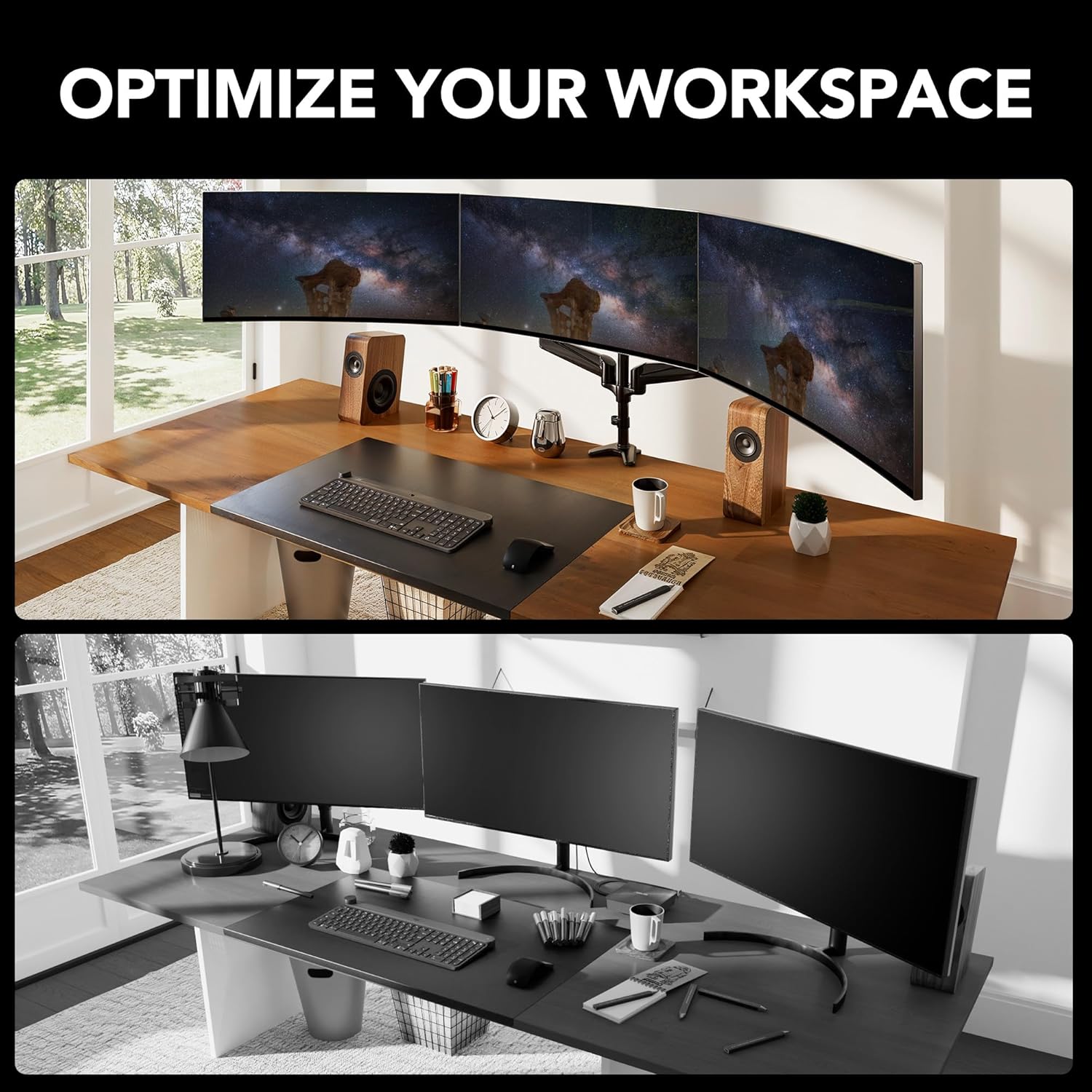
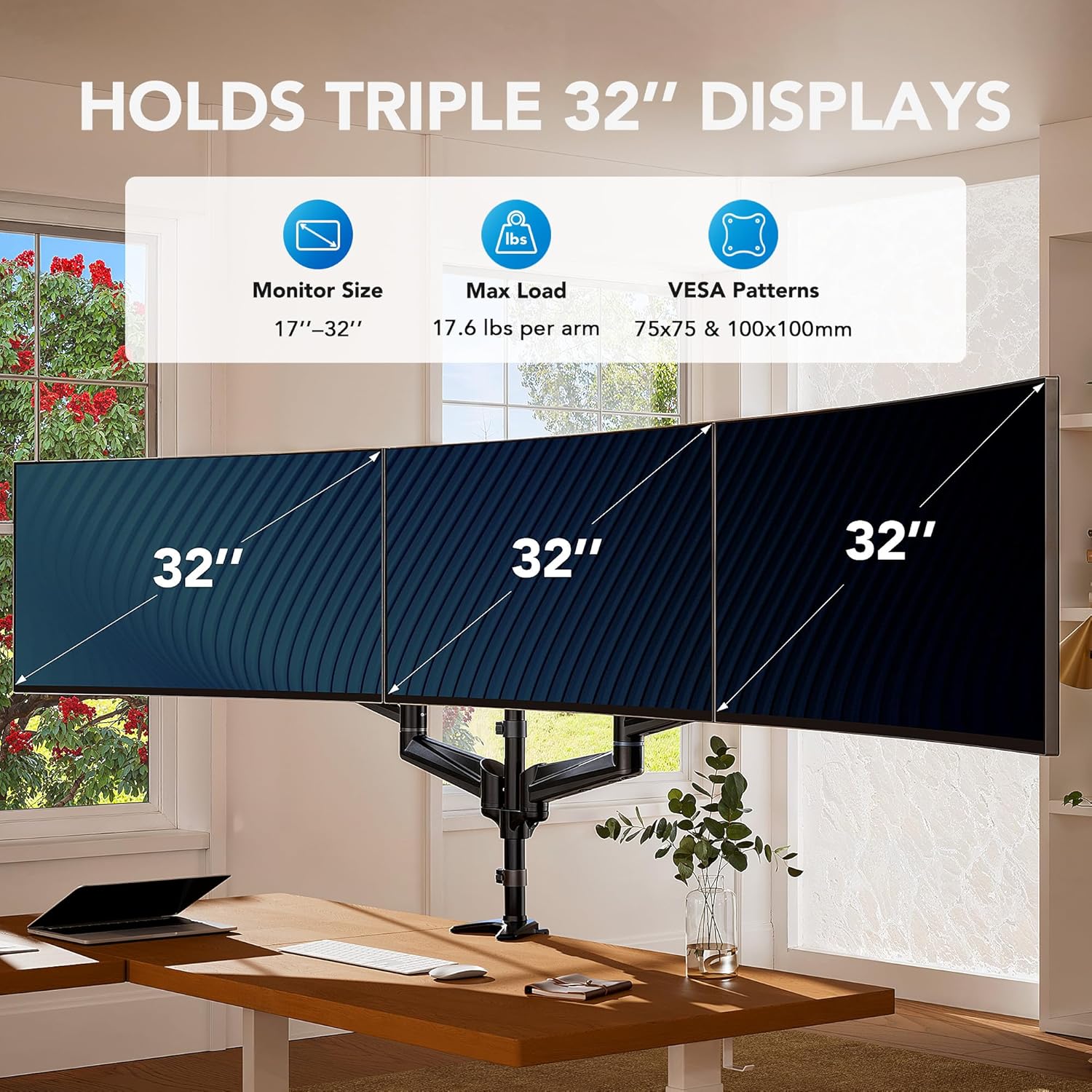
The HUANUO triple monitor desk mount is designed to hold three screens from 17 to 32 inches, each with VESA 75x75 or 100x100 mounting holes. It frees up desk space by lifting the monitors off the work surface, which can help create a tidier, more efficient workspace for multitaskers, gamers, or anyone juggling multiple open windows.
How it works and key adjustments
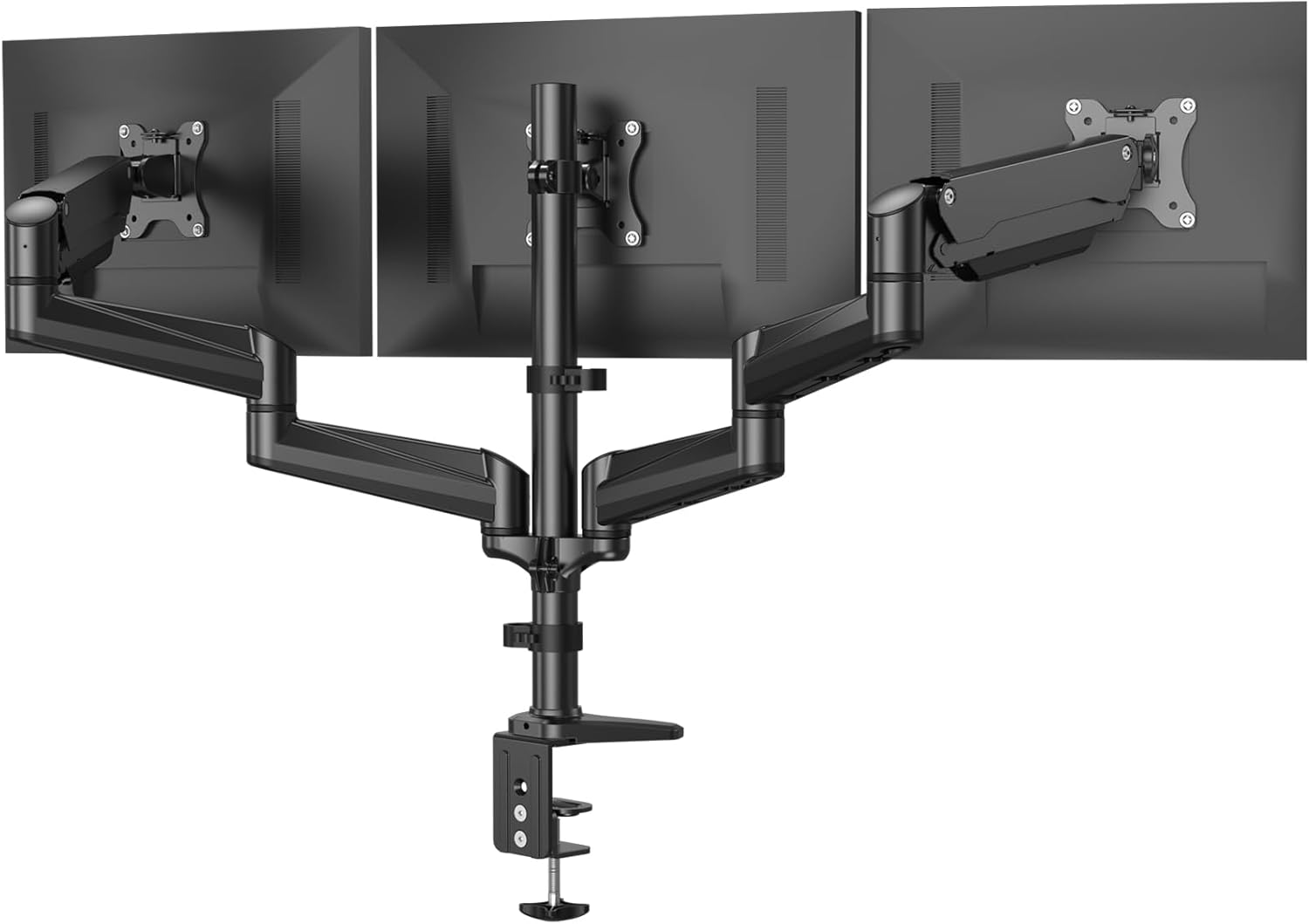
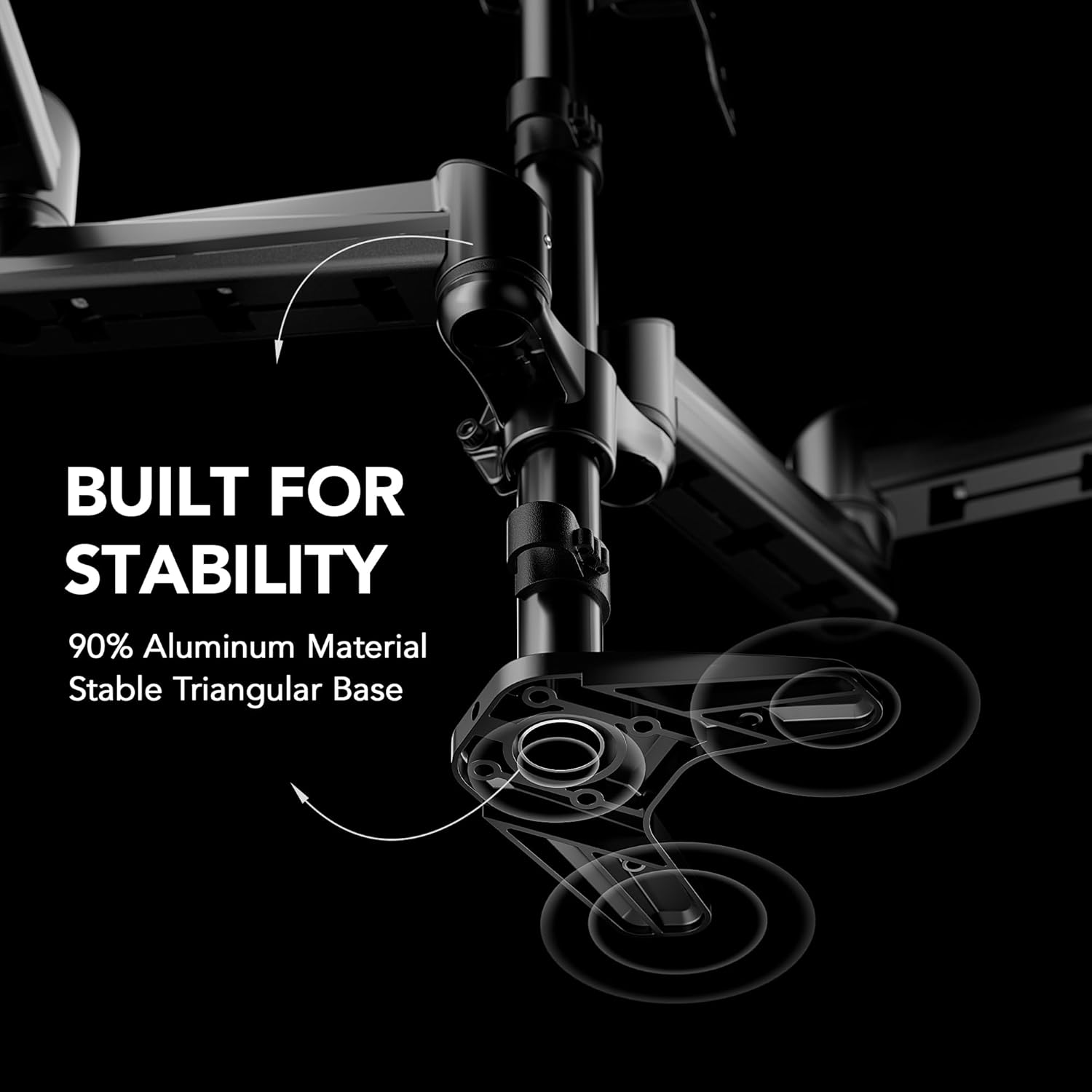
Each arm supports up to 8 kg, with tilting, swivelling and rotation to help you find a comfortable viewing angle. Landscape or portrait orientation is possible, so you can tailor the setup to your preferred workflow or gaming stance. There are two installation options—C-clamp and grommet mount—to suit different desk styles and thicknesses.
What stands out on paper
The triple-arm design consolidates three screens into a compact footprint, potentially improving posture by enabling angle customisation and reducing screen glare. The two mounting methods offer flexibility for various desk configurations, and the independent arms mean you can fine-tune each display individually.
Limitations and caveats
If you have monitors larger than 32 inches or with a non-standard VESA pattern, this stand may not fit. Weight limits per screen are between 4.4 lb and 17.6 lb, so very light or unusually heavy panels may require alternative solutions. Also, full benefit depends on desk space and whether your desk can accommodate C-clamp or grommet mounting without obstructing cables or legroom.
Who it’s for
This stand is suitable for users who routinely run three-display setups for productivity, design work, coding, or immersive gaming. If you value an organised desk and individual screen fine-tuning, it can be a practical upgrade from single- or dual-monitor arrangements.
When it makes sense to buy
Consider this when you need three screens and want to reclaim desk real estate while keeping ergonomic adjustability. It’s a sensible choice if your monitors fit the size and weight specs and your desk can accommodate one of the installation methods.
What to check before purchasing
- Confirm your monitors are 17–32 inches and weigh within the supported range per screen.
- Verify VESA pattern matches 75x75 or 100x100 mm on each monitor.
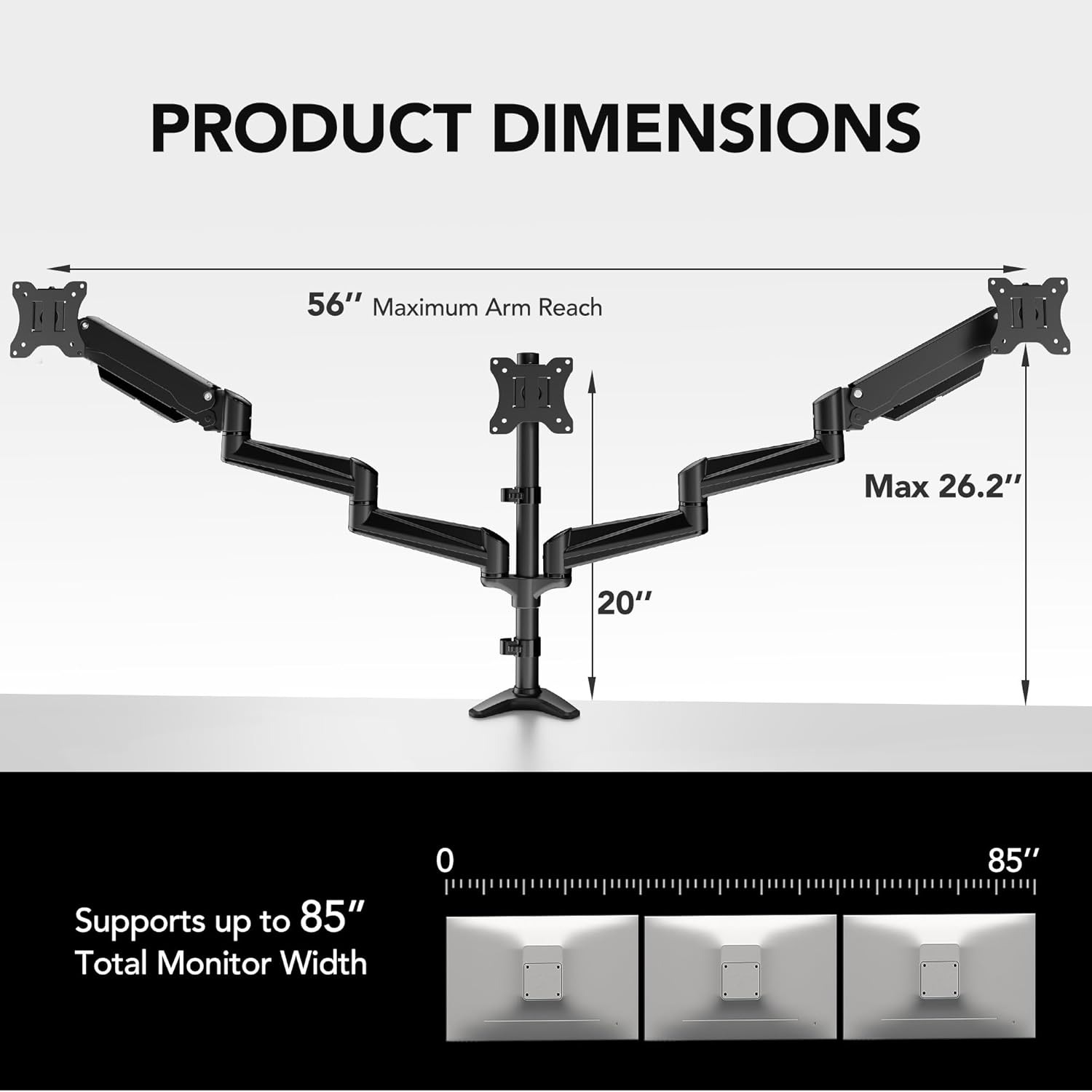
- Measure desk depth and leg clearance to ensure three arms won’t interfere with your workspace.
- Decide between C-clamp and grommet installation based on desk thickness and preferred mounting method.
How it compares to other approaches
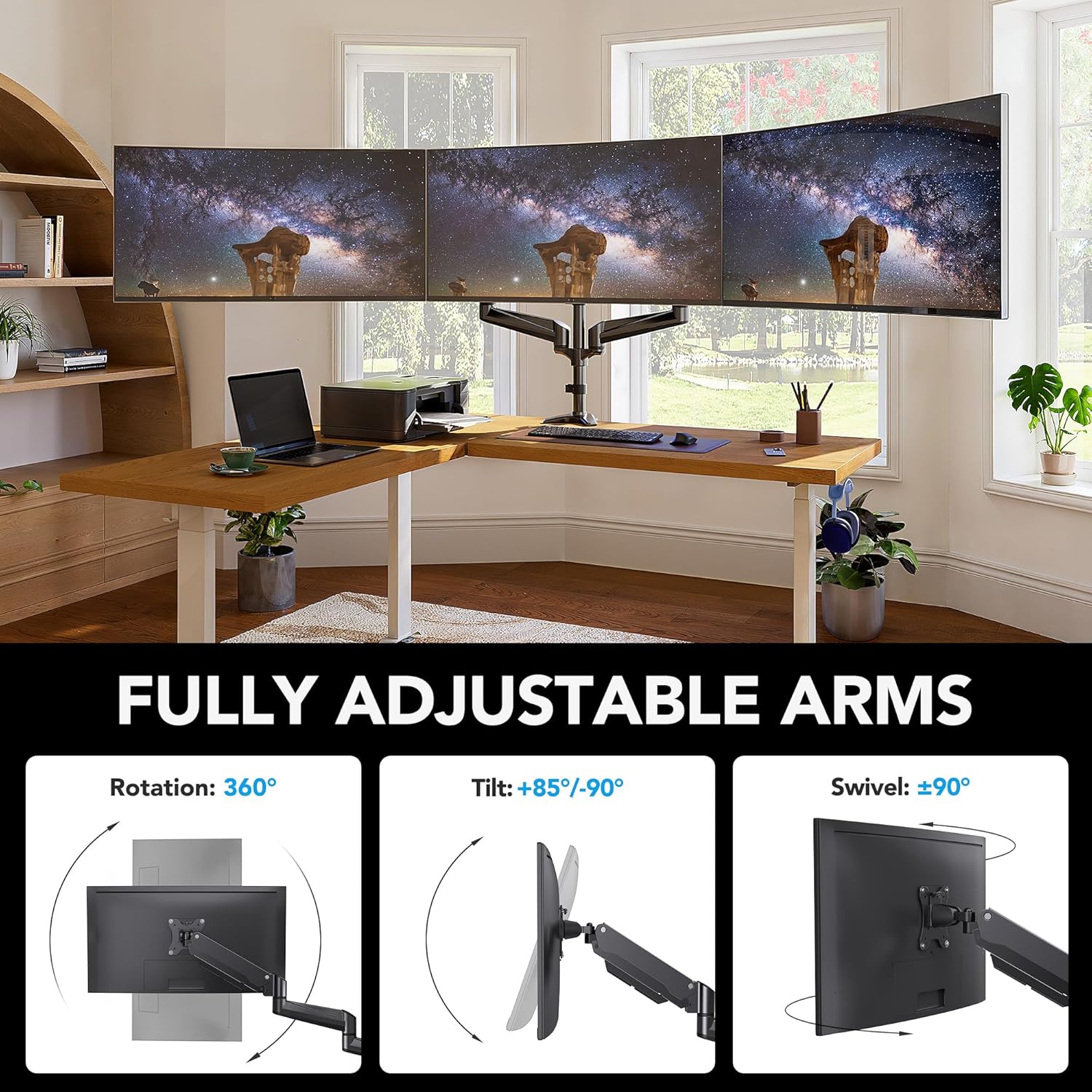
Compared with a single-stand alternative, this product prioritises three-screen workflows in a compact footprint, which is advantageous for wide spreadsheets, multiple document windows, or simultaneous reference panels. If your setup requires only one or two screens, a smaller mount might be more economical and easier to fit. For users who rarely adjust layouts, a simpler dual or single arm could suffice and reduce the upfront cost.
Is it worth it?
Final verdict
It’s a solid option if you need a three-monitor array and have compatible screens, a desk that suits either mounting method, and you value independent arm adjustment. It may not be the best fit if your monitors exceed 32 inches, lack compatible VESA mounting, or you want an ultra-clean, minimalist single-desk setup with less hardware.
Practical usage notes
A typical use case is a three-monitor workstation for research and coding—each screen can be tilted for comfortable eye level, then swivelled to reduce neck strain during long sessions. If you primarily work with two displays or need very tight desk integration, you might find a lighter or more streamlined solution more appropriate.
FAQ
- Q: Will all three monitors align perfectly in a straight line? A: The arms are adjustable, but alignment depends on monitor size, weight, and desk layout.
- Q: Can I use it with odd-shaped or very small desks? A: It depends on available space for C-clamp or grommet mounting and leg clearance.
- Q: How easy is it to adjust on a daily basis? A: The arms offer tilt, swivel and rotation, which should allow comfortable repositioning, but initial setup may take time to dial in the ideal angles.
Decision section
Is it worth it?
Yes, if you need three reliable screens with customisable angles and you have compatible monitors and desk setup. It may not be ideal if your monitors exceed 32 inches or if you prefer a simpler, lighter desk arrangement.