

Single LCD Monitor Stand 35 kg capacity 🖥
Reviews
Price
Product description
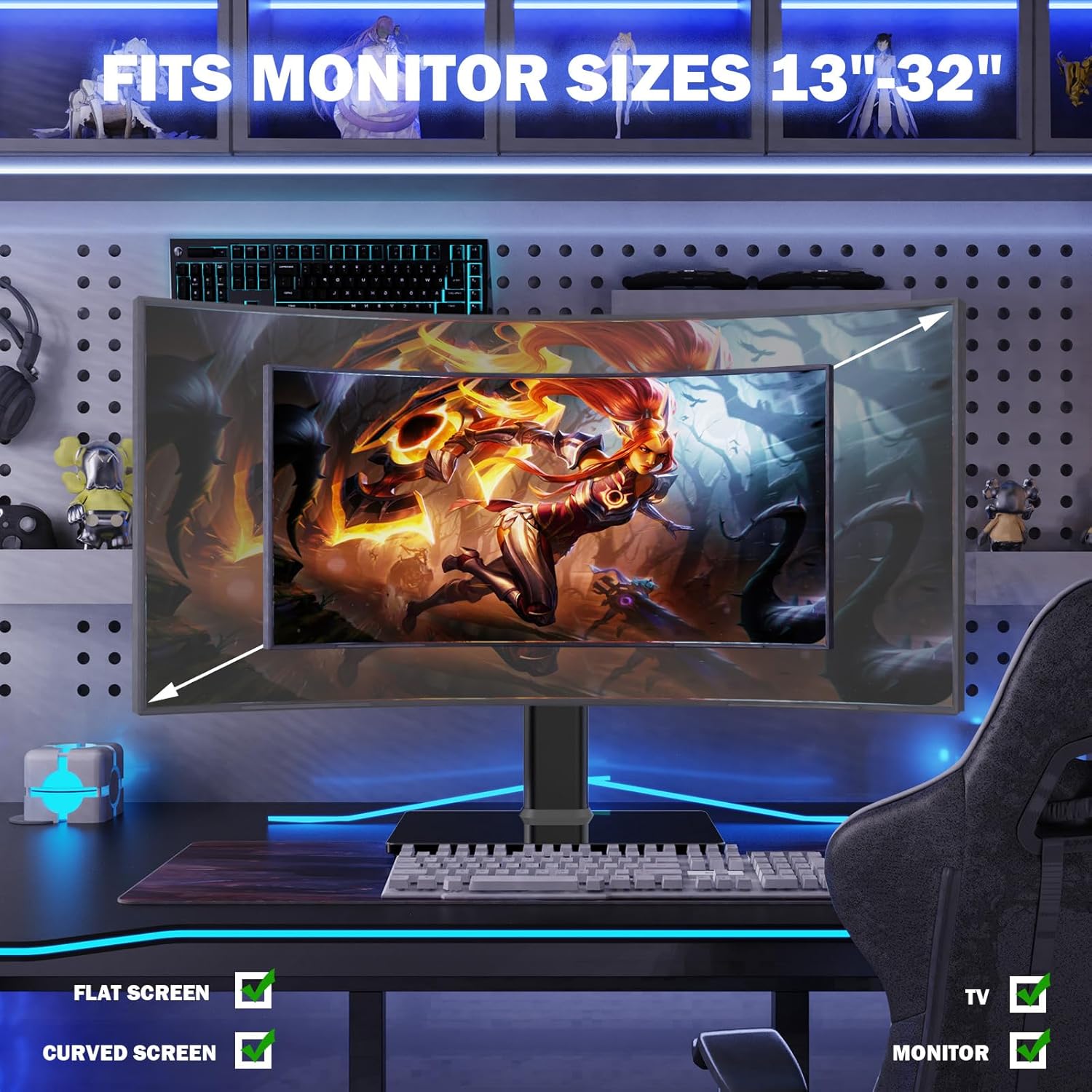
This monitor riser from Hemudu raises a single LCD or LED screen to a more comfortable viewing height while keeping your desk organised and stable. It suits screens from 13 inches to 32 inches and helps improve neck posture during long work or study sessions.
Key Points
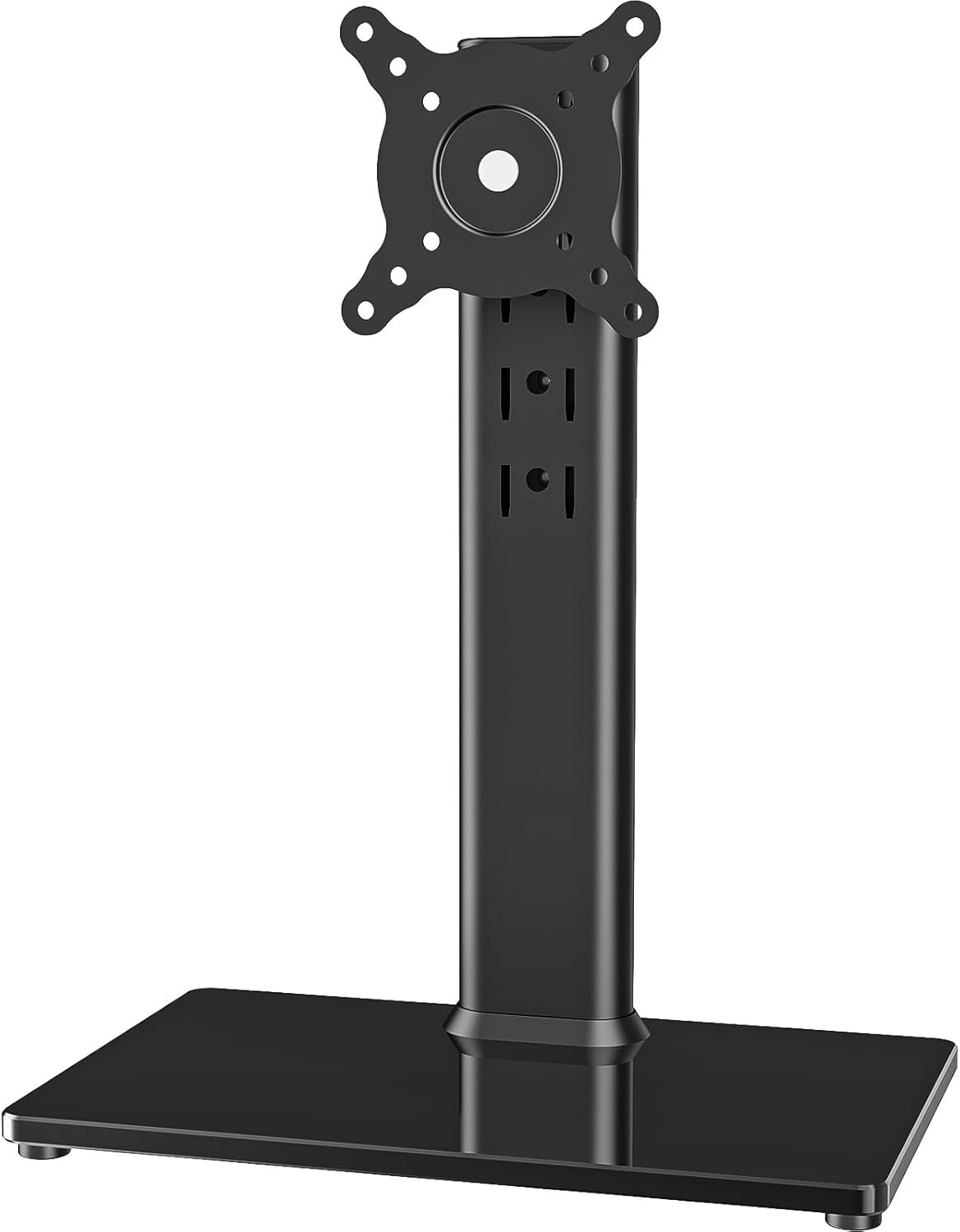
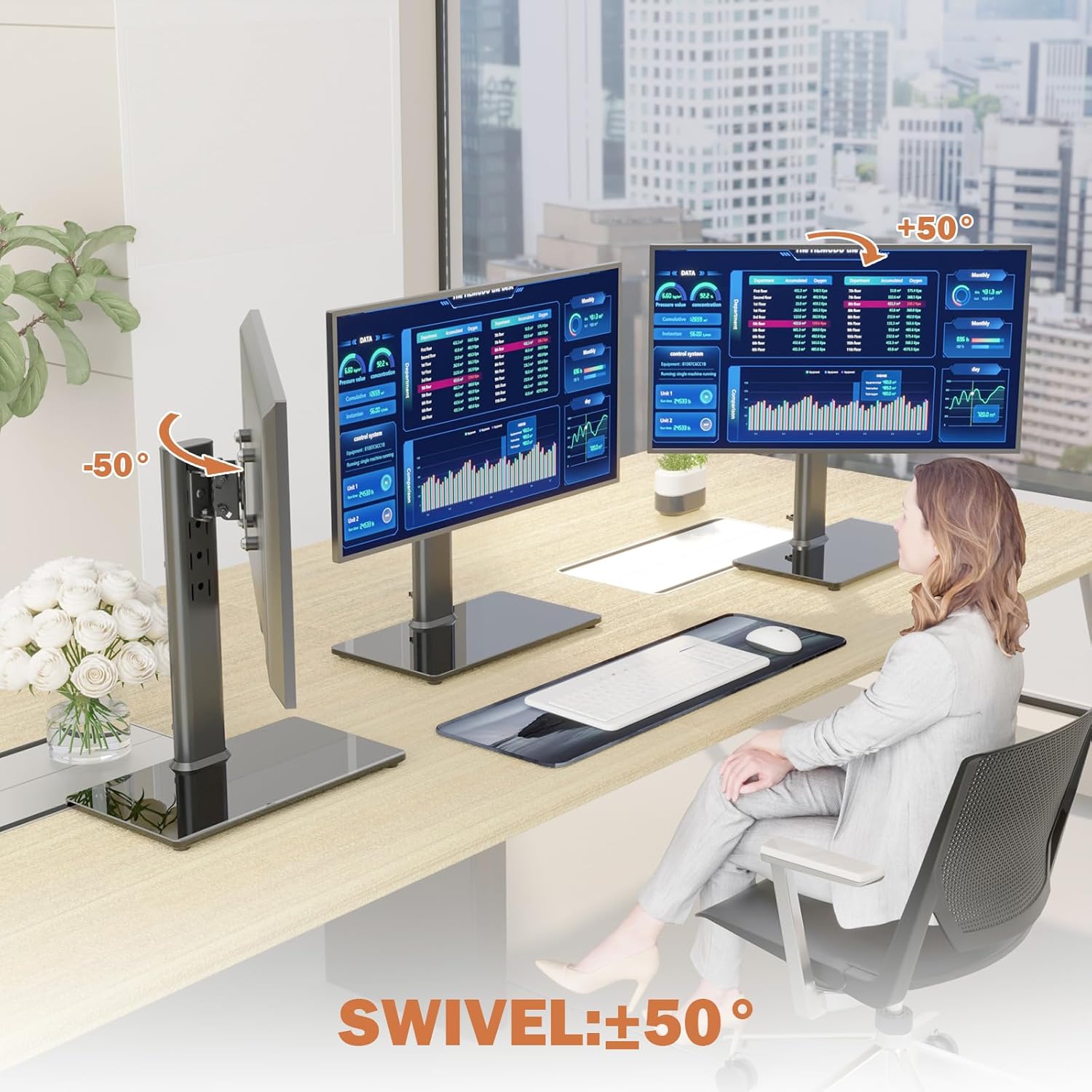
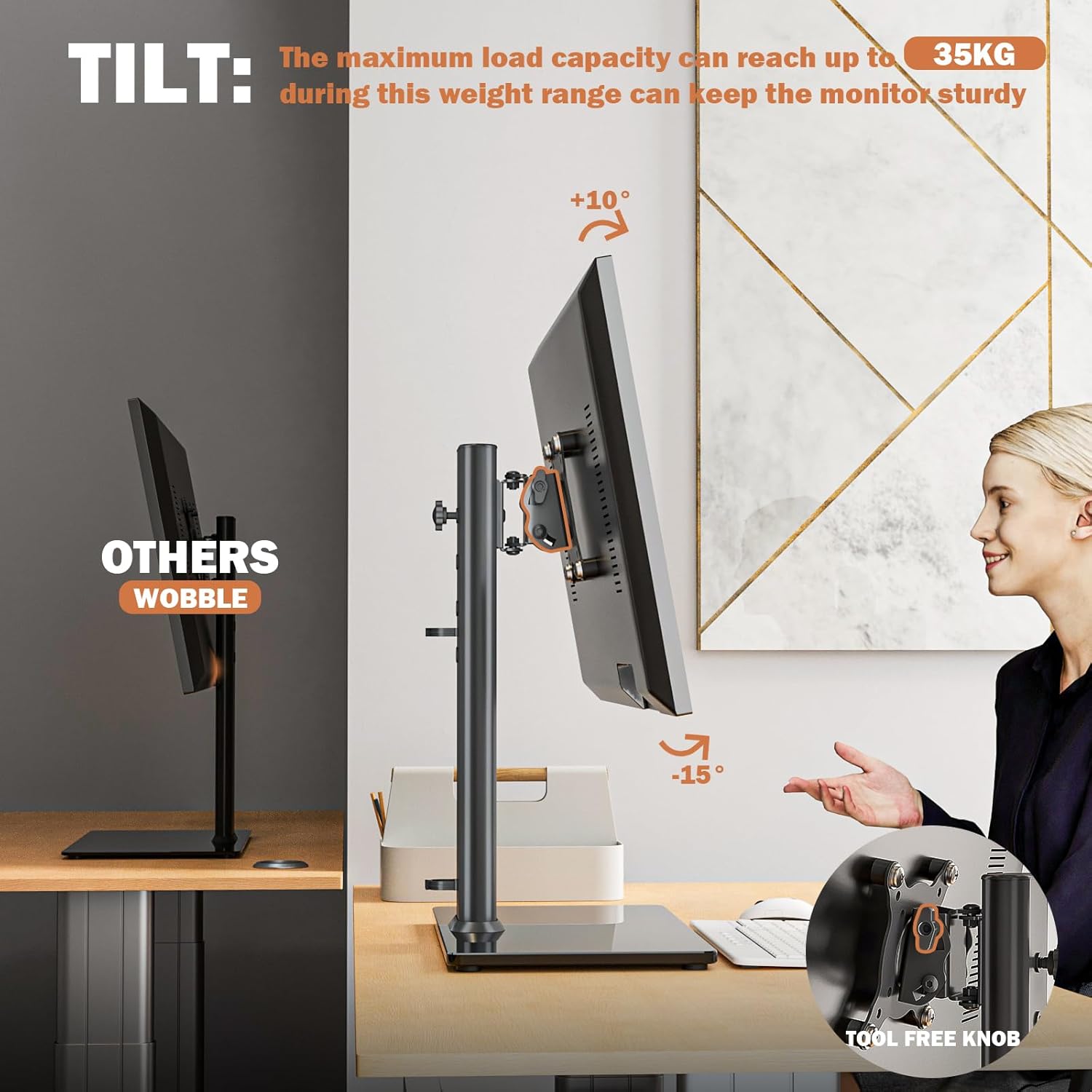
The free-standing design uses an 8 mm tempered glass base that adds weight and stability to the desk setup. The stand includes cable management to keep leads tidy and routed behind the support. Tilt and swivel functions allow a wide range of adjustments, making it easier to share the screen or change viewing angle quickly. For those who need robust support, the mount can hold heavier displays according to the manufacturer, which may be useful when using larger monitors or light TVs. 🖥️
Technical Specifications
- Name: Hemudu Single LCD Monitor Stand
- Supported screen sizes: 13 to 32 inches
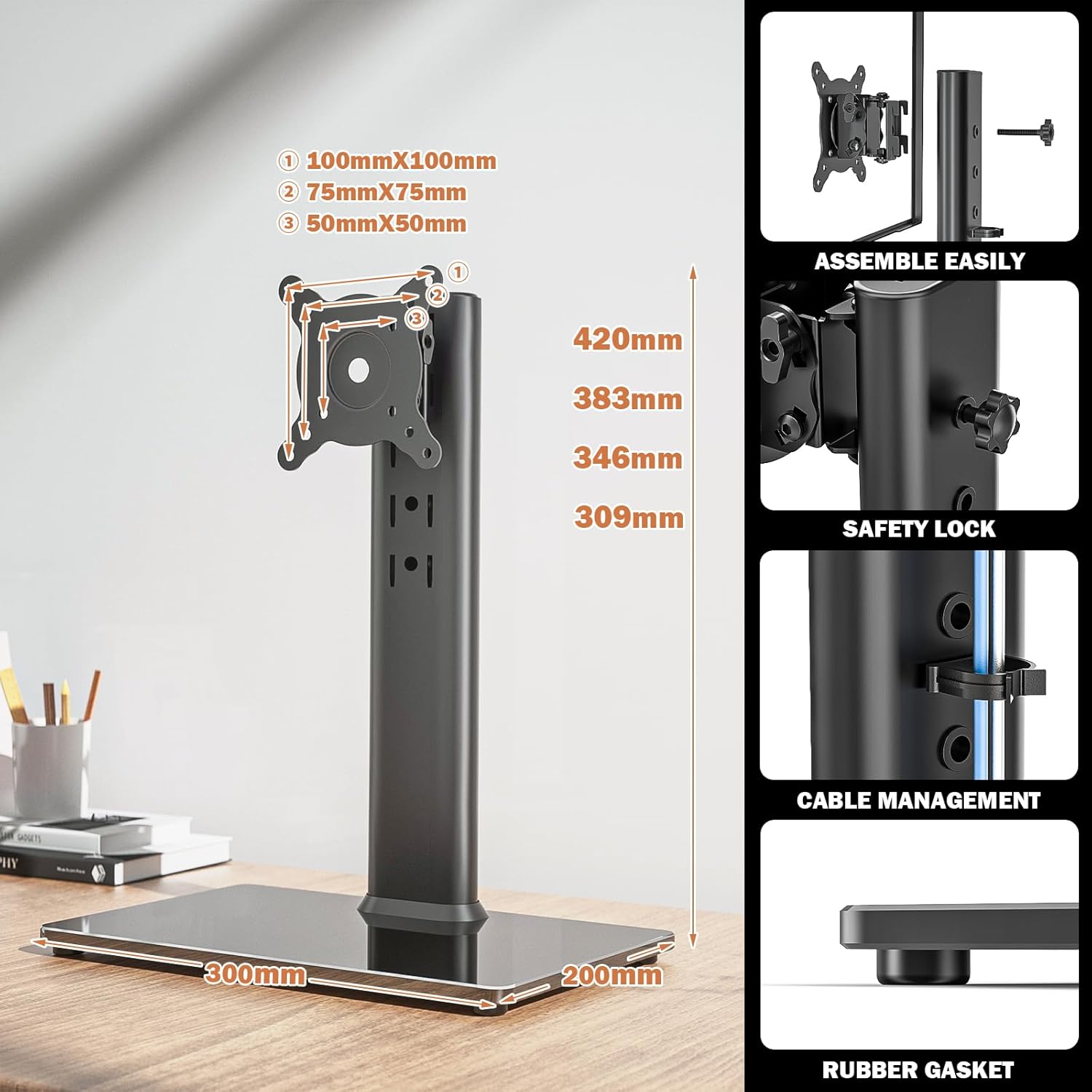
- VESA compatibility: 50 x 50 mm, 75 x 75 mm, 100 x 100 mm
- Maximum load capacity: 35 kg
- Base material: 8 mm tempered glass
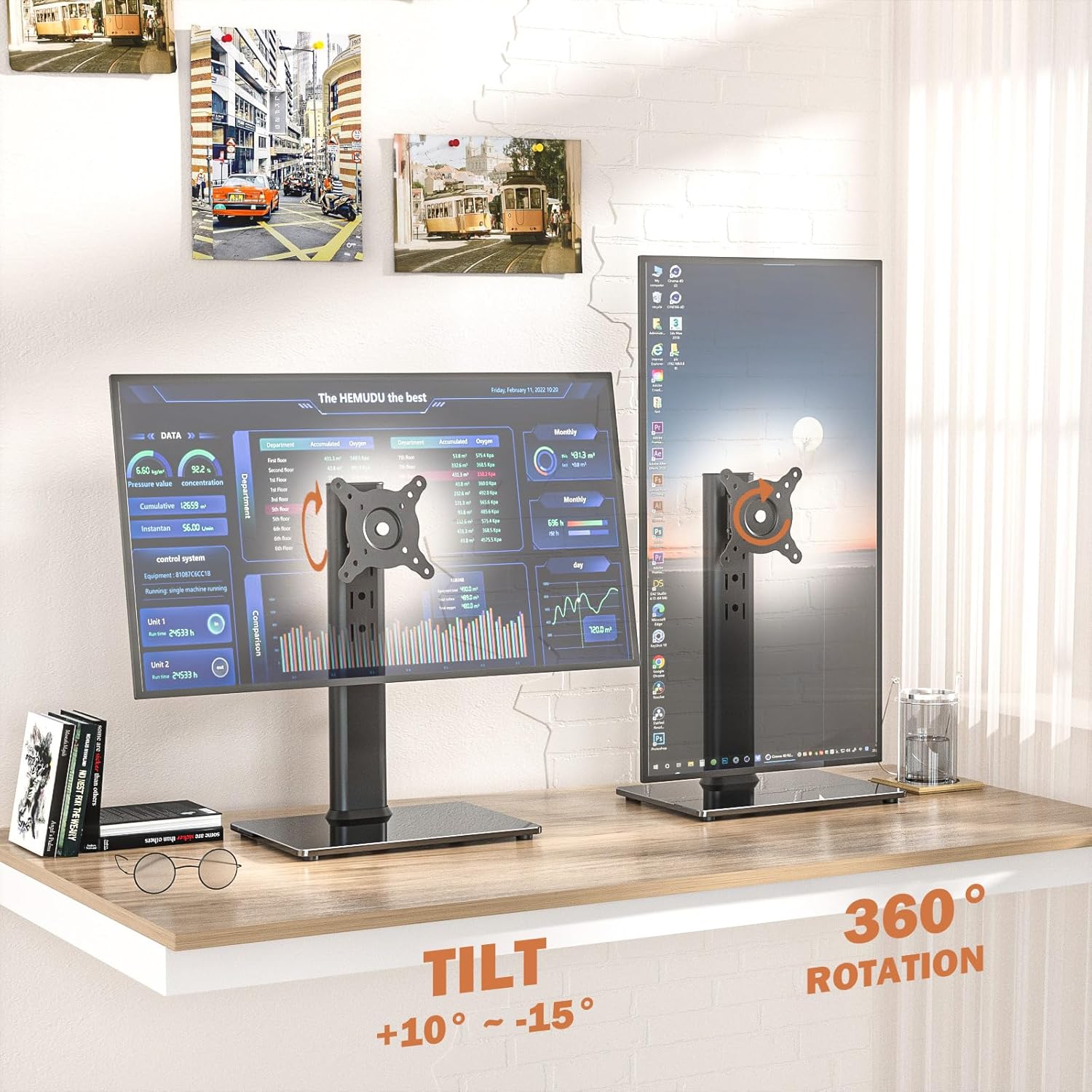
- Adjustment range: height with 4 levels, tilt -15° to +10°, rotation 360°, swivel 50° each side
Advantages
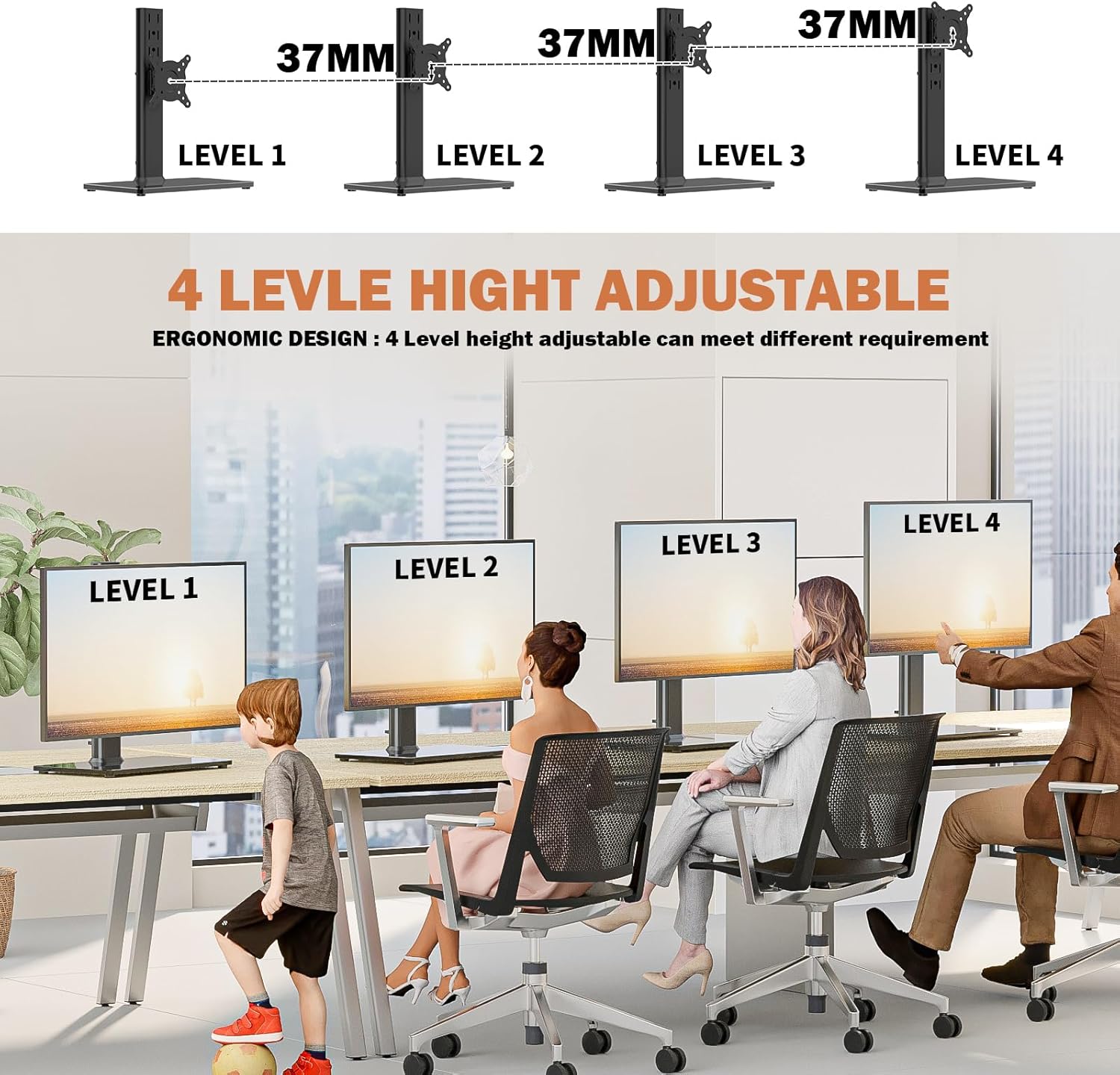
The combination of a slim vertical support and a glass base gives a neat, modern look while using a relatively small footprint on the desk. The multi-angle adjustment allows quick changes between portrait and landscape orientations or modest tilting for glare reduction. Installation is straightforward and the package includes the mounting hardware and tools, which shortens set-up time for most users. The clear cable channel helps hide power and signal cables so the desktop looks less cluttered. ⚙️
Usage Recommendations
Place the stand on a firm, level surface and confirm the base sits flat before securing the monitor. For optimal ergonomics, align the top third of the screen with eye level and adjust the tilt to reduce reflections from overhead lighting. Consider the weight of your chosen display relative to the stated 35 kg limit, and double-check VESA hole spacing before purchase to ensure compatibility. If you plan to rotate the screen frequently, make sure cables have a little slack to avoid strain on connectors.