

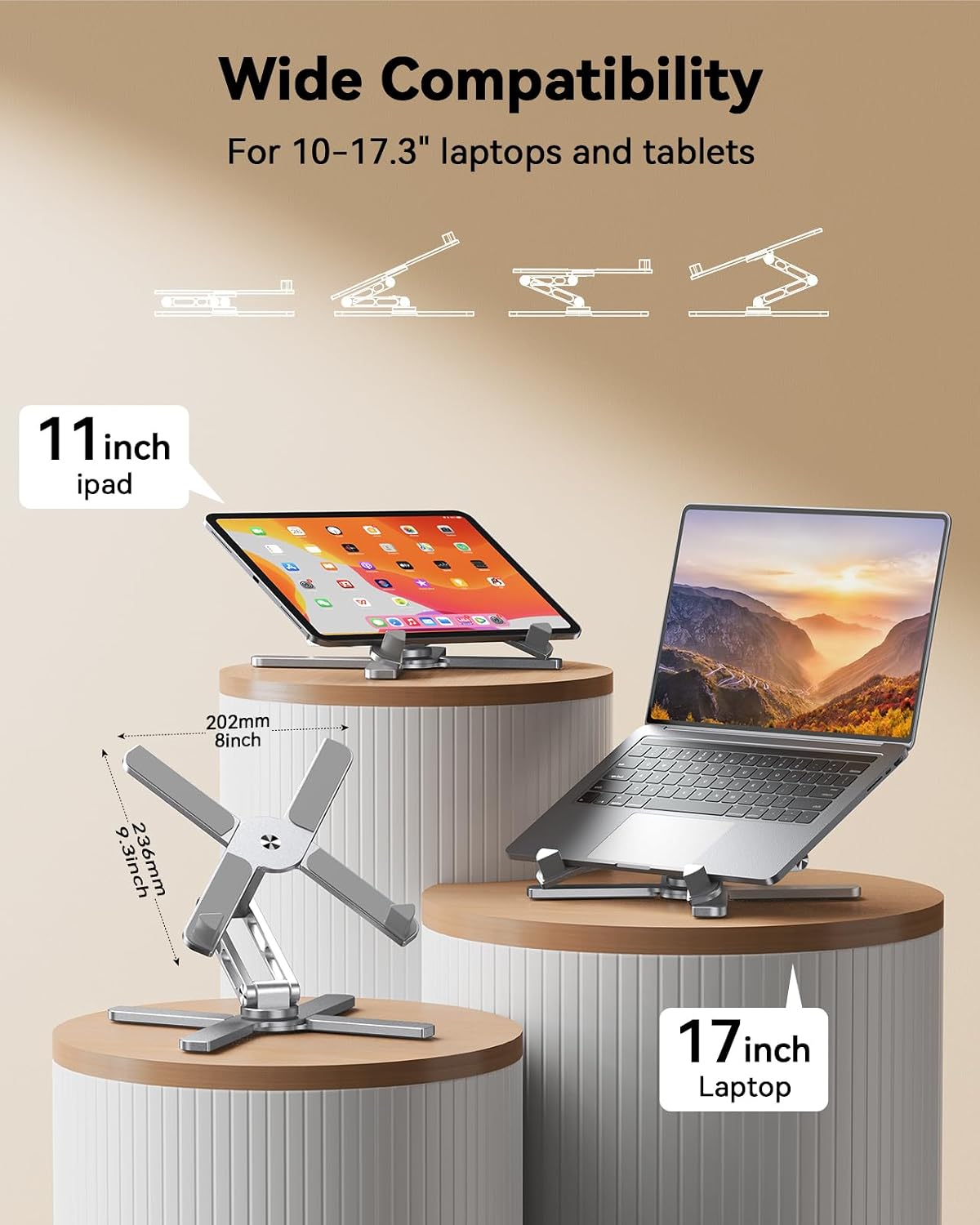
TECKNET Laptop Stand for Desk – 360° Rotating Ergonomic Aluminium Riser
Product description
What it is and who it helps with
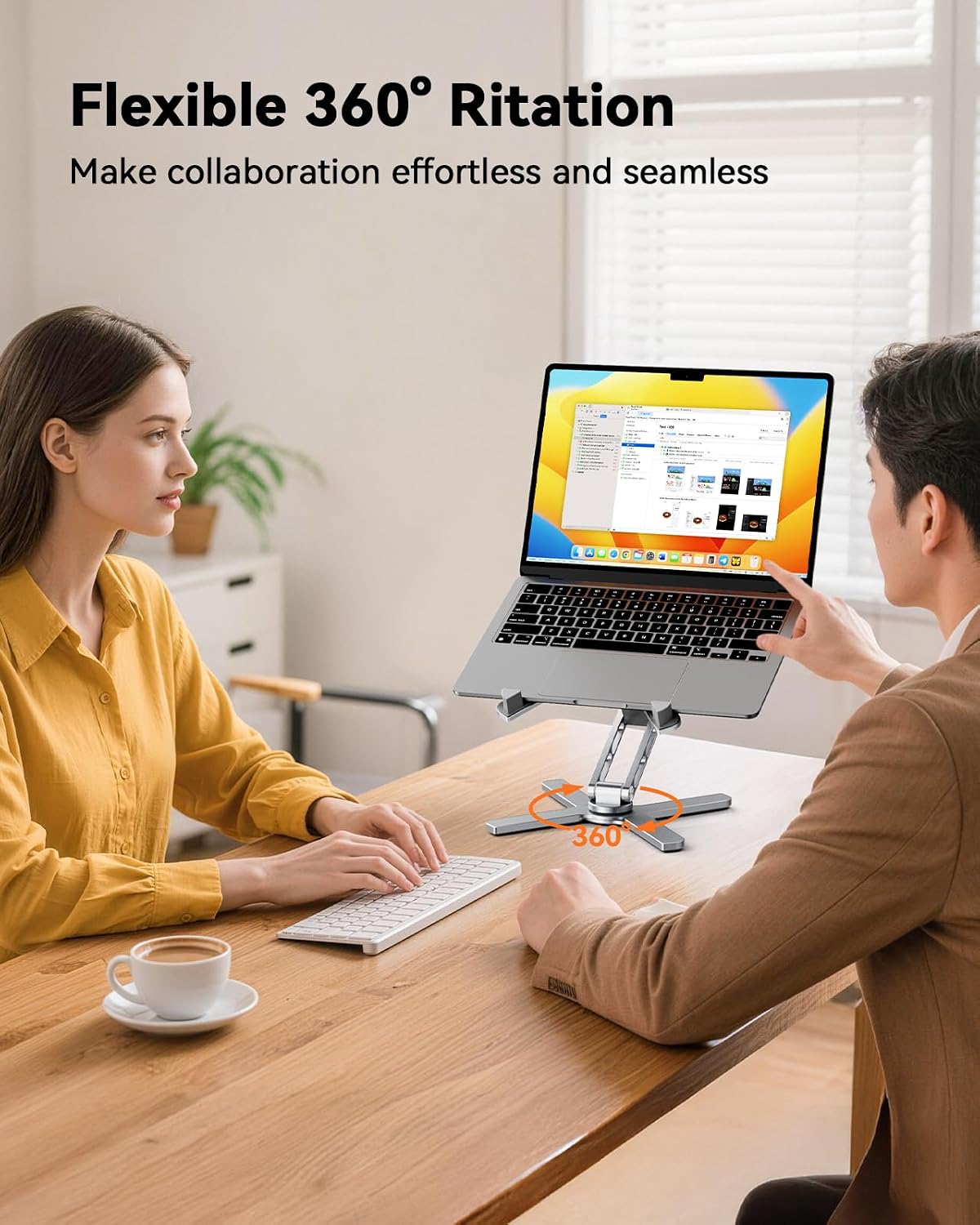
The TECKNET Laptop Stand for Desk is a foldable, aluminium laptop riser designed to lift your screen to a more comfortable height and angle. With a 360° rotating base, it’s easy to share your screen with colleagues without moving the device itself, which can be handy in collaborative sessions or when giving quick demonstrations.
How it supports your posture and comfort
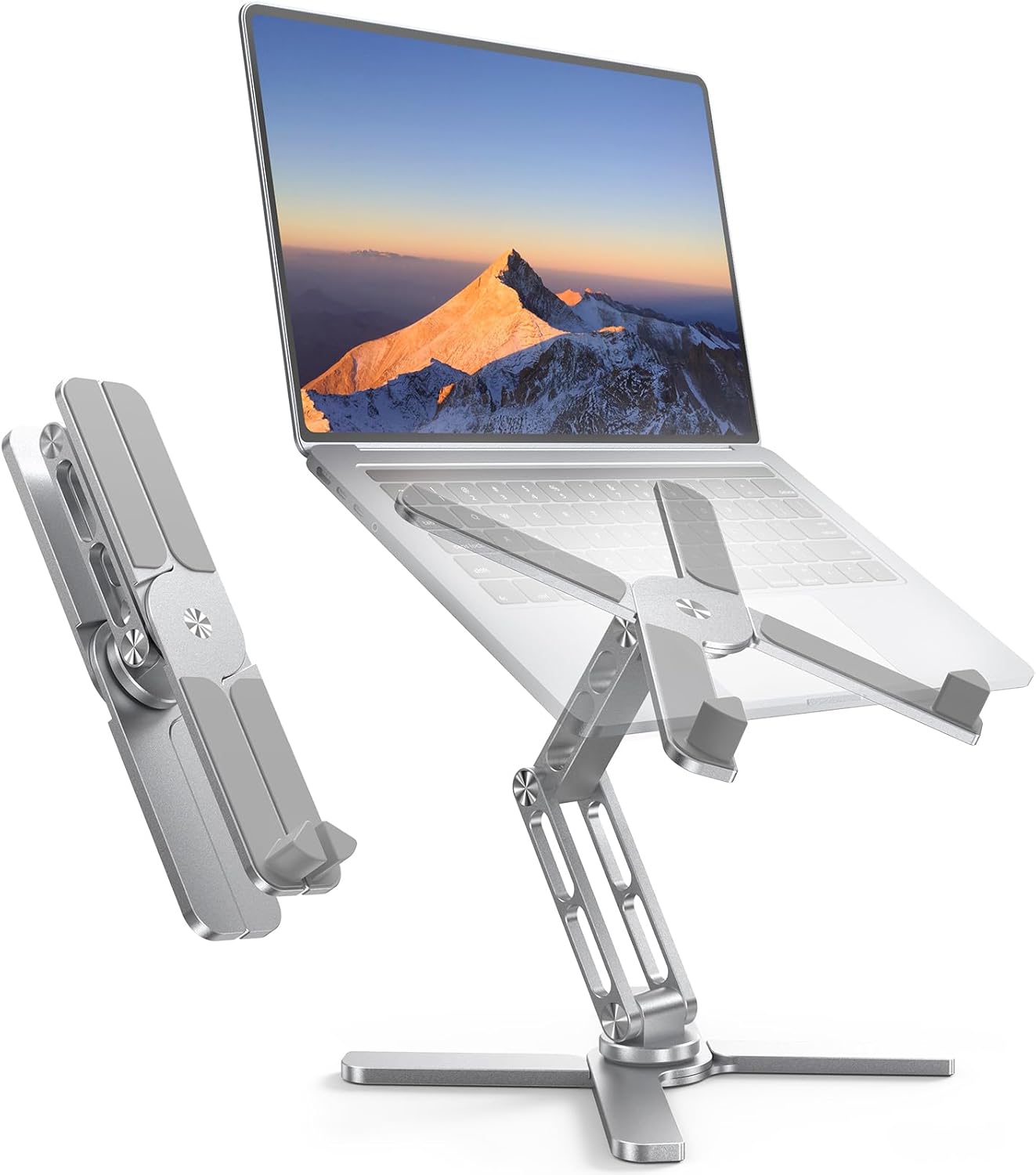
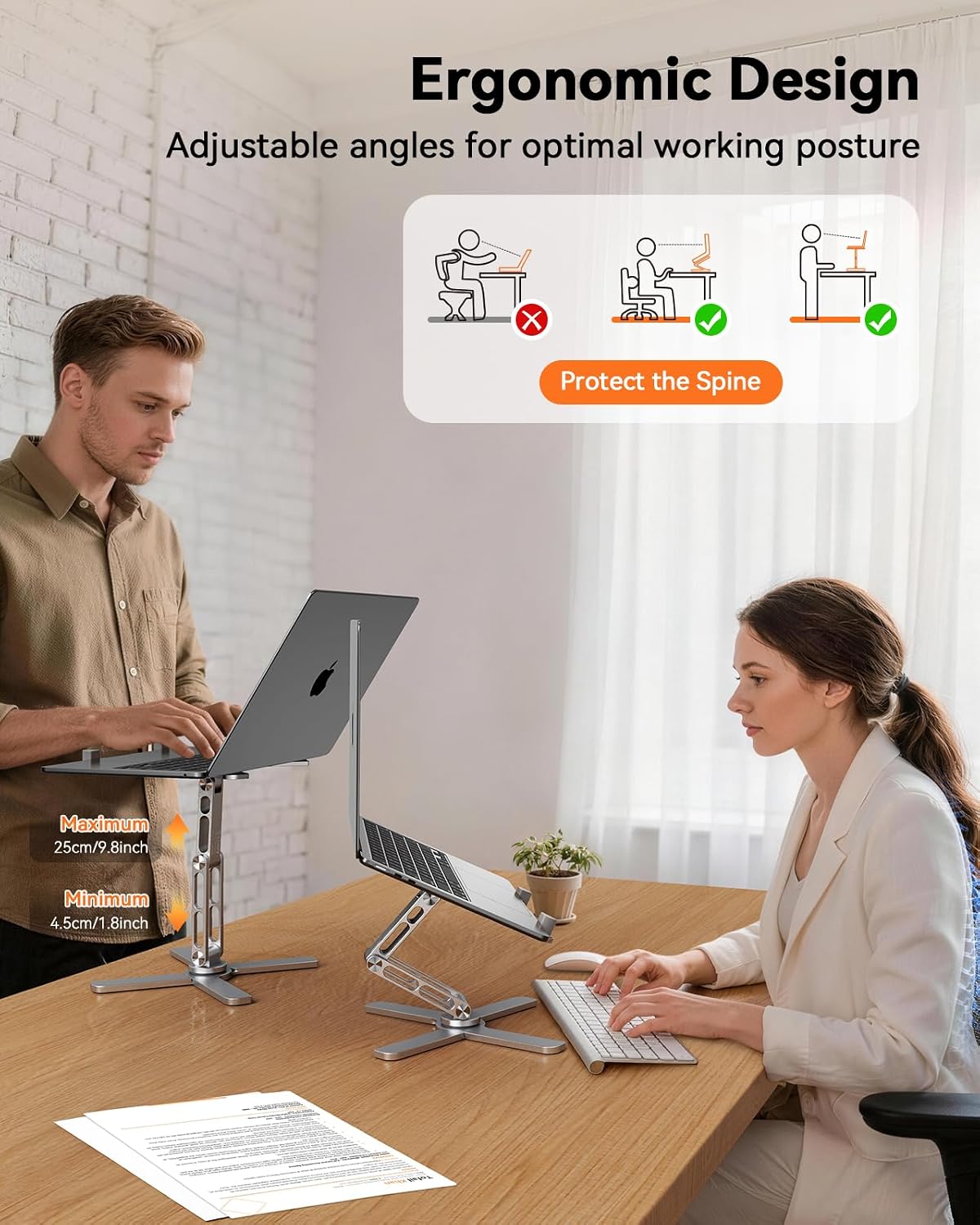
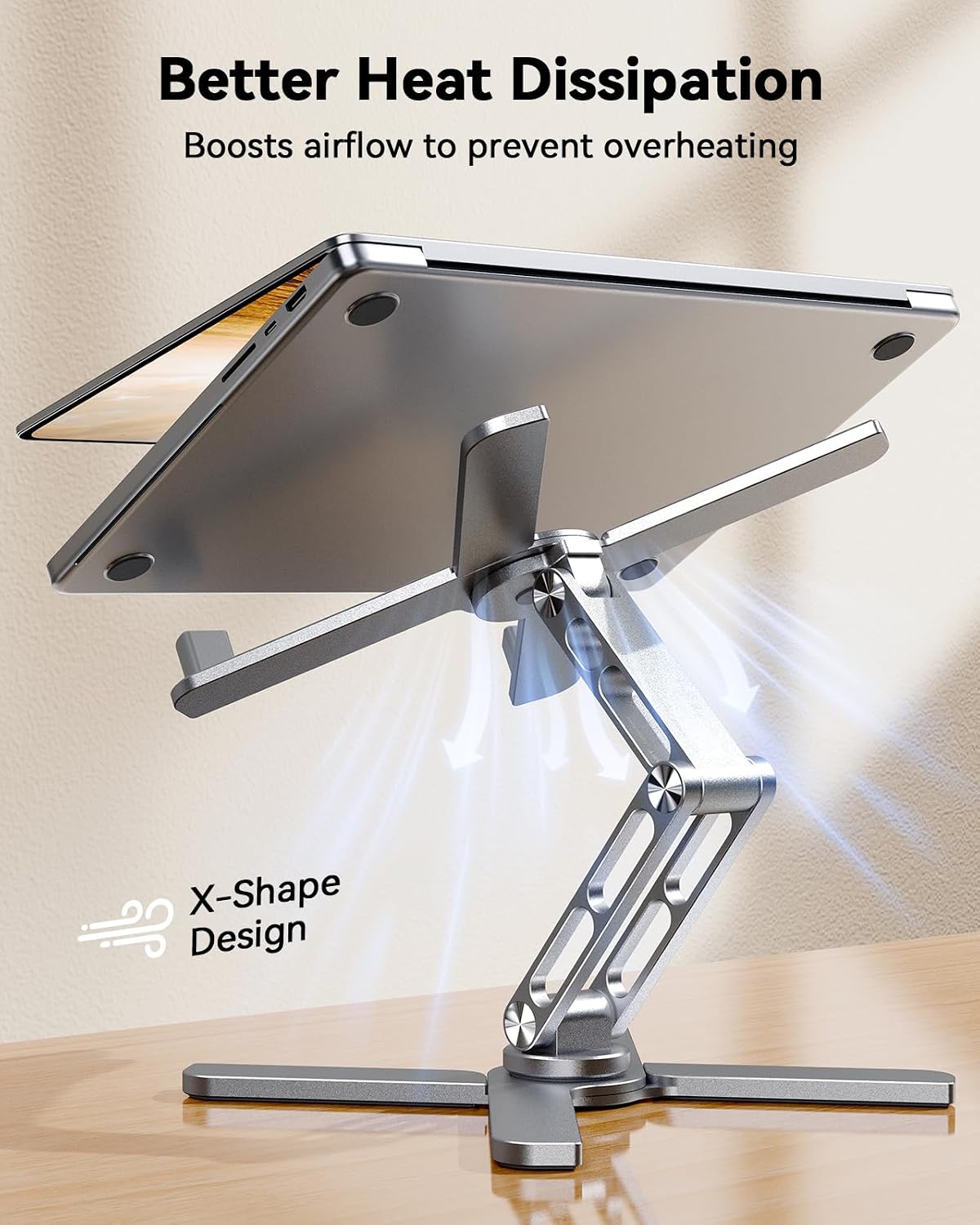
This stand offers height adjustments from 4.5 cm to 25 cm and tilt from 0° to 180°. On paper, that range allows you to align the screen with eye level, potentially reducing neck and upper back strain during long hours at the desk. The X-shaped design also aids ventilation, helping to keep laptops cooler during use—an understated benefit that can matter for performance over extended periods.
Build, weight and portability
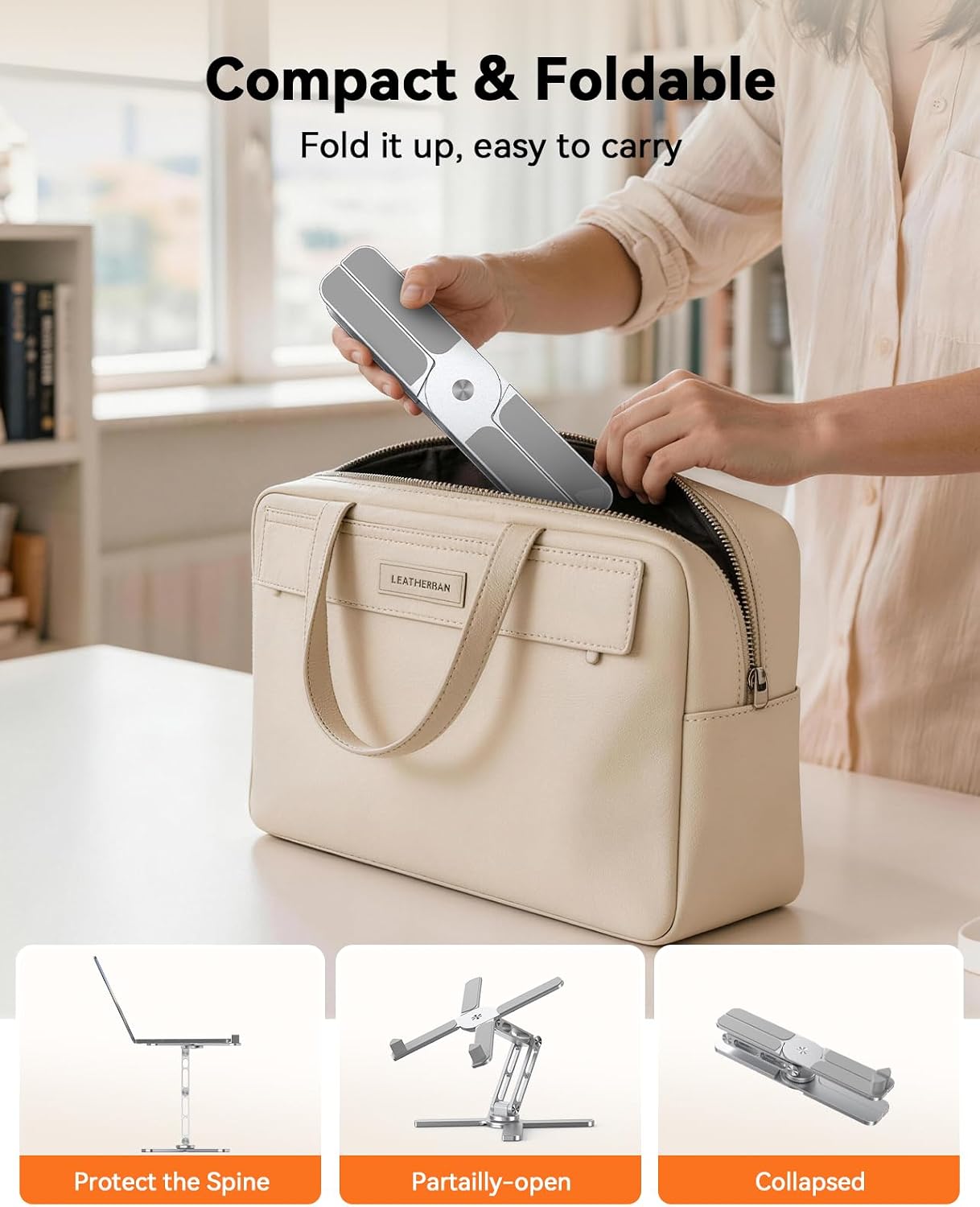
Constructed from aluminium, the stand weighs around 980 g and collapses to a compact form (about 6 cm x 29 cm x 5.4 cm). It’s lightweight and foldable, which makes it convenient to carry to cafés, libraries or hot-desking spaces where a dedicated stand isn’t provided.
Compatibility and use cases
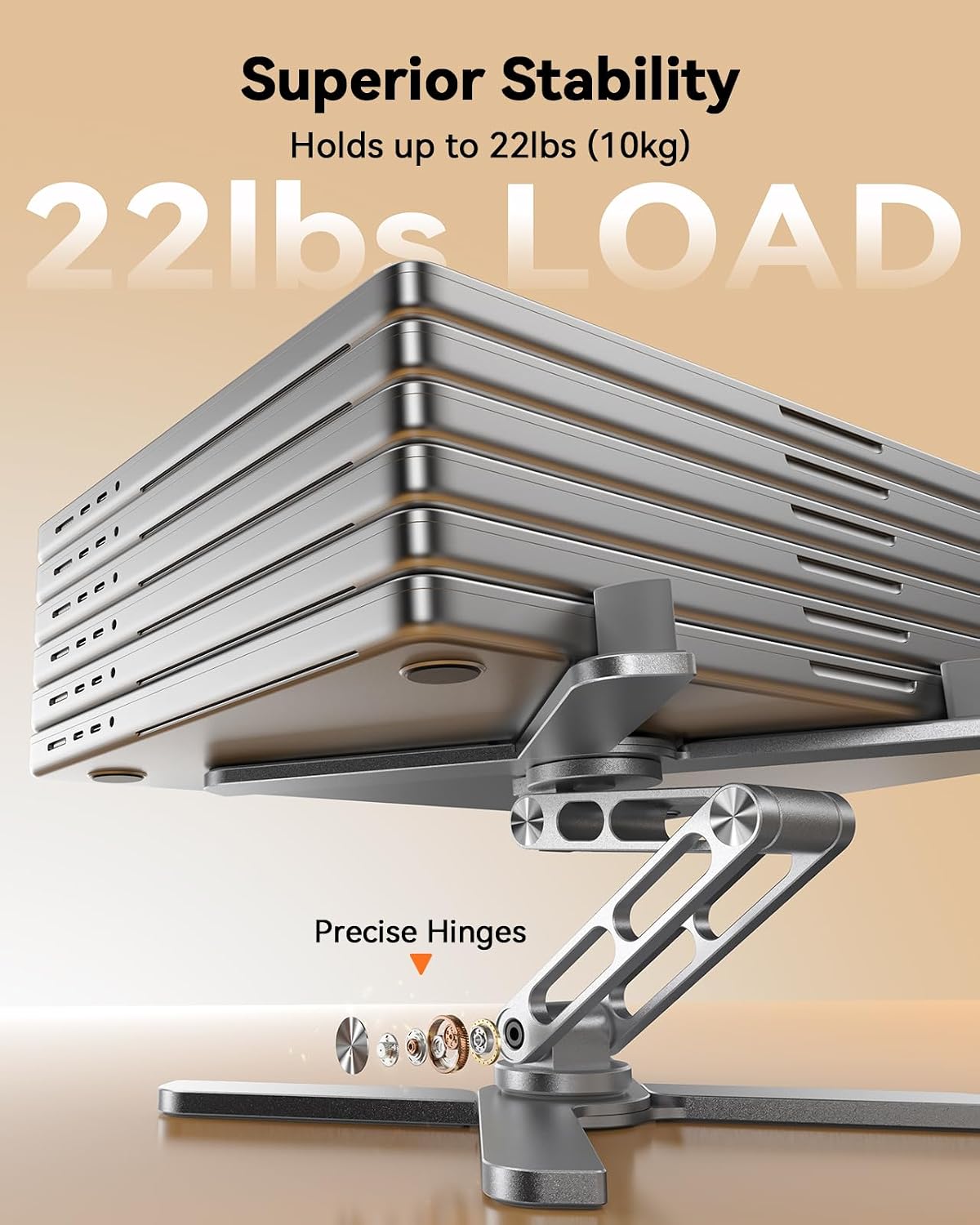
The stand claims compatibility with laptops ranging from 10 to 17.3 inches, including many MacBooks and Windows machines. In practice, this provides a broad fit for most ultrabook to mid‑weight laptops. The robust aluminium construction supports up to 10 kg, which covers typical laptops plus accessories. If you regularly switch devices, the wide size range means you’re unlikely to outgrow the stand quickly.
What works well in real use
A practical scenario: you’re presenting to a small group and want to share your screen with minimal desk movement. A quick twist of the base can orient the display towards your audience without rearranging cables and furniture. The stand’s foldable nature also means you can stash it in a laptop bag when you move between locations.
Limitations and caveats
The manufacturer warns to remove the laptop before adjusting height or angle, which is a sensible safety reminder. Also, if your device is particularly thick (the note mentions storage considerations for very thin devices when placed vertically), you’ll want to check the fit if you plan to store it vertically. In practice, it’s not a perfect one‑size‑fits‑all solution, so consider the thinnest devices you use most often and whether you value the full 360° rotation over a fixed orientation.
Practical checks before buying
- Confirm your laptop thickness and the potential clearance when folded flat.
- Consider how often you’ll need to share your screen, the rotation feature is convenient but take into account desk space for rotation.
- Check your typical posture needs: if you frequently work at eye level, the height and tilt range should cover your comfort sweet spot.
Quick comparison mindset
If you usually work in a fixed setup with a dedicated stand, this TECKNET model offers portability and broad compatibility as a trade-off. It suits freelancers or hybrid workers who value a light, compact option that travels well and still provides ergonomic adjustability, rather than a heavy, specialised stand intended purely for fixed office use.
Is it worth it?
This stand is a solid option if you prioritise portability, wide device compatibility, and a reasonable ergonomic range without paying premium for a desk-bound accessory. It may not be the best choice if you need extreme stability for very tall or heavy workstations or if you require a plug‑and‑play fixed angle without any foldability. Overall, for typical 10–17.3 inch laptops and a busy, mobile workflow, it offers sensible value and practical flexibility.
FAQ
- Can I use it with a MacBook Pro 16 inch? Yes, as long as the thickness fits within the device’s profile and it’s within the 10–17.3 inch range.
- Do I need tools to adjust the height? No, adjustments are manual, just rotate or tilt as needed after removing the device as advised for safety.
- Is it suited for desk sharing in meetings? The 360° rotation supports sharing without moving the laptop, which can help during collaborative sessions.
Final section: decision point
Is it worth it? Worth considering if you want a lightweight, broadly compatible stand that folds away neatly and enhances screen positioning for daily hybrid use.