

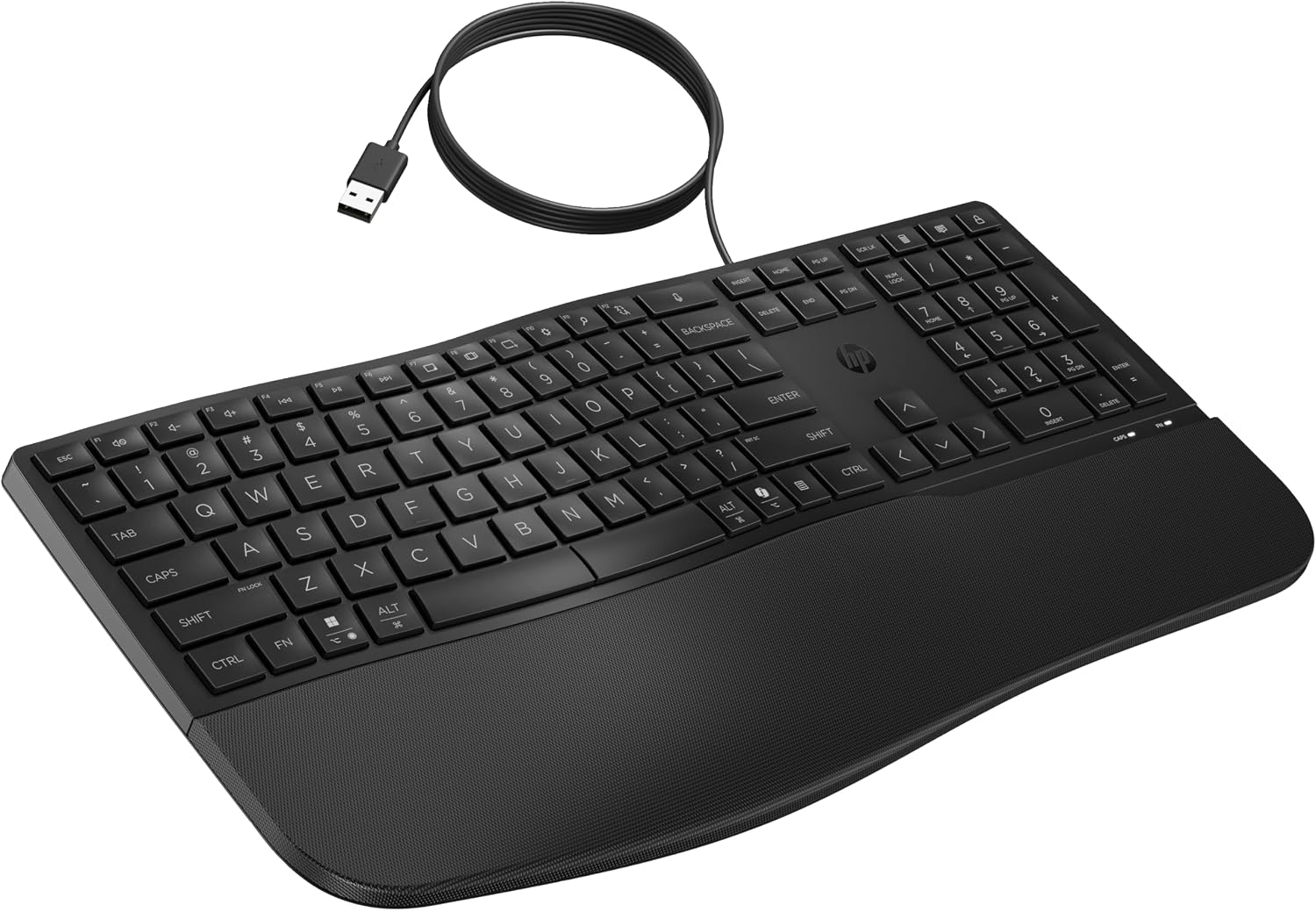
HP 480 Comfort Wired Keyboard with Adjustable Typing Angles and 23 Programmable Keys
Product description
What type of product is this and what does it solve
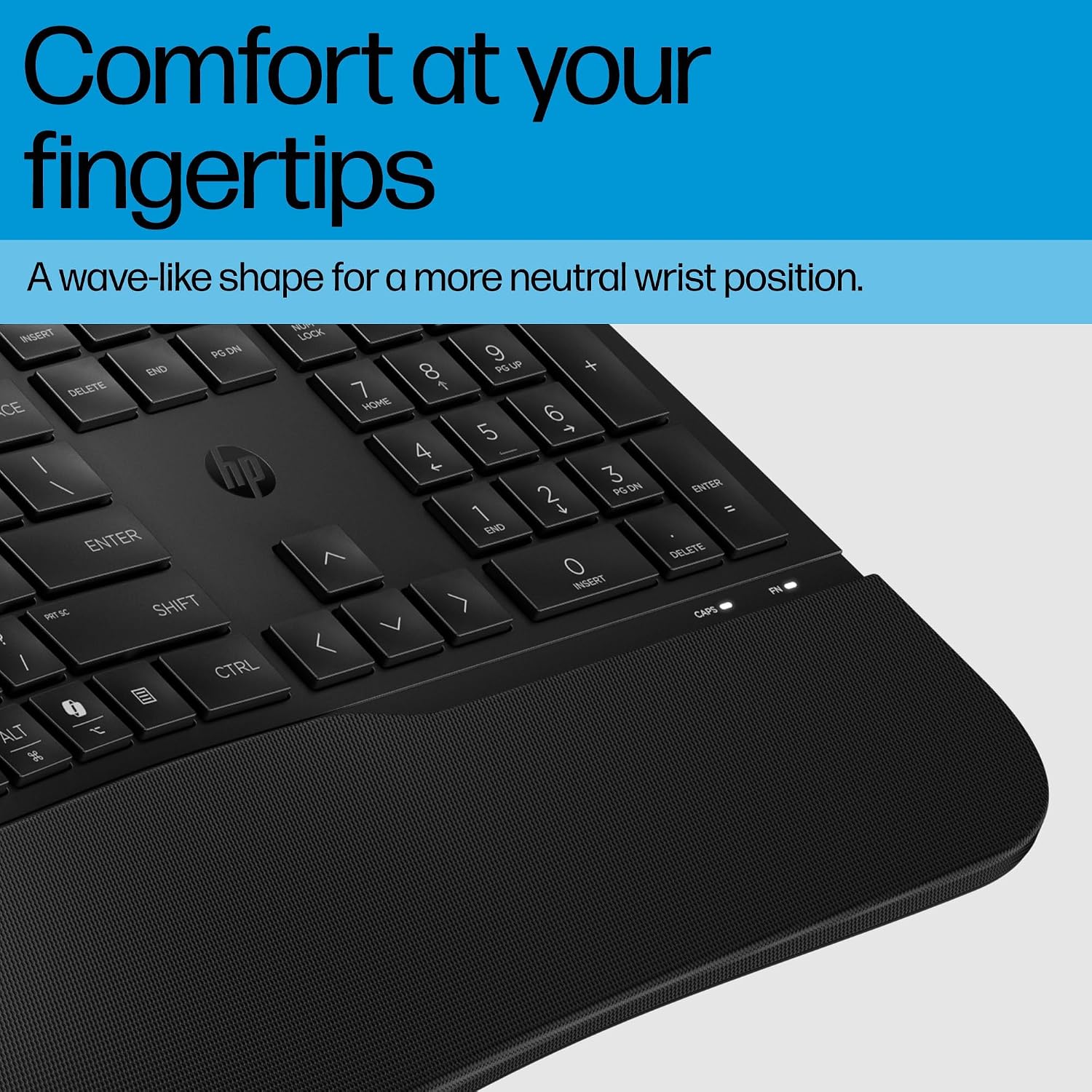
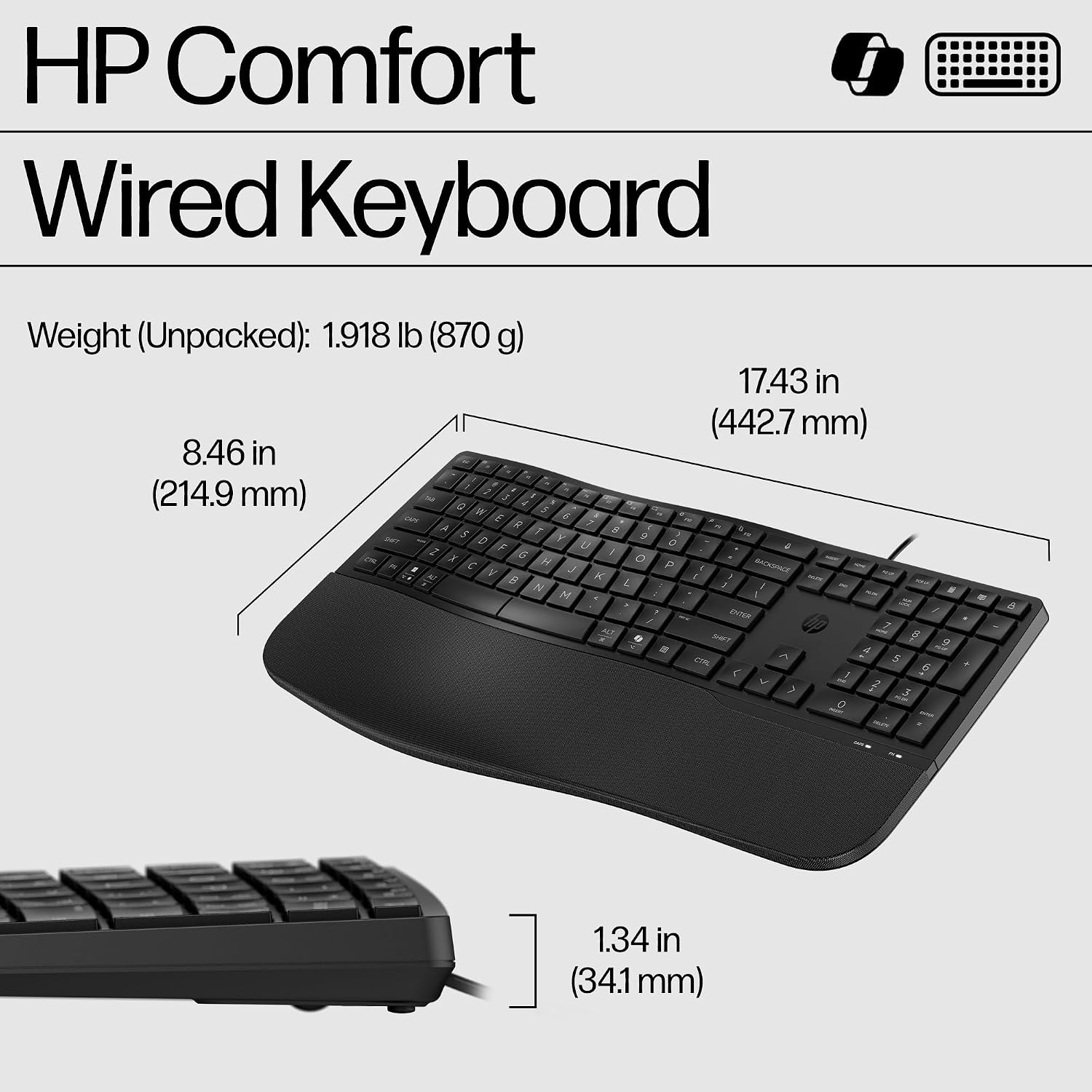
The HP 480 Comfort Wired Keyboard is a full‑size, wired keyboard designed to support long sessions of typing, whether you’re blogging, coding, or juggling multiple documents. Its wave‑shaped layout and soft palm rest aim to reduce strain and create a more natural typing posture. For people who spend hours at the keyboard, this model offers a practical blend of comfort features and straightforward connectivity that can help support better daily productivity without a lot of fuss.
How it’s laid out and what you get on the desk
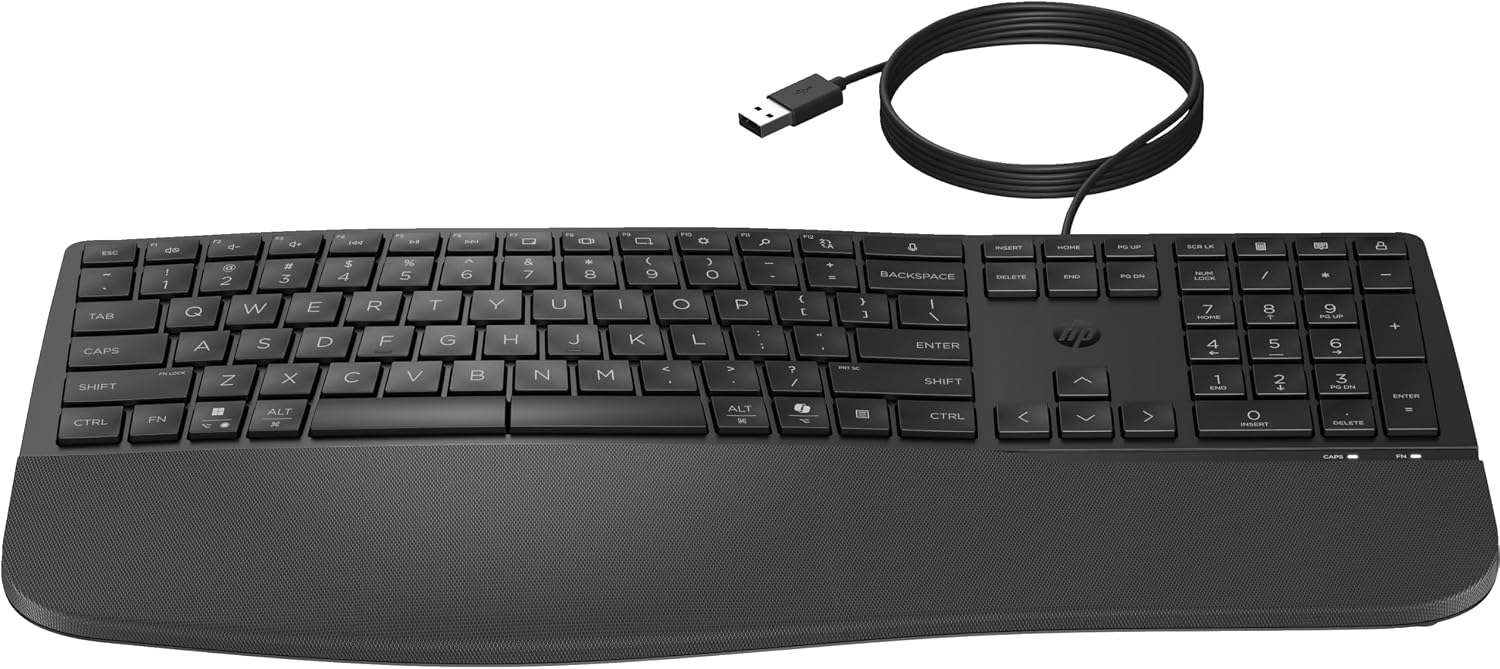
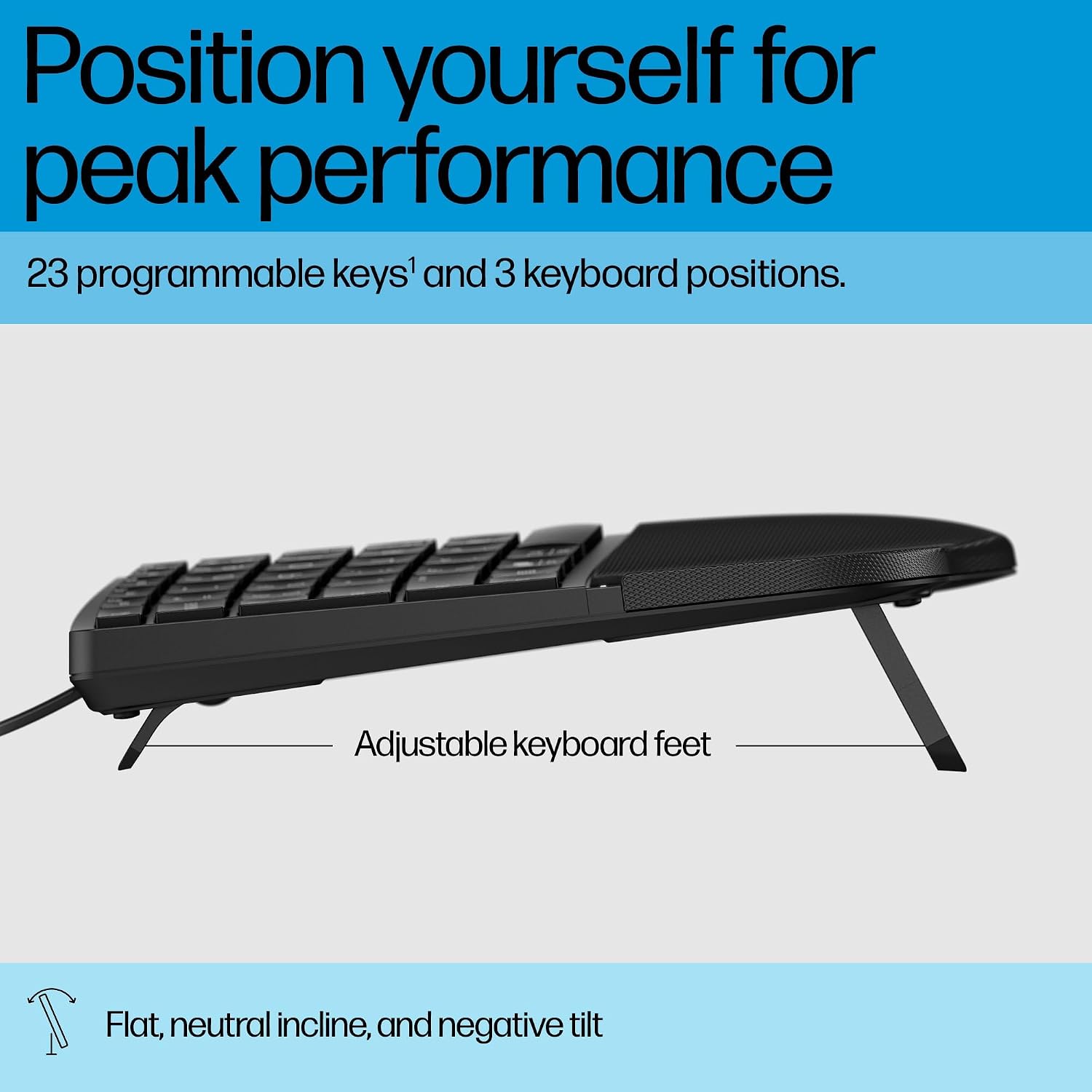
On the desk, the keyboard presents a familiar layout with quiet keycaps to minimise noise in shared spaces. It includes a palm rest and an adjustable angle system offering three positions: flat (3.2°), neutral incline (6.7°), and a negative tilt (-8.08°). These choices allow you to position the keyboard to suit your natural wrist alignment and working style. In addition, there are 23 programmable keys that you can tailor to common commands or shortcuts, which may help speed up repetitive tasks or workflows.
Pros and what stands out in real use
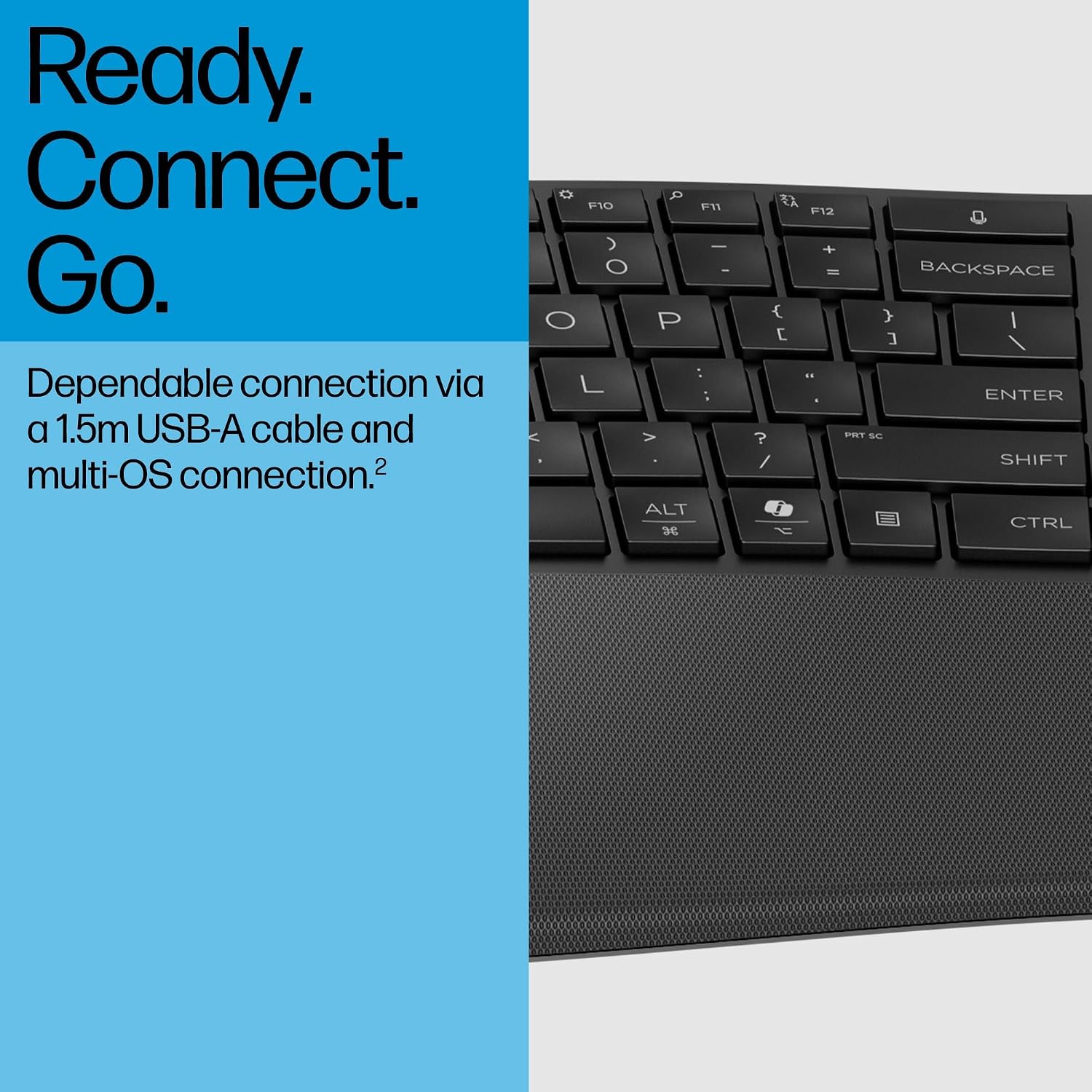
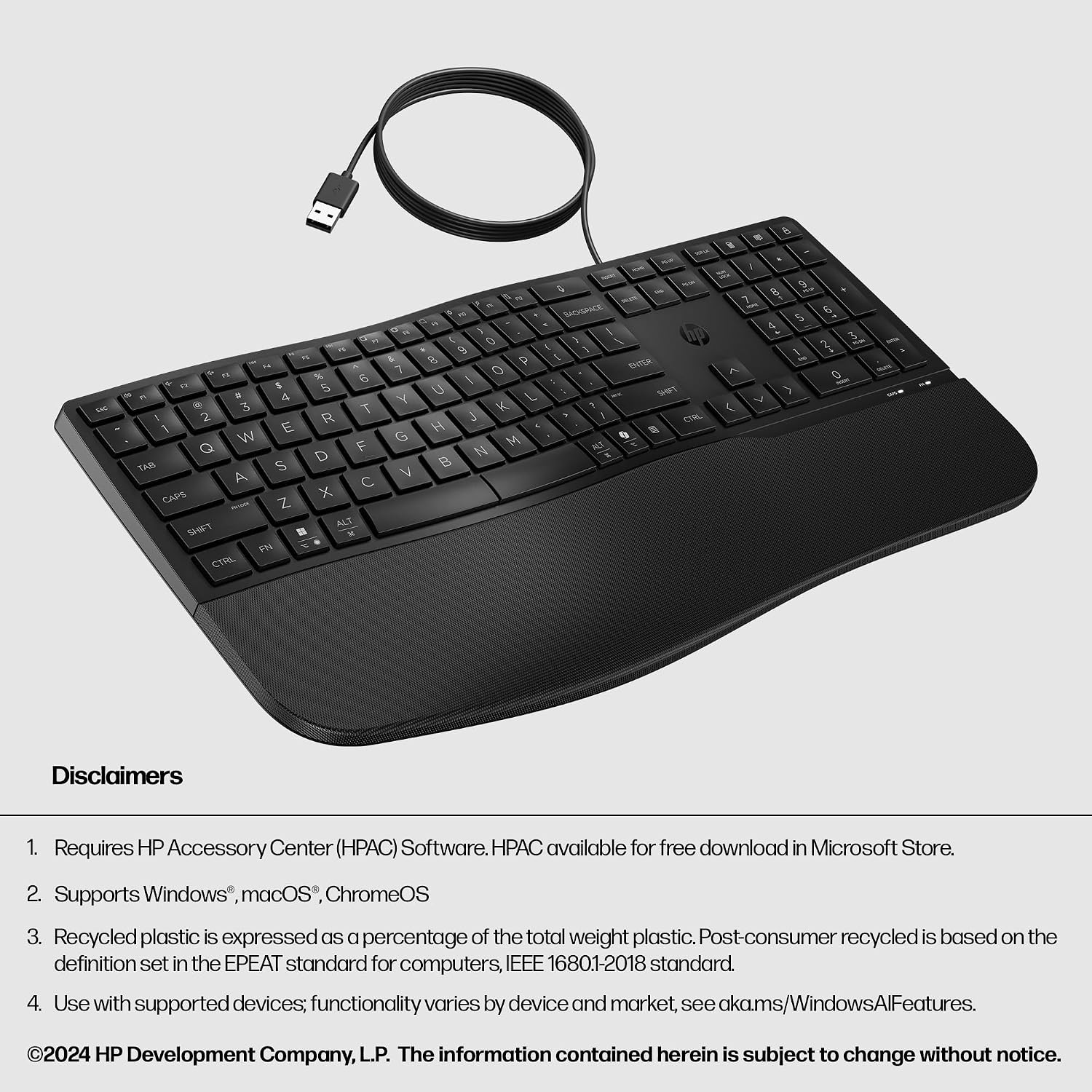
On paper, the three‑position tilt mechanism and the substantial palm rest address common ergonomic concerns for long typing sessions. The 23 programmable keys are a practical upgrade for those who like custom shortcuts, and the dedicated MS Copilot key introduces a straightforward doorway to AI‑assisted work without leaving the keyboard. The plug‑and‑play setup via a 1.5 m USB‑A cable keeps things simple, and compatibility with multiple operating systems is a useful feature for mixed PC environments. In everyday use, this translates to a keyboard that feels comfortable for writing and quick for short‑cut access, without requiring software installation.
Limitations and what to watch out for
It may not be the best choice if you prioritise a compact footprint or wireless freedom, as this is a wired model with a full‑size form factor. The emphasis on comfort and programmability is solid, but the keyboard’s value hinges on whether the 23 programmable keys align with your typical tasks. If you work primarily on very lightweight typing tasks, some users may find the array of keys more than they need. Also, the longevity of the tactile feel and the level of keycap quietness will depend on daily usage and typing style.
Who it’s for and who it isn’t for
This keyboard suits desk workers, bloggers, students, and developers who want an ergonomic tilt option, a cushioned palm rest, and the ability to map frequent actions to dedicated keys. It’s particularly appealing if you value an integrated Copilot key for quick AI assistance and if you operate within a multi‑OS setup. It isn’t ideal for those seeking a compact or wireless solution, or for users who dislike programmable keys and prefer a minimalistic layout.
When does it make sense to buy
If you spend long hours typing and want a straightforward, plug‑and‑play ergonomic solution with extra shortcuts, the HP 480 Comfort Wired Keyboard offers a practical setup. The three tilt options let you experiment with wrist alignment to reduce fatigue, while the Copilot key can simplify certain tasks and boost productivity. It also makes sense in environments where a wired connection is preferred for reliability or where USB‑A ports are readily available.
When you might choose to skip it
If you require a compact or wireless keyboard, or if you don’t see yourself using 23 programmable keys, there may be more fitting alternatives. If your workflow heavily relies on a very specific keyboard layout or you need higher‑end mechanical switches or RGB lighting, this model may feel mid‑range by comparison.
What to review before buying
- Check which OS you primarily use and confirm the compatible operating systems listed by HP.
- Consider your typical seating position and whether the three tilt angles will help you reach a comfortable posture.
- Reflect on how often you would use the 23 programmable keys and plan a layout that saves you time.
- Decide if a wired USB‑A connection suits your desk setup without introducing cable clutter.
- Think about whether you want a dedicated Copilot button as part of your daily tasks and how often you’d use AI assistance.
How it compares to alternative approaches
For users weighing between a traditional flat keyboard and more feature‑rich models, this HP option provides a middle ground: more ergonomic versatility and programmable keys than a basic model, with the fixed reliability of a wired connection. If portability or wireless independence is a priority, a compact wireless keyboard might be a better fit. If you want a premium typing experience with high‑end switches or fancy per‑key lighting, you may lean toward higher‑spec options.
Practical example of use
Imagine drafting a long blog post: you switch to the neutral incline, load a few commonly used commands into 23 programmable keys (copy, paste, insert link, run a search, etc.), and press the Copilot key to summarise a section or brainstorm ideas. The quiet keys help you stay focused in a quiet home office, and the palm rest keeps your wrists comfortable after hours of typing.
Final decision
Is it worth it?
Worth considering if you prioritise comfort, a configurable typing angle, and accessible AI assistance within a practical, plug‑and‑play package. It isn’t the cheapest option, but the combination of ergonomic options and customisable keys can offer real day‑to‑day value for heavy users.
FAQ
- Do the programmable keys require software to work? The description focuses on hardware‑based programmability, software requirements aren’t specified, so plan to use the keys in a way that suits your OS without assuming advanced configuration.
- How many OSes is it compatible with? The keyboard is described as compatible with multiple operating systems, but exact lists aren’t provided here.
- Is the Copilot key always available without extra setup? It’s designed as a dedicated Copilot key, but whether it requires additional setup beyond plugging in the USB cable isn’t detailed.