

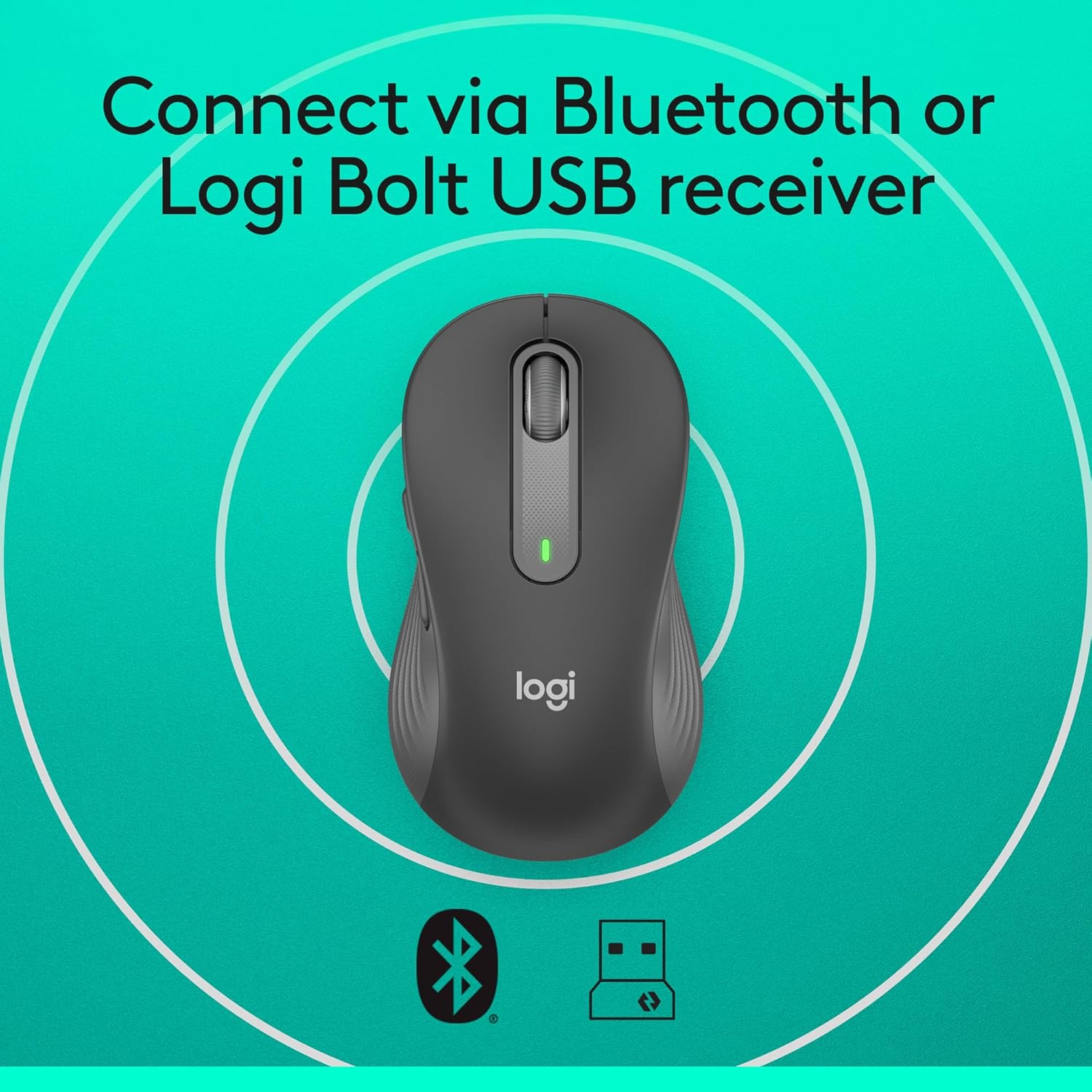
Logitech Signature M650 L wireless mouse (Bluetooth, SilentTouch, SmartWheel) for large hands – Grey
Product description
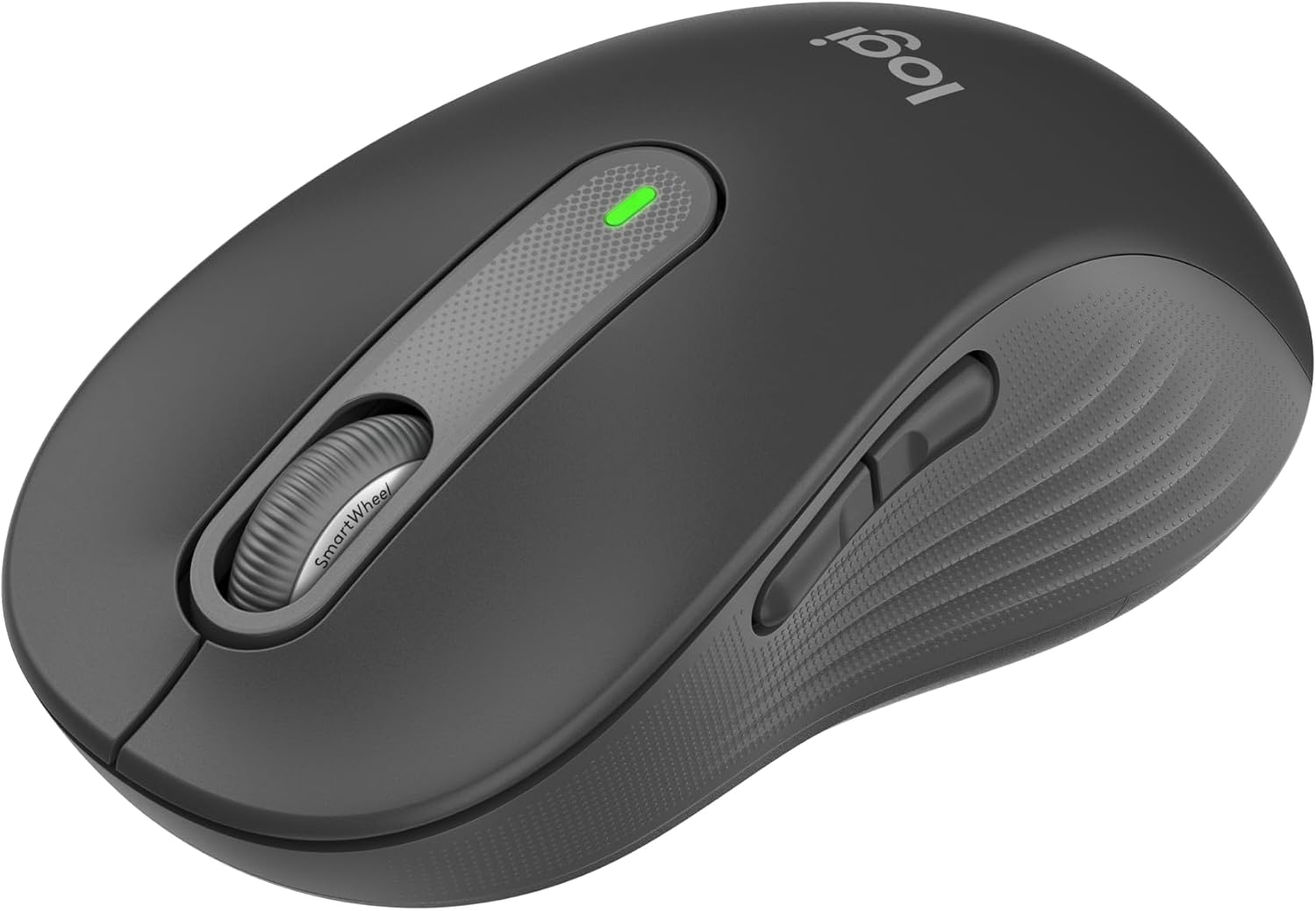
If you spend hours at a desk, your mouse can quietly become the most-used piece of kit in the room. The Logitech Signature M650 L is built around comfort and control: line-by-line precision when you’re editing documents, plus faster scrolling for long web pages. It’s also a left-handed model, so the shape and layout are designed with lefties in mind rather than being a compromise.
It’s not the cheapest way into a more ergonomic-feeling mouse, but on paper it looks like the sort of “everyday work” device that’s meant to reduce annoyance: quieter clicks, a comfortable contour, and side buttons you can tailor to your workflow.
Key takeaways
The Signature M650 L is a full-size wireless mouse for larger hands, with a SmartWheel for switching between scrolling modes. It targets left-handed comfort with a contoured shape and soft thumb area, and it aims to cut down click noise thanks to SilentTouch. You also get customisable side buttons via Logitech Options+ (Windows and macOS mentioned), and you can connect either through Bluetooth Low Energy or a USB receiver (Logi Bolt).
Where it may not feel like a slam dunk is if you’re expecting a tiny, minimalist mouse. This one is “full size”, and the design is oriented towards left-handed use, so right-handed buyers or people with smaller hands might find it less natural.
The essentials: what it is and what it’s for
This is a left-handed, full-size wireless mouse designed for everyday computing. The big practical idea is that it tries to make both document work and browsing feel smoother:
- For documents, it supports line-by-line precision.
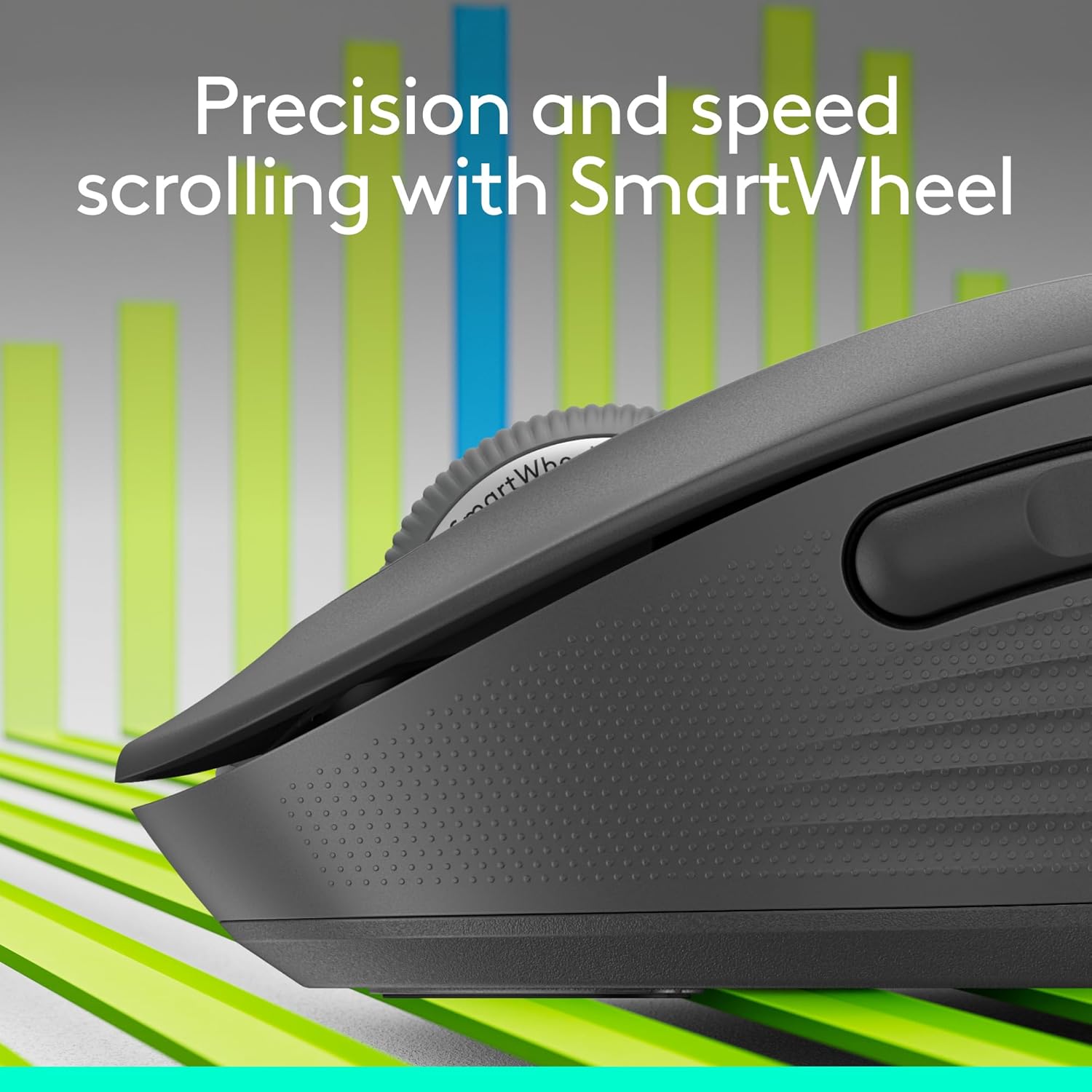
- For web pages, you can switch to a super-fast scrolling mode with the SmartWheel.
A quick, realistic example: imagine you’re writing a report, then jumping between a couple of long articles. You can keep your hand in a comfortable position, scroll line-by-line when you’re refining sentences, then flick into fast scrolling when you’re skimming.
What stands out in day-to-day use
Comfort that’s clearly the focus
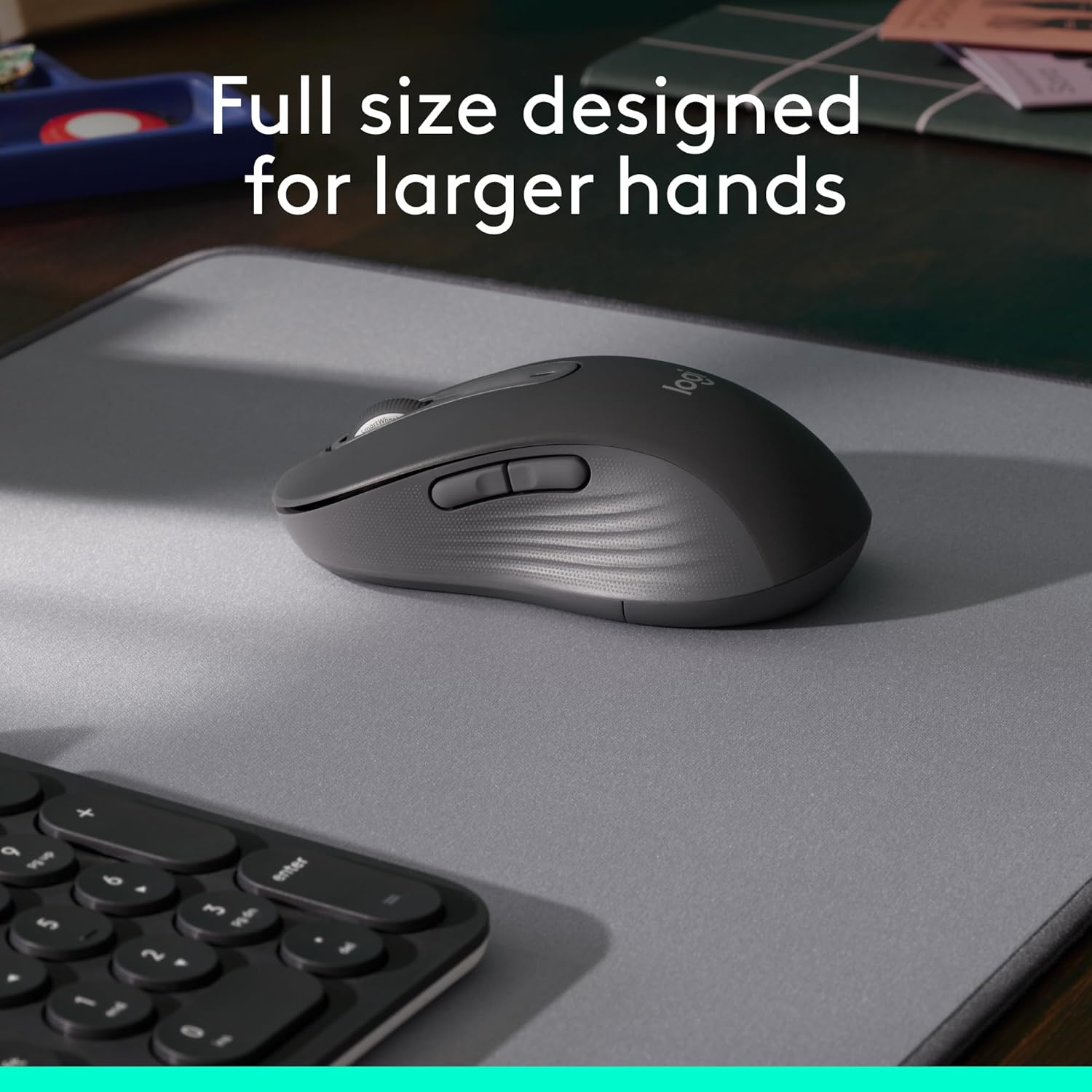
The M650 L is described as contoured, with a soft thumb area and rubber side grips to help keep your hand snug. That’s the kind of detail that matters if you get hand fatigue or you dislike mice that feel like they “slide” in your grip.
It’s also explicitly aimed at larger hands, so if you often find standard mice too cramped, this is the angle it’s taking.
Silent clicks for a calmer desk
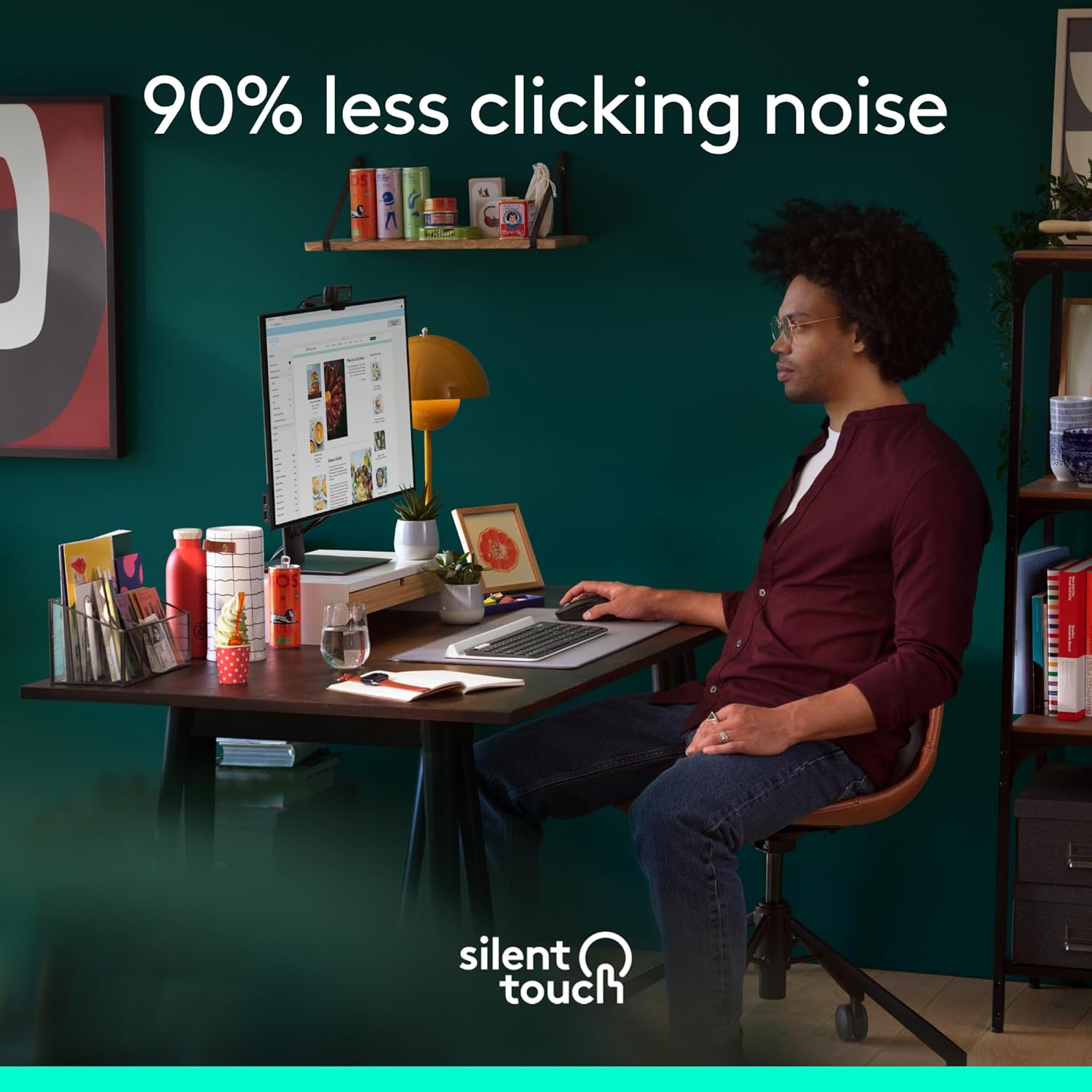
SilentTouch technology is positioned as a noise reduction feature, with “90 per cent less click noise” mentioned. The intent is straightforward: you can still click with confidence, but it’s less disruptive for shared spaces, home offices, or quiet study areas.
Customisable side buttons
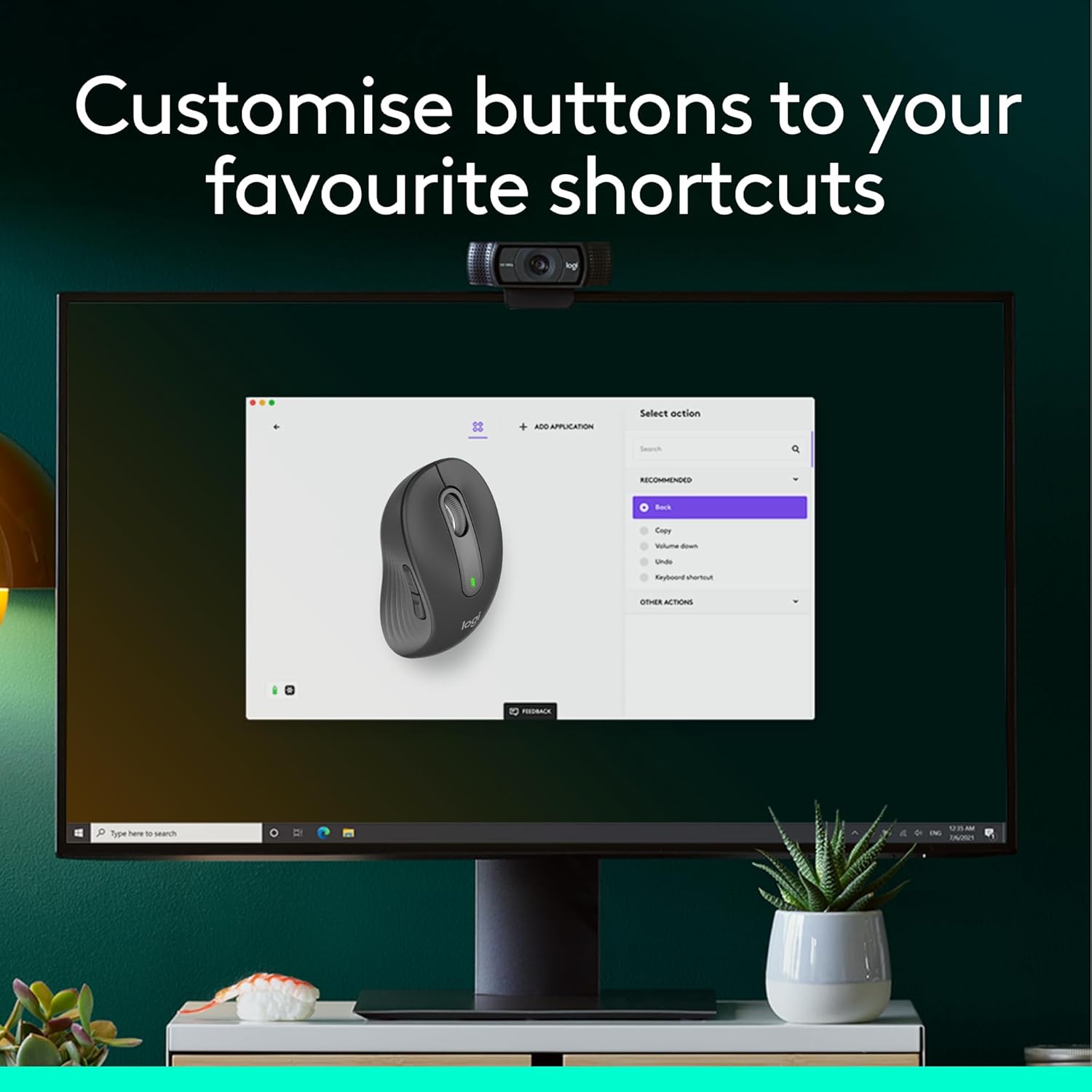
You can customise the side buttons on the Bluetooth version using Logitech Options+. The shortcuts examples given include back/forward and copy/paste. If your workflow depends on repeat actions, this is often where a mouse earns its keep.
Key specifications
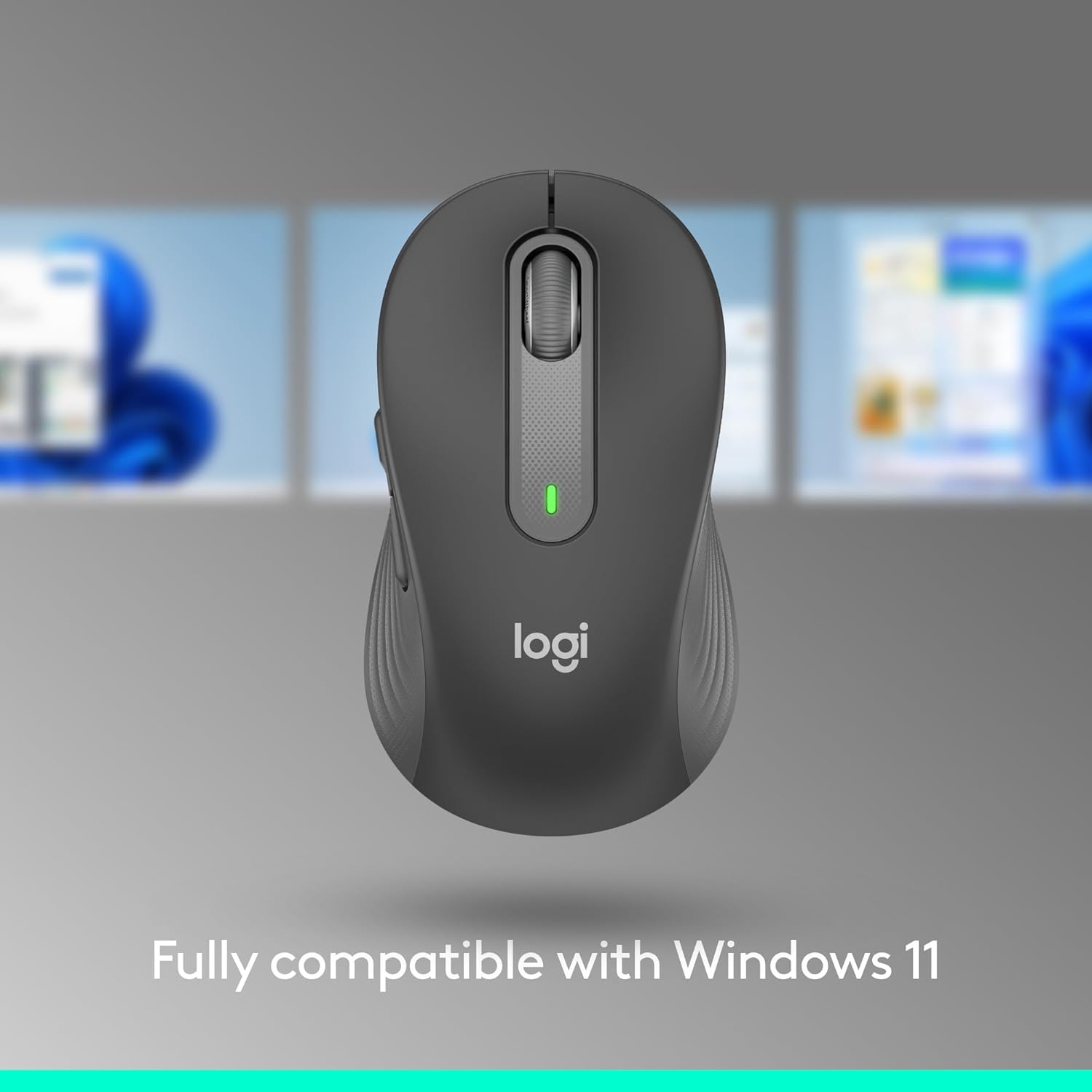
- Type: Wireless mouse (full size)
- Name: Logitech Signature M650 L
- Connection options: Bluetooth Low Energy or Logi Bolt USB receiver
- Scrolling: SmartWheel with switchable modes (line-by-line precision for documents, super-fast scrolling for long web pages)
- Click noise: SilentTouch technology (90 per cent less click noise mentioned)
- Side buttons: Customisable via Logitech Options+
- Works with: Windows, macOS, Linux, ChromeOS, iPadOS, Android operating systems (as stated)
- Certification: Works with Chromebook certified product (as stated)
- Colour: Grey
- Material note: Plastic parts in Signature M650 L Left include certified post-consumer recycled plastic (Graphite: 68%, Off-White: 27%)
Where it shines (and where it doesn’t)
It makes sense if you:
It suits you if you’re a left-handed user who wants a comfortable full-size shape designed for larger hands. It also makes sense if you do a mix of document editing and browsing, because the SmartWheel modes are specifically called out.
It’s a solid pick if you value quieter clicking for office/home use, and if you like the idea of remapping side buttons to shortcuts via Logitech Options+ on Windows or macOS.
It may not suit you if you’re right-handed, prefer a smaller mouse, or you need a lot of setup on platforms beyond what’s explicitly mentioned for Logitech Options+. Also, if your priority is purely maximum performance for gaming, this type of “productivity mouse” approach may feel more mid-range than enthusiast-focused.
Is it worth it?
Buying this is a sensible move if your main pain points are comfort for larger hands, left-handed fit, and reducing click noise while keeping scrolling efficient. The combination of SmartWheel mode switching, SilentTouch, and custom side buttons is the core reason to consider it.
You may want to skip it if you’re buying for a right-handed user, have smaller hands that prefer something more compact, or you simply don’t care about customisable side shortcuts and quieter clicks. It’s aimed squarely at everyday desk work, not at niche use cases where you’d need different priorities.
Mini FAQ
Is it left-handed?
Yes, the provided description refers to a left-handed design and a left model.
How does it connect wirelessly?
The description states you can connect via Bluetooth Low Energy or using a Logi Bolt USB receiver.
Can I customise the side buttons?
The text says you can customise them with Logitech Options+ (available on Windows and macOS are mentioned).
Does it support scrolling for documents and web pages?
Yes. It’s described as offering line-by-line precision for documents and super-fast scrolling for long web pages, with a switchable SmartWheel mode.
Is it noisy compared with other mice?
SilentTouch technology is mentioned with “90 per cent less click noise”, so it’s designed to be quieter for shared or calm environments.