

Logitech Signature M650 L Wireless Mouse for Large Hands — Silent Clicks and Multi-Device Comfort
Product description
What matters most
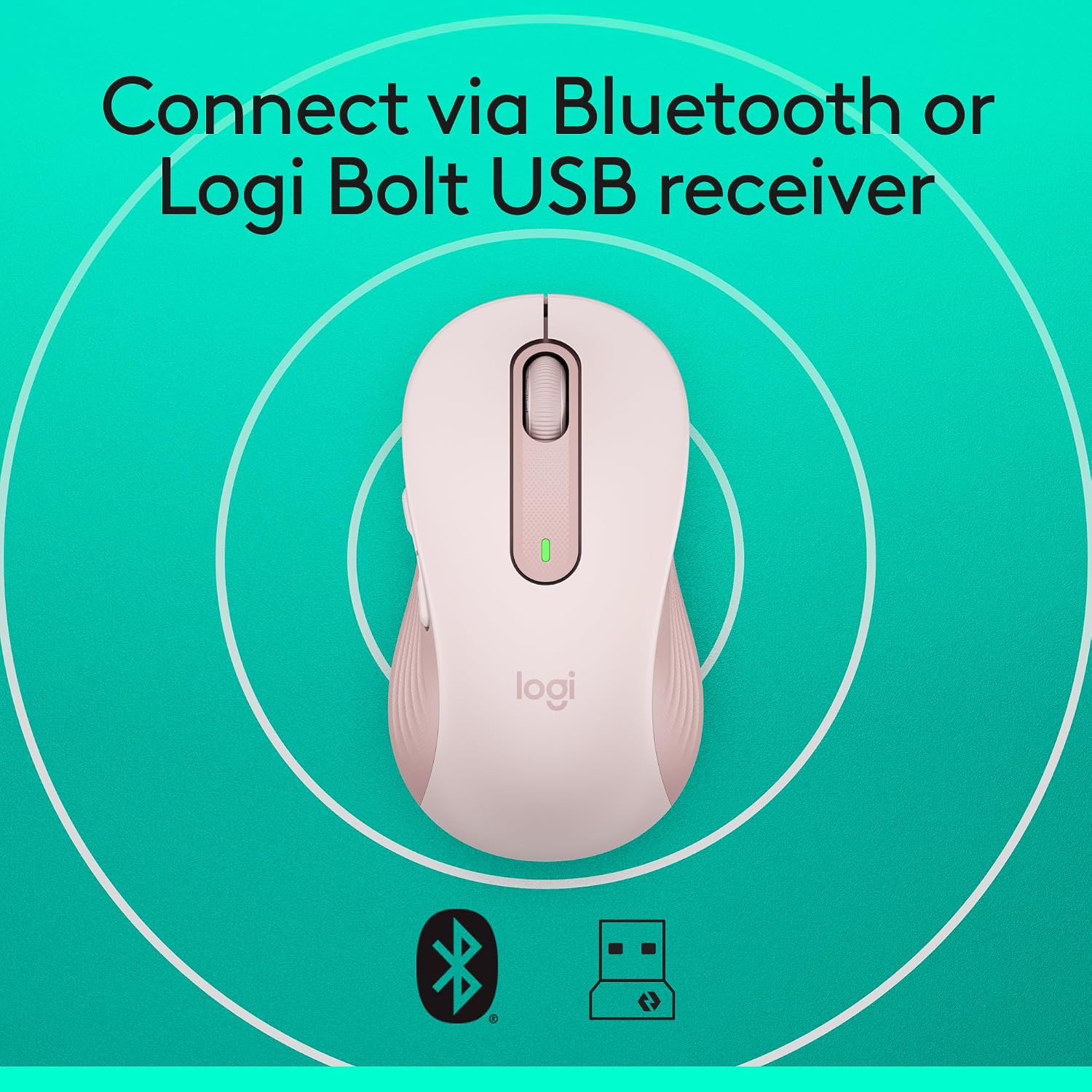
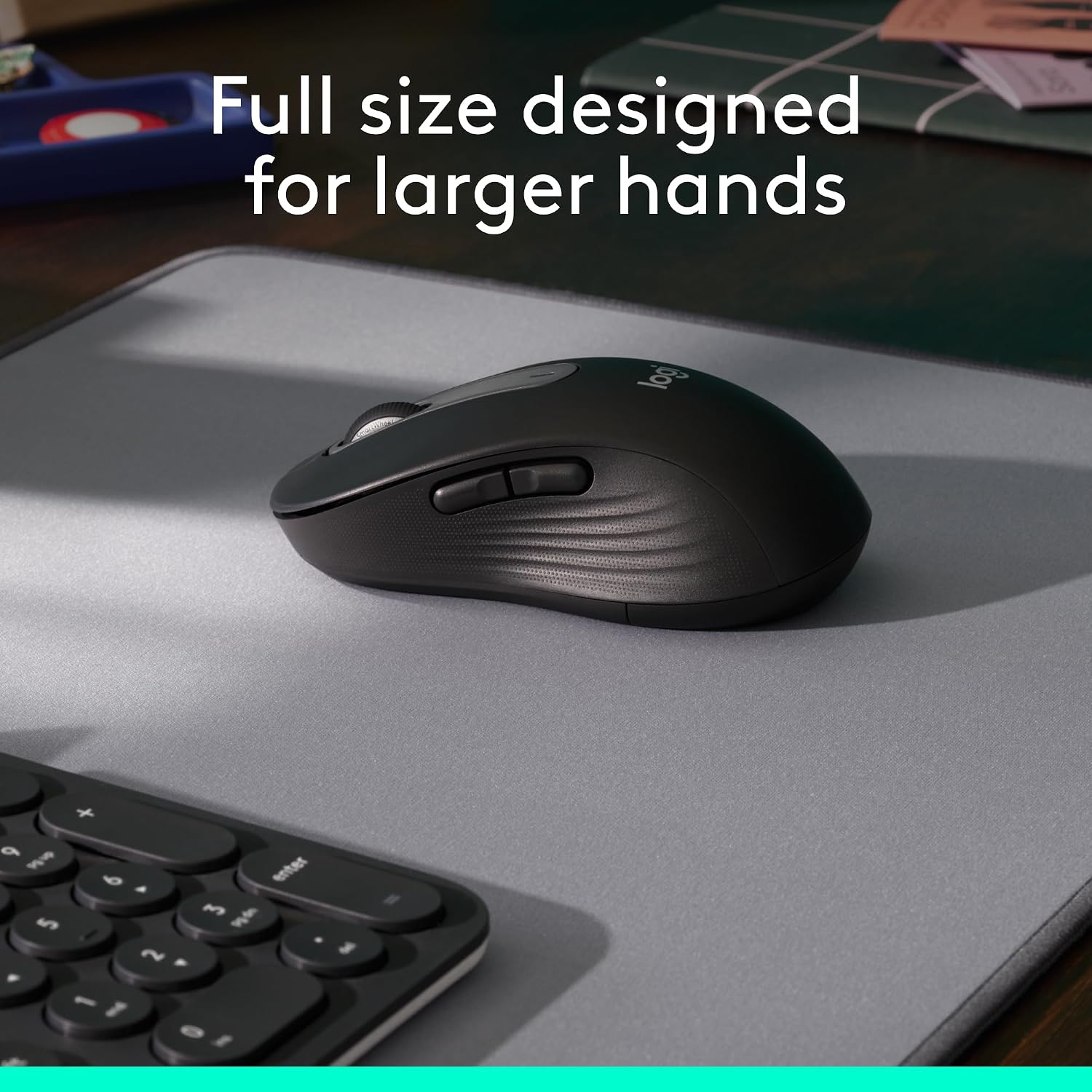
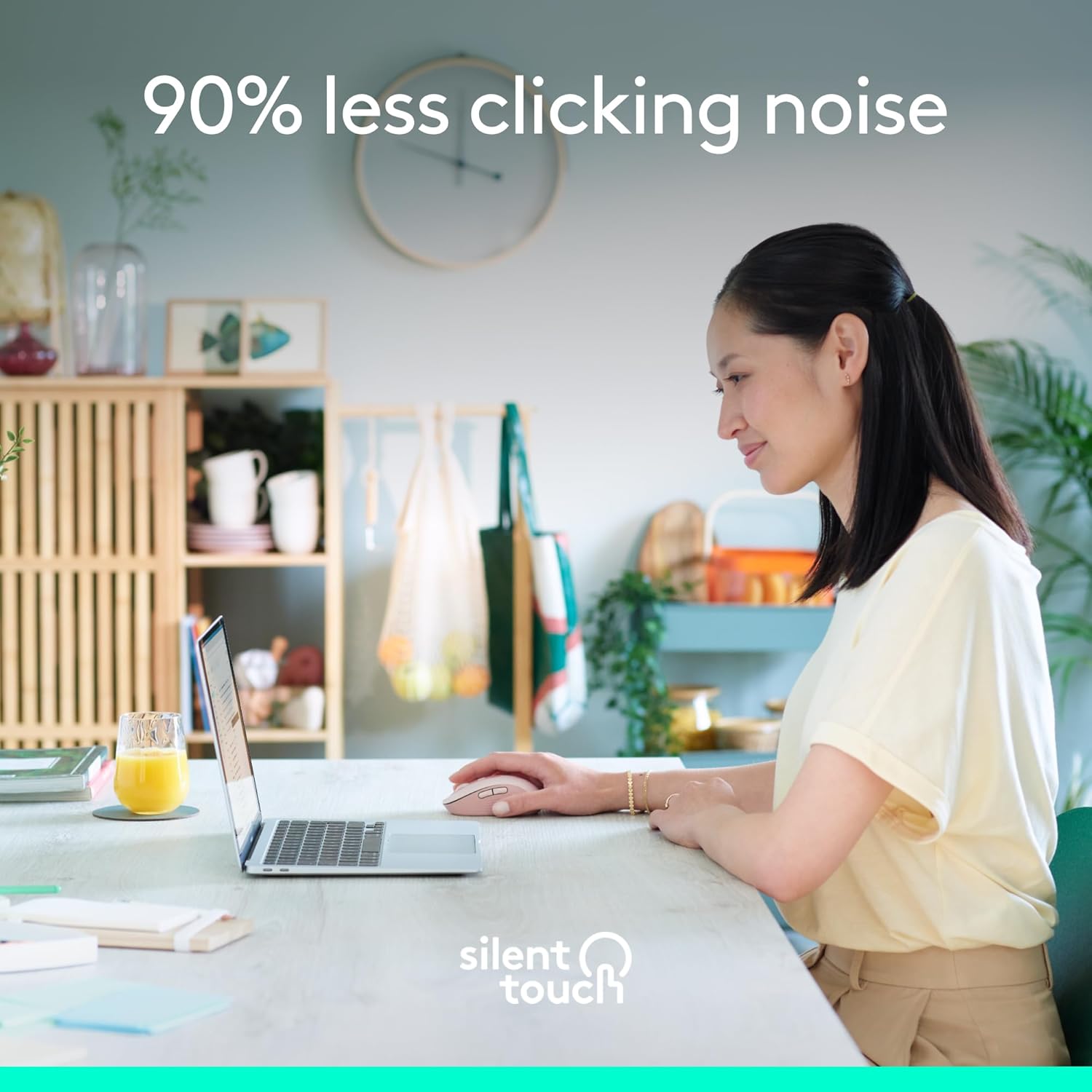
The Logitech Signature M650 L is a full-size wireless mouse designed for larger hands, emphasising comfort over long sessions and quiet operation. It supports Bluetooth Low Energy and Logi Bolt USB receiver, so you can choose the connection that suits your setup. On paper, the combination of a soft thumb rest and rubber side grips should reduce fatigue during extended use, which makes it a sensible option for people who spend hours at the desk. The SilentTouch technology promises quieter clicks, helping you stay focused in quiet environments like home offices or shared workspaces.
Key features and what it implies
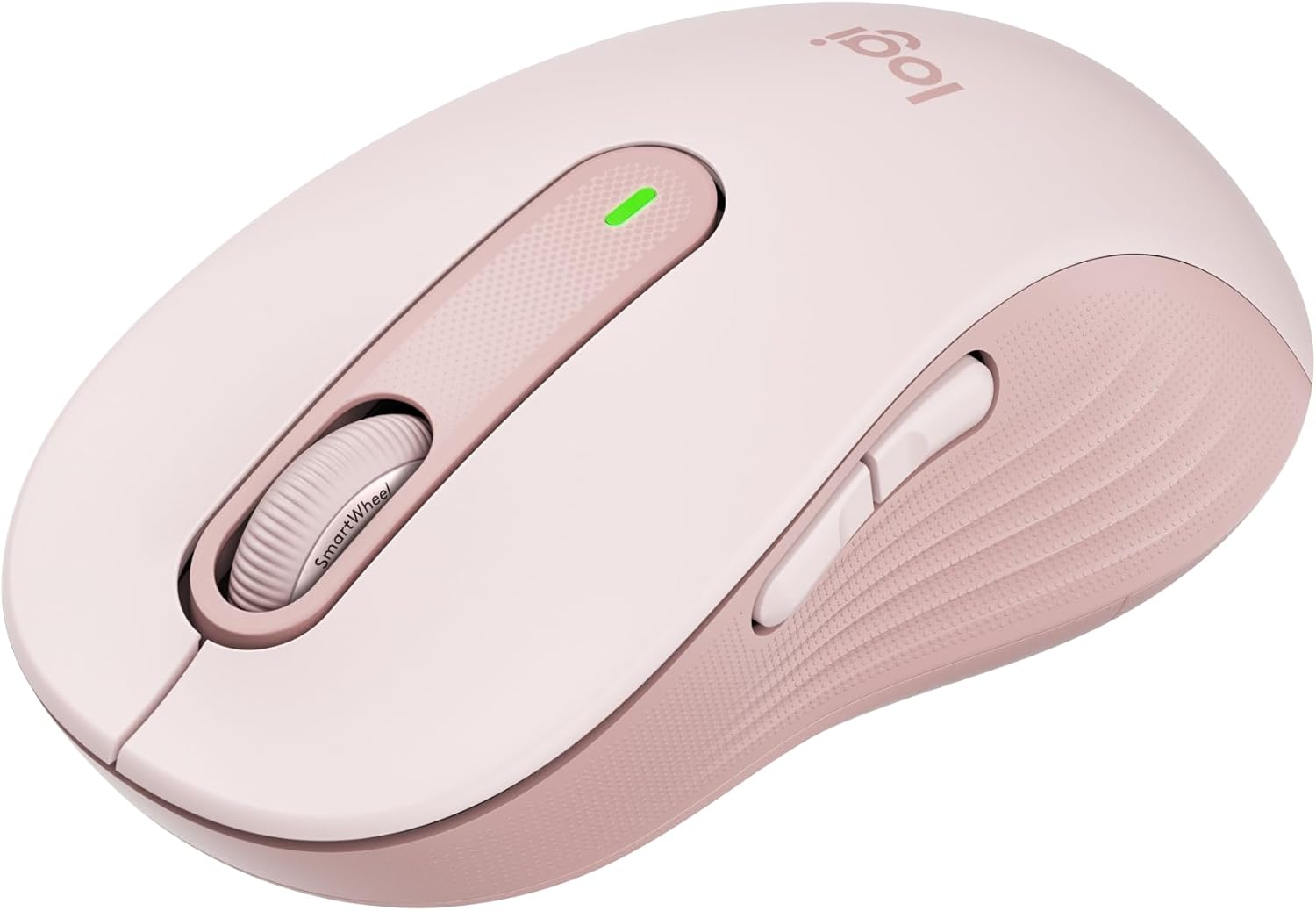
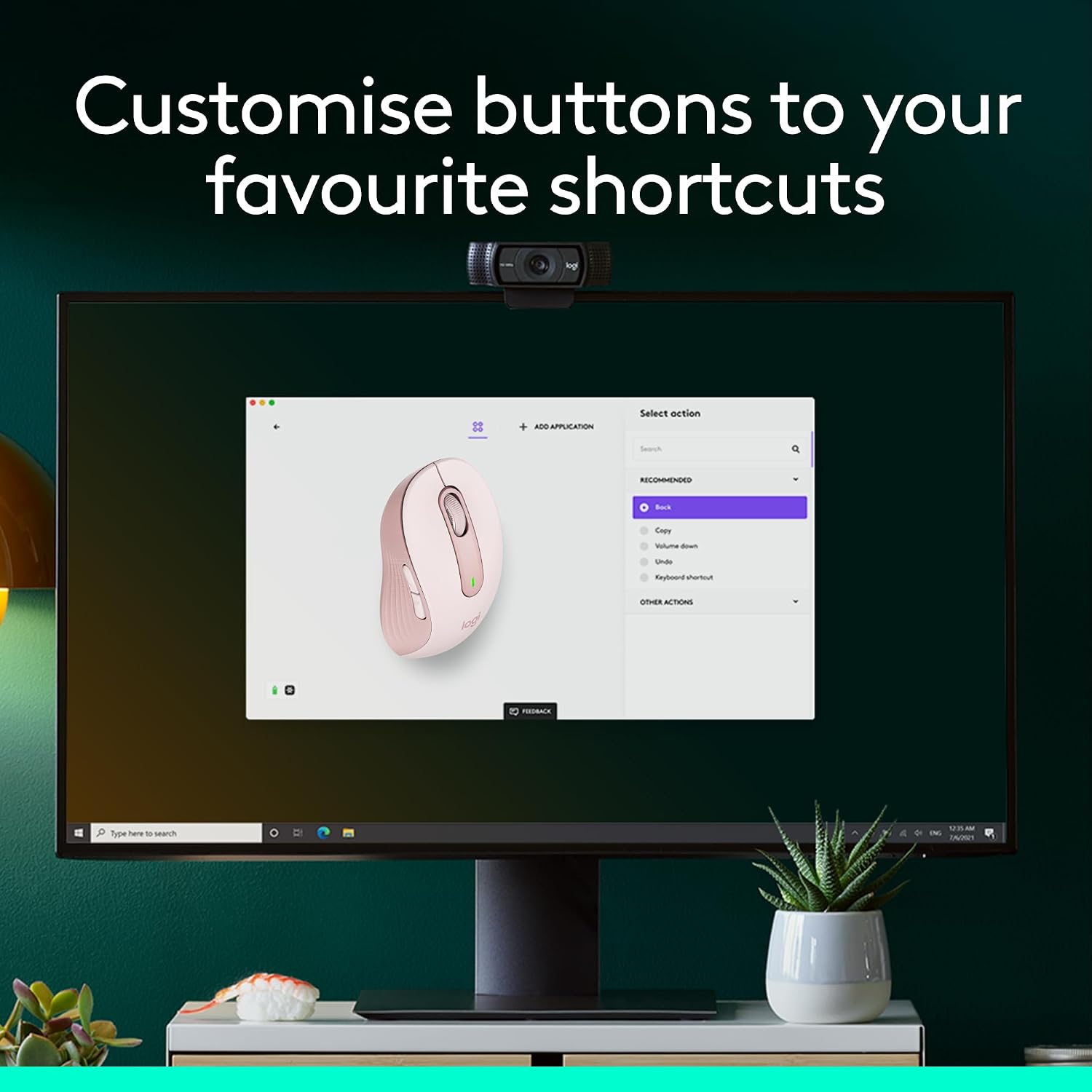
This model is marketed as multi-device compatible, so you can switch between devices without swapping mice. Customisable side buttons via Logi Options+ (Windows and macOS) offer shortcuts like back/forward or copy/paste, which can save time if you perform repetitive tasks. Battery life is stated at 24 months on a single AA battery, which translates to less frequent replacements in real-world use, assuming typical daily activity. The L in the name signals a larger form factor, if you value a roomy grip and a palm-friendly shape, this model should feel more natural than compact options.
The essentials
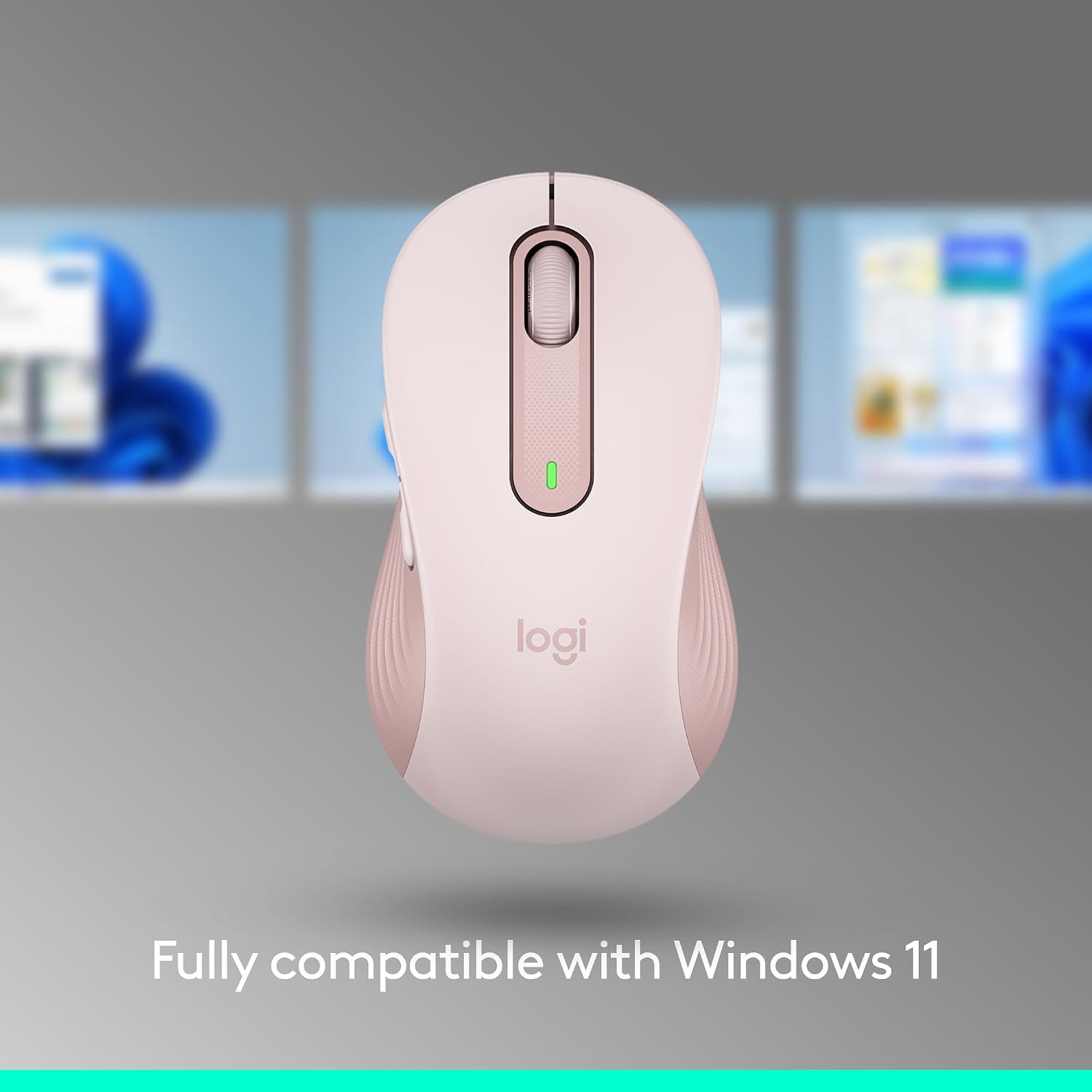
Multi-OS compatibility is a strong point: Windows, macOS, Linux, ChromeOS, iPadOS, and Android are supported, with Chromebook certification noted. Material choices include post-consumer recycled plastic in various colours, which can be a plus for sustainability-conscious buyers. The option to connect via Bluetooth or Logi Bolt adds a layer of versatility in mixed-device environments. However, it’s important to note that the battery life claim depends on factors like usage patterns and the level of wireless activity, real-world figures may vary.
What you’ll notice day to day
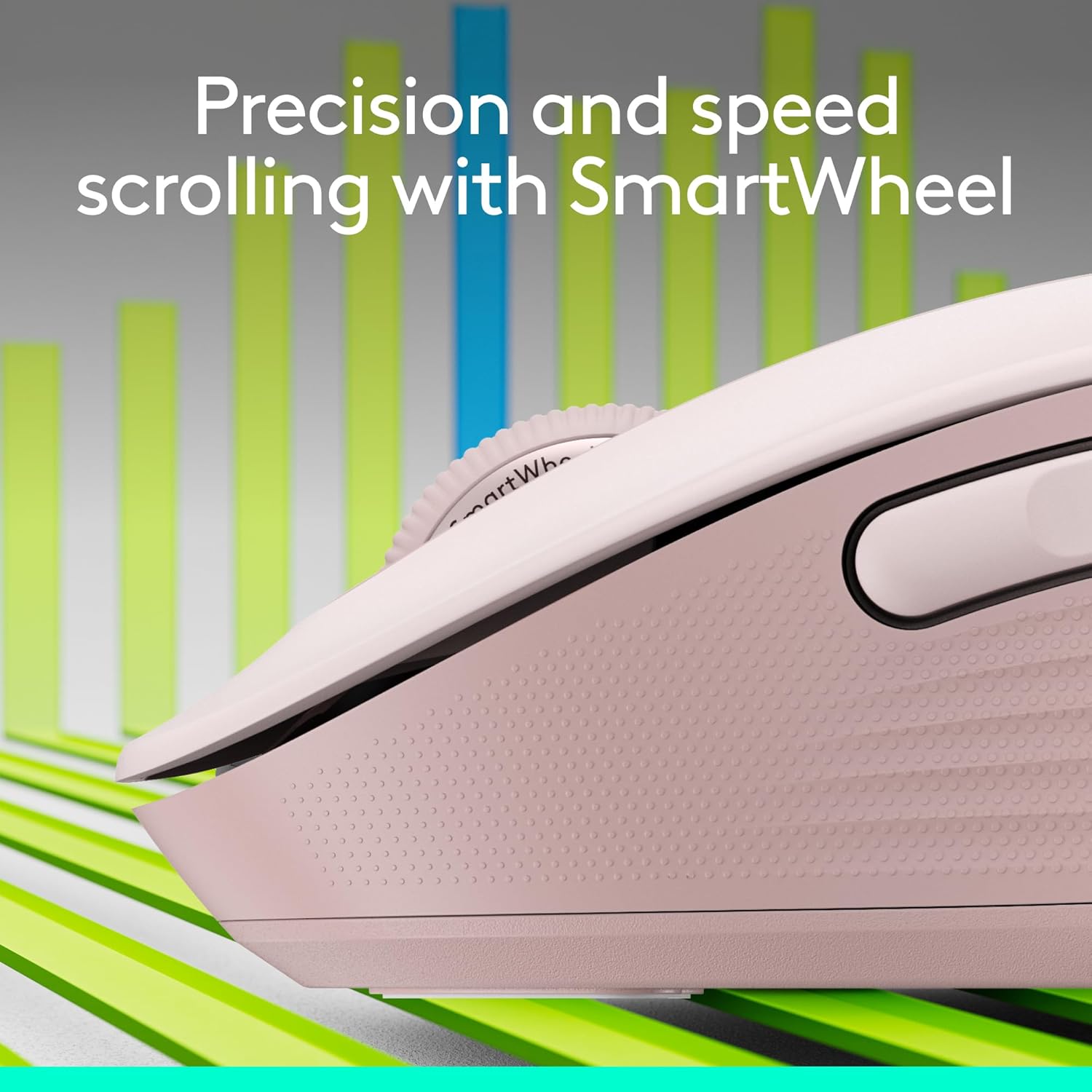
In everyday use, the large size and soft grip surfaces should feel comfortable for longer sessions, reducing hand tension compared with smaller mice. The wheel offers quick mode switching between line-by-line and fast scrolling, a practical feature for dense documents or long web pages. Silent clicks can be helpful in open-plan offices or late-night work at home, but if you rely on audible feedback for navigation, the quieter action might be less satisfying.
Who it’s for
If you have sizeable hands and prefer a full-size mouse with a palm-first grip, the M650 L is a sensible fit. It suits office workers, students, and professionals who value multi-device convenience and customised shortcuts. Those who prioritise a silent click experience or who need a long battery life will likely appreciate the features on offer. It may not be the best choice if you need ultra-lightweight travel, or if you favour compact designs for portability or brief, on-the-go use.
Before you buy: quick checks
Consider how you connect your devices now and whether you want Bluetooth only or a dedicated USB receiver as a backup. Check the dimensions against your hand size to confirm the larger form factor will feel comfortable. If you rely heavily on custom shortcuts, ensure your preferred functions are easy to map with Logitech Options+. Finally, if your work involves very tactile or noisy environments, weigh the trade-off between silent operation and tactile feedback in your daily workflow.
Final verdict
Is it worth it? It makes sense if you prioritise a larger ergonomic shape, multi-device usage, and a quieter click profile for long sessions. It’s a solid option for hands that prefer a roomy grip and for users who value customisable shortcuts. If you’re after a travel-friendly, ultra-portable option or a lighter mouse for brief tasks, you might want to look at alternatives. For everyday productivity with sustainability in mind, the M650 L offers a balanced combination of comfort, versatility and durability.
Quick tips for use
- Pairing via Bluetooth or Logi Bolt is straightforward, so set up on multiple devices without fuss.
- Use Options+ to tailor the side buttons to your daily shortcuts, this can cut down on repetitive clicks.
- Monitor battery health in the software, even though the claim is two years, having a spare AA nearby isn’t a bad idea.
Quick FAQ
- Does it work with Linux and ChromeOS? Yes, it lists compatibility with Linux, ChromeOS, and other major platforms.
- How quiet are the clicks in practice? Logitech markets SilentTouch as producing 90 percent less click noise, which should be noticeable in shared spaces.
- Can I use it with two devices at once? Yes, it is marketed as multi-device compatible, allowing workflows across several devices.