

FYOUNG Keyboard for Xbox Controller QWERTY
Product description
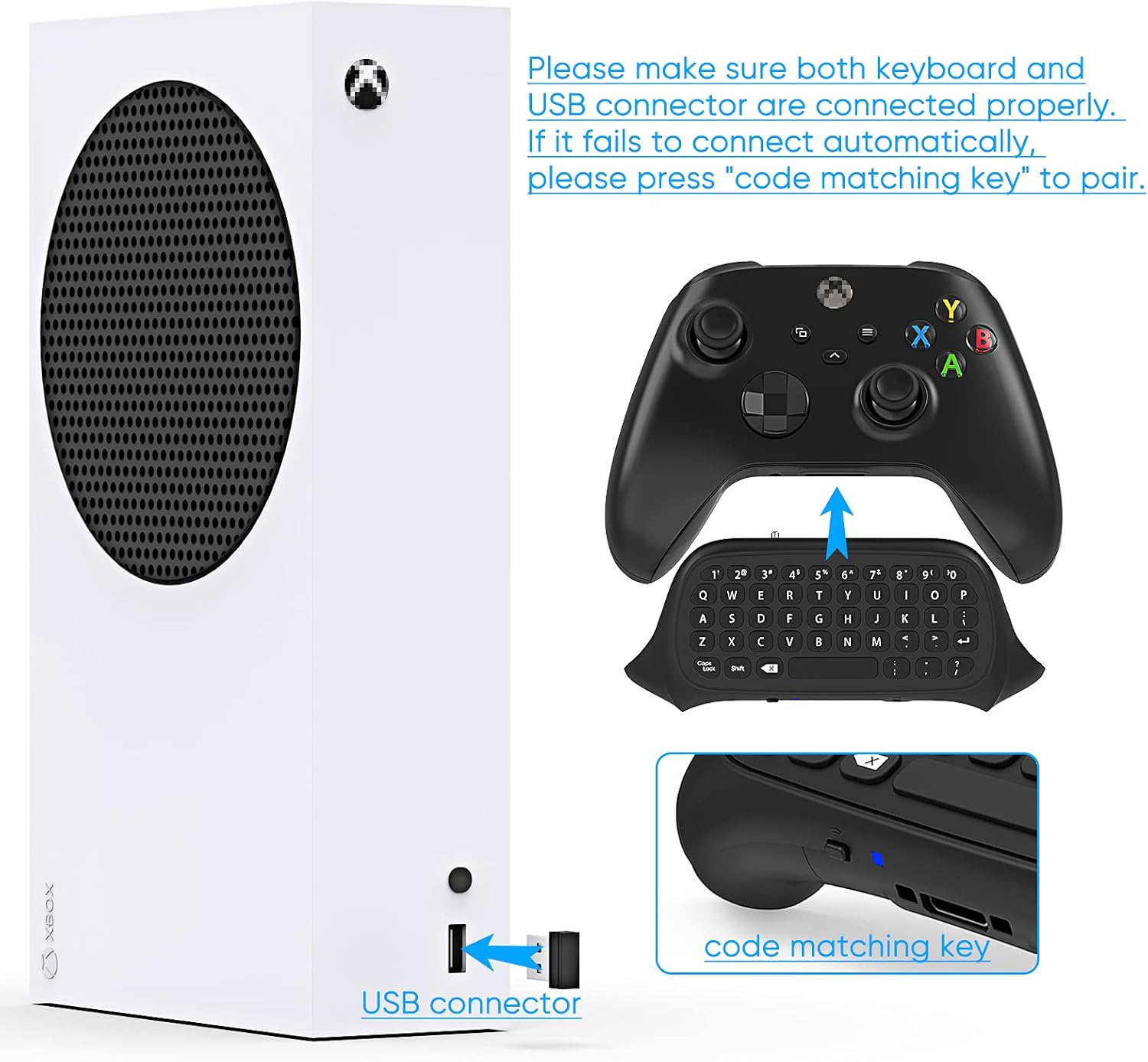
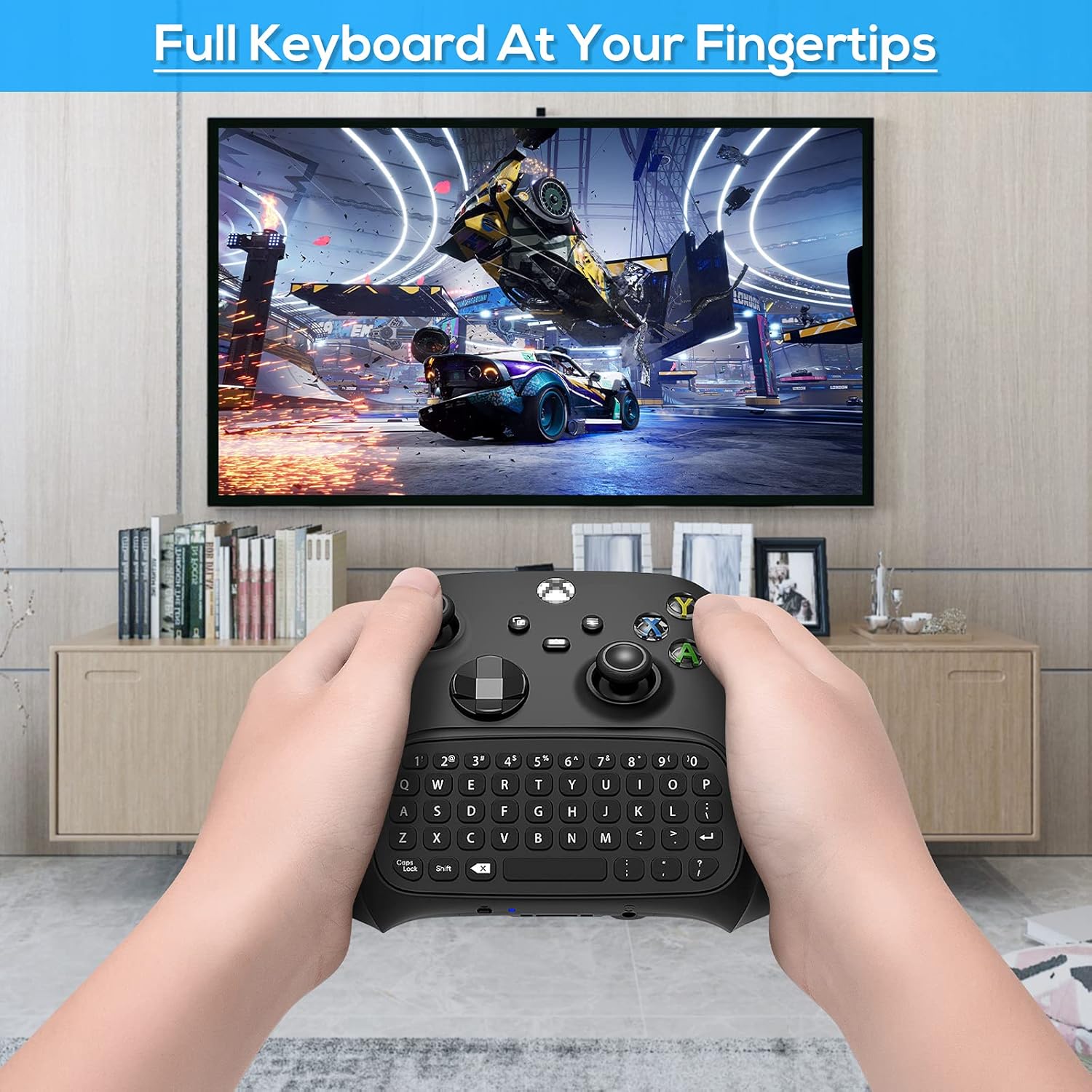
This compact chatpad attaches to Xbox Series X S and Xbox One controllers to make in‑game messaging and party chat simpler. It pairs directly with the controller over 2.4GHz, so there is no separate charging cable to worry about, and the full QWERTY layout helps you type messages, enter codes and send quick commands while staying in the game. If you value fast social interaction while gaming, this keeps fingers on controls and words flowing.
Key points
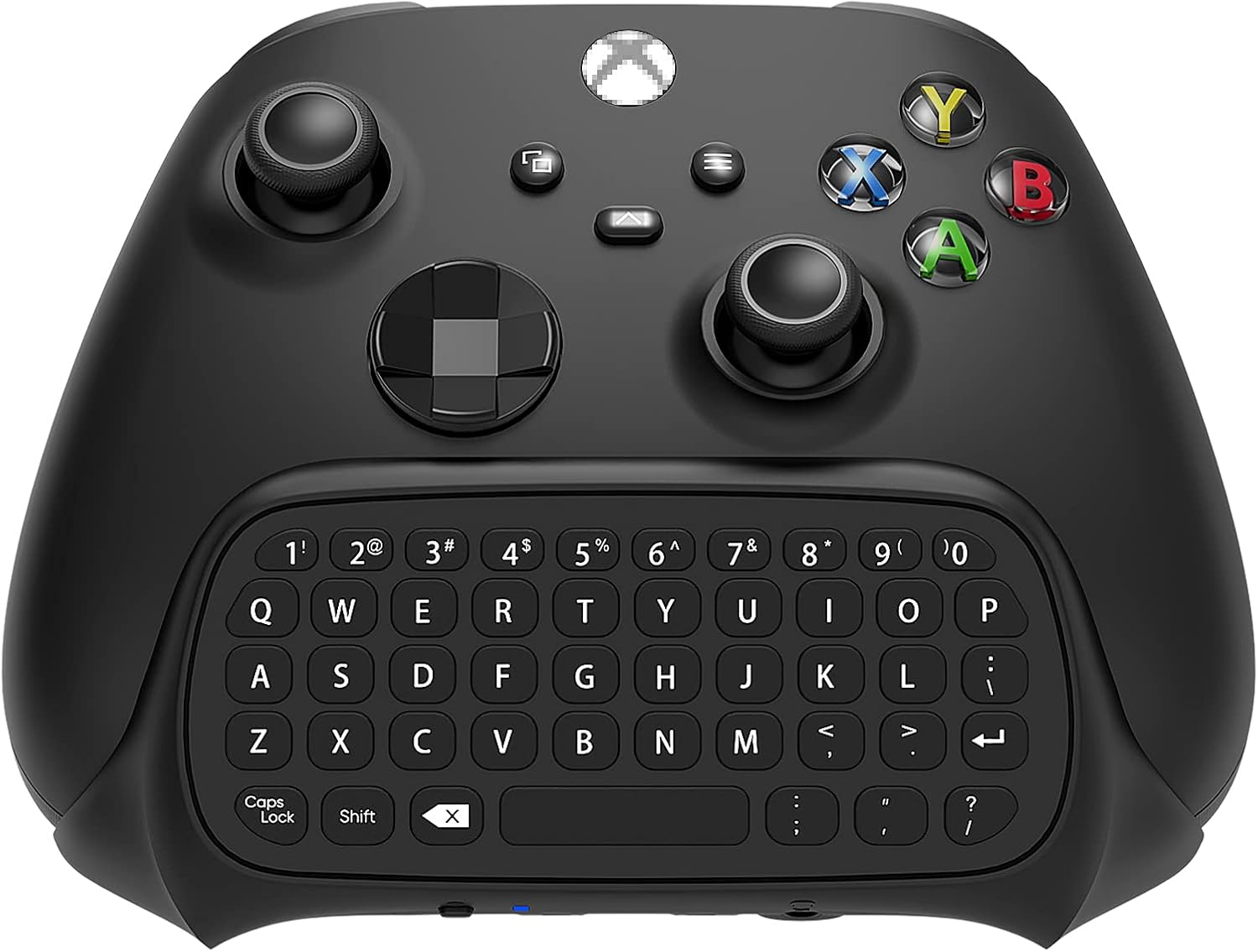
The FYOUNG keyboard combines a full set of keys with an ultra compact body that sits beneath your thumbs. It uses an imported silica gel key surface and a metal dome switch under each key for a firmer feel and clearer feedback when typing, so messages feel responsive rather than mushy. If you prioritise tactile response you will notice the difference, if you prefer a minimal profile it stays low and unobtrusive.
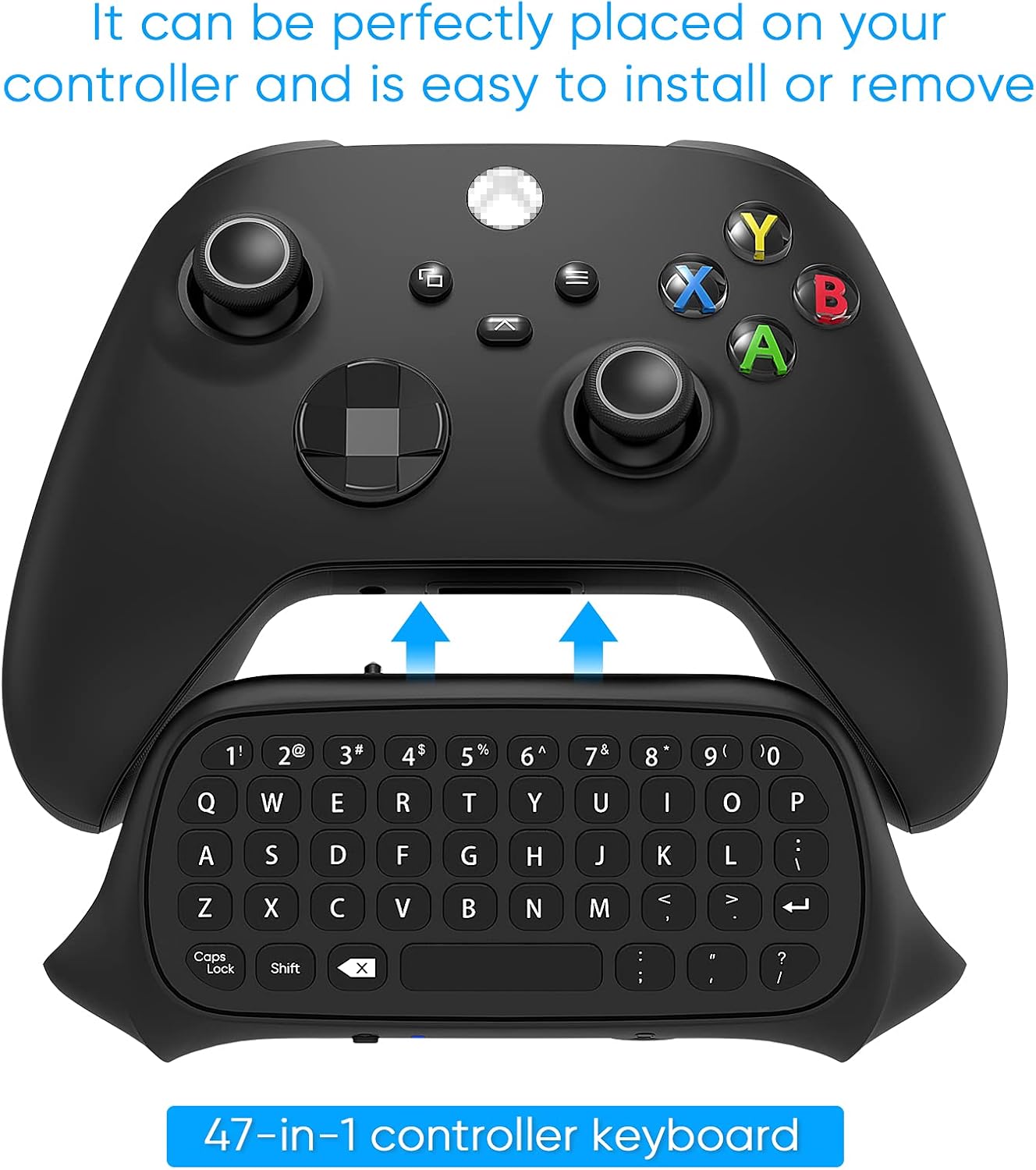
Product specs
- Name: FYOUNG Keyboard for Xbox Series X/S Controller
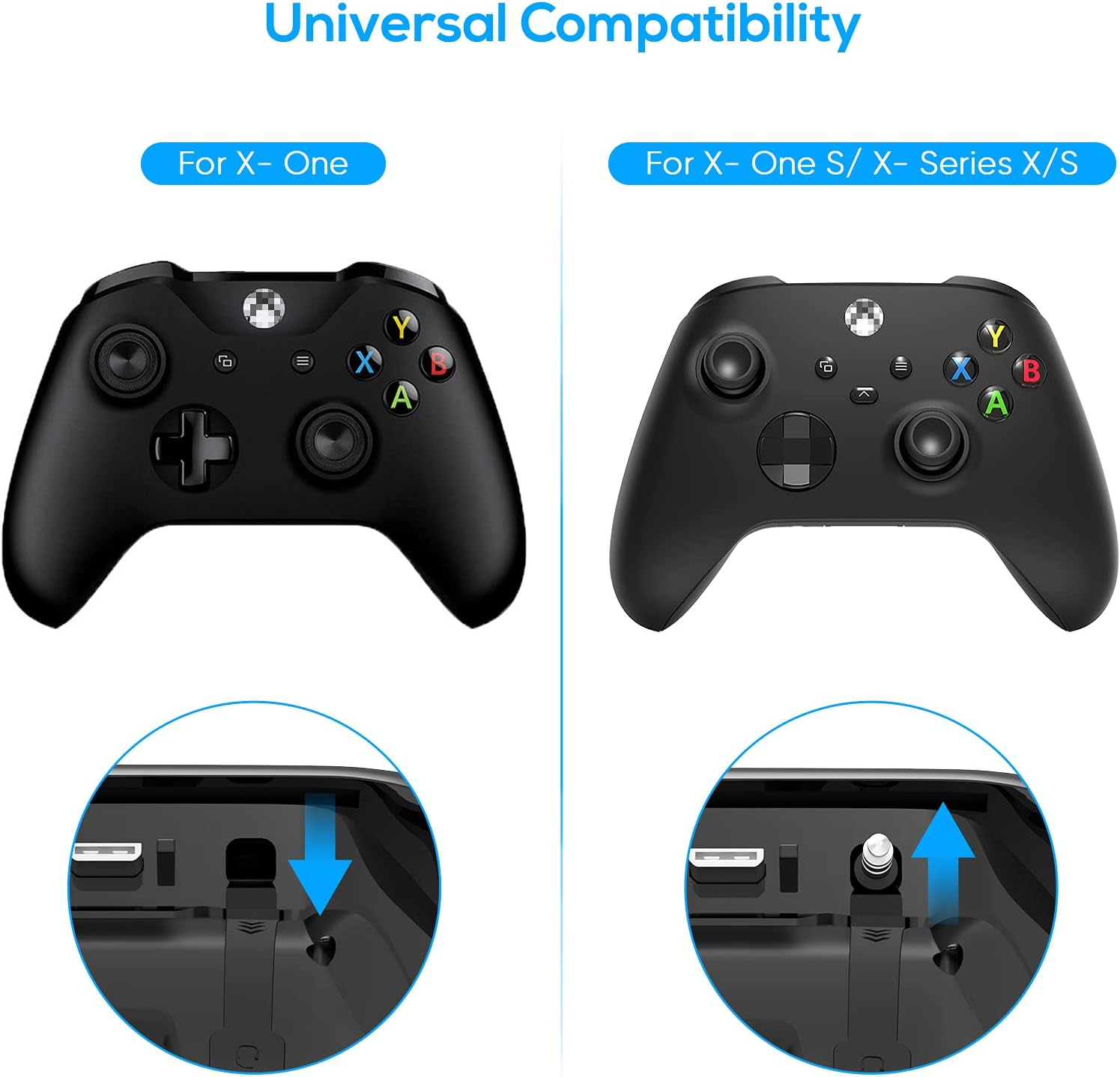
- Compatibility: Xbox Series X S, Xbox One, Xbox One S controllers
- Connectivity: 2.4Ghz
- What’s included: Chatpad with audio/headset jack
- Format: Full QWERTY keyboard
Benefits
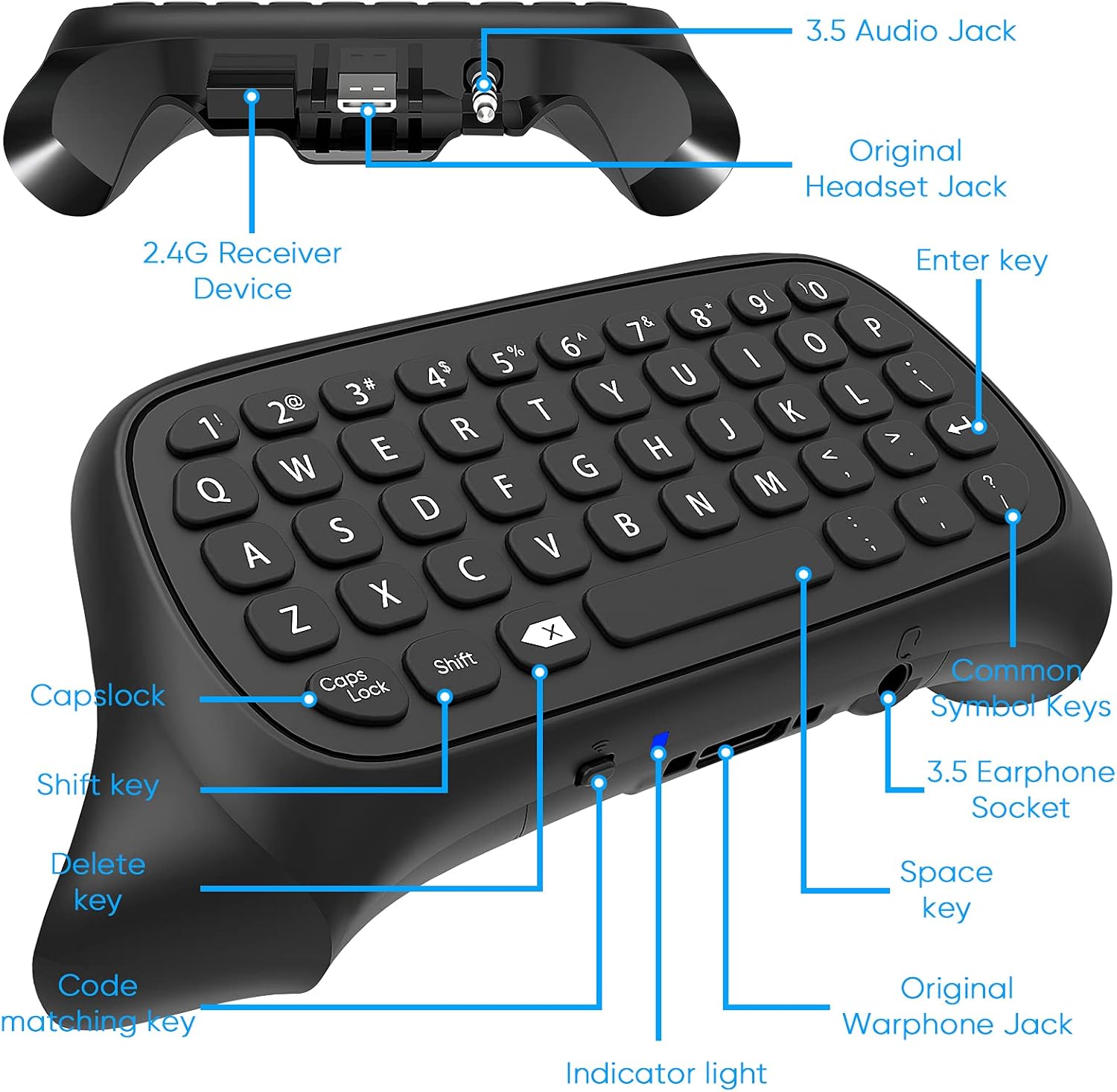
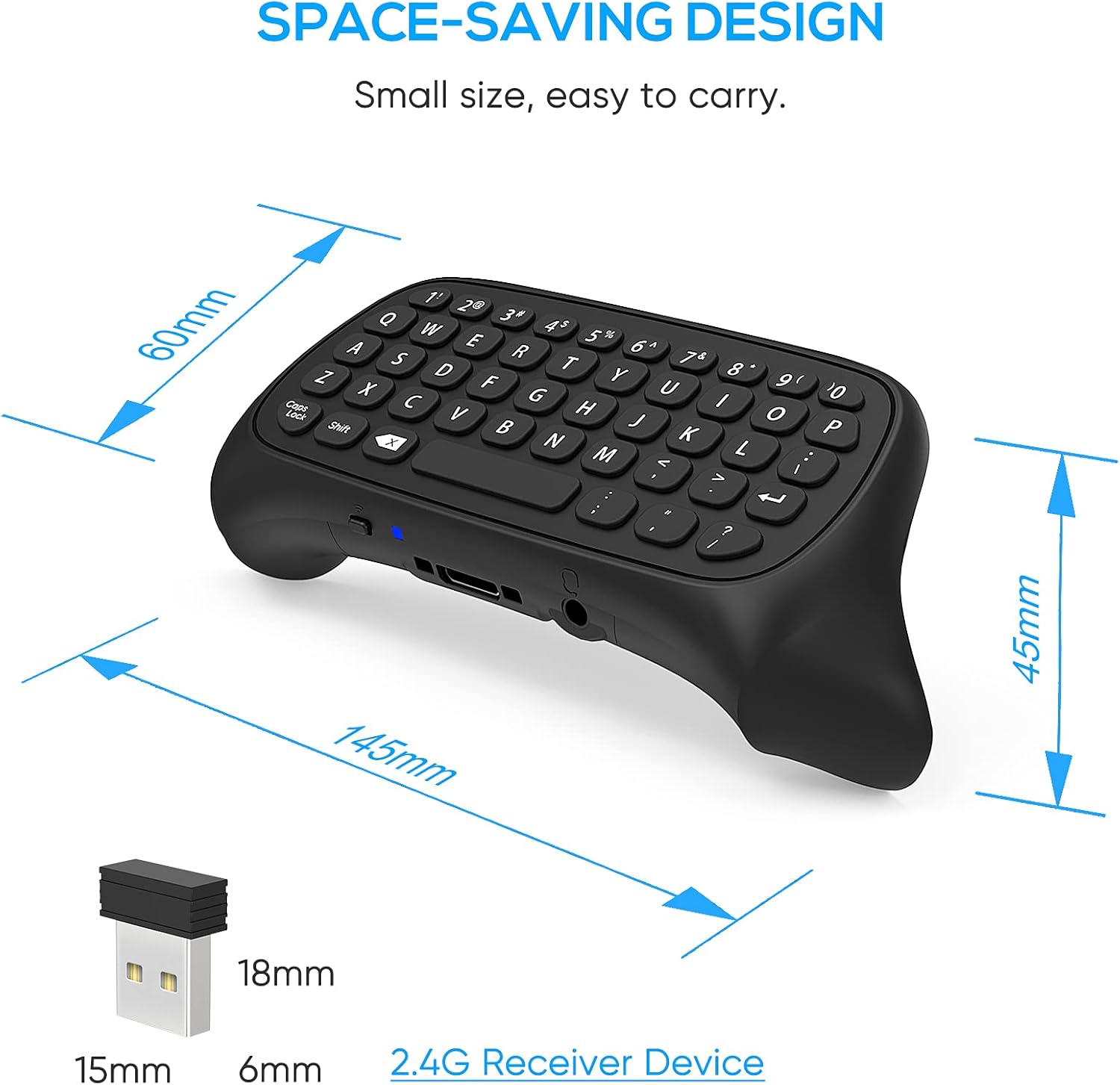
Adding this chatpad reduces the need to navigate on‑screen keyboards and speeds up text entry during sessions. The dual audio jack design means you can keep the keyboard attached while using headphones or a headset, which is handy for voice chat and listening without removing accessories. It draws power from the controller, so setup is straightforward and cable free, according to the manufacturer.
Usage tips
Attach the pad to your controller before launching a party or match so your friends see messages without delay. Keep the surface clean to retain key feel, and avoid pressing too hard when typing to prolong the metal dome switch life. Remember that while it eases messaging, it does add a slight bulk beneath your thumbs, so allow a short adaptation period.