


Glitfix Wireless Controller for P4, P4 Pro, P4 Slim & PC (Bluetooth gamepad with vibration, touch panel and 3.5mm audio)
Product description
If you’re looking for a wireless controller setup that’s easy to live with across a few devices, the Glitfix Wireless Controller for P4 is built around that idea. On paper, it brings together a touch panel, 6-axis gyro sensing, vibration feedback and even a 3.5mm audio jack—so you’re not relying on just buttons and thumbsticks.
That said, it’s not the sort of controller that’s going to satisfy everyone. If you’re after ultra-precise control tuning, or you’re expecting a controller experience that feels identical across platforms in the way premium ecosystems can, you may find this more of a mid-range convenience pick than a “no-compromise” upgrade.
Key takeaways
This controller is aimed at people who want one wireless gamepad to cover multiple devices without getting lost in compatibility checks. It also leans into immersion: the touch panel helps with navigation, the 6-axis gyro supports in-game motion-style inputs, and vibration adds scenario-based feedback.
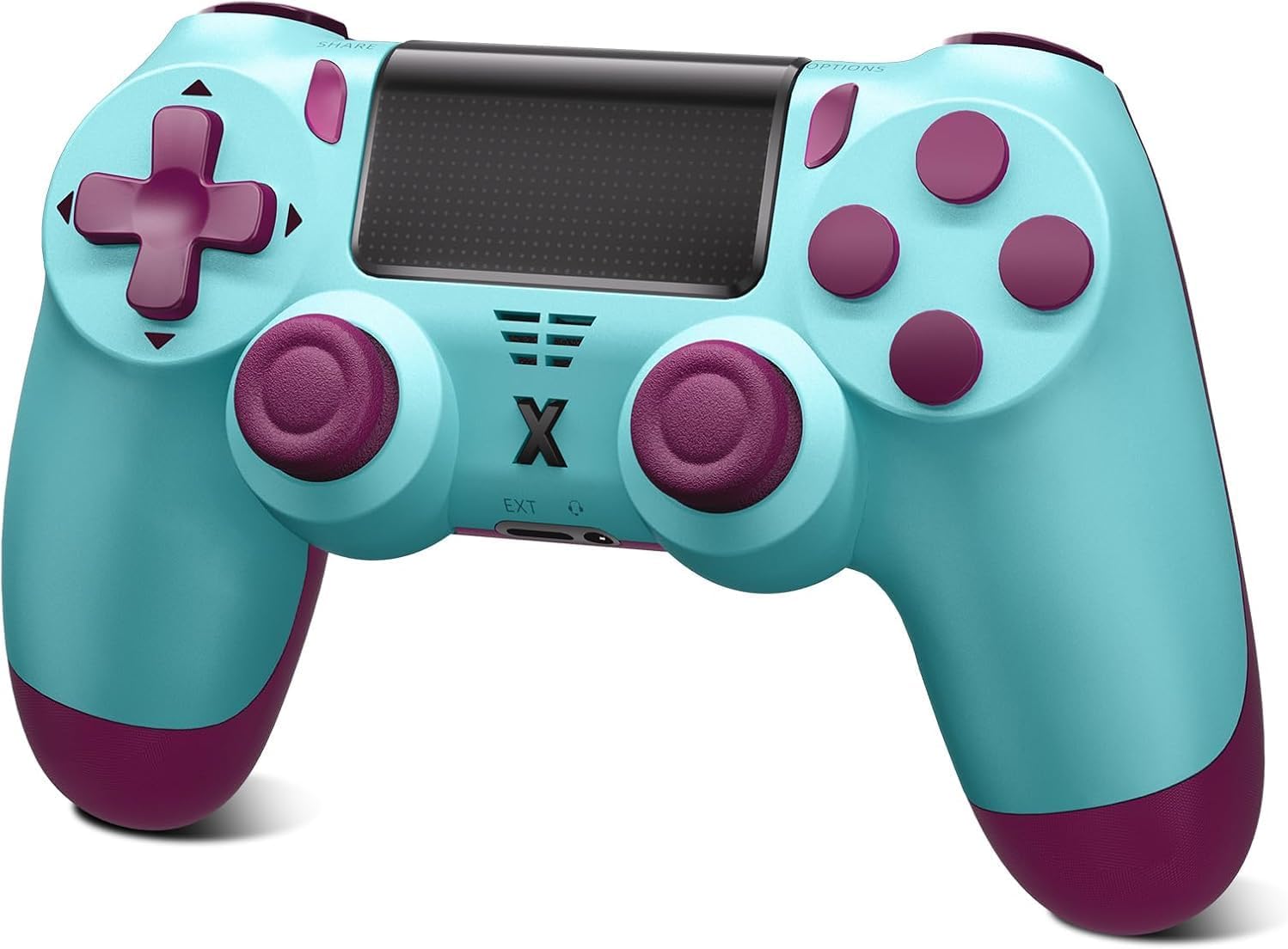
The audio jack is a particularly practical inclusion. If you game with a stereo headset or microphone, you can connect it directly instead of depending entirely on your device’s built-in audio.
What you’ll notice day to day
Using it for longer sessions matters, and the grip is described as ergonomically designed so your hands don’t get tired as quickly. The layout is intended to feel natural, with tactile grip and button placement built for comfort.
The vibration function is one of the features you’ll actually feel during play. Rather than being “just on/off”, it’s described as providing different feedback depending on the game scenario—ranging from gentle touches to stronger impacts. That’s the kind of detail that can make action moments feel more physical, even if you’re not chasing realism for its own sake.
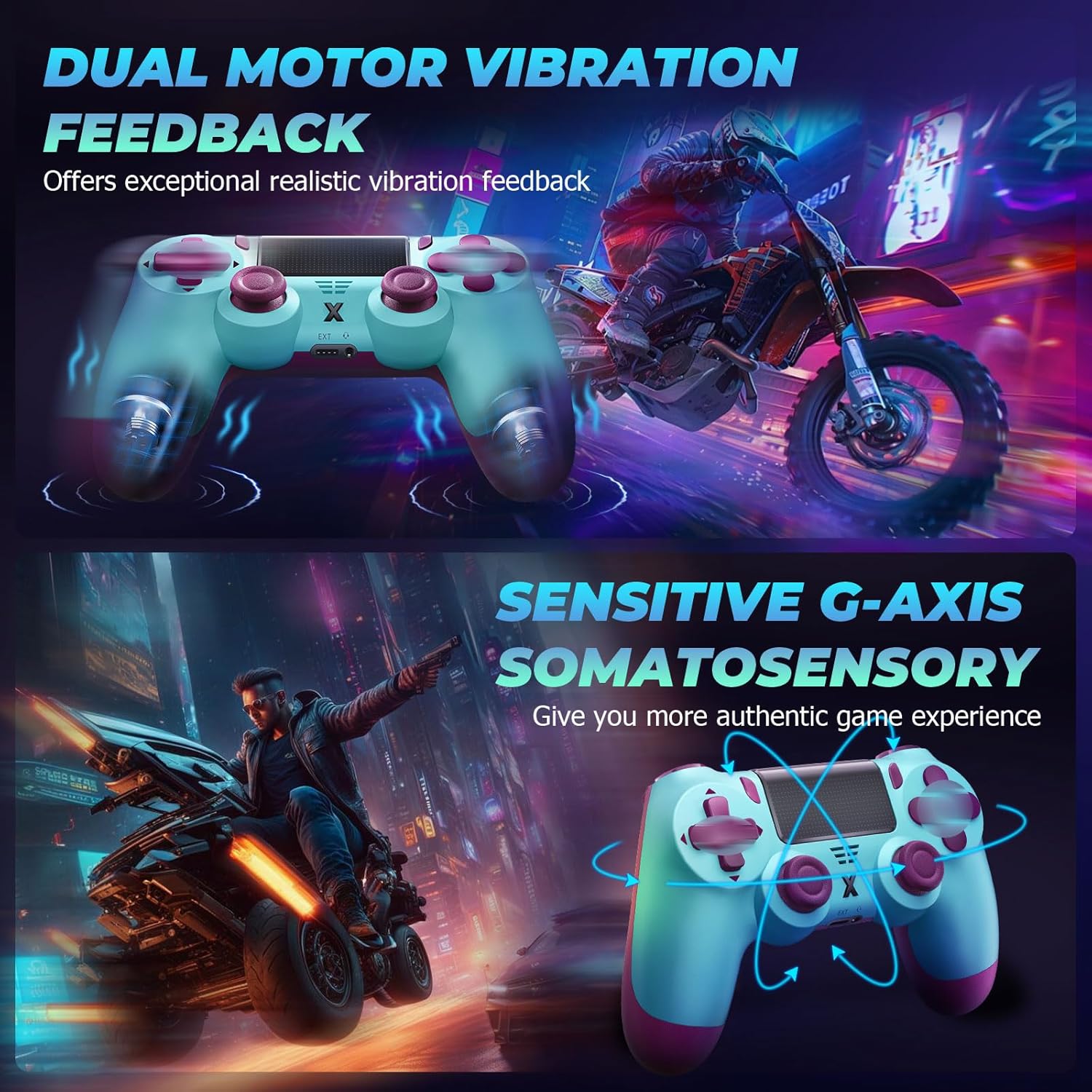
A simple example: in a game where you interact with objects or get hit, vibration feedback can act like an extra cue alongside on-screen events. It won’t replace sound or visuals, but it can make timing feel more immediate.
The essentials
This is a wireless Bluetooth controller with a touch panel, 6-axis gyro sensor, and vibration. There’s also a 3.5mm audio jack for connecting a stereo headset or a microphone for communication.
It’s developed for multi-platform use across P4, P4 Slim, P4 Pro and PC (Windows 7/8/10). So if you move between a handheld-style setup and a Windows gaming PC, it’s designed to keep your controller the same rather than buying multiple alternatives.
Keep in mind that “compatible” doesn’t always mean “identical experience”. Depending on the game and how inputs are mapped on each platform, you might need a little adjustment rather than assuming everything will be plug-and-play in exactly the same way.
Tech specs
- Type: Wireless controller (Bluetooth)
- 6-axis gyro sensor: Yes
- Touch panel: Yes
- Vibration: Yes (scenario-based feedback)
- Audio: 3.5mm audio jack (stereo headset or microphone)
- Compatibility: P4, P4 Slim, P4 Pro, and PC (Windows 7/8/10)
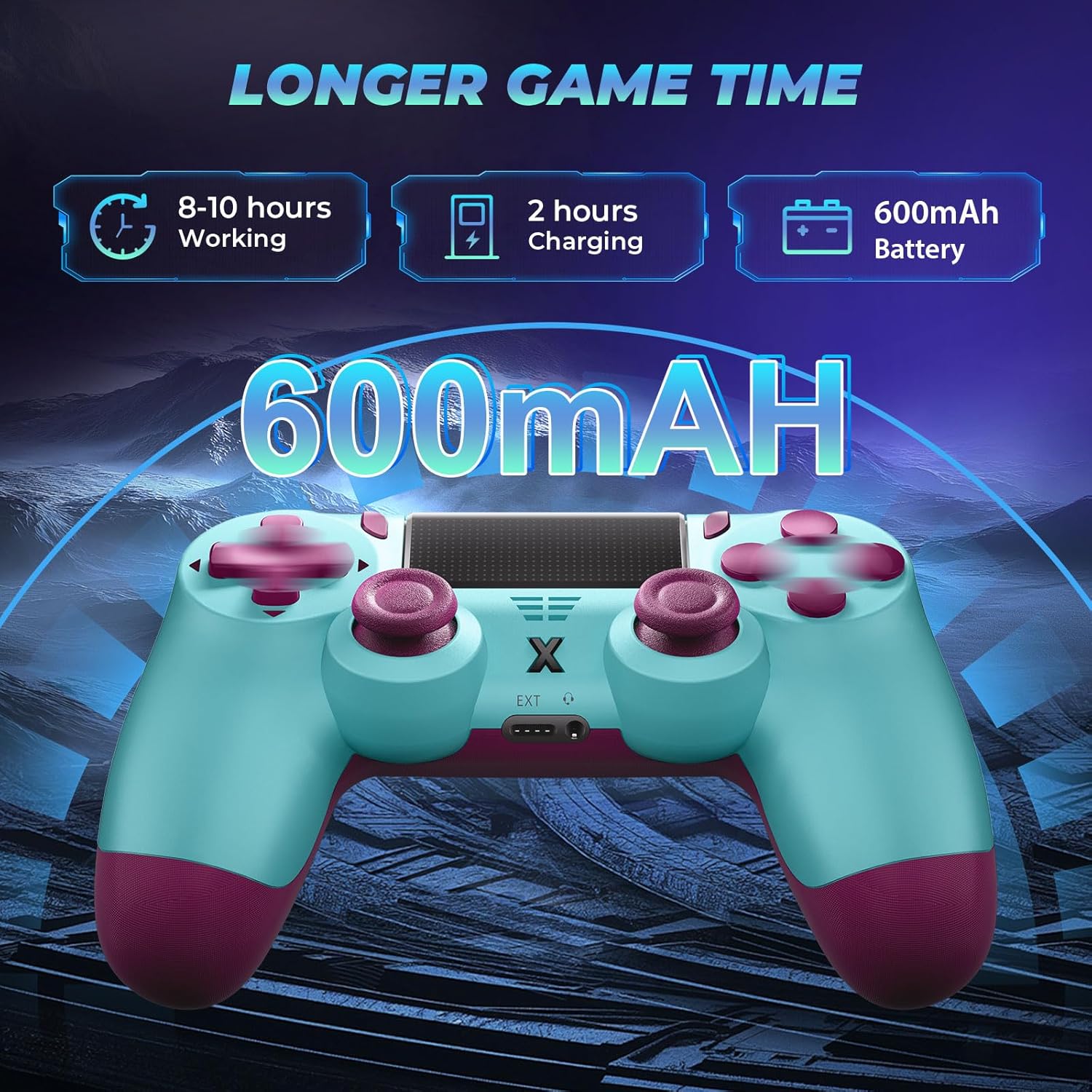
- In the box: P4 controller, USB-C charging cable, user manual
- Colour: Blue
Who it suits (and who should look elsewhere)
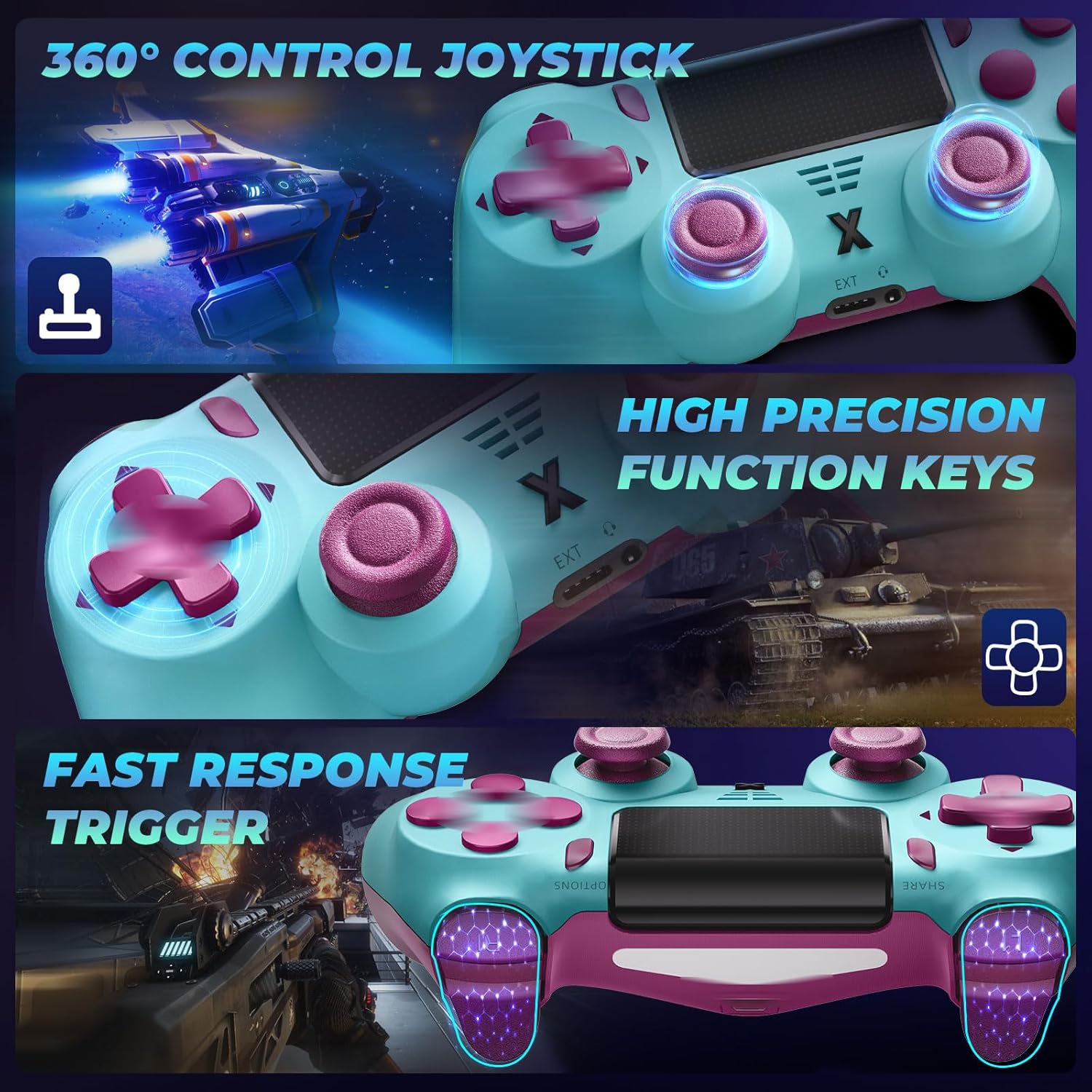
It suits you if you want one wireless controller for gaming across P4 models plus a Windows PC, and you care about extra input options beyond basic button presses. The touch panel and 6-axis gyro are good fits if the games you play support those kinds of interactions.
It may not be the best choice if you’re expecting a highly specialised controller experience for a single device only, or if you’re the sort of buyer who needs maximum consistency across every game and platform without any setup tweaks. Also, if you rarely use vibration cues or you never plug in a headset/microphone via a 3.5mm jack, the extra features could be more “nice to have” than truly valuable.
It makes sense to buy when you value convenience: fewer controllers, one charging approach (USB-C cable is included), and the option to add audio through the built-in 3.5mm connection.
Should you buy it?
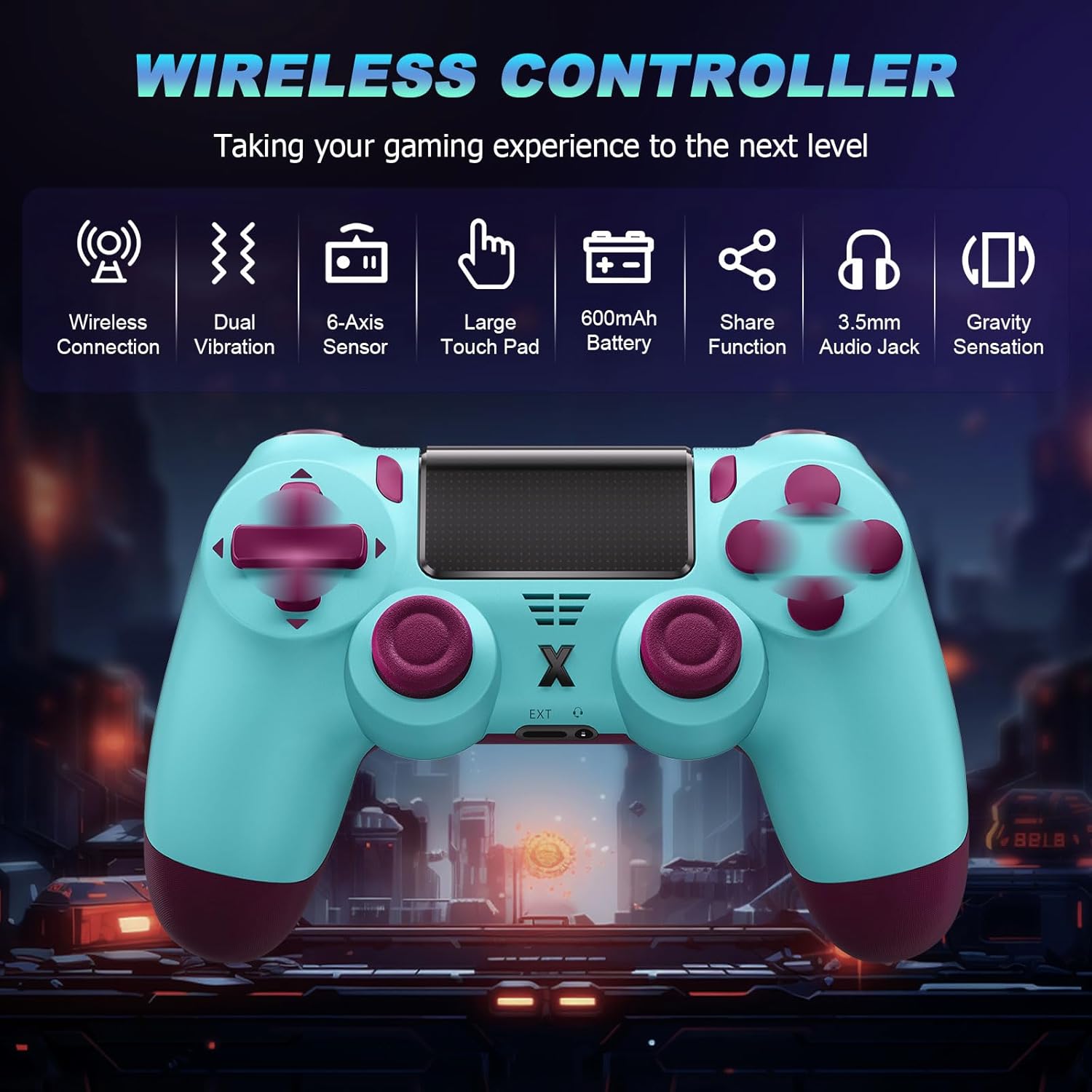
Worth considering if you want a Bluetooth wireless gamepad that covers P4 (including P4 Slim and P4 Pro) and Windows PCs, while also offering vibration feedback, a touch panel, and a 3.5mm audio jack. It’s the kind of controller that can feel practical day-to-day—especially if you game for stretches and want the grip to be comfortable.
You may want to skip it if you’re chasing top-tier precision or you expect every platform to behave the same with no adjustment. In short: it’s built for versatility and immersion elements, but it’s not positioned (from the information provided) as a premium “everything is perfect” controller.
FAQ
Does it connect wirelessly via Bluetooth?
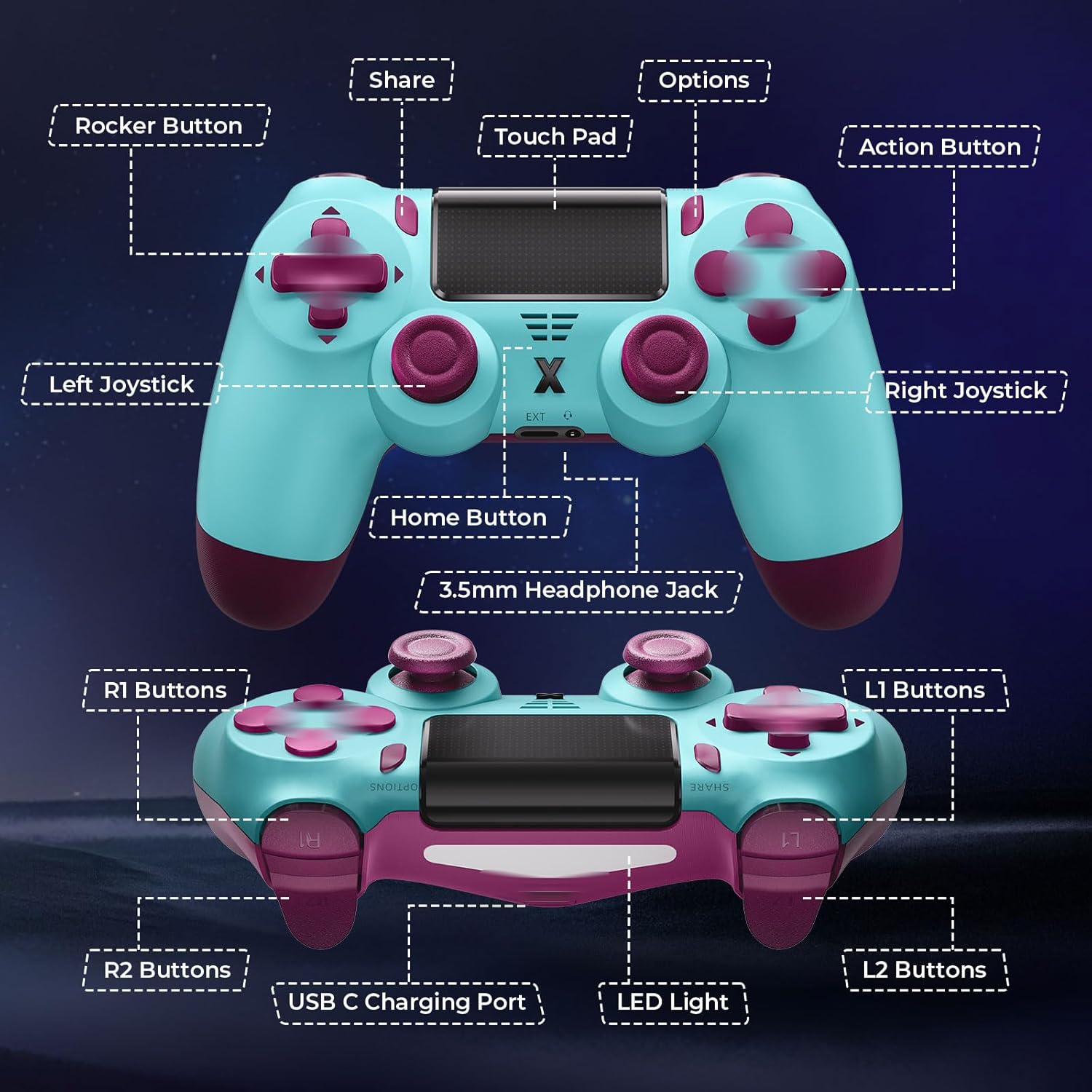
Yes, it’s described as a Bluetooth wireless controller.
Can I use a headset or microphone with it?
Yes. It includes a 3.5mm audio jack designed for a stereo headset or a microphone.
Which devices does it work with?
It’s developed for P4, P4 Slim, P4 Pro, and PC on Windows 7/8/10.
What’s the vibration like?
The vibration function provides different feedback depending on the game scenario, described as ranging from gentle touch to stronger impact.
What’s included in the box?
You get the controller, a USB-C charging cable, and a user manual.