

QIVORO Wireless Controller with Hall Effect Joysticks (PS5/PC/Steam Deck/Mac/iOS/Android) and Turbo
Reviews
Price
Product description
What it is and why people look at it
This QIVORO wireless controller is built for players who want more options than a basic gamepad, without locking themselves into one platform. On paper, it targets multi-device gaming: PS5/PS5 Pro, PC (Windows 10+), Mac, Steam Deck, plus mobile devices (iOS/Android).
The headline draw is the combination of Hall Effect joysticks (aimed at reducing drift issues) and practical extras such as dual vibration, turbo/rapid-fire control, and programmable buttons. You also get 7 RGB lighting colours with multiple lighting modes, which won’t change gameplay, but can make the controller feel more “yours”.
That said, it’s worth setting expectations: a feature list is one thing, but how well it fits your games and habits depends on whether you’ll actually use the extra controls (turbo, macros, back buttons) rather than treating it like a standard controller.
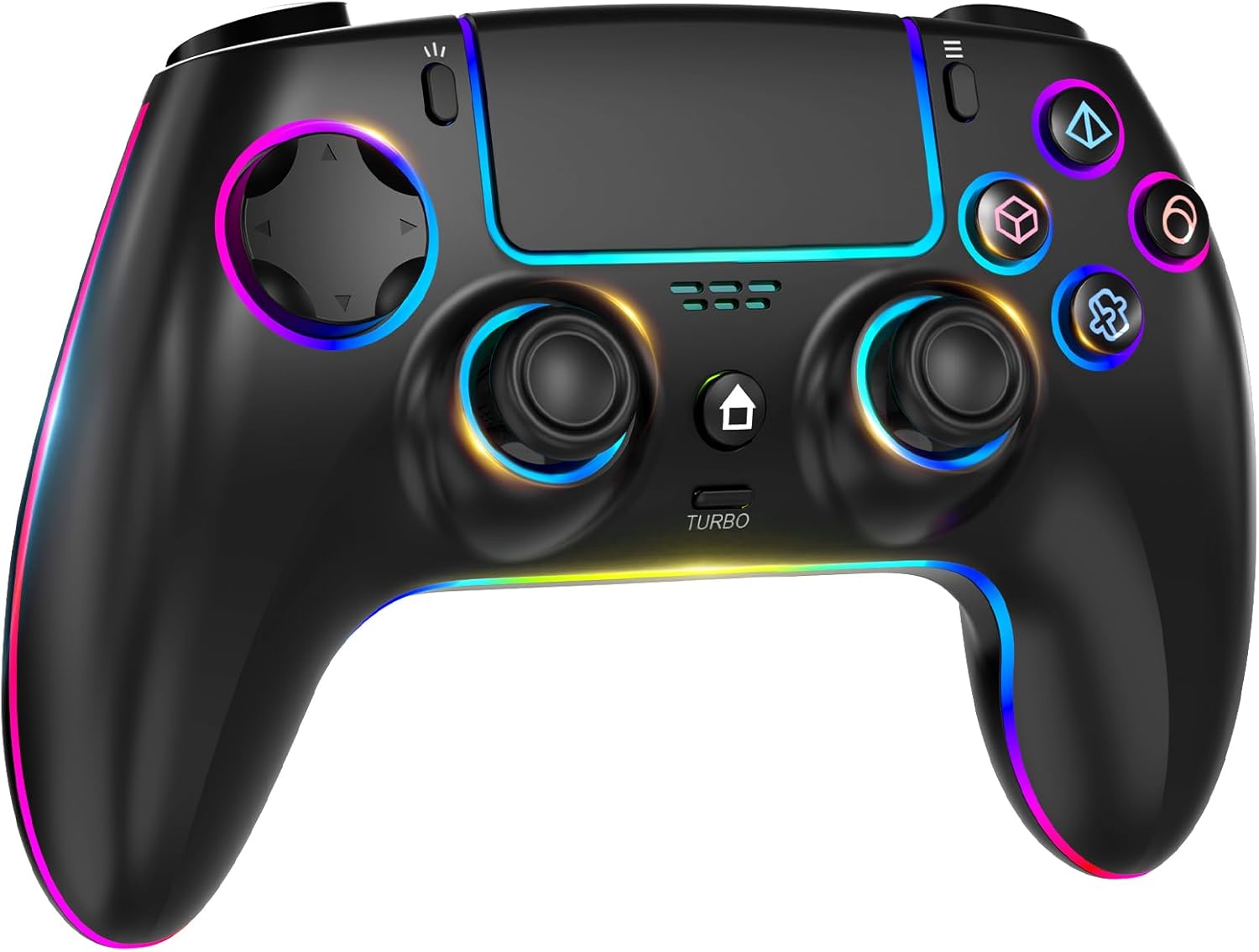
The essentials: Hall Effect, turbo, and programmable inputs
The Hall Effect joystick tech is positioned as the antidote to joystick drift. If that’s been a frustration for you with other controllers, this is a logical reason to consider it.
For action-heavy games, the turbo function is the other big, practical feature. The description says you can run it with automatic or manual operation, with three selectable speeds. It’s the kind of tool that can help in fast-paced shooters or other action titles where rapid repeated inputs matter.
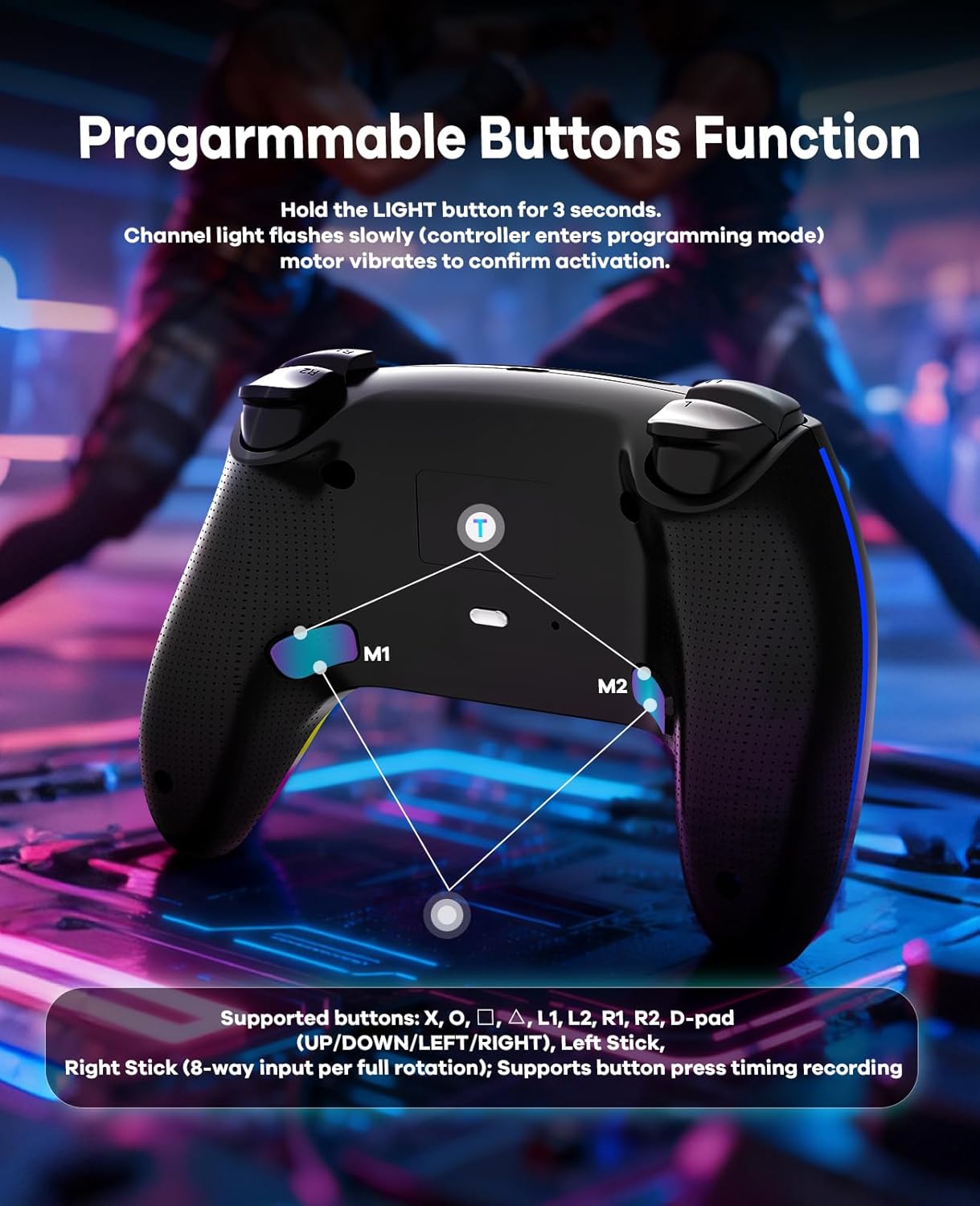
On top of that, there’s macro-style programming for combos and building sequences. The product information mentions up to 16 commands stored onto M1/M2 back buttons. In daily play, this can be as simple as setting a back-button shortcut for a commonly used in-game action so you don’t have to fumble through menus or repeated button presses.

What you’ll notice in use (and where it may not wow)
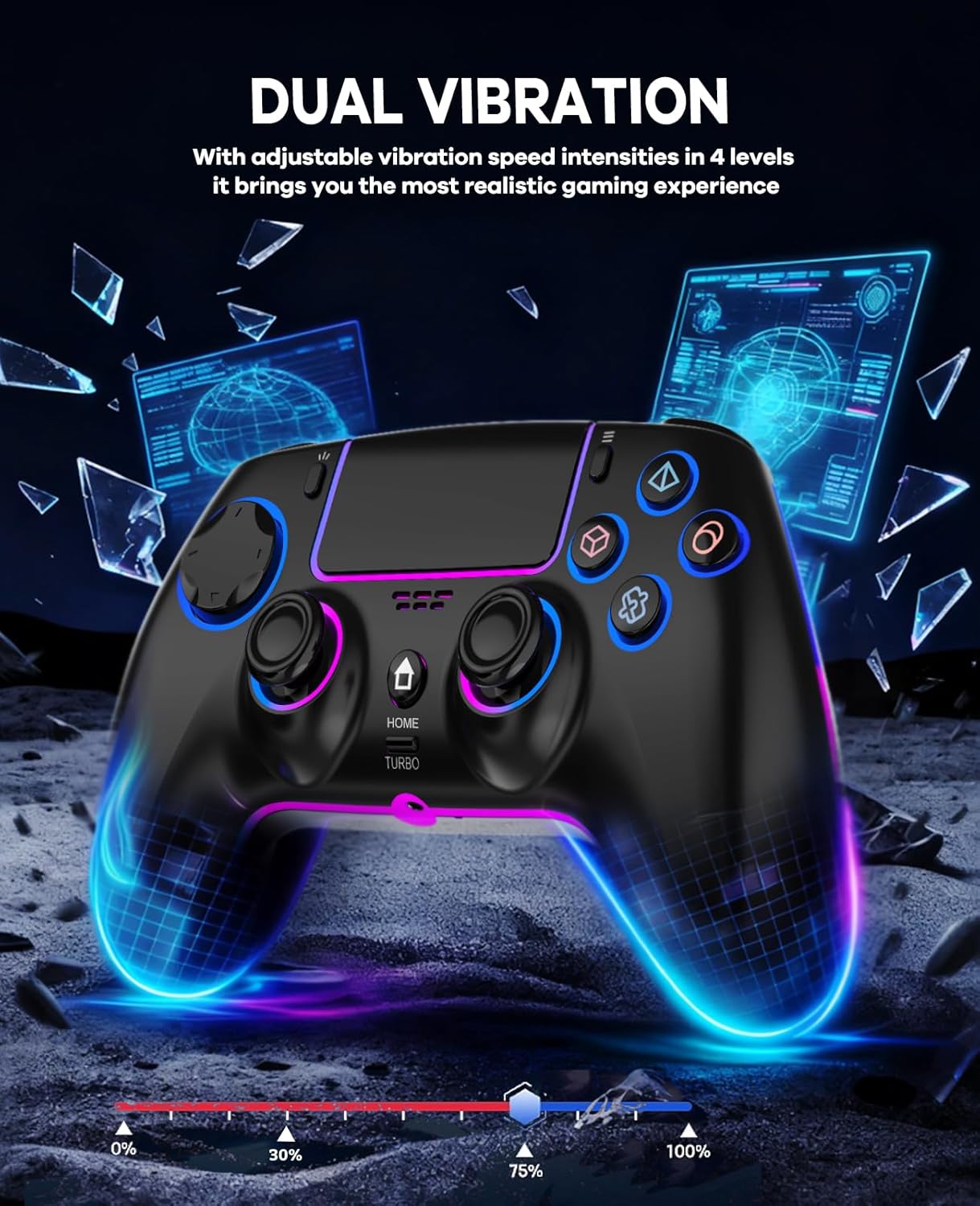
You can also plug in a headset via a built-in 3.5mm audio jack, which can be a real convenience if you want local audio without messing around with separate setups. Pair that with dual vibration motors and the controller supports four adjustable intensity levels for the rumble.
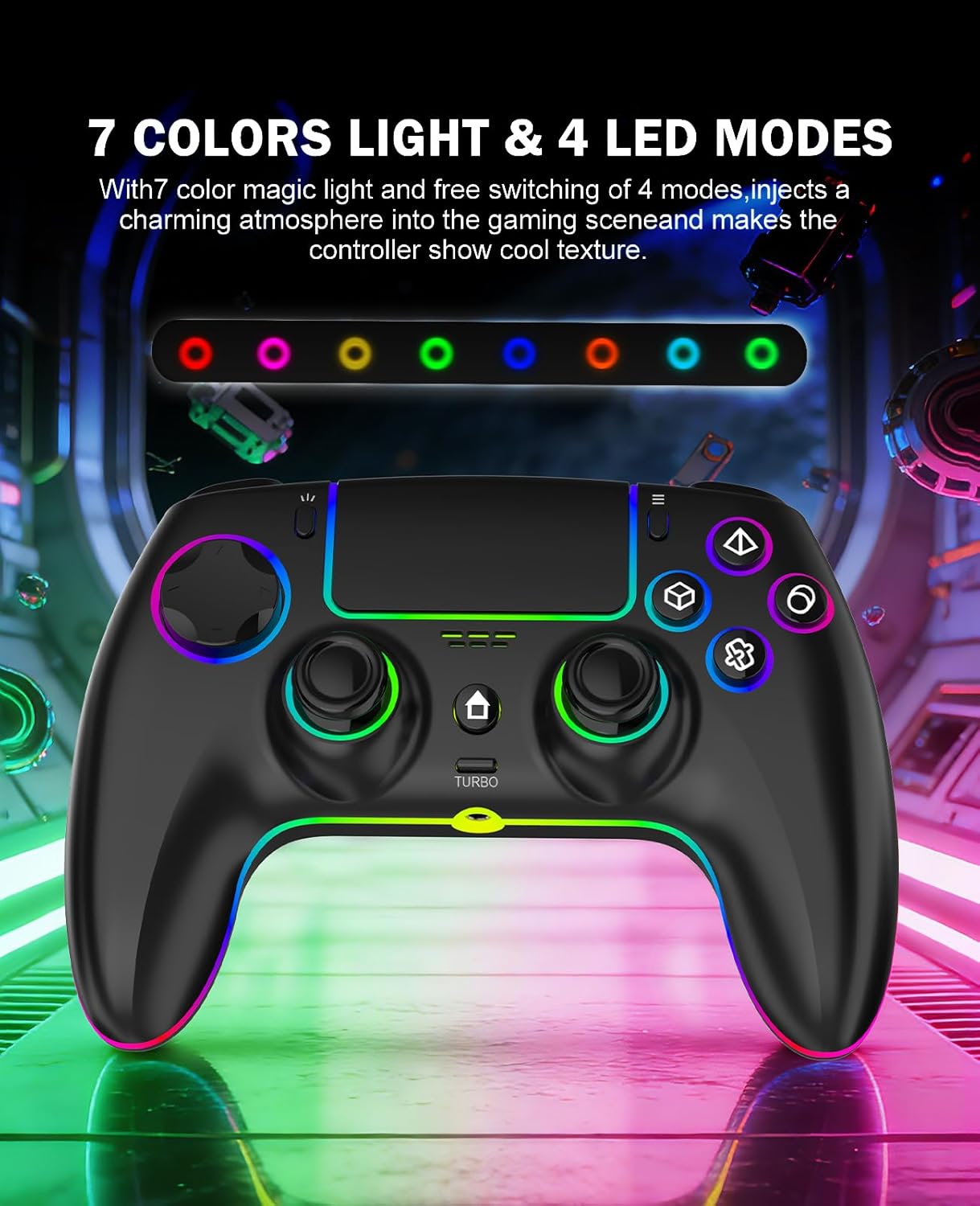
The lighting is there too: 7 tuned RGB colours (blue, light green, green, cyan, purple, pink and red) across four dynamic lighting modes. If you like visual customisation, you’ll probably like having that choice. If you don’t, it’s still a “set and forget” type of feature.
One limitation to keep in mind: the description specifically notes a pairing calibration step and charging guidance. That doesn’t sound like a deal-breaker, but it does mean you should be prepared to follow the instructions rather than assuming the controller will behave exactly like every plug-and-play pad you’ve owned.
Key features that matter for decision-making
Tech specs
- Type: Wireless gamepad controller
- Hall Effect joystick technology
- Turbo / rapid-fire mode with automatic or manual operation and three speed levels
- Dual vibration motors with four adjustable intensity levels
- 3.5mm audio jack for direct connection
- Back button macro programming: up to 16 commands stored to M1/M2 back buttons
- Lighting: 7 RGB colours (blue, light green, green, cyan, purple, pink, red) and four dynamic lighting modes
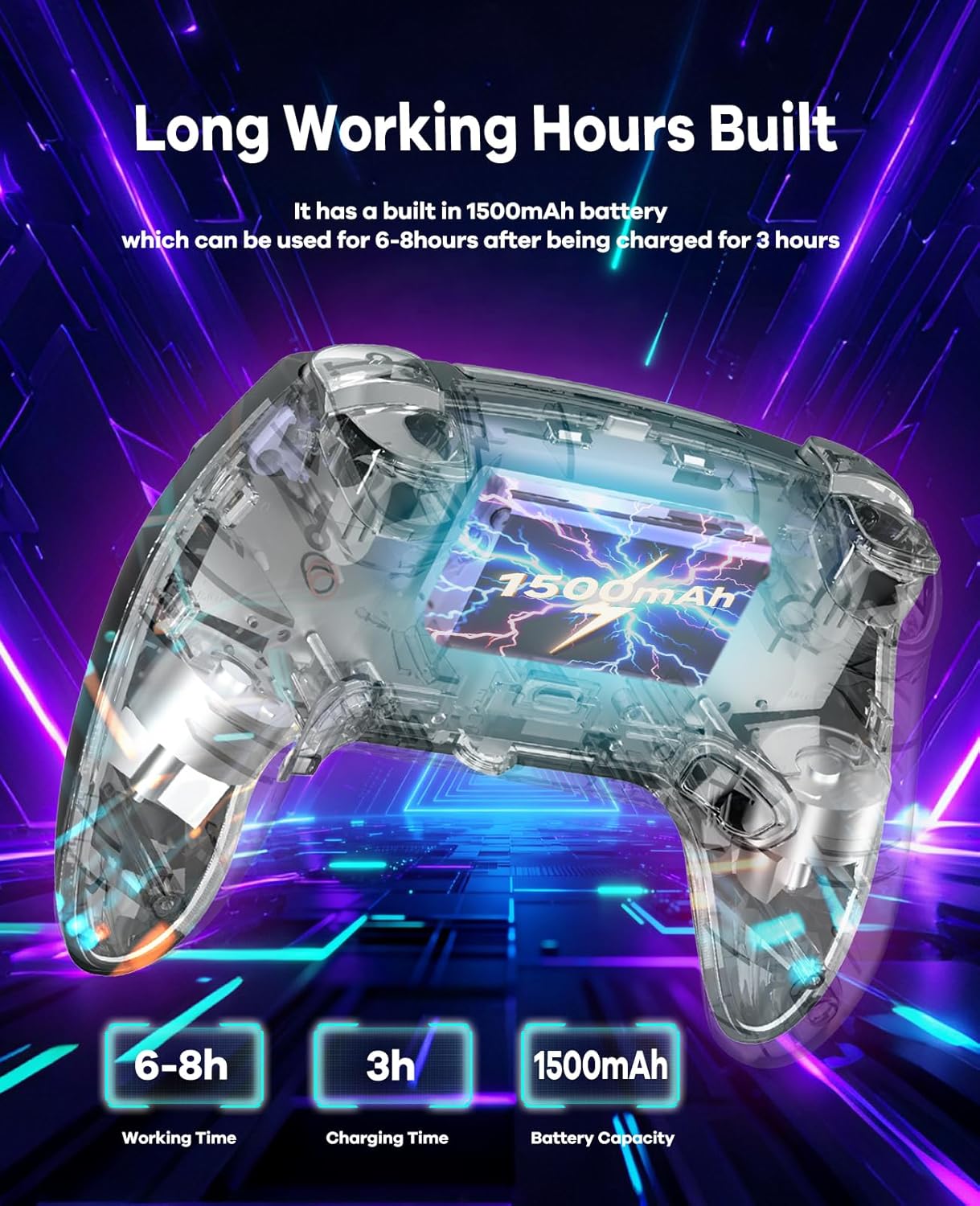
- Battery: 1500mAh capacity
- Claimed battery life: up to 6–8 hours of playtime
- Power saving: intelligent sleep mode during idle periods
- Compatibility (as stated): PS5/PS5 Pro, PC (Windows 10+), Mac, Steam Deck, iOS, Android
Compatibility & requirements
The controller is advertised as working across PS5/Pro, PC (Windows 10+), Mac, Steam Deck, iOS and Android. If you’re buying for just one ecosystem, that multi-platform support may still be useful—though you’ll want to check that your specific device setup is covered by the pairing method and input mapping you expect.
Care tips
The manufacturer’s guidance includes two small “do this, not that” points. During first-time host pairing, don’t touch the joysticks while it calibrates automatically. Also, when charging, it’s recommended not to use the controller while it’s charging, and to charge it using the supplied USB cable.
Is it worth it?

This QIVORO wireless controller makes sense if you’re mainly looking for Hall Effect joysticks, plus practical gameplay controls like turbo/rapid-fire and programmable back buttons. It’s also a good fit if you play across multiple devices (for example, PC and a handheld like Steam Deck, or PC plus mobile), because the stated compatibility keeps your options open.
You may want to skip it if you only need a simple wireless gamepad and won’t realistically use turbo or macros—extra features are only “value” if you’ll turn them into habits. It might also not be the smoothest buy if you strongly prefer controllers that don’t require you to follow specific pairing/charging instructions.
Mini FAQ
Can the controller’s audio be used with headphones?
Yes, the description mentions a built-in 3.5mm audio jack for direct connection.
How does the turbo mode work?
It supports rapid-fire/turbo operation in automatic or manual mode, with three selectable speeds.
Does it really help with joystick drift?
The key claim is that the Hall Effect joystick technology is designed to say goodbye to joystick drift, so it’s the feature to focus on if that’s your main concern.
How long does the battery last?
The stated playtime is up to 6–8 hours, depending on use.
What should I do during first pairing?
The guidance says not to touch the joysticks during first-time pairing, as calibration happens automatically, and it completes once pairing is successful.