


Invision MX400 Dual Monitor Arm 19–32 inch, 2–9kg 🖥
Reviews
Price
Product description
This dual monitor arm from Invision accommodates two screens between 19 and 32 inches, offering a stable and flexible mounting solution for home offices and professional workspaces. It concentrates on improved posture and desk ergonomics while allowing quick, tool-free height adjustment and smooth tilt, swivel and rotation for better viewing angles.
Key Points
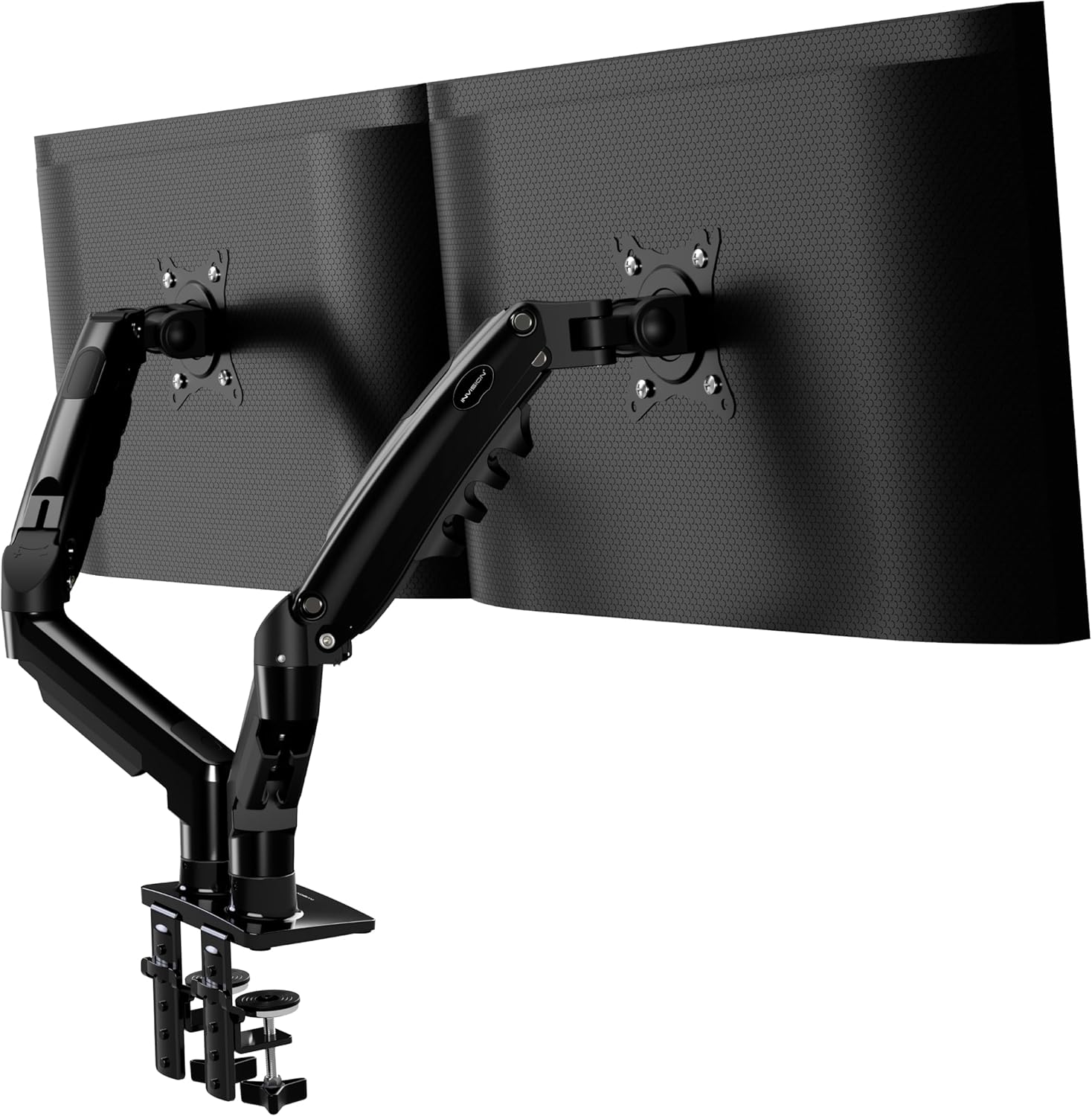
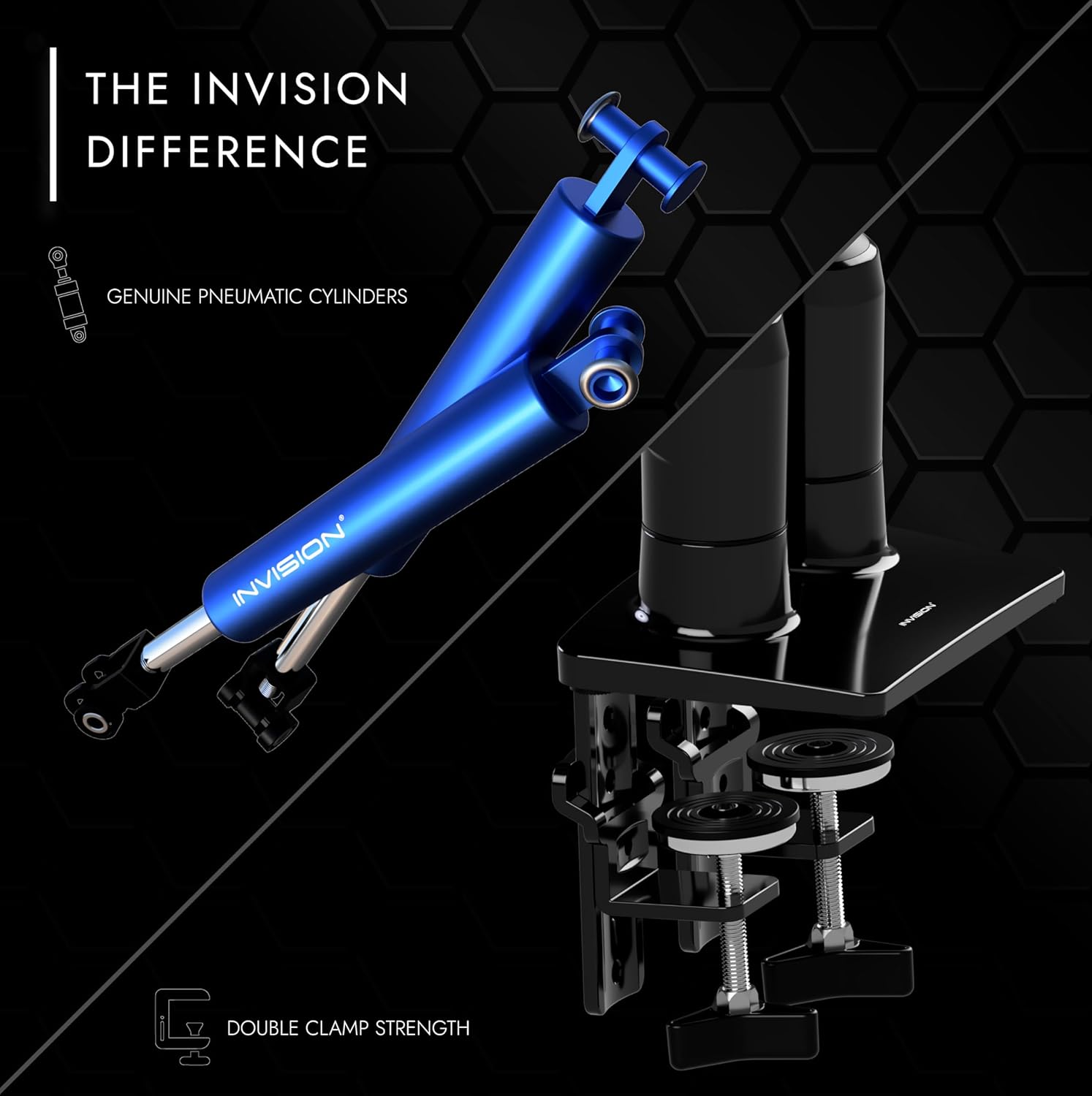
The Invision MX400 increases comfort by letting you position each monitor independently, which can reduce neck and eye strain during long sessions. It features a desk clamp stand compatible with VESA 75 and 100 mm patterns and supports a raised load capacity from 2 to 9 kg per arm according to the manufacturer. Assembly and routine adjustments are designed to be straightforward, with no tools required to change the height.
Technical Specifications
- Name: Invision MX400 dual monitor arm
- Compatible screen size: 19-32 inches
- VESA compatibility: 75 x 75 mm, 100 x 100 mm
- Load capacity: 2-9 kg per arm (manufacturer stated)
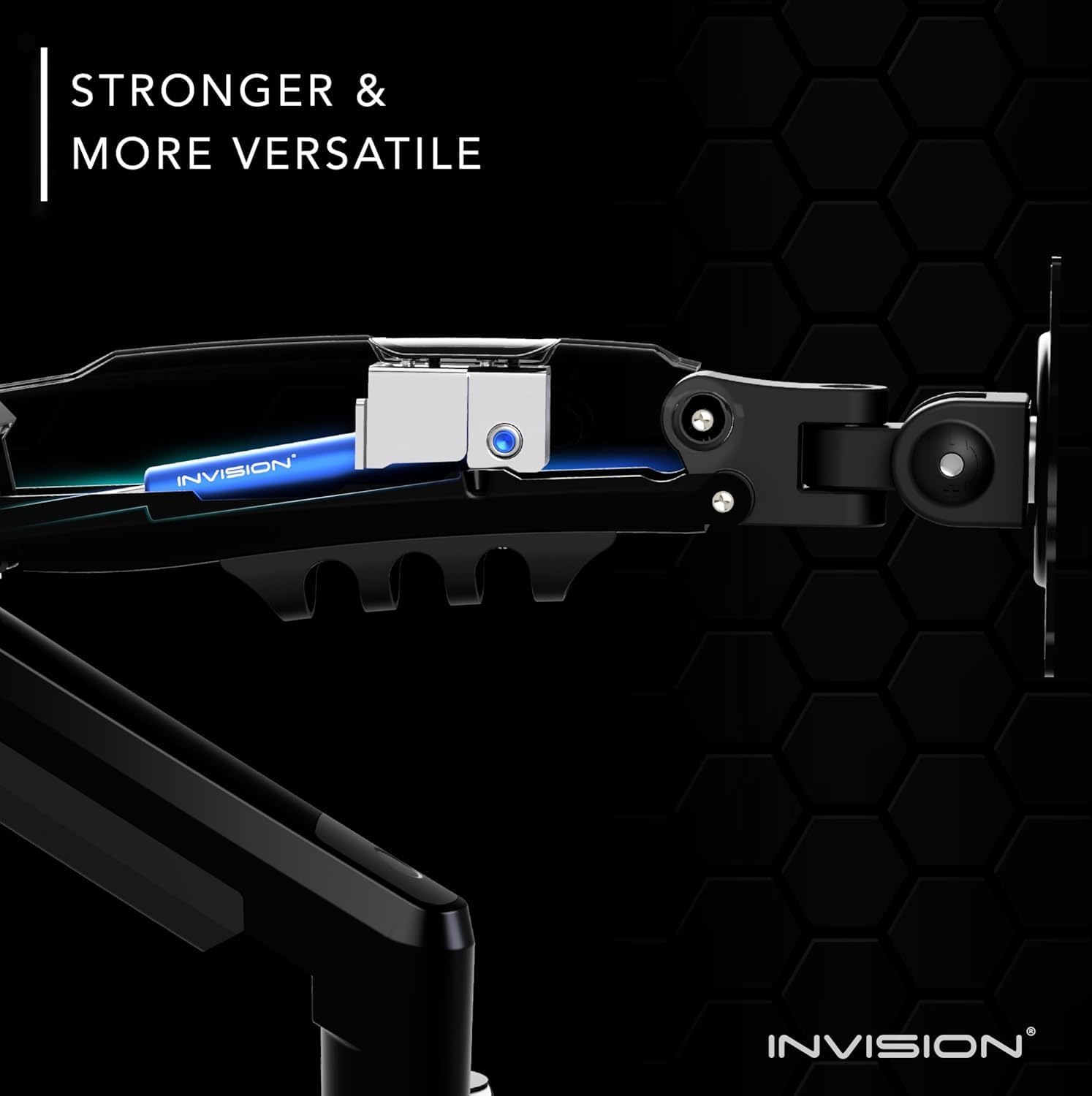
- Adjustment: tool-free height, tilt, swivel, rotate
Benefits
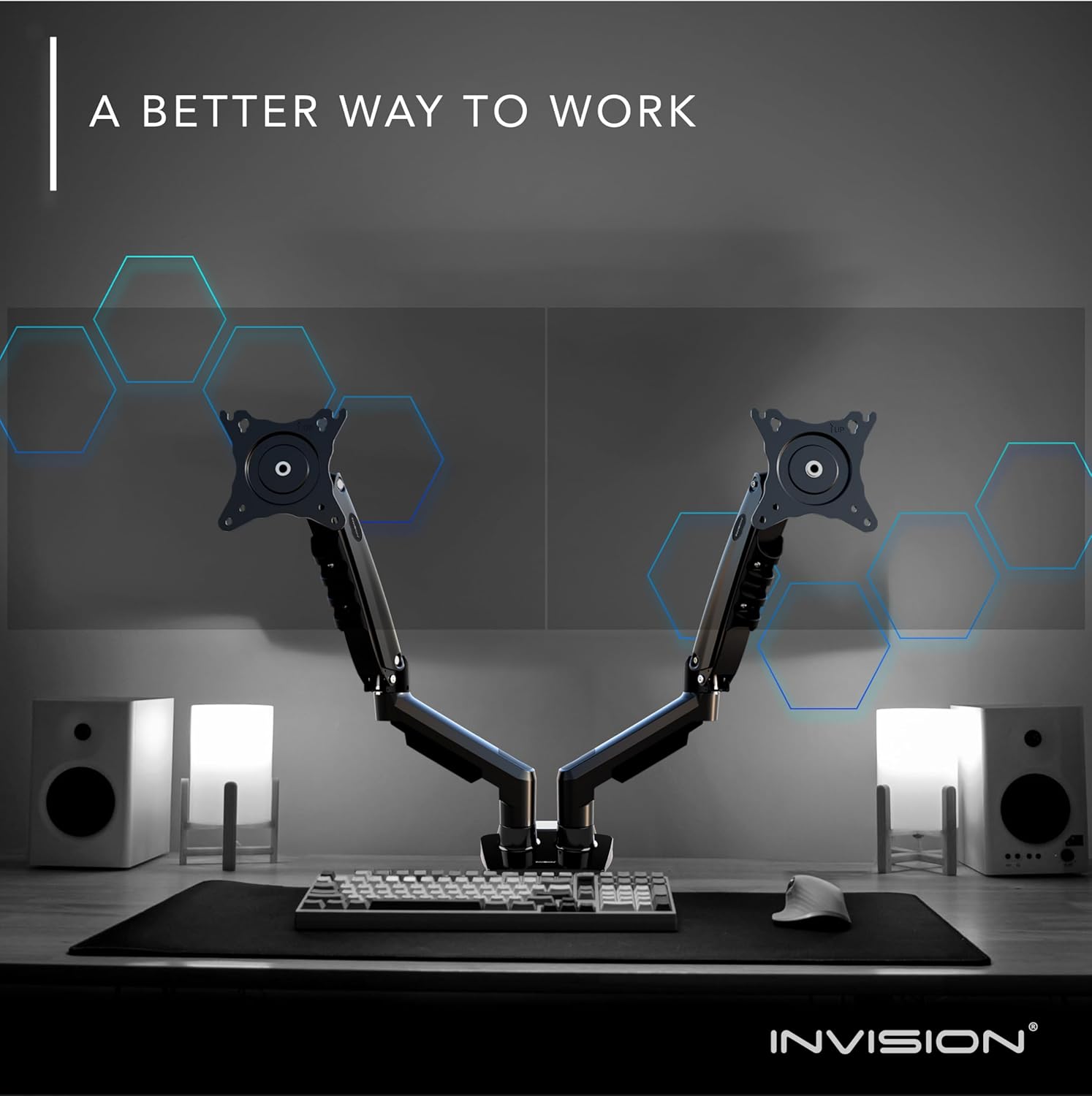
This arm provides a tidier desk surface by elevating screens off the desktop and freeing space for papers, keyboards and accessories. The independent movement of each arm allows multi-monitor setups with differing heights or orientations, so you can mix portrait and landscape displays without strain. Cable routing channels keep cables organised and out of sight, which helps present a cleaner workspace and reduces the risk of cables snagging.
Usage Recommendations
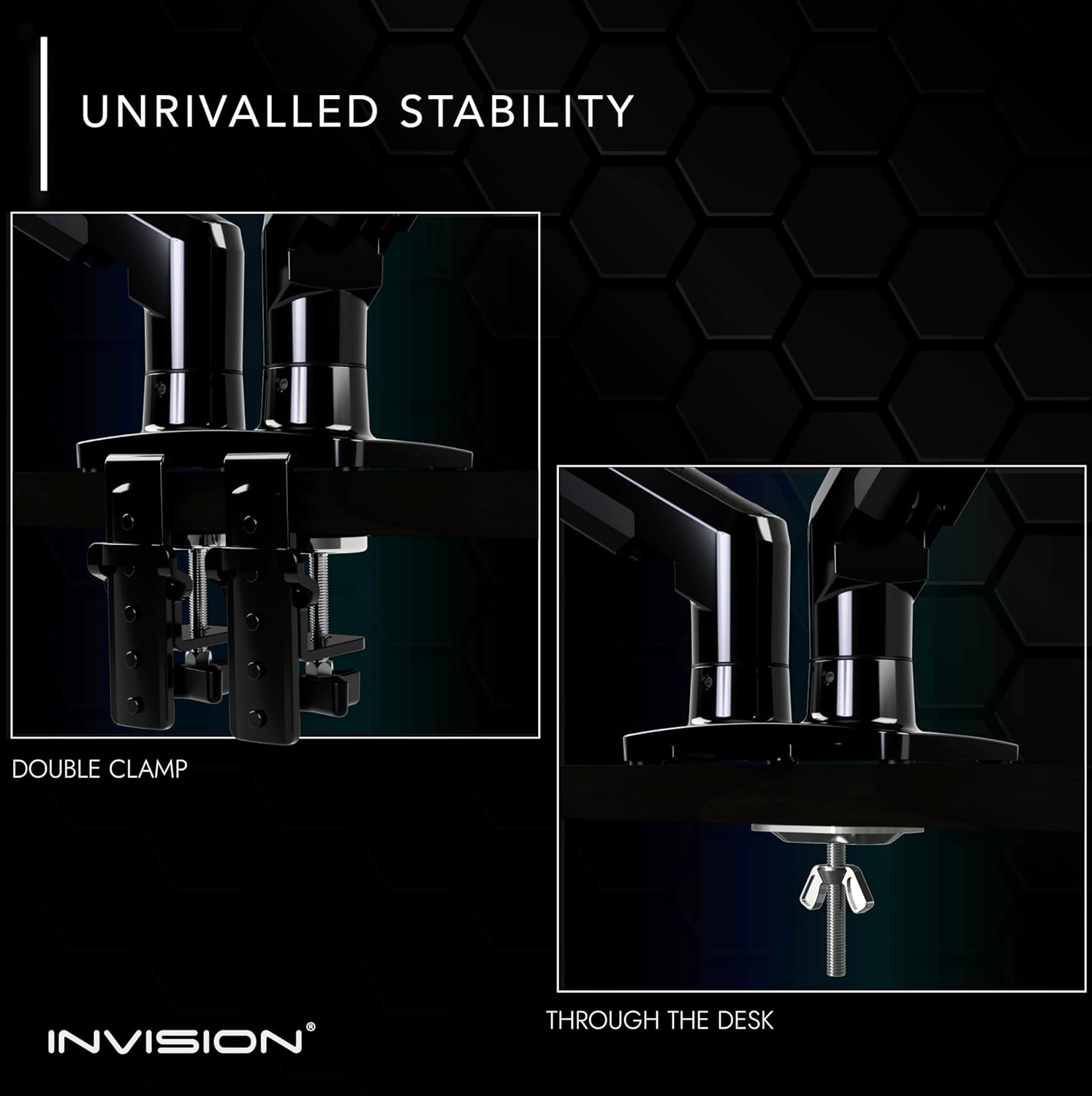
Install the clamp on a sturdy desktop edge and check that the desk thickness matches the clamp range. Place heavier monitors closer to the mount pivot to maintain balance. For video editing or tasks requiring precise colour matching, align screens at the same vertical plane to reduce eye movement. Consider that very heavy or unusually shaped monitors near the 9 kg limit might need occasional tension readjustment to retain smooth motion.
Positive Aspects
Build quality is aimed at being both lightweight and durable, which makes the MX400 easy to reposition without feeling flimsy. The ability to rotate each screen into portrait orientation is practical for coding, document reading and social media monitoring. For users seeking better posture, the arm’s height range promotes a more neutral head position and encourages a less hunched sitting angle according to ergonomics guidance.
Note: the load capacity is provided by the manufacturer and should be checked against your monitor’s actual weight before installation. If your setup includes very large ultrawide displays or screens heavier than the stated range, alternative mounting options may be more appropriate.