


NETGEAR WiFi Extender Booster EX6110: Dual Band Coverage Boost for UK Homes
Product description
What it is
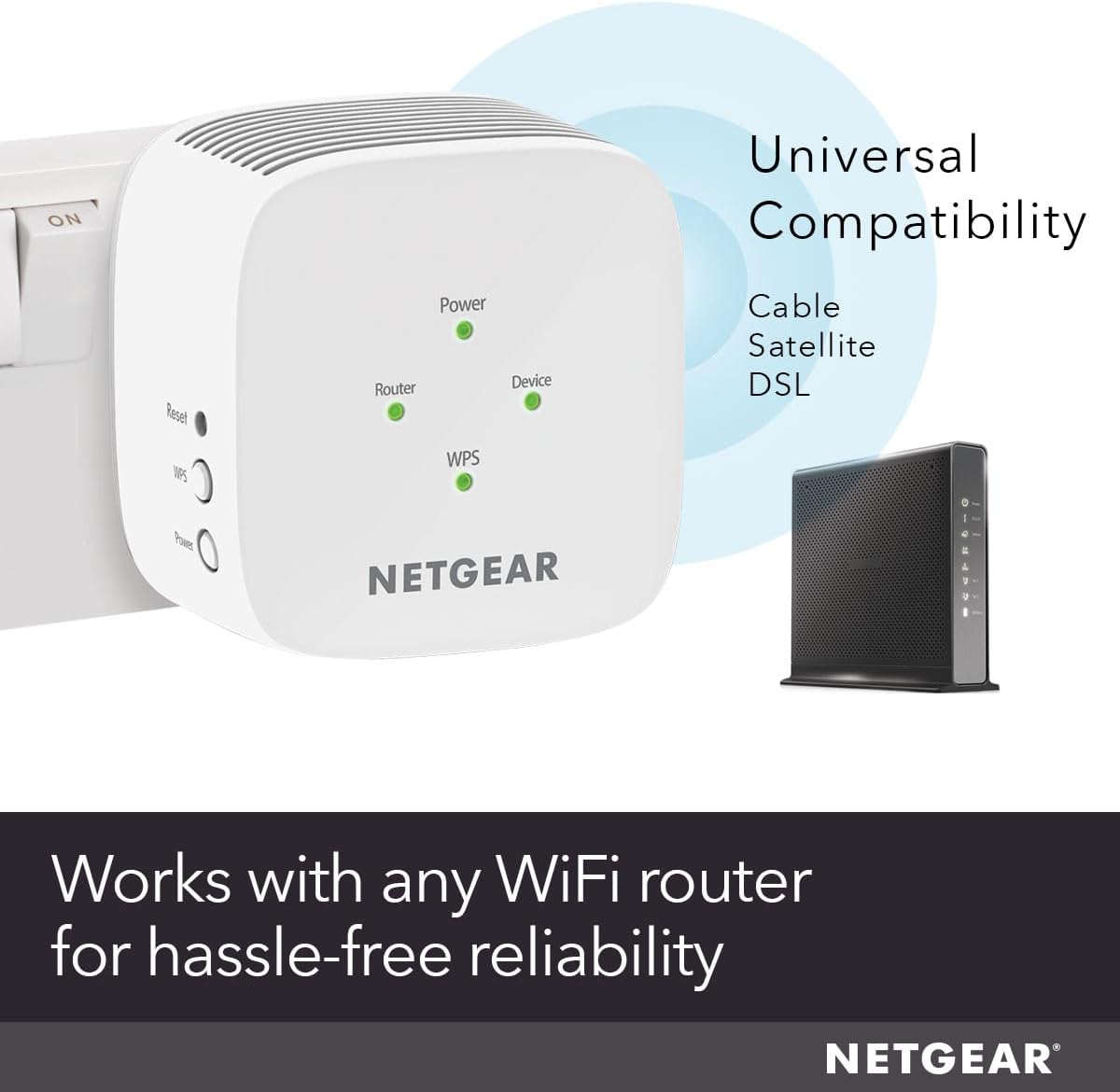
The NETGEAR EX6110 is a compact dual‑band WiFi extender designed to boost your home network by extending coverage into dead zones and far corners. It plugs straight into a wall outlet and is compatible with any existing WiFi router, gateway, or cable modem. On paper, it promises to connect up to 20 devices, spreading a reliable signal across roughly 650 sq ft, which covers typical apartments and many houses on one floor or a couple of rooms upstairs.
How it helps you
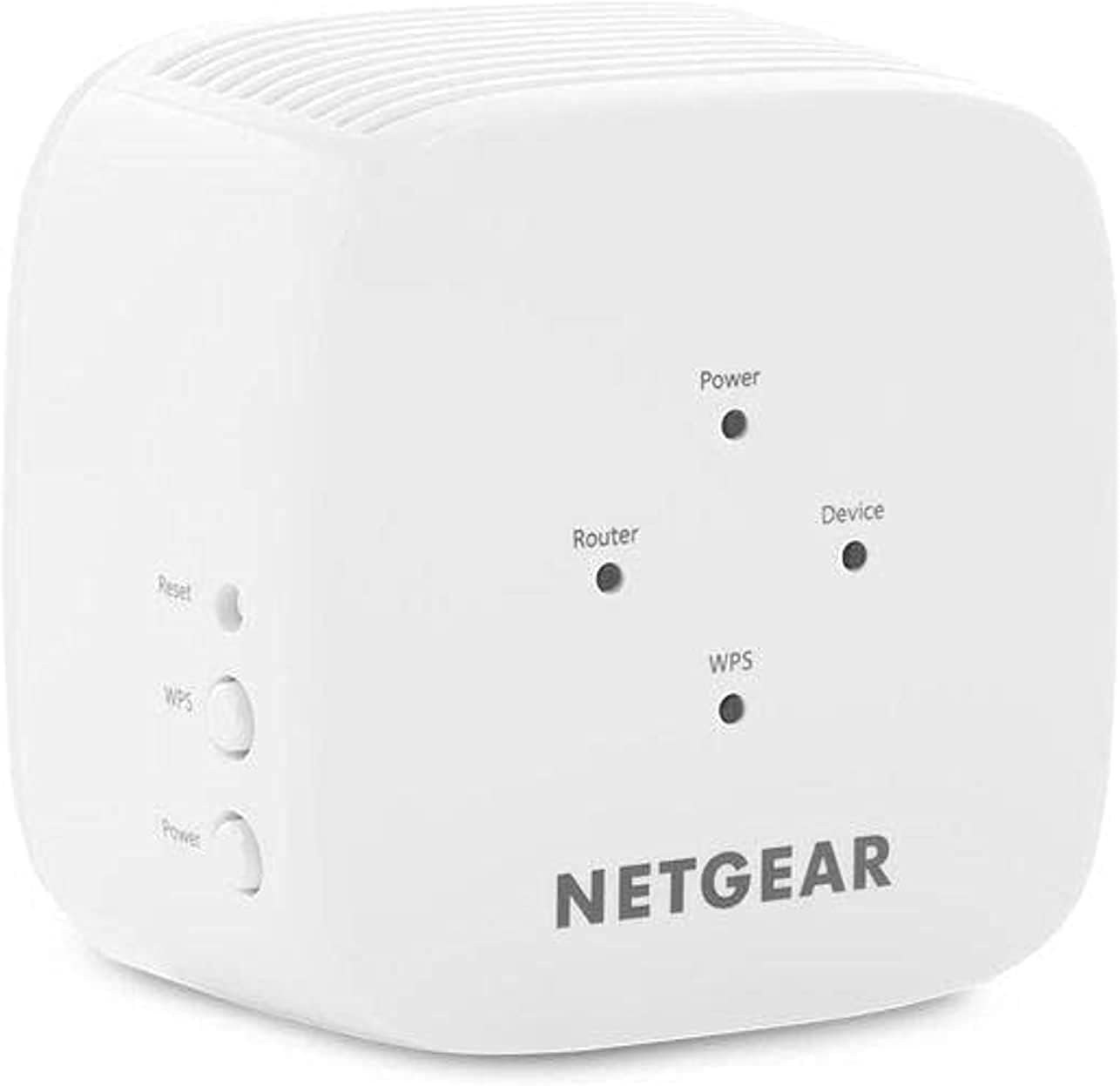
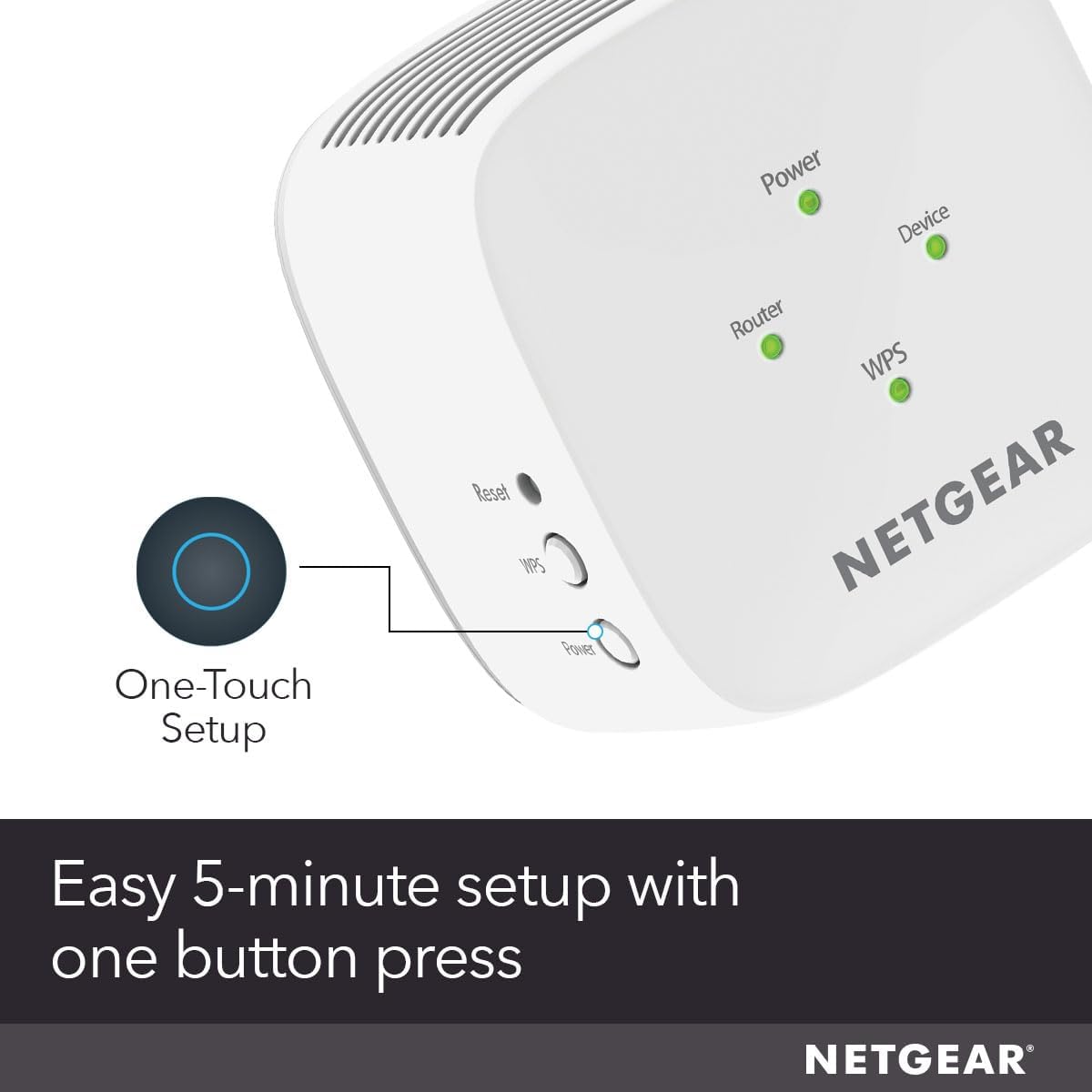
If you’ve ever faced buffering in the living room or a weak signal in a home office, this extender aims to smooth things out without needing a full mesh system. It works alongside your current network SSID, so you don’t have to retrain devices or change passwords every time you move rooms. The WPS button makes setup feel straightforward, and there’s a dedicated app (NETGEAR Wi‑Fi Analyzer) to help you pick the best place for the unit.
What stands out in use
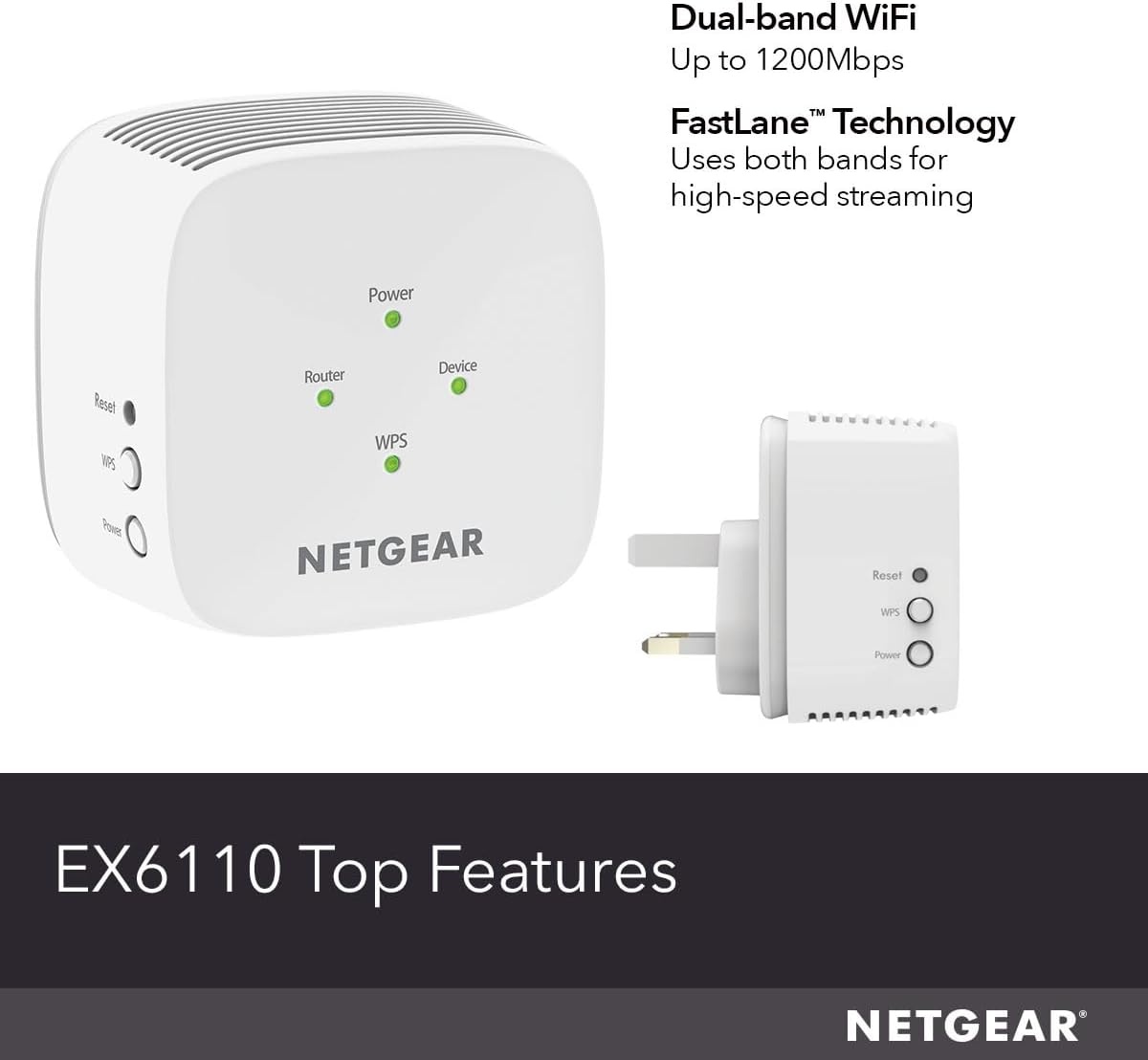
Its dual‑band capability means it can handle both 2.4 GHz and 5 GHz bands, which is useful if your devices vary from smartphones to smart speakers. The device uses your existing security setup (WEP and WPA/WPA2), which is a sensible baseline for many homes. A practical benefit is the “dead zones” solution: you can push the signal into spaces where the router’s reach is weak, rather than swapping to a bigger router or a full mesh system.
What may hold it back
Two important considerations: first, coverage is listed at 650 sq ft, which might be on the modest side for larger homes or multi‑storey layouts. Second, while it’s easy to set up, performance more than anything hinges on your existing router quality and interference in the 2.4 GHz/5 GHz bands. If you prioritise peak throughput for gaming or 4K streaming in several rooms, a more robust mesh solution could be a better long‑term fit.
Who it’s for
This extender suits small to medium homes, or spaces where you already have a solid router but need to push the signal a bit further. It’s a reasonable choice for someone who wants a low‑friction improvement without a big upfront investment or complex hardware changes. For renters or those on a tight budget, it offers a pragmatic upgrade path.
Who it isn’t for
If you live in a large house with multiple storeys, or you’re chasing top‑tier gaming latency and consistently high speeds across many rooms, you might look at more capable mesh systems or wired backhaul options. If your current router is already struggling to deliver stable performance, extending it rather than upgrading may not yield the best long‑term value.
Before you buy: what to check
- Ensure your router is compatible and that you can place the extender within a reasonable range of your access point.
- Consider where you actually need extra coverage, the 650 sq ft figure is a guide and depends on walls and interference.
- If possible, use the NETGEAR Wi‑Fi Analyzer app to pick the best location rather than guessing.
- Review your security settings, the extender supports common WPA/WPA2 protections, but confirm your devices will connect smoothly.
Practical example in use
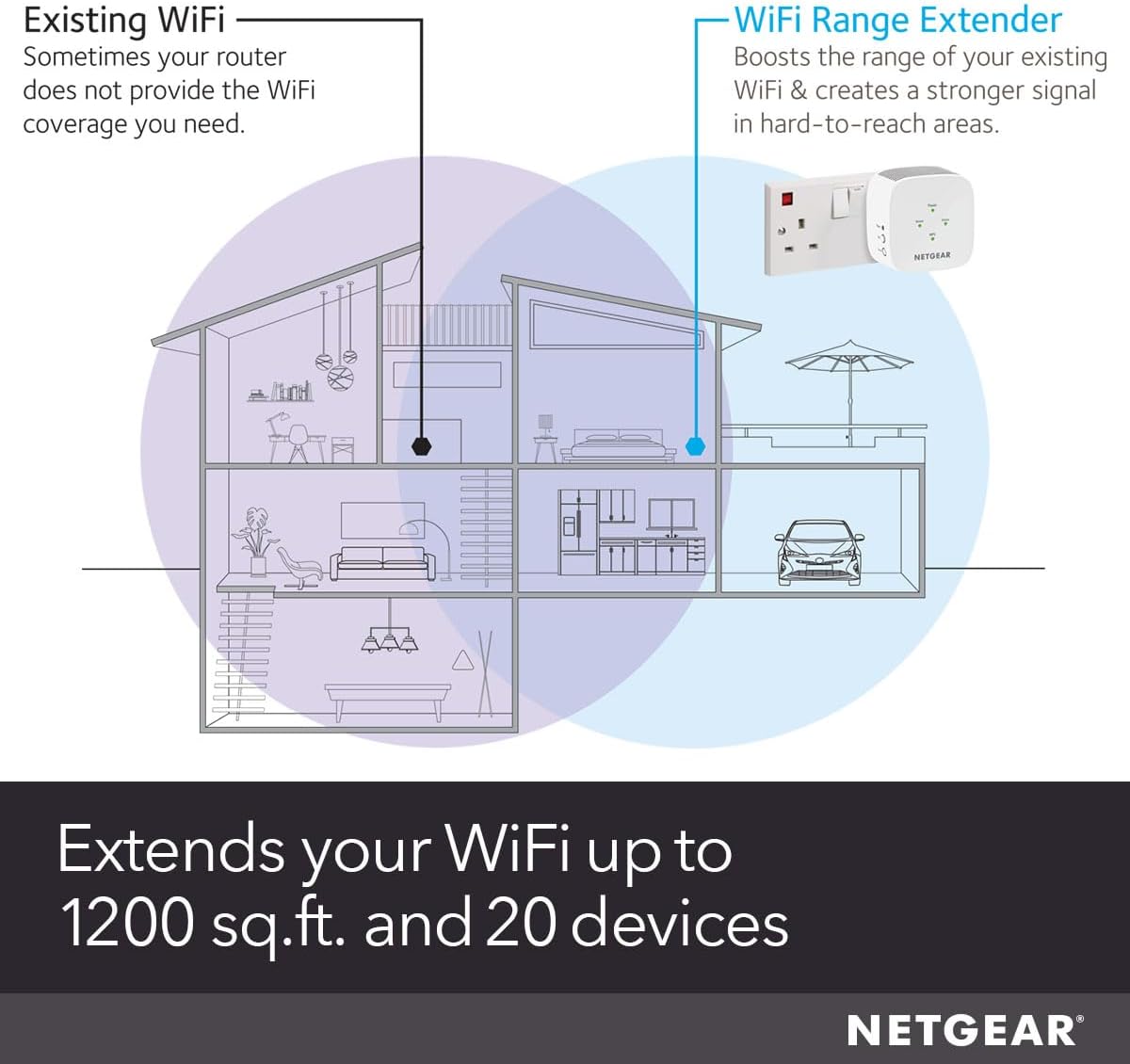

Imagine streaming in the living room while someone else downloads in the home office. The EX6110 sits between the router and the far space, picking up the main SSID and rebroadcasting a steadier signal. You’ll notice fewer dropouts on video calls and smoother background syncing for smart devices, without reconfiguring every gadget.
Decision time
Is it worth it?
Worth considering if you want a simple, budget‑friendly way to improve coverage in a modest space and you’re not chasing ultra‑high speeds across a large area. It’s a sensible option when you prioritise ease of setup and compatibility with existing gear over peak throughput.
FAQ
- How many devices can it support reliably? It’s advertised up to 20 devices, real‑world performance depends on network activity and interference.
- Do I need to replace my router? Not necessarily. It extends an existing network rather than replacing the main router.
- Can I use it with a guest network? The setup generally mirrors your primary network, check your router’s guest network settings if needed.