

CAKOBLE 2-Pack 4m USB-C to USB-C cable (10Gbps, 100W, 4K@144Hz/5K options) for Thunderbolt 4 and USB-C displays
Product description
The essentials
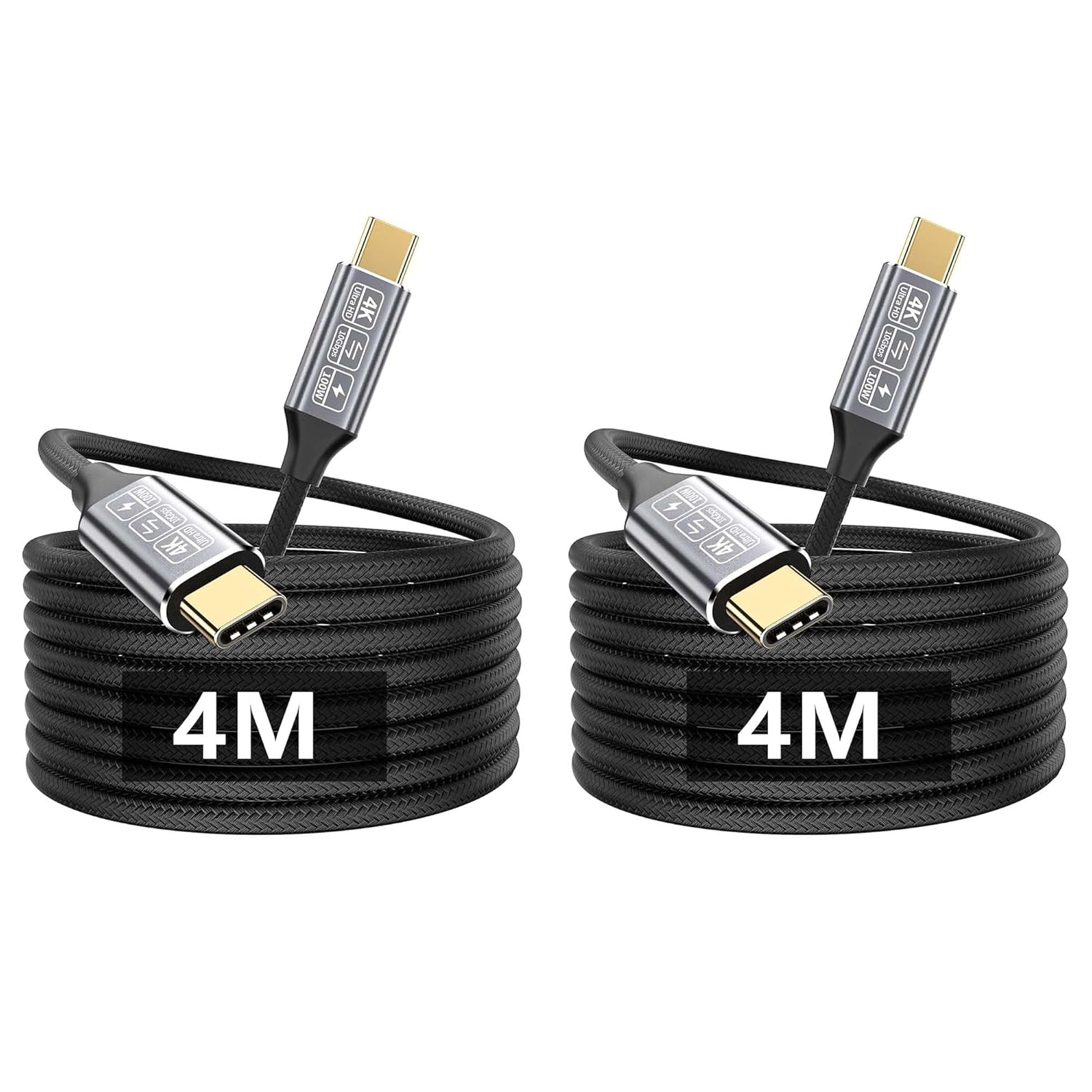
If you’re trying to tidy up your desk and stop swapping cables, a longer USB-C to USB-C lead set can make a real difference. The CAKOBLE 2-Pack comes as two 4m cables and is built around the kind of use most people actually run into: charging a USB-C laptop or phone, moving larger files to an SSD, and using a USB-C monitor connection where video output is needed.
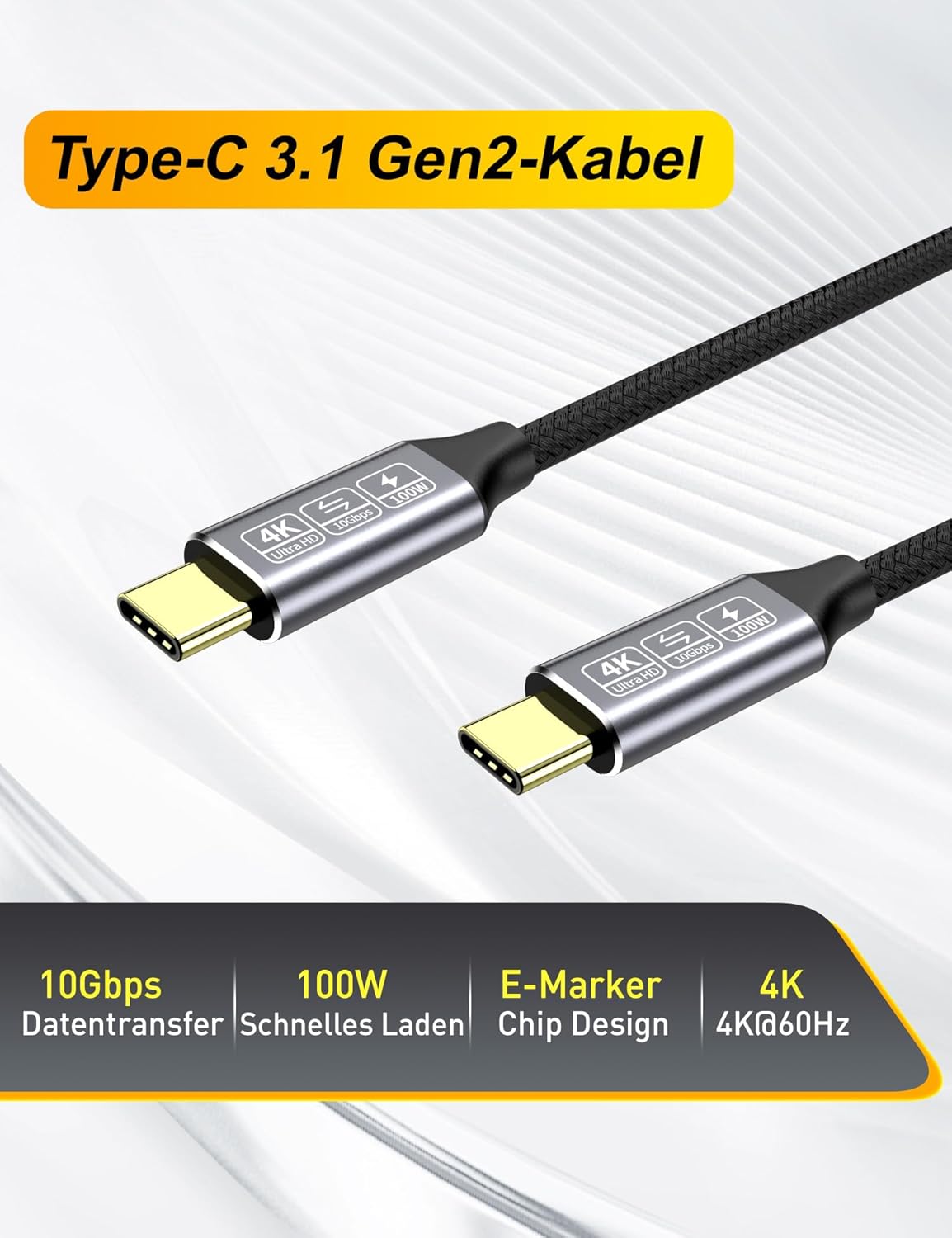
On paper, this one leans towards a “do more with fewer cables” approach. It’s described with 10Gbps super speed data transfer and up to 100W charging power (via an E-marker chip), plus support for 4K video output in monitor setups (with a stated refresh-rate capability of 4K@144Hz in the product name, alongside 4K@60Hz and DP Alt Mode details in the base description). It’s not a gaming cable in the marketing sense, but those video claims suggest it’s aiming at more demanding display use too.
What matters most for real buyers
The headline features are useful, but what you’ll care about is whether they match your workflow:
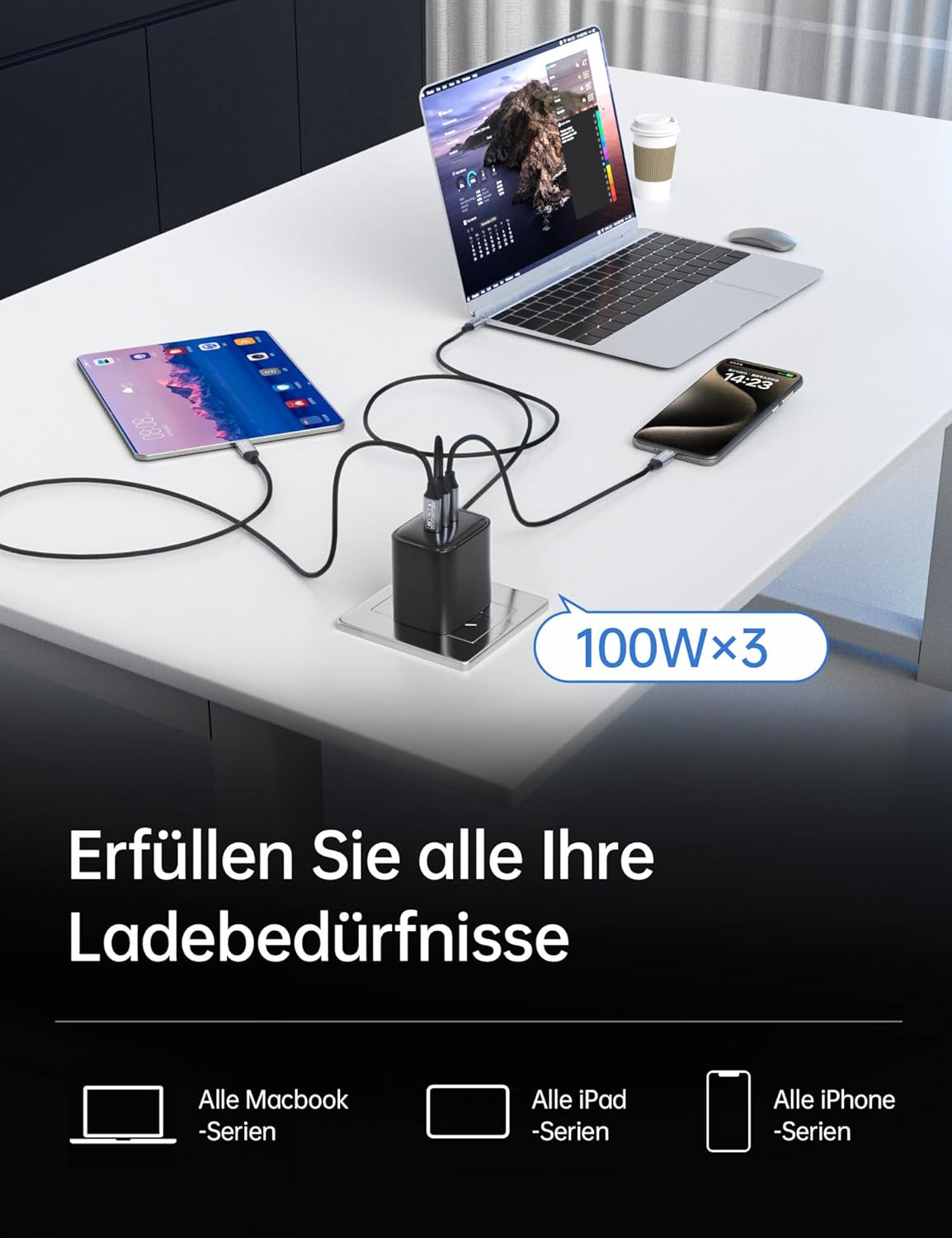
- Charging and day-to-day power: the cable is positioned as delivering up to 100W (5A) using an E-marker chip. That’s the sort of spec you’d look for if your laptop charger is USB-C and you want one lead that can handle power without feeling underpowered.
- Faster file transfers: 10Gbps is there for quicker syncing and moving bigger files, and the description specifically calls out SSD connections.
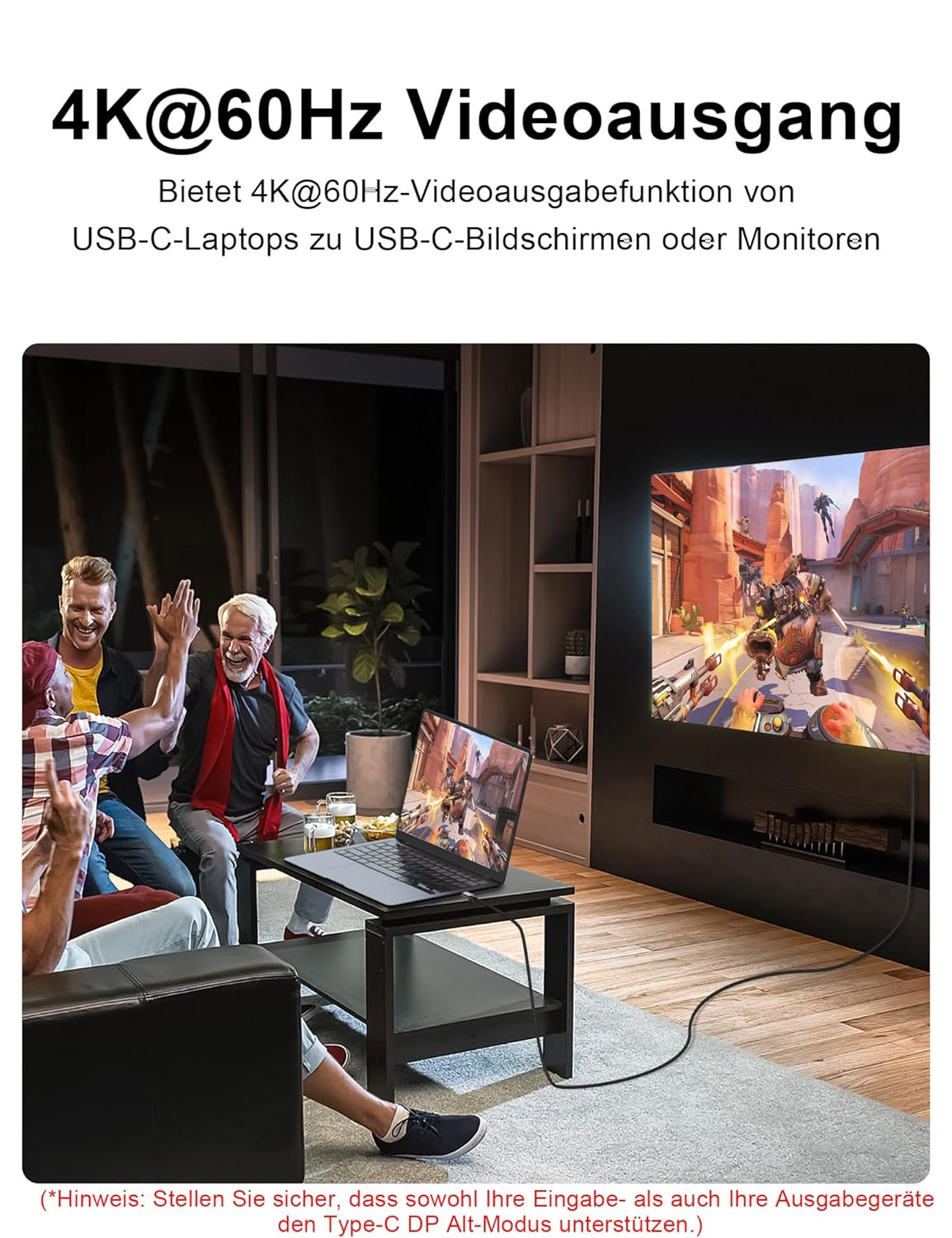
- Video to a USB-C display: the cable mentions DisplayPort Alternate Mode (DP Alt Mode) and audio/video output for connecting a USB-C monitor or display.
A small note of caution: the description mixes 4K@144Hz (in the product name) with 4K@60Hz (in the base description). If refresh rate is your main buying reason, it’s worth double-checking that your specific laptop and monitor combination can actually reach the higher figures claimed.
Where it shines (and why the 2-pack helps)
Having two 4m cables is a practical advantage if you use different parts of your setup. For example, one cable can stay routed between your laptop and a docking station, while the other lives at a desk edge for quick plug-in to a monitor or external SSD.
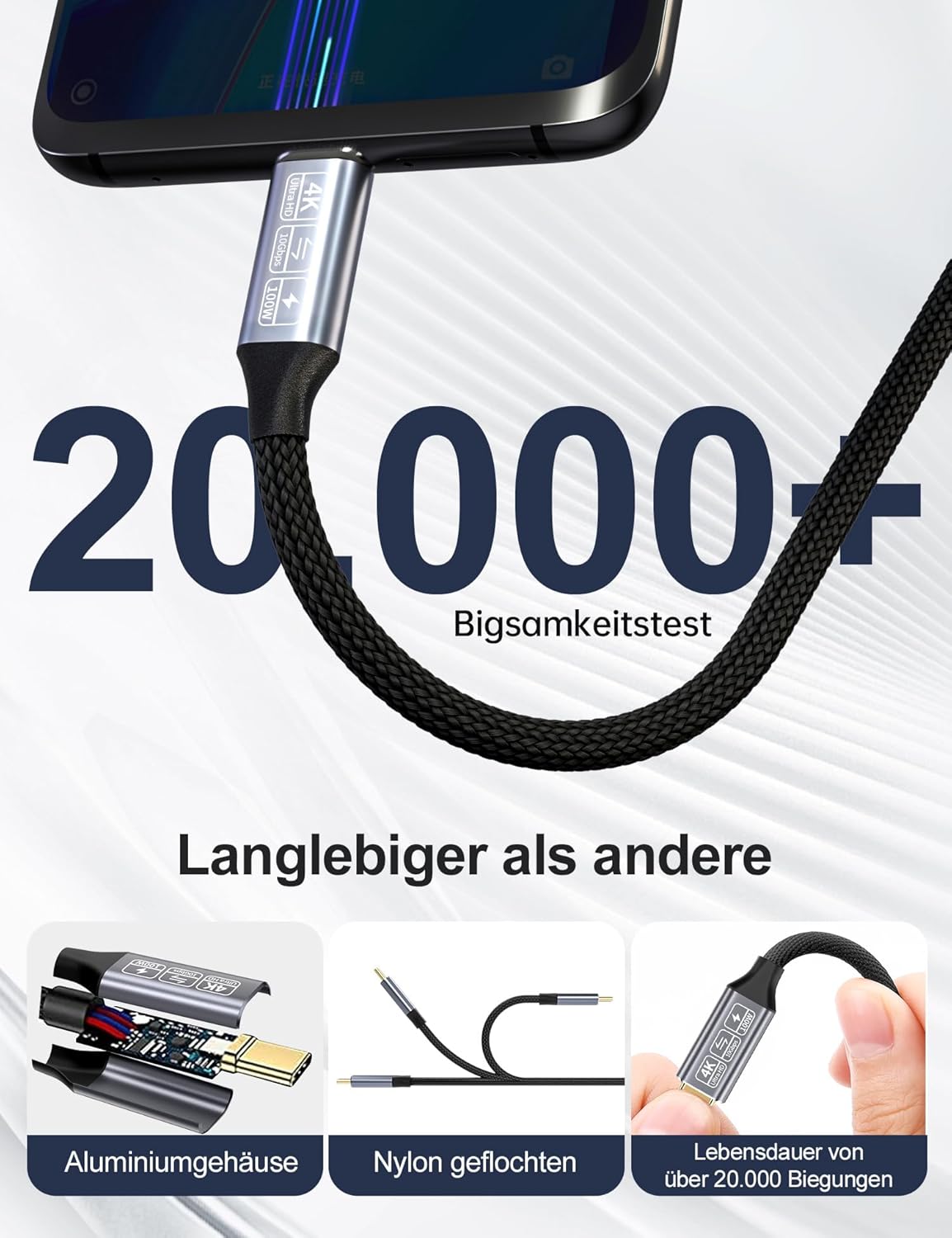
The cable is also described as using oxygen-free copper (30AWG) and multiple aluminium foil shields, which is the kind of detail people look for when they care about reliability over distance. The connectors are stated as 24k gold plated and corrosion resistant—again, not something you see day one, but the intent is clearly “keep it dependable”.
Key specifications (as stated by the listing)
- Type: USB-C to USB-C cable (USB 3.1 Gen 2)
- Data transfer rate: 10Gbps (SuperSpeed)
- Charging power: up to 100W (5A) with E-marker chip
- Video support: 4K video output (DP Alt Mode stated), product name mentions 4K@144Hz and listing text mentions 4K@60Hz
- Video/connection features: DisplayPort Alternate Mode (DP Alt Mode), audio and video output for USB-C monitor connections
- Cable length: 4m
- Pack quantity: 2-pack

Compatibility and setup considerations
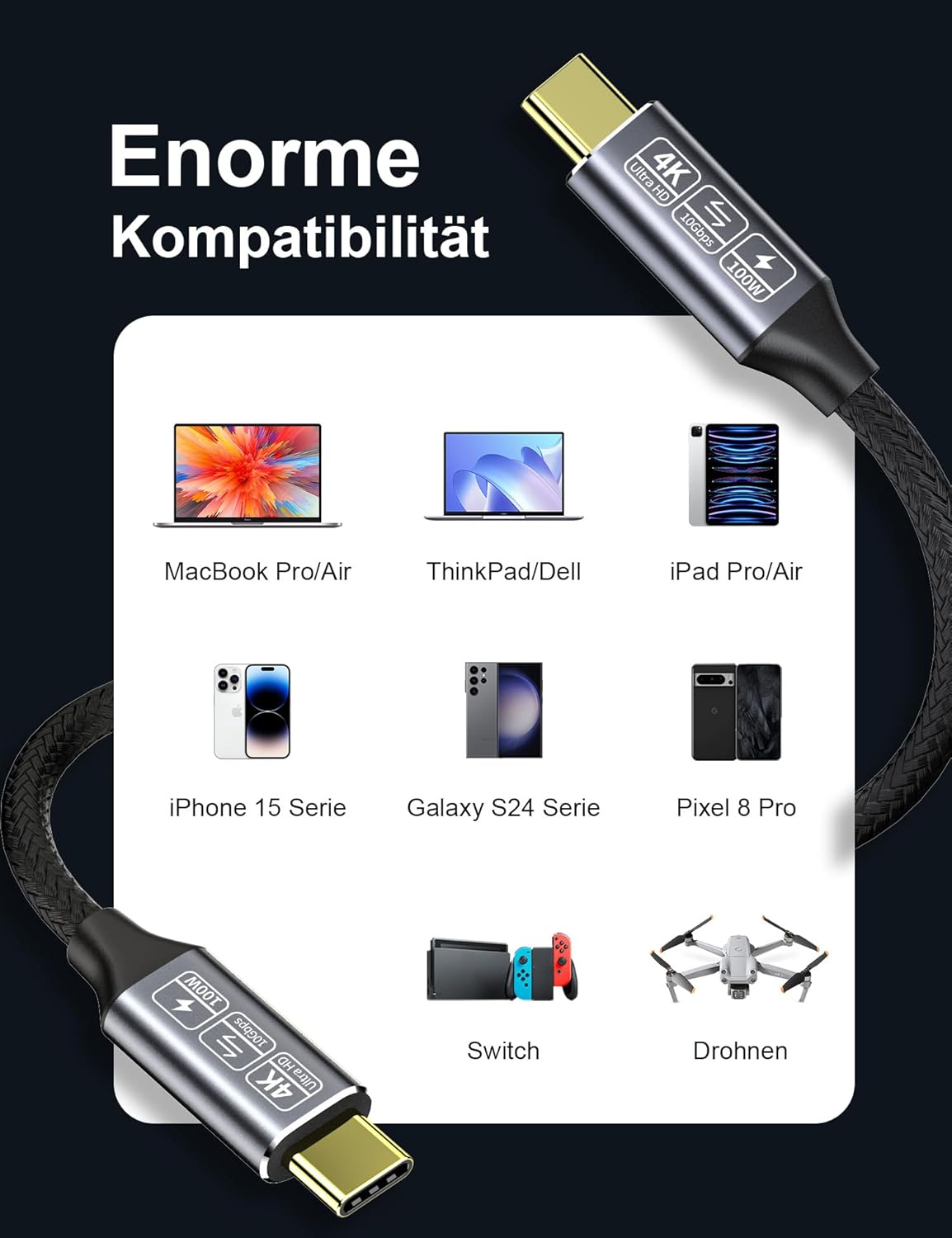
The listing includes a broad compatibility range, naming many USB-C devices and examples like MacBook models, iPad Pro, Samsung Galaxy phones, as well as monitors and docking-style setups.
That said, compatibility claims with USB-C video are often a case of “device supports the right modes”. The cable description mentions DP Alt Mode and references Thunderbolt-related support, which is promising, but it still depends quite a bit on your specific laptop, dock, and monitor supporting the same video signalling.
It’s also called out as being compatible with devices and scenarios such as hub/dock, connecting a USB-C monitor, and using with systems like M3 / SSD / eGPU / laptops—useful signals, even if you’ll want to confirm your exact model pairing.
Pros and cons to weigh up
Pros you’ll likely notice - 2-pack with 4m length, helpful for desk routing and keeping spare cables around - USB-C cable positioned for both charging (up to 100W) and fast data (10Gbps) - Supports USB-C monitor output via DP Alt Mode as described
Potential limitations - Video performance numbers aren’t fully consistent across the provided text (4K@144Hz mentioned in the name vs 4K@60Hz in the description). That doesn’t make the cable useless, but it does mean you shouldn’t assume the highest refresh rate without checking your end devices. - “Thunderbolt 3/4” wording is included in the base description, but the safe reality is that USB-C video is only as good as what your source and display actually negotiate.
Getting the most from it
For a straightforward test of whether it suits your setup, try a common workflow:
1) Plug the cable between your USB-C laptop and an SSD/hub to see if you get the expected fast transfer behaviour for your routine files. 2) If you use an external monitor, test one display session end-to-end—laptop to cable to monitor/dock—so you can confirm resolution and (if relevant) refresh rate.
If you do this before committing to a permanent cable route, it saves hassle. Cables like this are meant to replace frequent “swap the lead” situations, not create a new compatibility mystery.
Is it worth it?
This CAKOBLE 2-Pack cable looks worth considering if you want a single USB-C to USB-C lead (and a spare) that can cover charging, quicker SSD-style transfers, and USB-C display output. The 4m length and 100W/10Gbps/DP Alt Mode style feature set point to a value-focused option for a typical UK desk setup—especially where you’d rather not mix and match cables.
You may want to skip it if your buying priority is purely squeezing the highest claimed refresh rate from a specific 4K monitor, because the provided details don’t line up cleanly (4K@144Hz vs 4K@60Hz). Also, if your devices don’t support DP Alt Mode/Thunderbolt-style signalling, you could end up paying for specs you can’t actually use.
Mini FAQ
Frequently asked questions
Is the cable suitable for fast charging my USB-C laptop? The listing states up to 100W (5A) with an E-marker chip, which is the sort of rating you’d look for when charging USB-C laptops.
Will it work for connecting a USB-C monitor? The description mentions DP Alt Mode with audio and video output for USB-C displays, but real-world results depend on whether your laptop and monitor support the same modes.
Can I expect 4K at high refresh rates? The product name mentions 4K@144Hz, while the base description also references 4K@60Hz. If refresh rate is critical, confirm what your exact device pairing can deliver.
What’s the benefit of buying the 2-pack in 4m length? It’s handy for desk layouts: one cable can stay at the workstation or dock while the other is ready for a monitor, SSD, or a second location.