

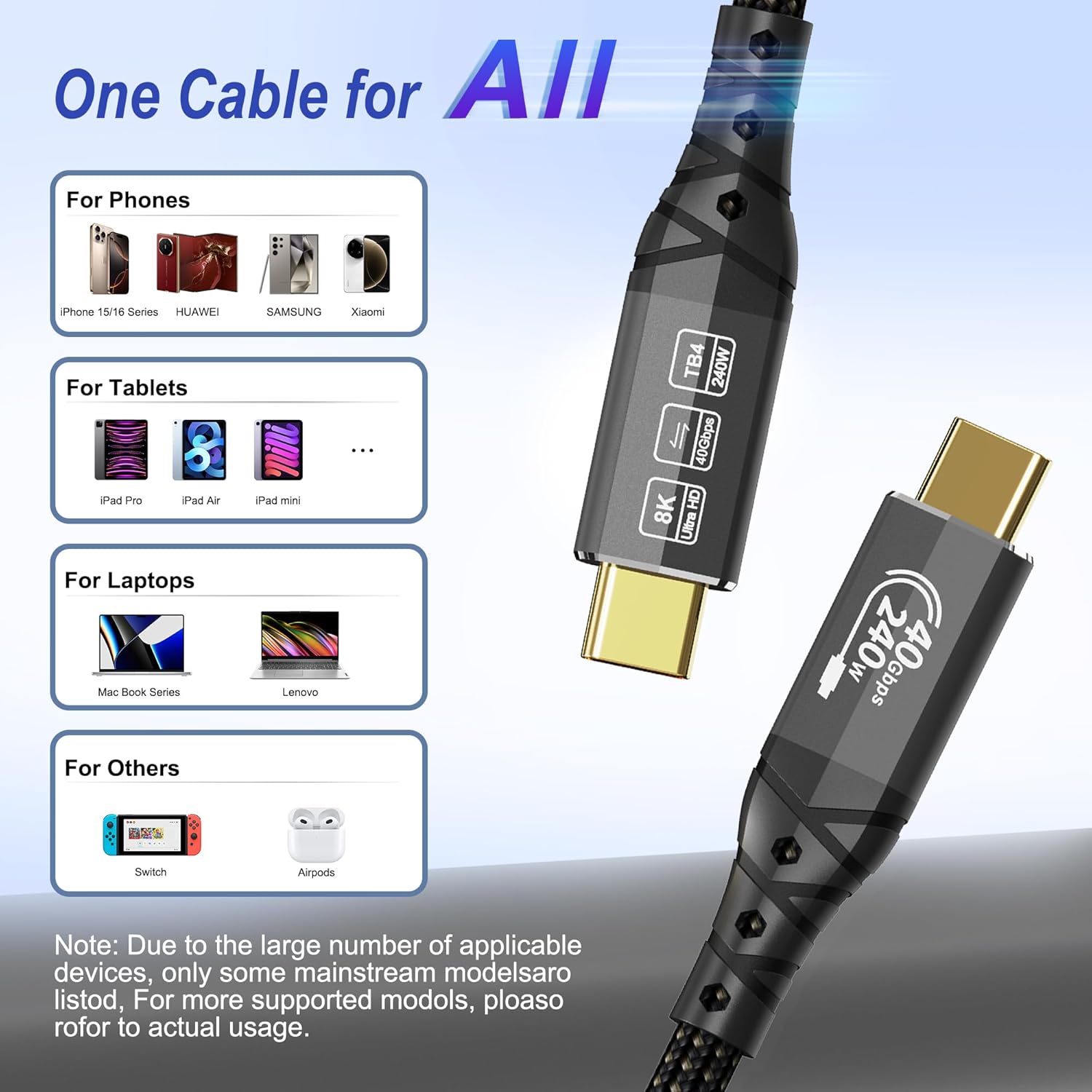
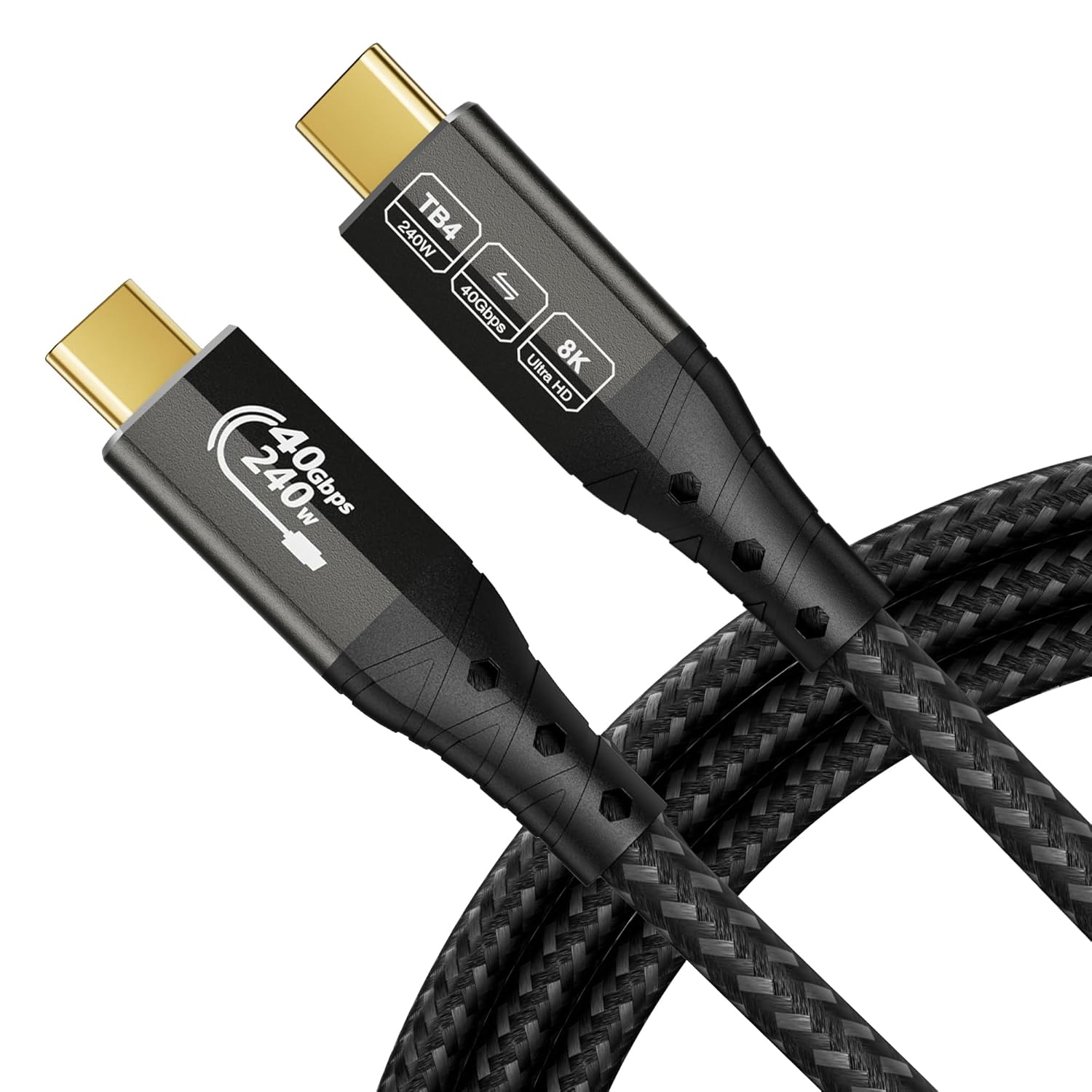
ZIKNYDO 8K/4K USB4 / Thunderbolt 4 cable (3m) – 40Gbps, up to 240W USB-C video and charging
Product description
The essentials
If you’re trying to run video, fast data transfer and charging from a single Thunderbolt/USB-C connection, this ZIKNYDO 8K/4K USB4 / Thunderbolt 4 cable is aimed at exactly that kind of desk setup. It’s a 3m cable that’s positioned for high-bandwidth needs, with support for Thunderbolt 4 (and claimed compatibility moving both up and down the Thunderbolt/USB ecosystem).
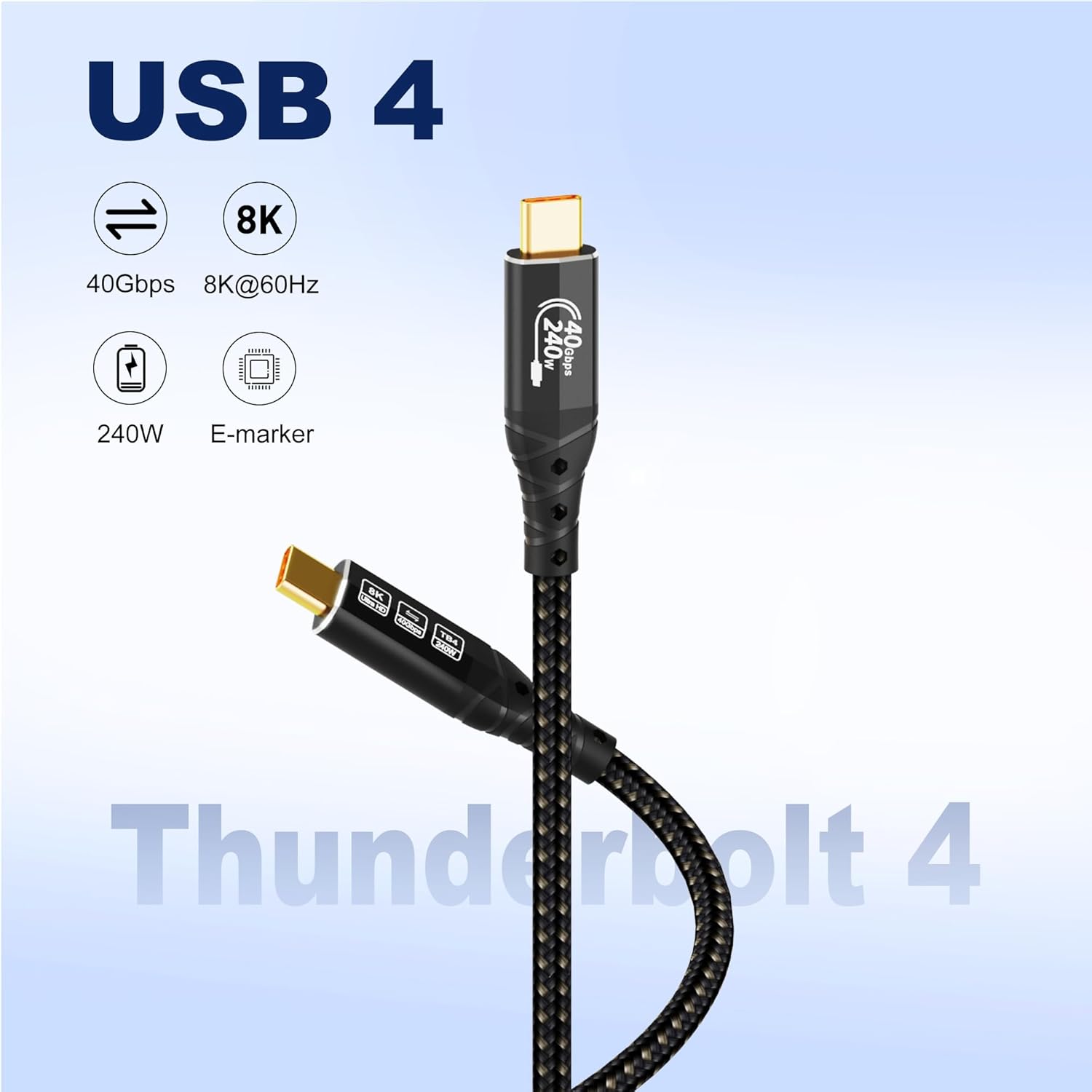
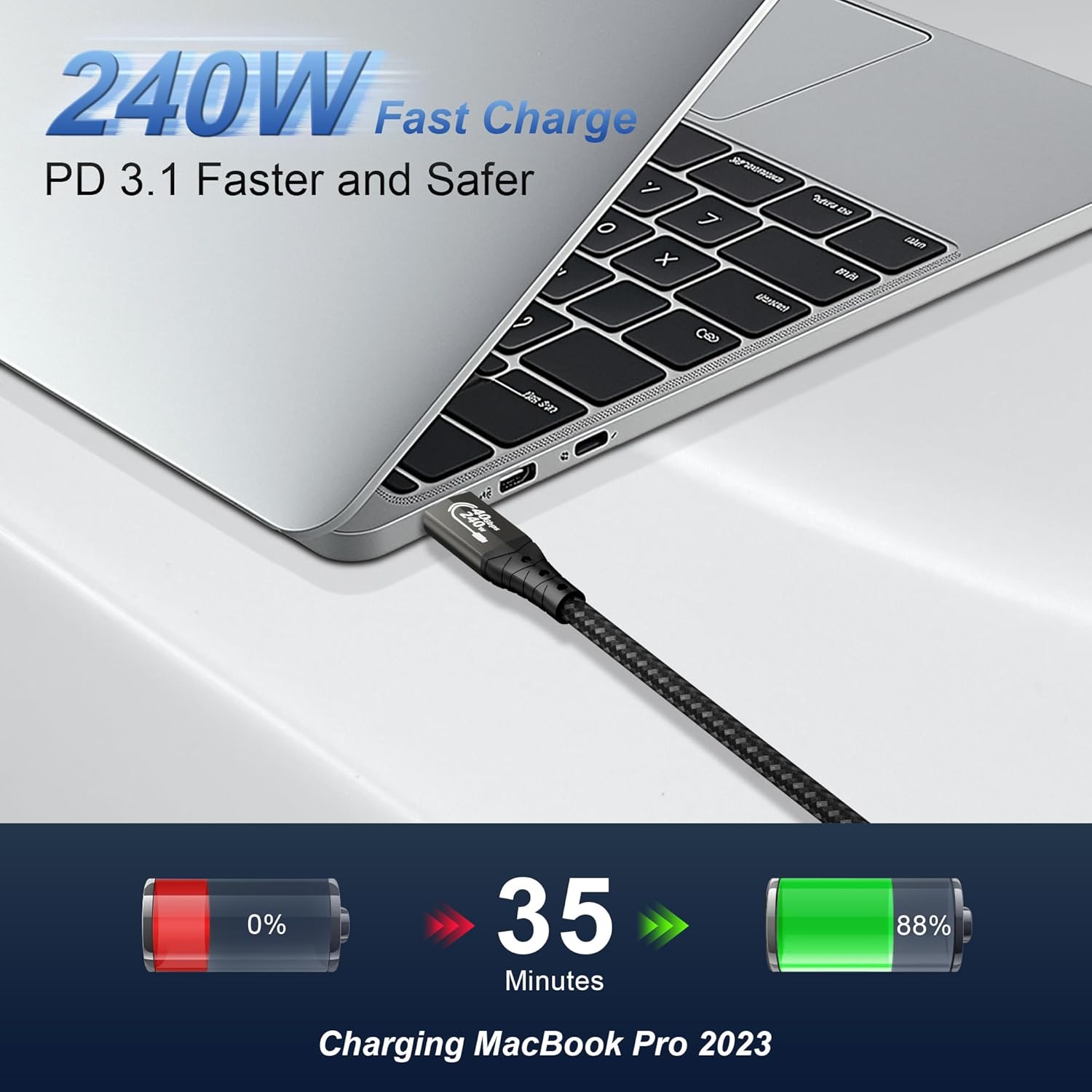
On paper, the headline is 40Gbps data transfer plus support for video output up to 8K, alongside PD3.1 fast charging up to 240W. That combo is useful when you want fewer cables behind a monitor or dock and you don’t want to “mix and match” separate lead types for display and power.
What matters most for real-world use
Where this cable tends to make sense is when your laptop or dock is already in the high-speed / display-capable category (Thunderbolt 3/4, USB4-style workflows) and you want one lead to cover multiple jobs. A practical example: you plug the cable from your MacBook into a USB-C/Thunderbolt-capable display setup and keep your SSD or eGPU connected without swapping cables every time you switch from work to data-heavy tasks.
The 3m length can also help if your laptop sits on a stand and your display or dock is a bit further away. The trade-off with longer runs is always worth remembering: performance depends on the devices on both ends and the way the connection is configured, so it’s not a guarantee of every “best case” scenario in every setup.
Where it shines
A few things stand out for buyers who are shopping around for a “one cable” solution.
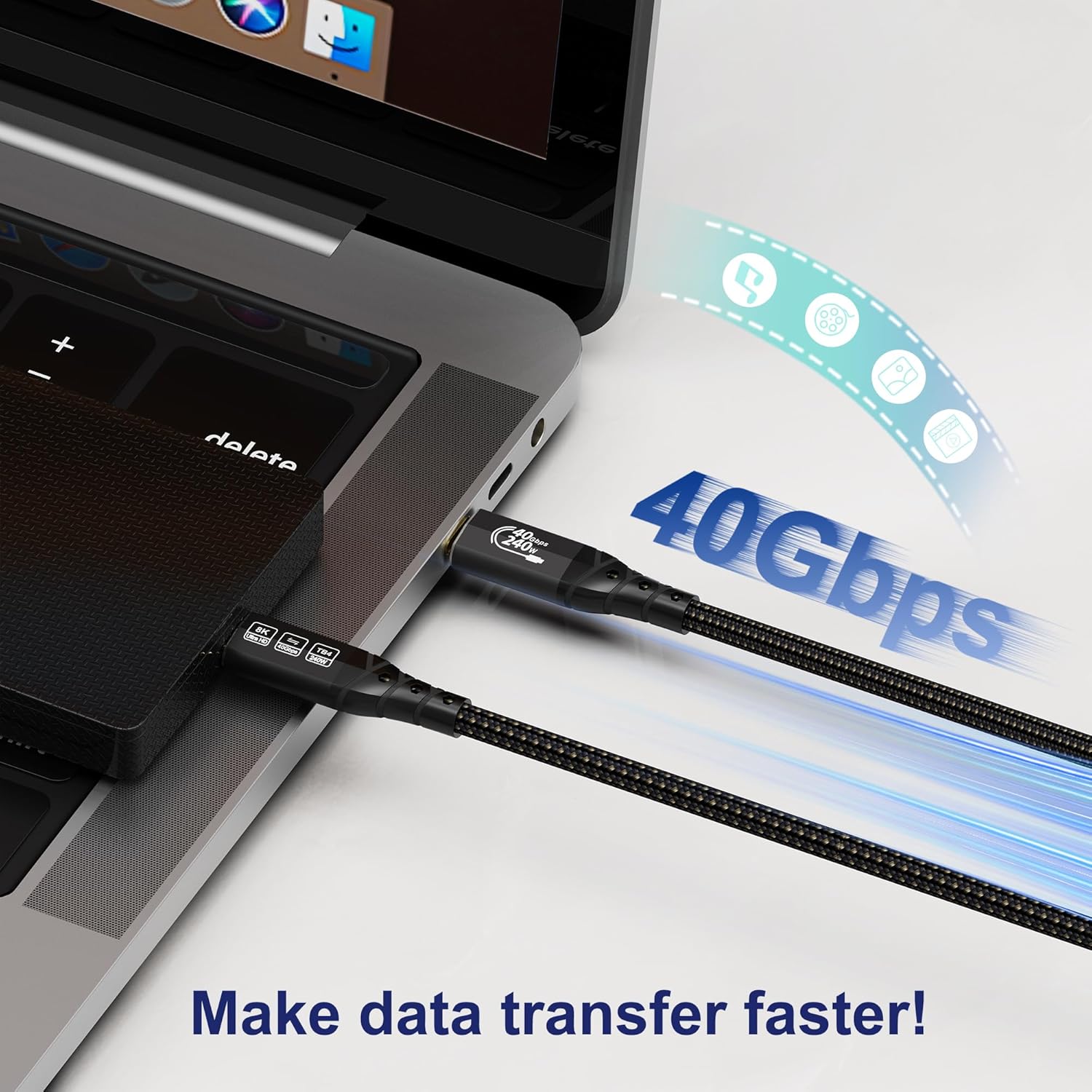
First, the stated 40Gbps data transfer rate is aimed at moving large files quickly. If you routinely transfer big projects to an external SSD, that’s the kind of use case where you’d notice the difference compared with slower USB-only expectations.
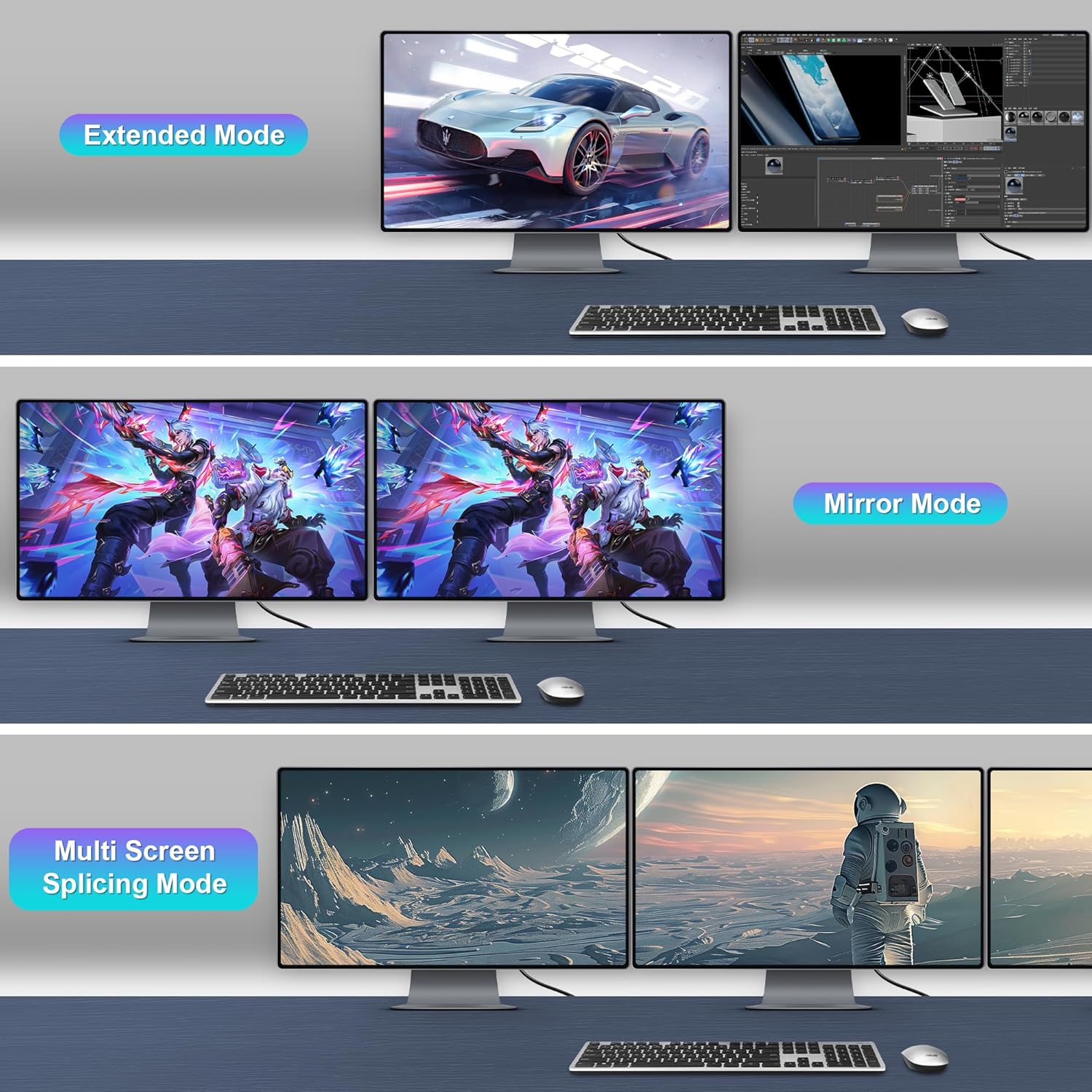
Second, video support is a big part of the pitch: up to 8K display, plus MST daisy chaining support for multi-screen workflows. That can be relevant if you’re building an office-style multi-monitor arrangement and want the wiring kept relatively simple.
Third, the charging angle is fairly clear-cut: it supports PD3.1 fast charging up to 240W (and the cable is described as enabling high current), which is helpful for keeping a compatible laptop topped up while you’re using the display.
Things to double-check before buying
This is where you’ll want to be a bit cautious. The product description is broad about compatibility (it mentions upward compatibility with Thunderbolt 5 and downward compatibility with Thunderbolt 3 and various USB generations), but actual behaviour still depends heavily on what your device supports and how the monitor/dock handles video over USB-C.
Also, the cable is described as “MST daisy chaining” capable, which is useful—yet daisy chaining features are not universal across all monitors and setups. If you’re specifically buying for multi-screen daisy chaining, it’s worth checking that both the host and the displays support MST in the way you need.
Finally, while charging is supported up to PD3.1 240W, you’ll only benefit if your laptop/charger input negotiation supports it. If your device is capped lower, you may still get charging, but not necessarily at the maximum figure being advertised.
Tech summary
This ZIKNYDO cable is built for high-speed data and display over a USB-C to USB-C physical interface. It’s marketed as a Thunderbolt 4 cable and described as supporting:
- Data transfer up to 40Gbps
- Video output up to 8K
- MST daisy chaining
- PD3.1 fast charging up to 240W
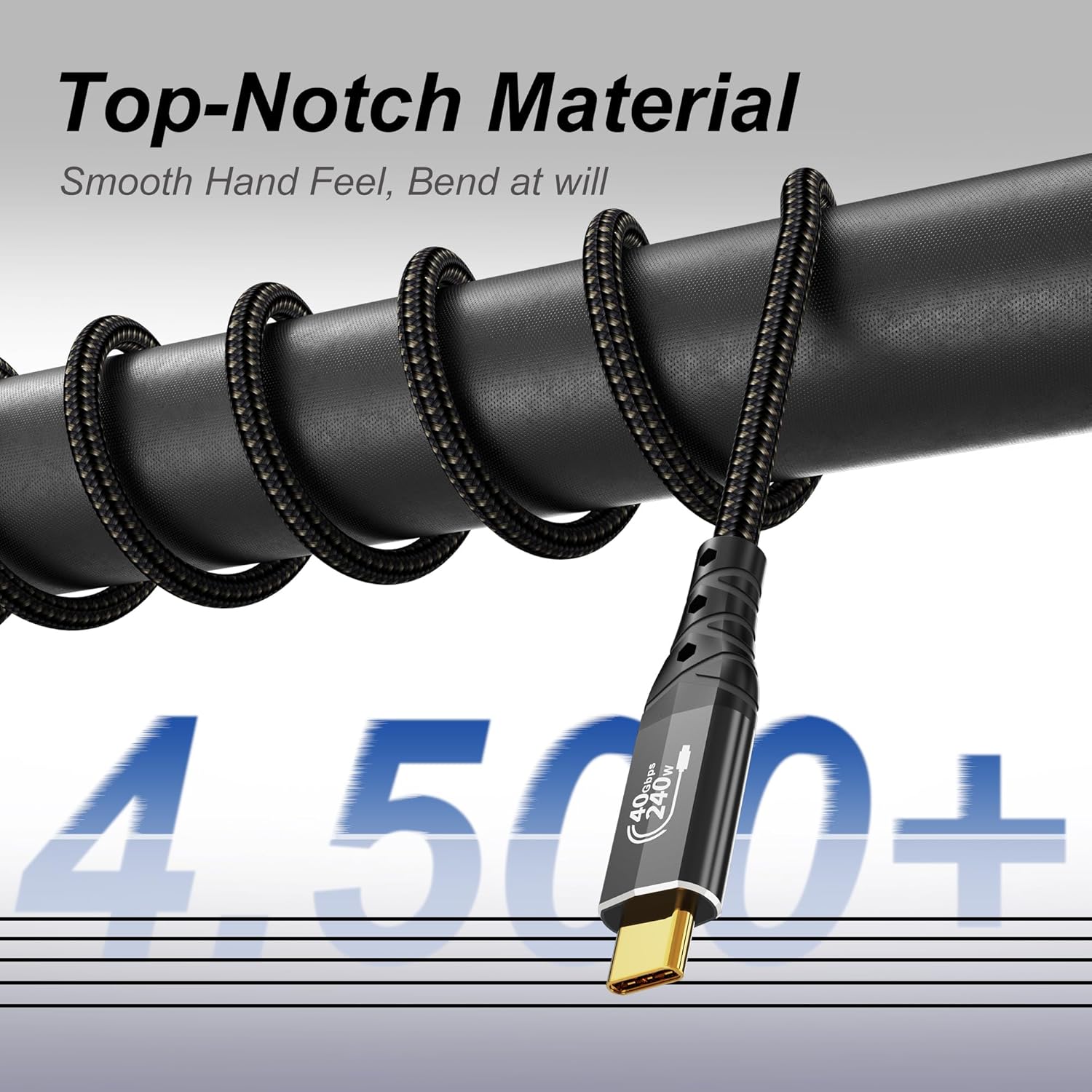
The construction details matter if you’re the sort of person who hates cable failures: the core is described as filled with tensile steel wire for mechanical strength, the shell uses an aluminium design for heat dissipation, the plug is 24K gold-plated to help prevent oxidation, and the lead is described as 48-strand braiding for reduced tangling.
Is it worth it?
It’s a solid pick if you want one 3m USB-C cable to handle high-speed data, display output, and charging for a Thunderbolt 4 / USB4-capable setup, especially where you’re aiming for a cleaner desk and you have compatible devices. The MST daisy chaining claim also makes it more interesting if you’re building a multi-screen workflow and you know your monitors support it.
However, it might not be a great match if your devices only support basic USB-C modes or if your display arrangement relies on features (like daisy chaining) that aren’t supported end-to-end. You may also want to skip this type of “max spec” cable if you only need simple charging with no display or high-speed data requirements, because then you’re paying for capability you won’t use.
If you’re buying for a performance-focused setup—laptop + display(s) + SSD/eGPU—this cable’s pitch is coherent. Just make sure your host and display/dock both support the specific behaviours you care about.
Quick FAQs
Does it support charging and video through the same cable?
Yes—it's described as supporting charging alongside video output through a single USB-C to USB-C connection, with PD3.1 fast charging support and video output support.
Is the 8K claim something I can always expect?
It’s stated as supporting up to 8K resolution output, but whether you actually get 8K depends on your connected devices and how they negotiate display modes.
What about multi-monitor daisy chaining?
The cable is described as supporting MST daisy chaining, but multi-screen support depends on the monitor and the host setup, so it’s worth confirming your exact displays are compatible with MST in your configuration.
Will I get the full 240W charging?
The cable is described as supporting PD3.1 240W fast charging, but the real charging power depends on what your laptop/device can accept.