

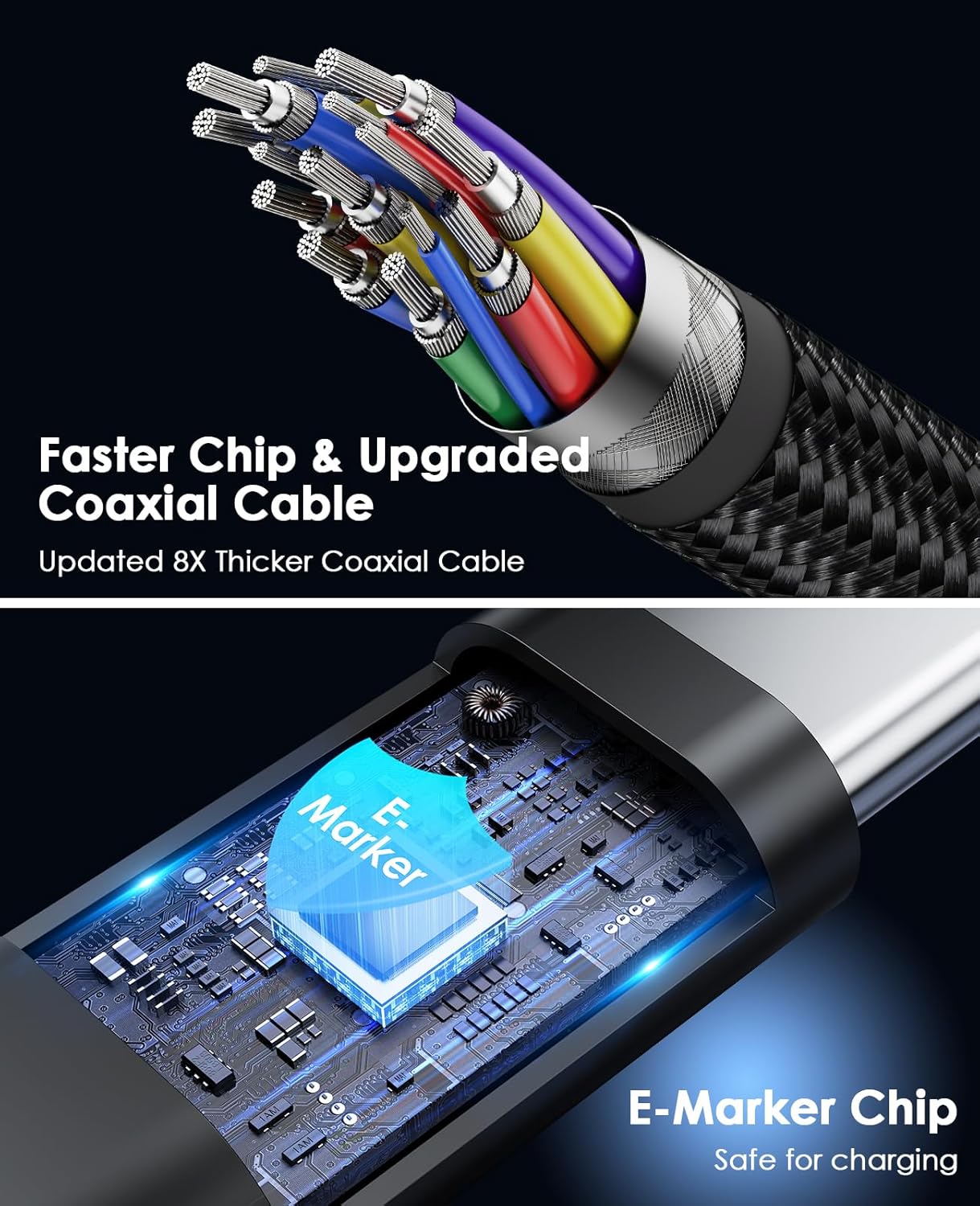
Magtame USB4 Cable 240W (3.3ft) Magnetic USB-C to USB-C with Display Support
Product description
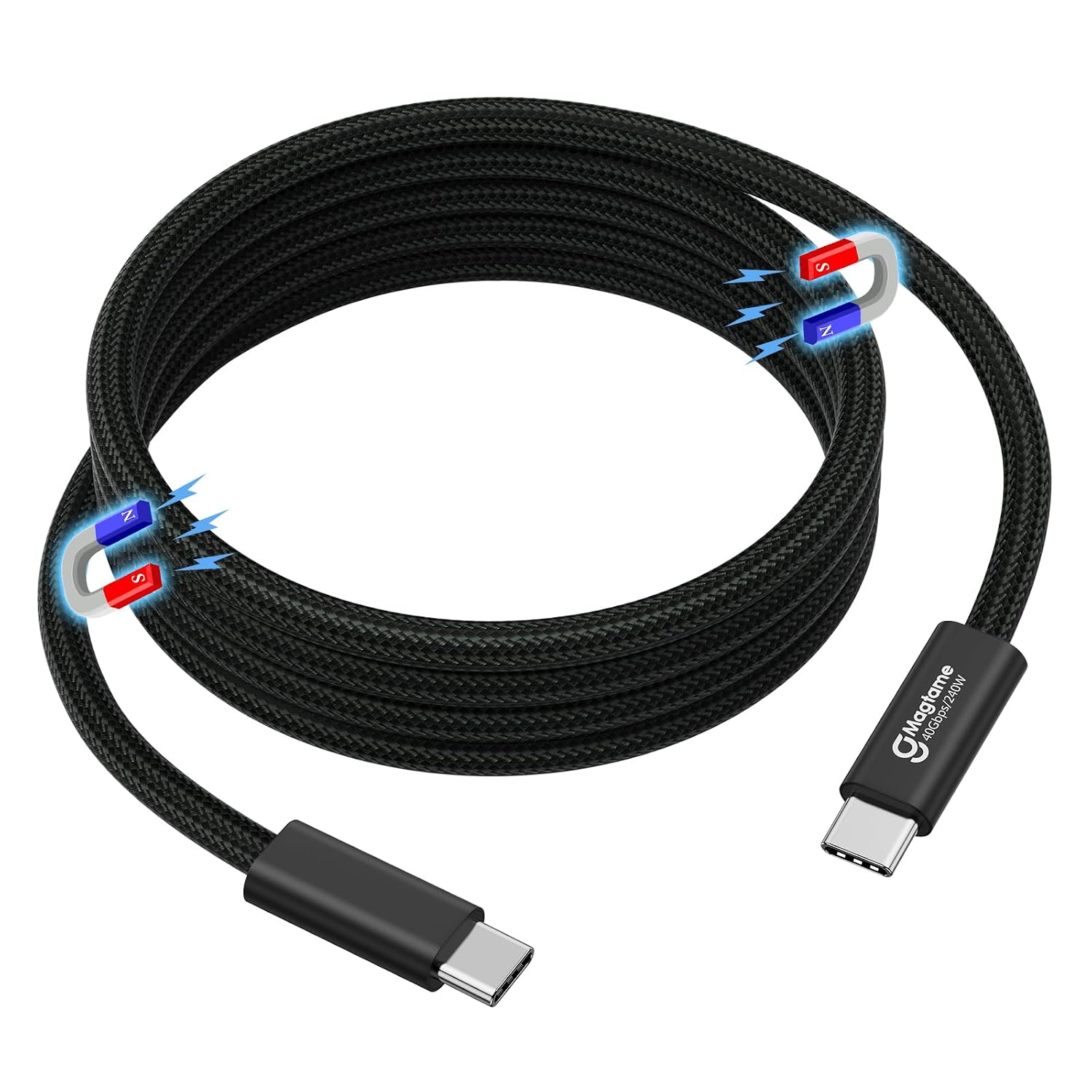
If you’re tired of USB-C cables that end up knotted, half-wrapped, and permanently “in the way”, a magnetic design is at least a sensible attempt to solve that. This Magtame USB4 cable is built around three things people tend to care about in daily use: video output (up to 8K@60Hz is stated), fast data speeds (up to 40Gbps is stated), and a magnetic self-winding cable approach to keep your setup looking tidy.
That said, it’s still worth being a bit cautious: the cable is marketed with high-end specs, but your real-world results will depend heavily on what your laptop/phone and display can actually do, and on whether your power and video requirements are supported on your specific devices.
What it is and what it’s for
This is a USB4 (USB-C to USB-C) cable from Magtame with a magnetic, self-winding style. The headline use cases in the description are fairly clear: hook up a compatible device for video output to a display, move files quickly thanks to high data transfer speeds, and use it as a charging cable with a stated 240W capability.
A practical way to think about it: if you regularly connect a laptop to a monitor and also want one cable you can rely on for charging while you work, this type of cable is designed to reduce the “cable pile” problem on desks and in bags. The magnetic self-winding part is the feature that most affects everyday life, not just spec-sheet numbers.
Where it stands out (on paper)
The most distinctive claims here are the combination of video and speed.
- Display output: it’s stated to support up to 8K@60Hz.
- Refresh-rate claim: it also mentions 4K@144Hz.
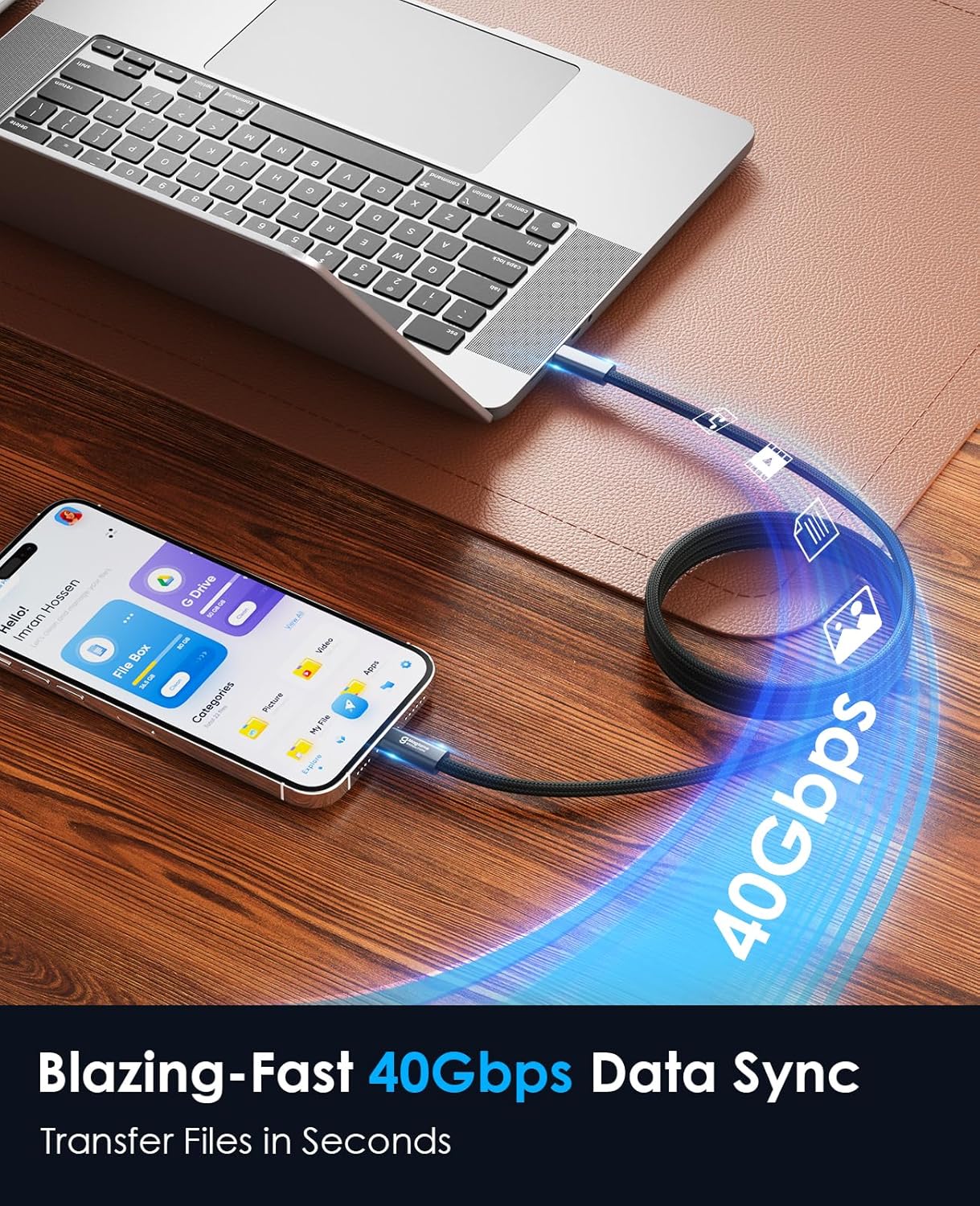
- Data transfer: it’s advertised with up to 40Gbps.
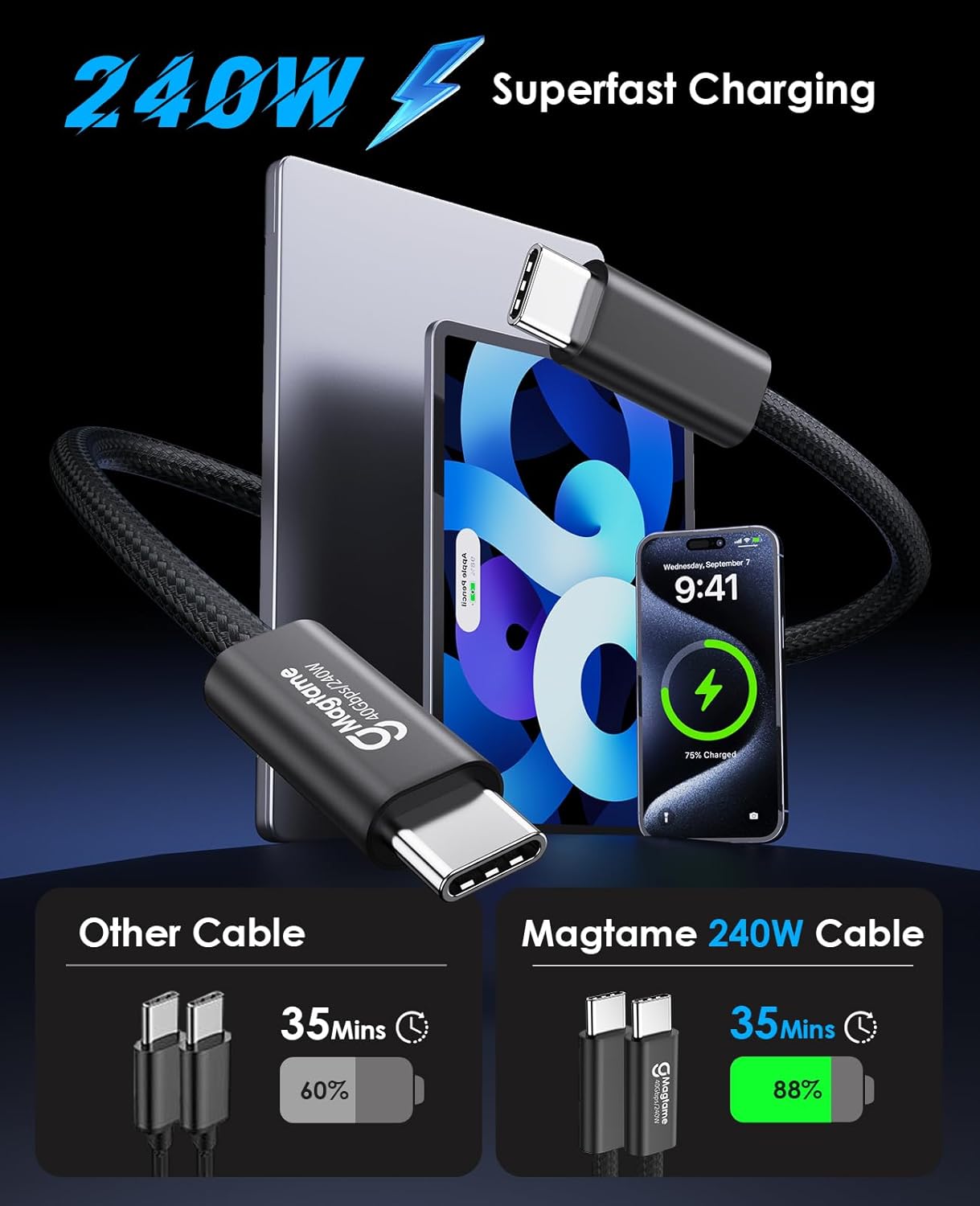
- Charging power: it’s described as a “240W” cable with fast charging, with a claimed 5A/48V.
If you’re building a setup for gaming on a desk display, or you’re editing/transferring large files and want something designed for high throughput, that blend can be genuinely appealing. Not perfect—because you’ll only get the top end if everything in the chain supports it—but as a single-cable approach, it targets common “I want fewer cables” frustrations.
What you’ll notice day to day
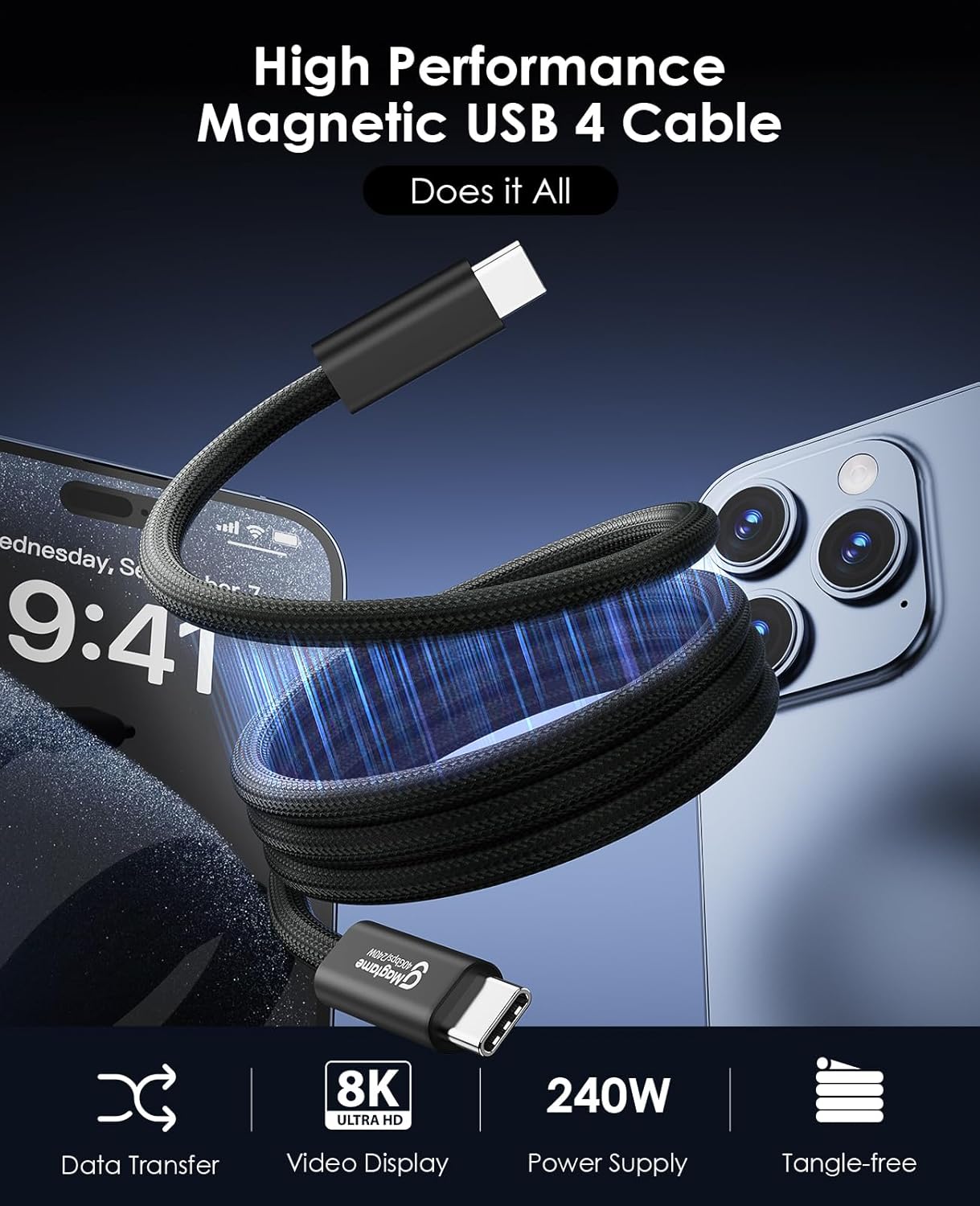
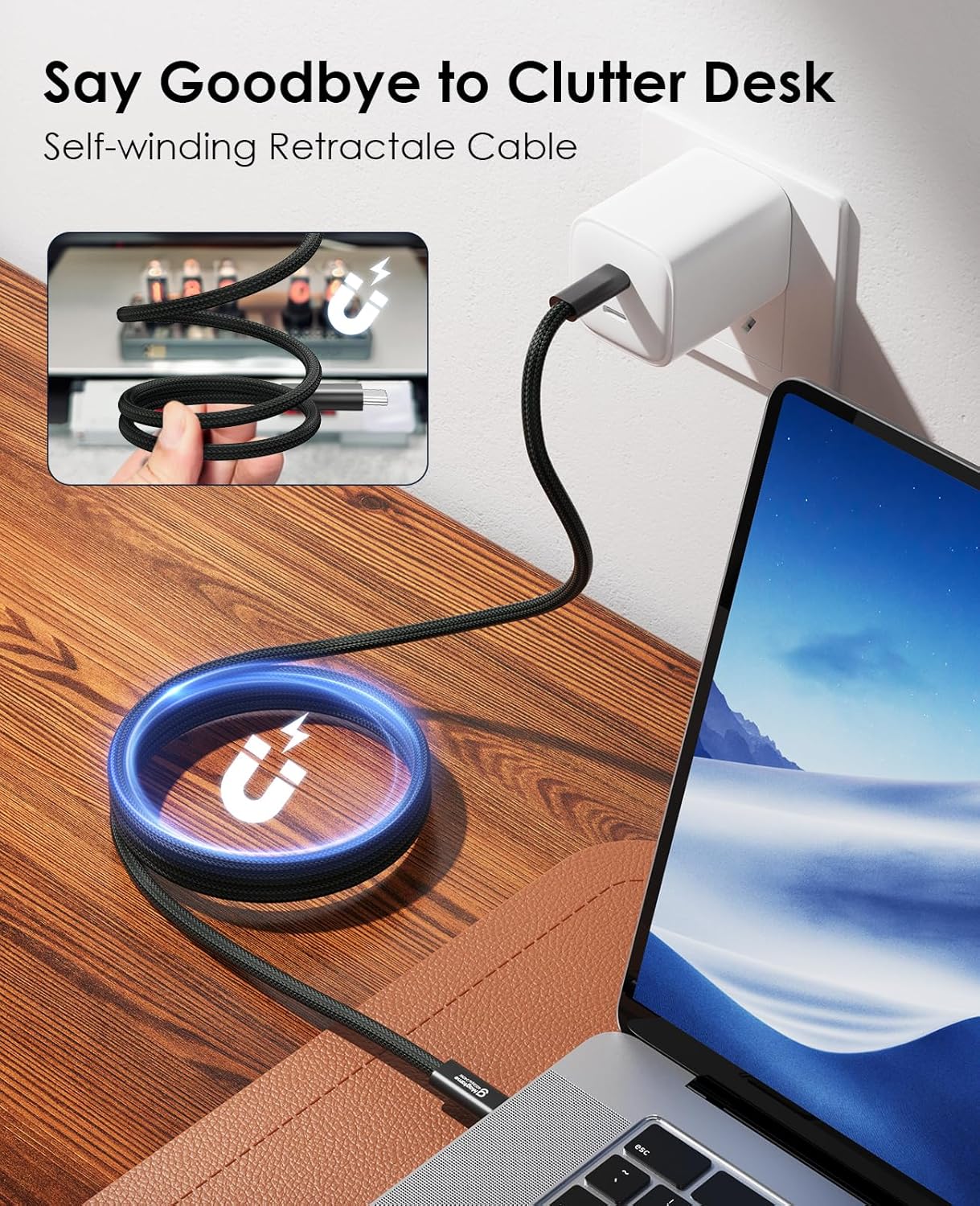
The magnetic self-winding design is the bit that sounds small until you live with cables every day. On a busy work surface, it can reduce tangling and make packing up less of a chore. You don’t have to treat the cable like a delicate accessory, the design intent is that storage and portability should be easier.
There’s also a clear “clean desk” angle: rather than leaving a loose cable draped between your laptop and monitor, the cable is meant to coil and behave more predictably.
Still, it may not suit everyone. If you prefer simple, traditional cables with no moving parts or if you tend to route cables in a way that doesn’t allow the magnetic/coil interaction to help, you could find the benefits limited.
Charging and performance limits to keep in mind
The cable is positioned as “240W more powerful than ever” and includes a fast charging claim (including a specific percentage-in-time statement for an iPhone 15 model). However, you shouldn’t treat charging numbers as guaranteed for every device.
On paper, this could be a strong choice for charging while displaying video. In practice, your charging speed and the usable video modes will depend quite a lot on:
- the device’s charging and video capabilities,
- the power requirements of your setup,
- and the display you’re connecting.
If you mainly need a basic USB-C cable for occasional charging and occasional file copying, it might be more than you need—there are usually simpler options for that use case. If you want one cable that’s designed to handle demanding video modes and fast transfers at the same time, then it starts to make more sense.
Tech details worth checking before you buy
The listing is quite spec-heavy, so it’s wise to sanity-check the parts that matter for your intended use:
Quick overview
- Cable length: 3.3ft (a short-to-medium length for desk setups and travel).
- Connection type: USB-C to USB-C.
- Video support (as stated): up to 8K@60Hz, with mention of 4K@144Hz.
- Data transfer (as stated): up to 40Gbps.
- Charging (as stated): up to 5A/48V and “240W” capability, plus a fast charging claim.
You’ll also want to confirm compatibility with your devices. The description specifically mentions use with iPhone 15 Pro / 15 Pro Max and MacBooks, but it doesn’t cover every possible USB-C device, so don’t assume it’ll perform the same across the board.
Who it’s for (and who should skip it)
This cable is likely a good fit if you want:
- a tidy desk setup and easier packing, thanks to the magnetic self-winding design,
- a single USB-C cable meant for charging and high-spec video output,
- fast data transfer for moving media files.
It might not be the best choice if you only need a low-drama, basic charging cable, or if your setup is such that the magnetic/coil behaviour won’t be convenient.
It’s also not the type of purchase to rush without checking your device/display capabilities—high headline specs only translate into real performance when your gear supports the same standards.
Is it worth it?
A solid purchase if you’re building a modern USB-C desk routine and you care about both cable management and performance on paper—especially where high refresh-rate or high-resolution video modes are part of your workflow.

It’s not a must-buy if your requirements are modest. For simple charging and everyday file transfers, you may not need a cable positioned for 8K/4K-high-refresh video and very high data throughput.
Mini FAQ
Will I get 8K@60Hz and 4K@144Hz on my setup?
The cable is advertised with those video figures, but your device and display need to support the same modes. If your monitor or laptop can’t output at those rates, you won’t see the full benefit.
Does the magnetic self-winding design actually help with cable clutter?
It’s meant to reduce tangles and make storage more organised. Whether it feels better than traditional cables depends on how you coil and store it, but the idea is straightforward.
Is the 240W charging claim guaranteed for all devices?
The listing describes 240W capability and includes fast charging details, but real charging speed depends on your specific device’s charging support.
How long is the cable?
It’s 3.3ft, so it’s best for desk or near-desk connections rather than long cable runs.